

Description
All In One Image Viewer Block is a customizable WordPress plugin that includes zoom, pan, map, zoom pan viewer, viewport,comparison slider, aspect ratio, masking, transform and magnify options for a more immersive image viewing experience.
The Best All In One Image Viewer Plugin For WordPress Is Here ★★★★★
All In One Image Viewer is a versatile WordPress plugin that provides an intuitive and user-friendly interface for viewing images. With various customization options and features, including zooming, panning, and fullscreen mode, it offers a seamless and immersive image viewing experience for your website visitors.
The All In One Image Viewer plugin allows you to easily view images in a variety of ways. User can view desired images depending on the type of viewer used. There are eight modes in total: Zoom, Magnify, Map, Zoom Pan Viewer, Viewport,Comparison Slider, Aspect Ratio, Masking, Transform, Multi Image Overlay, Hotspot and Rotation. This plugin will be the best to improve your image viewing experience.
You can examine different areas of the image more closely using the zoom option. This is especially helpful when checking small text or other details.
By activating the Magnify feature you can magnify certain areas together, which is very helpful for creative design or photography.
Moreover, the map feature allows you to quickly scroll to any specific area of the image, facilitating navigation between large images.
You can rotate the image to different angles using the rotation function, which will help to understand different characters or subjects from different perspectives.
ALL IN ONE IMAGE VIEWER IS PERFECT FOR
- Photo Galleries
- Media Websites
- E-commerce
- Presentations and Slideshows
- Photography Websites
- Art Galleries
ALL IN ONE IMAGE VIEWER PLUGIN GAME-CHANGING FEATURES
See the features that make Image-viewer the Best All In One Image Viewer for WordPress.
- Eight types of image view: Map, Zoom, Magnify, Zoom Pan Viewer, Viewport, Comparison Slider, Aspect Ratio, Masking, Transform, Multi Image Overlay, Hotspot and Rotation.
- Map Options: You can add numerous map items.
Each item’s link, title, width, height, top, and left can be specified.
You can set the link target to _blank, _self.
Individual maps are draggable and droppable. - Zoom Options: Enable/disable Pan, Zoom, X Axis, And Y Axis; Set Start Scale and Step.
- Magnify Options: Adjust Speed and Timeout.
- Rotation Options: Set Width and Height, Enable/disable auto rotation, Adjust auto rotate speed, Hide controls.
Why All In One Image Viewer is such a game-changer?
-
Configure — You can easily modify the Image Viewer plugin to suit your needs. Your work will go more quickly thanks to the Image Viewer plugin’s features and simplicity of use.
-
There are eight different viewer types — rotate, zoom, map, zoom pan viewer, viewport, comparison slider, aspect ratio, masking, multi image overlay, hotspot, and transform.
-
Customer Service — Our staff is always available to assist you. It’s easy for users to ask questions and get quick answers.
-
Updates — With frequent updates, we bring the functionality and performance of the plugin up to date. Upgrading to newer versions is also easy, ensuring uninterrupted service.
All In One Image Viewer is perfect for:
✔ Bloggers
✔ Course Creators
✔ Coaches / Trainers
✔ eCommerce Store Owners
✔ Niche Sites
✔ Businesses
✔ Local Businesses
✔ Startups
✔ Personal Brands
✔ Real Estate Agents
✔ Artists & Photographers
✔ All WordPress Websites
How to use
- First install the All In One Image Viewer plugin.
- Add the Image viewer block from the block category called “Widgets” in Gutenberg editor.
- You can change block settings from the right-side settings sidebar.
-
Enjoy!
-
For installation help click on Installation Tab
Feedback
- Liked that plugin? Hate it? Want a new feature? Send me some feedback
Screenshots
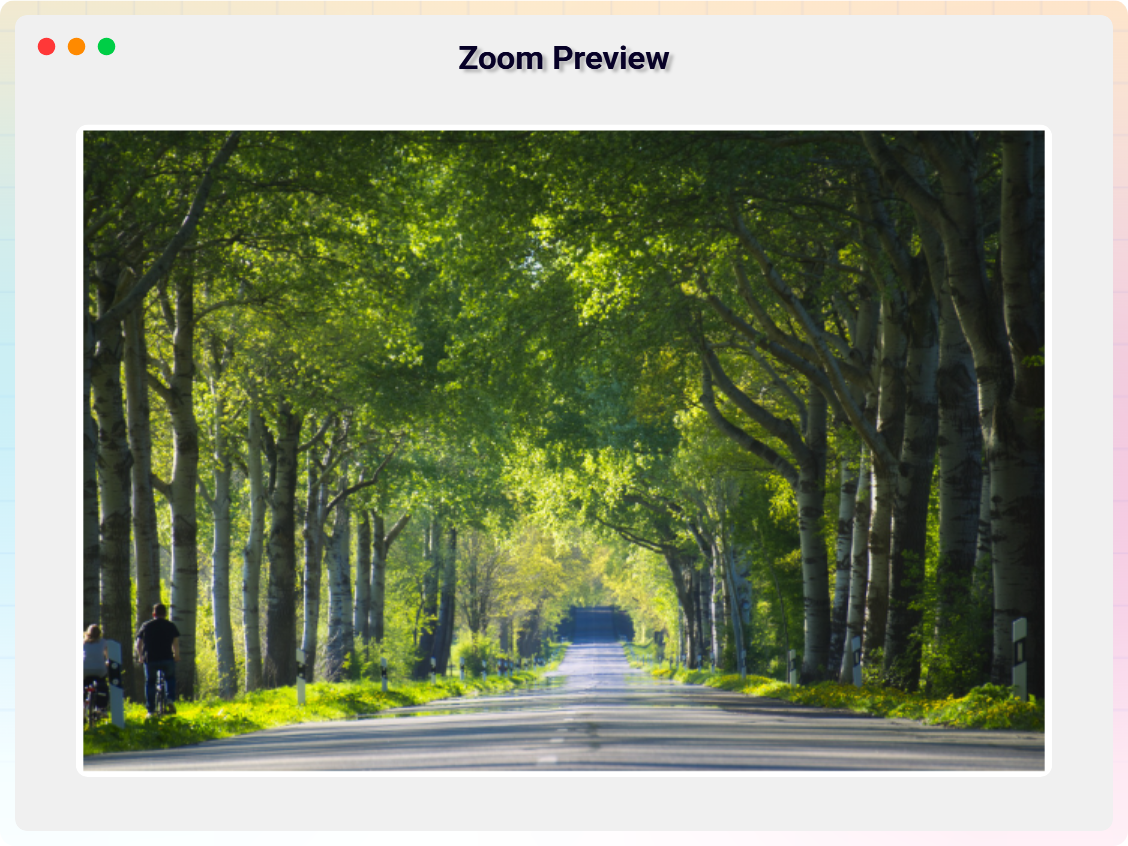
Zoom Preview 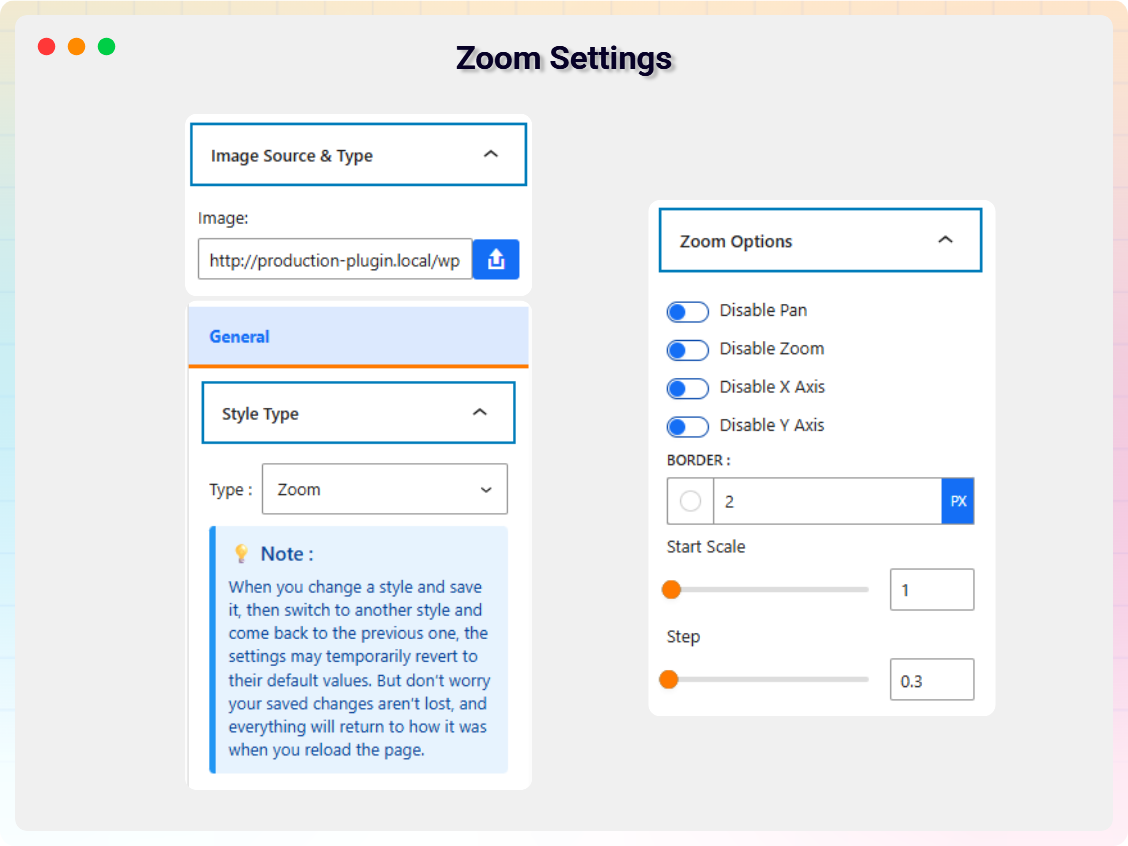
Zoom Settings 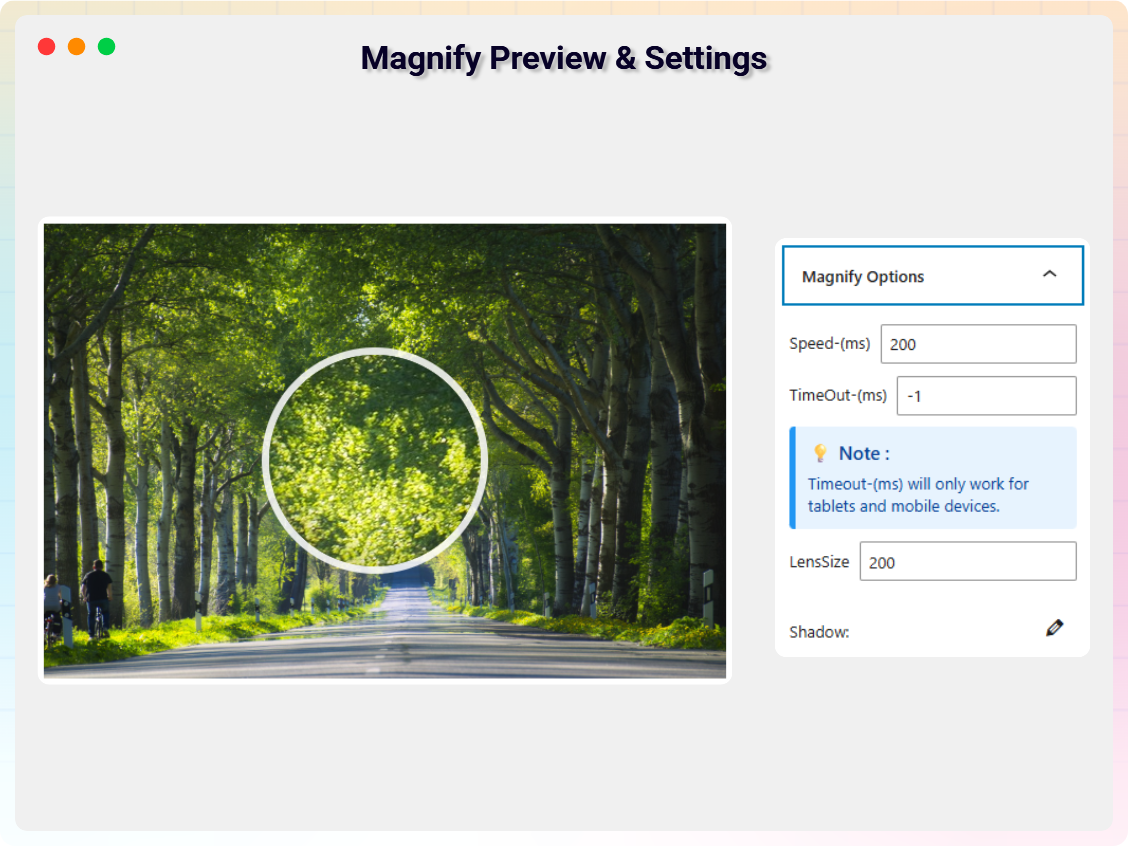
Magnify Preview & Settings 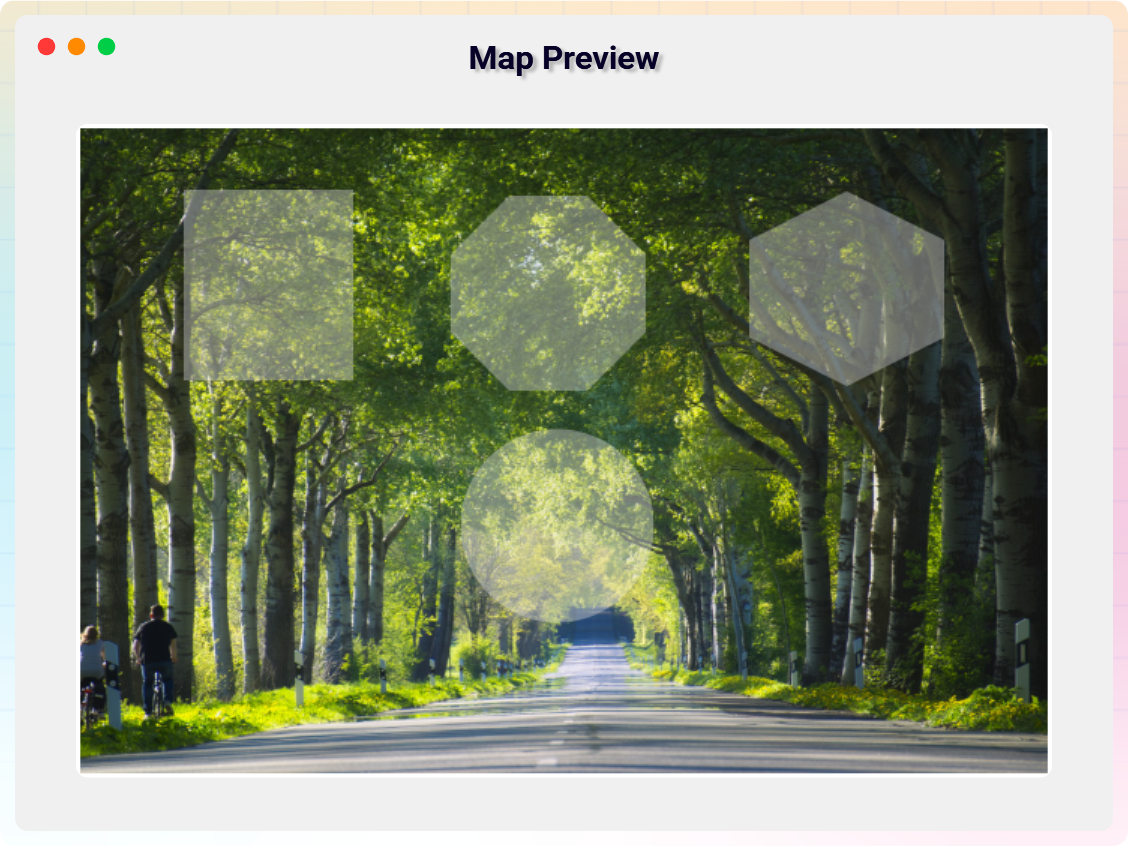
Map Preview & Settings 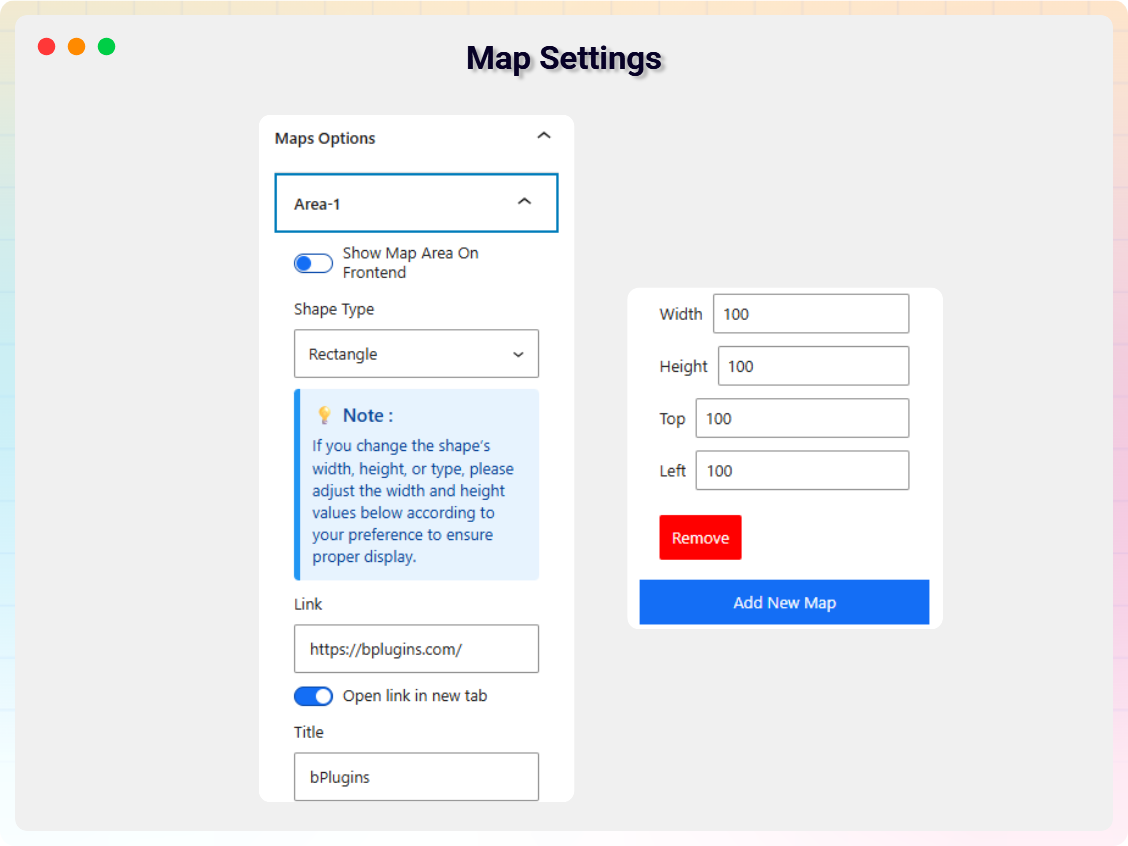
Map Settings 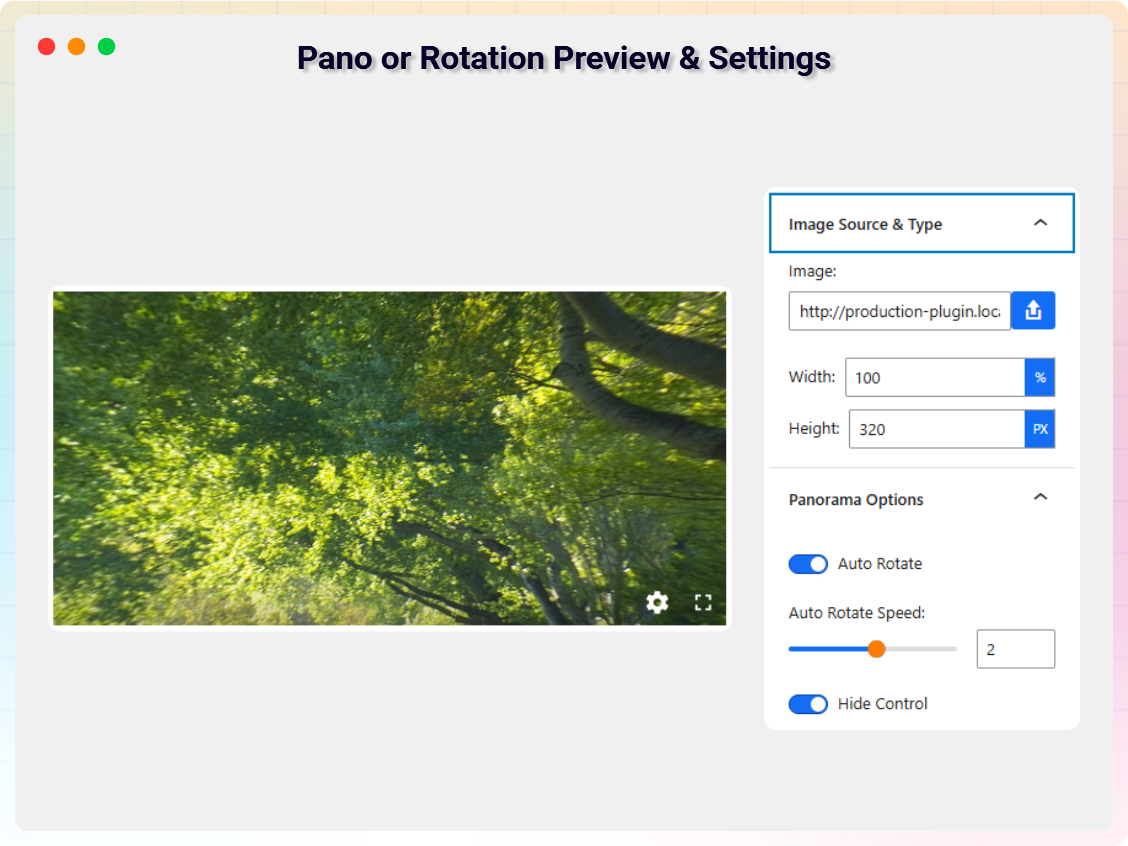
Pano or Rotation Preview & Settings 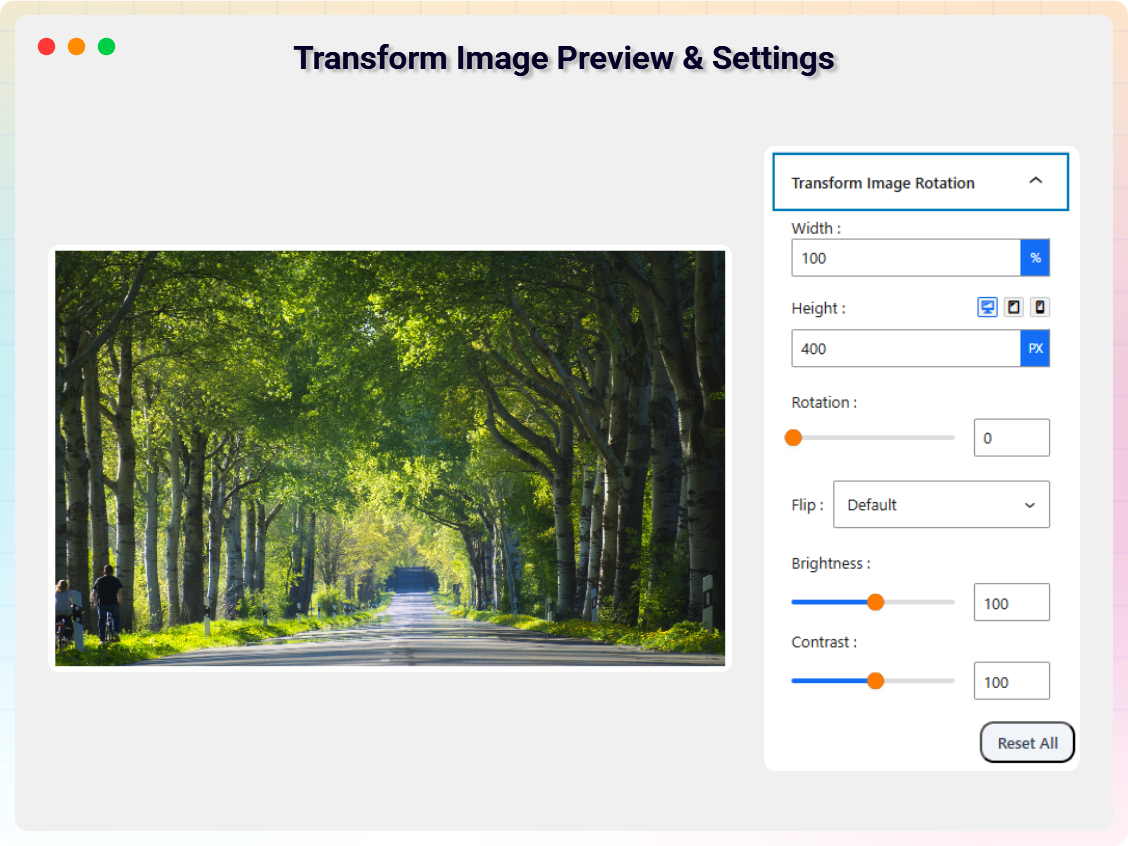
Transform Image Preview & Settings 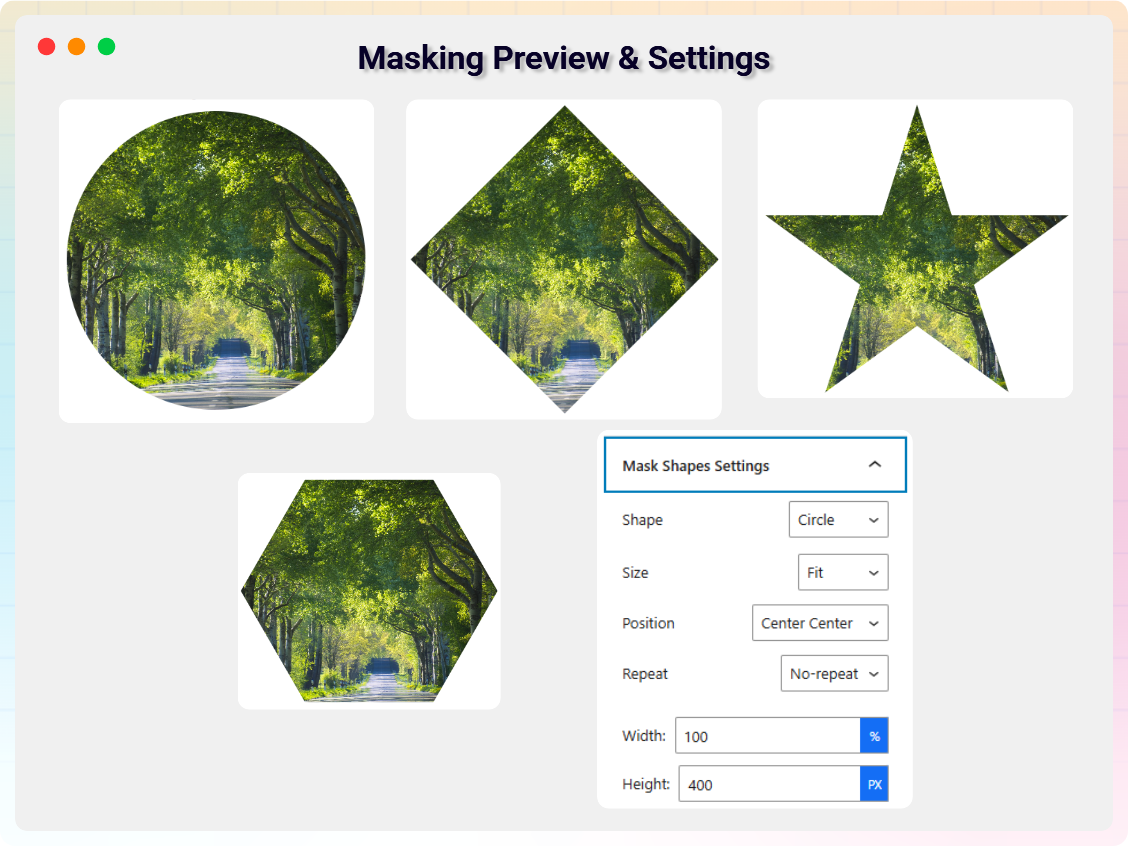
Masking Preview & Settings 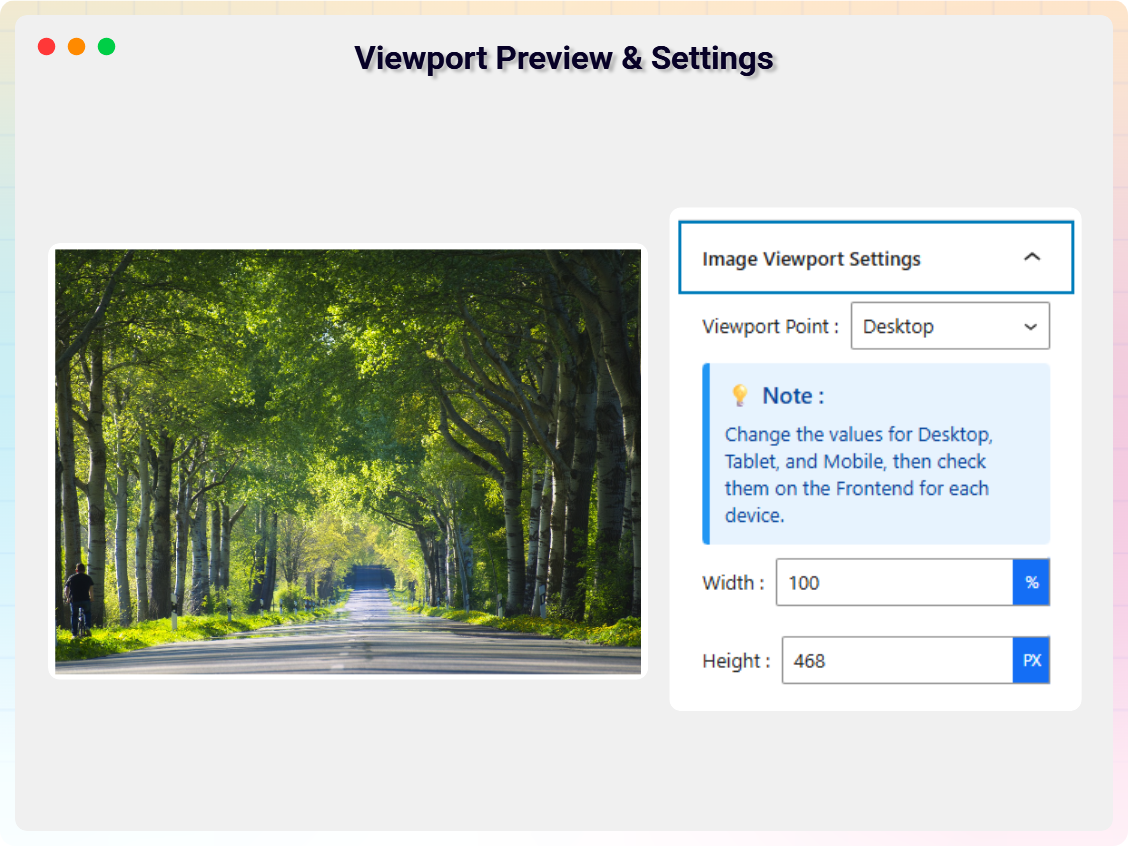
Viewport Preview & Settings 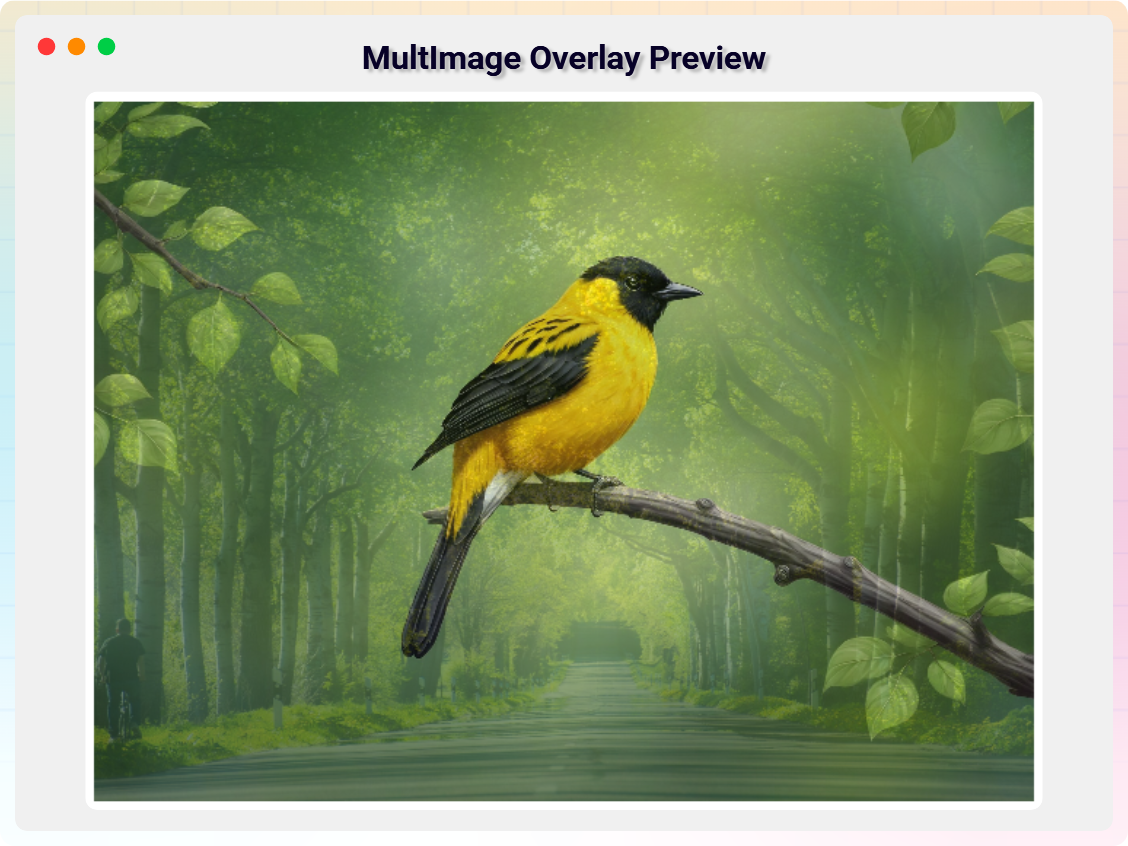
MultImage Overlay Preview 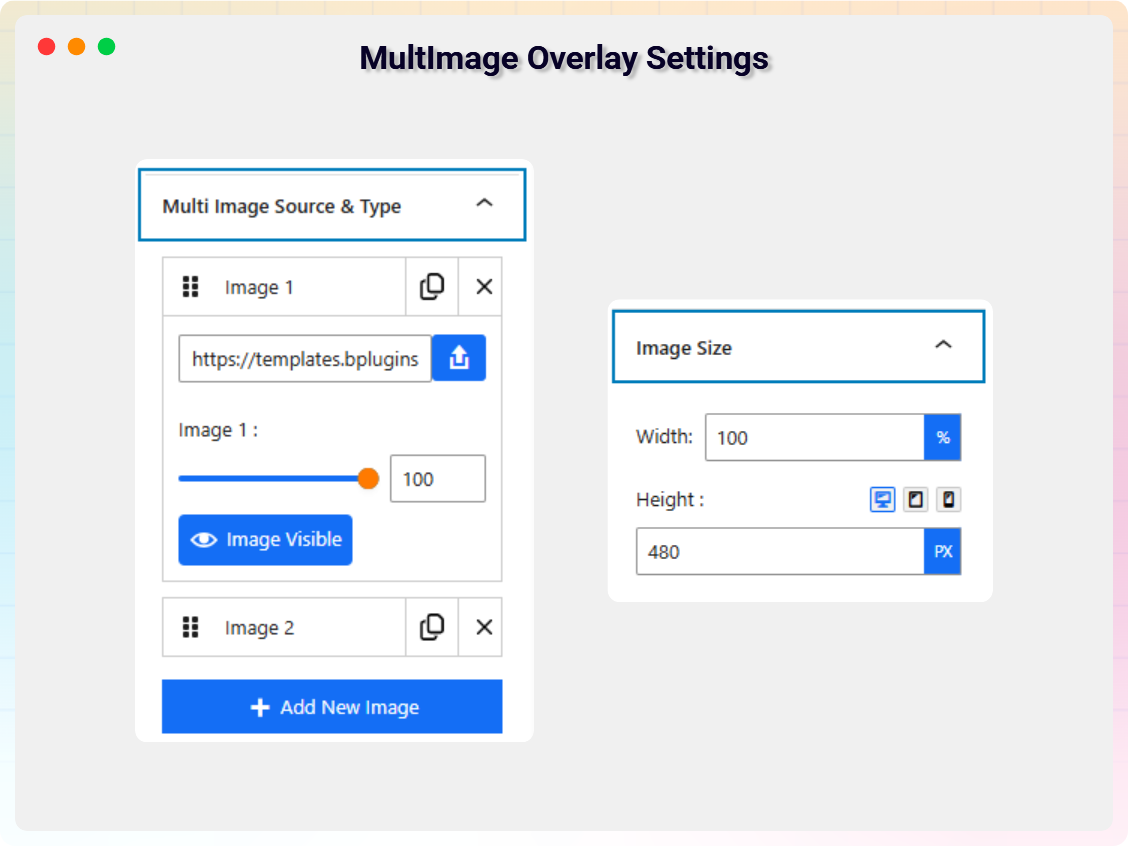
MultImage Overlay Settings 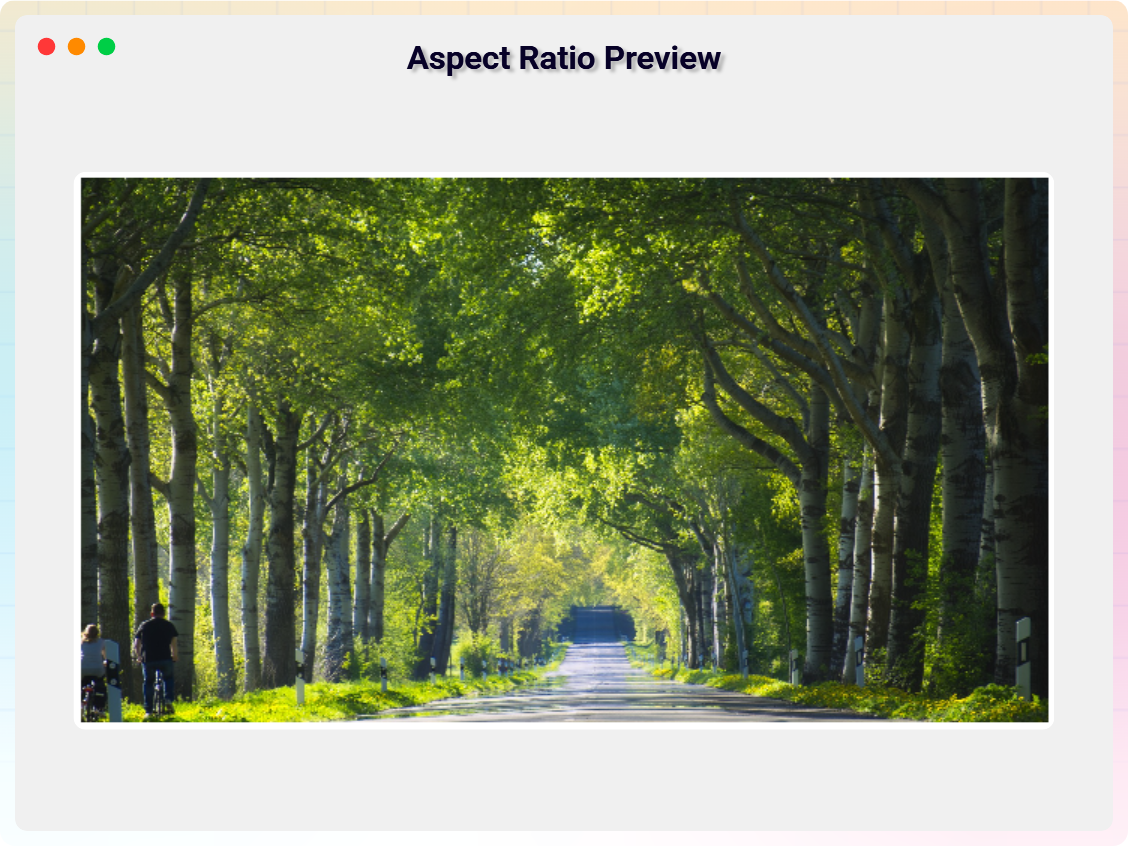
Aspect Ratio Preview 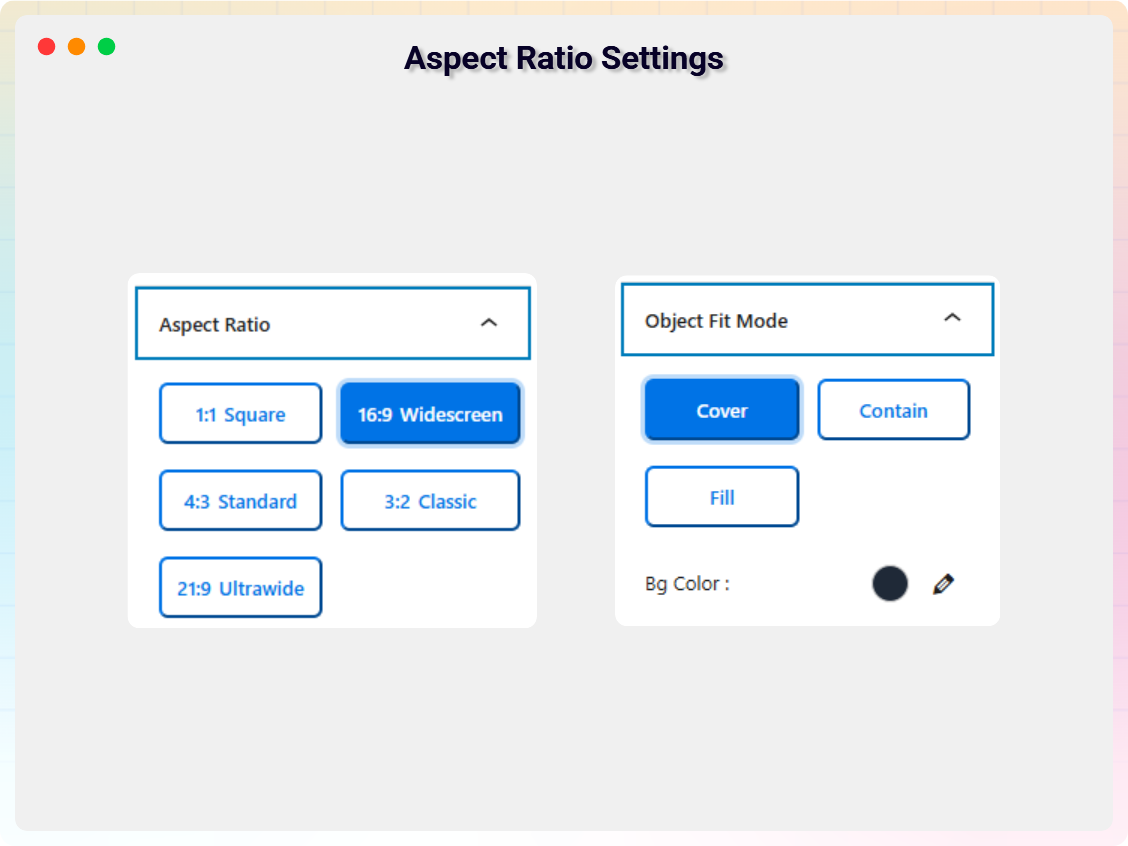
Aspect Ratio Settings 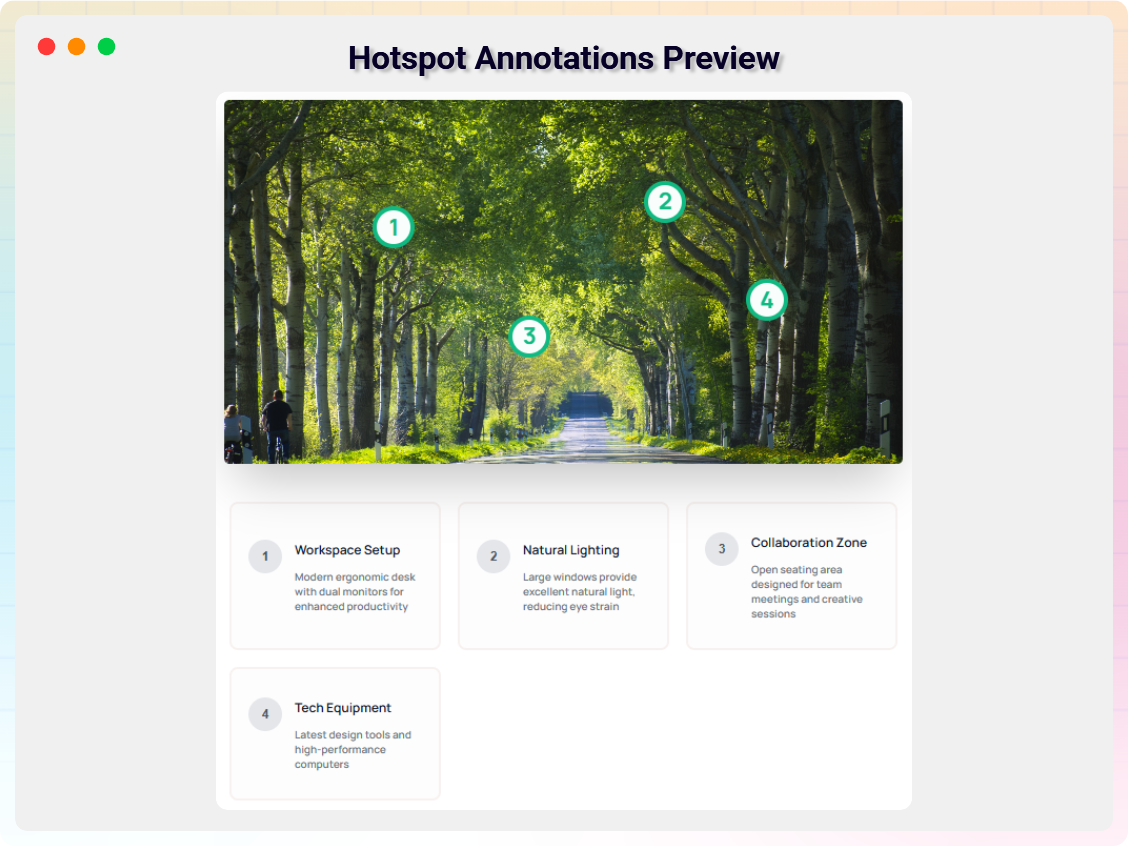
Hotspot Annotations Preview 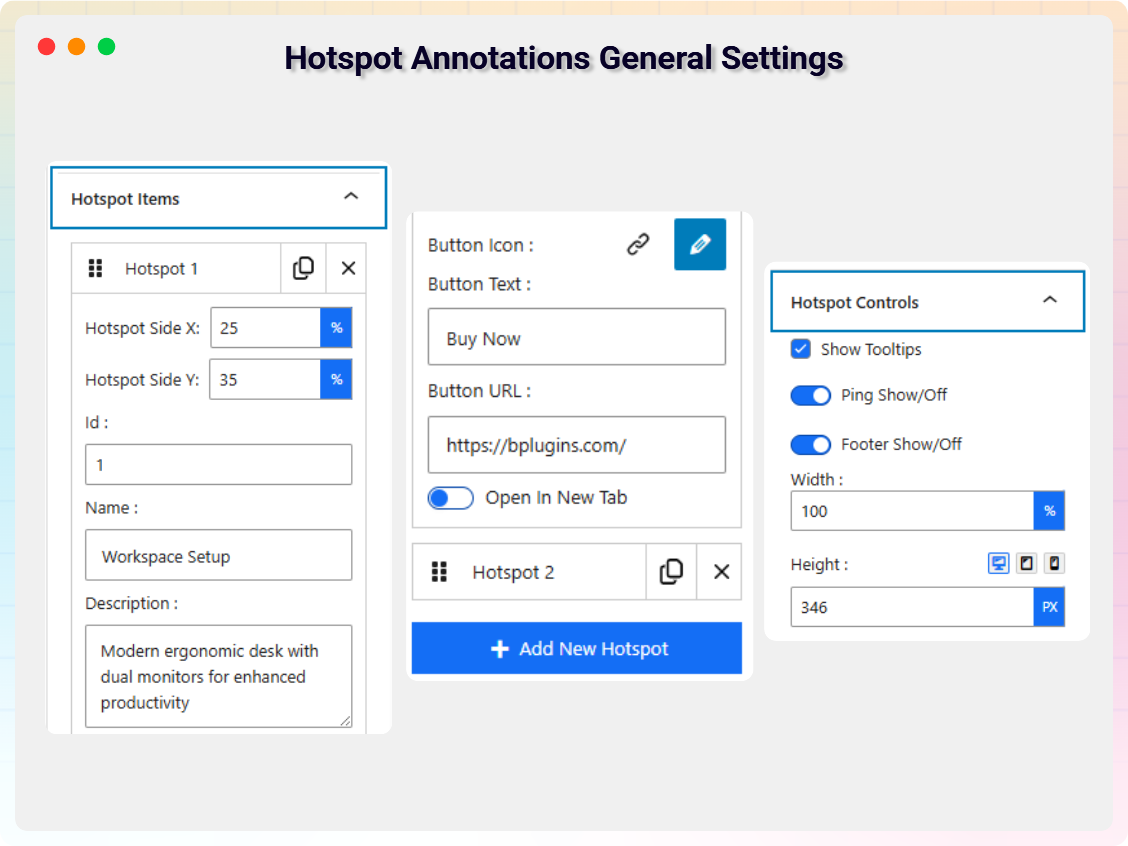
Hotspot Annotations General Settings 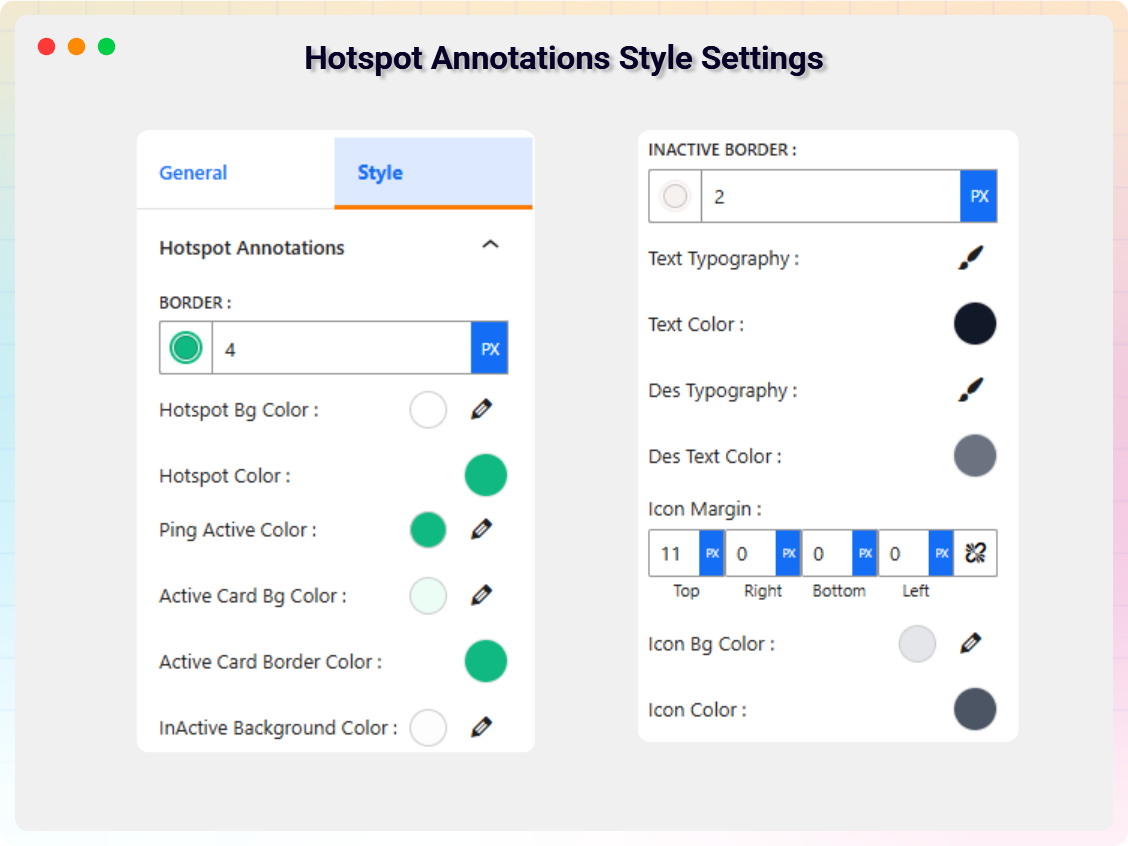
Hotspot Annotations Style Settings 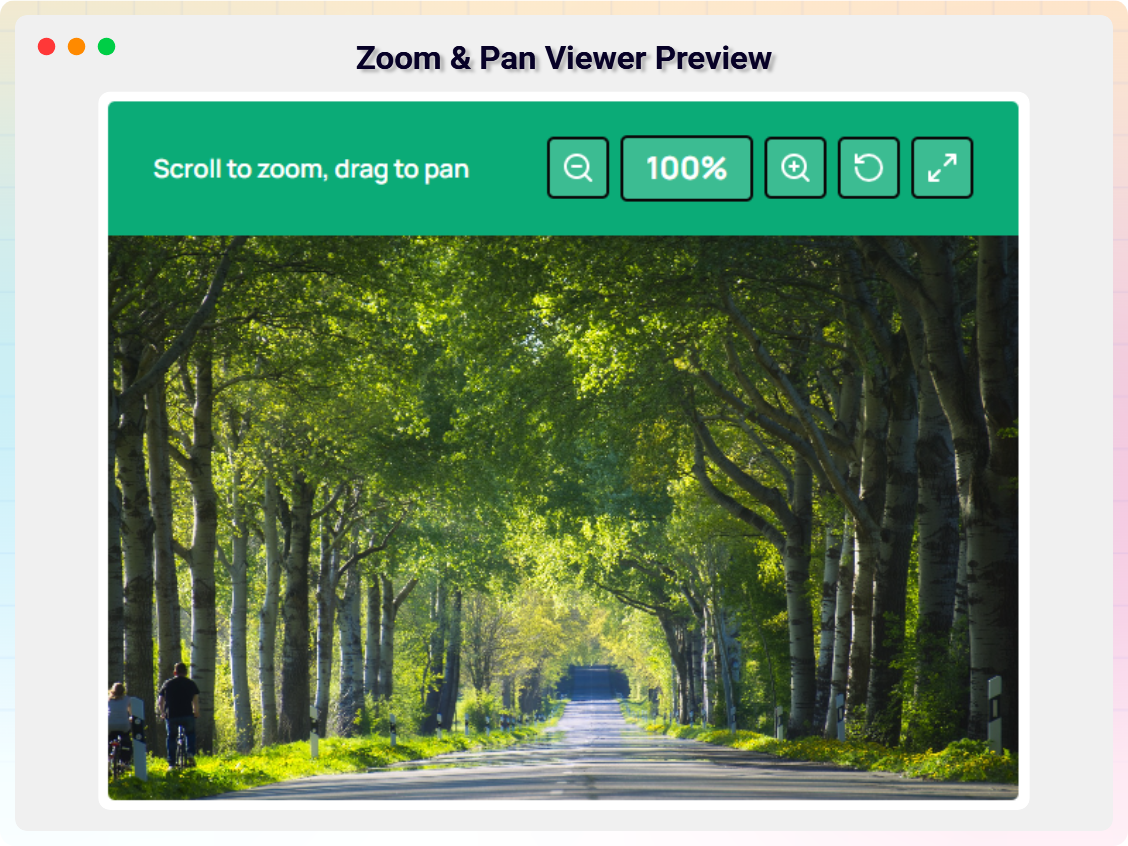
Zoom & Pan Viewer Preview 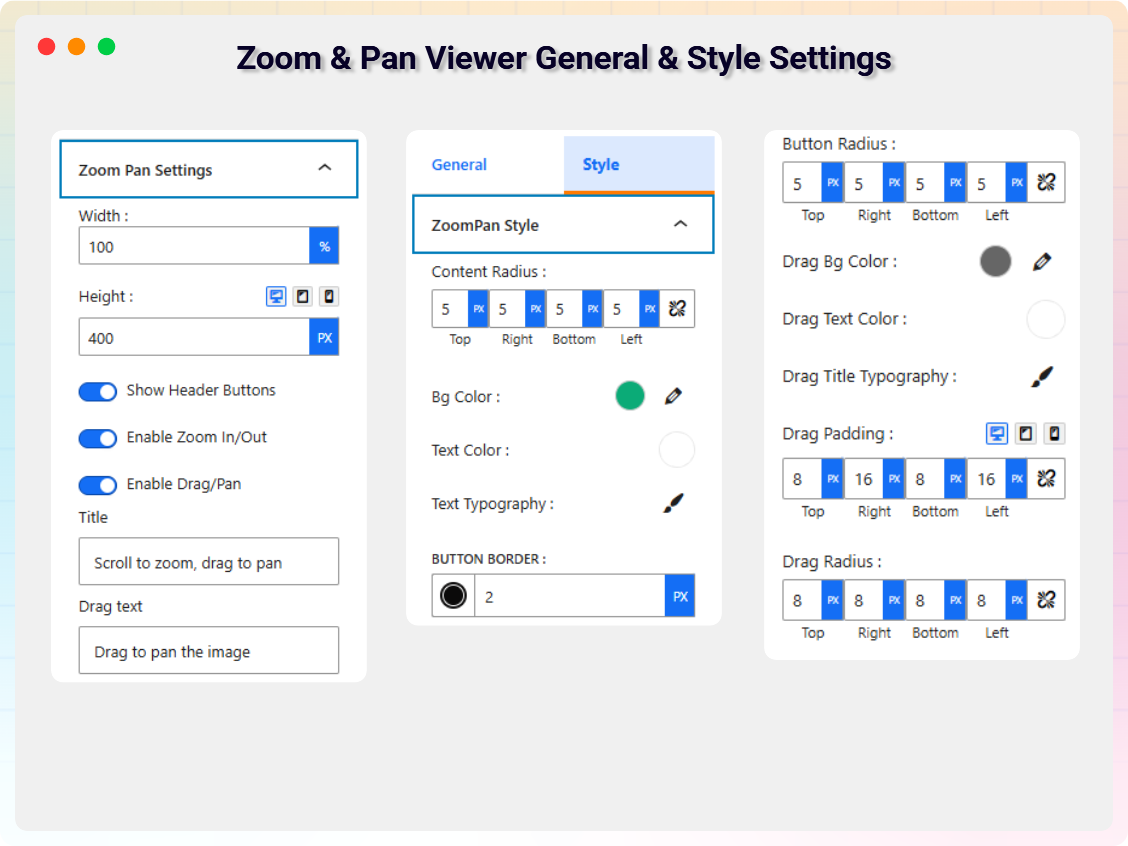
Zoom & Pan Viewer General & Style Settings 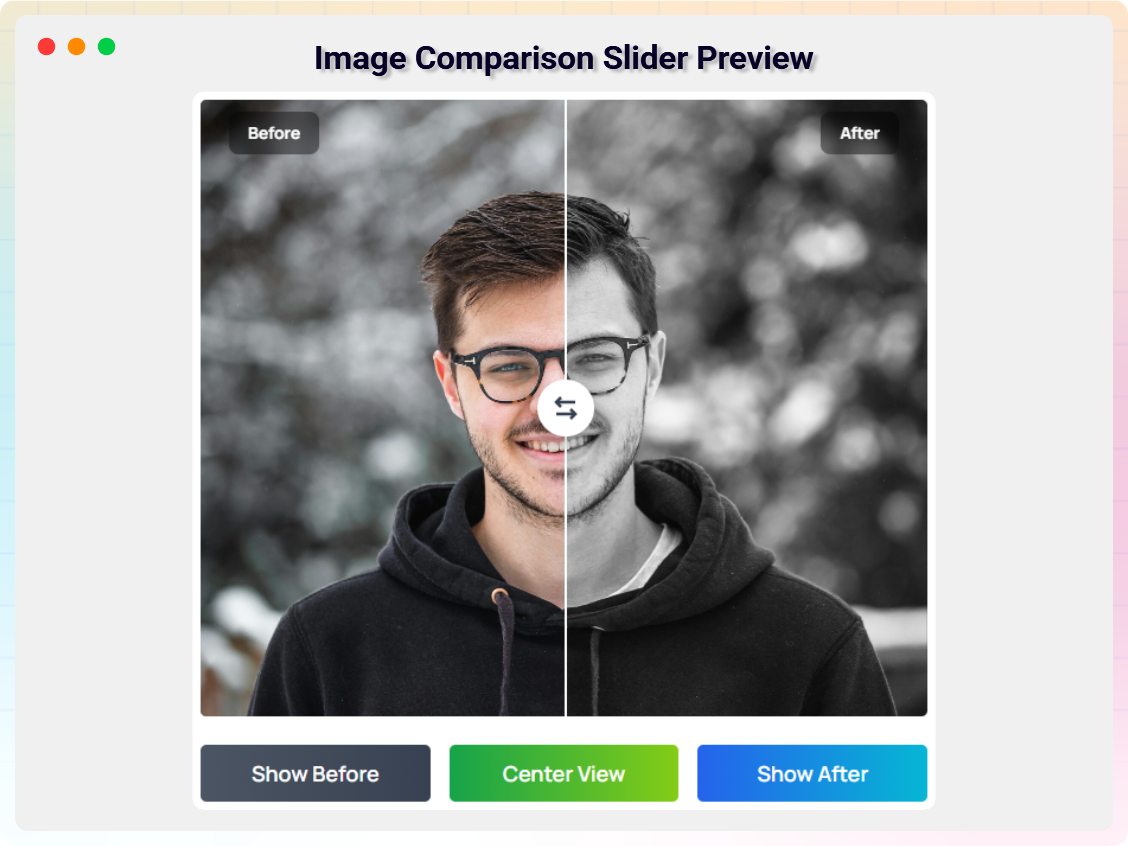
Image Comparison Slider Preview 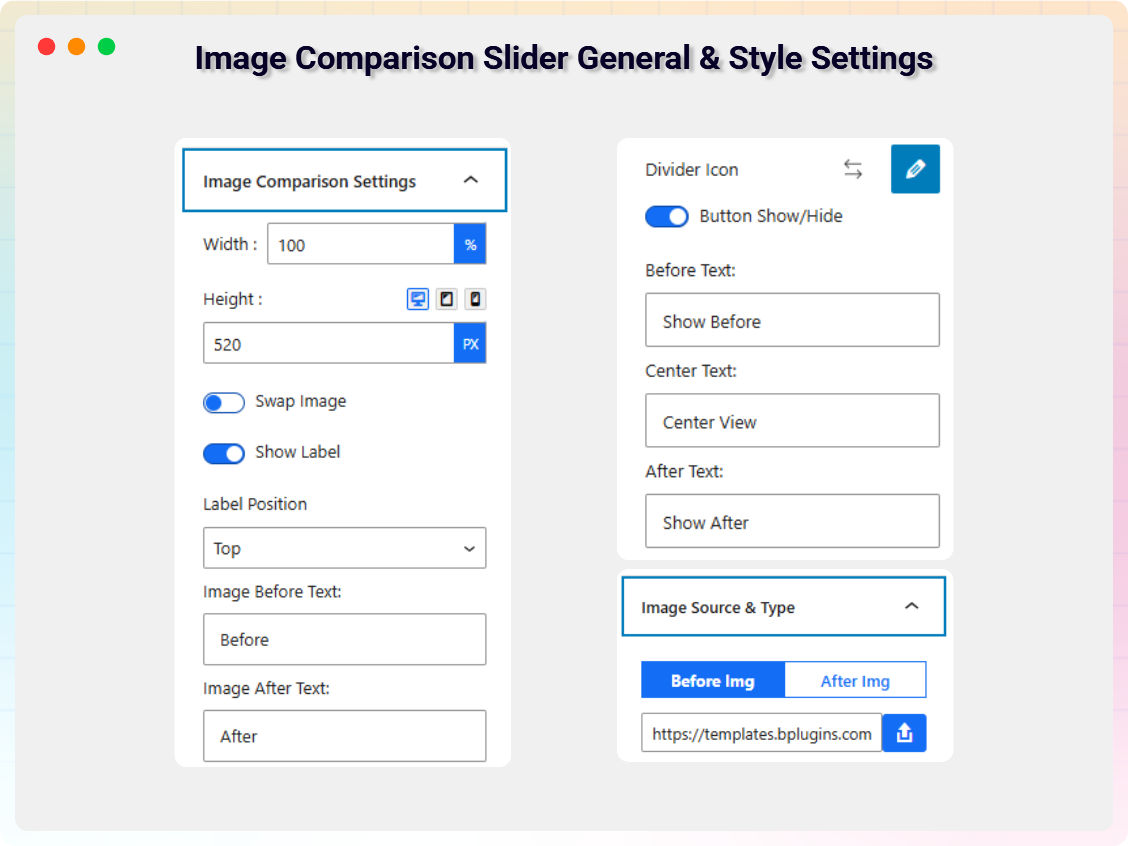
Image Comparison Slider General & Style Settings


Blocks
This plugin provides 1 block.
- Image Viewer A powerful Gutenberg block plugin that lets you display images with advanced interactive features like zoom, magnify, map view, hotspots, and Comparison Slider.
Installation
From Gutenberg Editor:
- Go to the WordPress Block/Gutenberg Editor
- Search For Image viewer
- Click on the Image viewer to add the block
Download & Upload:
- Download the Image viewer plugin (.zip file)
- In your admin area, go to the Plugins menu and click on Add New
- Click on Upload Plugin and choose the
imager-viewer.zipfile and click on Install Now - Activate the plugin and Enjoy!
Manually:
- Download and upload the Image viewer plugin to the
/wp-content/plugins/directory - Activate the plugin through the Plugins menu in WordPress
FAQ
-
Is Image viewer free?
-
Yes, Image viewer is a free Gutenberg block plugin.
-
Does it work with any WordPress theme?
-
Yes, it will work with any standard WordPress theme.
-
Can I change block settings?
-
Yes, you can change block settings from the Gutenberg block editor’s right sidebar.
-
How many times can I reuse a block?
-
You can use unlimited times as you want.
Reviews
There are no reviews for this plugin.
Contributors & Developers
“All In One Image Viewer Block – Gutenberg block to create image viewer with hyperlink” is open source software. The following people have contributed to this plugin.
Contributors


Interested in development?
Browse the code, check out the SVN repository, or subscribe to the development log by RSS.
Changelog
1.0.2 – 17 April, 2025
- Added default image.
1.0.1 – 29 June 2024
- Changed plugin display name, block name, updated banner, and updated feature map.
1.0.0
- Initial Release
