

Description
WDesignKit is the ultimate designer tool for WordPress, empowering designers to create stunning websites in minutes. It’s the fastest way to build a WordPress website, making it a must-have tool for every WordPress designer or agency owner.
Quick Navigation Links
Visit Website | Video Tutorials| Documentations | Roadmap | Join Facebook Community | Free Support | Premium Support | AI Chat (Instant Answers)
Complete WDesignKit Features Explained Under 4 Mins Watch Now
What is WDesignKit ?
- 1600+ Elementor Page Templates, Kit & Sections
- 1500+ Gutenberg Templates & Patterns
- 80+ Elementor Widgets Library
- 30+ Gutenberg Blocks Library
- 30+ Bricks Elements Libary
- Elementor Widget Builder (Custom Code to Elementor Widget)
- Gutenberg Blocks Builder(Custom Code to Gutenberg Blocks)
- Bricks Elements Builder (Custom Code to Bricks Elements)
- 1- Click Widget Convertor — Easily Convert Elementor Widgets to Gutenberg Blocks or Bricks Elements & Vice Versa
- Cloud Workspace — Collaborate with your Team & Store Page Templates, Figma Designs or Custom Widgets on Cloud
- 60+ Figma Designed Websites
🔍 OUR PRODUCTS
🥇 The Plus Addons for Elementor – 120+ Elementor Widgets to create Elementor Widgets Easily.
🥇 NexterWP Theme, Blocks & Extensions – Best Starter Theme for WordPress with 22+ WordPress Extension & 90+ Gutenberg Blocks.
🥇 UiChemy – Figma to Elementor & Bricks Convertor – Convert your Figma Templates In Live Elementor Website using our FREE Figma Plugin.
External services
- wdesignkit.com API : This API is used to fetch plugin-related data for onboarding and updates. It sends the plugin version and identifier during activation, updates, or specific plugin-related requests. For more details, you can review the Privacy Policy and Terms of Service.
- api.wordpress.org : This API retrieves plugin metadata and compatibility information from WordPress.org. It sends the plugin identifier during updates or when checking compatibility. More information can be found in the Privacy Policy and Terms of Service.
- api.posimyth.com : The plugin connects to this API for two purposes: collecting optional feedback during deactivation and storing anonymized data during onboarding. For deactivation feedback, anonymized data is sent voluntarily by users, while onboarding interactions transmit minimal anonymized statistics. These APIs are only accessed during feedback submission or onboarding. You can find more details in the Privacy Policy and Terms of Service.
Screenshots
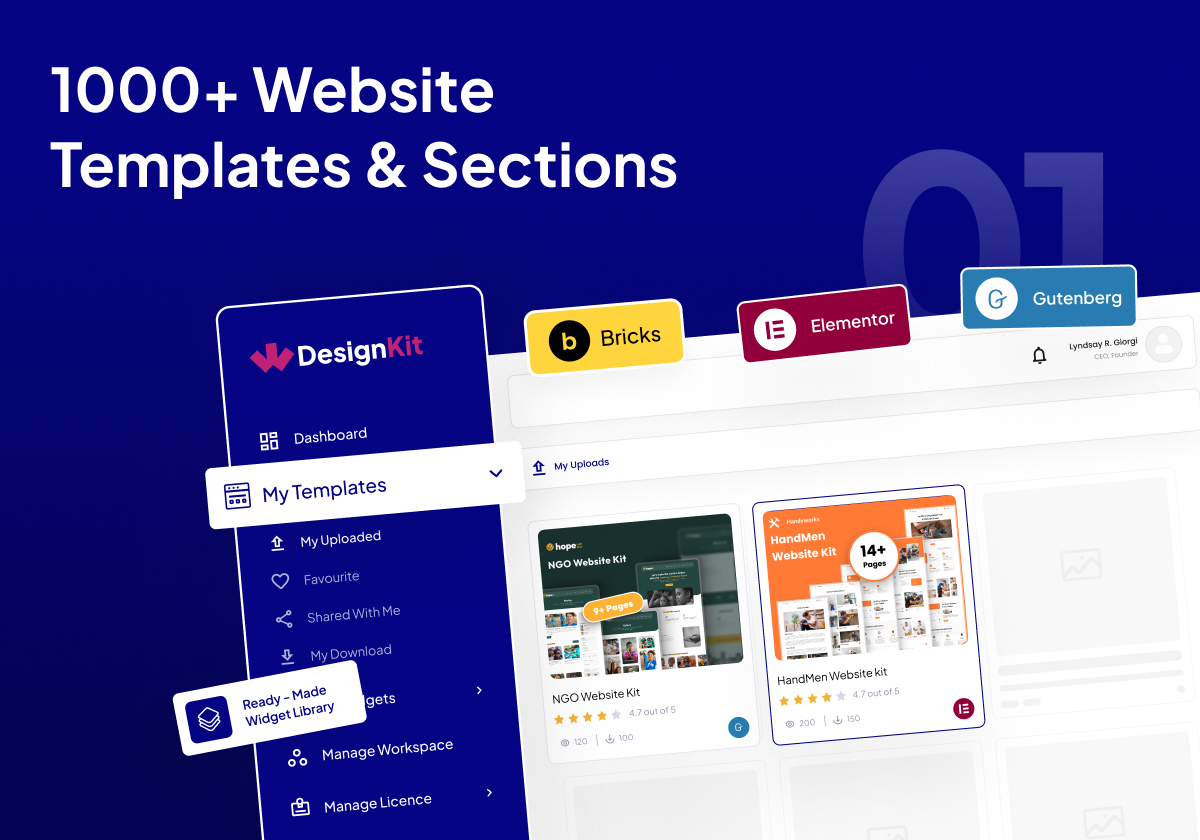
3000+ Website Templates & Sections 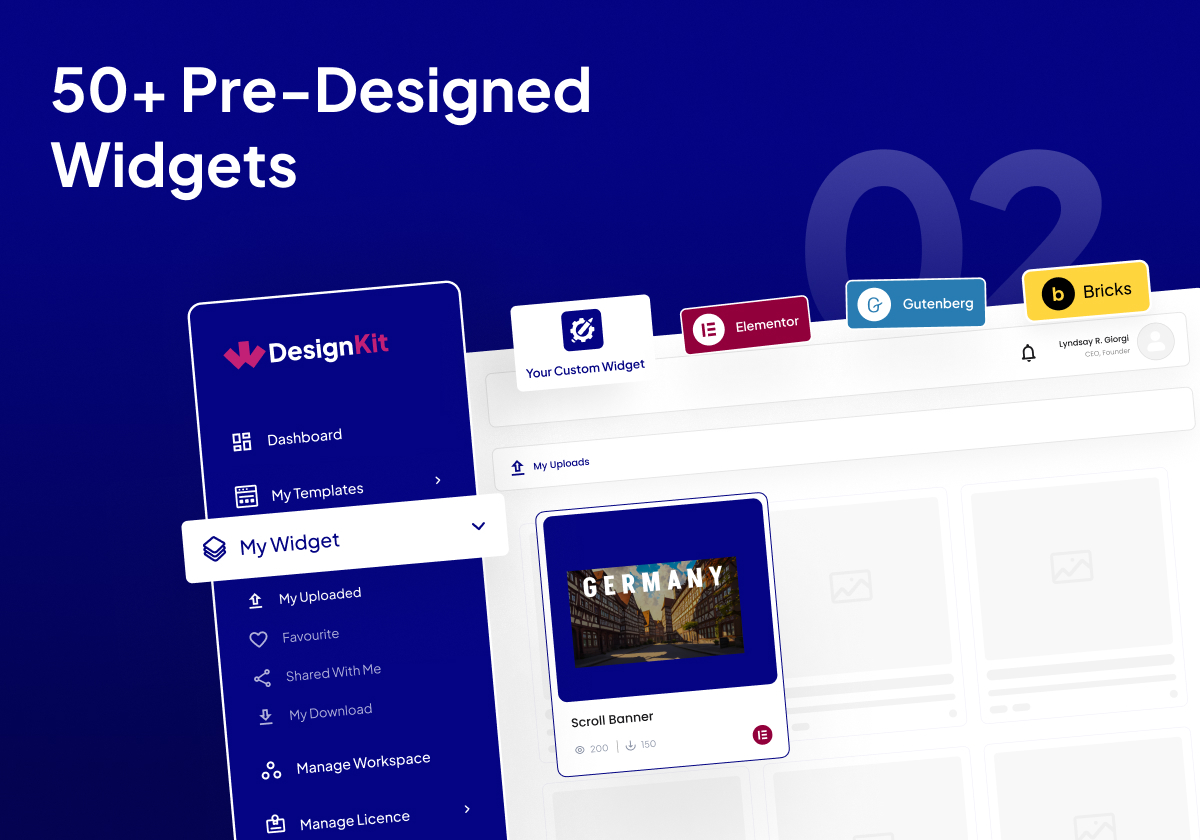
160+ Pre-Designed Widgets 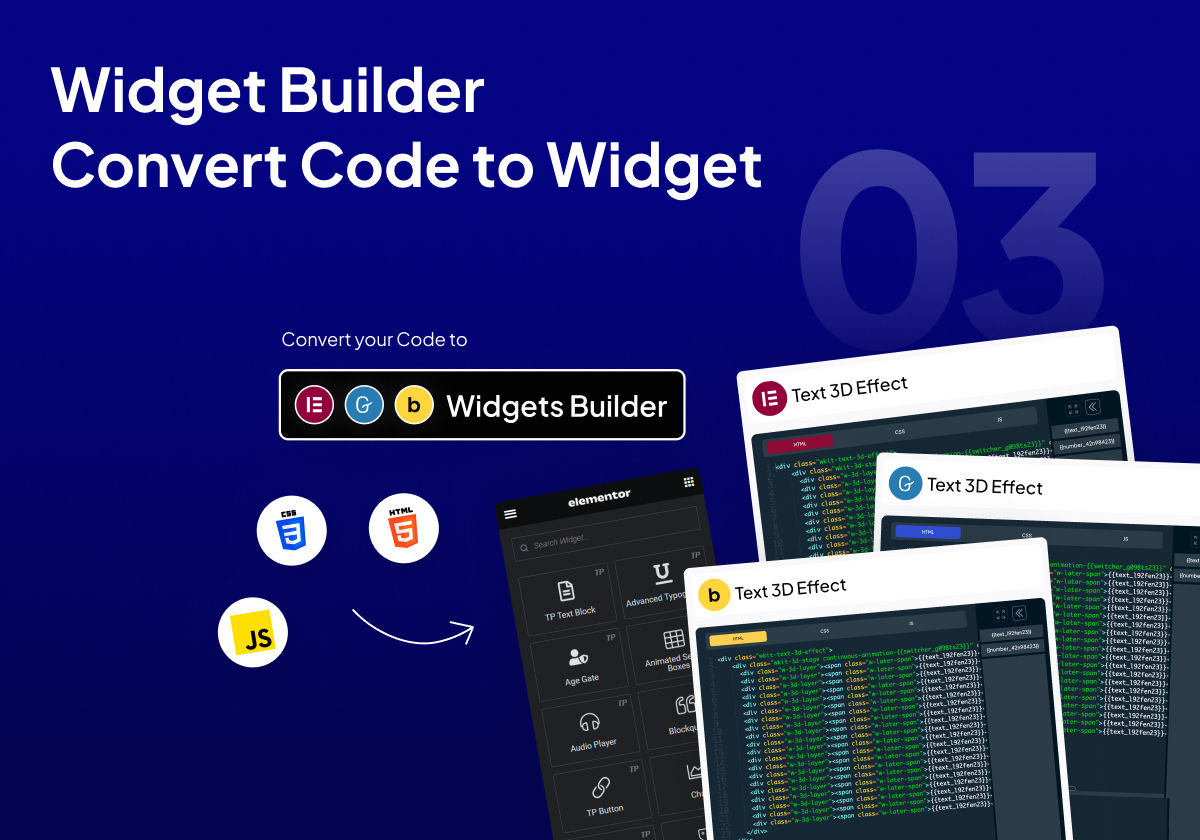
Widget Builder Convert Code to Widget 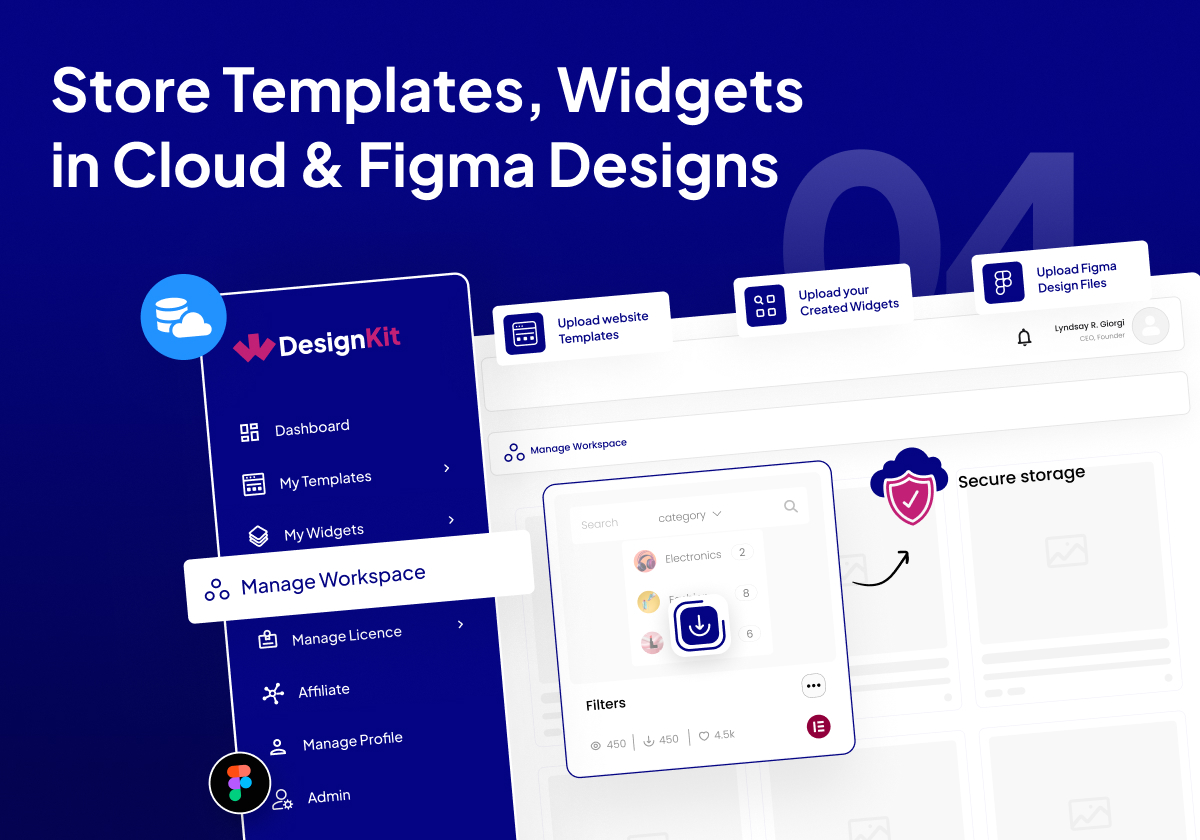
Store Templates, Widgets & Figma Files in Cloud 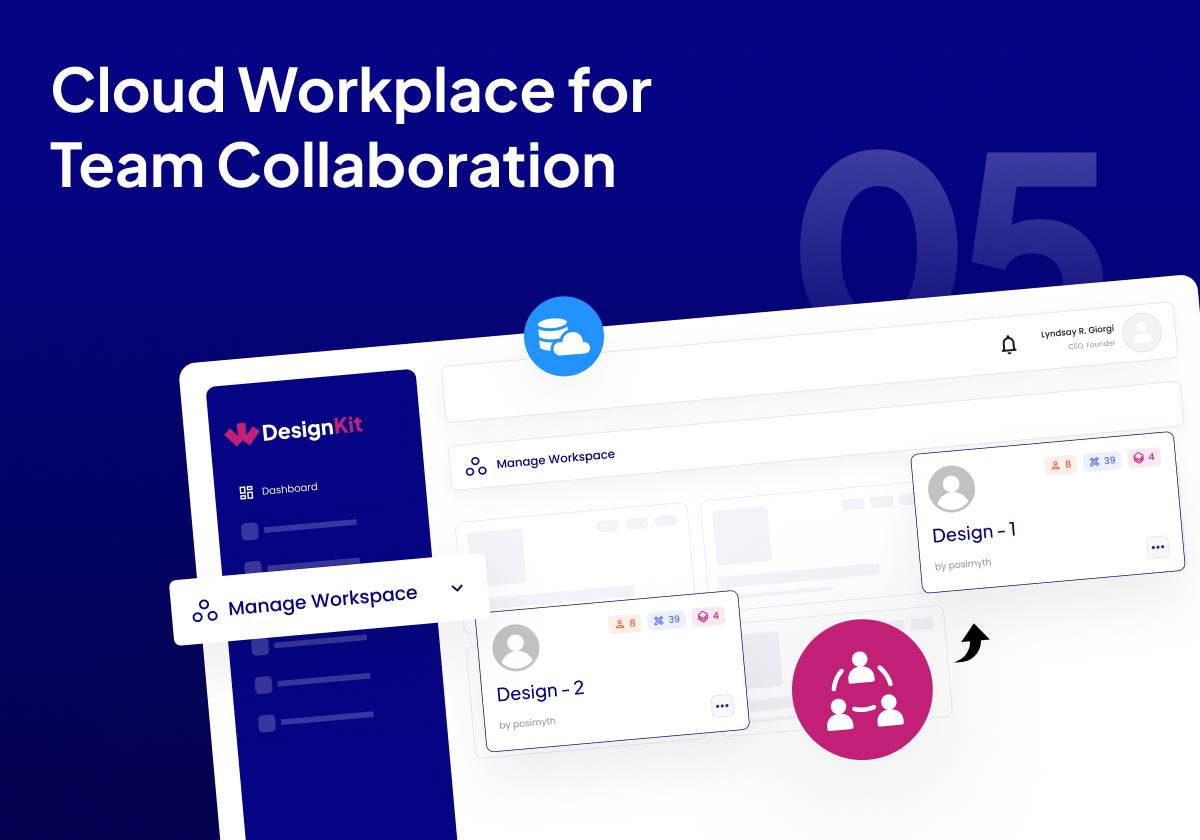
Cloud Workplace for Team Collaboration 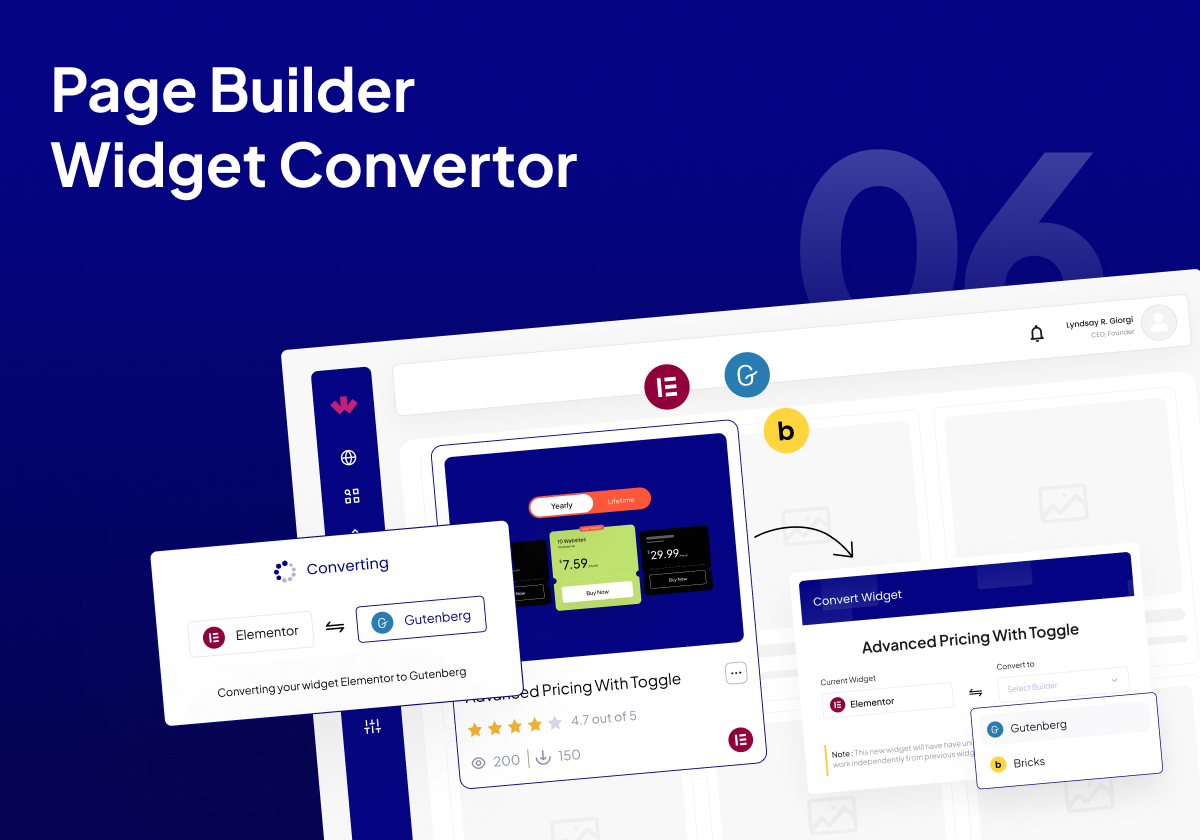
Page Builder Widget Converter 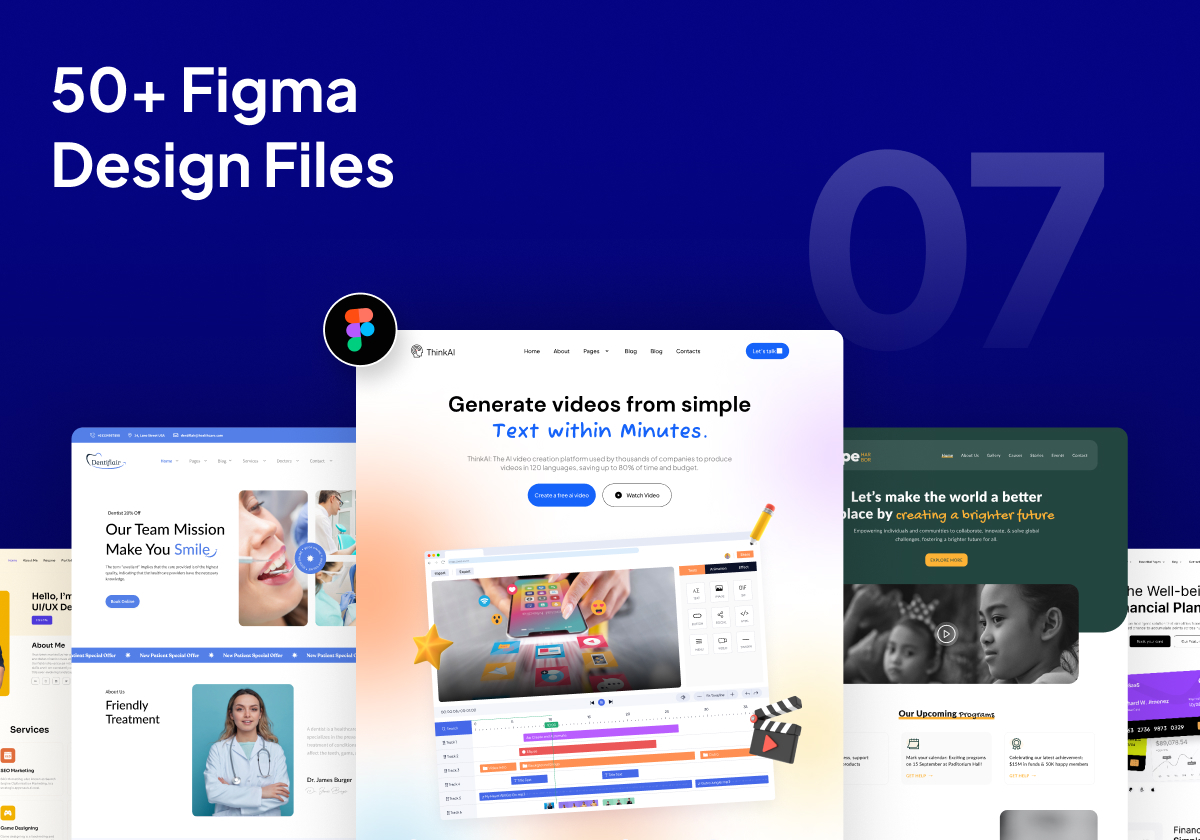
60+ Pre-Designed Figma Design Files


FAQ
-
Does it Work with Any WordPress Theme?
-
Yes this works with all the Themes, but it works best in sync with our Nexter WordPress Theme.
-
Is Widget Builder free to use?
-
Yes. Our Elementor Widget Builder, & Bricks Elements Builder & Upcoming Gutenberg Blocks builder and future Builders will be 100% free to use. There are some limitations on the number of widgets you can create in the free plan.
-
Can I save templates from both Elementor Free and Pro using WDesignKit?
-
Yes, You can save and use Elementor Free and Pro both templates.
-
What page builders are currently supported with WDesignKit?
-
Currently, for Templates, We are having support for Elementor and Gutenberg. In Widget builder & Ready made widgets, We are supporting Elementor. Gutenberg, Bricks, and more are coming very soon.
-
Do i Need any Elementor Addon to use the Plugin?
-
WDesignKit does not have any direct dependency on any Elementor Addon, but some Elementor Templates & Gutenberg Blocks require The Plus Addons for Elementor or Nexter Blocks for full import of website.
-
How can I report security bugs?
-
You can report security bugs through the Patchstack Vulnerability Disclosure Program.The Patchstack team helps validate, triage and handle any security vulnerabilities. Report a security vulnerability.
Reviews


Contributors & Developers
“WDesignKit – Elementor & Gutenberg Starter Templates, Patterns, Cloud Workspace & Widget Builder” is open source software. The following people have contributed to this plugin.
Contributors


“WDesignKit – Elementor & Gutenberg Starter Templates, Patterns, Cloud Workspace & Widget Builder” has been translated into 10 locales. Thank you to the translators for their contributions.
Interested in development?
Browse the code, check out the SVN repository, or subscribe to the development log by RSS.
Changelog
2.2.5 – 23 Jan 2026
Added: AI compatibility on the License page.
Added: Code snippet compatibility on the Workspace page.
Compatibility : Compatibility with the latest Nexter Extension update, ensuring seamless support for the new file-based code snippet execution system.
Improved: Added a tooltip on the error page during Kit import.
Fixed: Required plugin installation issue during the Blog Post import process.
Fixed: Minor Bug Fixes & Improvements.
2.2.4 – 13 Jan 2026
Improved: Import Blog Post with Kit.
Improved: Allowing the “Need Help?” section to be hidden when white label mode is enabled In Nexter.
Improved: Removed unnecessary borders from the Database Remove toggle.
Improved: Removed the extra “Select Workspace” label.
Improved: Hidden links when white label mode is enabled.
Improved: Enqueued CSS to hide the WDK logo from the widgets list and the “Need Help?” section from the widget panel.
Improved: Updated the broken chat link to redirect to the Home page.
Improved: Image selection process in the AI Kit import.
Fixed: Gutenberg Builder issue Where wp was undefined.
Fixed: Wordfence Security issue about widget Push ajax.
Fixed: Privacy Policy Broken link issue.
Fixed: Capitalization issue for “Add More” button.
Fixed: Page import error in the AI Kit import process.
Fixed: Continuous loading issue when the widget name is empty.
Fixed: Capitalization inconsistencies across the UI for better readability.
Fixed: An issue where a widget error prevented subsequent widgets from registering.
Fixed: A crash that occurred when converting a widget from Elementor to Bricks and clicking on a section of the converted widget.
Fixed: Duplicate notification messages.
Fixed: Minor Bug Fixes & Improvements
2.2.3 – 1 Jan 2026
Fixed: AI Template Import License Issue
Fixed: Minor Bug Fixes & Improvements
2.2.2 – 30 Dec 2025
Added: Add Filter AI Compatibility in browse template page.
Added: Clear all filters feature in all browse pages.
Added: AI logo in Template Card
Fixed: Minor Bug Fixes & Improvements
2.2.1 – 26 Dec 2025
Fixed: Minor Bug Fixes & Improvements
2.2.0 – 24 Dec 2025
New: Widget Builder: Gutenberg Core Widget Builder.
New: Widget Builder: Widget Update feature.
New: AI-Powered Kit Import.
Fixed: Minor Bug Fixes & Improvements
2.1.6 – 17 Dec 2025
Added: Winter Sale banner.
Improved: Updated Theme Builder page side design for improved usability and consistency.
Improved: Increased name length support for existing widgets.
Improved: Enhanced Overall UI Consistency and Usability.
Improved: Restricted access to advanced Widget Builder controls to Pro users only, including: Textarea, WYSIWYG, Popover, Gallery, Repeater, Icons Control, Slider, Text Shadow, Box Shadow, Background, CSS Filter, Select Template, Post Listings, Product Listing, Taxonomy, Choose, Datetime, Normal / Hover, Raw HTML, Preview.
Fixed: Resolved logo display issue in Gutenberg block panels.
Fixed: Resolved Scrollbar issue in Popups.
Fixed: Resolved Theme Builder redirect issue when clicking the logo.
Fixed: Resolved Widget Search Malfunction.
Fixed: Minor Bug Fixes & Improvements
2.1.5 – 11 Dec 2025
Fix : Pro notice displaying on the Builder page even when the Pro plugin was already activated.
Fix : Minor Bug Fixes & Improvements
2.1.4 – 1 Dec 2025
Improved: SSL compatibility for all asset URLs in the Widget Builder.
Improved: Added a common provider to ensure stable mounting and unmounting of popups.
Improved: Updated Forgot Password title and description for better user understanding.
Improved: Replaced static WDesignKit text with a dynamic product name on the Remove License Key popup.
Fixed: Skeleton loading issue on the Theme Builder page.
Fixed: Design issues in dark mode on the Theme Builder page.
Fixed: Issue on the editor side where importing templates for Gutenberg/Elementor created a new template instead of importing content.
Fixed: Resolved JavaScript selector issue in the Gutenberg editor affecting responsive mode
2.1.3 – 21 Nov 2025
Fixed: Minor bugs and overall improvements.
2.1.2 – 21 Nov 2025
Fixed: Minor bugs and overall improvements.
2.1.1 – 17 Nov 2025
Added: Theme Builder page with full integration to the Nexter Extension – Theme Builder module.
Fixed: Initial Loading Issue Fixed.
Fixed: Tab selection issue on the templates page with no templates.
Fixed: License activation issue in ThePlus Addons and Nexter blocks.
Fixed: Minor bugs and overall improvements.
2.1.0 – 14 Nov 2025
Compatibility: Server compatibility enhancements & Additional Functionality Updatesz
Fixed: Browse Widget Height Issue.
Fixed: Save Template Redirection Delay issue after close popup
Fixed: Minor bugs and overall improvements.
2.0.12 – 28 Oct 2025
Improved: Removed Unnecessary Notice from the Snippet Bundle.
Improved: Loader Design for Better user Experience.
Fixed: Theplus Addons displayed the wrong preset.
Fixed: Cursor Pointer Missing on the Save Template Button.
Fixed: Resolved Brick Widget Download issue (unable to download when child theme active).
Fixed: Server Widget Import Loading issue.
Fixed: Manage License — Page loader issue.
Fixed: My Templates — Status Color not Showing Properly During Download.
Fixed: Unwanted Header Menu Options Showing in Popup with Nexter plugin.
Fixed: Grammatical Error in Snippet download steps.
Fixed: Minor bugs and overall improvements.
2.0.11 – 16 Oct 2025
Improved: Template import speed.
Improved: Removed Result Counter from My Snippets Page.
Improved: Added Result Counter in Preset Page.
Improved: Template note for clarity and accuracy.
Improved: Removed Dynamic Controller Card Variable.
Improved: Individual Builder Hover Color for Controller Card.
Improved: Hover Effect in Widget Editor.
Improved: Changed text display style from small to capitalized for better readability.
Improved: Favorite Snippet flow — data now fetched via API.
Improved: Added pagination for favorite snippets.
Improved: Browse Snippet filter skeleton created.
Improved: Step icons in snippet and snippet kit download process.
Improved: Snippet note updated to match the template for consistency.
Improved: Pagination number & content display on preset popup.
Improved: Controller color in widget builder for dark mode.
Improved: Single snippet redirection in code editor.
Improved: Removed notice in full page & section while importing template.
Improved: Removed pagination content in My Snippet page.
Improved: Cursor pointer added in snippet cards.
Improved: Loader performance during snippet download.
Improved: Loader design in snippet pages.
Improved: Import snippet status loader design.
Improved: Product name capitalization in filter panel.
Improved: Skeleton design in snippet section.
Improved: Added comma in support feature list.
Improved: Widget delete loader in My Widget.
Improved: License delete button color.
Improved: TPAE & Nexter widget download popup UI/UX.
Fixed: Code Snippets Tag Issue — When tags are already selected and a search is made for unavailable tags, a “No results found” message is now displayed instead of showing the selected tags.
Fixed: Divider Controller Dropdown Issue — Dropdown in the divider controller now closes properly.
Fixed: Popup Closing on ESC Key Press (Widget Editor).
Fixed: Controller Colors in Dark Mode.
Fixed: Consistent Checkbox Color Across Builders.
Fixed: Loading Issue for Pro Snippet.
Fixed: Console error on widget side.
Fixed: Favorite Snippet icon issue after API flow update.
Fixed: Placeholder image issue in import template pages.
Fixed: Page refresh issue in code editor side without importing any snippet.
Fixed: Snippet tag search issue.
Fixed: My Snippet download and required plugin install issue.
Fixed: Favorite snippet visibility issue on the favorite page.
Fixed: Critical error and site crash issue when downloading multiple snippet bundles followed by a template download.
Fixed: Console error while downloading widget and redirecting using that button.
Fixed: Grammatical mistakes and letter capitalization issue in Manage License.
Fixed: Letter capitalization issue in Preset plugin name.
Fixed: Minor bugs and overall improvements.
2.0.10 – 6 Oct 2025
Improvements: Updated toast message for Move Template in Workspace.
Improvements: Added retry button for better error handling.
Improvements: Added full-click functionality on editor side.
Improvements: Updated pagination content.
Improvements: Added hover effects for improved interactivity.
Improvements: Updated tag colors in Browse Snippet.
Improvements: Updated font and button colors in TPAE & Nexter popups.
Improvements: Product logo and name toast updated.
Improvements: Removed extra dots and spacing inconsistencies in content.
Improvements: Widget Builder: Updated alignment controller design.
Improvements: Widget Builder: Updated controller color scheme.
Improvements: Widget builder: Improved tooltip design and behavior.
Improvements: Widget Builder: YouTube banner text color refined for better visibility — changed from light to dark.
Improved: Updated “Installing” and “Installed” text to reflect changes according to the snippet download steps.
Improved: Removed unnecessary console logs.
Fixed: Added loader in Snippet Bundle.
Fixed: Preset filter button color issue.
Fixed: Constant loading issue resolved — after token expiration, users are now redirected to the login page.
Fixed: Snippets Filter selection now persists when navigating back — previously selected options no longer reset.
Fixed: Widget Builder: Push Button shake issue.
Fixed: Widget Builder: Multiple scroll issue.
Fixed: Widget Builder: Console error occurrences.
Fixed: Widget Builder: CPT Controller error in Gutenberg Builder.
Fixed: Redirection issues in multiple modules in snippet import.
Fixed: Browse Snippet – Full button area now clickable for Download/View link.
Fixed: Button cut and scroll issues in Create Widget popup.
Fixed: Snippet working inconsistencies and added missing Re-download option.
Fixed: Disabled switcher color issue in dark mode.
Fixed: Downloading snippets again in My Snippet now works correctly.
Fixed: Snippet Download Plugins now download correctly when downloading a snippet from My Snippet.
Fixed: Widget enable/disable toggle in settings panel now auto-enables on import if it was off.
Fixed: Widget Popup Close issue resolved after downloading a widget.
Fixed: Preset tick mark, black dot, and spacing issues.
Fixed: Missing loader visibility on Snippet Bundle button.
Fixed: Header & footer condition logic issue.
Fixed: Solve conflict with ACF builder.
Fixed: Button overlay issue resolved when activating the loader.
Fixed: TPAE & Nexter popup alignment issue fixed, with updated design matching the new UI.
Fixed: Immediate close issue for the “Delete Widget” popup fixed.
Fixed: Minor bugs and overall improvements.
2.0.9 – 3 Oct 2025
Improvement: Added loader with a proper skeleton effect in the workspace popup.
Improvement: Widget Builder: Updated design for save button in widget builder.
Improvement: Updated the template loader to align with the widget loader.
Improvement : Added Template Meta Settings in Gutenberg JSON.
Fixed: Solve Retry option error in Import Kit process.
Fixed: Resolved the redirection issue on both Gutenberg and Elementor editor side.
Fixed: Immediate close issue on the workspace widget’s move and copy popup.
Fixed: Radio button issue on the editor side.
Fixed: Deactivate widgets show issue in widget listing page.
Fixed: Widget Builder: Alignment issue in align controllers in bricks widget builder.
Fixed: Button shake issue.
2.0.8 – 30 Sep 2025
New: Added cancel button in My Widget popup.
New: Changed content in Save Template popup.
New: Updated login slider content.
Improvement: Added icon in widget builder.
Improvement: Plugin side link changes implemented.
Fixed: Widget builder scroll issue fixed.
Fixed: Snippet auto-enable issue fixed.
Fixed: Tick mark alignment issue.
Fixed: Checkbox color issue.
Fixed: Button shake in snippet deletion.
Fixed: Loader shake issue.
Fixed: Scroll issues in TPAE & Nexter popup.
Fixed: Font color issue in plugin notice.
Fixed: Gutenberg popup multiple refresh issue.
Fixed: Single workspace count issue.
Fixed: Kit redirection issue.
Fixed: Extra plugin download issue removed.
Fixed: Save Template popup image card issue.
Fixed: Elementor side blank page save issue.
Fixed: CDN content updated.
Fixed: Background color issue.
Fixed: Extra toast messages removed.
Fixed: Push widget loader issue resolved.
Fixed: Workspace page showing a blank page.
Fixed: Widget Builder : Controller dropdown issue.
Fixed: Widget Builder : Variable panel responsive ness issue.
Fixed: Minor bugs and overall improvements.
2.0.7 – 26 Sep 2025
New: Added Retry option in Kit Import process.
New: Widget Builder : Added Raw HTML support in the info controller of Bricks.
Improvement: Default category pre-selected in the Browse Template popup.
Improvement: Widget Builder : Added WDesignKit logo on widgets in the page editor.
Fixed: Prevented popup from closing while a process is ongoing.
Fixed: Removed Category & Tag filters from the Gutenberg Template Import process.
Fixed: Minor bugs and overall improvements.
2.0.6 – 19 Sep 2025
Improvement: Added Download Popup for Widgets.
Improvement: Changed Template Import Flow to load Templates one by one.
Fixed: URL Controller and Icons Controller Default Value Error in Bricks Controller.
Fixed: CDN load Issue in Widget of Gutenberg Editor.
Fixed: Nexter block preset import bug where blocks were not being replaced.
Fixed: Bug where the selected category remained selected during import.
Fixed: Minor bugs and overall improvements
2.0.5 – 19 Sep 2025
Fixed: Minor bugs and overall improvements
2.0.4 – 15 Sep 2025
Fixed: Template import where Nexter Builder template include & exclude page conditions were not applied correctly.
Fixed: Site name Incorrectly appended to Elementor & Gutenberg Template name and slug During Import.
Fixed: Minor bugs and overall improvements
2.0.3 – 13 Sep 2025
Fixed: Gutenberg Widget Enable issue
Fixed: Minor bugs and overall improvements
2.0.2 – 12 Sep 2025
Fixed: Elementor Widget enable issue
Fixed: Minor bugs and overall improvements
2.0.1 – 11 Sep 2025
Fixed: Gutenberg Import Template Issue
Fixed: Minor bugs and overall improvements
2.0.0 – 11 Sep 2025
Major Release: This is a major release with a new UI/UX and overall product enhancements.
New: Revamped dashboard UI/UX
New: Code Snippet Cloud connection with Nexter Extension
New: Dashboard dark mode
New: Enhanced template import process
New: Redesigned widget builder
New: Improved settings panel
Improved: Performance and security optimizations
Improved: Optimized code and file structure
Fixed: Minor bugs and overall improvements
For older changelog entries, please see the additional changelog.txt file delivered with the plugin.
