
Description
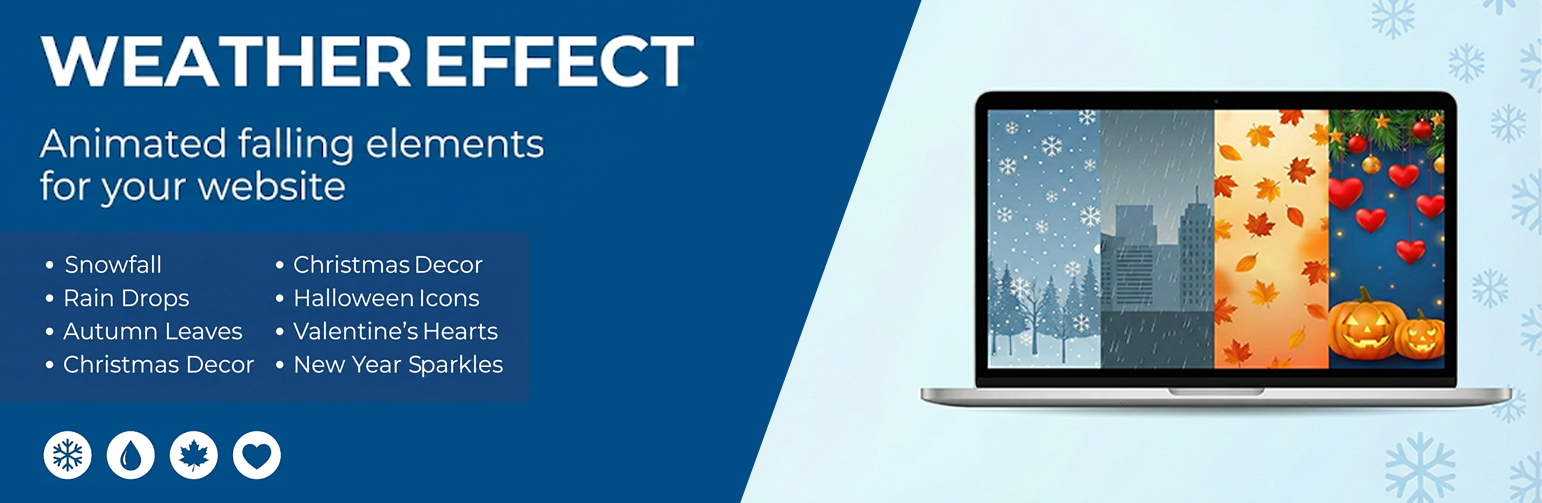
Weather Effect lets you add animated falling objects to your website. You can display snowfall during winter, falling leaves in autumn, rain drops, or festive decorations for holidays like Christmas, Halloween, and Valentine’s Day.
The plugin works by overlaying animated elements on your pages. Visitors see these effects as they browse your site, which can help create a seasonal atmosphere or celebrate special occasions.
What This Plugin Does
Weather Effect adds falling animation effects to your website. Here’s what you can display:
- ❄️ Snow and snowflakes for winter themes
- 🍂 Falling autumn leaves
- 🌧️ Rain drops with umbrella graphics
- 🎄 Christmas decorations like Santa, bells, candy, and gifts
- 🎃 Halloween elements including bats, pumpkins, and ghosts
- 💕 Valentine’s Day hearts and roses
- 🎆 New Year balloons and celebration graphics
How It Works
After installing the plugin, go to the Weather Effect settings page in your admin dashboard. Select the season or occasion you want, choose the falling objects, and save your settings. The effects will appear on your website immediately.
You can preview the effects before making them live using the Preview button in the settings panel.
Free Version Features
- Multiple seasonal themes (Christmas, Winter, Autumn, Rain)
- Snow falling animation
- Snowflake effects
- Settings panel for configuration
- Live preview option
- Works on mobile devices
Pro Version Features
The pro version includes additional falling objects and customization options:
Seasonal Themes Available:
- Christmas: Balls, Bells, Candy, Gifts, Hat, Ribbon, Santa, Sleigh, Snowman, Socks, Stars
- Winter: Snowfall, Snowflakes
- Autumn: Falling Leaves
- Spring: Spring Leaves
- Summer: Summer themed graphics
- Rain: Rain Drops, Umbrella, Clouds
- Halloween: Ghost, Bats, Moon, Pumpkin, Spider Web, Witch
- Thanksgiving: Turkey decorations
- Valentine’s Day: Roses, Hearts, Balloons
- New Year: Balloons, Celebration stickers
Additional Pro Features:
- Control falling object size randomly
- Adjust falling speed
- Set timeout for effects
- Exclude specific pages or posts
- Upload up to 10 custom images (PNG, JPEG, GIF supported)
- Enable or disable effects easily
Demo and Documentation
Screenshots

Christmas snow falling effect on a website 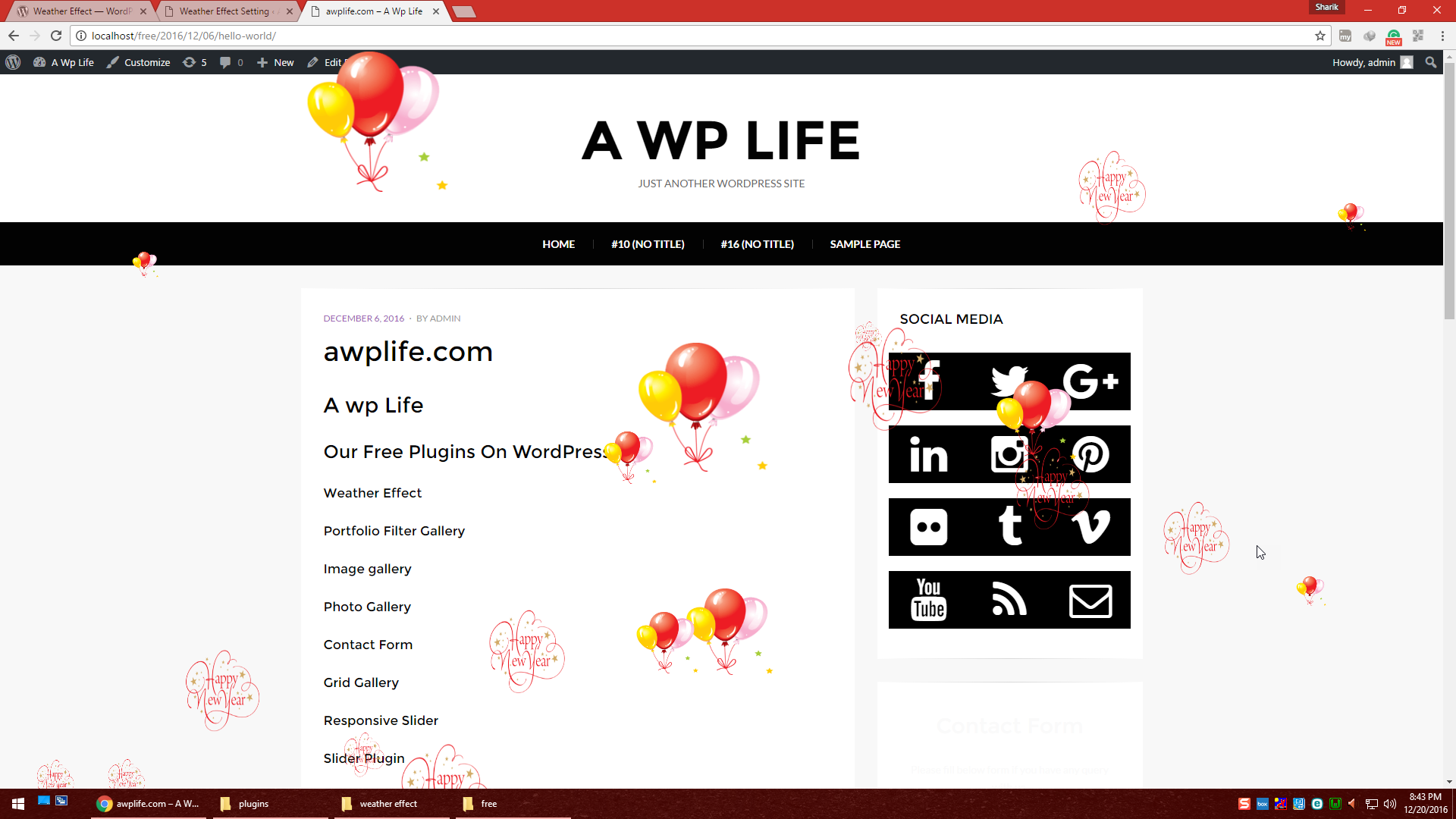
New Year celebration effect with balloons 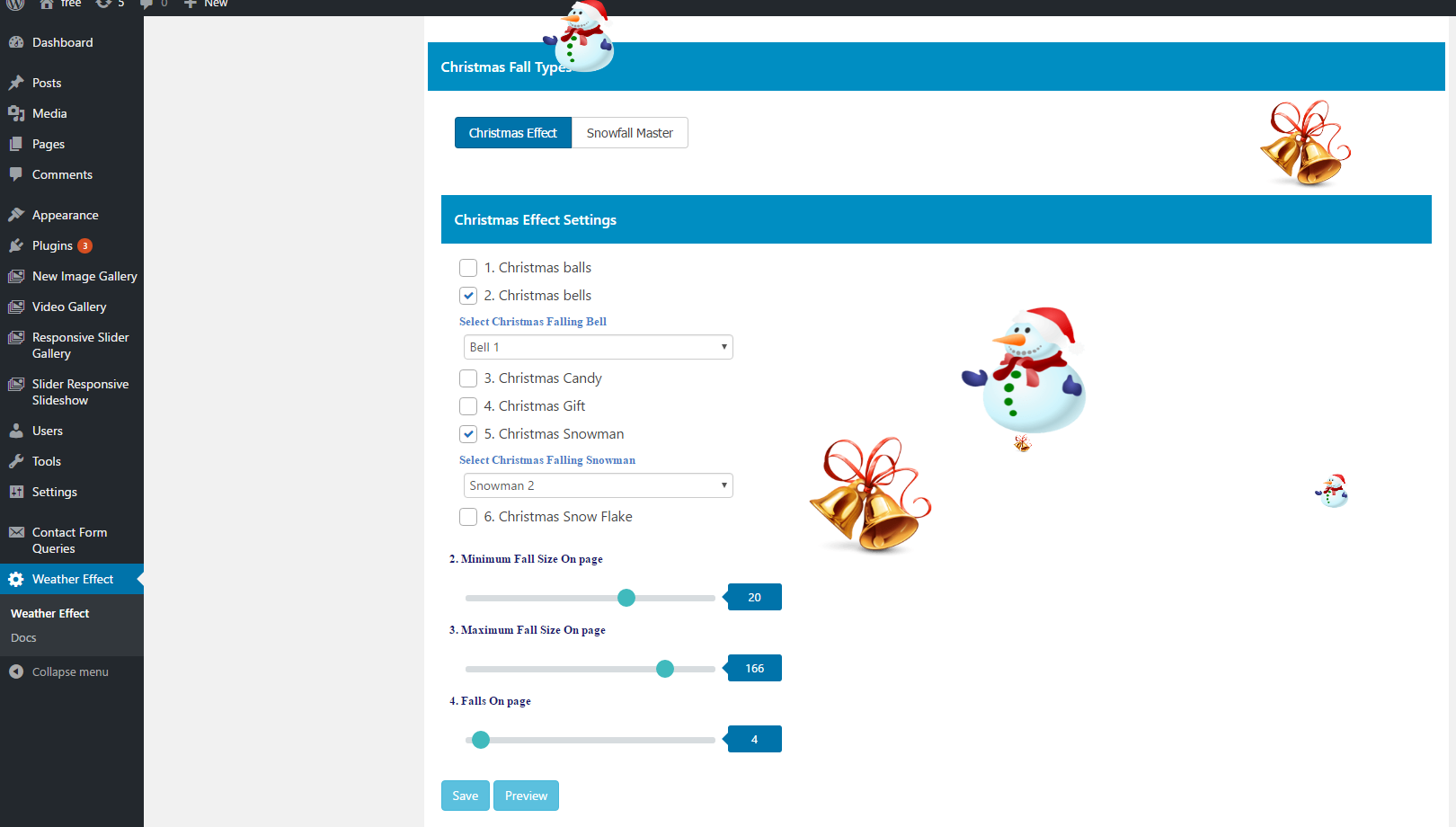
Admin settings page for Christmas effects 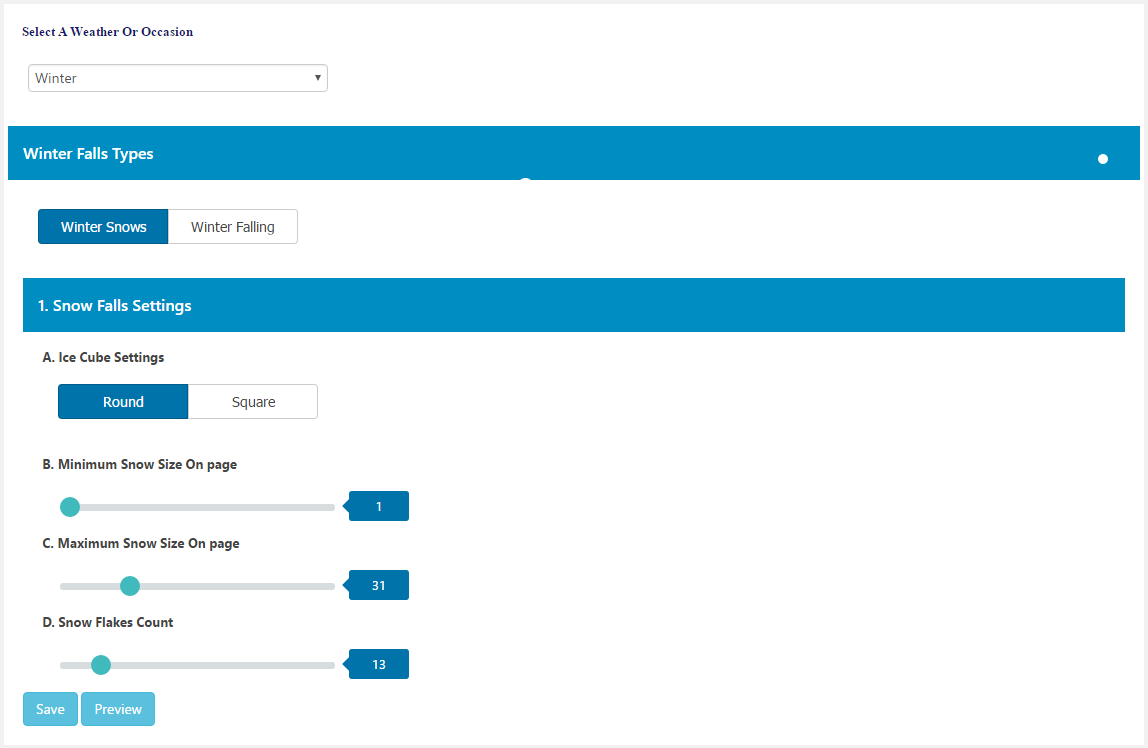
Winter season settings configuration 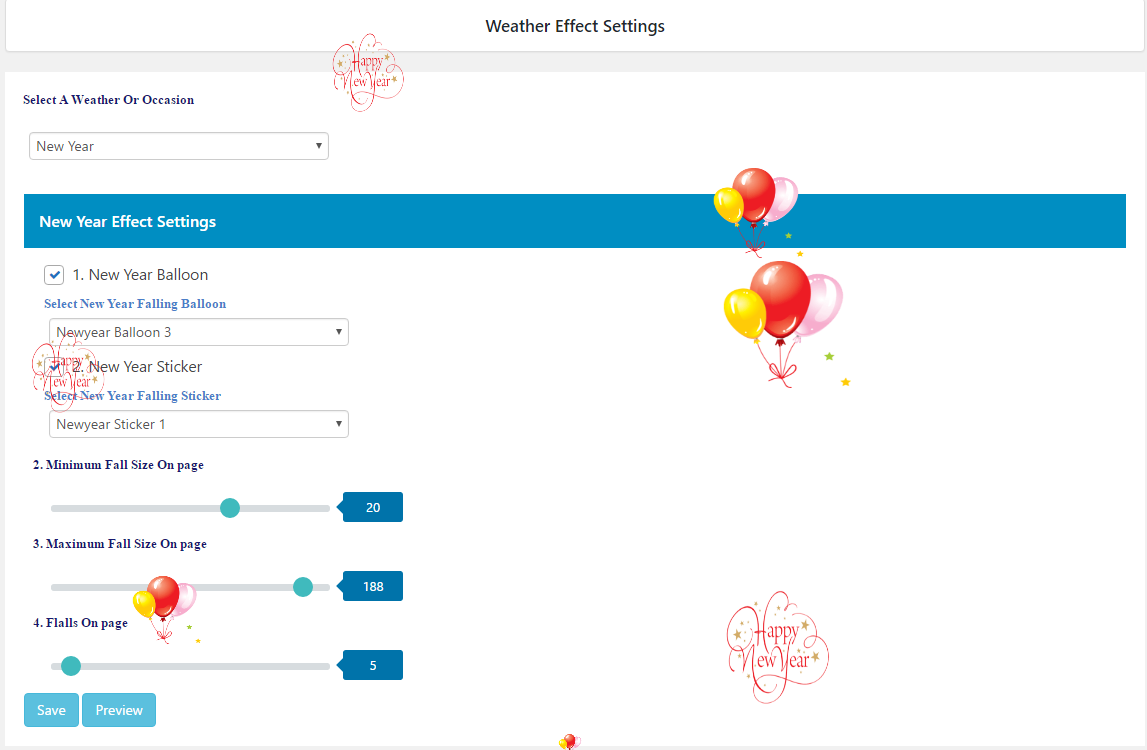
New Year settings page


Installation
Automatic Installation
- Go to Plugins > Add New in your WordPress dashboard
- Search for “AWPLife Weather Effects”
- Click Install Now, then Activate
- Go to Weather Effect in the admin menu to configure
Manual Installation
- Download the plugin zip file
- Go to Plugins > Add New > Upload Plugin
- Upload the zip file and click Install Now
- Activate the plugin
- Go to Weather Effect in the admin menu
Setting Up
- Go to Weather Effect in your admin menu
- Select a season or occasion
- Choose the falling objects
- Adjust speed and size if needed
- Click Preview to check the effect
- Click Save to apply
FAQ
-
What does this plugin do?
-
Weather Effect adds animated falling objects to your website. These can be snowflakes, rain drops, autumn leaves, or seasonal decorations like Christmas ornaments or Halloween bats.
-
Do I need to know coding?
-
No. The plugin has a settings page where you select what you want to display and save. No coding is needed.
-
Does it work with my theme?
-
Weather Effect works with standard WordPress themes. It also works with page builders like Elementor, Divi, and Beaver Builder.
-
Can I see a preview before going live?
-
Yes. There is a Preview button in the settings panel. Click it to see how the effects look before saving.
-
Will it affect my site speed?
-
The plugin uses JavaScript to display animations. On most websites, this runs smoothly. If you notice any slowdown, you can disable the effects from the settings.
-
Can I choose which pages show the effects?
-
In the free version, effects appear on all pages. The pro version lets you exclude specific pages or posts.
-
Can I use my own images?
-
The pro version allows you to upload up to 10 custom images. Supported formats are PNG, JPEG, and GIF.
-
What seasons and occasions are supported?
-
The plugin includes effects for: Winter, Autumn, Spring, Summer, Rain, Christmas, Halloween, Thanksgiving, Valentine’s Day, and New Year.
-
Does it work on mobile?
-
Yes. The animations display on desktops, tablets, and mobile phones.
-
Where can I get help?
-
Post your questions on the WordPress.org support forum.
Reviews


Contributors & Developers
“AWPLife Weather Effects” is open source software. The following people have contributed to this plugin.
Contributors


“AWPLife Weather Effects” has been translated into 1 locale. Thank you to the translators for their contributions.
Translate “AWPLife Weather Effects” into your language.
Interested in development?
Browse the code, check out the SVN repository, or subscribe to the development log by RSS.
Changelog
1.5.9
- Tested: WordPress 6.8.3 compatibility
1.5.8
- Tested: WordPress 6.8.1 compatibility
1.5.7
- Tested: WordPress 6.7.2 compatibility
1.5.6
- Tested: WordPress 6.7.1 compatibility
- Fixed: Fatal error on multisite installations
1.5.5
- Tested: WordPress 6.7.1 compatibility
- Fixed: Footer bottom space and scroll bug
1.5.4
- Tested: WordPress 6.6.2 compatibility
1.5.3
- Tested: WordPress 6.6.1 compatibility
1.5.2
- Tested: WordPress 6.5.4 compatibility
1.5.1
- Fixed: Minor bug fixes
- Tested: WordPress 6.4.3 compatibility
1.5.0
- Fixed: Minor bug fixes
- Tested: WordPress 6.4.2 compatibility
