
Ekran görüntüleri
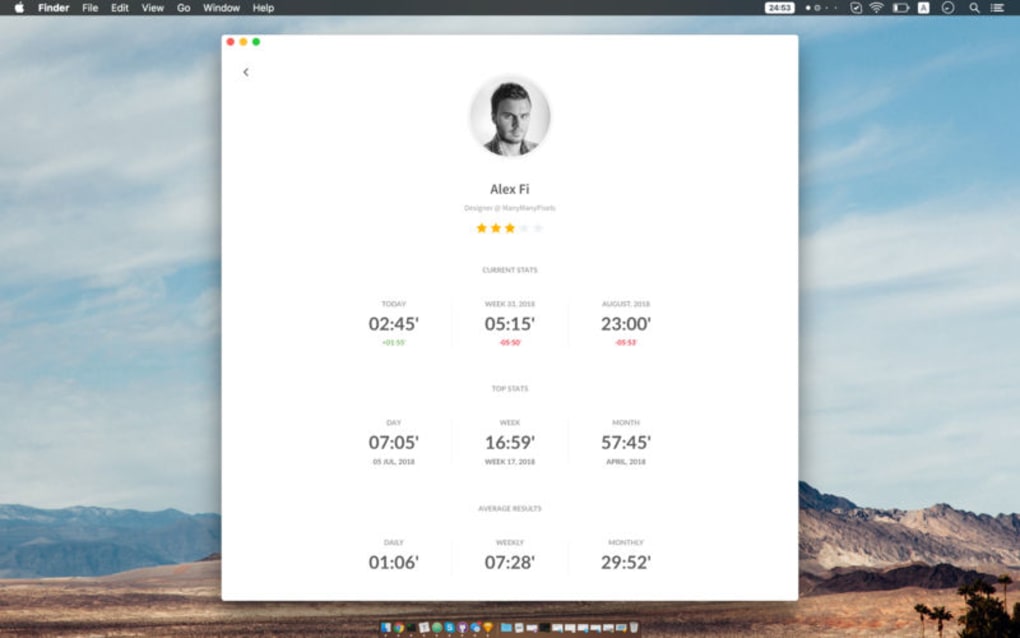
Uygulama ayrıntıları
- Sürüm
- 5.1.0
- Güncellendi
- May 24, 2023
- Gerektirir
- Mac
- Dil
- English | Czech | Danish | German | Gree...
- Lisans
- Free
- Geliştirici
- Aleksandr Fiodorov
- Kategori
- Mac OS
Workflow Timer hakkında
Download Workflow Timer – Free Time‑Management Tool for Windows, macOS, Android & iOS
Overview
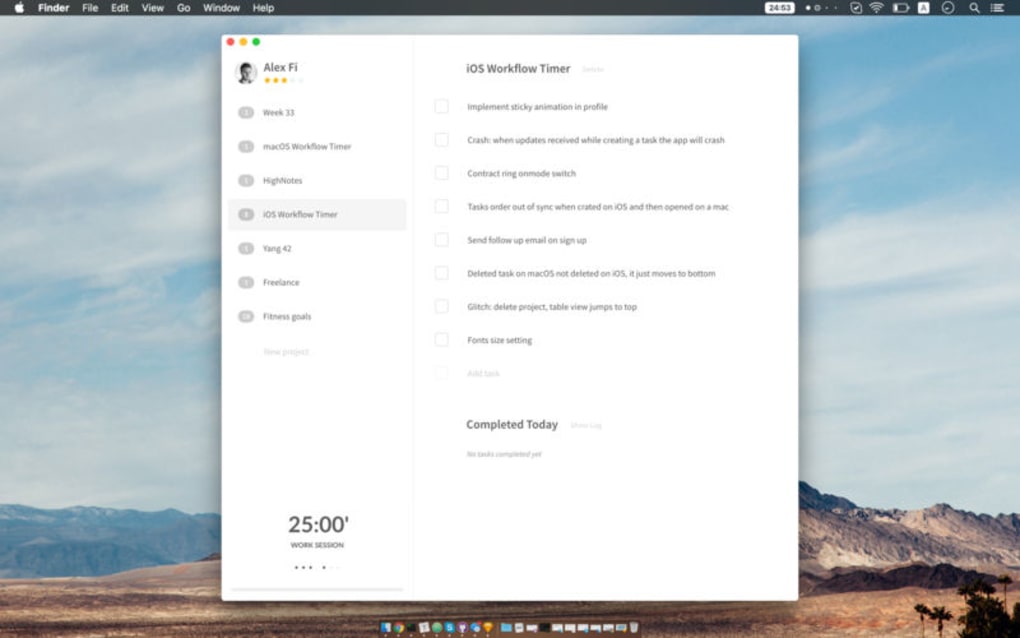
Workflow Timer ücretsiz, çok platformlu bir uygulamadır ve günlük görevlerde harcadığınız zamanı ayırmanıza, izlemenize ve optimize etmenize yardımcı olmak için tasarlanmıştır. İster birden fazla müşteri projesiyle uğraşan bir serbest çalışan, ister ders çalışma seanslarını dengeleyen bir öğrenci, ister sadece odaklanmak isteyen herkes olun, Workflow Timer öğrenme eğrisini ortadan kaldıran temiz ve sezgisel bir arayüz sunar. Uygulama, gün için bir görev listesi oluşturmanıza, her birine ayrılmış bir zaman dilimi atamanıza ve görev değiştirme ya da kısa bir mola verme zamanını otomatik olarak hatırlatmasına olanak tanır. Gününüzü küçük aralıklara bölerek görselleştirmeniz, üretkenliğinizin zirve yaptığı ve dikkat dağıtıcıların ortaya çıktığı noktaları anında görmenizi sağlar. Dahili mola bildirimleri, tükenmişliği önlemek ve sağlıklı bir çalışma‑odak‑dinlenme ritmi teşvik etmek için özellikle faydalıdır. Program ücretsiz, hafif ve düzenli olarak güncellendiği için, premium aboneliklerin getirdiği ek maliyetler olmadan güvenli, sade bir şekilde iş akışınızı yönetmek isteyen herkes için ideal bir çözümdür.
Key Features & Benefits
- Task Scheduling: Define unlimited daily tasks, set custom durations, and reorder them with drag‑and‑drop.
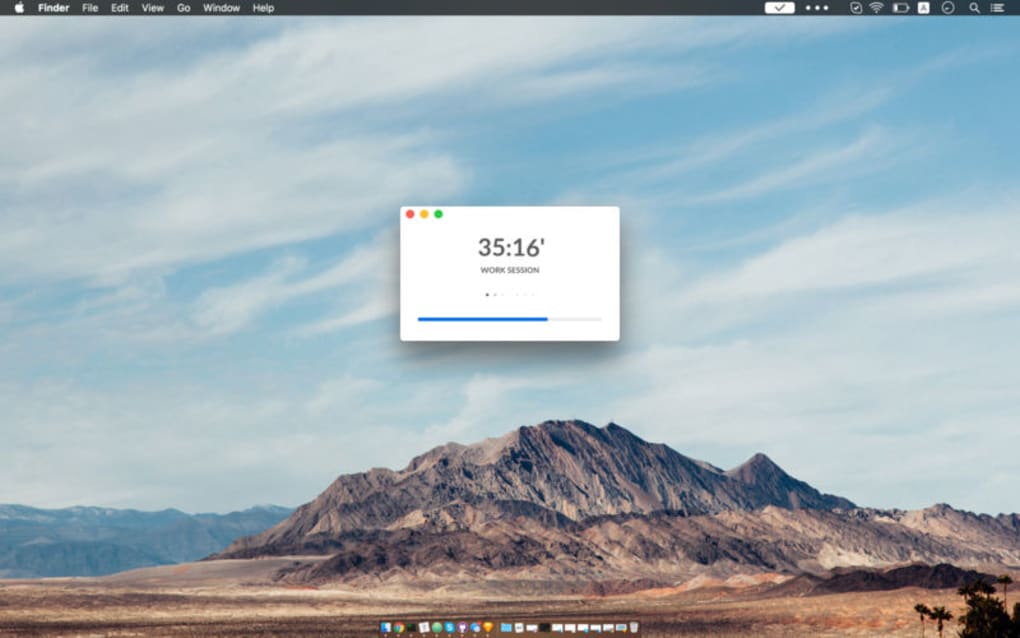
- Break Reminders: Automatic pop‑ups prompt you to pause for 5‑minute breaks after configurable work intervals.
- Simple Dashboard: A minimalist UI displays current task, remaining time, and progress at a glance.
- Cross‑Platform Sync: Available for Windows, macOS, Android, and iOS, with cloud backup for seamless switching between devices.
- Custom Alerts: Choose from sound, vibration, or visual cues, and personalize alert tones.
- Statistics & Reports: Weekly summaries show total time spent per project, helping you identify productivity trends.
- Offline Mode: Works without an internet connection; data syncs once you’re back online.
- Secure & Private: No ads, no data mining; all task data stays encrypted on your device.
Why These Features Matter
The real power of Workflow Timer lies in its focus on habit formation rather than just measurement. By allocating specific time blocks, you create a mental contract with yourself, which dramatically reduces the temptation to multitask. Break reminders enforce the Pomodoro principle, a proven method for sustaining concentration over longer periods. The statistics module transforms raw time logs into actionable insights—perfect for freelancers who bill by the hour or teams needing to justify resource allocation. Moreover, because the app is free and ad‑free, you avoid the hidden costs that often accompany “free” software, such as intrusive advertisements or data selling. The cross‑platform nature ensures that whether you’re on a desktop at the office or checking a quick timer on your phone while commuting, your workflow stays consistent.
Installation, Usage Instructions & Compatibility
Step‑by‑Step Installation
Installing Workflow Timer is straightforward on all supported operating systems. For Windows, download the .exe installer from the official website, run it, and follow the on‑screen wizard. macOS users can obtain the .dmg file, drag the app into the Applications folder, and launch it. Android users should visit the Google Play Store, search for “Workflow Timer,” and tap “Install.” iOS users can download the app from the Apple App Store with a single tap. All installers are signed with a trusted certificate, guaranteeing a secure and tamper‑free download.
Getting Started Quickly
Once the app opens, you’ll be greeted by a clean dashboard. Click the “+ Add Task” button, type the task name (e.g., “Write Blog Post”), and assign a duration in minutes. You can optionally set a color label for visual categorization. After adding all tasks for the day, drag them into the desired order. Press “Start Session” to begin the first timer. When the timer reaches zero, a gentle notification appears, offering the choice to start the next task or take a break. You can pause, skip, or extend any interval using the controls at the bottom of the screen. All changes are saved automatically, and a sync icon appears when the cloud backup completes.
Operating System Compatibility
Workflow Timer is built with native frameworks for each platform, ensuring optimal performance and battery efficiency. Supported systems include:
- Windows 10, 11 (64‑bit)
- macOS 10.14 (Mojave) and later
- Android 7.0 (Nougat) and newer
- iOS 13 and newer (iPadOS compatible)
Pros & Cons Summary
- Pros:
- Free, no hidden fees or ads
- Intuitive UI – minimal learning curve
- Cross‑platform with cloud sync
- Customizable alerts and break intervals
- Detailed weekly reports for productivity analysis
- Secure, privacy‑focused design
- Cons:
- Lacks advanced project‑management integrations (e.g., Asana, Trello)
- No built‑in calendar view; tasks are listed linearly
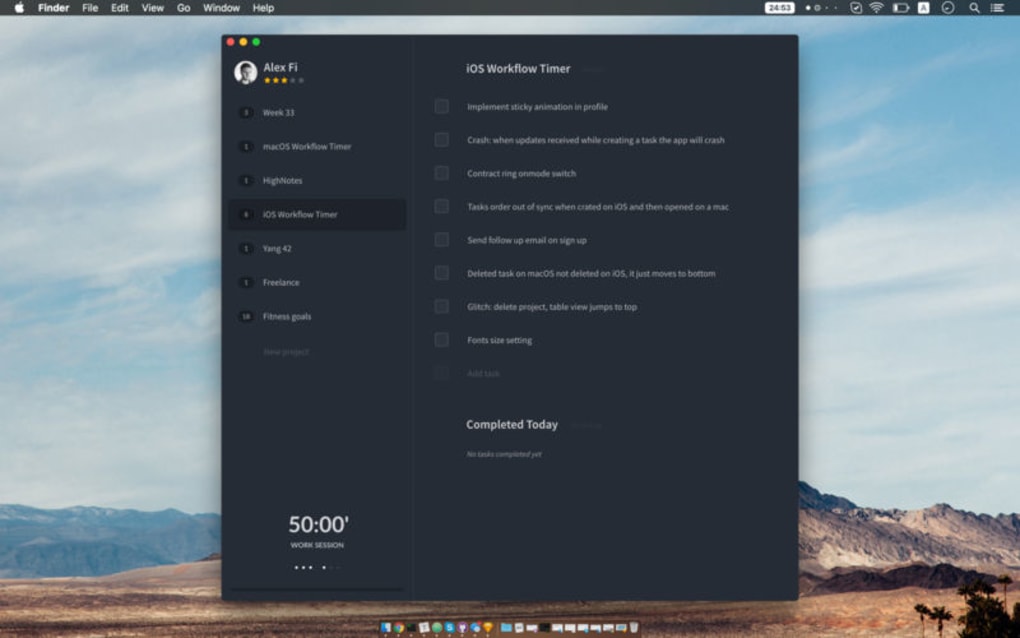
- Limited theme options (currently light and dark only)
Frequently Asked Questions
Is Workflow Timer really free?
Yes. The core application, including all time‑tracking and break‑reminder features, is completely free with no subscription required.
Can I sync my tasks across multiple devices?
Absolutely. By creating a free account, your tasks, timers, and statistics are stored securely in the cloud and automatically synced across Windows, macOS, Android, and iOS devices.
How does the break reminder work?
You can set a work‑interval length (e.g., 25 minutes) and a break duration (e.g., 5 minutes). When the work timer ends, a notification pops up prompting you to rest. The break timer then counts down automatically.
Does Workflow Timer collect my personal data?
No. The app does not sell or share any user data. All task information is encrypted on your device and only synced to the cloud when you enable the optional backup feature.
Can I export my time‑tracking reports?
Yes. Weekly and monthly reports can be exported as CSV or PDF files, making it easy to share productivity metrics with clients or managers.
Conclusion & Call to Action
Workflow Timer strikes a perfect balance between simplicity and functionality. Its free, ad‑free model ensures that you can focus on what matters—getting work done—without distractions or unexpected costs. The seamless cross‑platform experience, coupled with robust break reminders and insightful reports, makes it a compelling choice for anyone looking to regain control over their daily schedule. While power users may miss deeper project‑management integrations, the core feature set satisfies the majority of individuals and small teams seeking a reliable time‑tracker.
Ready to take charge of your day? Download Workflow Timer now and start optimizing your productivity for free. Enjoy a secure, hassle‑free experience that helps you work smarter, not harder.
Pros: Free, intuitive UI, cross‑platform sync, effective break reminders, detailed reports.
Cons: No deep integrations, limited theme options.
Kılavuzlar ve eğitimler
Workflow Timer nasıl yüklenir
- Yukarıdaki İndir düğmesine tıklayın.
- Yönlendirildikten sonra şartları kabul edin ve Yükle’ye tıklayın.
- Workflow Timer indirmesinin cihazınızda tamamlanmasını bekleyin.
Workflow Timer nasıl kullanılır
Bu yazılım temel olarak yukarıda açıklanan ana özellikleri için kullanılır. Yüklemeden sonra uygulamayı açarak yeteneklerini keşfedin.
Kullanıcı yorumları
Henüz inceleme yok. Deneyiminizi ilk paylaşan siz olun.
Bunları da beğenebilirsiniz
daha fazla
DiffusionBee
Generate unique art with this app DiffusionBee is a free and accessible artifici...

Excire Foto Light
Organize your snapshots Excire Foto Light is a free-to-download AI -powered phot...

Topaz Photo AI
Photo enhancement tool with AI Topaz Photo AI is a premium AI image editor for P...

anonymoX
Surf anonymously with Firefox anonymoX for Firefox is an add-on that gives you f...

DownThemAll
Download Them All! Downloading anything or everything on a webpage can be a labo...
.webp)
DuckDuckGo Privacy Essentials
A free program for Mac, by DuckDuckGo, Inc.. DuckDuckGo Privacy Essentials is a...
