### [15 Best WordPress Lightbox Plugins for 2026 (Compared)](https://wpforms.com/wordpress-lightbox/)
**Published:** March 6, 2020
**Author:** Hamza Shahid
**Excerpt:** Looking for the best lightbox plugin for your WordPress website?
If you want to display images, video, contact forms, or newsletter optins in a gorgeous, modern way, a lightbox is a fantastic way to go.
And it's easy to set up a lightbox and transform the look and feel of your site. In this guide, we've compared the best WordPress lightbox plugins available to help you choose the right one for you.
**Content:**
Looking for the best lightbox plugin for your WordPress website?
If you want to display images, video, contact forms, or newsletter optins in a gorgeous, modern way, a lightbox is a fantastic way to go.
And it’s easy to set up a lightbox and transform the look and feel of your site. In this guide, we’ve compared the best WordPress lightbox plugins available to help you choose the right one for you.
- [The Best WordPress Lightbox Plugins](#aioseo-the-best-wordpress-lightbox-plugins-15)
- [1. OptinMonster](#1-optinmonster)
- [2. Envira Gallery](#2-envira-gallery)
- [3. Photonic Gallery and Lightbox](#3-photonic-gallery-and-lightbox)
- [4. Simple Lightbox](#4-simple-lightbox)
- [5. Carousel by Jetpack](#5-carousel-by-jetpack)
- [6. NextGen Gallery by Imagely](#6-nextgen-gallery-by-imagely)
- [7. Foobox](#7-foobox)
- [8. WP Video Lightbox](#8-wp-video-lightbox)
- [9. Easy FancyBox](#9-easy-fancybox)
- [10. ARI Fancy Lightbox](#10-ari-fancy-lightbox)
- [11. ModuloBox](#11-modulobox)
- [12. Popup Press](#12-popup-press)
- [13. Quick View](#13-quick-view)
- [14. Revolution Lightbox Wordpress Plugin](#14-revolution-lightbox-wordpress-plugin)
- [15. Responsive Lightbox & Gallery](#15-responsive-lightbox-gallery)
### What Is a Lightbox Plugin?
A lightbox plugin can easily help you make your images, forms, and more look very cool by creating a lightbox gallery or a box with a lightbox effect.
A lightbox gallery is a modern and professional way to display images on your website.
You’ve probably seen them before. It’s a popup, modal, or overlay that shows your images or media files on top of the web page. Most of them focus on the image and darken out the rest of the page.
You can use lightboxes as a gallery to show multiple items, or just as a lightbox to display a single item like a simple [contact form](https://wpforms.com/how-to-create-a-simple-contact-form-in-wordpress/) or newsletter signup to help grow your [email list](https://wpforms.com/insanely-easy-ways-to-grow-your-email-list-fast-starting-now/).
So now that you know what a lightbox is, let’s move on to how to get one on your website.
### How Do I Create a Lightbox in WordPress?
The simplest way to create a lightbox in WordPress is to use a plugin. A plugin will let you add a lightbox without needing to be very technical and add any code to your website.
There are a lot of plugins to choose from, so let’s compare the best lightbox plugins out there so you can find the one that’s right for you.
## The Best WordPress Lightbox Plugins
We searched all over to find the very best lightbox plugins available for WordPress. Here’s a quick comparison of how they stack up, followed by our full reviews below.
PluginBest ForPrice[OptinMonster](#1-optinmonster)Lightbox popups built for lead generationFrom $9/mo[Envira Gallery](#3-envira-gallery)Polished photo galleries with a one-click lightboxFree, Pro from $39.50/yr[Photonic Gallery and Lightbox](#2-photonic-gallery-and-lightbox)Galleries pulled from external photo servicesFree[Simple Lightbox](#4-simple-lightbox)Quick, no-fuss image lightboxesFree[Carousel by Jetpack](#5-carousel-by-jetpack)Jetpack users who want a built-in gallery lightboxFree with Jetpack[NextGen Gallery](#6-nextgen-gallery-by-imagely)Photographers showcasing and selling workFrom $79[Foobox](#7-foobox)Modern, social-friendly media lightboxesFree, Pro from $59/yr[WP Video Lightbox](#8-wp-video-lightbox)Showing videos in a lightboxFree[Easy FancyBox](#9-easy-fancybox)A lightweight setup with no extrasFree[ARI Fancy Lightbox](#10-ari-fancy-lightbox)Shortcode-driven lightboxes with sharingFrom $12[ModuloBox](#11-modulobox)Highly customizable lightbox galleriesFrom $20[Popup Press](#12-popup-press)Feature-rich premium lightboxes with view statsFrom $39[Quick View](#13-quick-view)Animated content lightboxes with ready templatesFrom $15[Revolution Lightbox](#14-revolution-lightbox-wordpress-plugin)Visually rich premium lightboxesFrom $59[Responsive Lightbox & Gallery](#15-responsive-lightbox-gallery)Beginner-friendly, highly rated all-rounderFree, paid extensions### 1. [OptinMonster](https://optinmonster.com/features/lightbox-popups/)
[](https://optinmonster.com/features/lightbox-popups/)[OptinMonster](https://optinmonster.com/features/lightbox-popups/) is the most powerful lead generation tool in the world, and that’s why it’s so exciting they offer lightbox popups.
Not only can you use their lightbox feature, you can use their entire suite of other tools to effectively get way more leads and customers from your website.
If popups are your main focus, it also ranks among the best [WordPress popup plugins](https://wpforms.com/best-wordpress-popup-plugins/) you can use.
**Features:**
- Share specific messages to specific people in your lightbox
- Decide when you want the lightbox to show up
- No distractions since everything fades into the background
- Use one of the many proven-to-convert templates or build your lightbox popup from scratch
- [Exit-Intent® Technology](https://optinmonster.com/exit-intent-popup-examples/) that detects when visitors are about to leave your site and triggers the lightbox to appear
**Cost:** Pricing starts at $9/mo (billed annually).
### 2. [Envira Gallery](https://enviragallery.com/)
[Envira Gallery](https://enviragallery.com/) is one of the most popular WordPress gallery plugins, and it comes with a built-in lightbox that you can turn on with a single checkbox. It’s a great pick if you want beautiful, fast image galleries and an elegant lightbox without fiddling with settings or code.
Because Envira is built specifically for galleries, the lightbox feels polished from the start, and you can choose from different lightbox themes to match the look of your site.
**Features:**
- Turn on the lightbox with one click, then pick a lightbox theme
- Drag-and-drop gallery builder with masonry, grid, and album layouts
- Fully responsive and mobile-friendly on any device
- Works with the block editor and page builders like Elementor, Beaver Builder, and Divi
- Add videos, watermarking, and social sharing through addons
**Cost:** Free version available. Pro plans start at $39.50/year (renews at $79/year).
### 3. [Photonic Gallery and Lightbox](https://en-gb.wordpress.org/plugins/photonic/)
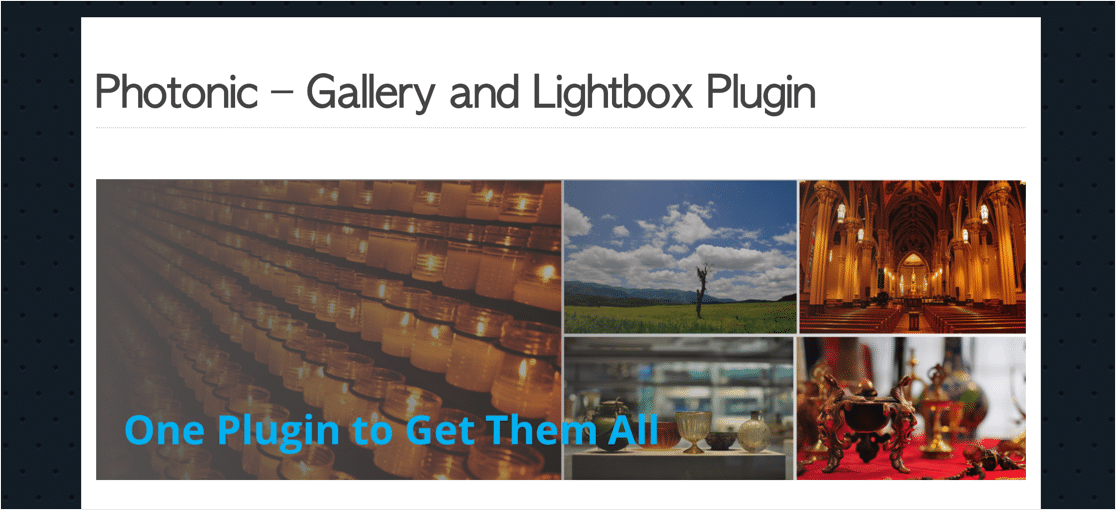Photonic Gallery and Lightbox lets you easily integrate your WordPress gallery with photo hosting services.
Photonic comes with more than 10 lightbox styles and integrates with other lightbox plugins too. You can also use Photonic to load images from the Media Library in a lightbox so that your whole site looks consistent.
**Features:**
- Embed photos from Flickr, SmugMug, Zenfolio, and Instagram
- Compatible with the WordPress block editor
- Privacy controls and password protection
- Compatible with the `gallery` shortcode in the Classic editor.
**Cost:** Free.
### 4. [Simple Lightbox](https://wordpress.org/plugins/simple-lightbox/)
[](https://wordpress.org/plugins/simple-lightbox/)[Simple Lightbox](https://wordpress.org/plugins/simple-lightbox/) is one of the best WordPress lightbox plugins around. It’s free and well-loved by many because it offers quick and easy lightbox style galleries for people’s pages and posts.
**Features:**
- Tons of customization options
- Mobile-friendly and responsive
- Adjust the settings of your WordPress lightbox to match your site’s branding
- Add-ons that extend the functionality of the plugin
- Lightbox animations
**Cost:** Free.
### 5. [Carousel by Jetpack](https://wpforms.com/refer/jetpack-carousel-support/)
[](https://wpforms.com/refer/jetpack-carousel-support/)If you’re already using Jetpack, you can try [Carousel by Jetpack](https://wpforms.com/refer/jetpack-carousel-support/) as your WordPress lightbox tool. It simply turns the default WordPress gallery you may have in a post or page into a fullscreen browsing experience.
**Features:**
- Tiled gallery option lets you display images in a mosaic
- Can include comments
- Option to display image metadata in lightbox
- Unfortunately, there are limited options for background colors so you can just pick between white or black
**Cost:** Free. Carousel is a built-in module of the Jetpack plugin.
### 6. [NextGen Gallery by Imagely](https://www.imagely.com/wordpress-gallery-plugin/)
[NextGen Gallery by Imagely](https://www.imagely.com/wordpress-gallery-plugin/) is a very popular WordPress plugin that lets you build an awesome WordPress lightbox. The lightbox feature comes as part of a very solid plugin that works great for photographers wanting to sell their work online, and if you’re looking for a WordPress lightbox gallery with thumbnails.
**Features:**
- Multiple galleries available such at video, thumbnail, mosaic, blog style, and tiled gallery
- Automatic print fulfillment to [sell online](https://wpforms.com/best-woocommerce-themes/)
- Extremely customizable with tons of options
- Image commenting
- Image social sharing
**Cost:** Starts at $79.
### 7. [Foobox](https://fooplugins.com/foobox/)
[](https://fooplugins.com/foobox/)[Foobox](https://fooplugins.com/foobox/) is one of the best WordPress lightbox tools on our list that helps engage visitors with its interactive and impressive lightboxes. It’s special because it’s got a modern look, too.
**Features:**
- Social-friendly display of media files for extra sharing with social icons
- Responsive lightboxes look great on all devices
- Supports videos, YouTube and Vimeo as well
- HTML content (numbered lists, bulleted lists, tables, and more) can trigger a lightbox to open
- [WooCommerce](https://wpforms.com/best-woocommerce-plugins/) compatible so you can show your products in a lightbox and easily [add live sales notifications for WooCommerce](https://wpforms.com/live-sales-notifications-for-woocommerce/) to your site
**Cost:** There’s a great free version and paid versions start at $59/year.
### 8. [WP Video Lightbox](https://wordpress.org/plugins/wp-video-lightbox/)
[](https://wordpress.org/plugins/wp-video-lightbox/)[WP Video Lightbox](https://wordpress.org/plugins/wp-video-lightbox/) is another free WordPress lightbox plugin that people love. It lets you not only display images in your lightbox, but videos as well. And for a free plugin, it’s incredibly beginner-friendly.
**Features:**
- Customizable lightboxes for videos or images
- Display Flash, YouTube, and Vimeo files
- Control things like opacity and animation speed
- Easy to use
**Cost:** Free.
### 9. [Easy FancyBox](https://wordpress.org/plugins/easy-fancybox/)
[Easy FancyBox](https://wordpress.org/plugins/easy-fancybox/) is awesome because it’s just that, easy. It’s simple and doesn’t have a lot of unnecessary extras, it just lets you build WordPress lightboxes without all the fluff.
**Features:**
- Link your images and photo galleries to the plugin
- The lightbox will automatically engage with galleries/photos
- Supports YouTube, Vimeo, Dailymotion, and Flash movies
- Lets you pick from different types of lightboxes
**Cost:** Free.
### 10. [ARI Fancy Lightbox](https://wpforms.com/refer/code-canyon-ari-fancy-lightbox/)
[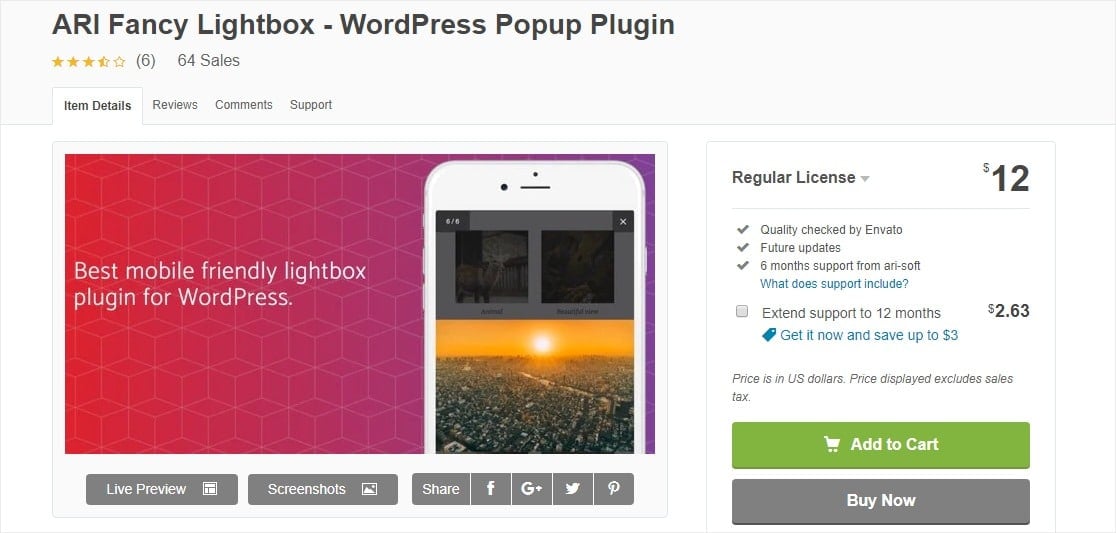](https://wpforms.com/refer/code-canyon-ari-fancy-lightbox/)[ARI Fancy Lightbox](https://wpforms.com/refer/code-canyon-ari-fancy-lightbox/) is a great WordPress lightbox plugin that’s popular for it’s social features. It’s also got a ton of other great customization options making it a solid choice on our list of the best WordPress lightbox plugins, especially if you’ve been looking for something with a WordPress lightbox shortcode.
**Features:**
- Mobile responsive so it looks awesome on all devices
- Web pages and custom HTML can also be displayed in the lightbox
- Social and viral features like sharing buttons
- Uses shortcodes to open your lightbox right when the page loads
- Easy to install and no manual coding
**Cost:** $12.
### 11. [ModuloBox](https://wpforms.com/refer/codecanyon-modulobox/)
[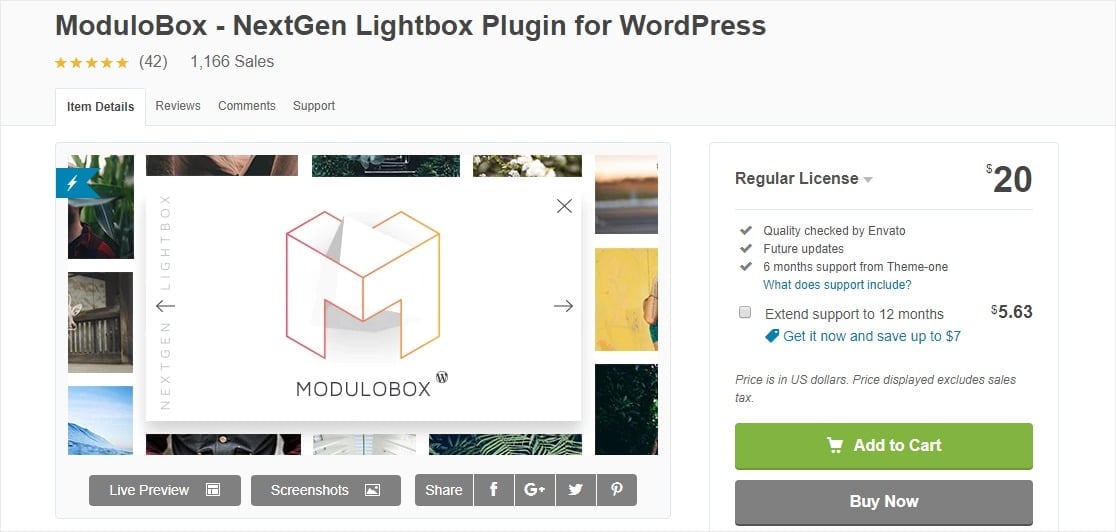](https://wpforms.com/refer/codecanyon-modulobox/)[ModuloBox](https://wpforms.com/refer/codecanyon-modulobox/) is a powerful plugin that lets you create efficient WordPress lightboxes. It’s also incredibly customizable so you can do a ton of different things with your lightboxes.
**Features:**
- Lightbox galleries and popups are completely responsive and look awesome on any device
- Social sharing options to get even more visitors to your site
- Infinite scrolling option
- Use different modes like slideshow or fullscreen
- Smooth animations and resizing options
**Cost:** $20.
### 12. [Popup Press](https://wpforms.com/refer/codecanyon-popuppress/)
[](https://wpforms.com/refer/codecanyon-popuppress/)If you’re looking for a ton of features in your WordPress lightbox plugin, look no further than the [Popup Press](https://wpforms.com/refer/codecanyon-popuppress/) plugin. There are tons of options you can do with your lightboxes with this tool, but you’ll need to pay for it since it’s a premium plugin.
**Features:**
- Receive dedicated support for your questions
- Set up an option for your lightbox to auto-open and auto-close
- Keep track of your lightbox views with statistics
- Can display multiple types of media files
- Easy to use
**Cost:** $39.
### 13. [Quick View](https://wpforms.com/refer/codecanyon-quick-view-lightbox/)
[](https://wpforms.com/refer/codecanyon-quick-view-lightbox/)[Quick View](https://wpforms.com/refer/codecanyon-quick-view-lightbox/) is an [AJAX](https://wpforms.com/wordpress-ajax-contact-form/)-friendly plugin that lets you easily put content into a lightbox on your posts or pages. It’s also got some amazing visual animations and effects.
**Features:**
- Choose from 11 different lightbox templates to get up and running quickly
- One-click installation
- Custom CSS selector lets you match your lightbox to your brand
- Choose from 4 different lightbox sizes
- Compatible with WordPress shortcodes
**Cost:** $15.
### 14. [Revolution Lightbox Wordpress Plugin](https://wpforms.com/refer/codecanyon-revolution-lightbox/)
[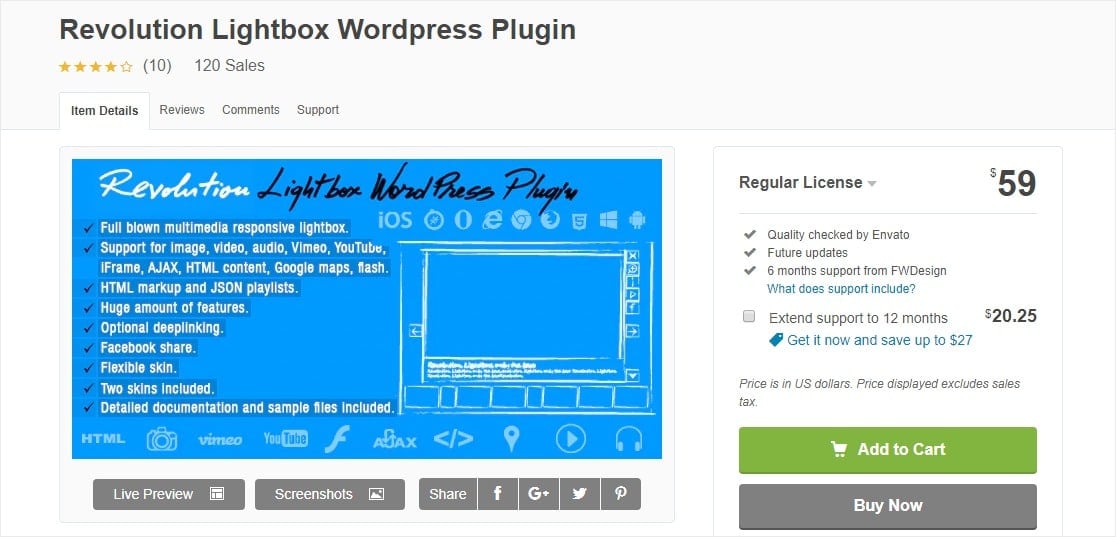](https://wpforms.com/refer/codecanyon-revolution-lightbox/)[Revolution Lightbox Wordpress Plugin](https://wpforms.com/refer/codecanyon-revolution-lightbox/) is another visually stunning lightbox plugin. It’s premium as well, so you’ll get a lot of features if you buy this tool.
**Features:**
- Responsive lightboxes will look great on all devices
- Easy to use
- Completely customizable
- Choose from 2 different skins on your lightboxes
- Use stunning visual effects
- Support for multiple file types
**Cost:** $59.
### 15. [Responsive Lightbox & Gallery](https://wordpress.org/plugins/responsive-lightbox/)
The [Responsive Lightbox & Gallery](https://wordpress.org/plugins/responsive-lightbox/) plugin is being used by a lot of people who have rated it very well on WordPress.org. That’s probably because it’s extremely user-friendly and makes building your WordPress lightbox super easy.
**Features:**
- Very easy to use
- Responsive
- Lets you display single images as a gallery
- Display things like the image’s title, description, caption, description, or alt text
**Cost:** Free with available paid extensions.
### FAQs About WordPress Lightbox Plugins
Still deciding on the best WordPress lightbox plugin for your site? Here are quick answers to the most common questions about adding a lightbox or a lightbox gallery in WordPress.
#### Does WordPress have a built-in lightbox?
Yes. WordPress 6.4 and later include a built-in lightbox for images. Open an Image or Gallery block, then turn on the expand-on-click option so visitors can click a photo and view it in a fullscreen overlay. It only covers images, so for videos, popups, forms, or custom styling you’ll want one of the plugins above.
#### What is the best free WordPress lightbox plugin?
Several picks here are free, including Simple Lightbox, WP Video Lightbox, Easy FancyBox, and Responsive Lightbox & Gallery. Envira Gallery and Foobox also offer capable free versions with paid upgrades. The right one depends on whether you need galleries, video support, or social sharing.
#### Do lightbox plugins slow down your site?
A well-coded lightbox plugin adds very little weight because it only loads a small script and some styling. To keep pages fast, use a single lightbox plugin rather than stacking several, and pick one that’s actively maintained.
#### How do I add a lightbox to a WordPress gallery?
Most lightbox plugins detect your existing gallery blocks and apply the effect automatically. Gallery-first plugins like Envira Gallery or Responsive Lightbox & Gallery build the lightbox right in. You can also switch on the native WordPress lightbox for a Gallery block for basic click-to-expand.
### Next, Make Your WordPress Site GDPR Compliant
You might also be interested in reading our post on [how to create a file upload widget in WordPress](https://wpforms.com/how-to-create-a-file-upload-widget-in-wordpress/). And if you want to collect submissions inside a lightbox, here’s how to [create a contact form popup in WordPress](https://wpforms.com/how-to-create-a-contact-form-popup-in-wordpress/).
[Create Your WordPress Form Now](https://wpforms.com/pricing/)
Ready to build your form? Get started today with the easiest WordPress form builder plugin. [WPForms Pro](https://wpforms.com/pricing) includes lots of free templates and offers a 14-day money-back guarantee.
If this article helped you out, please follow us on [Facebook](https://facebook.com/wpforms) and [Twitter](https://twitter.com/easywpforms) for more free WordPress tutorials and guides.
**Categories:** Marketing
**Tags:** contact form, image, lightbox, optin
---