

Drivers & Software
Installation Options:
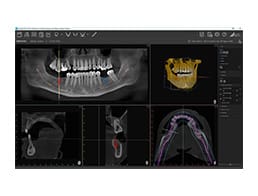
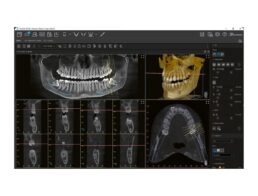
Step 1: Click Download VistaSoft Software [version number] (ISO file).
When installing VistaSoft Software, you have two choices:
1: VistaSoft Connect: Installs only the TWAIN interface for integration with third-party imaging software.(Windows 10 & Windows 11 compatible).
2: VistaSoft Full Imaging Suite: Installs the complete imaging suite with advanced features.
For Assistance
Please contact Air Techniques Technical Support at
1-800-247-8324. VistaSoft Full Imaging Software installation requires scheduling in advance.
Help us help you:
– Download TeamViewer Quick Support on your computer for assistance from Air Techniques Technical Support representatives.
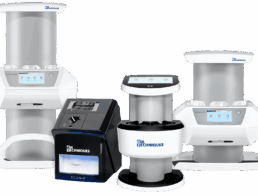
Know the serial number and reference number of your device (ScanX, CamX, VistaPano S 2.0, ProVecta 3D Prime, SensorX).
FAQs
What are the computer requirements for VistaSoft?
What are the computer requirements for VisionX?
What happened to the VistaEasy Driver Package?
- The VistaEasy Driver Package has been discontinued.
- We now offer VisionX Connect, our latest and most advanced TWAIN interface.
What is ScanX Direct Integration?
If you are using third-party imaging software that supports Direct Integration with ScanX, you must install ScanX View Series Direct Integration Patch in addition to VisionX Connect. Install VisionX Connect first, followed by the integration patch. Download it -> DOWNLOAD
Where can I find in-depth instructions for installing VisionX Connect TWAIN interface or VisionX Full Imaging Software?
- Coming soon…
- Reference VisionX manual listed above.
Archived Software Versions

