Free Online Forms
Add beautiful, on-brand forms to any design and instantly collect responses in Sheets. Canva’s online form builder helps you easily customize every field, engaging your audience and quickly sparking insights and decisions.

Custom forms for every purpose
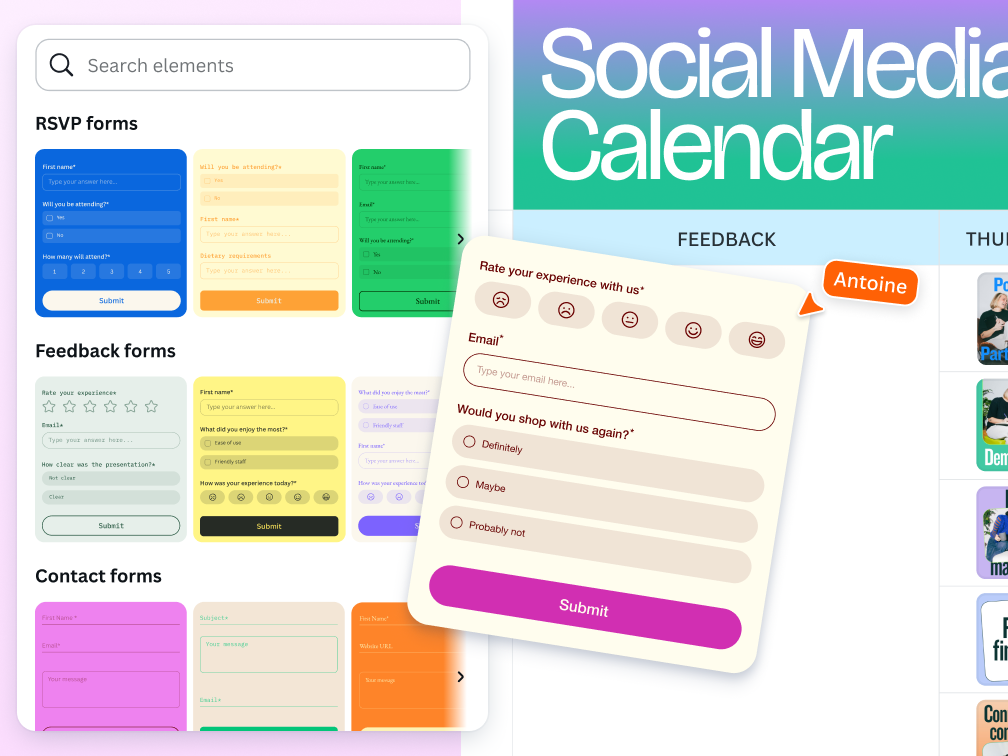
Data gathering has never been more engaging. With Canva’s online form builder, you can customize your form to fully communicate with your target audience. With templates and multiple question types to populate your form, you can create forms that fit your specific requirements and collect responses straight to Canva Sheets.
Embed and share your form anywhere
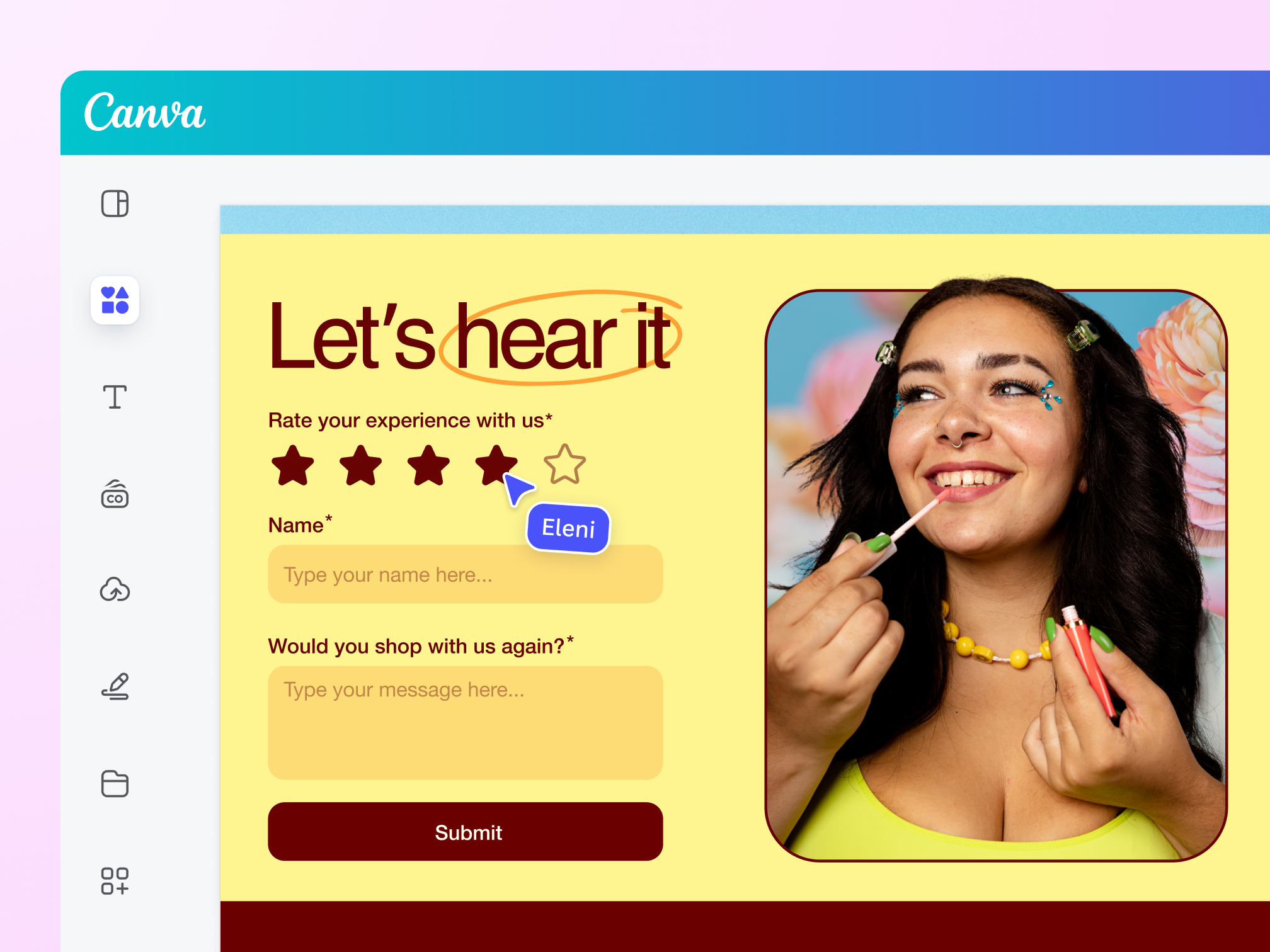
Let your assets pull double duty by attracting attention and encouraging conversation. Embed your digital forms on any Canva presentation or website and share in an instant. Get newsletter subscriptions on your landing pages, or feedback on your onboarding decks with ease.
Build the perfect form as a team

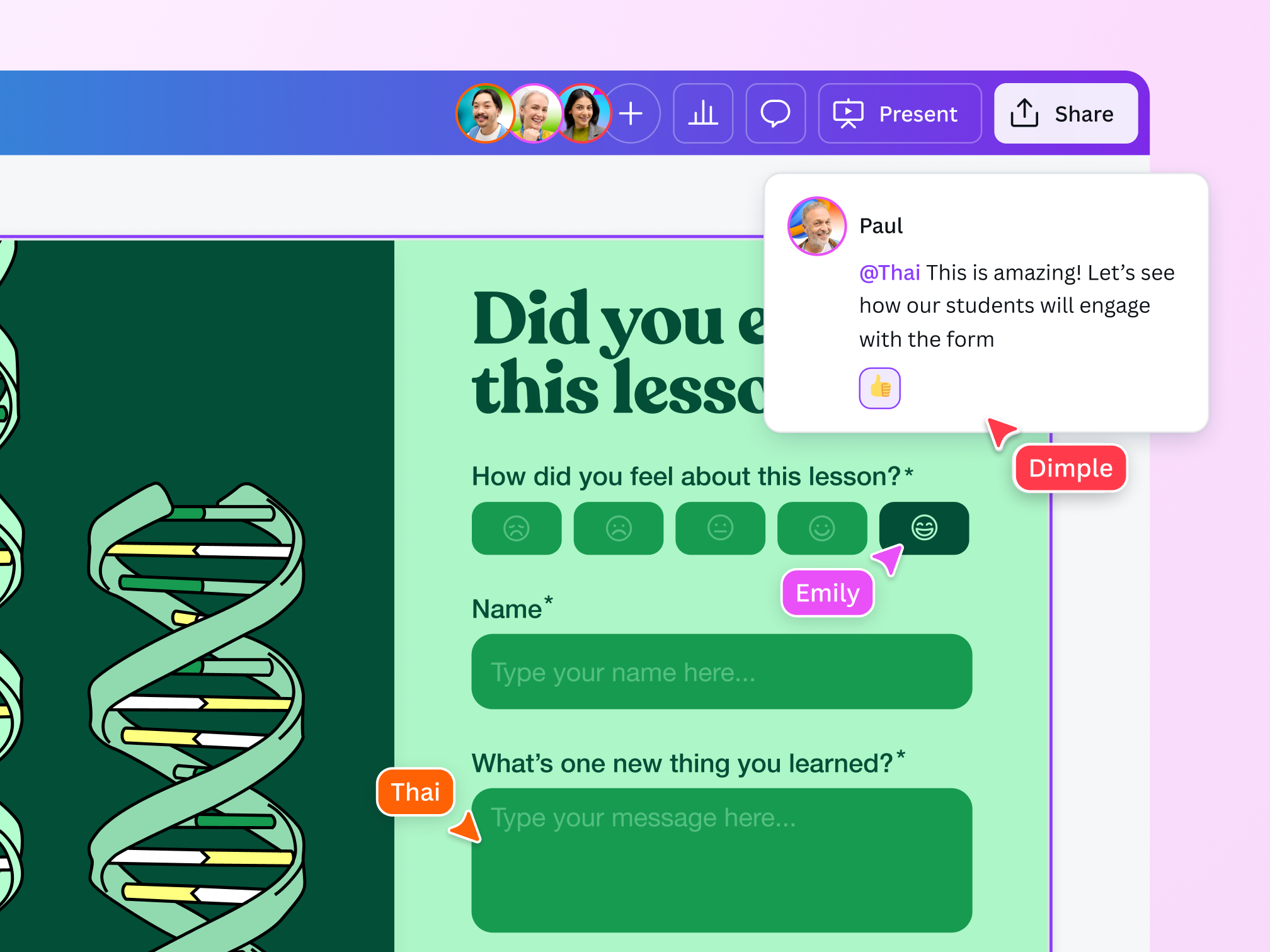
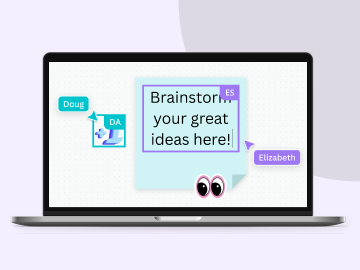
Collaborate in real time
Assign tasks and give editing access to your team members so they can make changes to the form when needed.

Access on any device
Get Canva on your desktop, mobile, or tablet so you can tweak your forms anytime, anywhere.

Easy-to-use design tools
With or without design know-how, you and your team can build the perfect form with Canva’s beginner-friendly design tools.
Capture insights with ease

Get real-time data
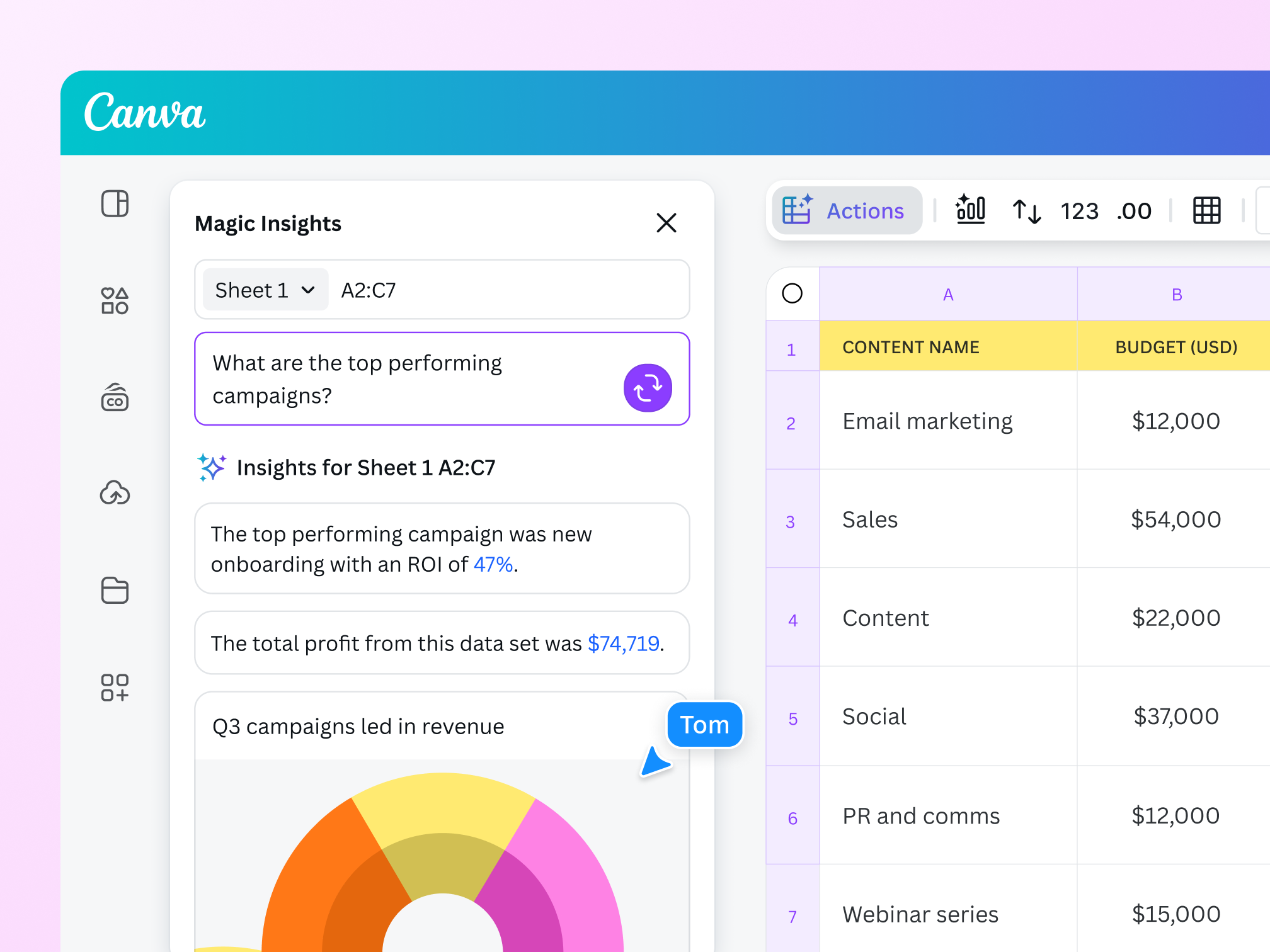
Canva’s online forms let you see a clear and immediate view of all collected information, so you can make informed decisions without delay.

Export insights as CSV
No need to manually export your form insights. Connect your form to Canva Sheets. Or, download your data with ease by exporting your form as a CSV file.

Upgrade to get more insights
Sign up for Pro or Teams to get Design Insights. This allows you to see engagement information on your forms, including the number of respondents and response timestamps.
The best online forms

For marketing and research
Create high-converting forms to nurture leads and engage with customers.

For HR processes
Streamline HR processes and get employee feedback to improve workplace culture.

For general feedback
Create forms for day-to-day needs: attendance, RSVPs, sign-ups, and more.
All the features you need
Canva’s free drag-and-drop design tools make it easy to create any design, fast!

Free form templates
Choose from a variety of form designs that match your question and choices.

Instant form data
Our form maker lets you see the results of your form in real time.

Drag-and-drop online form design
Create beautiful forms with Canva's intuitive drag-and-drop tools. Choose from a wide range of fonts, colors, and formatting options.

Export form data
Quickly download all of your form data as a CSV file.

Easy form sharing
Share your form with anyone, on any device, at any time.

No integration needed
Easily add forms or surveys to your project without additional software or integrations.

Forms on mobile
Effortlessly create forms on templates made for mobile.

Quiz maker
Add quizzes to make your design even more interactive.

Built-in comments
Collaborate and communicate within designs.
Real-time collaboration
Create, collaborate, comment on designs, and get everyone on the same page, at the same time, from anywhere.

Brand Kit (Pro)
Store your logo, brand colors, and fonts to stay effortlessly on-brand.

Access anywhere and autosave
Jump from device to desktop—design how you work best! Canva autosaves your progress along the way.
How to create a form
- Start a projectOpen a new or existing project on Canva.
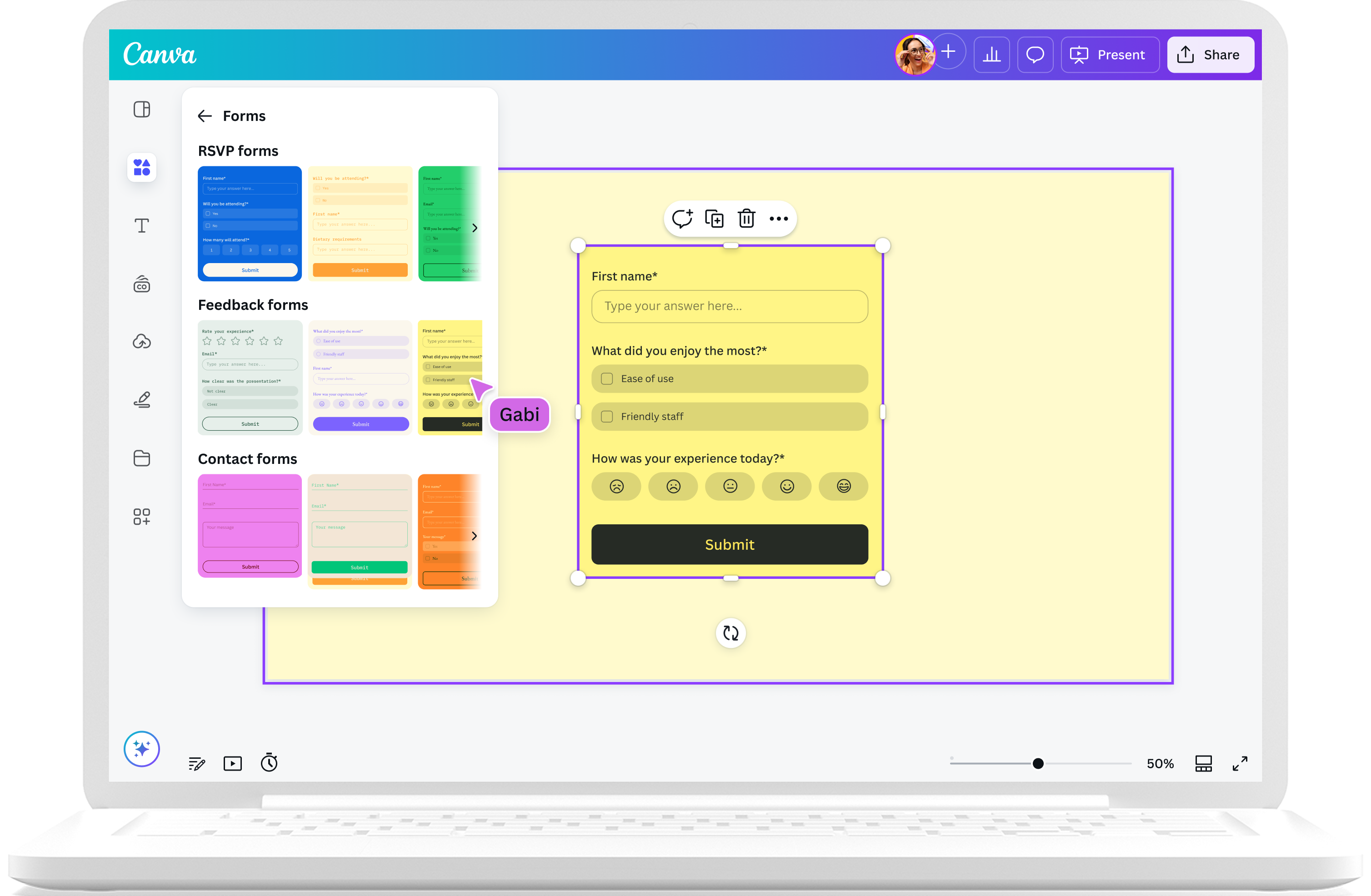
- Go to FormsClick “Elements” on the left panel. Look for “Forms,” where you’ll find form templates.
- Choose a form templateFind the perfect form template, then drag it onto your design.
- Build your formClick “Edit” to customize. Choose from different question types, rearrange your questions, and change text as needed.
- Download and shareDone with your edits? Save your design and share it with your intended audience.
Your questions, answered
Yes, our online form maker feature is completely free to use. Easily insert forms to make your designs more interactive and dynamic. Simply go to the Elements tab on the left side panel and choose from the free form templates under the Forms section.
Keep your form questions straightforward and concise, and stick to one topic per question. Use engaging language that your audience can easily understand.
With Canva’s form maker, you have the option to choose from 10 different question types, allowing you to build a multi-faceted form that captures all the right data and insights.
- Short & long answer
- Multiple choice
- Checkboxes
- Star rating
- Scale
- Number fields (with validation)
- Email fields (with validation)
- Polls
- Mood meters
- Single & multi-answer quiz formats
Be careful with your question type picks. Choose the most straightforward option so your form looks clean and easy to digest.
A form maker lets you create forms for easy information-gathering. You can create forms for both professional and personal use.
If you’re a marketer or a business-owner, you can create forms to get customer information, whether it’s for product launch pre-orders, feedback, or newsletter sign-ups.
If you’re an educator, you can create forms to streamline certain processes in the classroom. You can create digital attendance forms, student feedback forms, or online quizzes.
If you’re hosting an event, you can easily create digital RSVP forms to tally your guests with ease.
On Canva, you can make your forms more visually engaging by integrating them into a design.
You can easily see all responders’ results in the form itself. If you want team members to access the result data, give them editing permission to the Canva design so they can see the data in the Responses tab.
To view all form responses, follow these steps:
- Click on the form to open the quick-access menu, then select Responses sub-tab.
- Then click View responses to see both aggregated data and individual-level results in the data table.
- Alternatively, click the three dots beside View responses and select Open in linked sheet.
- This opens the entire form data in a Canva Sheet where you can visualize results and aid in your decision-making process.
You can add any number of options to the form (up to design size limits). You have the option to add, remove, and reorder form options.
Different types of forms can be used for business, personal, and school purposes. Here are a few of the most common types of forms:
- Customer feedback or surveys
- Quiz
- Sales contact
- Event registration
- Sign-up form
- Online orders or payment forms
- Donation form
You can easily create a clean and professional-looking online form for free using the free online form builder on Canva. Take note of these best practices:
- Consider your end goal before starting your form. Based on your goal, determine the type of form you need. For ideas and inspiration, browse our gallery of professionally designed form templates to find sign-up forms, order forms, registration forms, and more.
- Nothing beats a simple form. Focus only on the important questions. Keep it short so your audience won’t get bored and leave the form unfinished. Get another eye to check if you’ve got any repetitive questions.
- Make your form visually appealing. Get creative and look for design elements in our library that support the mission of your form.
Forms are automatically fillable with the new Forms elements on Canva.
Canva’s online forms work best on non-responsive designs like presentations and websites. At this time, you can’t add them to Canva Docs or Email design types.
The main difference between a form and a poll is the data each can collect.
A form can be made up of multiple questions and can gather different types of data, including contact information, purchase or order information, and even detailed feedback.
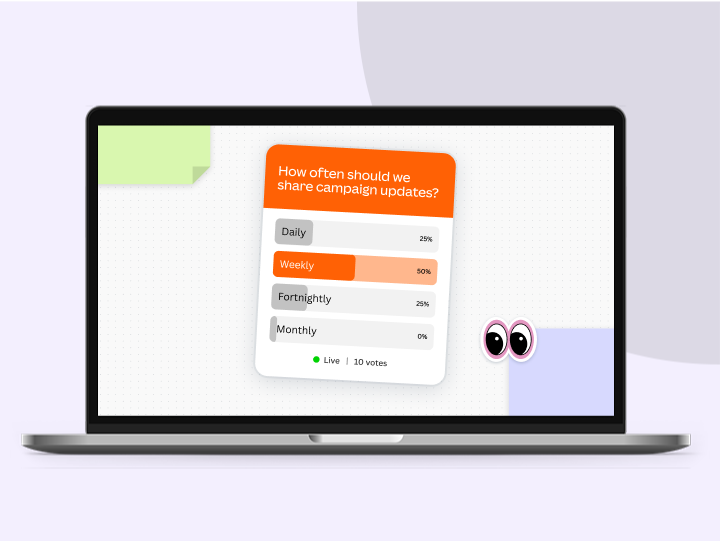
A poll is usually created to gather opinions or preferences on a single topic. It will only have a single question and a limited range of options for people to choose from.
More resources
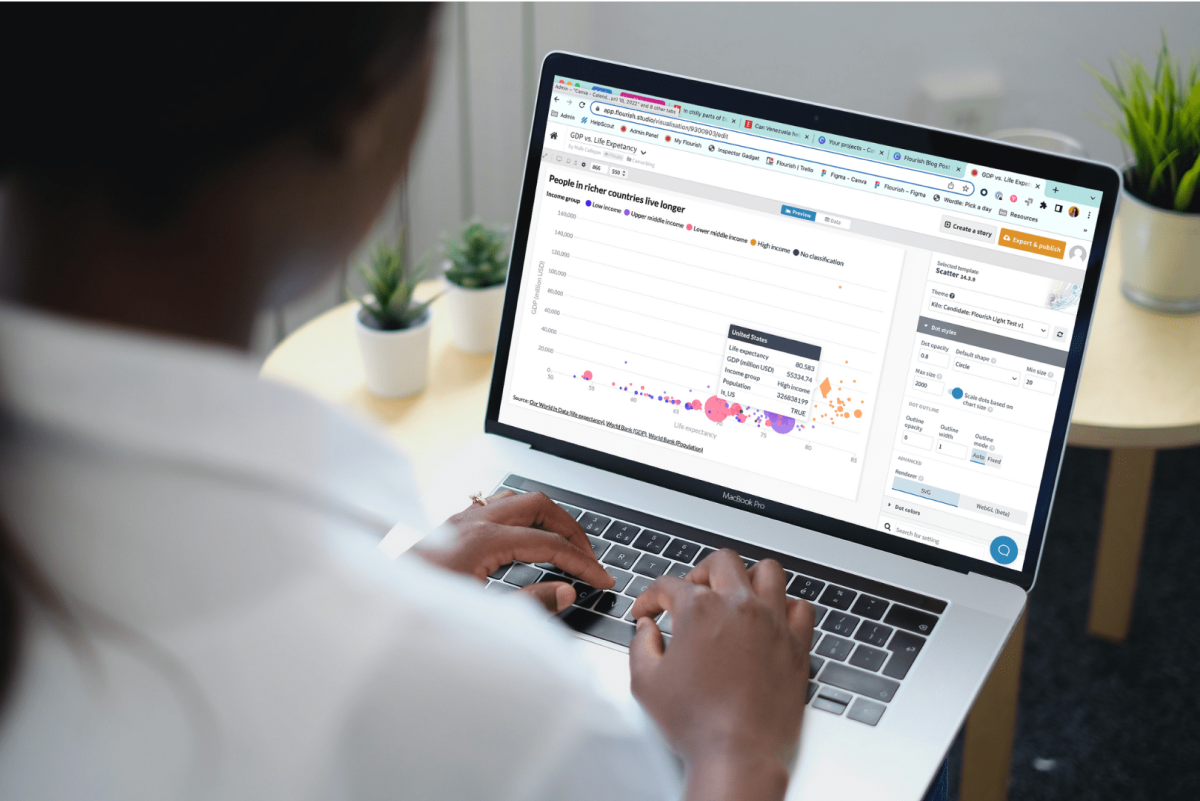
How data visualization can empower students in a data-driven world
Find out how the skill of data visualization prepares children for the future of data.
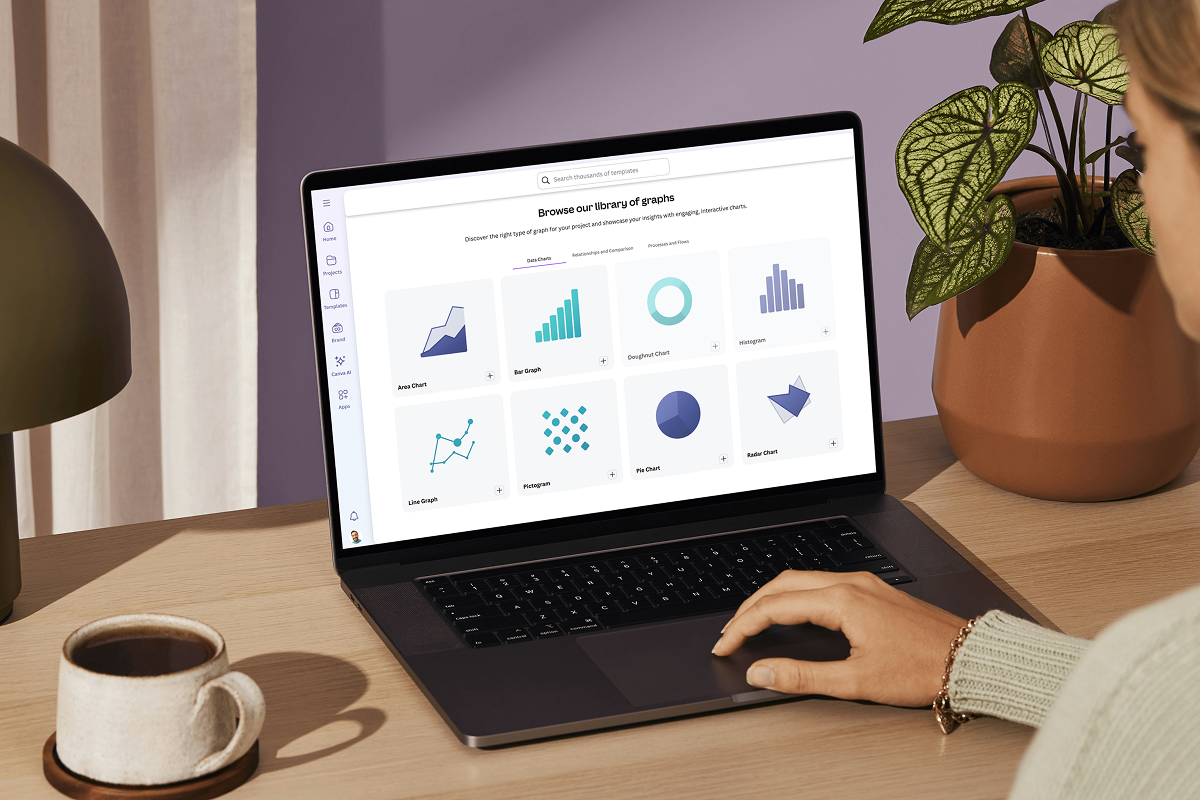
Data visualization: How-tos, templates, and tips
Explore how data visualization transforms visual communication.
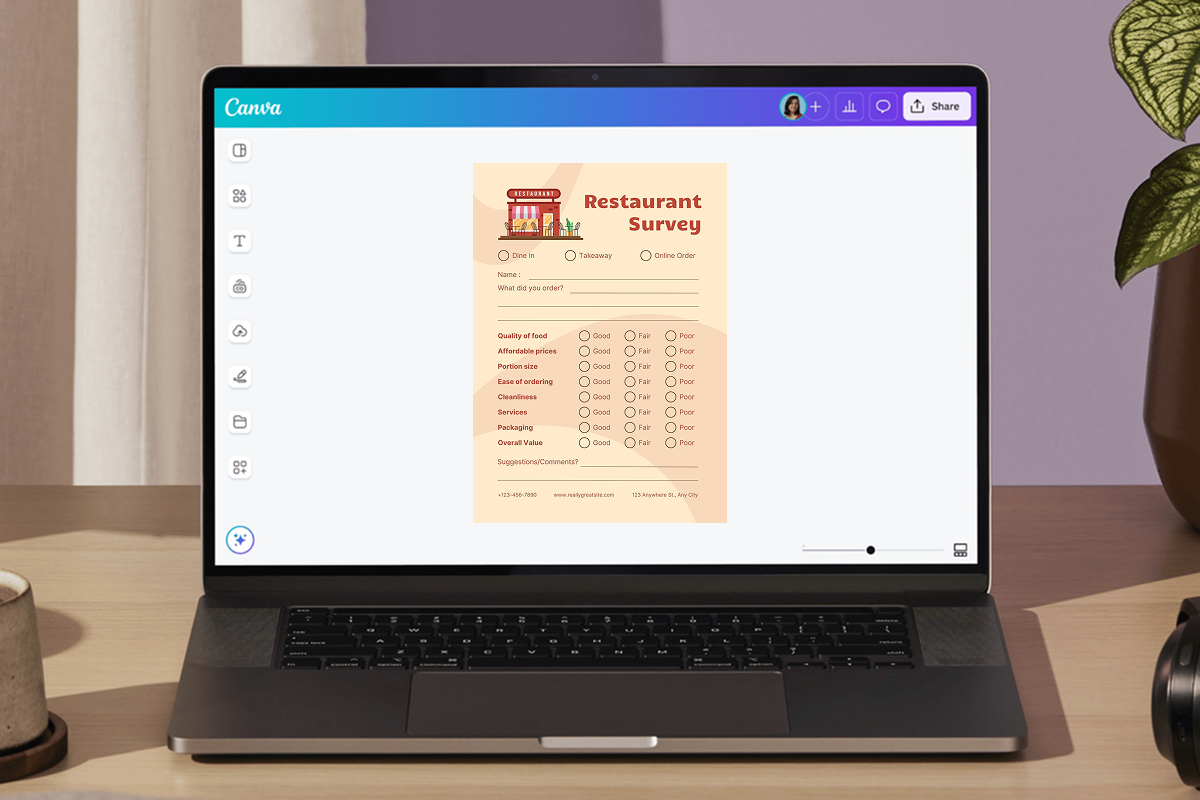
Create printed or digital surveys with our free survey marker.
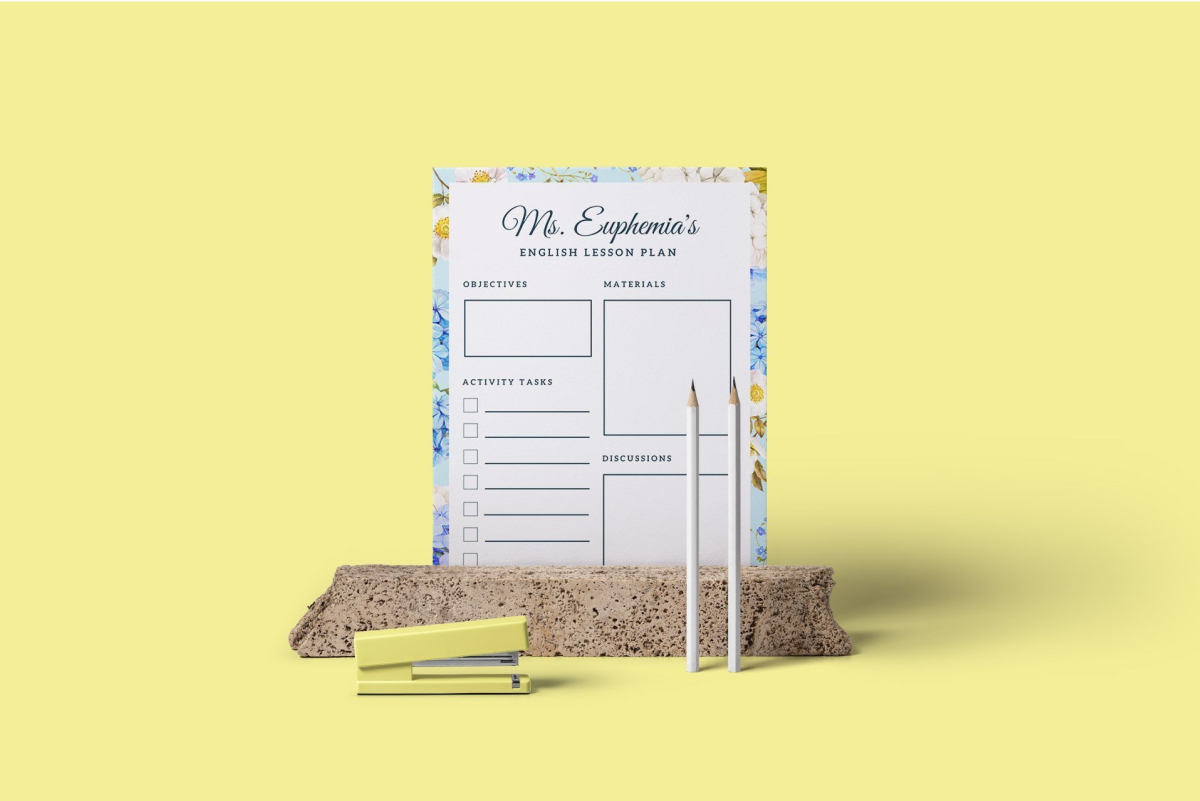
Creating engaging lesson plans: a step-by-step
Keep students interested and inspired with a well-designed lesson plan.
Discover more products

Free Online Forms
Add beautiful, on-brand forms to any design and instantly collect responses in Sheets. Canva’s online form builder helps you easily customize every field, engaging your audience and quickly sparking insights and decisions.
