Reimagine spreadsheets with Canva Sheets
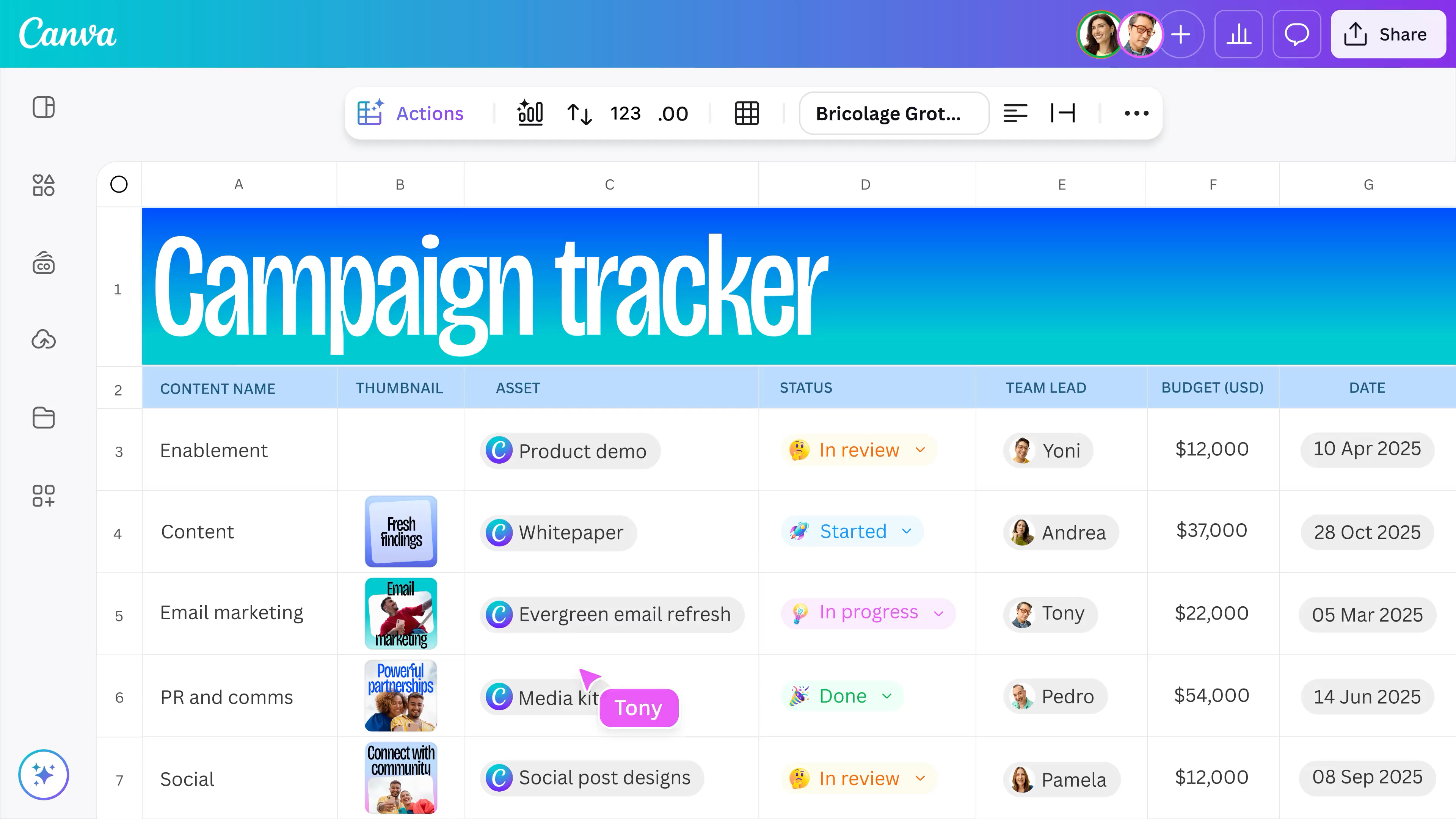
Data meets design on Canva Sheets, your all-new, visual-first spreadsheet software. Bring AI-powered efficiency, instant data visualization, and dynamic design to your spreadsheets, and create content like never before.





+75M customers trust Canva Worldwide
Sheets, reimagined to be more visual and powerful
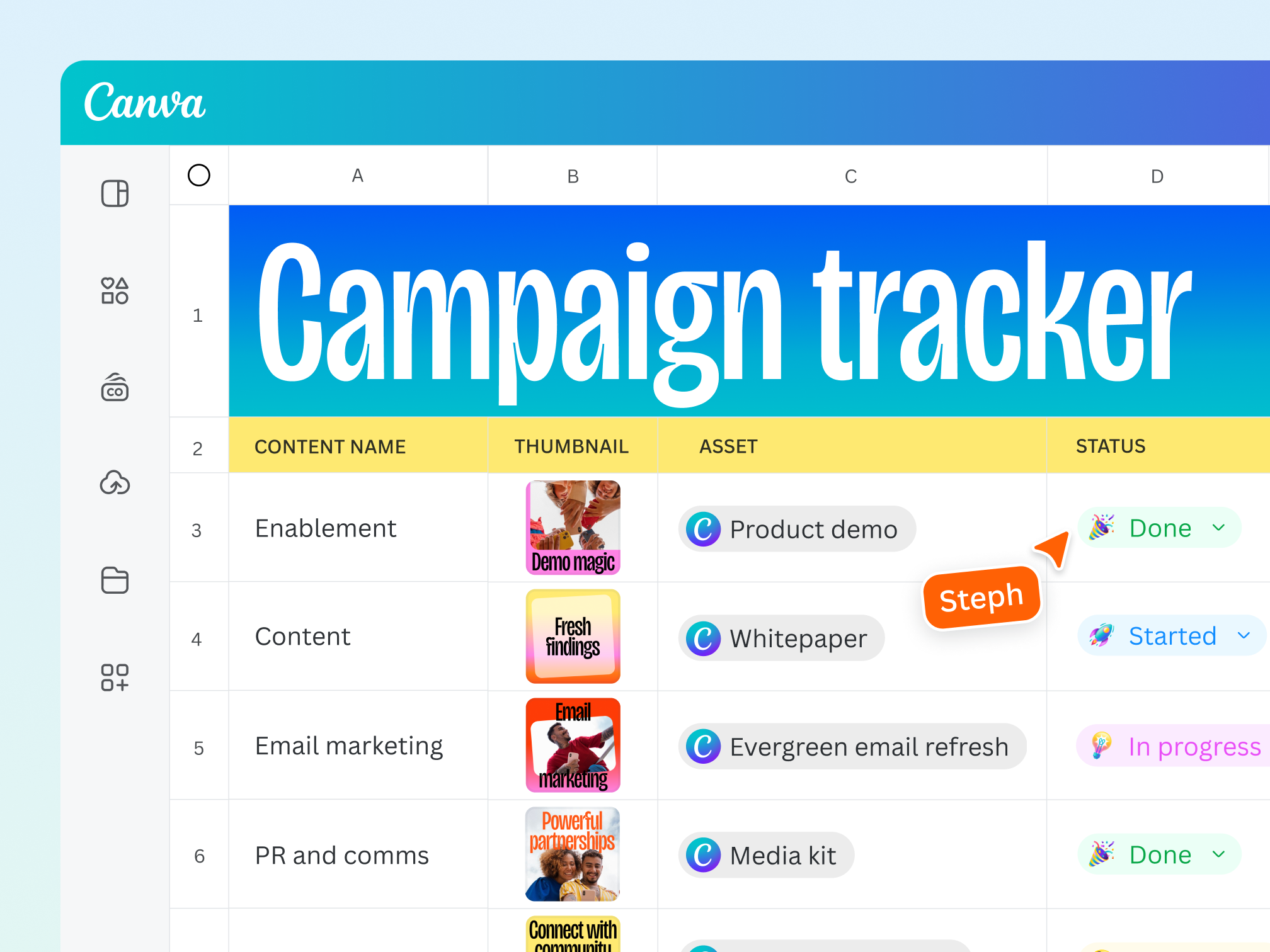
Meet Canva Sheets — visual, dynamic, and designed to be delightful. More than a spreadsheet, Canva Sheets revolutionizes content creation at scale. It’s a visual-first spreadsheet software for everyone, empowering you to create on-brand content at scale, uncover data insights in a snap, and tell unforgettable visual stories. It’s simple, smart, and seamlessly connected.
Create on-brand content at scale

Produce a batch of designs with Bulk Create
Bulk creation is now even easier with Canva Sheets. From targeted social posts to custom invites, Bulk Create lets you personalize, localize, and optimize on-brand designs at scale. With a few clicks, watch your cells transform into multiple on-brand designs.

Scale your copy and localize it in seconds
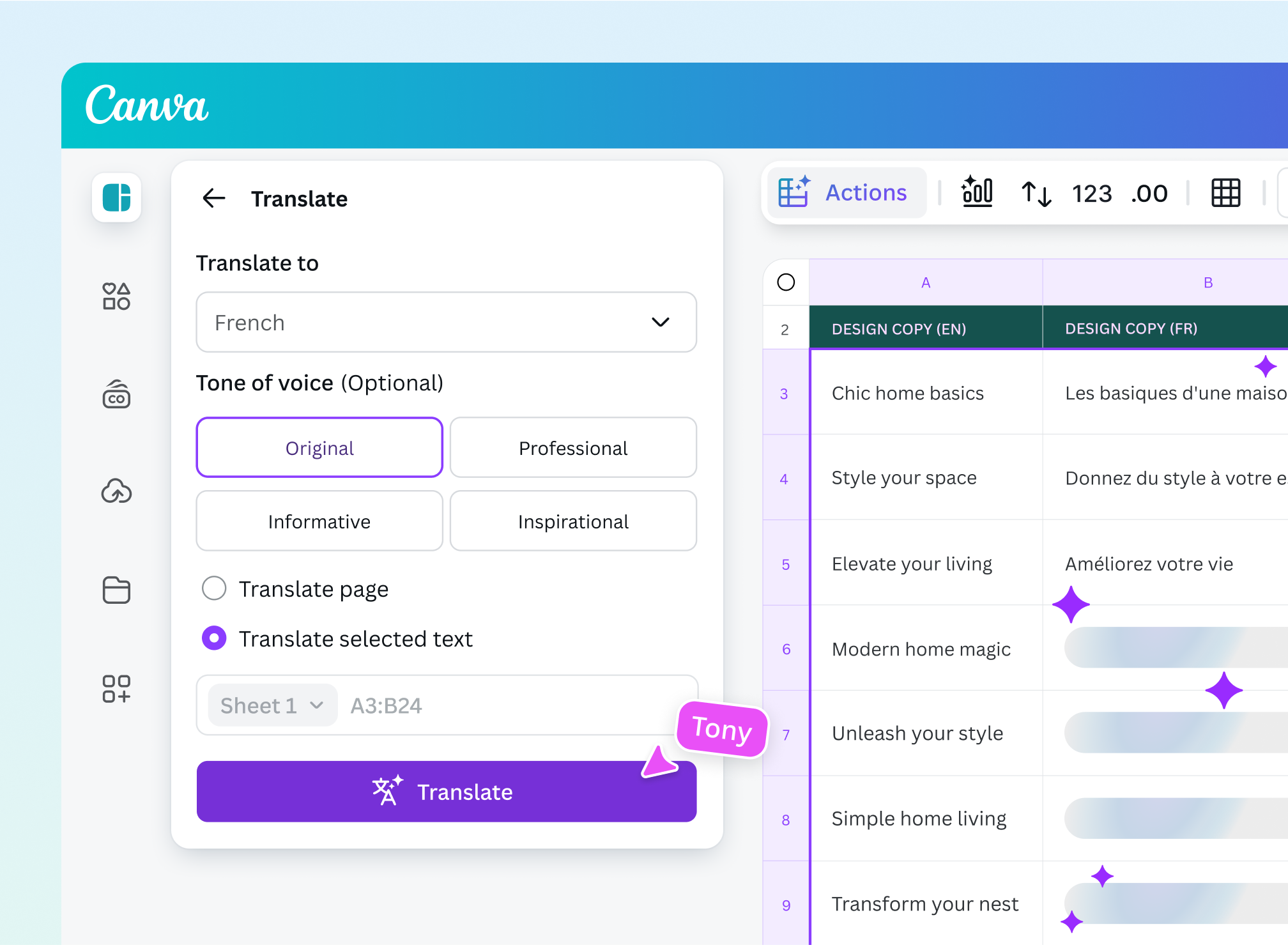
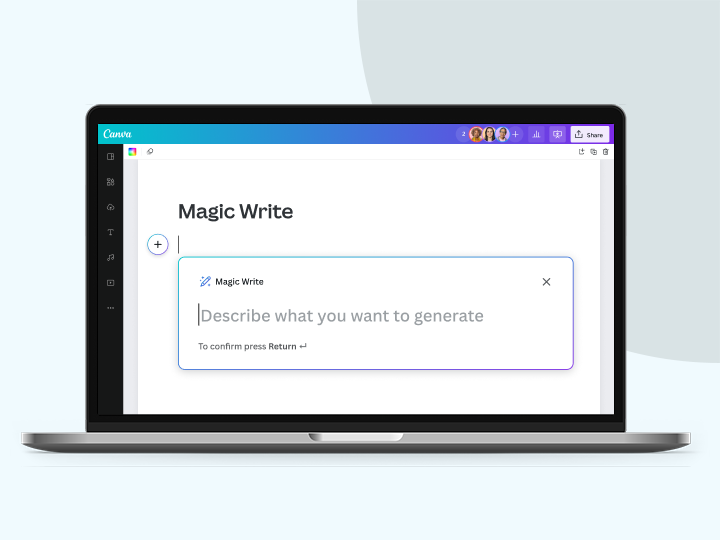
With Magic Write™ in Sheets, easily turn one idea into endless copy creations, each tailored for different audiences and platforms. Then, use Translate to go global in seconds. Translate batches of ads and posts into more than 100 languages instantly.

Resize designs into different formats at scale
With Magic Resize in Canva Sheets, you can transform an entire set of designs into the right dimensions without reworking layouts.
Working with data is easier than ever
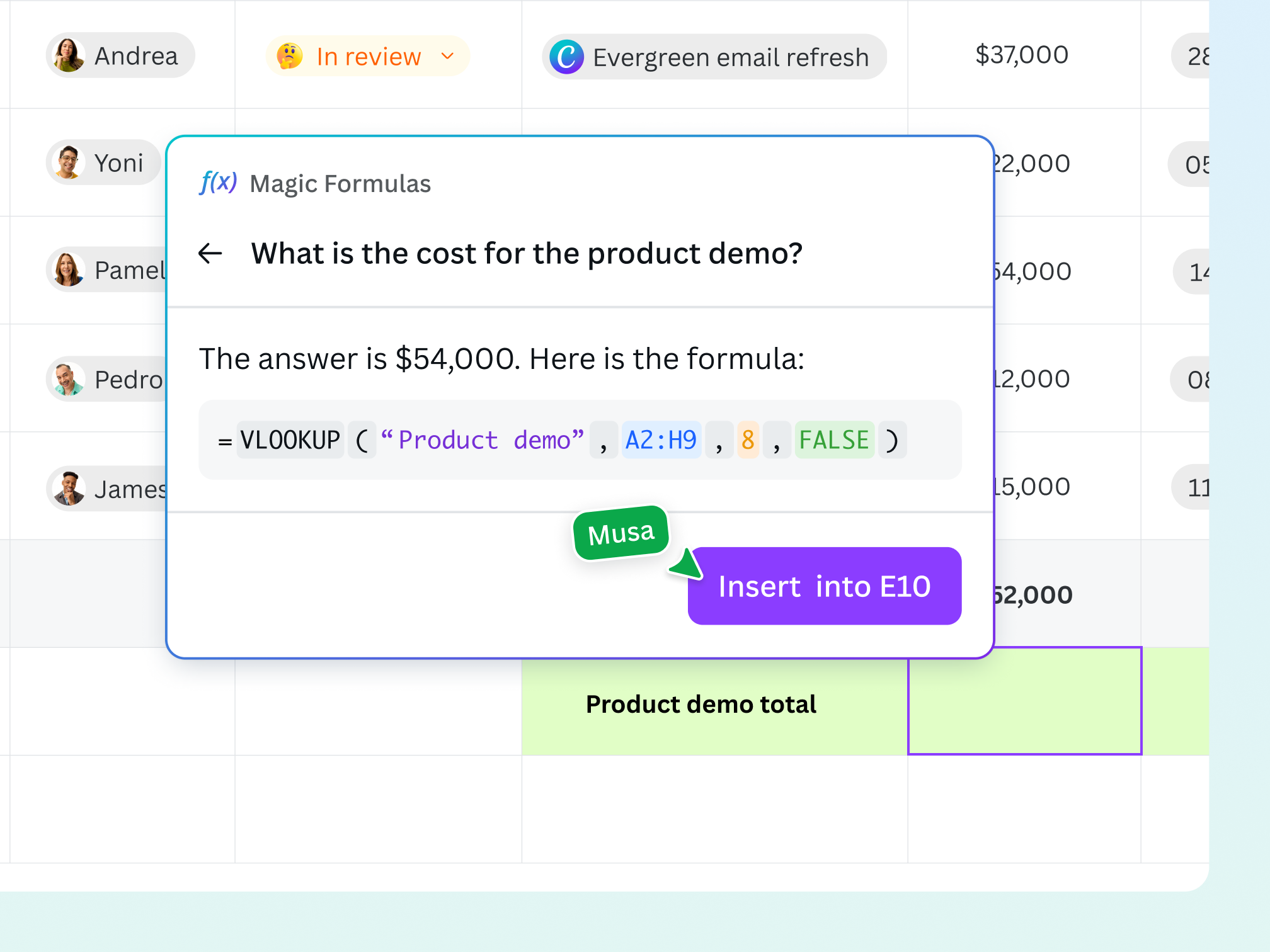
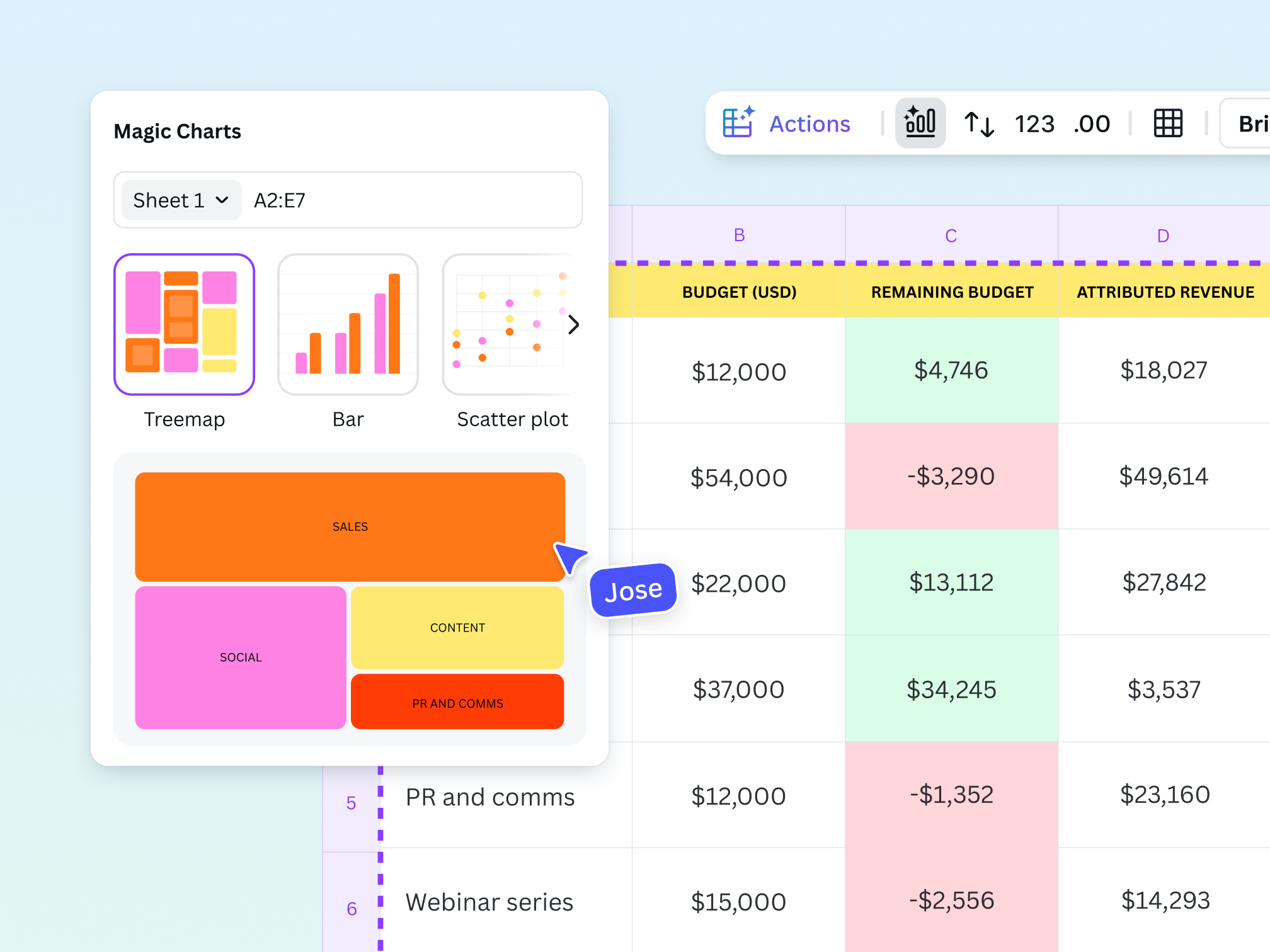
With AI capabilities on Canva Sheets, what used to be a chore is now effortless and even a little magical. Want to generate insights from your data? Magic Insights, a built-in AI data analysis tool, instantly uncovers patterns, trends, and key takeaways in a click. Not sure what chart to use? Magic Charts recommends the best chart for your project and embeds it directly into your design. And with a handy AI formula generator like Magic Formulas, there’s no need to memorize formulas. Just ask a question in plain language, and Magic Formulas will do the math for you and deliver the answer in no time.
Turn your data into powerful stories

Find the right visualization every time with Magic Charts
Let Magic Charts choose the best chart from our rich library of customizable charts. Turn data in cells into fully animated visualizations.

Connect sheets to your favorite data sources
With Data Connectors, you can seamlessly connect Canva Sheets to your favorite apps, like Google Analytics and HubSpot. Or easily import CSVs and Excel files to your Canva sheet.

Keep data within your design updated
Refresh your data in just a few clicks. It’s easy to keep your designs and data stories fresh, relevant, and impactful with Data Connectors.
Empowering teams to work together

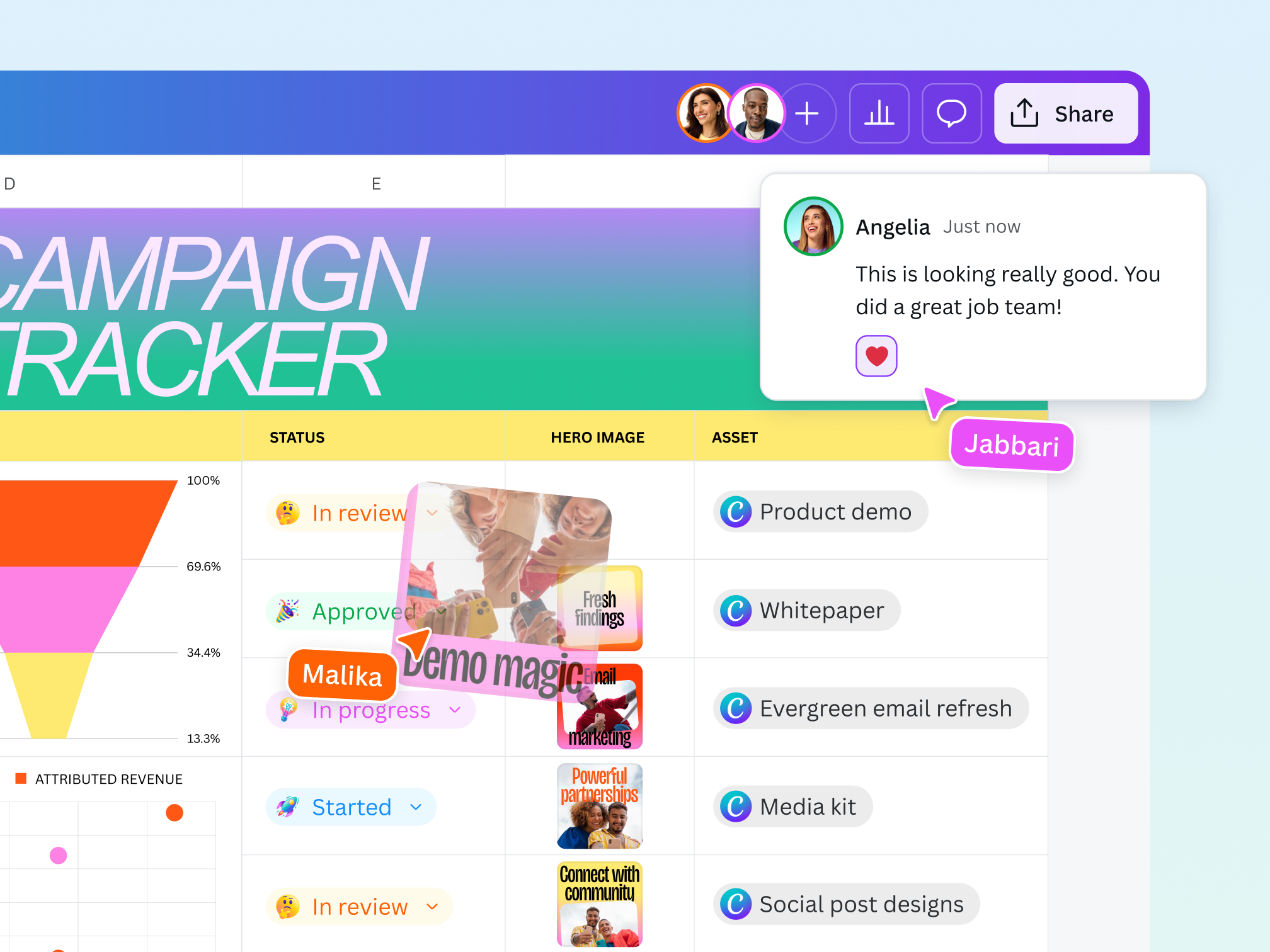
Collaborate with ease
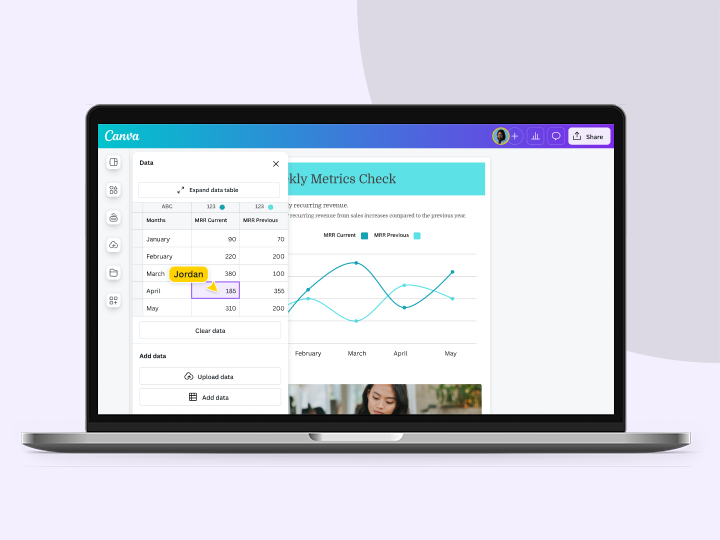
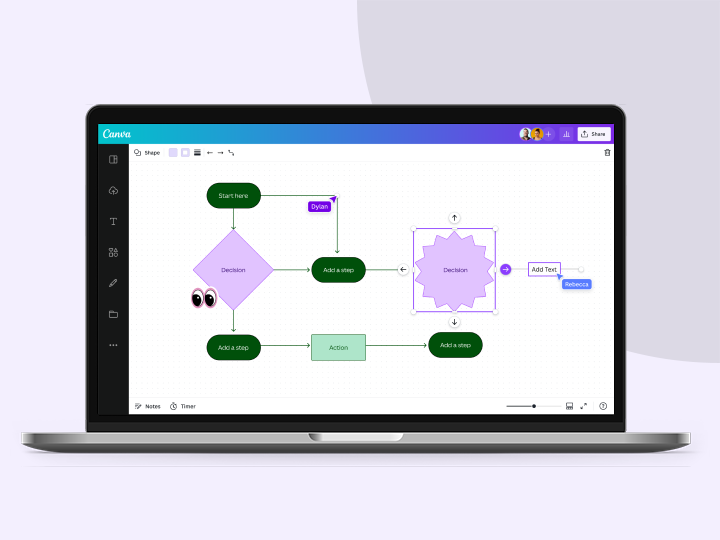
Share sheets with teams, work on data together, leave comments, and mention and tag teammates in the cells.

Seamlessly connected to your workflow
Sheets is seamlessly integrated with the rest of Canva. You can add a Sheet page to your design or add it as an element to your Docs, Presentations, or even Whiteboards. Everything works together effortlessly.

Stay on brand with Brand Kit
Your team can set up branded spreadsheet templates with your logos and colors, so you can keep all your sheets on brand.
Start inspired
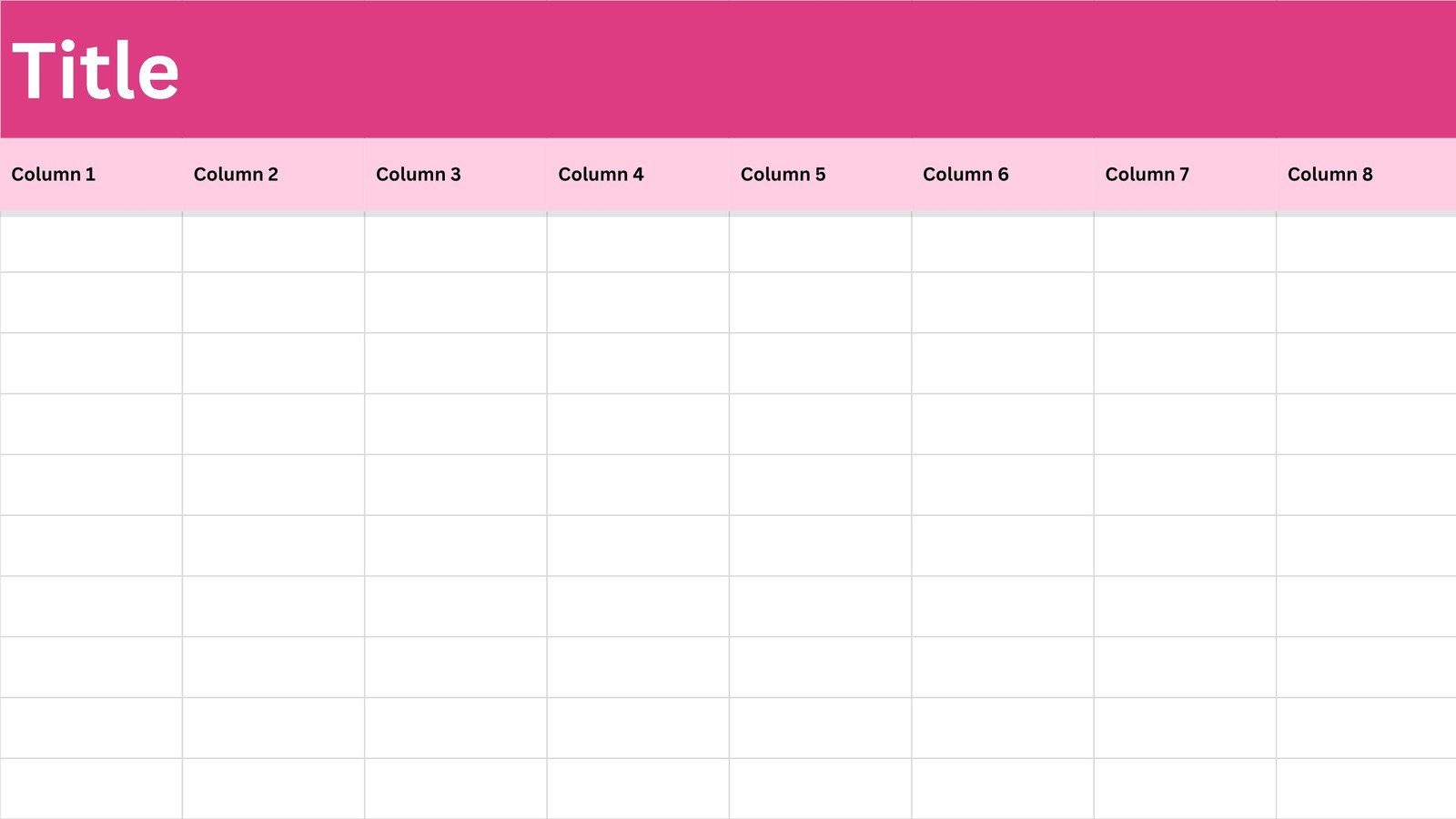
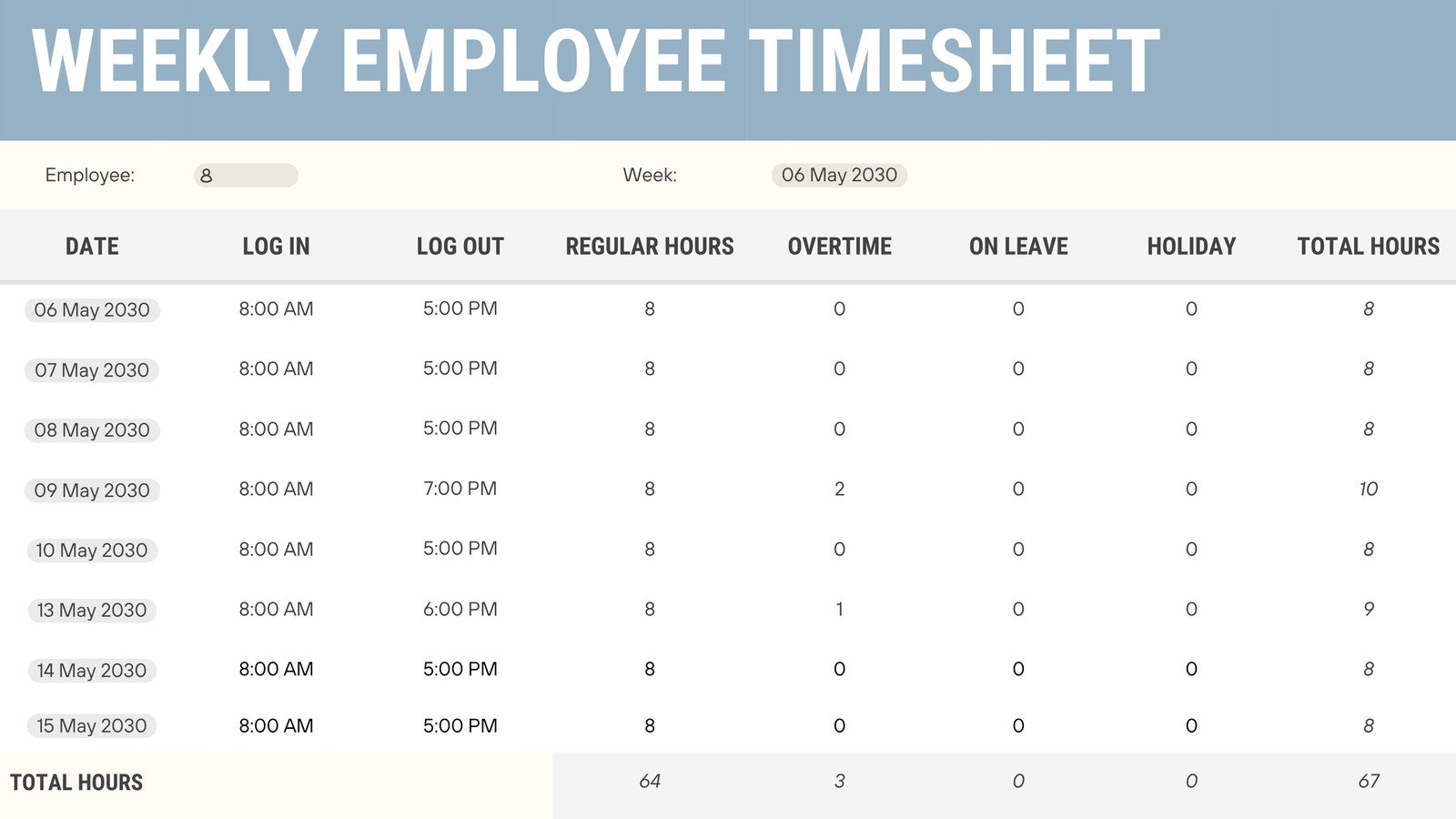
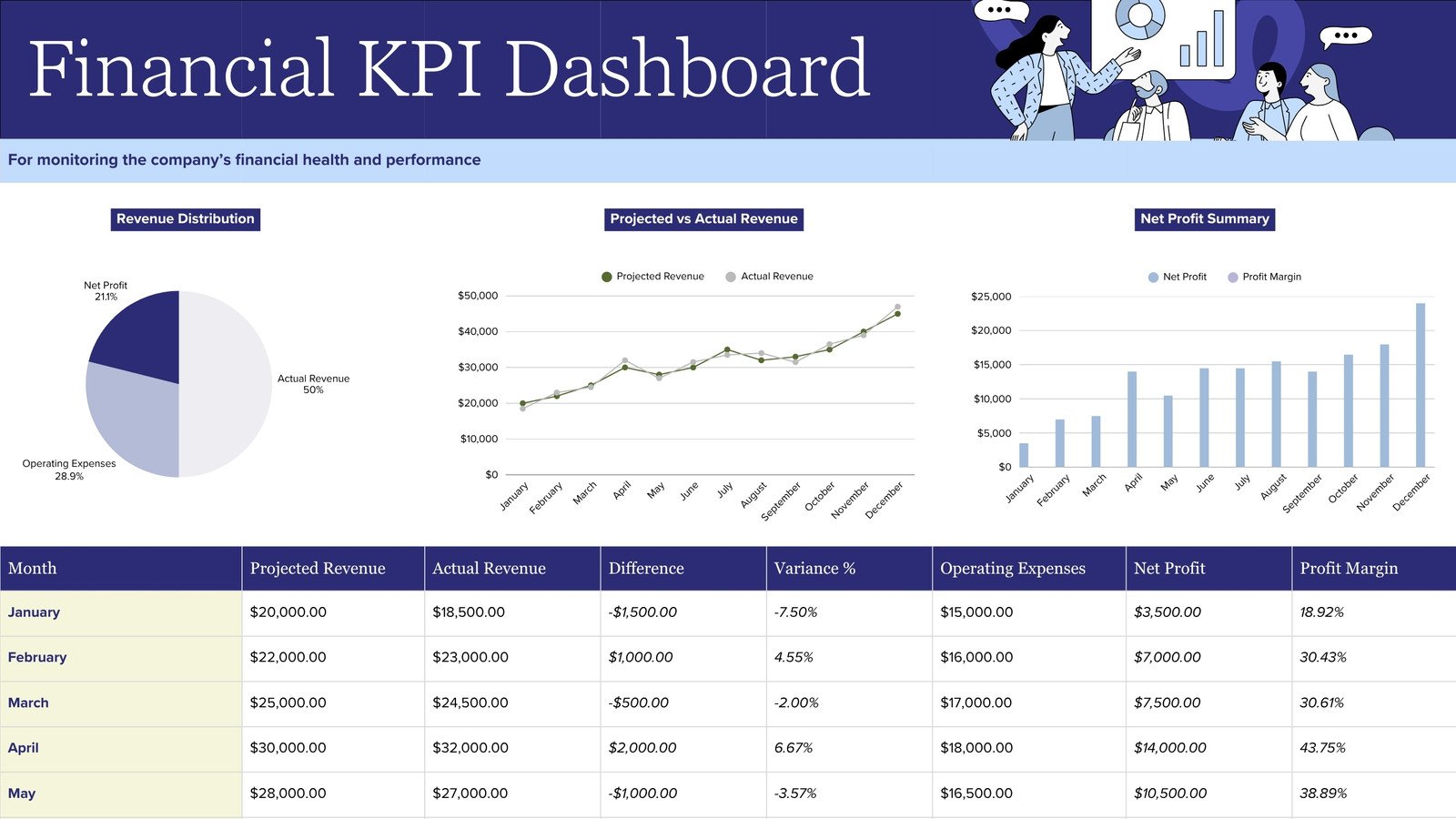
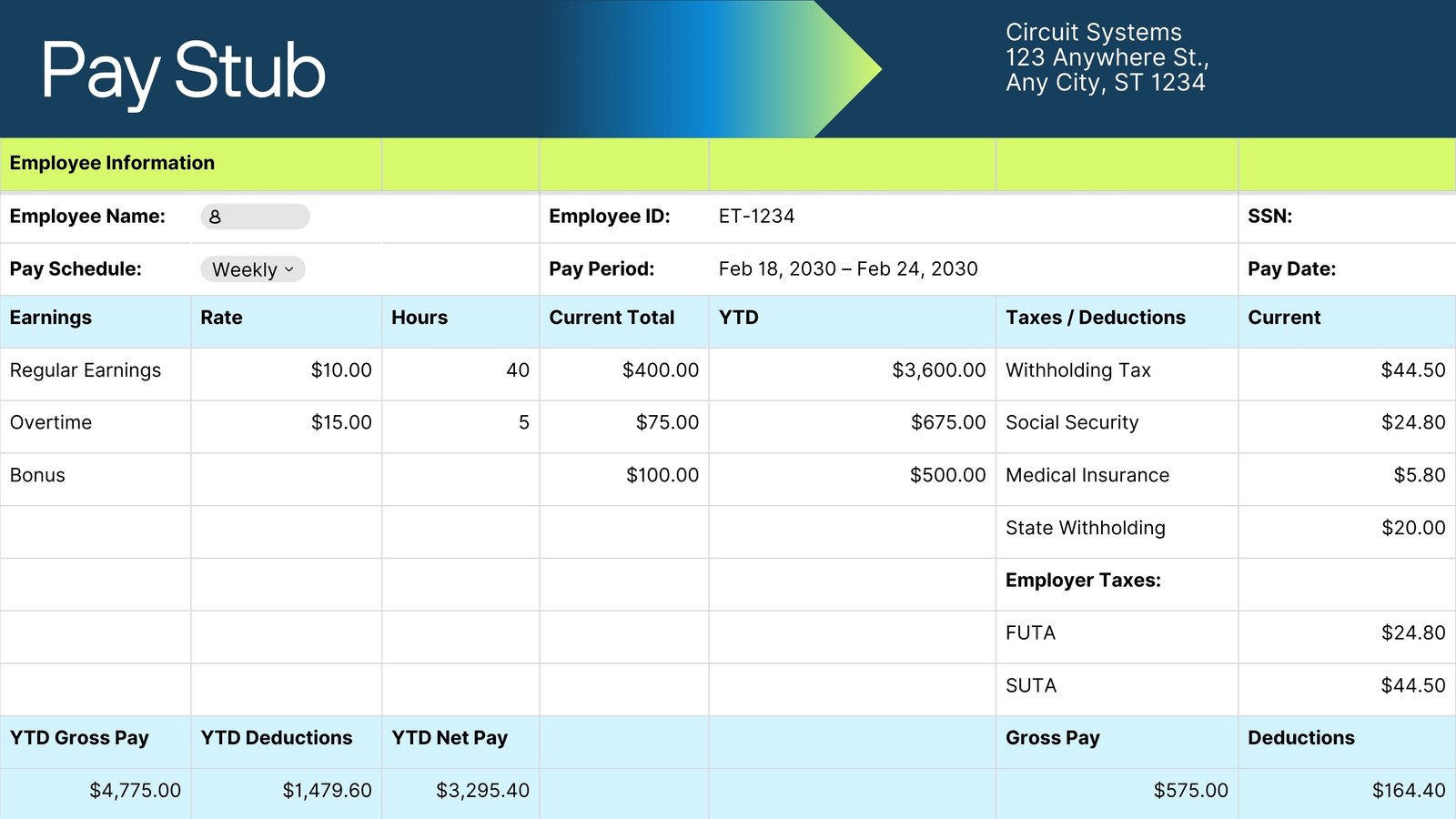
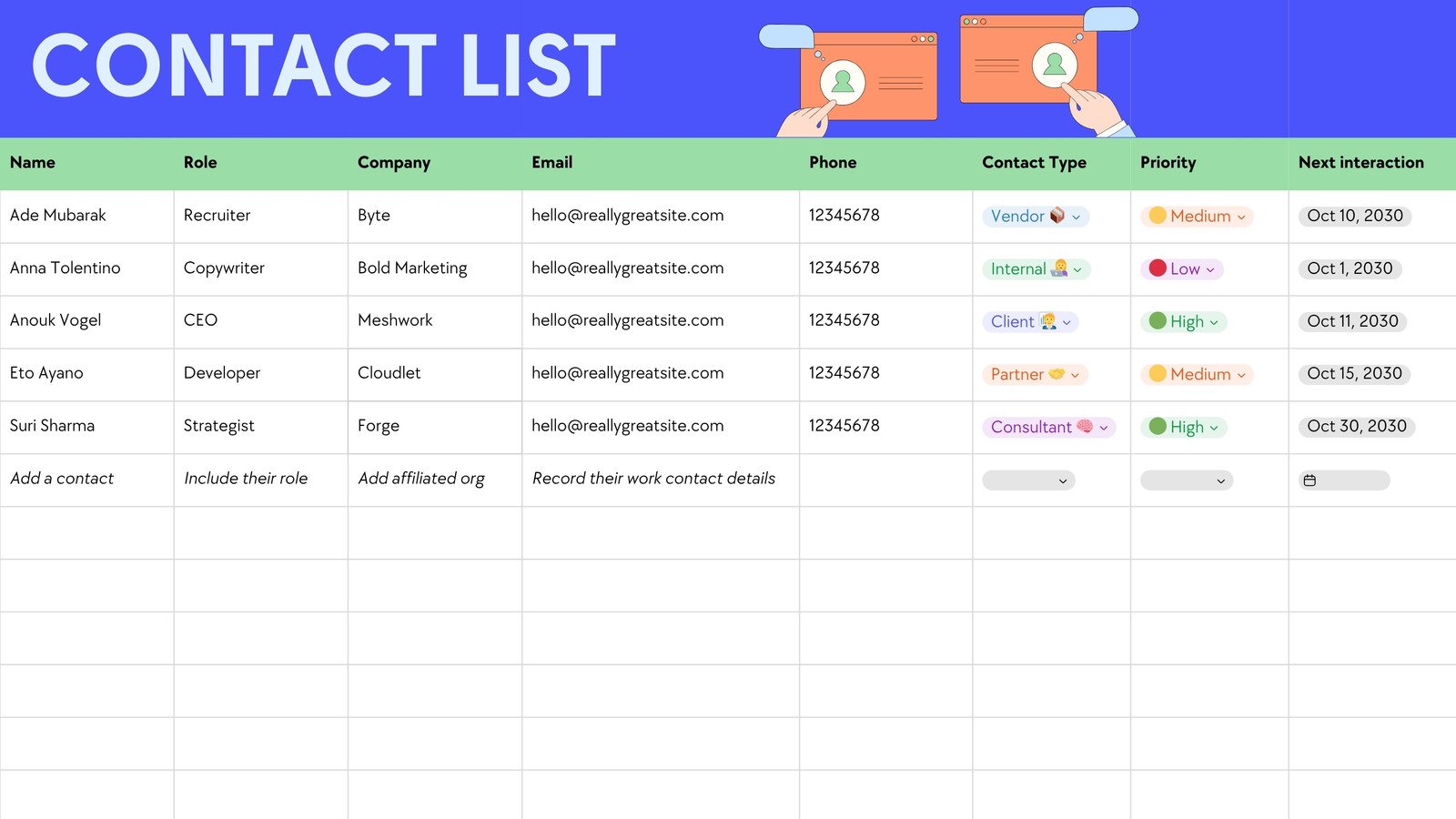
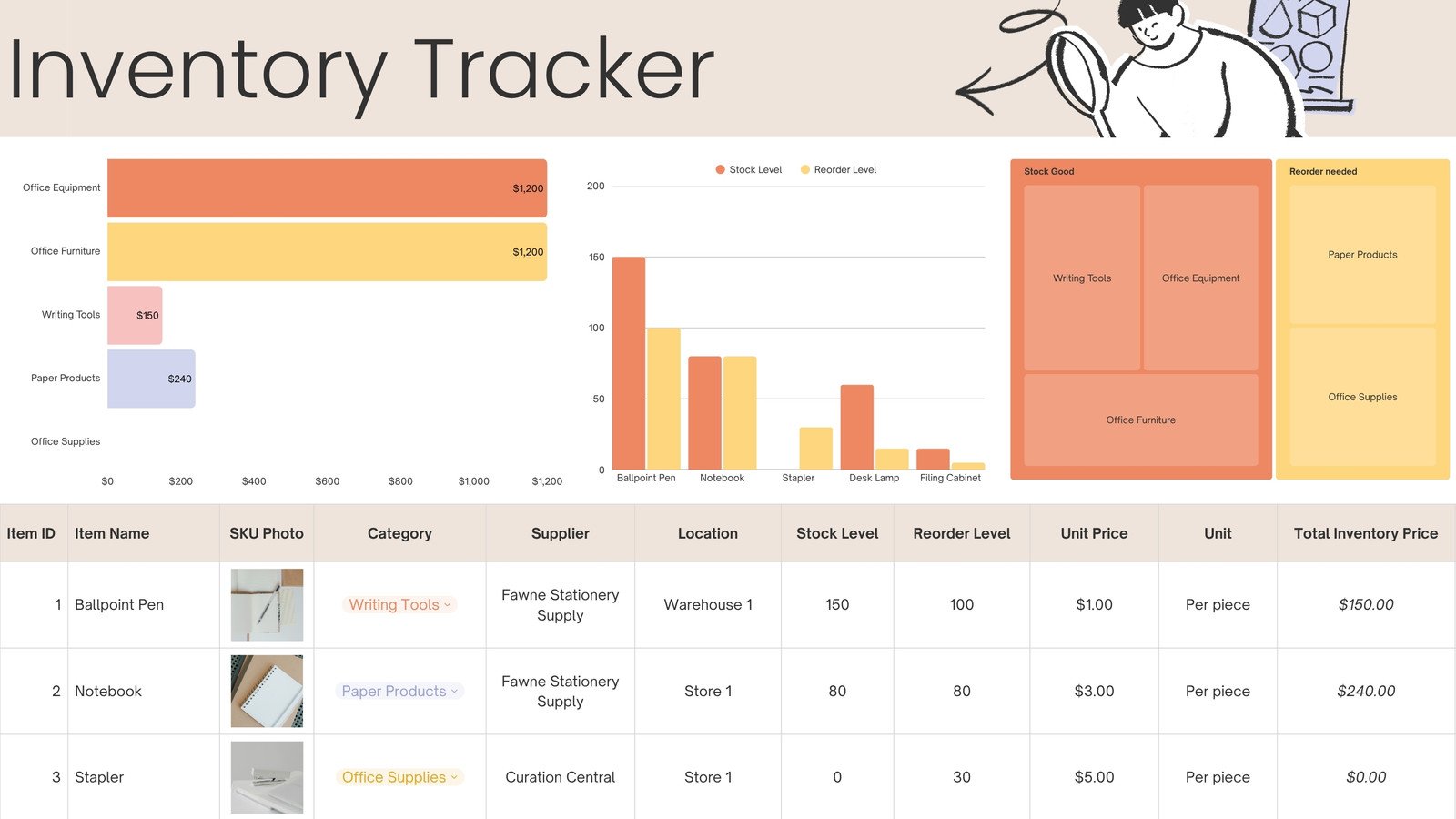
Get a head start with free spreadsheet templates you can customize in a few clicks.
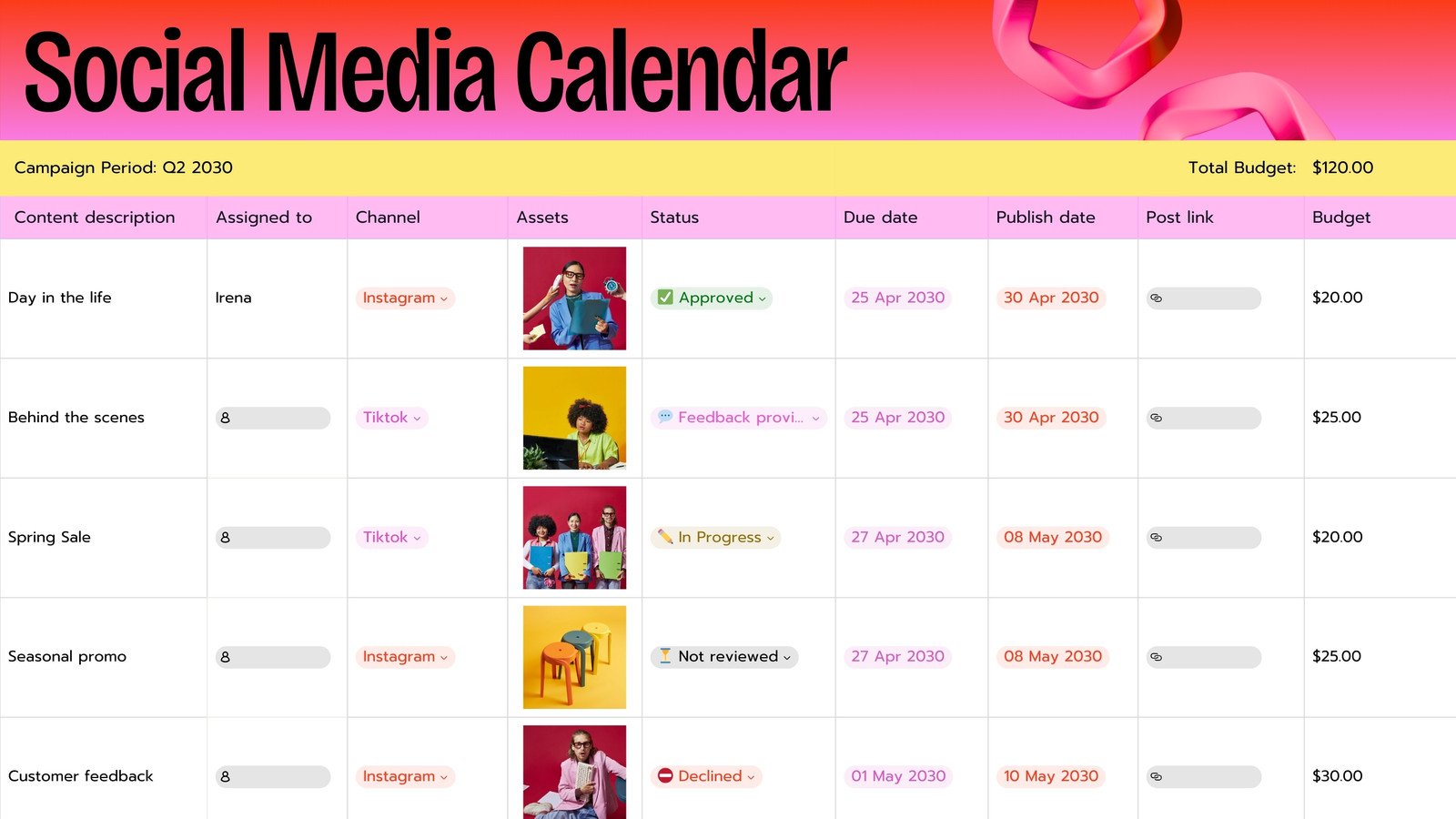
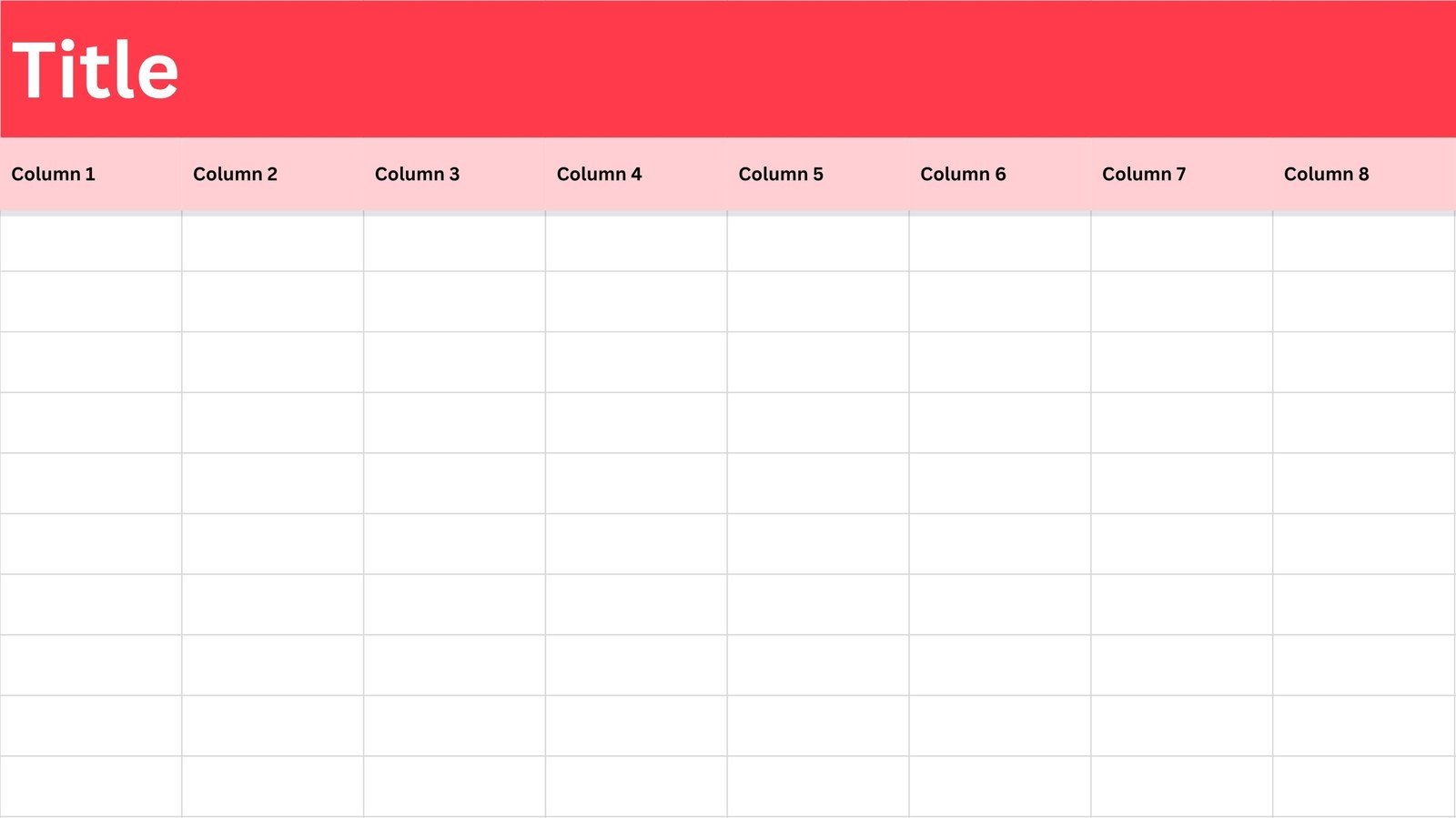
The free online spreadsheet for everyone

For marketers
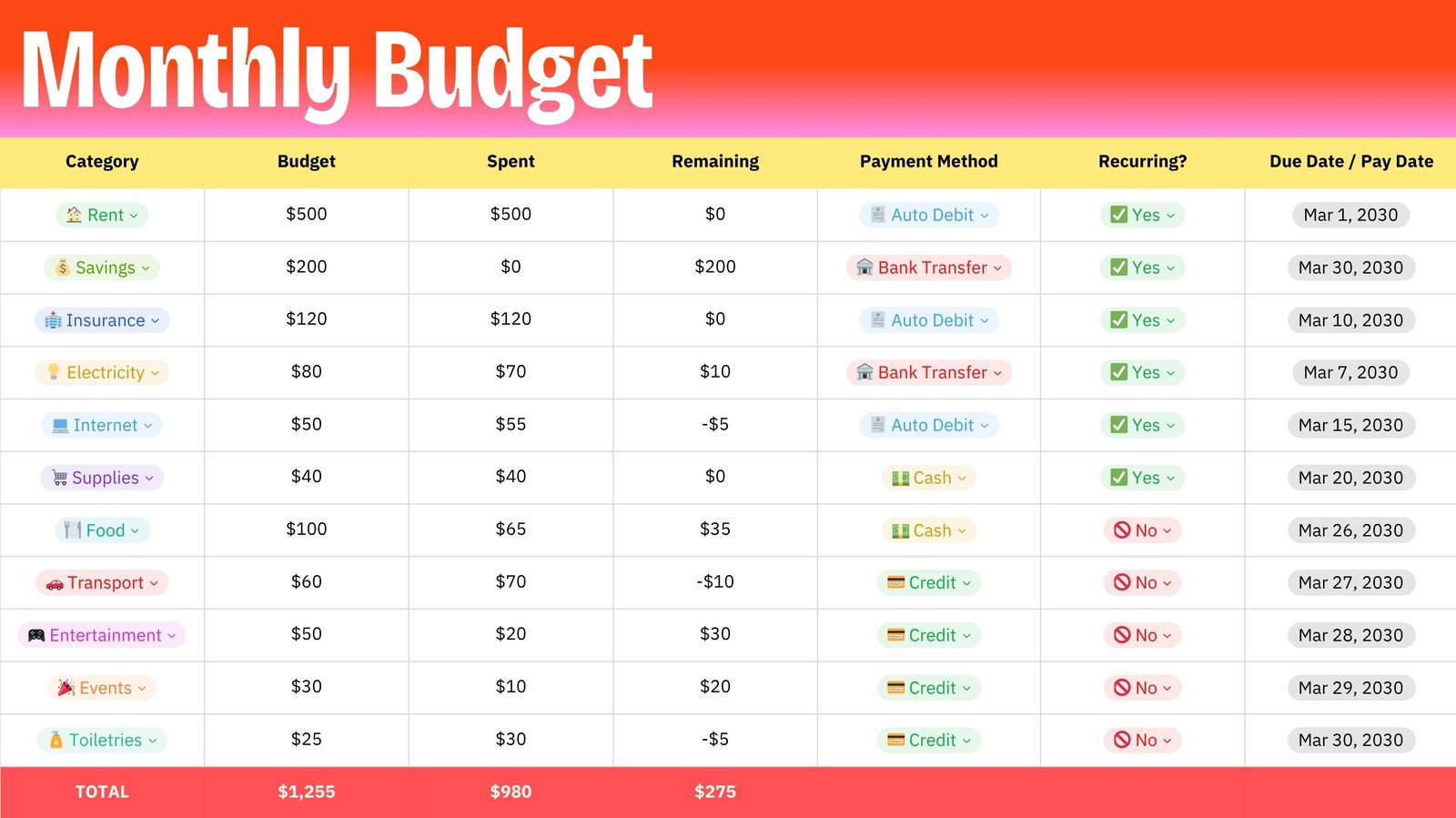
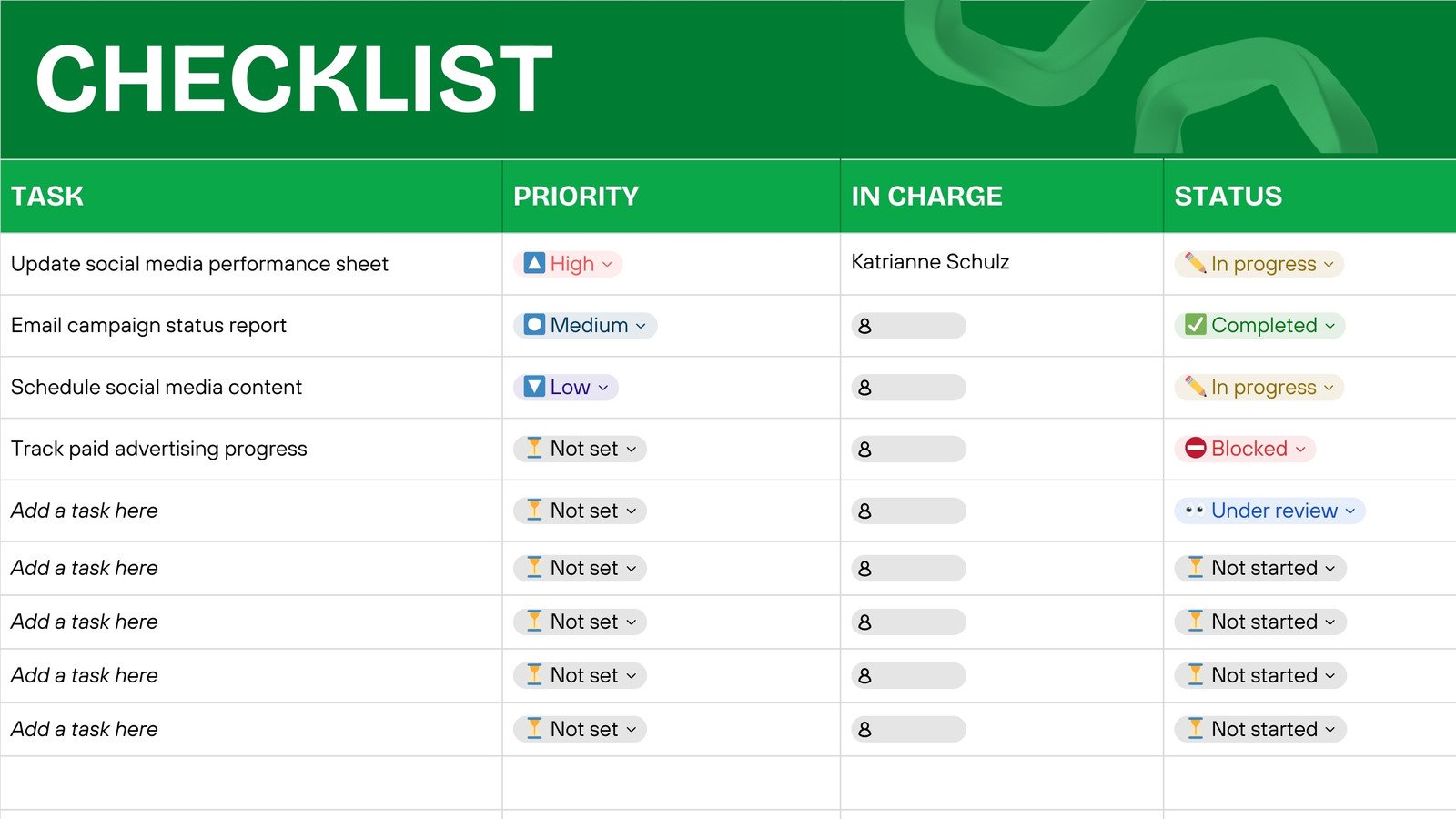
Manage campaigns, create content in bulk, and track progress at a glance.

For creatives
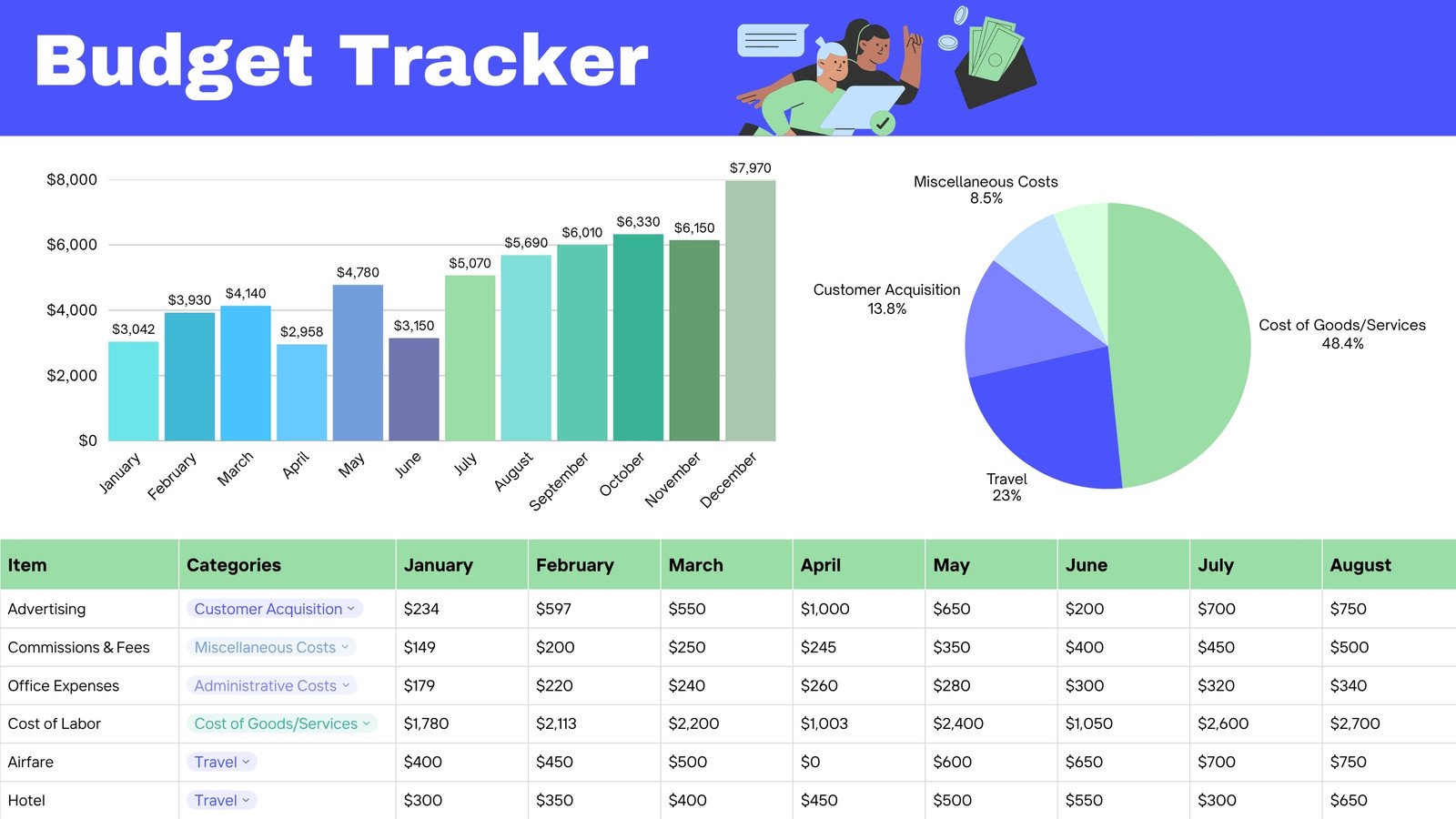
Quickly scale your content, track expenses, and plan content calendars.

For business owners
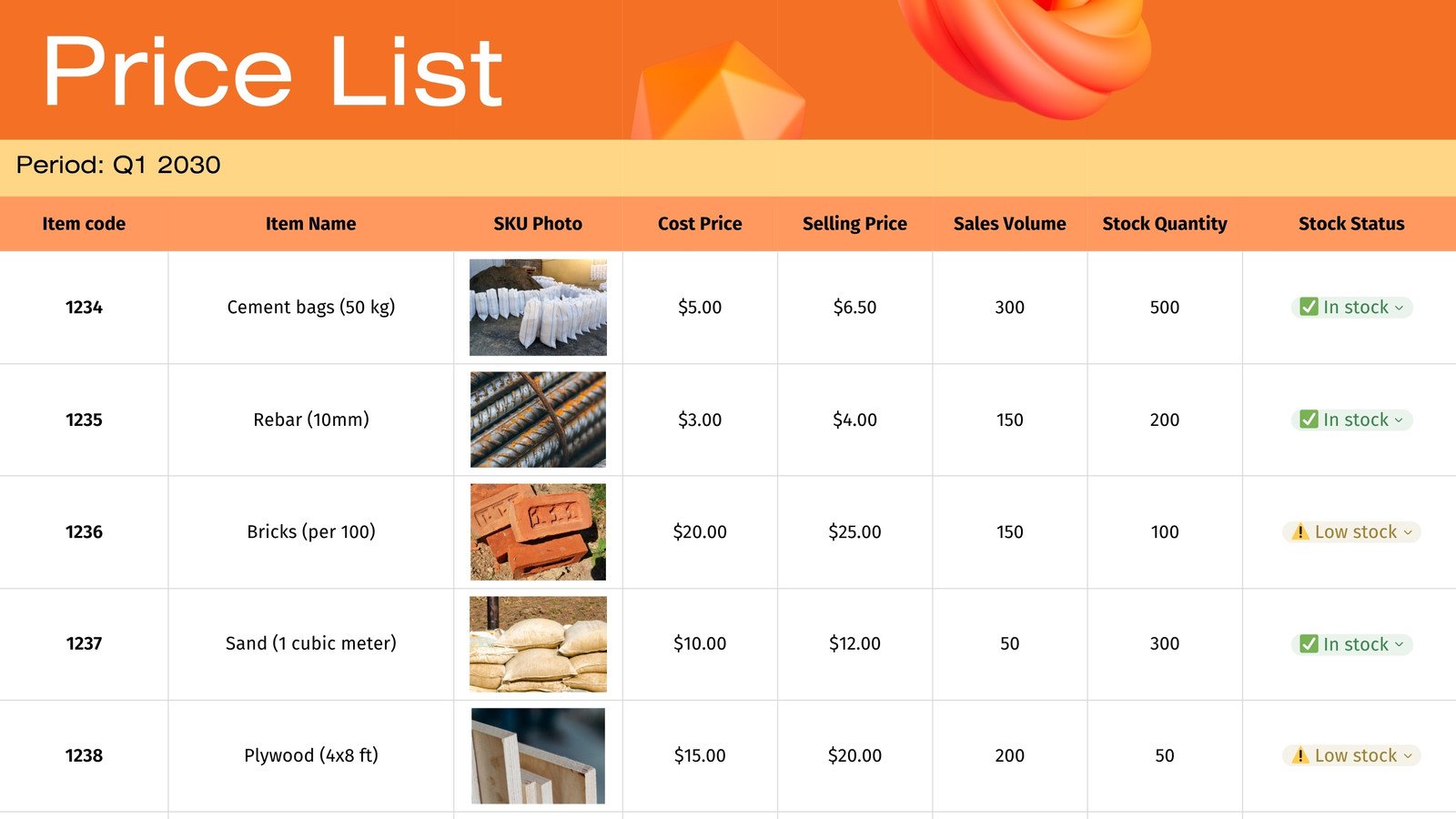
Manage budgets, visualize profits, and create a smooth content engine.

For sales teams
Track leads, generate automated reports, and streamline your CRM in one platform.
All the features you need
Canva’s free drag-and-drop design tools make it easy to create any design, fast!

Sheets templates
Get started right away with a wide range of free spreadsheet templates for every purpose.

Magic Charts
With one click, turn complex info into interactive charts that work beautifully with your brand.

Live-linked charts
No more manual updates. Any changes in your sheet data are instantly reflected in all linked charts in the same design.

Magic Formulas
No more memorizing formulas or crunching numbers. Magic Formulas uses AI to find the perfect formula and deliver answers instantly.

Magic Insights
Uncover patterns, trends, and key takeaways and transform your data into clear stories.

Magic Studio at scale
Revolutionize your content lifecycle. Design at scale straight from your sheet, remove backgrounds in bulk, and resize for different platforms in a couple of clicks.

Sheet elements
Add a sheet page or element to any Canva Presentation, Canva Docs, or Canva design.

Visual cell content
Add videos, images, graphics, numbers, links, mentions, dates, or drop-downs to your sheet. Easily categorize info and bring smart structure to your work.

Familiar spreadsheet features
Create and edit sheets intuitively with a familiar spreadsheet interface and standard features like sort, freeze, and number formatting.

Import and export data
Upload and download sheets as CSV, XLSX, or PDF and take your data where you want them to go.

Visual Suite. In one design.
Add a Sheet page directly to any design in Canva. Create all Canva formats in one design with endless possibilities for every project.

Magic Write™
Create quality content faster with Magic Write™, an AI writer & text generator powered by OpenAI. Easily generate, summarize, expand, and re-write text. Your co-author for a fast first draft.

Translate content at scale
Go global in seconds. Translate batches of content like ads and social media posts into more than 100 languages in an instant.

Brand Kit (Pro)
Store your logo, brand colors, and fonts to stay effortlessly on-brand.

Real-time collaboration
Create, collaborate, comment on designs, and get everyone on the same page, at the same time, from anywhere.

Invite your team
Invite unlimited members to your class space or NFP team and easily share and manage work together. Pro teams are part of Canva Pro.

Easily get everyone’s comments
Revise with ease. Get your teammates’ and clients’ feedback directly on your design.

Easy sharing
Share your Sheets in a few simple clicks with anyone, on any device.

Access anywhere and autosave
Jump from device to desktop—design how you work best! Canva autosaves your progress along the way.

Cloud storage
Get free 5GB storage or upgrade to Canva Pro and get unlimited folders with up to 1TB storage for all your designs.

How to make a spreadsheet with Canva Sheets
- Launch CanvaClick “Sheets” on the home page and choose one of many professionally designed spreadsheet templates or start a new sheet.
- Input or import dataClick on a cell to type in your data. You can also upload an existing CSV or XLSX file or import data directly from third-party apps like Google Analytics, Statista, and more.
- Add formulasEnter "=" into the toolbar to start a formula. Or ask the AI-powered assistant to write the right one from over 60 functions.
- Create a chartHighlight the data you want to visualize, and select "Actions > Magic Charts" to automatically transform it into one of 25+ chart types.
- Share your sheetDownload your data as a CSV, XLSX, or PDF or share the spreadsheet with your teammates for easy collaboration.
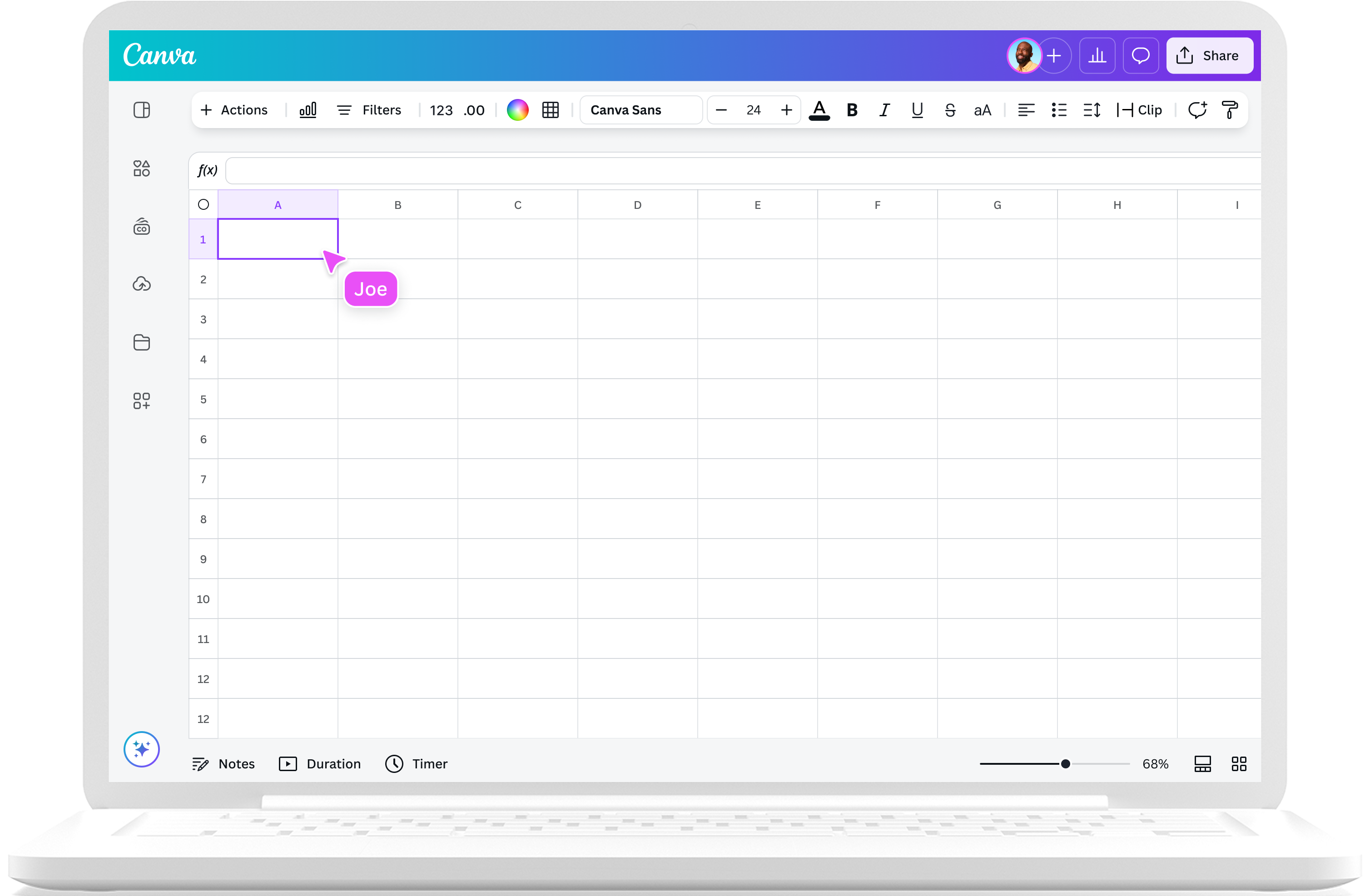
Your questions, answered
Canva Sheets is now available to users! You can now create beautiful, visual spreadsheets, collaborate with your teammates, and use AI-powered tools to supercharge your data work. Create a Canva sheet with your team today.
Canva Sheets isn’t just another online spreadsheet software. Effortlessly blending data and design, it reimagines what sheets can be, with easy data visualizations, powerful insights, and Canva’s entire Visual Suite at your fingertips:
- Craft compelling copy with Magic WriteTM, then localize with Translate.
- Instantly produce assets at scale based on the data in your sheet with Magic Studio at scale.
- Create beautiful data visualizations with Magic Charts and a rich library of customizable graphs and charts.
- Make smarter, data-driven decisions with AI-generated insights and summaries.
You can use spreadsheets to store, display, organize, and analyze data in columns and rows. Because it can handle large and complex information, a spreadsheet can be used for a variety of tasks and applications, like emails, guest lists, budgets, content planners, inventory, accounting, etc.
With its AI capabilities and visual-first approach, Canva Sheets lets you do so much more. Add media to cells, generate designs and copies at bulk, uncover data insights using AI, and turn your data into powerful stories in a click.
All Canva users can access Sheets for free, although AI-powered functions like Magic Write, Translate, Magic Insights, and Magic Formulas will use up credits. Subscribe to Canva Pro, Teams, or Enterprise for more credits.
Canva Sheets allows you to upload and download your spreadsheets in the most common sheet formats, such as CSV, XLSX, and PDF.
Yes. Apart from the browser, you can create spreadsheets wherever you have the Canva app, whether that’s on desktop or mobile.
It’s never been easier to supercharge your sheets. In the function toolbar, type “=” to insert a formula, then click on Magic Formulas. Describe what you want — for example, “give the number of days from the date in the cell” — and the AI assistant will write the perfect formula instantly.
Magic Insights does the number-crunching grunt work so you don’t have to. Click on the “Actions” button and ask the AI assistant any question about your sheet. Get instant summaries, charts, and formula suggestions that help you understand and communicate your data in one click.
More resources
Learn how businesses can thrive in an increasingly visual world.
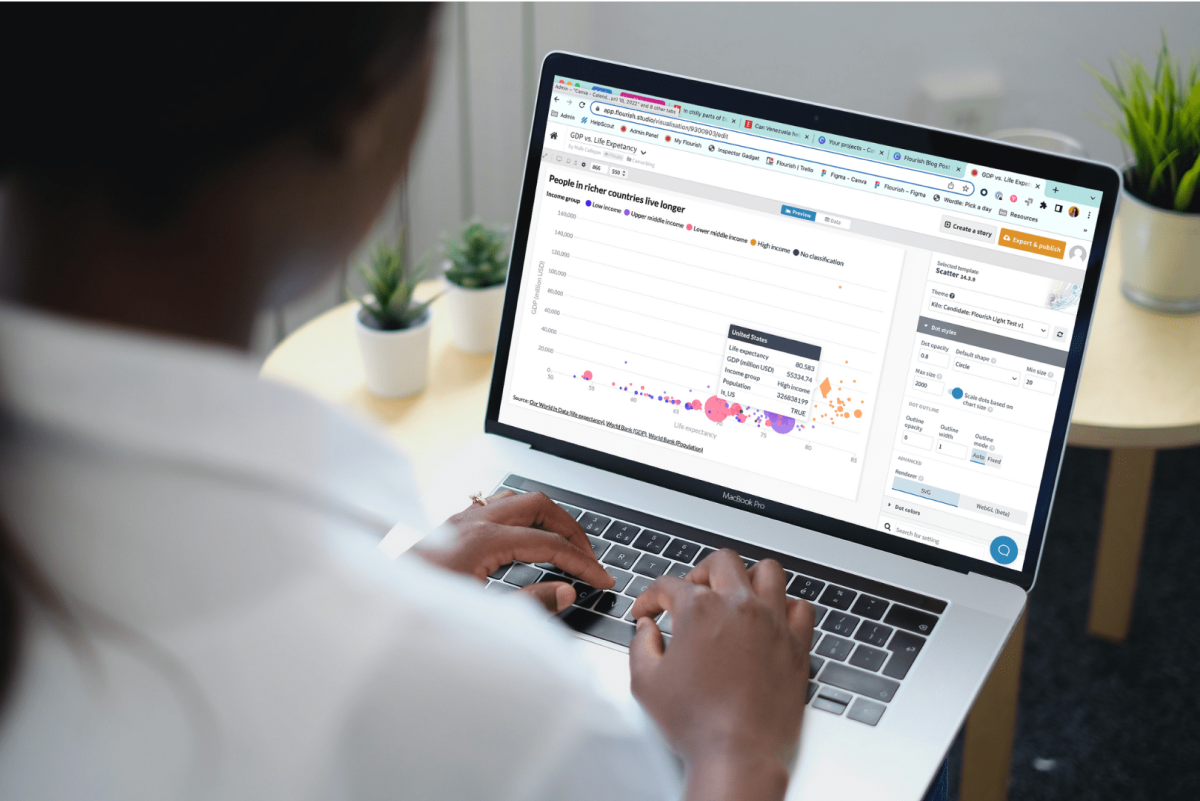
How data visualization can empower students in a data-driven world
Find out how the skill of data visualization prepares children for the future of data.

How designers do it: 15 easy steps to design an infographic from scratch
Learn the best infographic design practices from the experts themselves.

How nonprofits design their data reports
Take notes on how nonprofits use infographics to champion their causes.
Discover more products

Reimagine spreadsheets with Canva Sheets
Data meets design on Canva Sheets, your all-new, visual-first spreadsheet software. Bring AI-powered efficiency, instant data visualization, and dynamic design to your spreadsheets, and create content like never before.
