Crush call lists in record time
Power through lists with built-in dialers, drop pre-recorded voicemails with one click, and kill the deal-dragging manual work between calls.


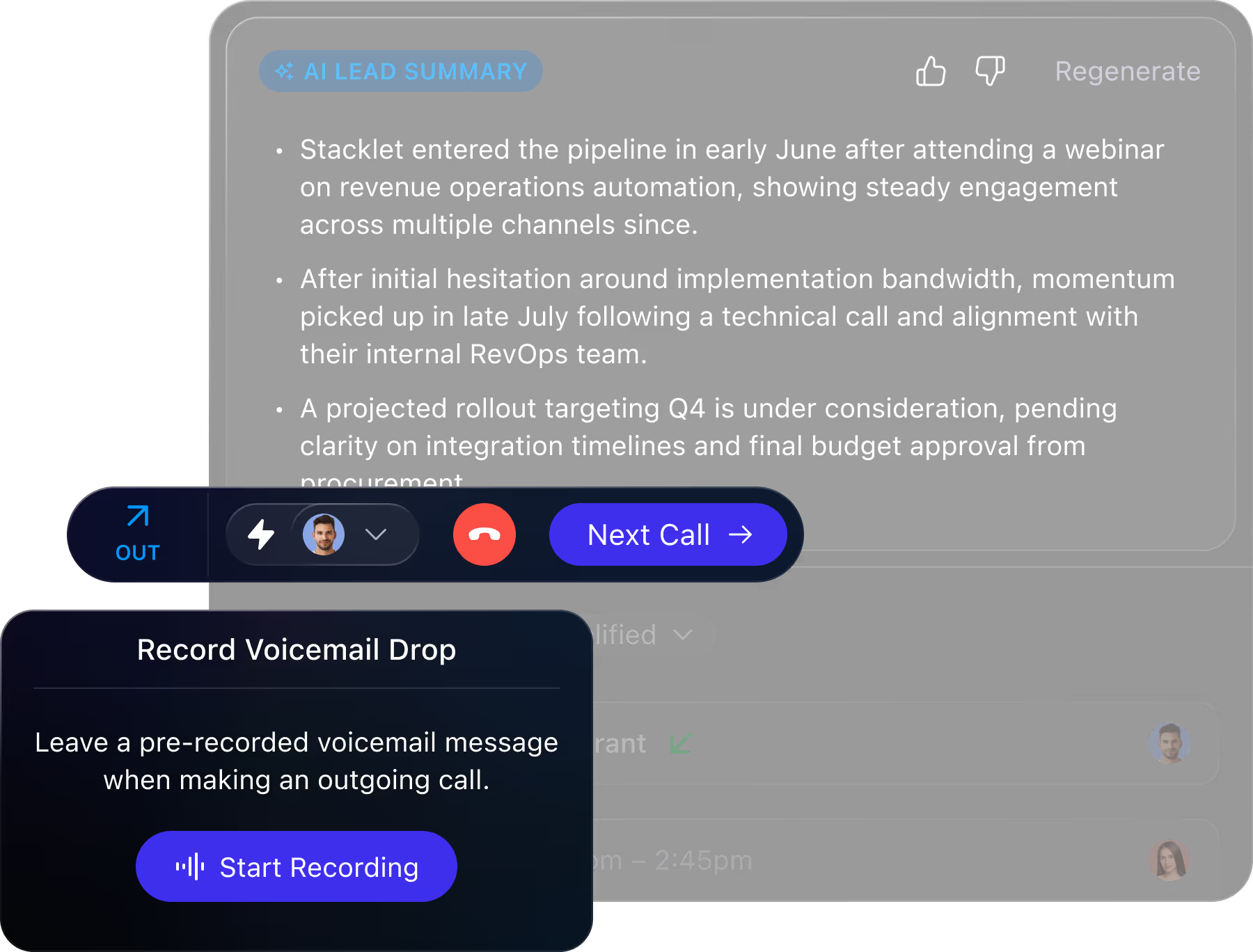
Power through lead lists faster with built-in calling. With power and predictive dialers, voicemail drops, call recording, and AI summaries, your team can stay laser focused on conversations.
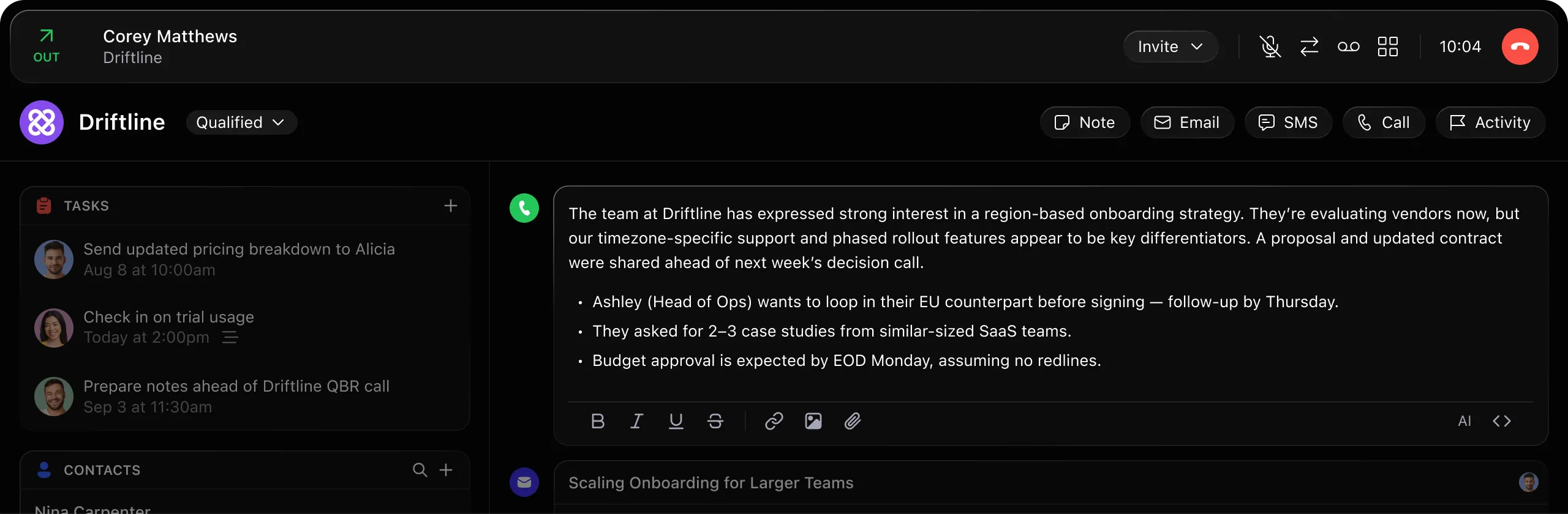

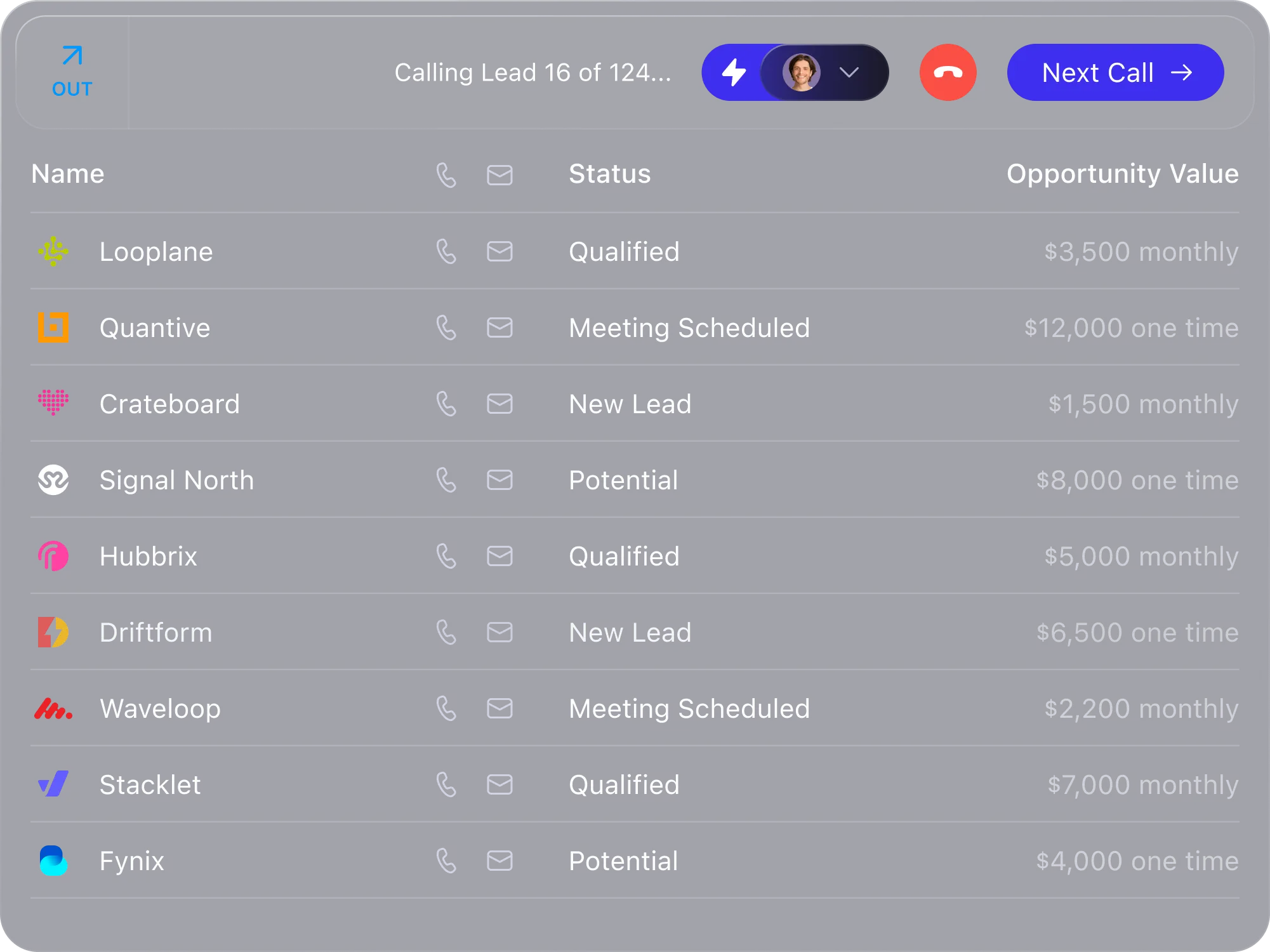
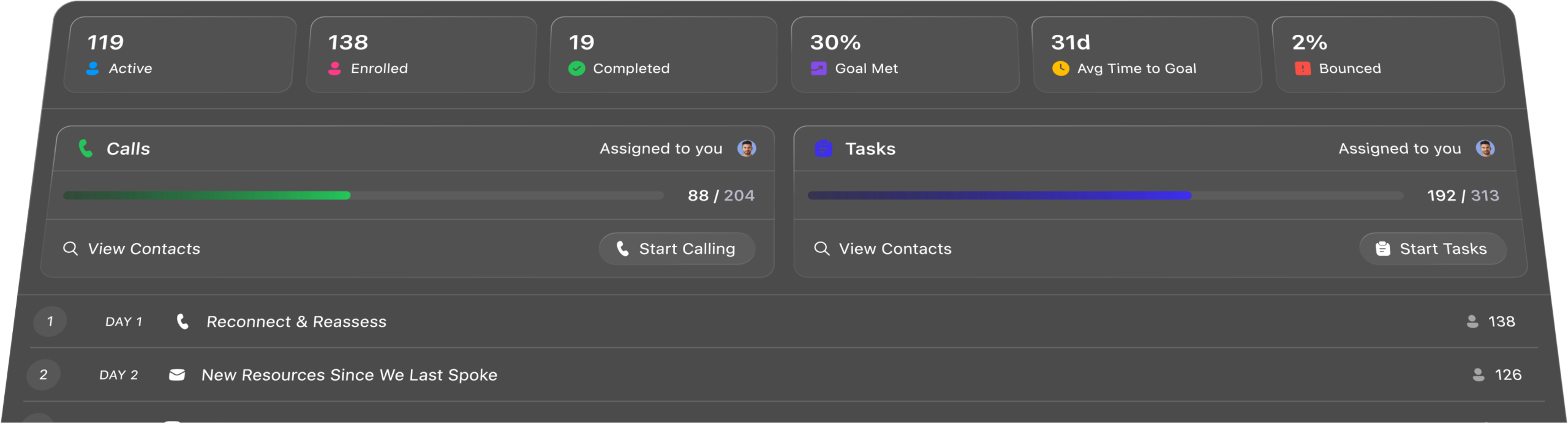
Close’s Power Dialer queues up your next call the moment one ends, so reps can reach more leads—no juggling tools, no downtime.
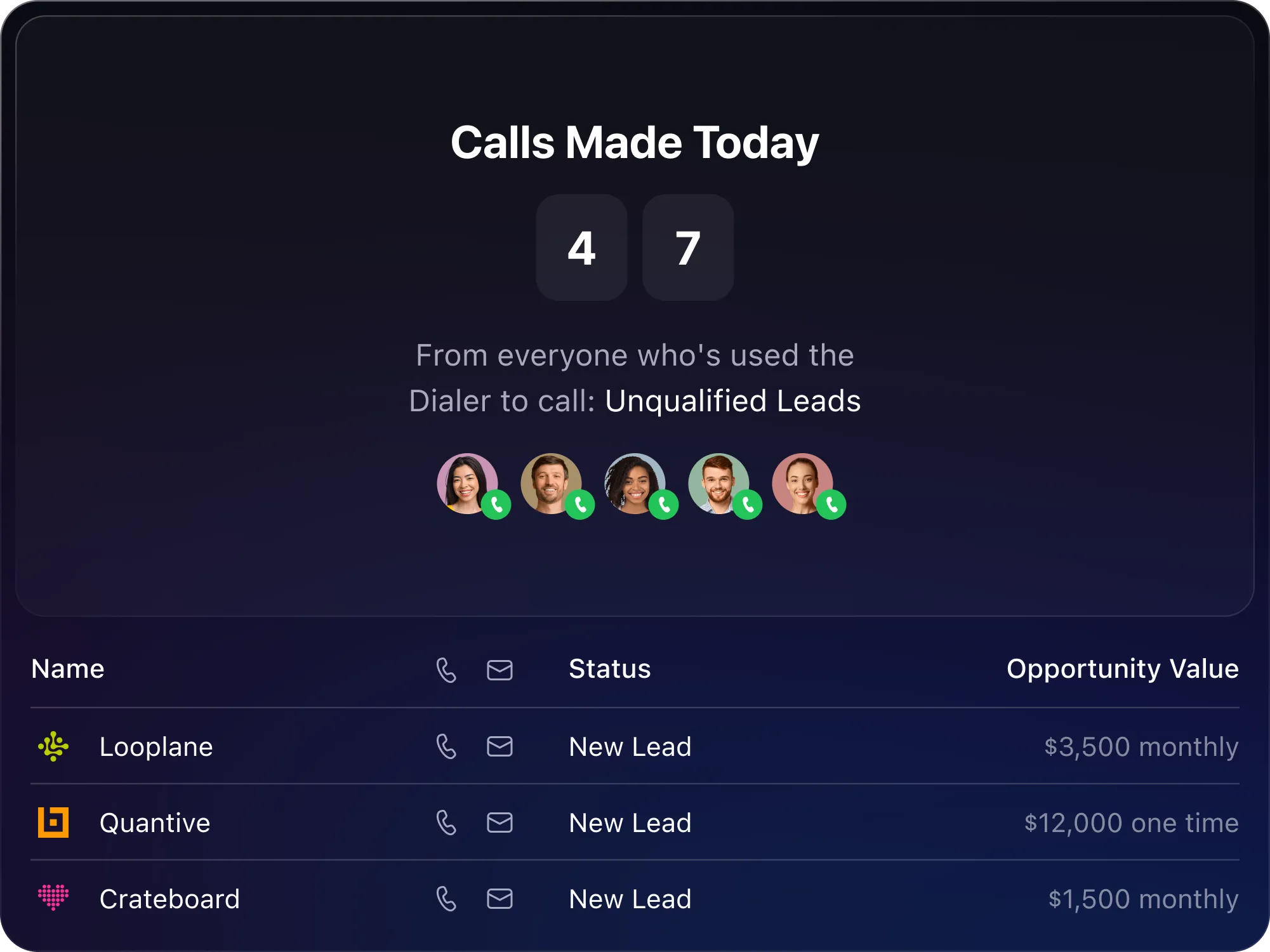
The Predictive Dialer calls multiple leads at once and connects reps only when someone answers. No more waiting through rings or voicemails—just more live conversations.
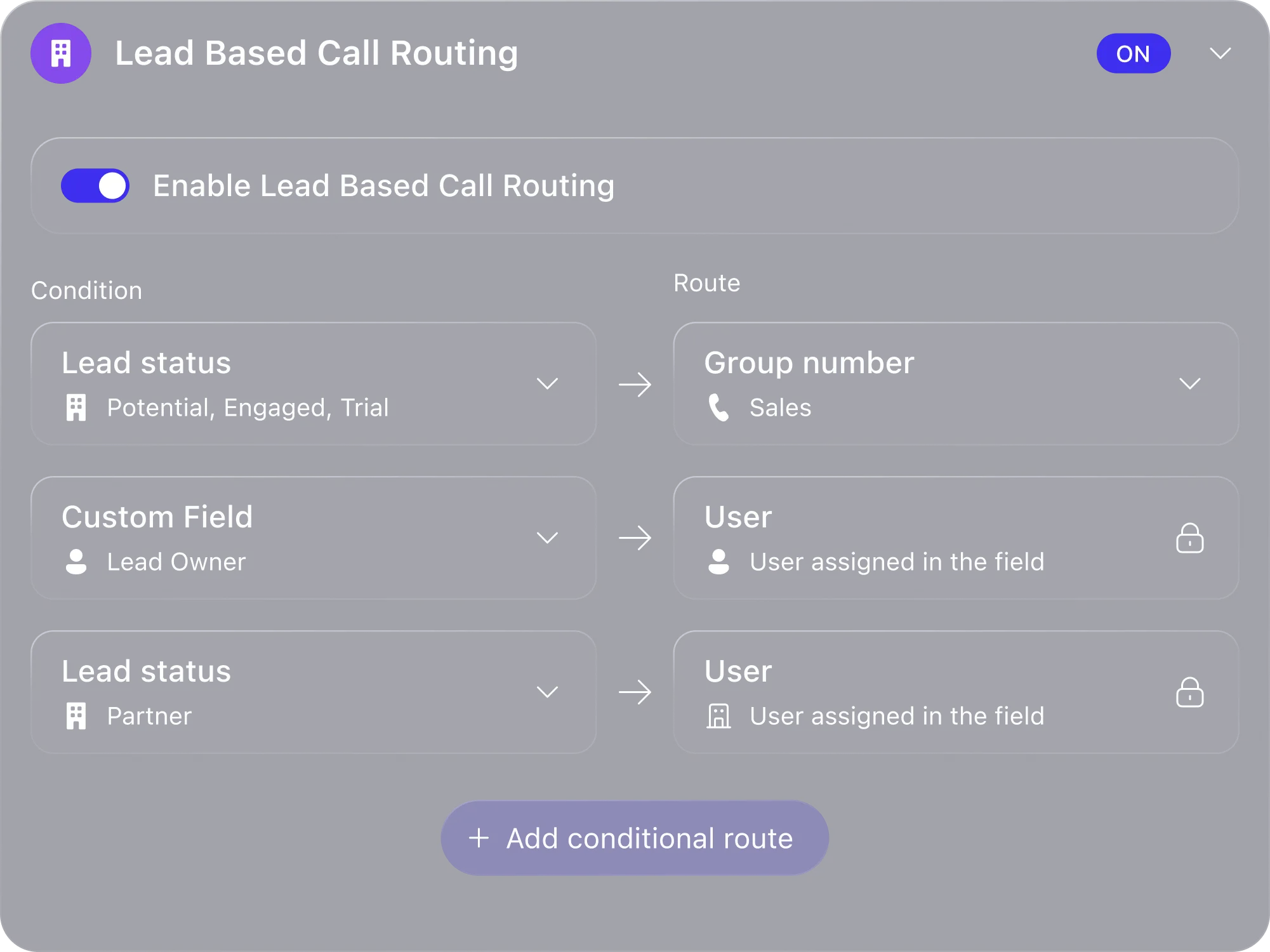
Use CRM data, phone menus, and group numbers to route inbound calls to the right rep or team instantly—no confusion, no missed leads.
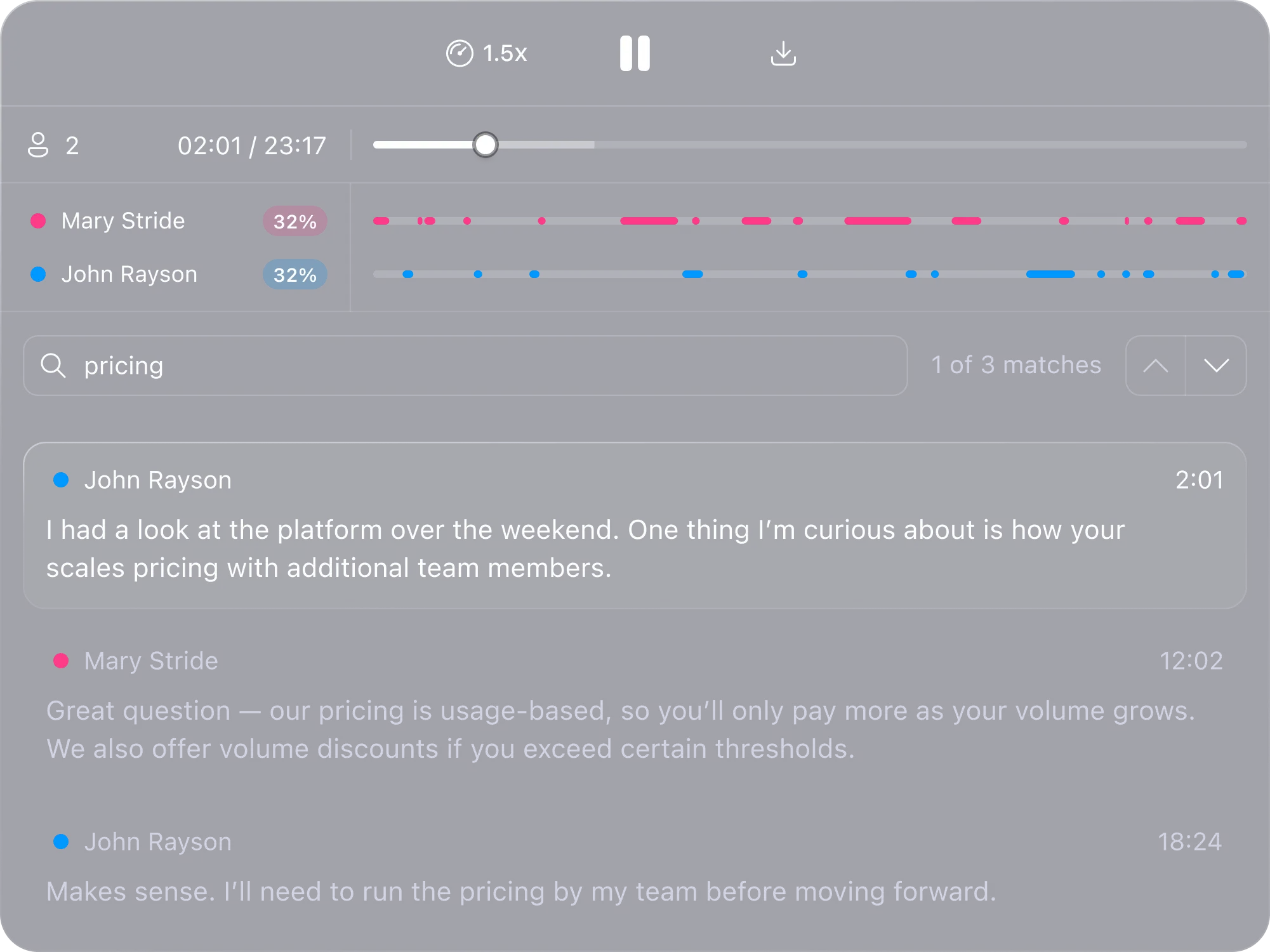
Every call, captured and summarized by AI. No distractions, no time-wasting manual data entry—just instant ready-to-go call transcripts, recordings, and summaries automatically generated by your CRM.
Close is built for sales teams that want speed, clarity, and results. The built-in calling and email features are extremely efficient—it cuts down the need to switch between tools. Its automation features save a ton of time and boost productivity. It’s truly a CRM that feels like it was built by people who understand sales.

The most helpful thing about Close is the fact that it links your work email to the CRM, which makes it easier to use. The calling is super smooth, as well as the email and SMS templates. Overall, Close is one of the best CRMs that I've used, and I look forward to keeping using it in the future.

I love that Close has everything all in one place when going to review my day. I can see the tasks I need to complete, my schedule, and new leads that have come in. If there is ever any issue, customer support is always quick to respond!







How does calling work inside Close CRM?

Close’s CRM calling features let you make and receive calls directly inside the platform—no extra apps, integrations, or third-party tools required. All calls are automatically logged under the relevant contact, keeping your sales process organized.

Do I need to install anything to use Close’s calling features?
No, Close’s calling is built directly into the CRM, so you can start making calls as soon as you sign up. You can use it from your desktop or mobile browser—no additional downloads needed.

Can I use my existing phone number with Close’s CRM calling?
Yes! You can either port your existing number into Close or purchase a new number through the platform. This gives you flexibility while keeping your sales calls centralized.

Does Close support international calling?
Yes! Close’s CRM calling allows you to make outbound calls to nearly 200 countries, and you can purchase international numbers for local presence in different regions.

What’s the difference between the Power Dialer and Predictive Dialer?

How much does Close’s CRM calling feature cost?
Close’s CRM calling is included in select plans, with additional costs for outbound minutes, phone numbers, and advanced dialing features. Visit our pricing page for full details.
