Fast Forms. Faster Follow-Up.

Build no-code forms that live on your site, route leads into Close instantly, and trigger automated follow-up while their keyboard’s still warm.

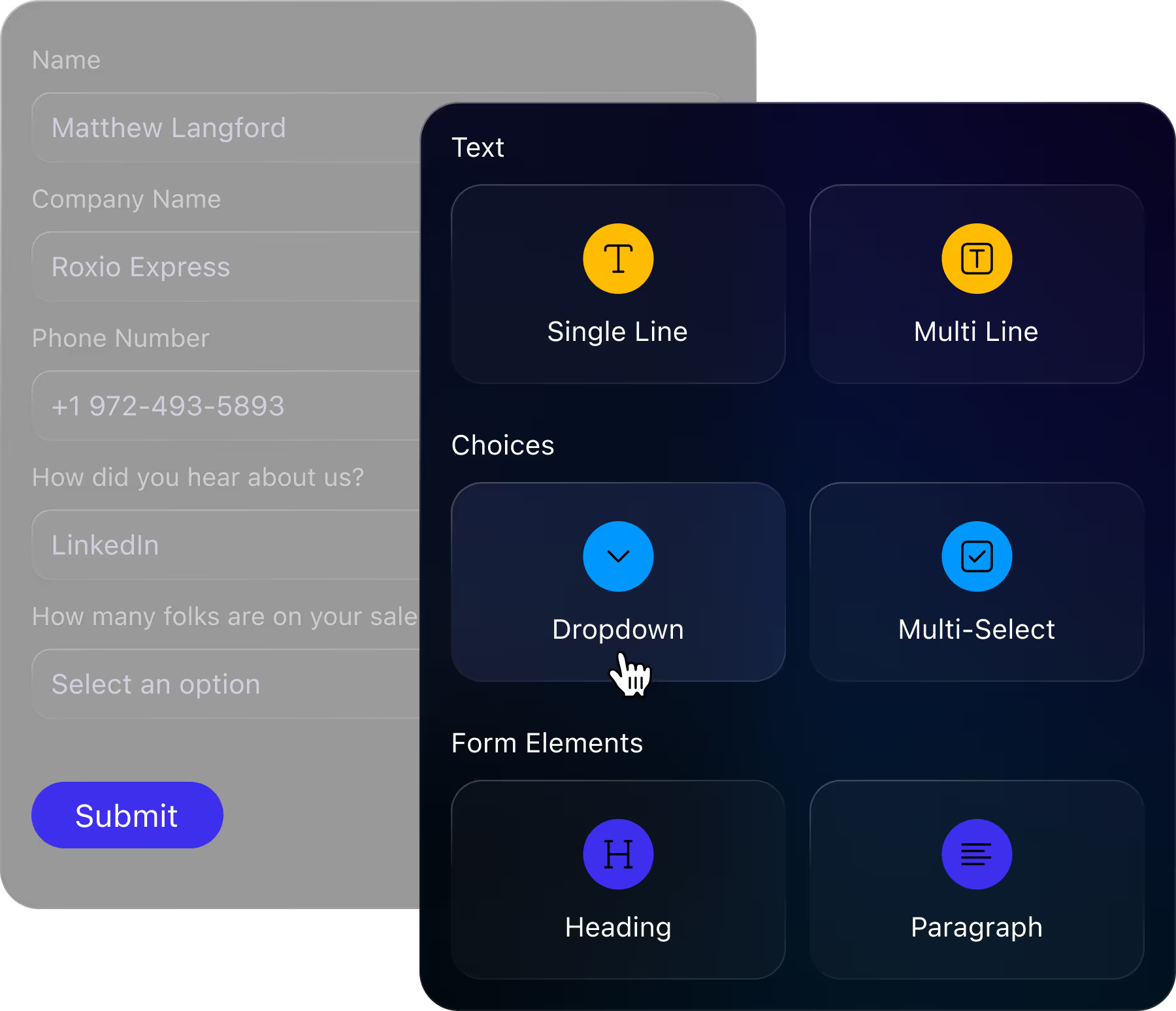
Form with fields for name, company, phone, referral, sales team size, and a submit button plus form element options.

Forms that don’t just collect—they connect

Your site visitors are ready to talk. Close turns interest into action with automatic routing and follow-up so you never keep your freshest leads waiting.
Build website-ready forms in minutes
Design branded, no-code forms with drag‑and‑drop simplicity—easy enough for anyone on your team to create, no devs needed.
Capture and route leads in seconds
Each form fill automatically creates a new lead (or updates an existing one), maps to the right fields, and gets routed instantly—no manual input needed.
Cut one more tool from your stack
Lose the pricey third-party form builders and Zapier zaps—Close Forms capture, route, and trigger follow-up natively inside your CRM. One tool, zero duct tape.
Keep your pipeline clean with better CRM data
Close Forms automatically block spam and prevent duplicates—so your CRM data stays clean and your team focuses on only high-quality leads.
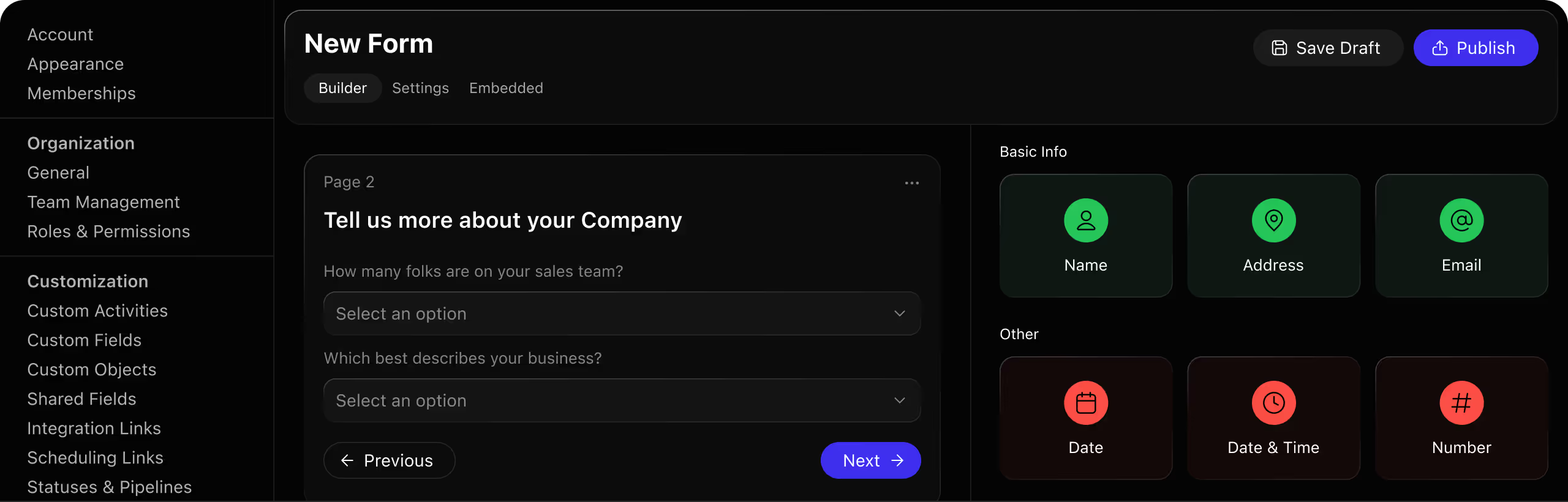
Dark mode form builder interface requesting company details with navigation and field options.Image

Not just a form builder—your new lead engine

Design, style, and embed forms—all from your CRM

Add drag‑and‑drop fields to forms (text, dropdown, checkbox, etc.)
Design your form to match your brand colors, fonts, and button style
Embed the form on your site with a quick HTML copy-paste
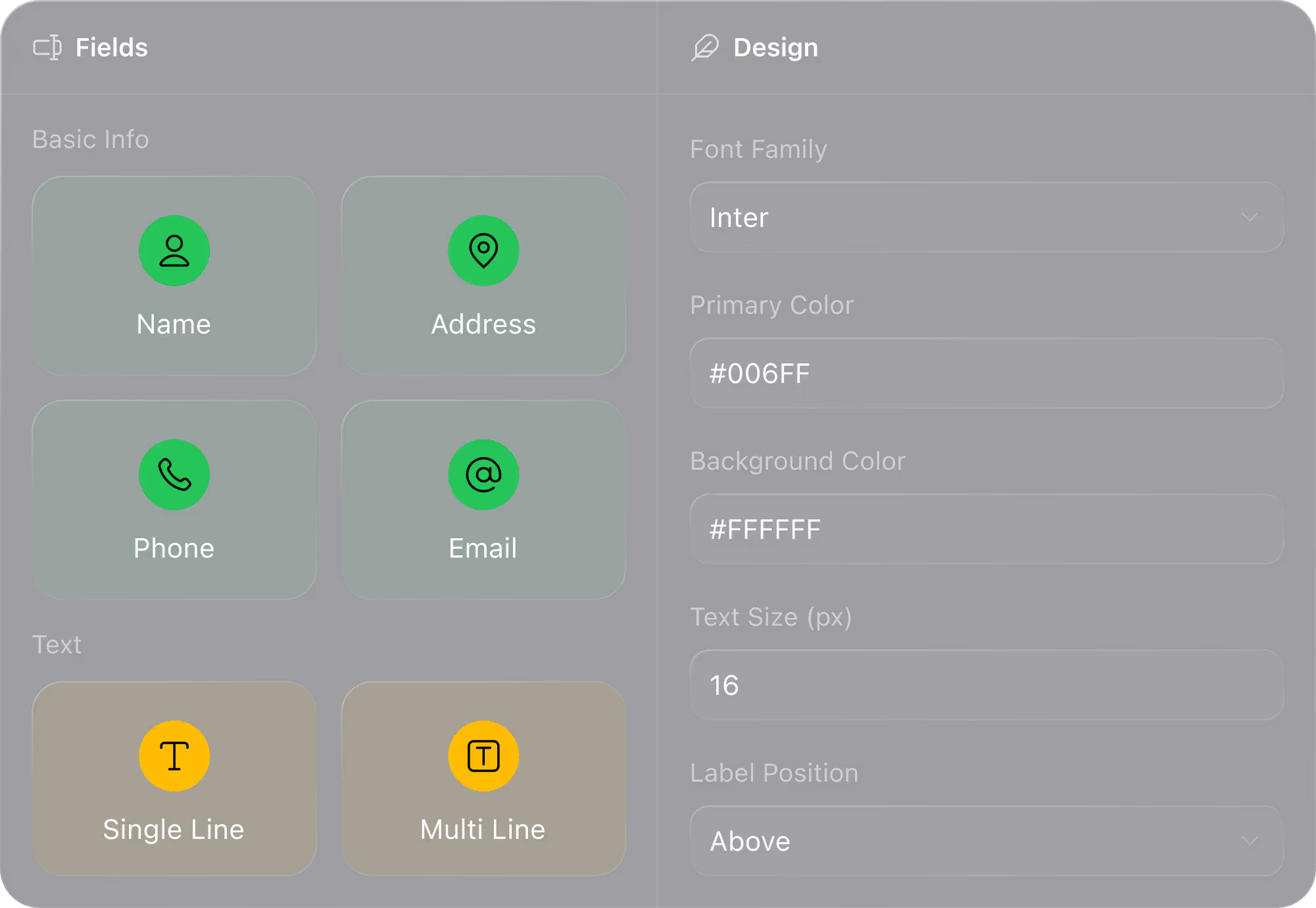
Form customization interface with fields for name, address, phone, email, and design settings.

Leads show up where they belong in your CRM, instantly

Create new leads or update existing ones in Close the moment a form is submitted
Trigger Smart Views, filters, and Workflows automatically—no manual routing needed
Get notified by email instantly when a new submission comes in
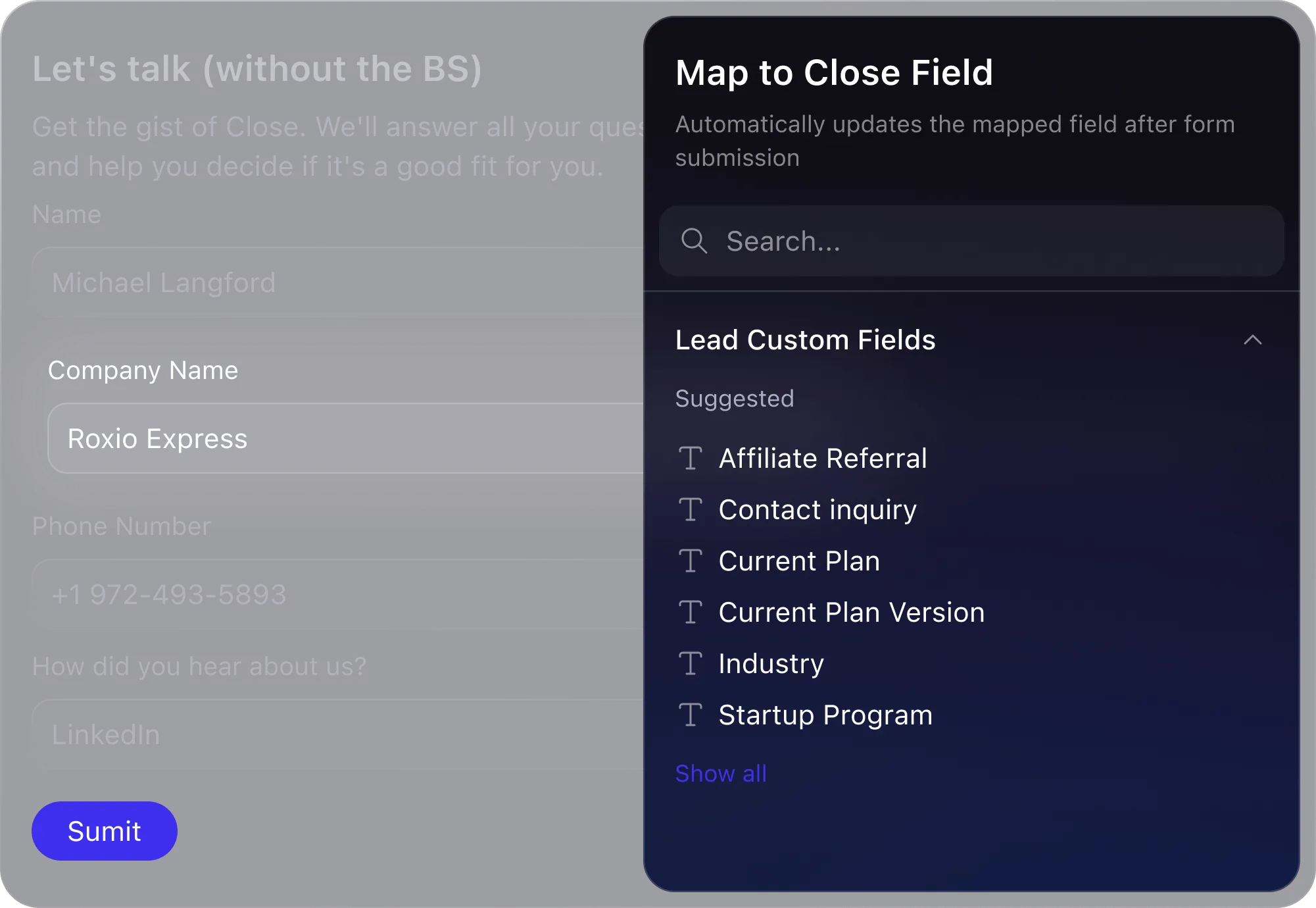
Form with fields for Name, Company, Phone, Referral source, and a mapping section for lead custom fields.

Good data in, bad data out

Require certain fields and check for duplicates to prevent messy or incomplete data
Design your form to match your brand colors, fonts, and button style
All submission activity is logged on the lead timeline for full context
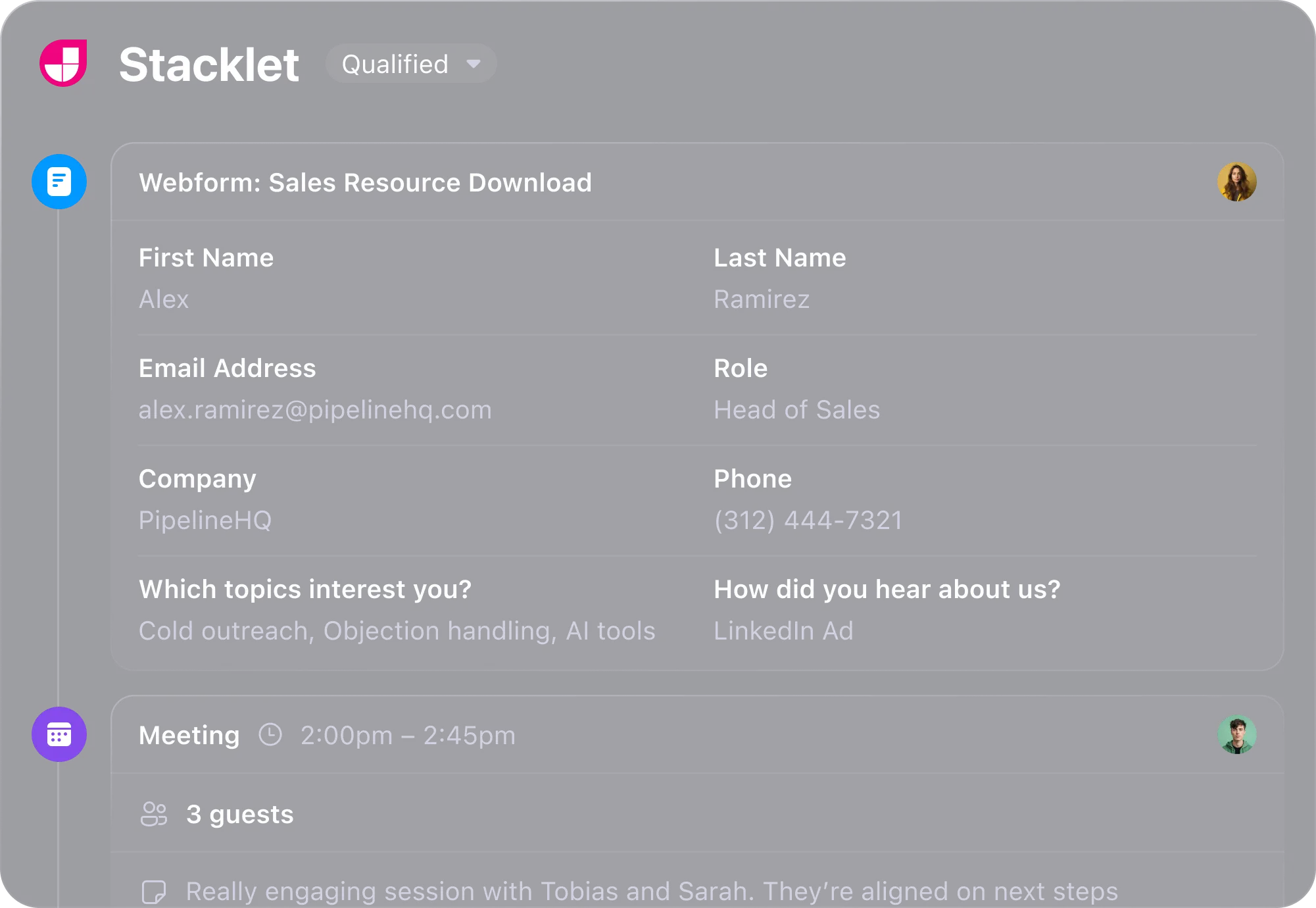
Stacklet form shows sales resource download details for Alex Ramirez, Head of Sales at PipelineHQ.

Why small businesses love Close. Yes, love. (Really.)

Close is built for sales teams that want speed, clarity, and results. The built-in calling and email features are extremely efficient—it cuts down the need to switch between tools. Its automation features save a ton of time and boost productivity. It’s truly a CRM that feels like it was built by people who understand sales.
The most helpful thing about Close is the fact that it links your work email to the CRM, which makes it easier to use. The calling is super smooth, as well as the email and SMS templates. Overall, Close is one of the best CRMs that I've used, and I look forward to keeping using it in the future.

Image
Image
ImageImageImageImageImage
Image

Try Close free for 14 Days

Sign up, import leads, and start selling within an hour. No credit card required.
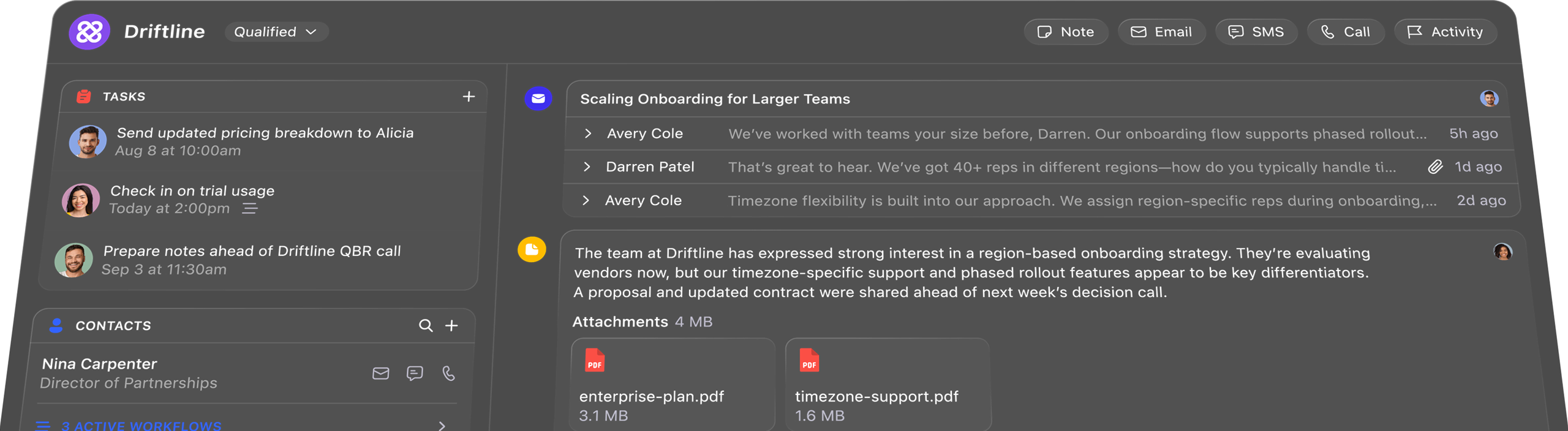
Dark mode Driftline dashboard showing tasks, contacts, messages, notes, emails, and PDFs for onboarding strategy.

Frequently Asked Questions

Image

Will Close Forms check for duplicates before creating a new lead?

Image

Yes -- we'll update existing leads with new information OR create a totally new one for leads not already in your database.

Image

Will Close Forms be available on all plans?

Image

Yes, Close Forms are free on all Close plans without an extra cost.

Image

Can I embed Close Forms on an external website?

Image

Yes, using an easy HTML embed source code. As of today, you need to embed them on a hosted page (we don't yet support hosting in an email or as a shareable standalone link).