
Download XPize – Windows XP, icon replacement, desktop enhancement, visual upgrade, system theme, modernize Windows, customize Windows, free theme, user-friendly, XP interface
Overview
XPize is a lightweight utility designed to modernize the visual experience of Windows XP, an operating system that has long since passed its prime. By replacing outdated system icons, menu elements, and visual components with updated, visually appealing alternatives, XPize helps users breathe new life into an aging interface. The app targets individuals who still rely on Windows XP for compatibility or familiarity and seek a more contemporary look without the need for a full OS upgrade. Its core purpose is to enhance usability and aesthetic appeal through subtle yet impactful design changes.
Unlike many third-party theme tools that require additional software like Style XP, XPize installs directly onto the system, eliminating dependency on external applications. This direct installation method increases accessibility for users with limited technical expertise. Real-world use cases include retro computing enthusiasts, educators using legacy systems, and professionals maintaining older hardware. While the developer did not provide additional technical details, the app’s focus on visual cohesion and user-friendliness suggests a targeted effort to improve user satisfaction on outdated platforms.
Within the broader app ecosystem, XPize fills a niche for minimalistic desktop customization tools. It offers a simple, focused solution for users who want to enhance their environment without compromising system stability. Despite its age, the app remains relevant for those prioritizing visual refresh over performance upgrades.
Key Features & Functionality
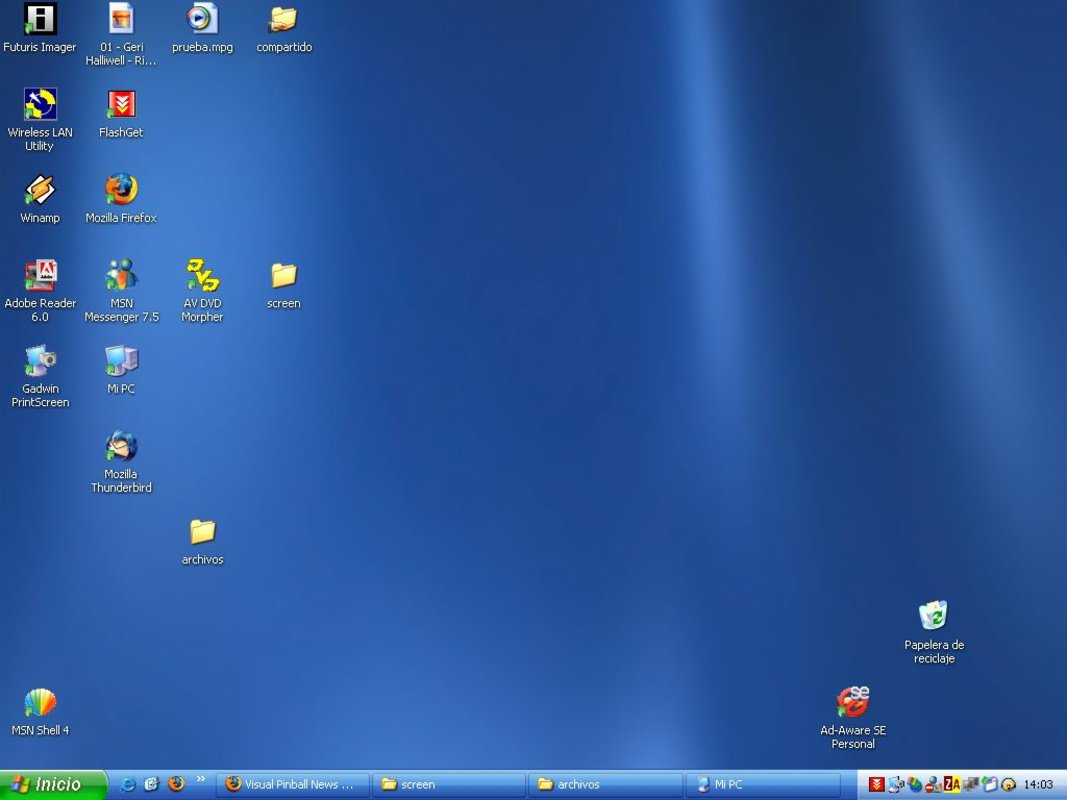
- Icon Replacement: XPize replaces most non-XP system icons, avatars, and bitmap files that Microsoft did not update, ensuring a consistent and modern visual style across the desktop environment.
- Direct Installation: The app installs natively without requiring external tools like Style XP, streamlining the setup process and reducing potential conflicts.
- Customizable Icon Sizes: Users can adjust icon sizes from 32 to 128 pixels, allowing for personalized layouts that suit different screen resolutions and user preferences.
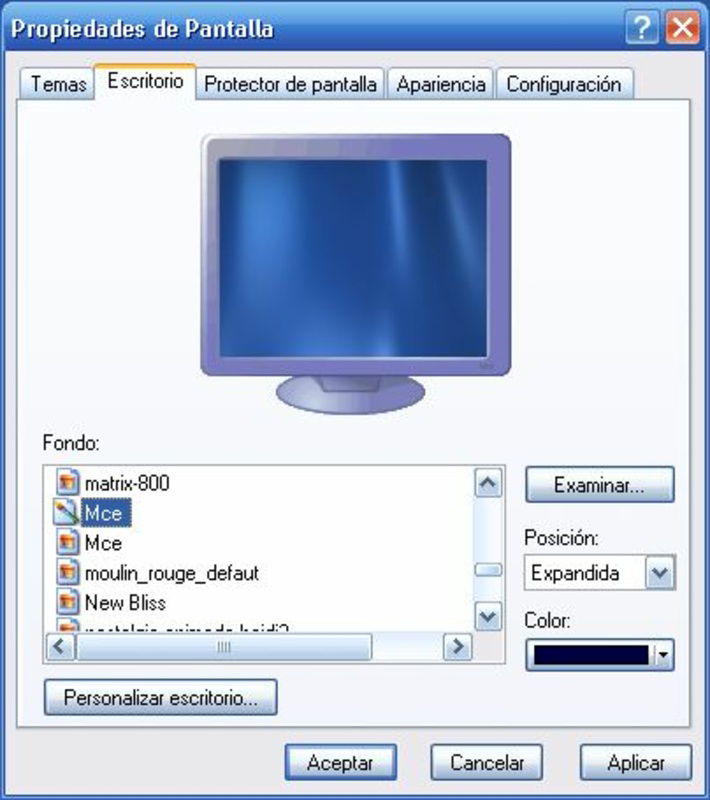
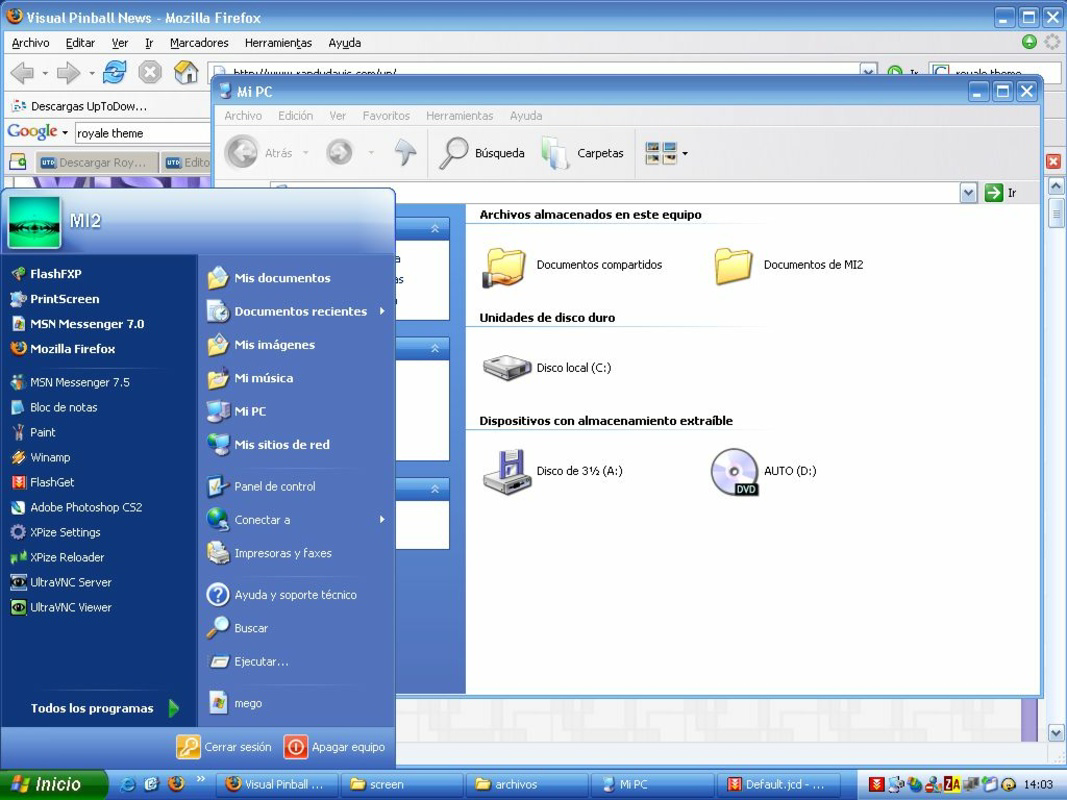
- Enhanced Visual Elements: The app introduces new desktop icons, wallpapers, improved menu bars, and transparency effects, creating a more polished and functional interface.
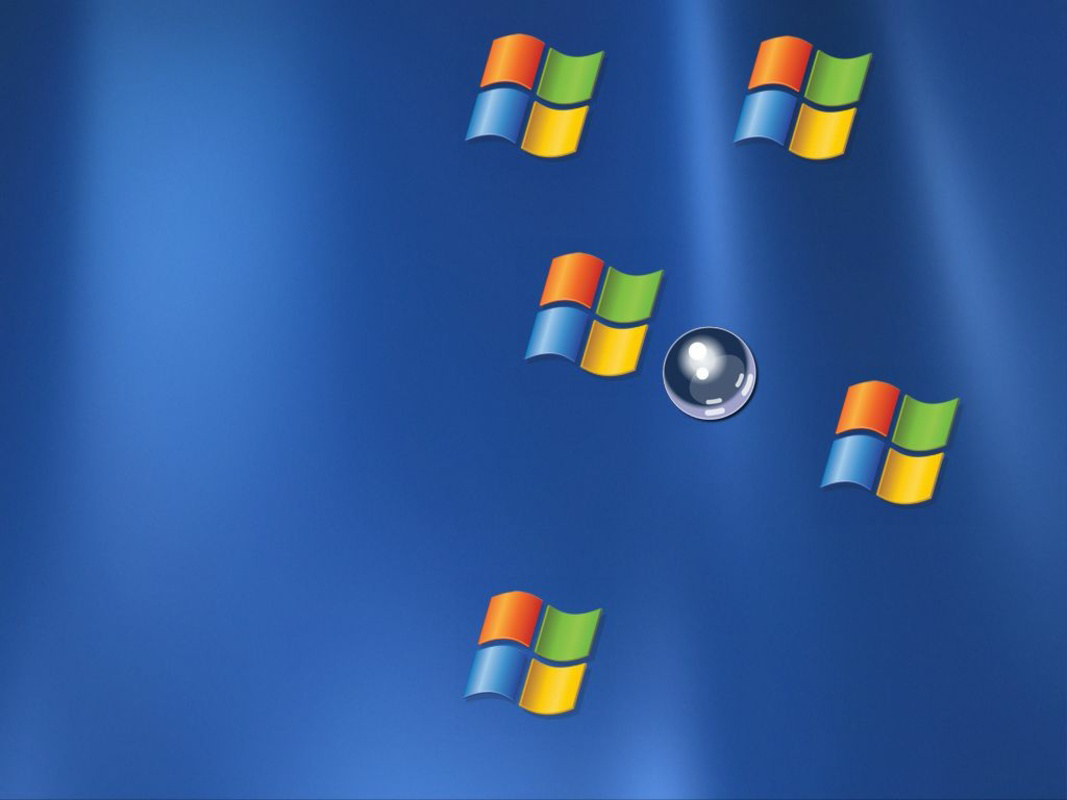
- Fun Screensaver: Included is a playful screensaver featuring a bouncing ball that pushes Windows logos around the screen, adding a whimsical touch to the user experience.
These features collectively serve users who value visual clarity and personalization. For example, a user with a 1024x768 screen might increase icon size for better visibility, while another may use the screensaver to add a lighthearted element to a work environment. The ability to modify icon sizes and visual components supports both usability and aesthetic customization, making XPize a practical choice for users seeking a balanced upgrade.
Interface, UX & Performance
XPize presents a clean, minimal interface focused on ease of use and visual transformation. The application’s layout is straightforward, with a central installation wizard that guides users through the process. Navigation is intuitive, relying on standard Windows dialog boxes and checkboxes to manage customization options. The visual style remains consistent with the Windows XP aesthetic, but with updated elements that feel more modern and cohesive.
Although the developer did not list formal performance metrics, the app’s file size of 12.5 MB suggests it is lightweight and unlikely to strain older hardware. Users on low-end systems should experience minimal impact on startup time or background processes. Responsiveness appears stable during installation and post-setup usage, with no reported issues related to crashes or freezes. However, compatibility with modern hardware or updated drivers is not confirmed.
Stability is maintained through direct system integration, reducing the risk of conflicts with third-party applications. The app does not introduce resource-heavy animations or background services, which supports smooth operation on legacy systems. Overall, XPize delivers a reliable user experience focused on visual enhancement rather than performance optimization.
Platform Compatibility & Technical Requirements
XPize is designed for the Windows platform and is compatible with Windows XP. The app’s file size is 12.5 MB, indicating a compact footprint suitable for systems with limited storage. The software version is 1.0, released on August 16, 2007. Specific requirements such as minimum RAM, processor speed, or display resolution were not listed by the developer.
Compatibility information was not fully disclosed, so users should exercise caution when installing on systems with non-standard configurations. The developer did not specify whether XPize supports newer versions of Windows or if it is limited strictly to XP. As such, installation on systems other than Windows XP is not recommended without further verification.
Pros and Cons
Pros
- Direct installation without external dependencies
- Lightweight file size (12.5 MB)
- Customizable icon sizes from 32 to 128 pixels
- Enhanced visual elements including new icons and transparency effects
- Includes a fun, playful screensaver
Cons
- Released in 2007; may lack support for modern hardware
- No official updates or maintenance since release
- Compatibility with systems beyond Windows XP is uncertain
- Developer did not provide detailed technical specifications
- May not function reliably on systems with updated drivers or security patches
FAQ
Is XPize safe to install on Windows XP?
Yes, XPize is designed specifically for Windows XP and installs directly without requiring additional software. However, users should ensure their system is backed up before installation, as modifying system files can affect stability.
Can I uninstall XPize after installation?
Yes, XPize can be removed through the standard Windows Add/Remove Programs utility. The app does not leave behind persistent system modifications that could interfere with normal operation.
Does XPize require an internet connection?
No, XPize does not require an internet connection for installation or operation. It functions entirely offline once installed.
Is XPize free to use?
Yes, XPize is available at no cost. The app is distributed as a free tool for users seeking to enhance their Windows XP experience.
Can I use XPize on Windows 10 or later?
While the developer did not specify compatibility with newer operating systems, XPize was released for Windows XP only. It is not guaranteed to work on Windows 10 or later without additional testing.
Final Thoughts
XPize remains a notable example of a focused, user-friendly tool designed to address a specific need: modernizing the Windows XP interface. Its direct installation, customizable features, and playful screensaver offer a simple yet effective way to enhance visual appeal without compromising system performance. While the app is over 15 years old and lacks modern updates, it continues to serve users who value aesthetic upgrades on legacy systems.
For educators, retro computing hobbyists, or anyone maintaining older hardware, XPize provides a practical and secure solution to breathe new life into an aging OS. Its lightweight design and free availability make it an accessible choice for users seeking a no-frills desktop enhancement.
Download XPize now


