

容器部署ConvertX|一个支持1000多种格式的在线文件转换工具
1.First | 序
Convertx 是一款自托管的在线式文件转换工具
支持1000多种格式的在线转换
支持的转换器详细信息如下所示
| Converter | Use case | Converts from | Converts to |
|---|---|---|---|
| libjxl | JPEG XL | 11 | 11 |
| resvg | SVG | 1 | 1 |
| Vips | Images | 45 | 23 |
| Assimp | 3D Assets | 70 | 24 |
| XeLaTeX | LaTeX | 1 | 1 |
| Pandoc | Documents | 43 | 65 |
| GraphicsMagick | Images | 166 | 133 |
| FFmpeg | Video | ~473 | ~280 |
GitHub - C4illin/ConvertX: 💾 Self-hosted online file converter. Supports 1000+ formats
💾 Self-hosted online file converter. Supports 1000+ formats - C4illin/ConvertX
 C4illin
1.2.OS&APP Version | * 版本
1.2.1.OS

1.2.2.Podman
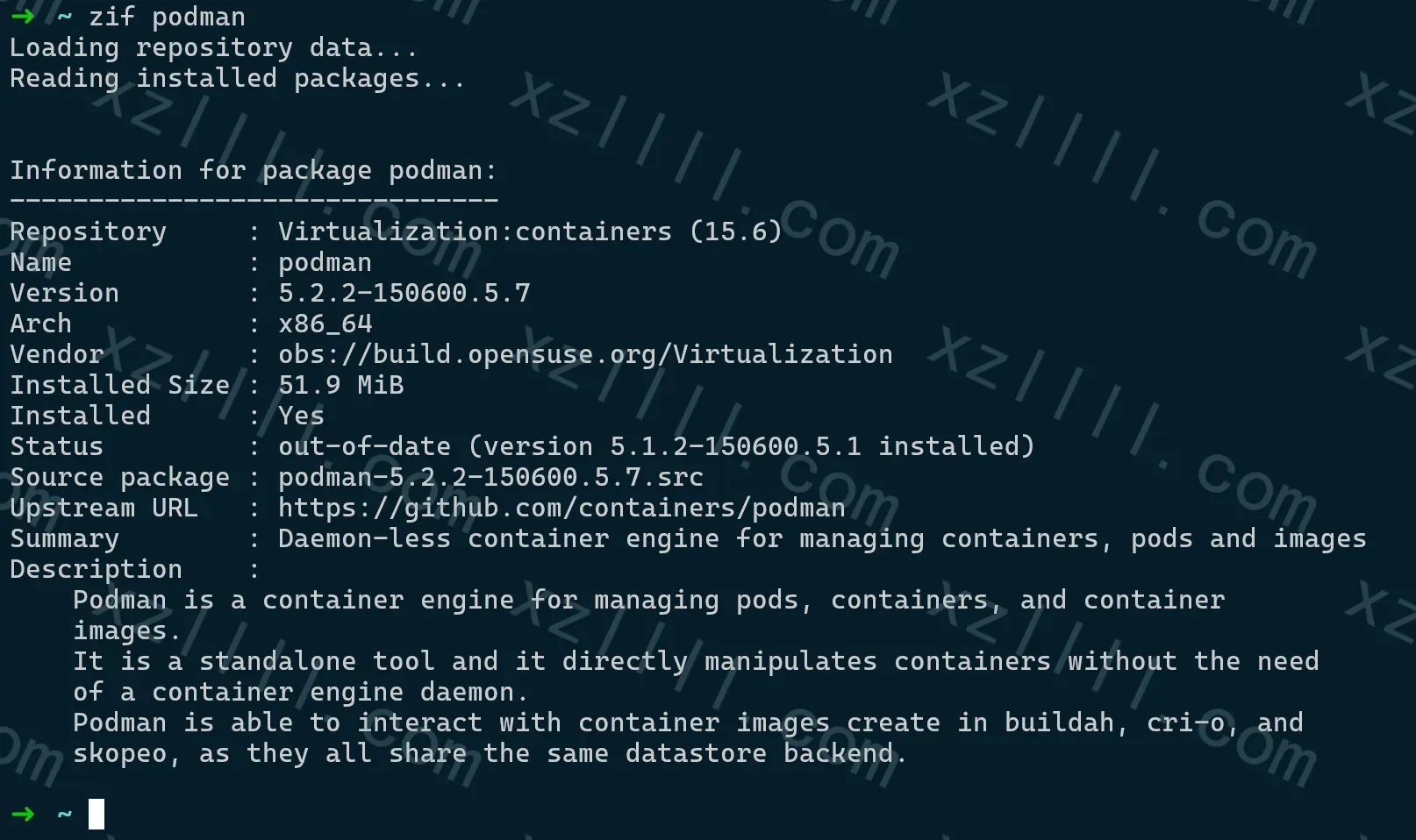
1.2.3.Convertx
V0.7.0
2.Knowledgebase | 知识库
部署过程中涉及到以下变量
-
ACCOUNT_REGISTRATION
▲ 多账户选择:如果你仅需要一个账户请将此变量设置为false
-
JWT_SECRET
▲ 此项使用一个随机的UUID填充即可
-
HTTP_ALLOWED
▲ 是否允许使用HTTP访问(只能在局域网访问时设置为true)
-
ALLOW_UNAUTHENTICATED
▲ 允许任何人无需登录即可使用Convertx(建议在局域网访问时设置为true)
-
AUTO_DELETE_EVERY_N_HOURS
▲ 经过设定的时间后删除文件
3.Procedure | 步骤
内含多个平台部署流程,请对号入座
3.1.Synology
▼ 群晖或其他成品NAS在部署过程中涉及到的变量如下(自行完形填空即可)
- 镜像
- ghcr.io/c4illin/convertx
- 端口
- 需要映射容器的3000端口到NAS的某个你喜欢的端口
- 卷或文件夹
- 需要映射容器内的/app/data到NAS的某个文件夹或卷
3.2.Docker Compose
▼ docker-compose.yml 文件如下
# docker-compose.yml
services:
  convertx:
    image: ghcr.io/c4illin/convertx
    container_name: convertx
    restart: unless-stopped
    ports:
      - "3000:3000"
    environment: # Defaults are listed below. All are optional.
      - ACCOUNT_REGISTRATION=false # true or false, doesn't matter for the first account (e.g. keep this to false if you only want one account)
      - JWT_SECRET=aLongAndSecretStringUsedToSignTheJSONWebToken1234 # will use randomUUID() by default
      - HTTP_ALLOWED=false # setting this to true is unsafe, only set this to true locally
      - ALLOW_UNAUTHENTICATED=false # allows anyone to use the service without logging in, only set this to true locally
      - AUTO_DELETE_EVERY_N_HOURS=24 # checks every n hours for files older then n hours and deletes them, set to 0 to disable
    volumes:
      - convertx:/app/data
其中涉及到的变量已说明
3.3.Docker Shell
docker run -p 3000:3000 -v ./data:/app/data ghcr.io/c4illin/convertx
3.4.Podman Shell
podman run -p 3000:3000 -v ./data:/app/data ghcr.io/c4illin/convertx
3.5.Podman With Quadlet
▼ convertx.container 文件如下所示
[Unit]
Description=A self-hosted online file converter. Supports over a thousand different formats. Written with TypeScript, Bun and Elysia
After=network-online.target
Wants=network-online.target
Before=shutdown.target

[Container]
ContainerName=convertx
Environment="ACCOUNT_REGISTRATION=false" "JWT_SECRET=e5b8e2fa-369a-4aba-8daa-a1f2e6d235ab" "ALLOW_UNAUTHENTICATED=true" "AUTO_DELETE_EVERY_N_HOURS=24" "HTTP_ALLOWED=true"
Image=ghcr.io/c4illin/convertx
PublishPort=10.7.7.7:30006:3000
Volume=convertx:/app/data

[Service]
Restart=always

[Install]
WantedBy=default.target
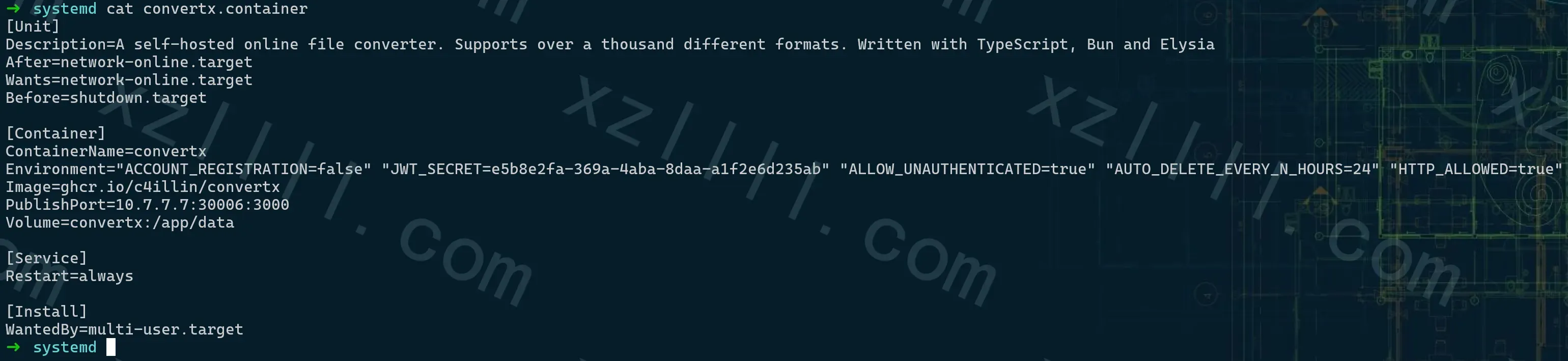
▼ 重载systemd
systemctl daemon-reload
▼ 启动 convertx
systemctl start convertx.service
4.Initialization | 初始化
启动完成后按照设定的URL打开即可
▼ 界面如下所示

▼ 首先输入以下值创建一个账户
- Password

▼ 账户创建完成后即可看到使用界面

5.Ex | 示例
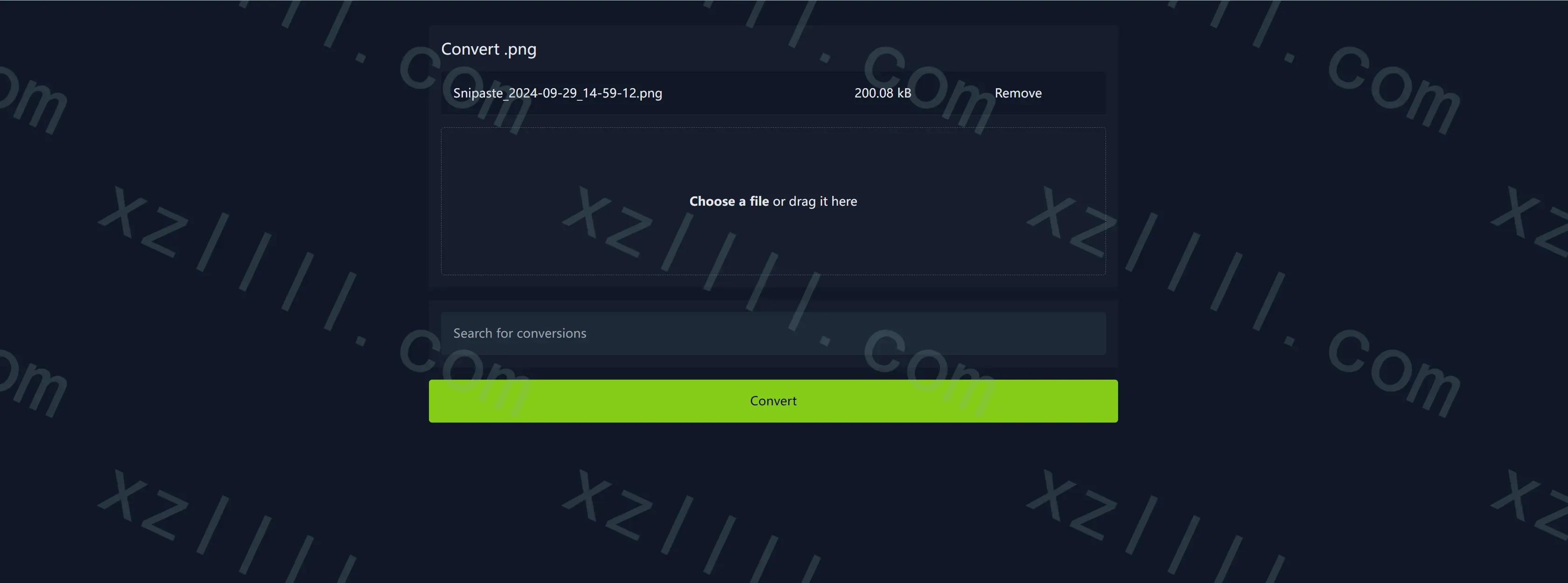
以将PNG转换为WebP为例演示使用过程(首先单击Choose a file选择一个文件)
-
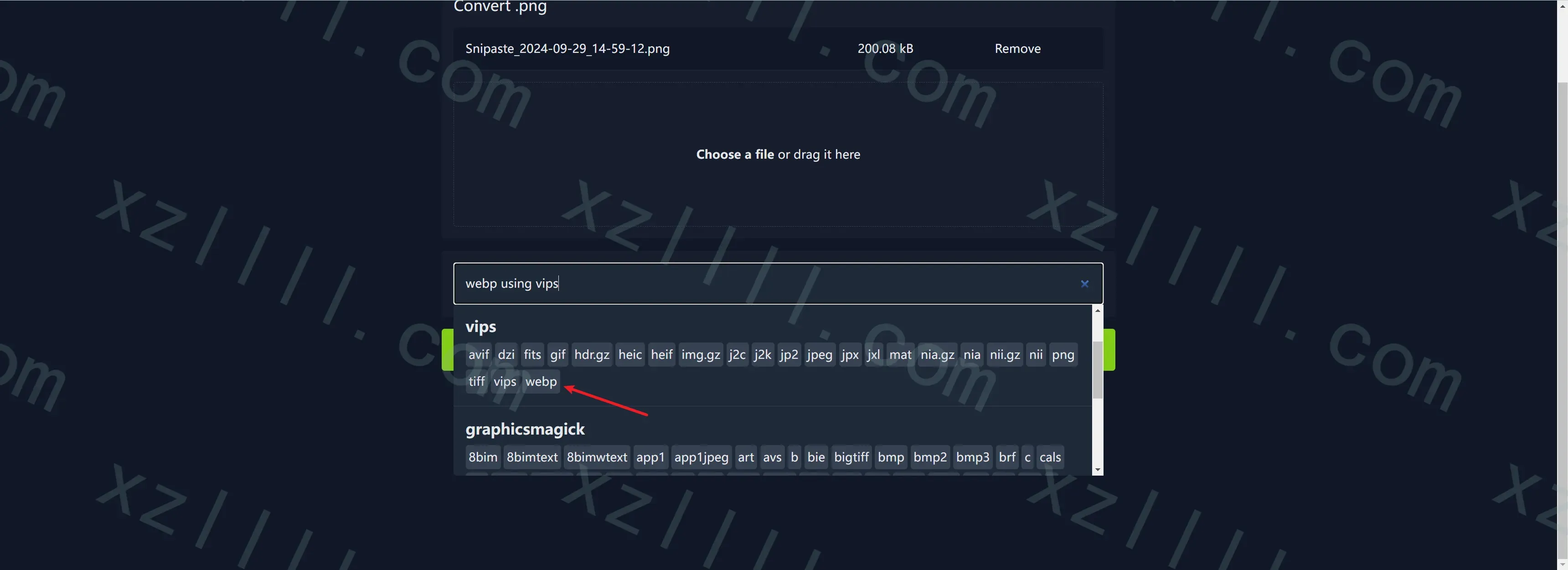
选择要转换为的格式(这里选择WebP) | 确认无误点击转换(Convert)即可
-
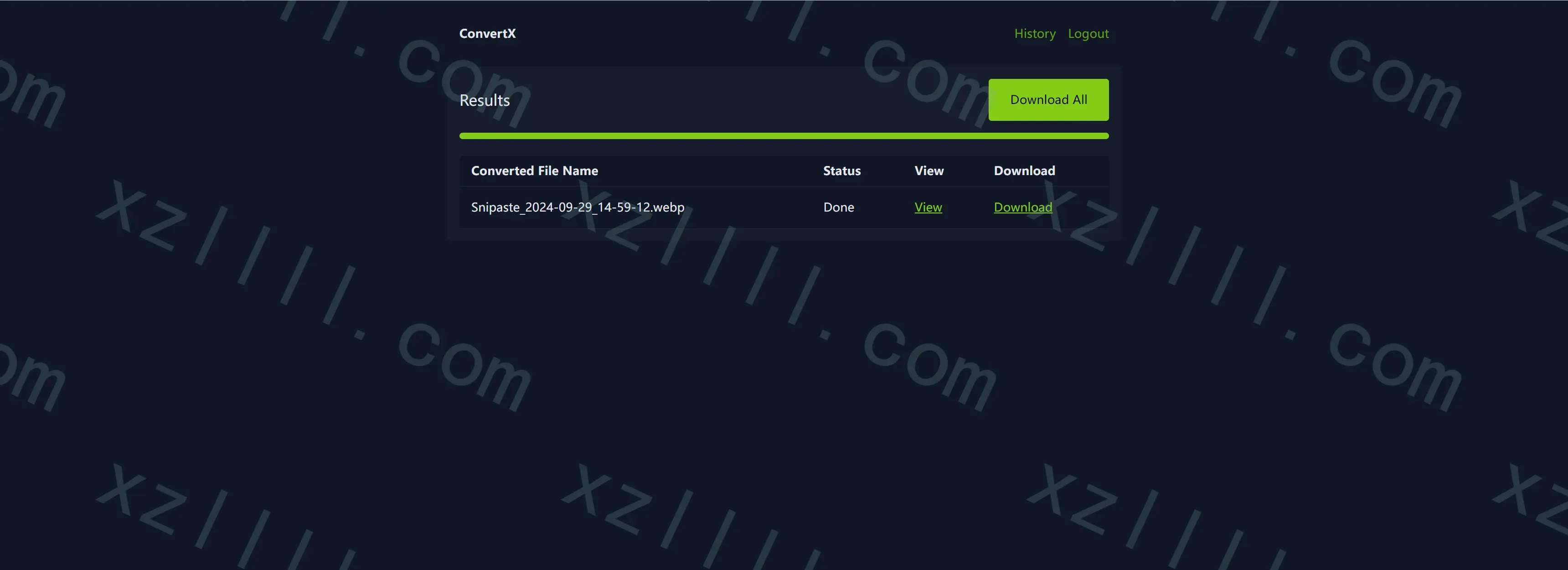
转换完成后可以选择在线预览或者下载此文件
-
查看转换历史

6.Thanks & Copy
GitHub - C4illin/ConvertX: 💾 Self-hosted online file converter. Supports 1000+ formats
💾 Self-hosted online file converter. Supports 1000+ formats - C4illin/ConvertX
C4illin


