

Some tools just work better together.
Streamlined data sharing, less manual entry, reduced friction — integrations are a powerful thing. We're building a robust ecosystem of apps our customers love and we can't wait to add yours next. See all apps

Build a powerful app in just four easy steps.
Set up your Gusto Developer account.
Accept the terms of service, set up your account, and create an application to get your unique set of Gusto API keys. Then, use our checklist to scope your app build-out.
Create a developer account


Use our resources to build your app.
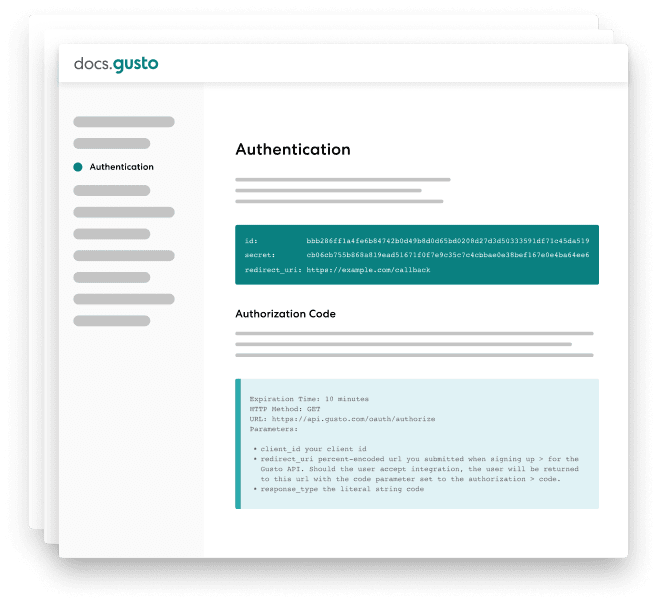
Build your app using our demo and other resources. You can track progress and ask questions as you go. Next, create a quick tutorial video and marketing strategy. Then it's off to QA.
Check out documentation
Launch your app and spread the word.
Once approved, production API keys are issued. You'll want to update your website or marketplace and publish support content about the app. Once you train your sales team, it's time to get the word out.




Track and optimize your app's performance.
Performance starts with promotion — send press releases, post on social, and email your customers. You can track your app's usage and review feedback and errors to improve over time.
Remember, better performance means more perks and rewards.
The documentation was clear and easy to implement, and the response time to the questions we had was very fast.

