-
-
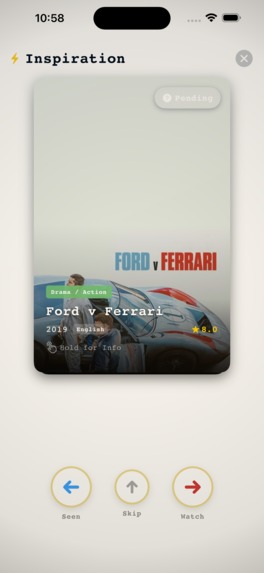
iOS - Inspiration Mode
-
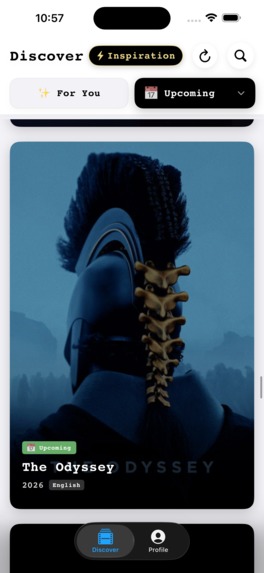
iOS - Main View
-
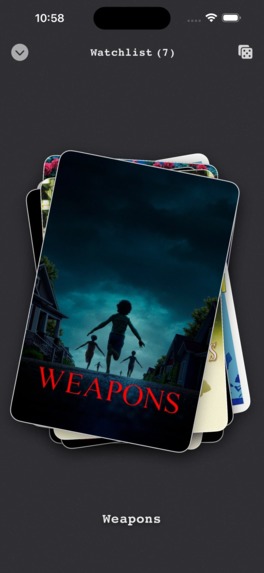
iOS - Watchlist
-
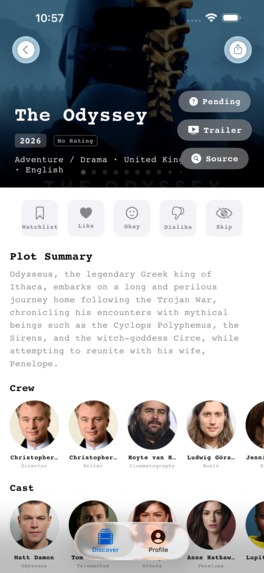
iOS - Movie Detail Page
-
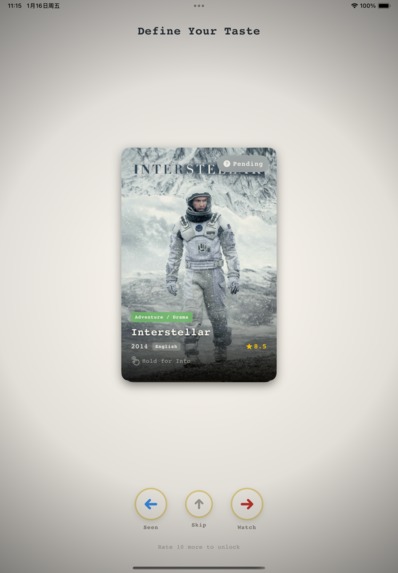
iPAD - Taste Curator
-
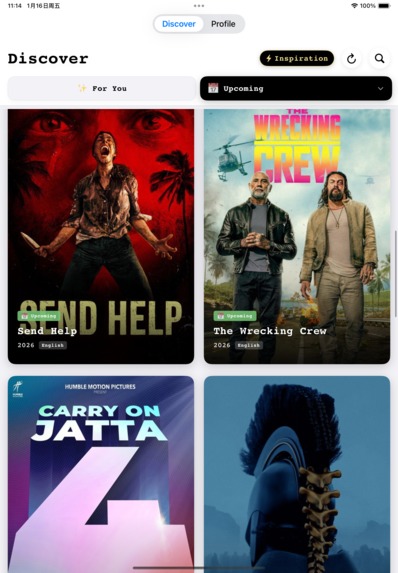
iPAD - Main View
-
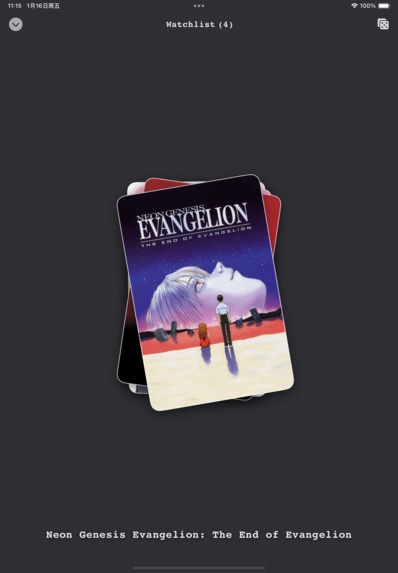
iPAD - Watchlist


The inspiration for KinoTaste came from a personal frustration: "Doom-scrolling."
I was tired of modern streaming apps. They are cluttered with ads, aggressive tracking, and algorithms designed to keep us glued to the screen rather than helping us find quality content. I missed the feeling of walking into a video rental store and getting a recommendation from a knowledgeable clerk who actually understood my mood.
I wanted to build a digital sanctuary for film lovers. An app that is:
Quiet & Elegant: No ads, retro aesthetics.
Privacy-First: User data stays on the device.
Intelligent: Capable of understanding vague memories, not just keywords.
KinoTaste is a native iOS/iPadOS app built with SwiftUI and SwiftData.
For the core movie data, I use the TMDB API. However, a traditional keyword search is limited. If a user searches for "that sci-fi movie about a father and daughter communicating through a bookshelf," a standard API fails.
Enter Gemini 2.0.
I integrated Google's Gemini API to power a feature I call "Memory Fragments" (记忆碎片).
The Architecture
The app follows a hybrid "AI + Verification" pipeline:
User Intent: The user types a natural language query (e.g., "Movies with a plot twist set in the Victorian era").
Gemini Processing: The app sends this query to Gemini 2.0. I used prompt engineering to force Gemini to act as a structured data API, returning a strict JSON array.
Why Flash? Its speed is incredible. The latency is low enough to feel like a native search experience.
Data Verification: The app takes the movie titles generated by Gemini and cross-references them with the TMDB API to fetch high-res posters and metadata. This eliminates "hallucinations" where the AI might invent non-existent films.
Presentation: The results are displayed in a native SwiftUI list, with a special "Gemini Reason"—a short, highlighted comment generated by the AI explaining why this movie fits the user's obscure description.
- Taming the LLM Output The biggest challenge was getting the AI to output consistent, parseable data. Initially, Gemini would be too conversational (e.g., "Here are some movies I found...").
Solution: I iterated on the System Prompt to strictly enforce a raw JSON output format and added a cleaning layer in Swift to strip out any potential Markdown code blocks (```json) before parsing.
- Balancing Privacy with AI My app's core promise is privacy (Local-first). Integrating a cloud API felt like a contradiction at first.
Solution: I implemented a strict privacy boundary. Personal user data (Watchlist, History) is stored locally via SwiftData. Only the specific, anonymized search query is sent to Gemini.
- iPad Adaptation Moving from iPhone to iPad required a complete UI rethink. I learned how to use SwiftUI's LazyVGrid and Size Classes to create a responsive, immersive dual-column layout that mimics a physical film poster wall.
Participating in this hackathon taught me that GenAI is not just for chatbots.
By treating Gemini as a logic engine rather than just a text generator, I was able to build a feature that bridges the gap between human memory and rigid databases. I also deepened my understanding of modern iOS development, specifically the synergy between Swift concurrency (async/await) and network calls.
KinoTaste is my love letter to cinema, and with Gemini, it finally has the "brain" to match its beauty.


Log in or sign up for Devpost to join the conversation.