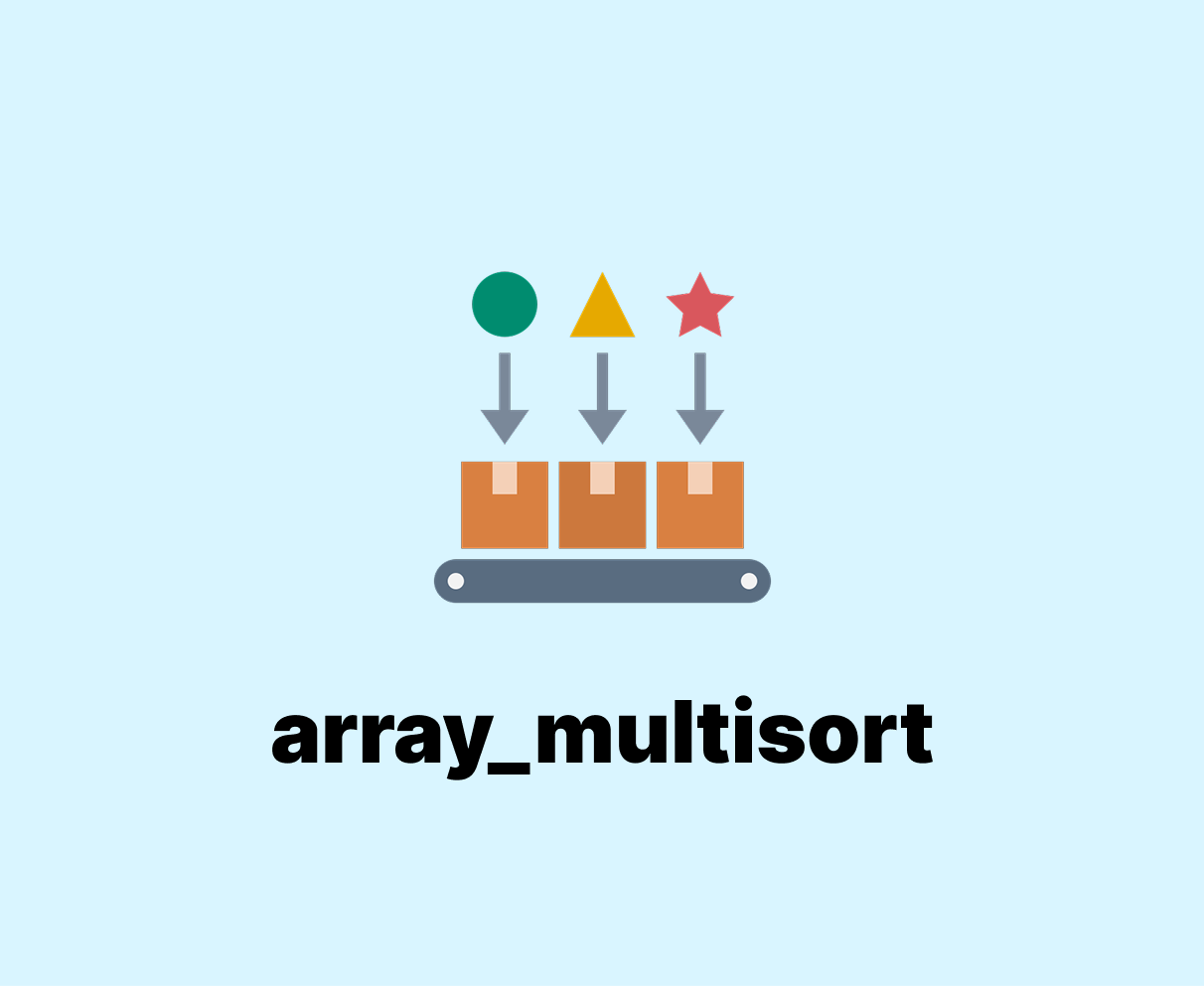
PHP array_multisort sorts many arrays or a multi level array in one go. It can sort data in numeric order or text order. This helps you control how your arrays look after sort.
Table of Content
Syntax of PHP array_multisort
The PHP array_multisort function sorts one array or more arrays at the same time. It sets order for each array and returns a boolean value.
Here is an example:
array_multisort(array1, sort_order, sort_type, array2, ...);You can sort a main array and also sort other arrays with it. This keeps related data in the right place after sort.
For example:
$numbers = [3, 1, 2];
$names = ["C", "A", "B"];
array_multisort($numbers, $names);
print_r($numbers);
print_r($names);
This code sorts $numbers in order and sorts $names in the same order. Both arrays stay linked after sort.
Here is the output:
Array
(
    [0] => 1
    [1] => 2
    [2] => 3
)
Array
(
    [0] => A
    [1] => B
    [2] => C
)
PHP array_multisort can sort numeric arrays by value or by flags like SORT_DESC. It changes the order of each array but keeps index links correct.
$values = [5, 2, 8, 1];
array_multisort($values, SORT_ASC);
print_r($values);
The code sets $values to [1,2,5,8] after sort. You can also use SORT_DESC for reverse order.
The output:
Array
(
    [0] => 1
    [1] => 2
    [2] => 5
    [3] => 8
)
Using PHP array_multisort with associative arrays
You can sort an associative array by its values but keep keys safe. You can also match it with another array to keep data linked.
$age = ["Ali"=>30,"Sara"=>22,"Omar"=>25];
$name = ["Ali","Sara","Omar"];
array_multisort($age, SORT_ASC, $name);
print_r($age);
print_r($name);
This code sorts $age by value from low to high. The $name array stays matched with each key after sort.
The output:
Array
(
    [Sara] => 22
    [Omar] => 25
    [Ali] => 30
)
Array
(
    [0] => Sara
    [1] => Omar
    [2] => Ali
)
Sorting multidimensional arrays with PHP array_multisort
You can sort a multidimensional array by a column inside it. This helps order records like a table.
$data = [
  ["id"=>3,"name"=>"Ali"],
  ["id"=>1,"name"=>"Sara"],
  ["id"=>2,"name"=>"Omar"]
];
$ids = array_column($data, "id");
array_multisort($ids, SORT_ASC, $data);
print_r($data);
This code extracts the id column and sorts the main $data array by it. Each row keeps its own fields after sort.
The output:
Array
(
    [0] => Array
        (
            [id] => 1
            [name] => Sara
        )

    [1] => Array
        (
            [id] => 2
            [name] => Omar
        )

    [2] => Array
        (
            [id] => 3
            [name] => Ali
        )

)
Examples
Sort two related arrays by numbers:
$scores = [45, 78, 12];
$names = ["Ali","Sara","Omar"];
array_multisort($scores, SORT_DESC, $names);
print_r($scores);
print_r($names);
This example sorts $scores from high to low. It also sorts $names in the same order to keep the link.
The output:
Array
(
    [0] => 78
    [1] => 45
    [2] => 12
)
Array
(
    [0] => Sara
    [1] => Ali
    [2] => Omar
)
Sort the associative array by age:
$people = ["Ali"=>30,"Sara"=>22,"Omar"=>25];
$names = array_keys($people);
$ages = array_values($people);
array_multisort($ages, SORT_ASC, $names);
print_r($names);
print_r($ages);
This example splits keys and values into arrays, sorts ages, and keeps names linked with each age.
The output:
Array
(
    [0] => Sara
    [1] => Omar
    [2] => Ali
)
Array
(
    [0] => 22
    [1] => 25
    [2] => 30
)
Sort a table by column:
$records = [
  ["id"=>2,"name"=>"Omar","score"=>80],
  ["id"=>1,"name"=>"Sara","score"=>90],
  ["id"=>3,"name"=>"Ali","score"=>70]
];
$scores = array_column($records,"score");
array_multisort($scores,SORT_DESC,$records);
print_r($records);
This example sorts $records by the score column from high to low. Each row stays matched with its values.
The output:
Array
(
    [0] => Array
        (
            [id] => 1
            [name] => Sara
            [score] => 90
        )

    [1] => Array
        (
            [id] => 2
            [name] => Omar
            [score] => 80
        )

    [2] => Array
        (
            [id] => 3
            [name] => Ali
            [score] => 70
        )

)
Sort many arrays with mixed order:
$first = [3,1,2];
$second = ["C","A","B"];
array_multisort($first,SORT_ASC,$second,SORT_DESC);
print_r($first);
print_r($second);
This example shows how you can set a different order for each array at once. It keeps data in place but changes the order.
The output:
Array
(
    [0] => 1
    [1] => 2
    [2] => 3
)
Array
(
    [0] => A
    [1] => B
    [2] => C
)
Wrapping Up
You learned what PHP array_multisort does and how to use it with many array types.
Here is a quick recap:
- You can sort many arrays at once, keep links between arrays, and order multidimensional arrays by one column or more. This gives you full control of data order in your code.
FAQs
What is PHP array_multisort with example?
array_multisort function sorts multiple arrays or multi-dimensional arrays.
Here is an example:
<?php
$names = array("Sara", "John", "Alex");
$ages  = array(25, 30, 20);

array_multisort($ages, $names);

print_r($ages);
print_r($names);
?>
- First array is sorted by values.
- Second array is reordered based on first array sorting.
How does PHP array_multisort work?
array_multisort function sorts arrays in parallel.
It takes one array as the main sorting key and reorders the others.
<?php
$marks = array(90, 60, 70);
$students = array("Ali", "Mona", "Zaid");

array_multisort($marks, SORT_DESC, $students);

print_r($marks);
print_r($students);
?>
Can PHP array_multisort sort multidimensional arrays?
<?php
$data = array(
  array("Ali", 22),
  array("Sara", 18),
  array("Omar", 25)
);

$names = array_column($data, 0);
$ages  = array_column($data, 1);

array_multisort($ages, SORT_ASC, $names, SORT_ASC, $data);

print_r($data);
?>
- Sorts by age first.
- Sorts by name next if ages match.
What are common flags in PHP array_multisort?
SORT_ASC→ Sort ascending order.SORT_DESC→ Sort descending order.SORT_REGULAR→ Compare items normally.SORT_STRING→ Compare items as strings.
<?php
$values = array("20", "9", "100");
array_multisort($values, SORT_ASC, SORT_STRING);
print_r($values);
?>
Similar Reads
The IF statement in PHP helps to see if a condition is true or not. If it is true, it…
The PHP switch statement is multiple conditions to only execute one block if its condition generating a true boolean value.…
The mb_strtolower() function in PHP turns every letter in a string into lowercase. It works with multibyte encodings like UTF-8.…
The array_key_first helps you to get the first key of an array directly in PHP. It saves time and removes…
PHP $_SERVER is a superglobal. It’s a predefined variable containing information about your server, client, and request environment. As a…
You may need to get part of a text when you work with text in PHP. The mb_substr gives you…
PHP foreach loop came to help work with array data in a simple way. Arrays and objects grew more common…
The assignment operators are the sets of gears that keep your code well-oiled and running when deep in PHP, allowing…
A destructor in a PHP class runs when an object is no longer needed. It frees resources and cleans up…
JSON is used in most of your web applications for dealing with data, and so, in a way, PHP JSON…