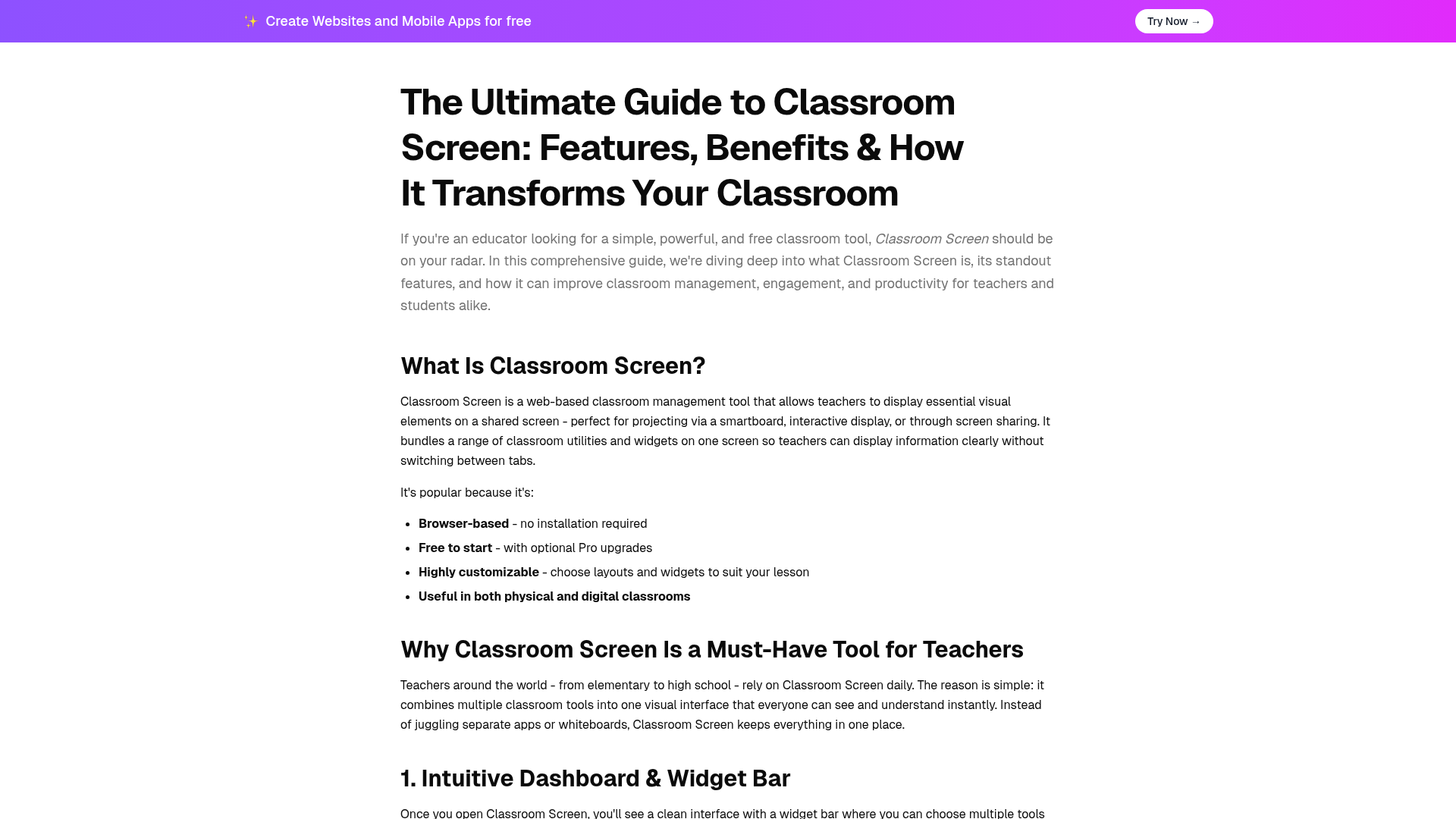
Classroom Screen is a powerful, web-based classroom management tool designed for educators to display essential visual elements on a shared screen. It consolidates a wide range of classroom utilities and widgets onto a single interface, perfect for projection via smartboards, interactive displays, or screen sharing, eliminating the need to switch between multiple tabs.Targeting teachers from elementary to high school, Classroom Screen aims to significantly improve classroom management, student engagement, and overall productivity.Key FeaturesBrowser-Based & Free: No installation required, with a robust free tier and optional Pro upgrades.Intuitive Dashboard: Features a clean interface with draggable, resizable widgets for flexible layout customization.Time & Task Management: Includes a Clock, Timer, Stopwatch, and Event Countdown to help students with pacing.Engagement & Interaction: Offers a Poll Widget, QR Code Generator, Random Name Picker, and Group Maker to foster participation.Classroom Management Tools: Utilizes a Traffic Light, Work Symbols, and a live Noise Level Monitor for visual routine setting.High Customization: Allows for personalized backgrounds, drawing tools, text boxes, and seamless multimedia integration.Use CasesClassroom Screen is an indispensable tool for establishing clear routines and expectations at the start of class, displaying schedules, and providing visual cues that support independent work. It empowers teachers to manage time effectively, keep students on task, and significantly reduce the need for constant verbal reminders, thereby creating a more self-regulated learning environment.Beyond traditional physical classrooms, Classroom Screen excels in remote and hybrid learning settings. Educators can easily share their screen through video conferencing platforms like Zoom or Google Meet to deliver clear visual instructions, maintain interactive elements such as timers and polls, and ensure students remain focused and connected during virtual lessons. This versatility makes it ideal for any modern educational setup.Pricing InformationClassroom Screen operates on a freemium model, offering a fully functional and powerful free version that covers core classroom needs. For educators seeking advanced features like saving and organizing screens into workspaces, creating custom backgrounds, or sharing screens with colleagues, optional Pro upgrades are available.User Experience and SupportThe platform boasts an intuitive dashboard and a clean, user-friendly interface, making it incredibly easy for teachers to navigate and customize. Widgets are designed to be draggable and resizable, allowing for personalized arrangements that suit various lesson plans and teaching styles. While specific documentation or dedicated support channels aren't detailed, its browser-based nature and straightforward design contribute to a smooth user experience.Technical DetailsClassroom Screen is a purely web-based application, meaning it functions entirely within a standard web browser without requiring any software installation. It leverages modern web technologies to provide dynamic features such as real-time microphone access for the noise level monitor and seamless integration of external content like YouTube videos, ensuring a robust and interactive platform.Pros and ConsPros:Free to start with powerful core features.Browser-based, requiring no installation.Highly customizable layouts and widgets.Consolidates multiple classroom tools into one visual interface.Supports both physical and digital/hybrid classrooms effectively.Enhances classroom management, engagement, and productivity.Cons:Advanced planning and sharing features are exclusive to the Pro plan.Requires a stable internet connection for full functionality.Optimal use necessitates a projector, smartboard, or screen sharing.New users might experience a slight learning curve to master all widgets.ConclusionClassroom Screen stands out as a game-changer for educators seeking a flexible, easy-to-use, and powerful tool to streamline their teaching and enhance student learning. By centralizing essential classroom utilities into a dynamic visual display, it effectively fosters better engagement, management, and instructional clarity. Try Classroom Screen today and discover how a better classroom screen can truly elevate your teaching experience!