
Booking Form
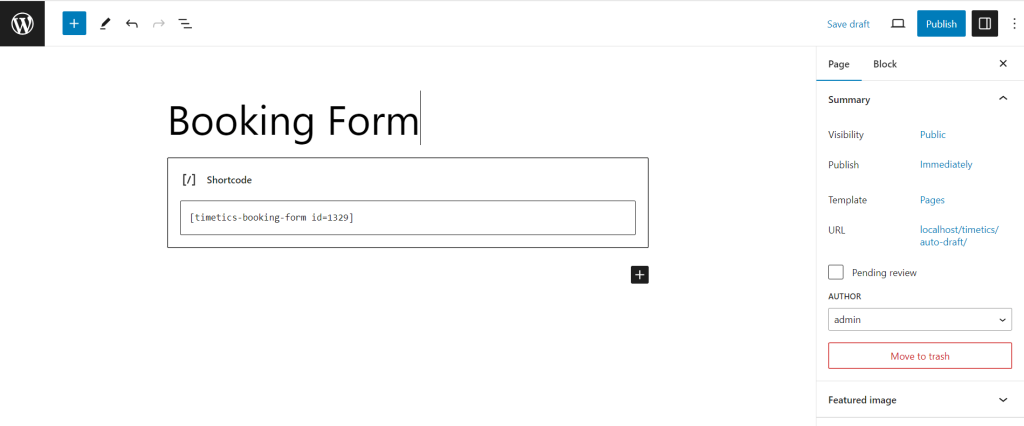
If you want to show a single meeting on a page, then you can also use the shortcode.

Copy pate the shortcode on a page.
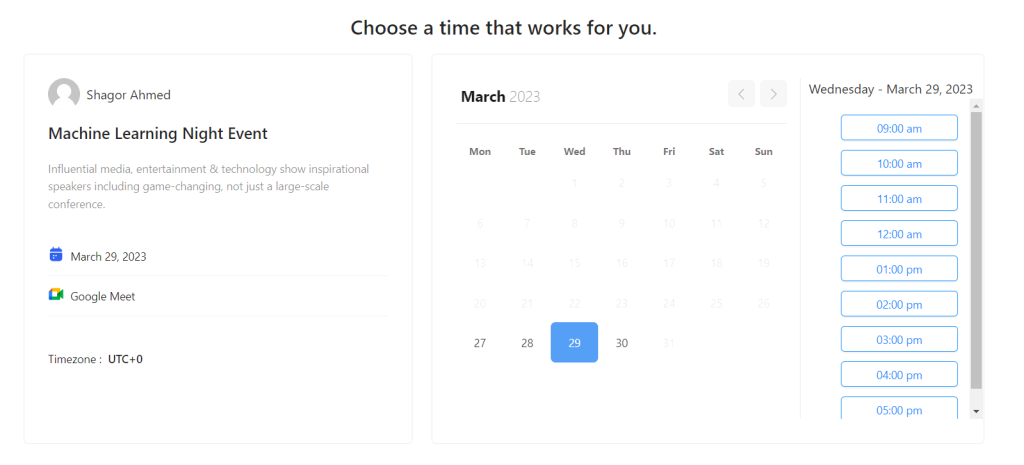
Booking form for a single meeting on the front end:
Meeting List
After creating meetings, if you want o show the meetings list on the front end, then go to the Timetics -> ShortCodes -> Meeting List -> Set Meeting Limit and Click on the Generate Shortcodes.
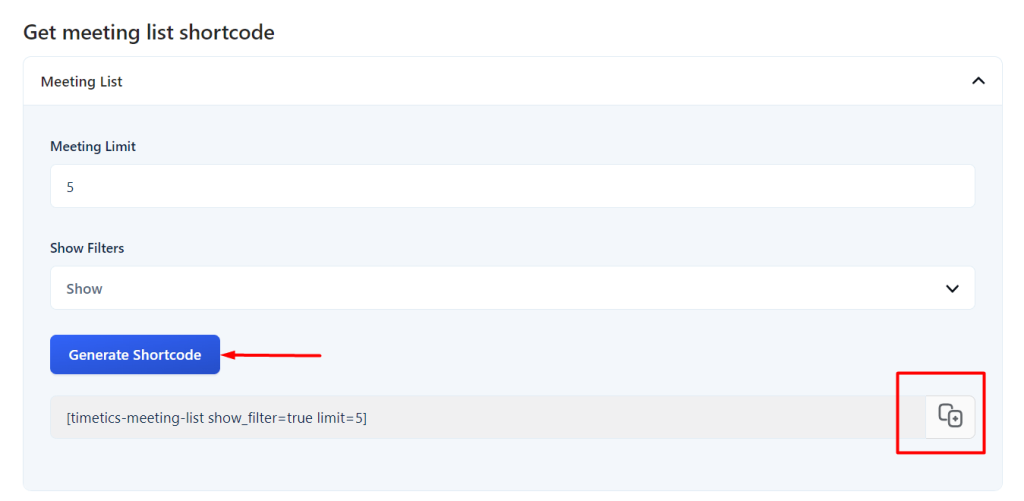
Now, copy the shortcode and paste it into any pages or widgets.
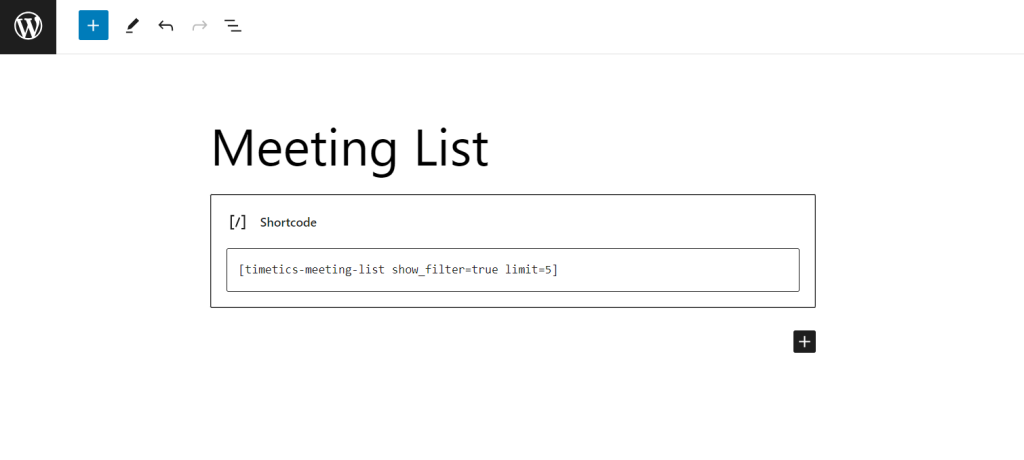
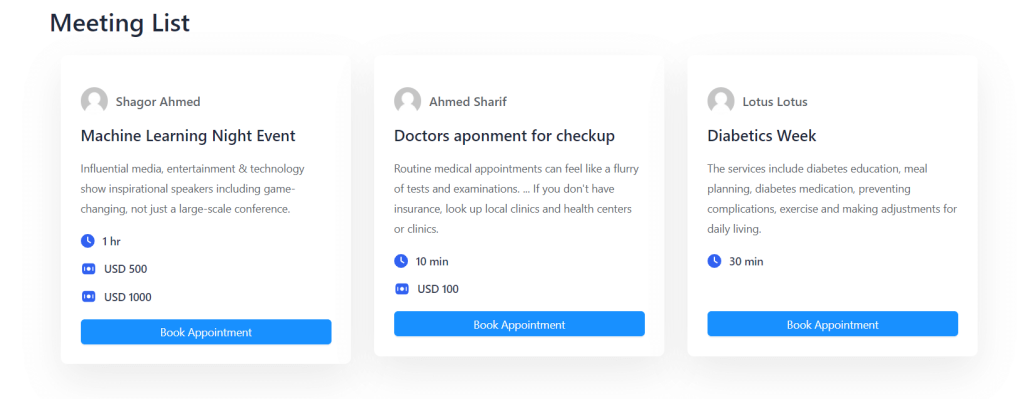
Meeting List on the frontend:
User Dashboard
Follow the Documentation to show the user dashboard by using a shortcode.
