
Apraksts
Add custom JavaScript to your site from a professional editor in the WordPress admin.
TC Custom JavaScript‘s still in early stage. If you have any troubles when using it, or any ideas to improve its features to fit with your work, please do not hesitate to contact us.
Ekrānuzņēmumi

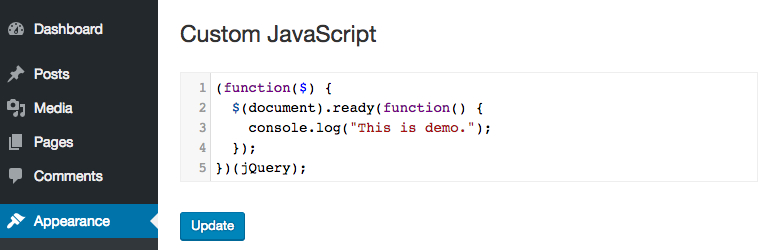
The back end editor

Uzstādīšana
- Upload WR PageBuilder to the /wp-content/plugins/ directory
- Activate the plugin through the ‘Plugins’ menu in WordPress
Atsauksmes


Autori un izstrādātāji
“TC Custom JavaScript” ir atvērtā pirmkoda programmatūra. Šo spraudni ir veidojuši šādi cilvēki.
Līdzdalībnieki
Tulkot “TC Custom JavaScript” savā valodā.
Vai jūs interesē attīstība?
Pārlūkojiet kodu, apmeklējiet SVN krātuvi vai abonējiet attīstības žurnālu, ko izveidojis RSS.
Izmaiņu žurnāls
1.2.3
Fix bug with PHP 8
1.2.2
Update security checking
1.2.1
Fix bug adding slashes
1.2.0
Fix security issues.
1.1.1
Fix bug clear code.
1.1.0
Editor automatically resize to fit its content.
1.0.4
Fixed bug related to single-line comments.
1.0.3
Fixed bug related to Magic Quotes of PHP 5.3 or lower.
1.0.0
The first version.
