


Phoenix Code
The text editor designed to make coding as simple and fun as playing a video gameBuilt for you by the brackets.io development team 0+ downloads and counting...


Built for web developers, designers, and students. Edit directly in the live preview and iterate faster with powerful visual tools.
*Some features shown are available only with Phoenix Pro
Edit text, change images and tweak layout directly in the preview. No more switching between code and browser.
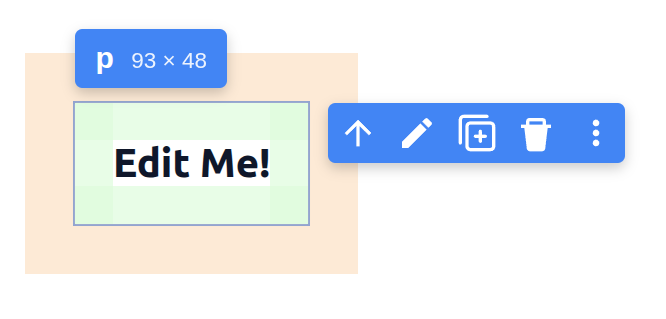
Edit content and elements right in Live Preview - cut, copy, paste, duplicate, delete - without breaking your flow.
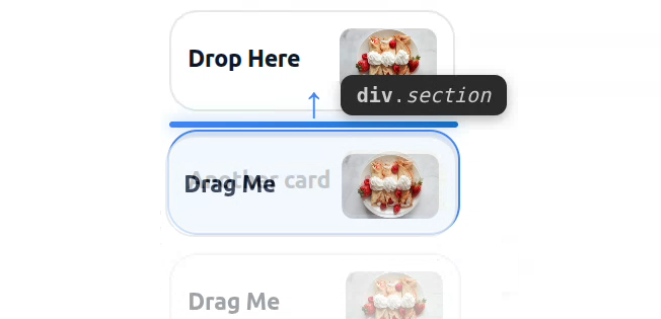
Rearrange sections visually - try more layout ideas in seconds, not minutes of coding.
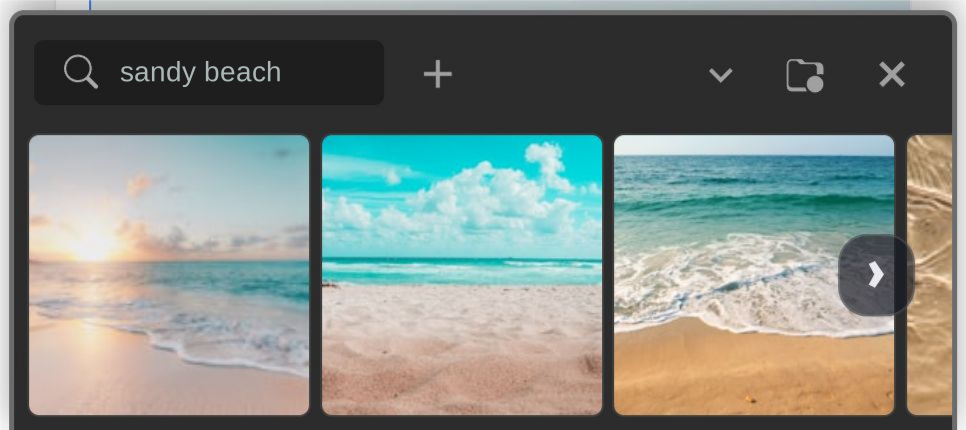
Browse royalty-free images - hover to preview instantly, click to apply. Try more options, faster.
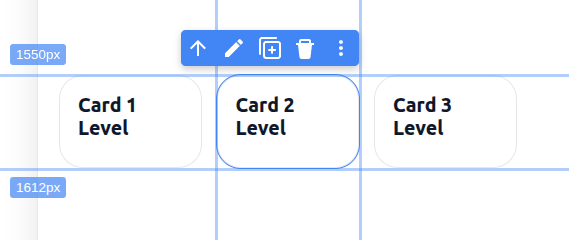
Design and inspect in one view - hover to see spacing, dimensions, and classes. Ruler guides for pixel-perfect alignment.
Code and see changes instantly. Write HTML, CSS, or JavaScript and watch the preview update in real-time.

Use powerful UI tools like the color editor to tweak background and text colors, adjust font sizes and border-radius with number dials, or explore page layouts with live code hints.
Learn more →
Smart code completion and real-time error detection for HTML, CSS, and JavaScript. Write better code, faster.
Learn more →
Search your entire project instantly - filter by file type, exclude paths, or use regex for advanced queries.
Learn more →
Integrated source control with a clean interface. Stage, commit, and sync with a single click.
Learn more →

Customize everything with thousands of extensions and themes. Make it yours.
Learn more →


