Free Online Mockups
Discover a cost-effective solution to boost your marketing efforts and showcase your goods—Canva Mockups. Your one-stop solution for creating top-notch product mockups that beautifully match your brand.





+75M customers trust Canva Worldwide
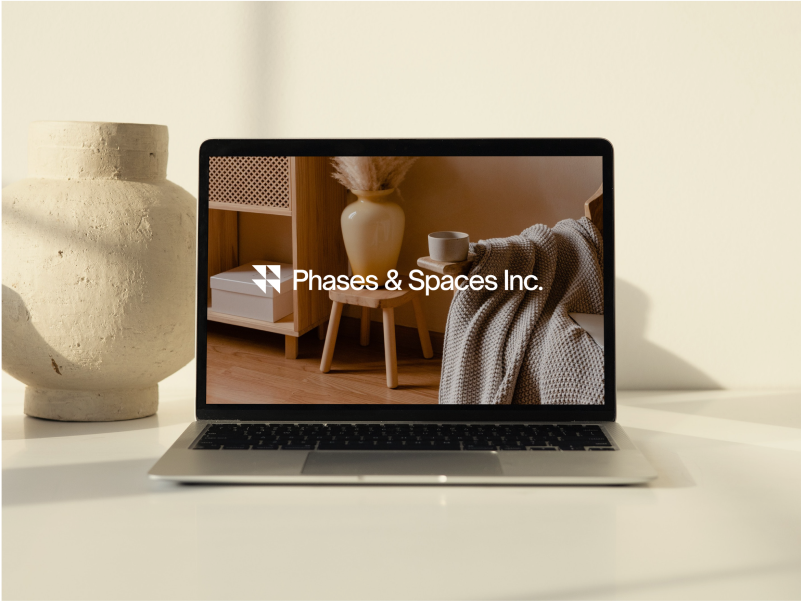
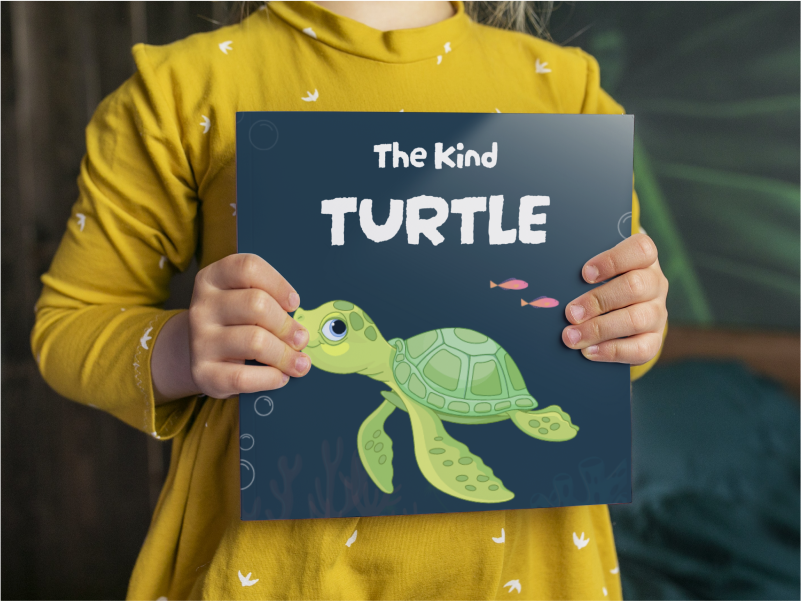
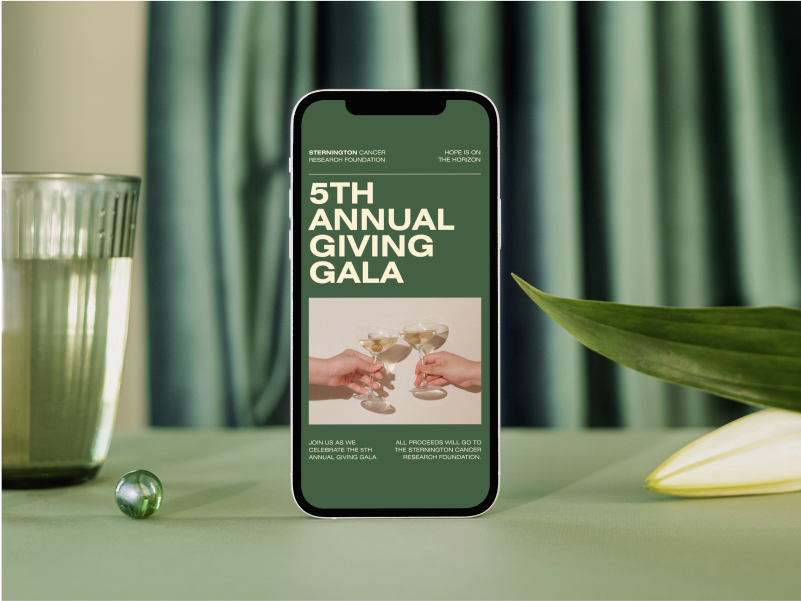
Introducing Canva Mockups
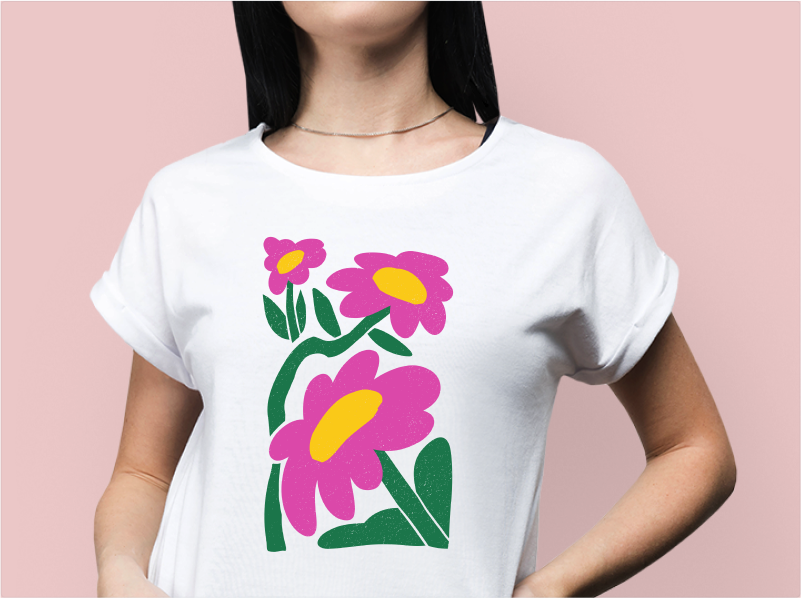
Impress your audience with a product mockup so realistic you can almost touch it. Achieve such a vision with Canva Mockups. No design experience needed, just a vision and a product you can’t wait to share with the world.
Confidently craft beautiful mockups

Create mockups from a photo
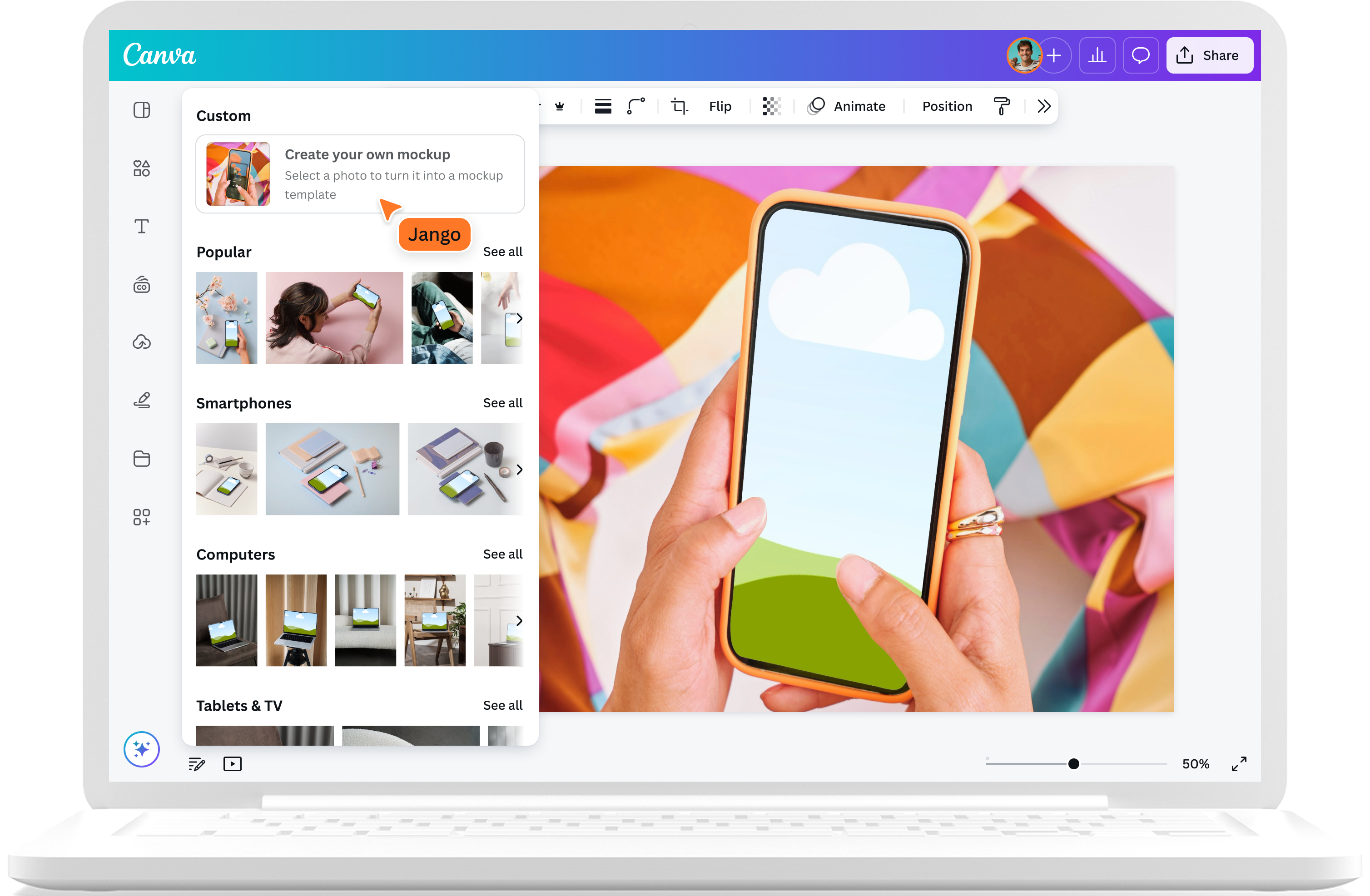
With the power of AI, Mockups can analyze your images and identify ideal surfaces for product placement, so that you can turn any branded photo into a custom mockup template in seconds.

Intuitive editing tools and features
Canva’s intuitive photo editing tools gives you the power to enhance your photos and achieve complex edits with ease. Plus, access our vast design elements library, so you can create a stunning mockup in no time.
Professional mockup templates across industries
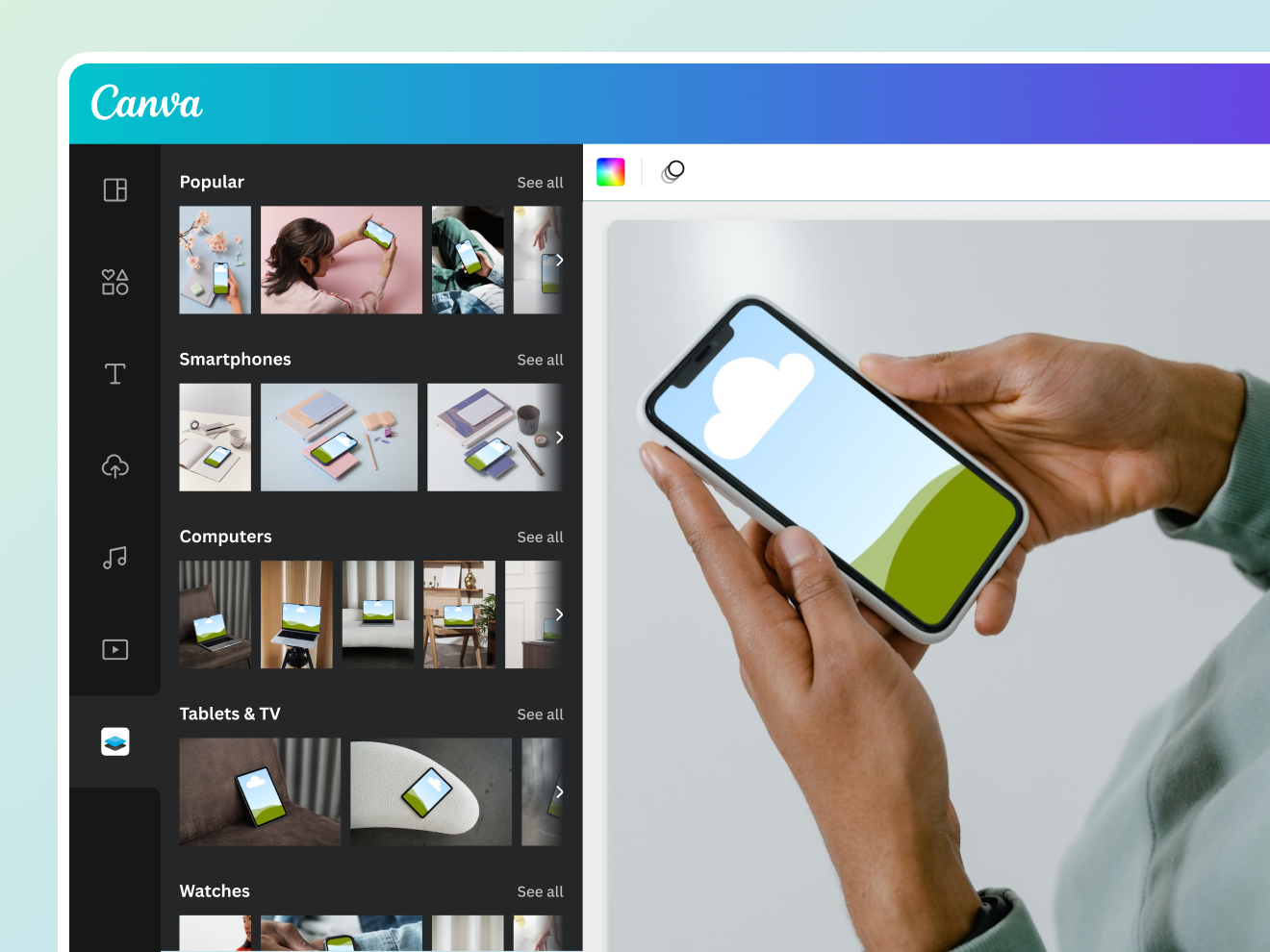
Find the perfect mockup templates—from print-ready mockups to video mockups— that matches your niche to get started on your design.
Transform your mockups with AI
Add or replace parts of your mockup image
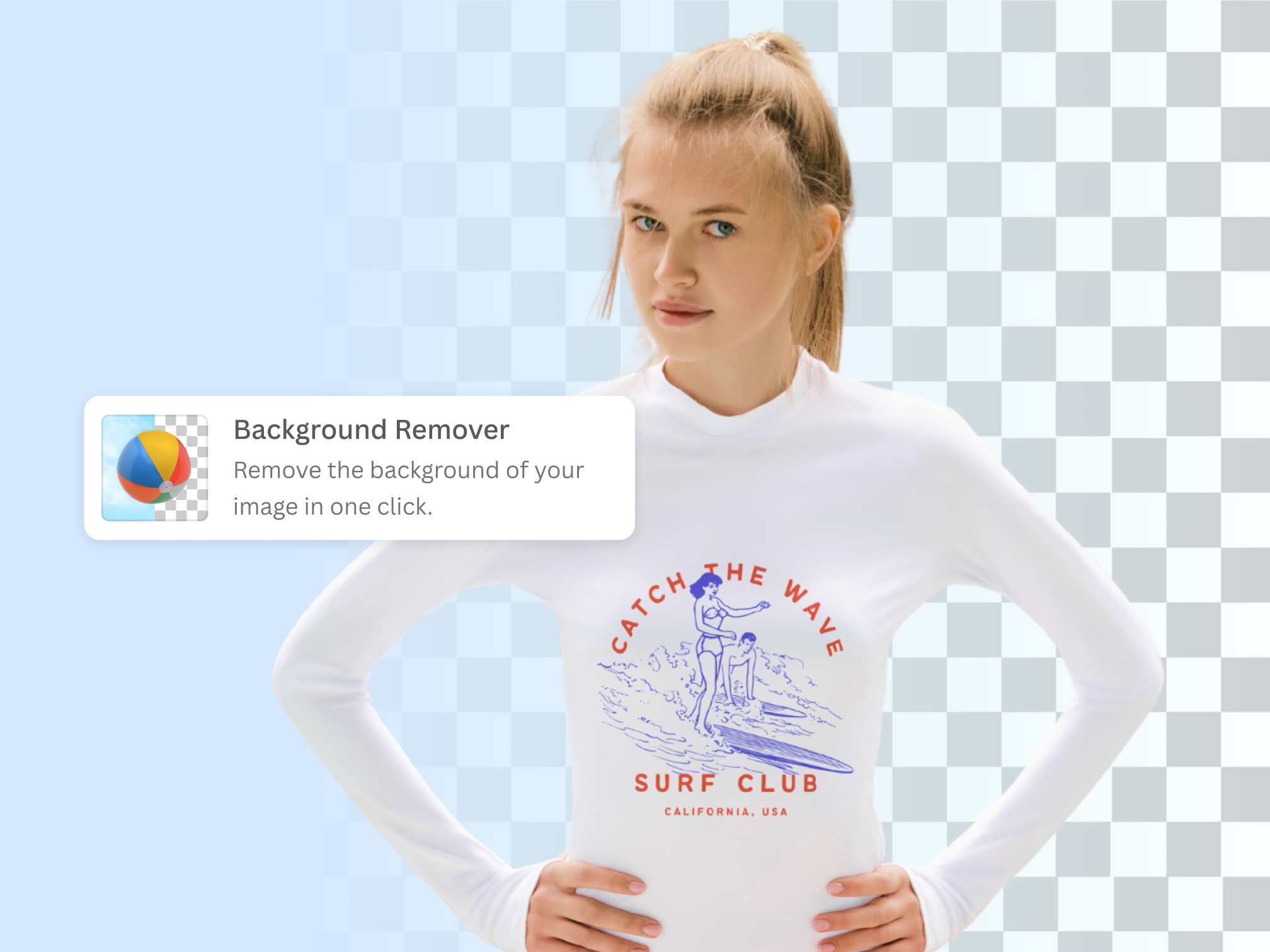
Use Magic Edit to easily add or replace elements in your image. Make your subjects pop by removing photo-bombers with Magic Eraser (Pro), or cleanly remove backgrounds with Background Remover (Pro)—all in just a few clicks.

Erase clutter and unwanted elements with ease (Pro)
Our AI-powered photo editor automatically identifies objects in your photos for you, making it easier than ever to modify specific parts of your photo. Simply click the invidividual element, then delete. For finer edits, use the brush and adjust its size to brush over the finer details you wish to delete.
Extend your image in any direction (Pro)
With Magic Expand (Pro), push past the edges of your original image. Fix awkward framing, save zoomed-in details, or change a vertical composition to horizontal. Great for getting the ideal mockups for any design.
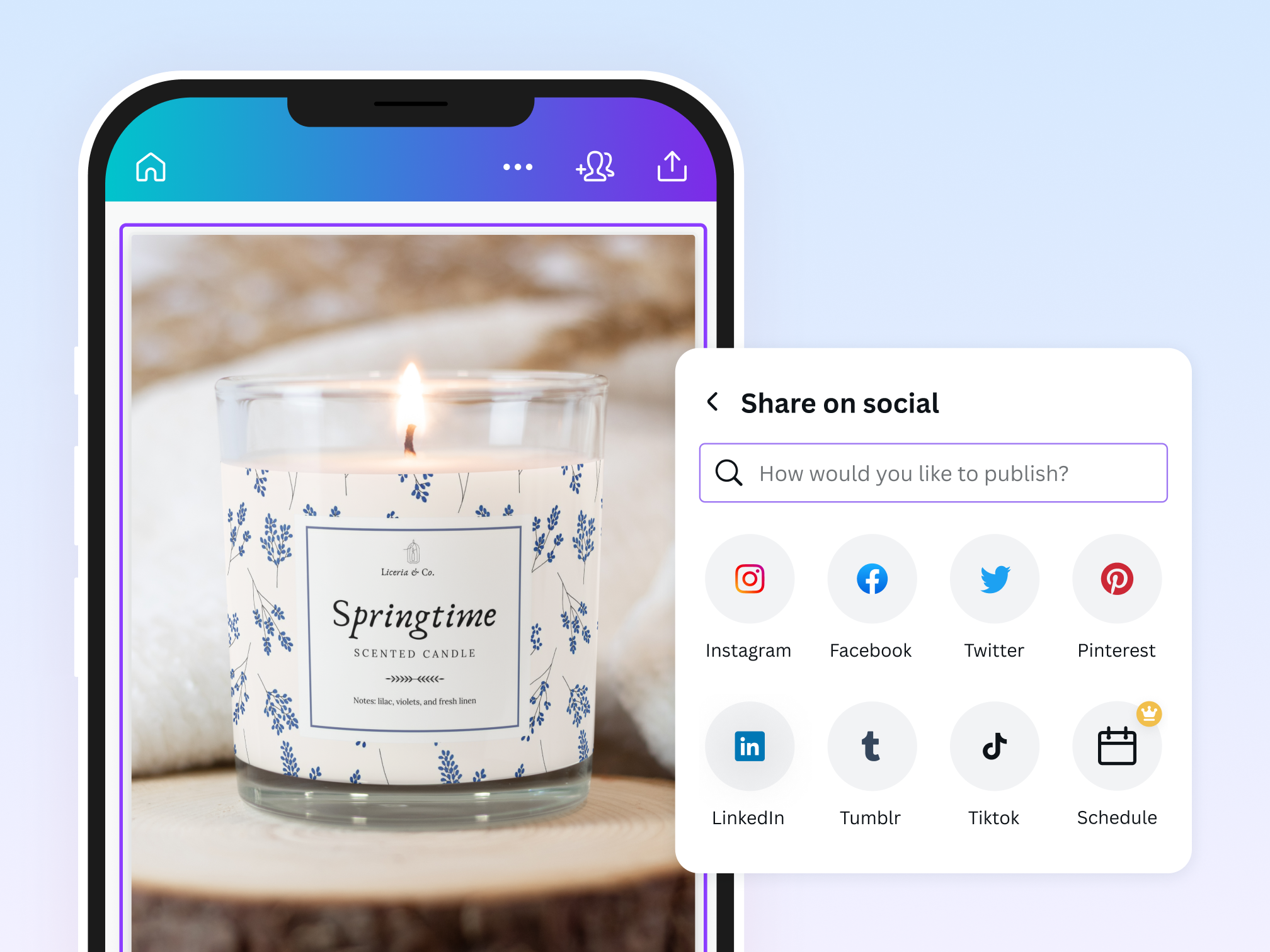
Product mockups on the go

Fully customizable mockup templates
Choose from a range of photo mockup templates and imagine how your photos can leave a lasting impression in a real-life setting. With AI, Mockups analyzes your images and identify ideal surfaces for product placement, so that you can turn any branded photo into a mockup template in seconds.

Collaborations made easy
Share editing access, assign tasks, and set up approvals with your team effortlessly. Mockups is accessible on all mobile, tablet, and desktop devices on iOS and Android.

Publish and share your way
Maximize your mockups. Easily print or publish on social media, feature in newsletters, or post on e-commerce platforms.
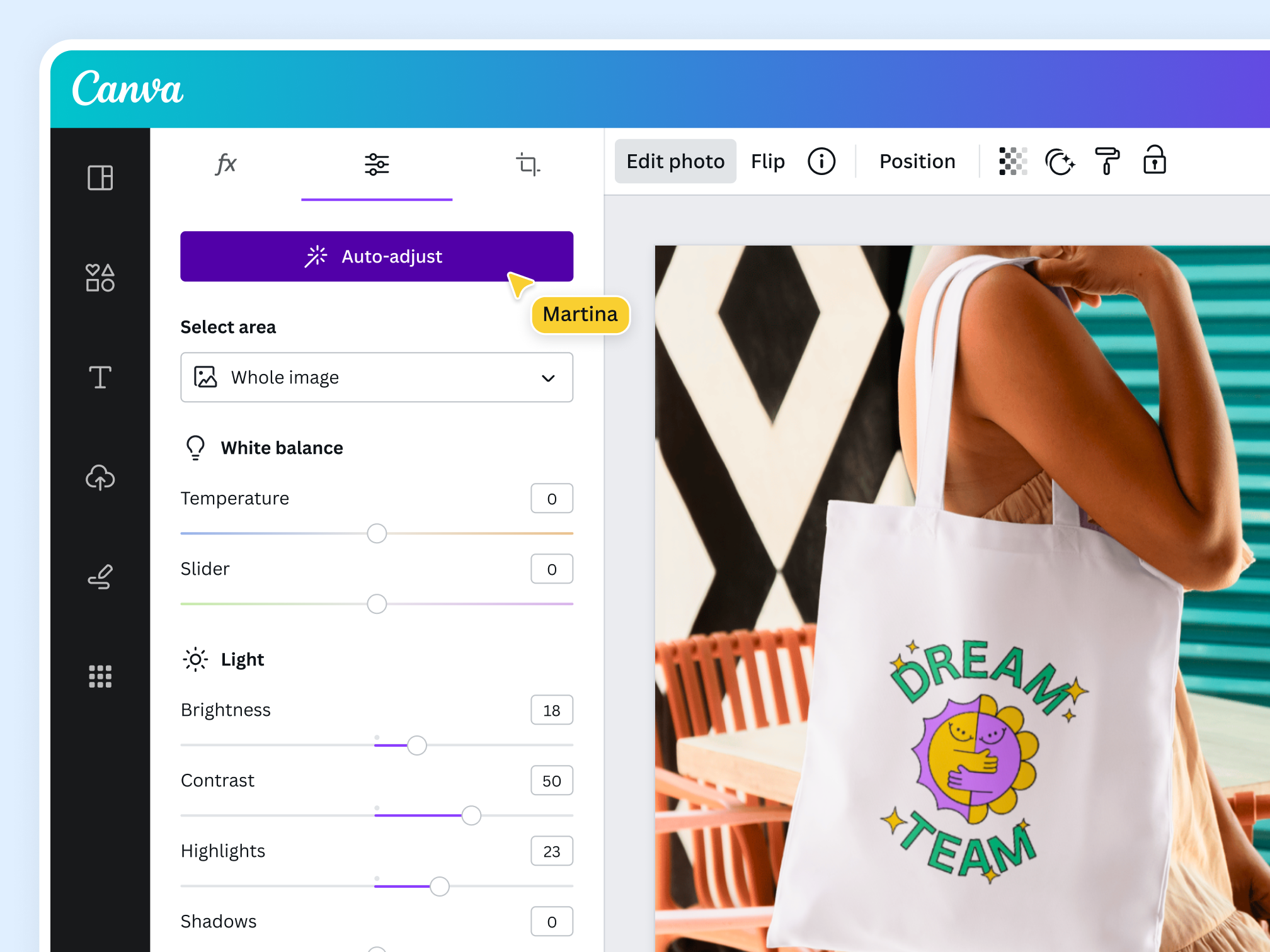
Customize mockups like a pro
Enhance images with ease
Effortlessly enhance your images with Canva’s intuitive photo editor. Adjust focus, lighting, and exposure while perfecting saturation to bring your mockups to life.

Apply filters, effects, and text animations
Add fun and vibrant photo effects and filters with one click. Remix your images with custom graphics and text animations, adding unique flair and artistic touches to your mockups.

Set up your Brand Kit (Pro)
Achieve a unified look across all your product mockups. Insert your brand colors, logo, and official color palette with Brand Kit.
Professional mockups for everyone

For artist-entrepreneurs
Attract patrons by showcasing your concept or design in a beautiful mockup.

For marketing pros
Insert realistic mockups to make your marketing collaterals shine.
For small biz owners
Present your goods more effectively with mockups that best represent your brand.
All the features you need
Canva’s free drag-and-drop design tools make it easy to create any design, fast!
Thousands of free templates
Plenty of template design inspiration for any occasion, no need to start from scratch and 100% customizable.
Color picker
Advanced color & gradient picker with pre-made color presets, eyedropper tool, and many others.

Realistic lighting
Mockups with changeable color have multiple advanced layers for perfect lighting and shadows.

Transparent background
Change the background with color, gradient, background image or make the mockup transparent.
Add Text to Photo
Easily add text to your photo or image to tell a story. Font combinations, colors, and styles available.

Built-in photo editor tool
Upload, edit, and share images instantly with our free online photo editor tool. No app switching required.
Access anywhere and autosave
Jump from device to desktop—design how you work best! Canva autosaves your progress along the way.

Real-time collaboration
Create, collaborate, comment on designs, and get everyone on the same page, at the same time, from anywhere.
Easy sharing and exporting tools
Share and export designs as a JPG, PNG, PDF, and PPTX. And when you embed a doc, you can customize which page will be displayed.
Quick & easy adjustments
Tweak white balance, light, color, and texture in close detail with adjustment sliders.

Photo effects & filters
Choose from our selection of adjustable color filters and fun photo effects to remix your photo.

One-click background remover (Pro)
Remove image and video backgrounds, perfect for product photos, headshots, or transparent PNGs.

Magic Eraser (Pro)
Instantly clean up your image and remove any unwanted distractions with Magic Eraser—no manual editing needed.

Magic Edit
Want to change the color or texture of an object? Or swap the background for something else? Magic Edit (Pro) lets you add to, replace, or edit your image with a short written prompt.
Add depth with shadows
Add life to your flat image with a 3D shadow effect, so it stands out in your designs.

Draw
Draw, sketch, collaborate in real-time using Draw in Canva. Use our freehand drawing and Shape Assist tool to mindmap and connect ideas, fast!

AI Photo Editing
Quickly erase, add to, edit, and enhance your photos using AI-powered photo editing tools (Pro).
Magic Media™
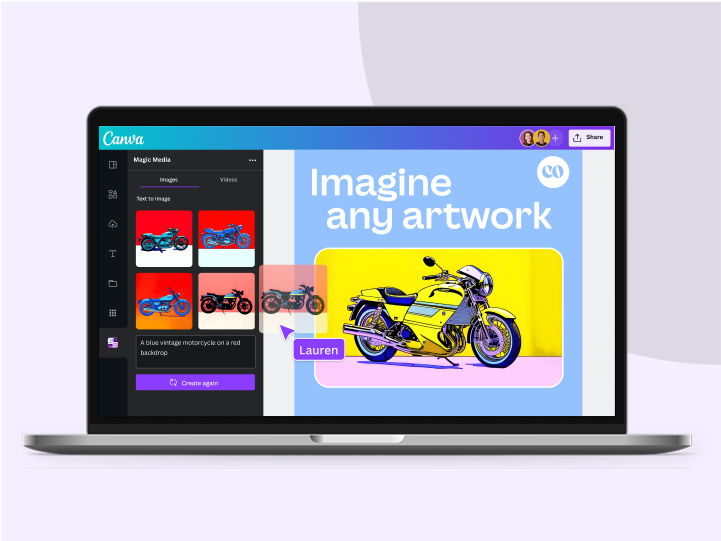
Dream it up, then add it to your design. Watch your words transform into beautiful images and videos with Magic Media.
How to create a mockup
- Launch CanvaLogin to your Canva account and open a new or existing design.
- Select a photoUpload and select photo in the editor. Click “Edit photo” to get into the Photo Editor and open the Mockups app from the list of apps. Click on the mockup template that you want to use.
- Create your own mockupTo create your own mockup, add a photo to the editor and click on it. On the sidebar, click “Create your own mockup.” This enables our AI-powered search to create and add a matching mockup for your photo.
- Edit and use your mockups in a designOnce the mockup element is created, use it as a template or apply an image to get your final mockup. Further customize your mockup with Canva’s advanced photo and mockup editing features.
- Export and share your mockupSave and download your mockup in high-quality PDF, SVG, JPG, or PNG for web or print.
Your questions, answered
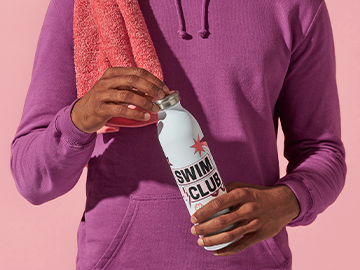
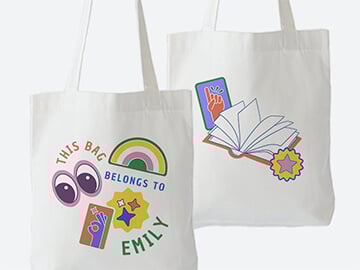
A mockup is an artistic showcase or rendering of a product or design. It is typically laid out in a setting that represents how a product is meant to look in real life and how it’s meant to be used. A mockup can come in different formats, which may feature a plain backdrop or scenery, a flatlay, or a scene. It may or may not include human models.
As a Canva Free user, you can create and use up to 2,500 mockups for free. If you exceed this total number of uses, you will need a Canva Pro account to create and use more mockups.
You can create different kinds of mockups suited for various industries with Canva Mockups. You’ll find mockups for print products like posters, flyers, cards, and art prints. You’ll also get mockups for fashion items like T-shirts and other apparel. Other mockups include those for home decor, packaging, and even tech products like your own website or app.
Here are some tips to make a great product mockup:
- Keep your target audience in mind and how they might use your product.
- Include mobile-friendly mockups in your roster of designs, as most people do their shopping and research on smartphones.
- Avoid mockup settings that could clash with your product.
- Add a human element to make your mockup more inviting.
- Match the resolution of your product photo with your mockup.
A mockup is a realistic rendering of a product within a setting or scene. It’s designed to show the audience how a product should look in real life and how it’s meant to be used. A wireframe, on the other hand, is a simple black-and-white rendering of a product in 2D, simply giving the audience a rough idea of how a product is proposed to look like.
The Canva Mockups works on all mobile, tablet, and desktop devices on Android and iOS.
You can upload standard image files in .JPG, .PNG or .PDF, videos in MP4, MOV, or GIFs.
Yes, your designs are safe with Canva Mockups. Your designs are always private, proprietary, and they remain your creative property.
Because all generated images on Canva Mockups are royalty-free for use in personal and commercial projects, you’re allowed to modify or edit the mockup in a way that suits your needs and vision.
What you’re prohibited from doing is reselling or redistributing the exported images as your own new mockups or images.
Canva will not be legally liable in the case of misuse of these images.
If you’re a free Canva user, you can access free mockups without watermarks. If you’re a Canva Pro, Teams, EDU, and NFP user, you’ll be able to access all Canva mockups without watermarks. If you’re on the free Canva Pro trial, your mockups may come with watermarks.
More resources
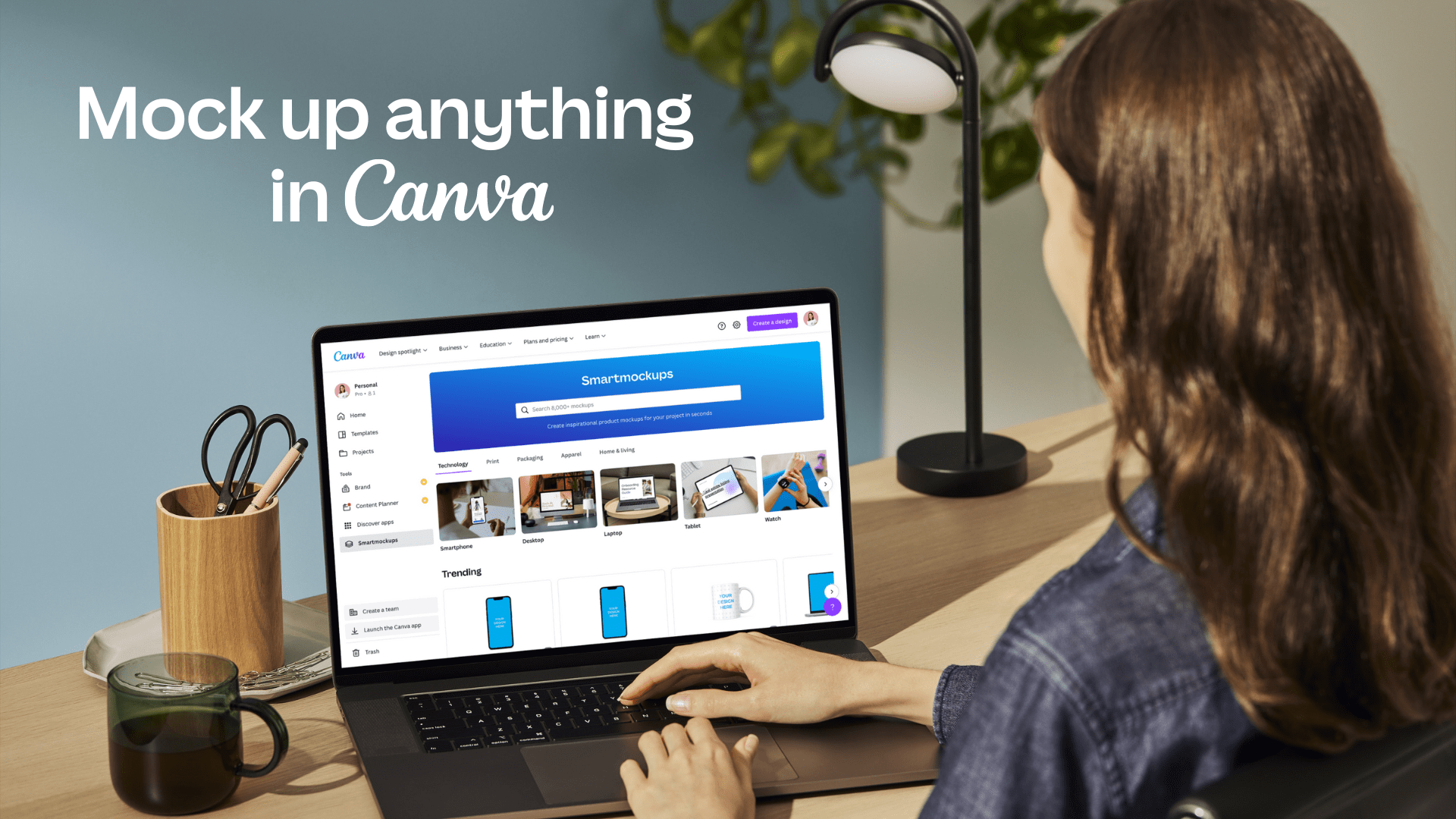
Bring your designs to life with Canva Mockups.
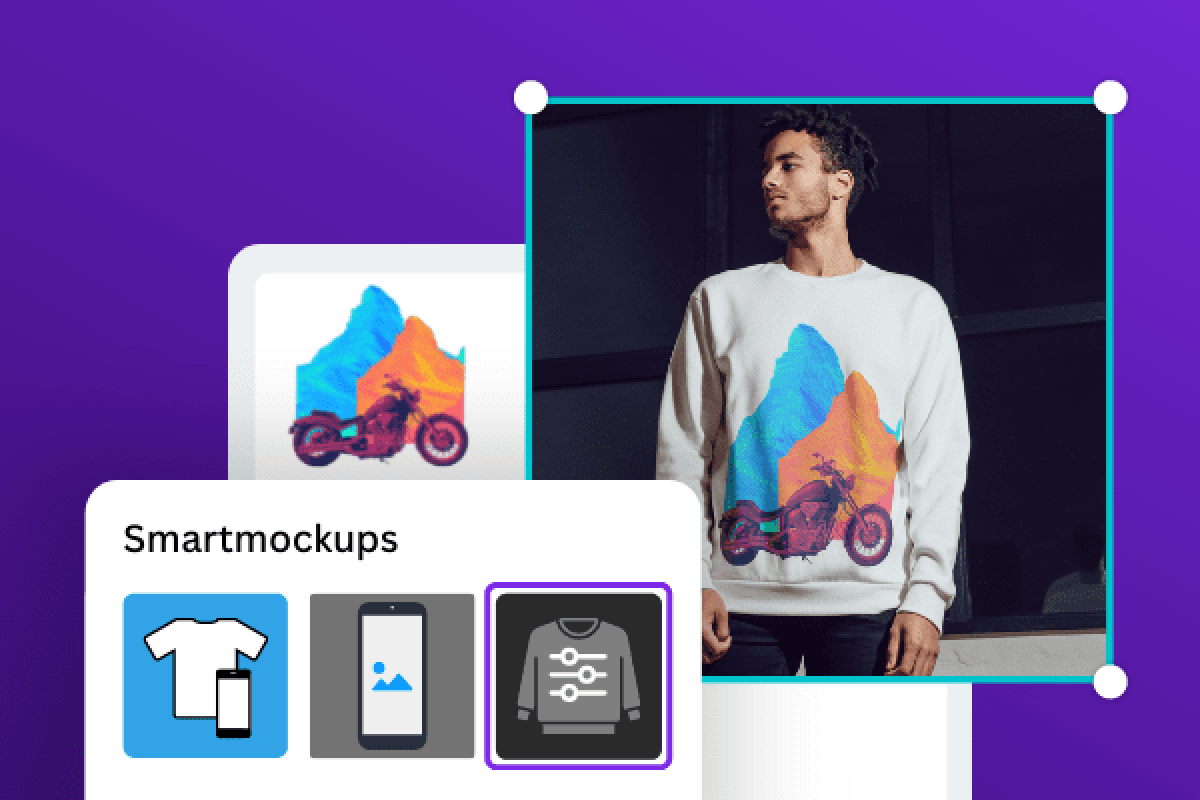
Watch a quick tutorial on using Canva Mockups.
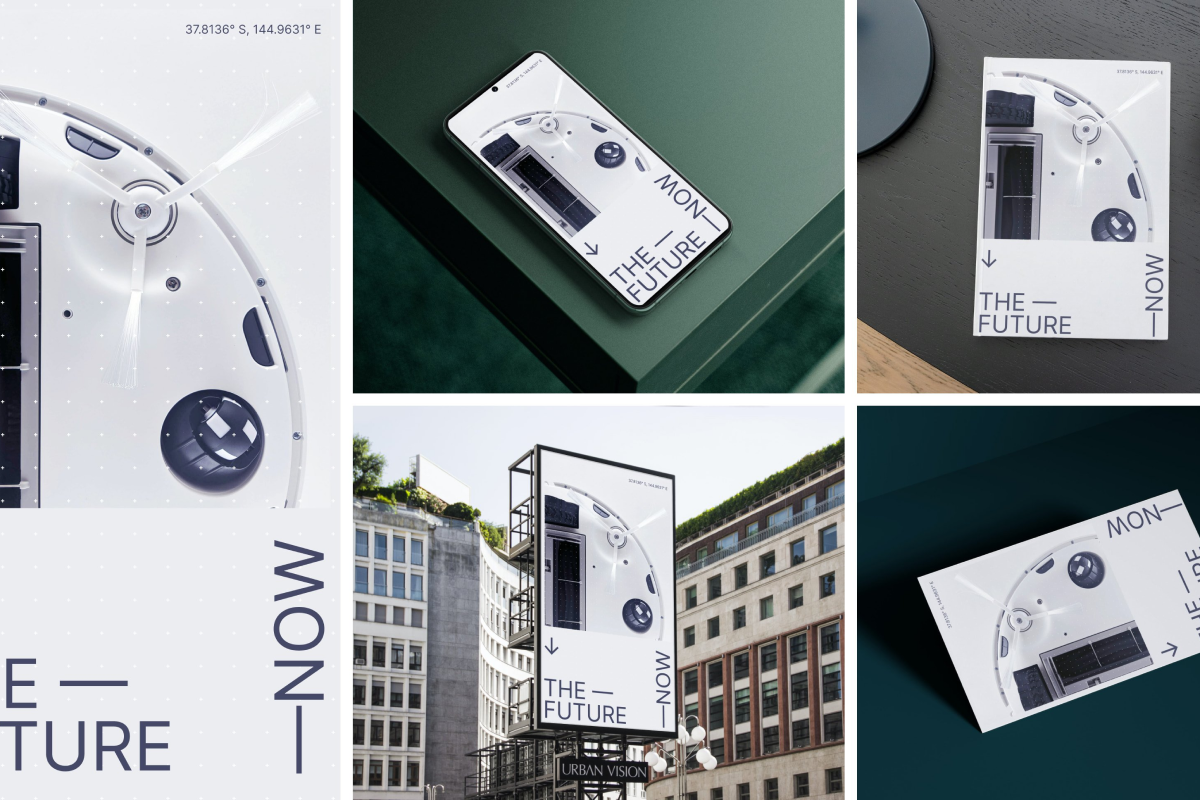
Start your mockup creation here.
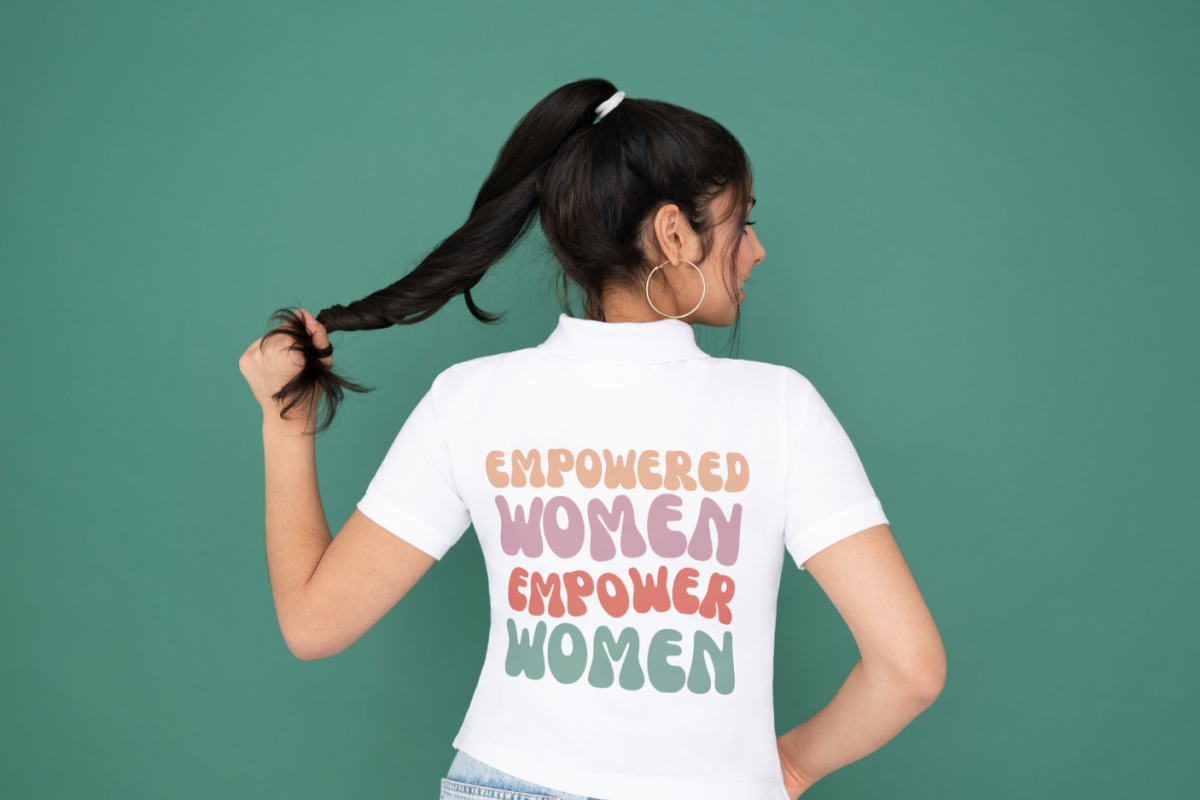
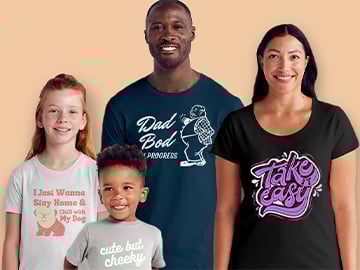
Bring your cool t-shirt ideas to life with our free mockup generator.
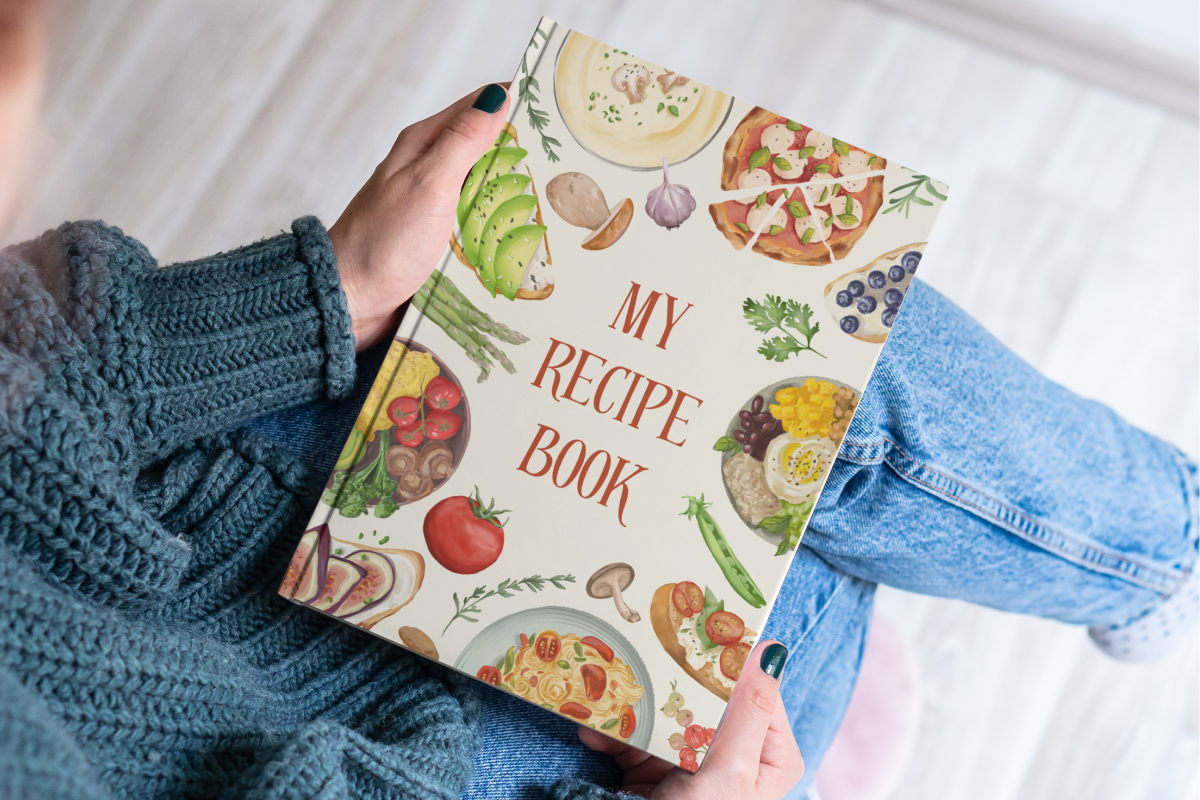
Visualize your book and generate buzz for your book launch.
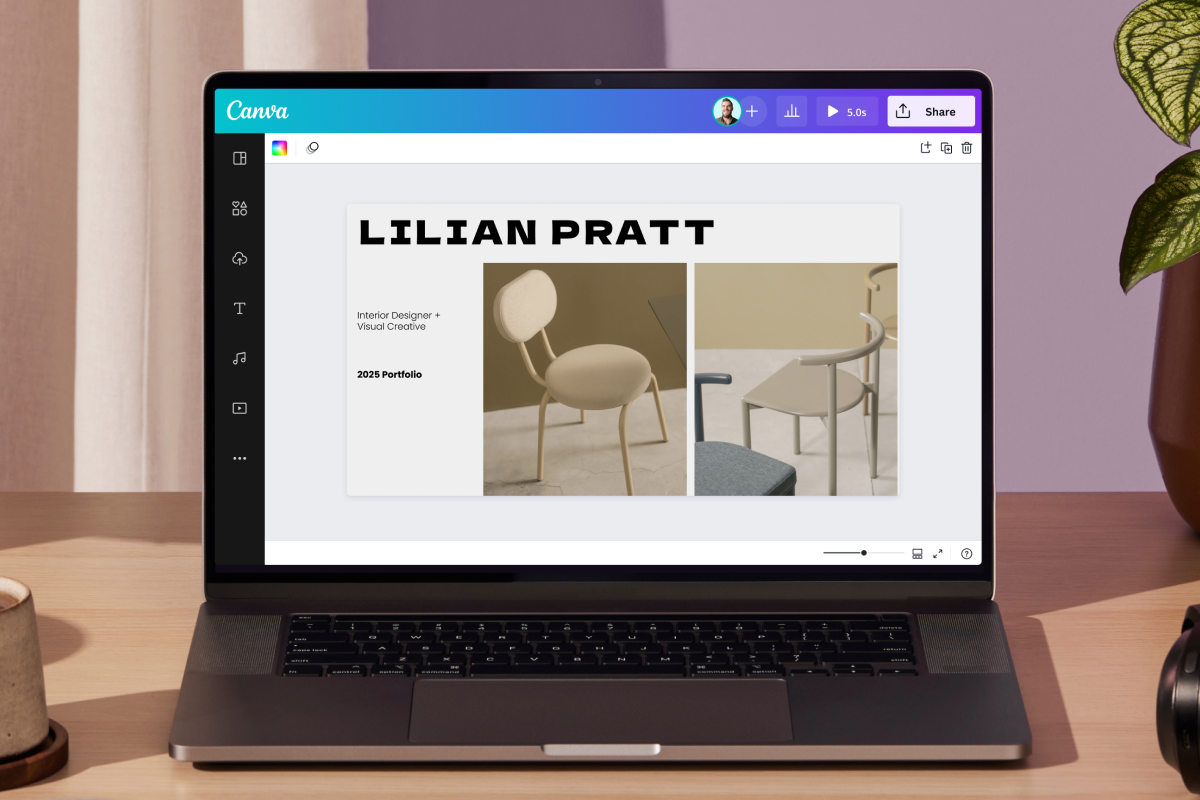
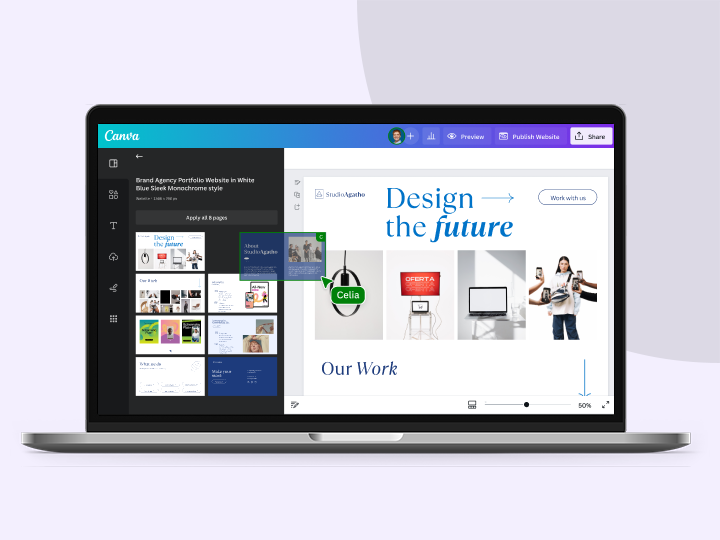
Create a website mockup on Canva
Propose a web design with a realistic Canva mockup.
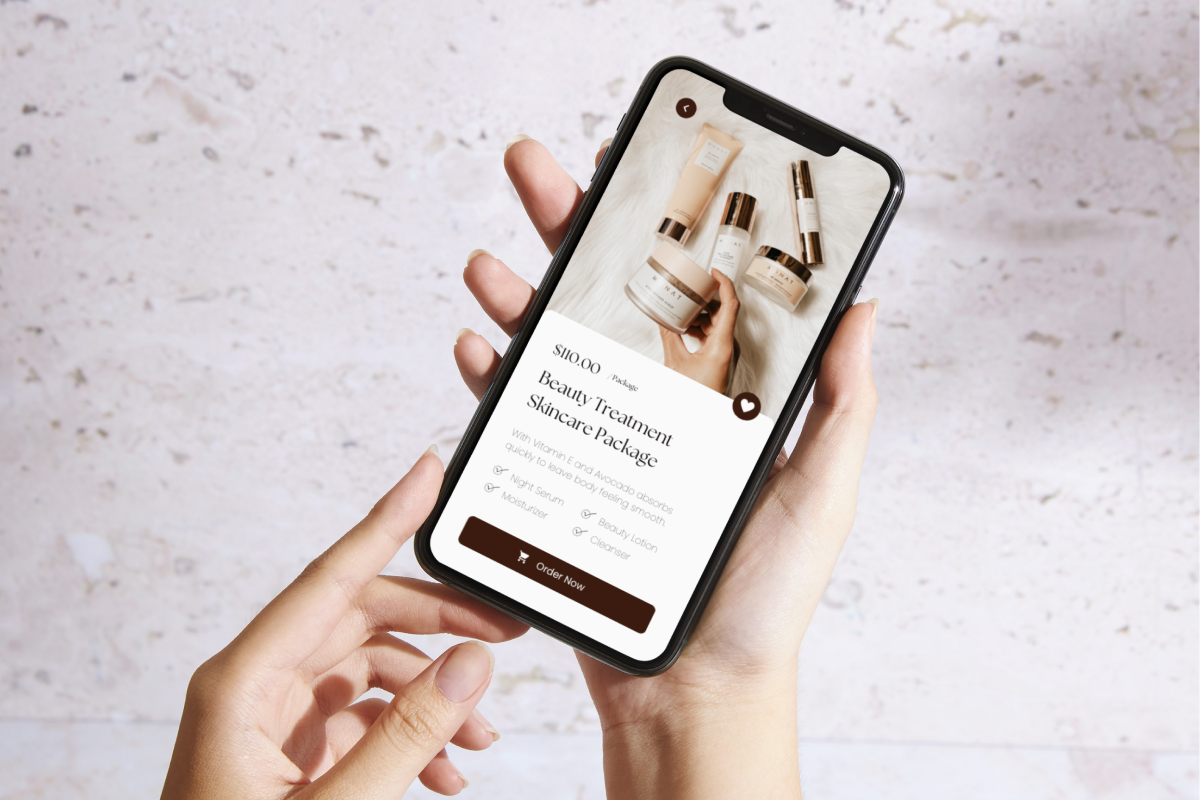
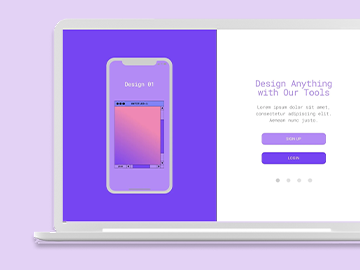
Learn how to mock up apps and sites on mobile.
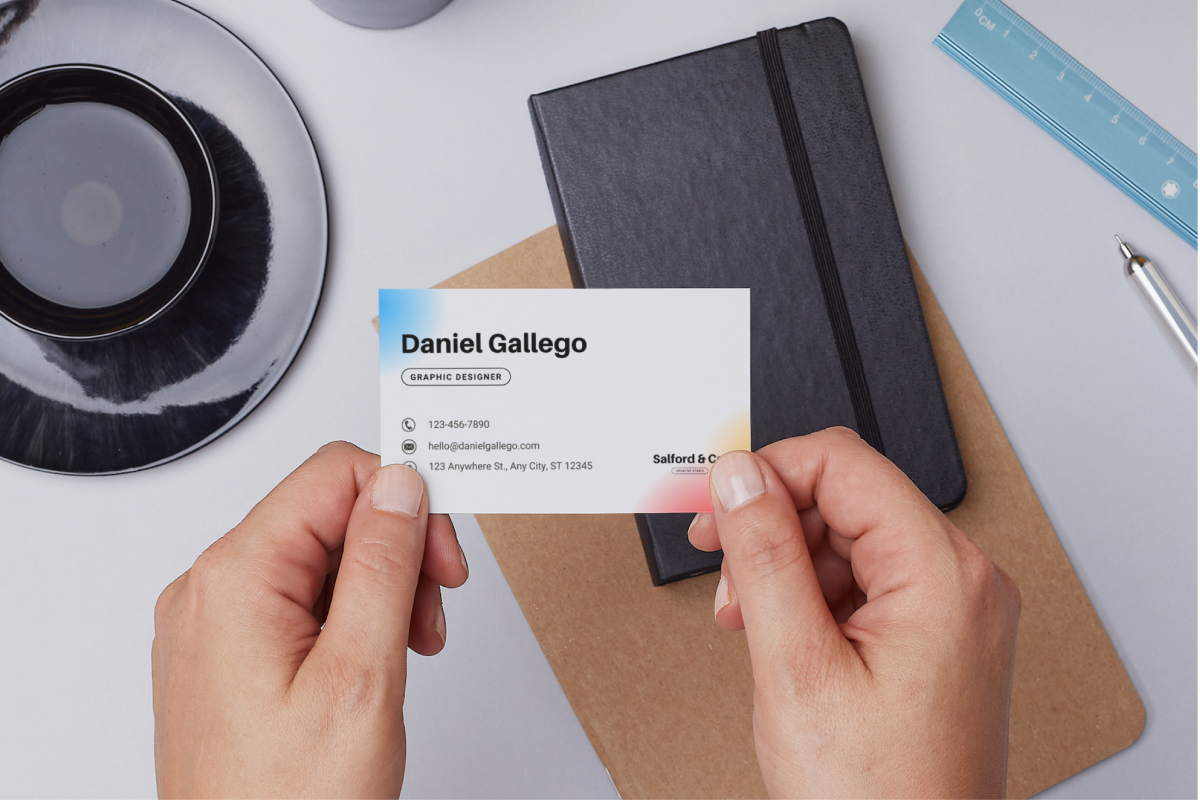
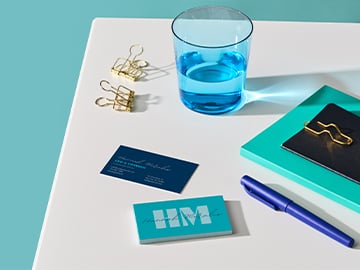
Business card mockup generator
Actionable tips on creating business card mockups.

Showcase the perfect drinkware with our free mockup creator.
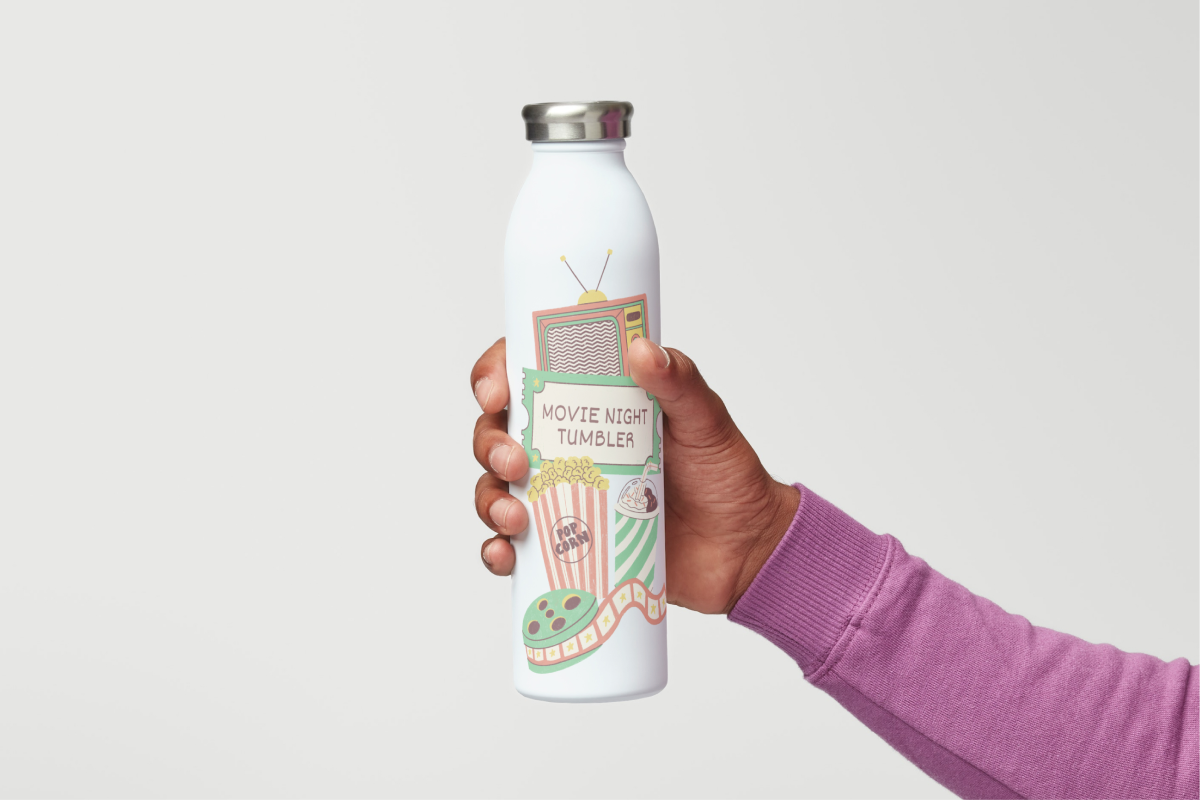
Create sleek beverage mockups with our free mockup generator.
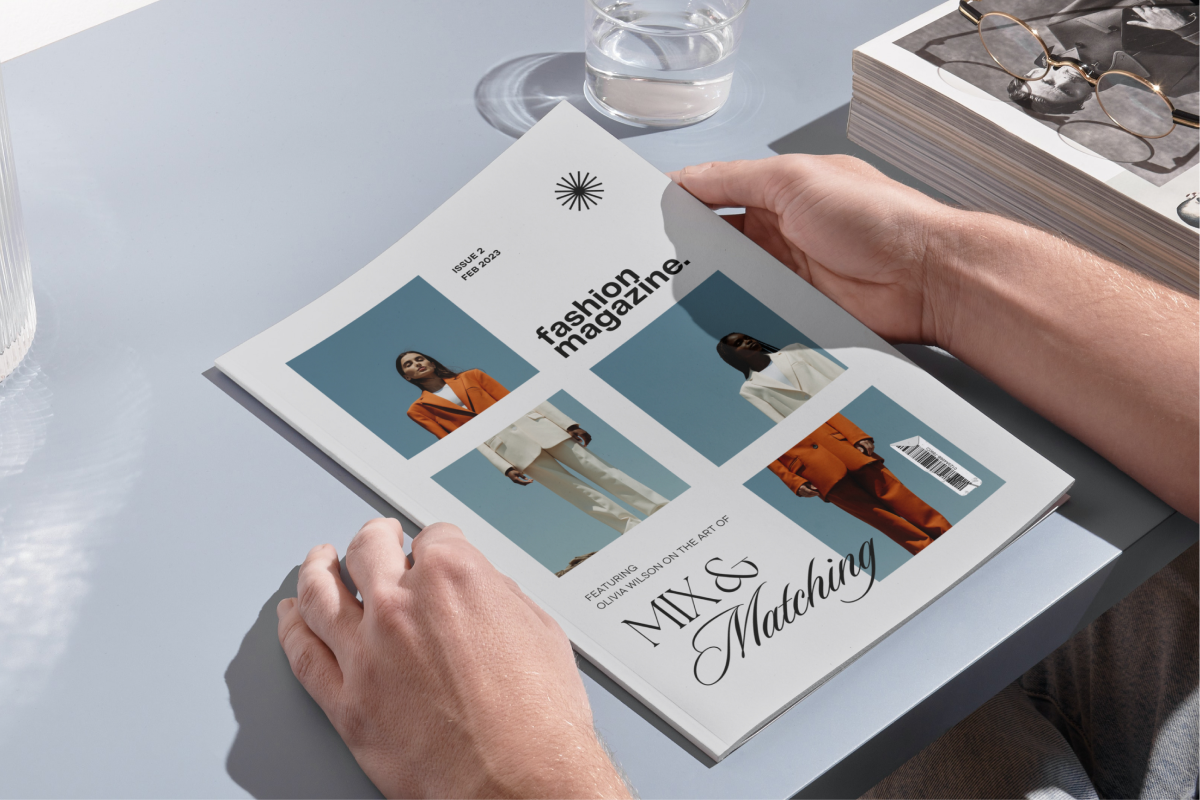
Make realistic magazine mockups to showcase products, ads, etc.
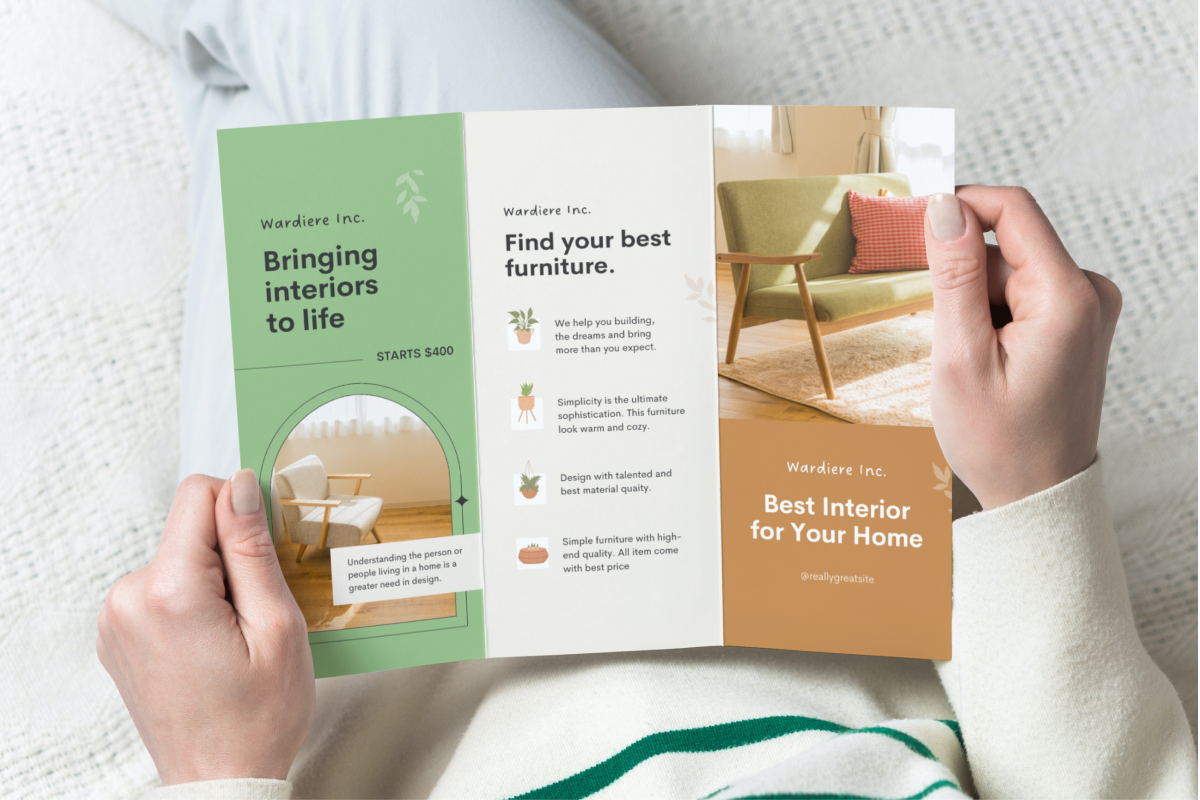
Use our free mockup creator to make brochures & pamphlets.
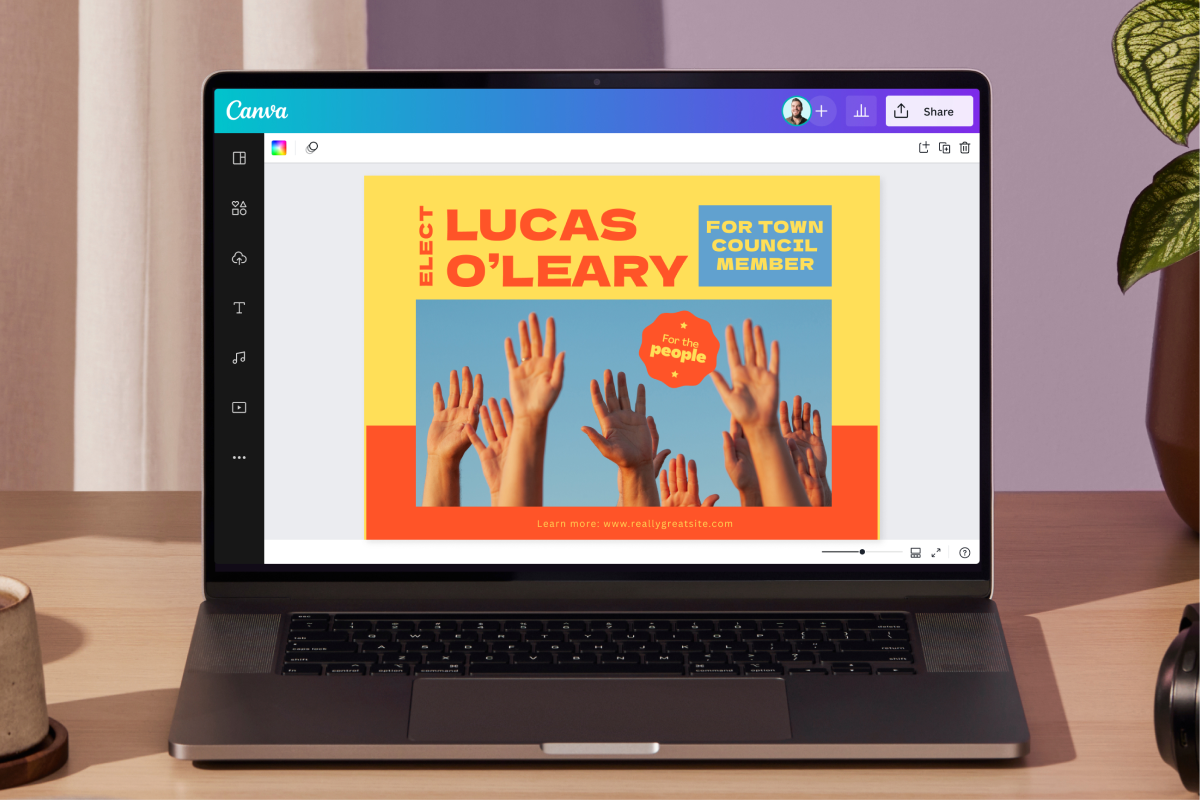
Flaunt ads, art, & ideas with our free poster mockup maker.
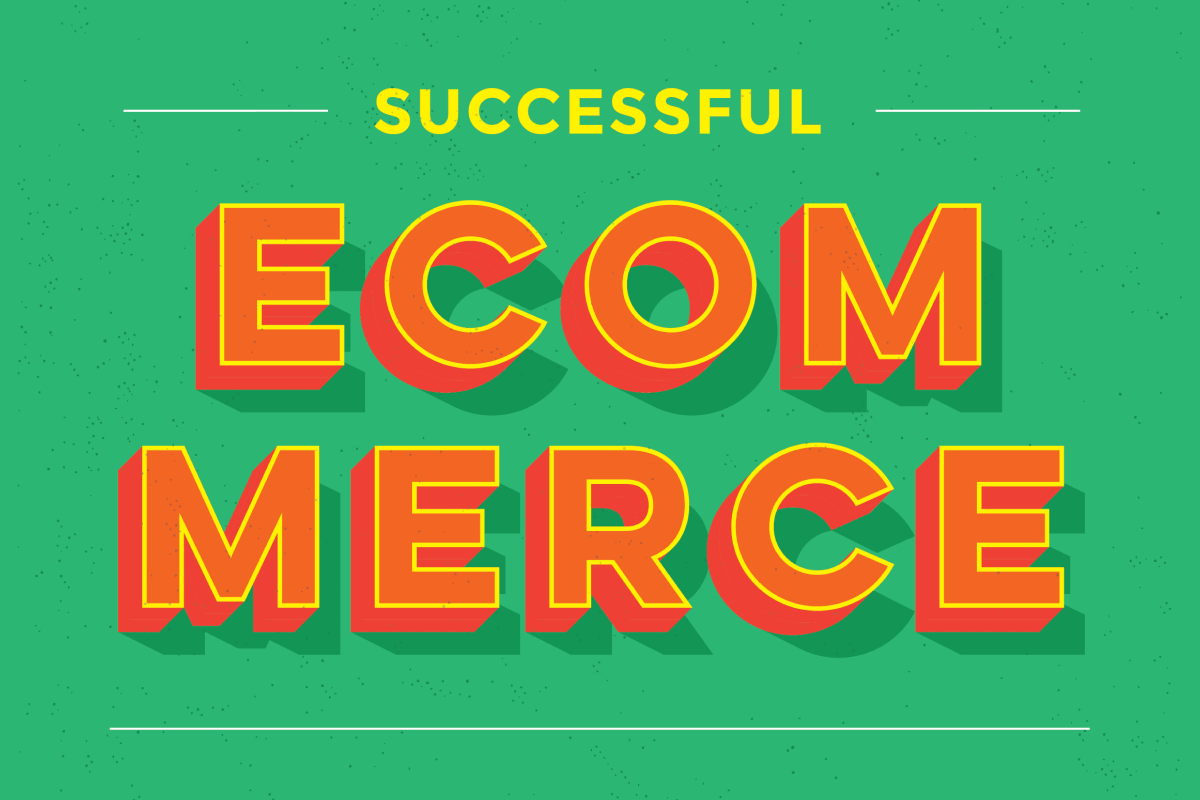
Nine tips for building a profitable ecommerce business
Get best practices from these success stories.
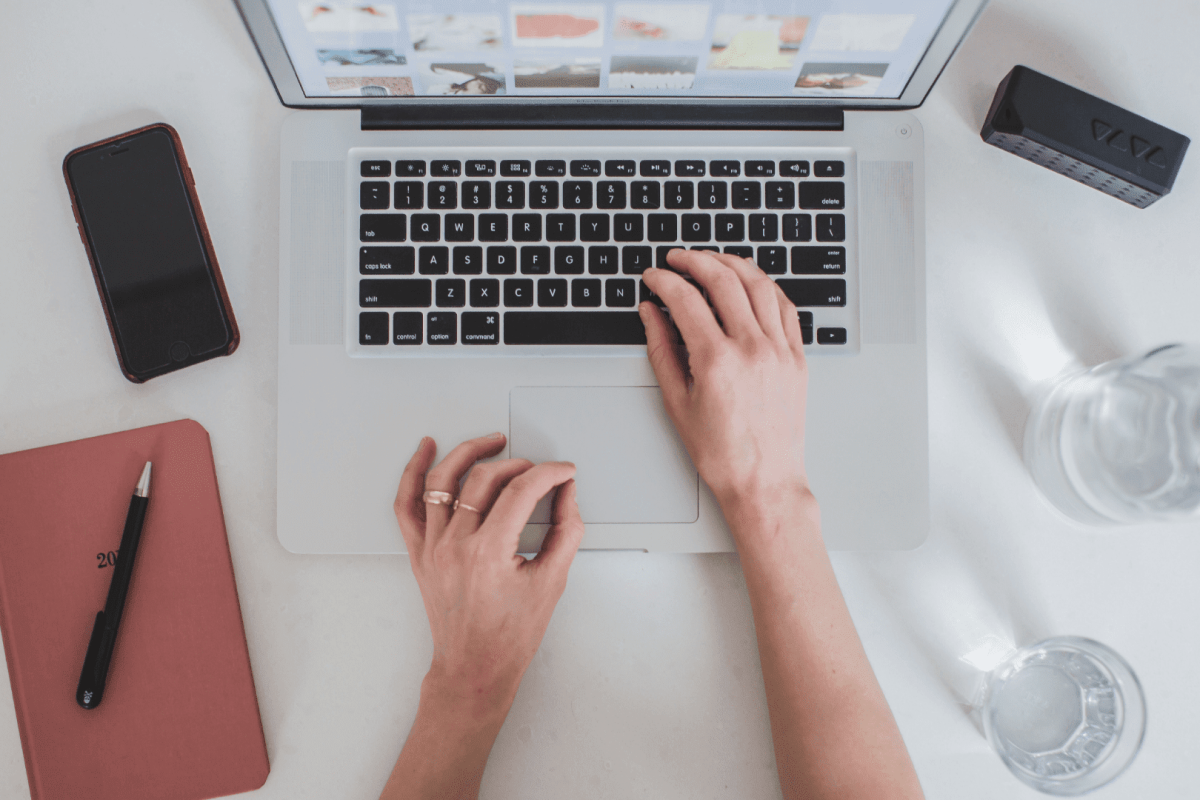
How to make the most of your visual assets
Ways to make your visual assets work for your brand
Free Online Mockups
Discover a cost-effective solution to boost your marketing efforts and showcase your goods — Canva Mockups. Your one-stop solution for creating top-notch product mockups that beautifully match your brand.
