


The Best WordPress Backup and Migration Plugin
WP STAGING is an enterprise code quality plugin to
Clone, Backup & Migrate WordPress websites.
Trusted by more than 245.000 Users and Businesses in 130 countries






Are You Ready to Use
WordPress Like a Professional?
WordPress experts recommend WP STAGING due to its speed, reliability and clean code.


Backup & Restore
Backup & restore your entire WordPress site more reliable.

Cloning
Create a copy of WordPress with one click for development.

Website Migration
Transfer or duplicate your website to another server.

High Performance
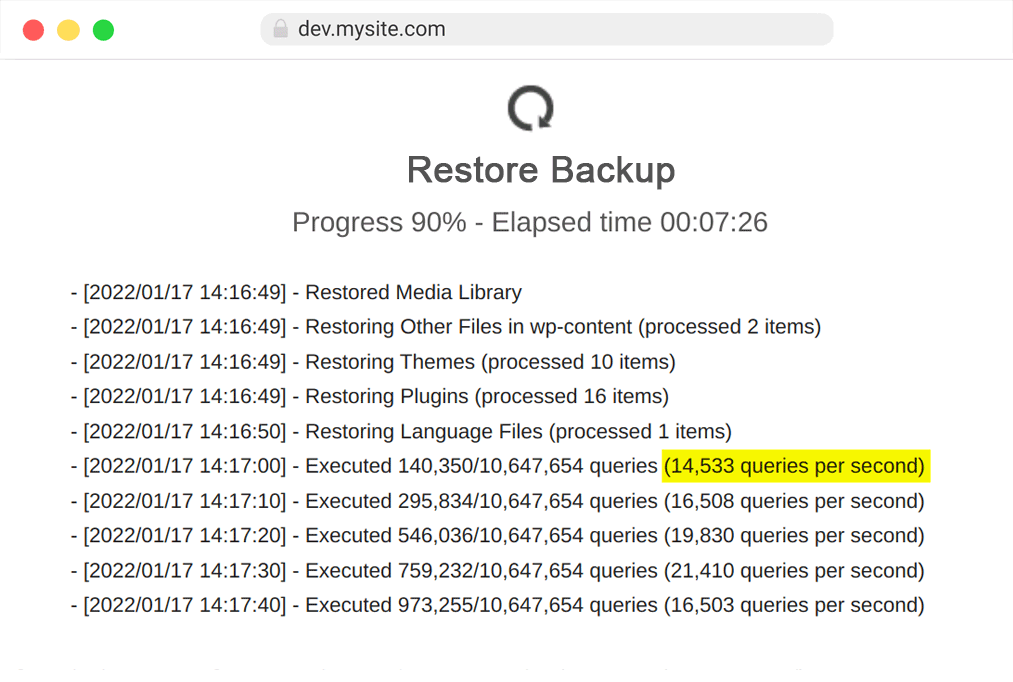
Backup & Cloning is much faster than with other plugins.

No Cloud Service
All data resides on your server. Nothing is submitted to us.

Multisites Supported
Clone and push Multisites. Supports Main & Network Sites.

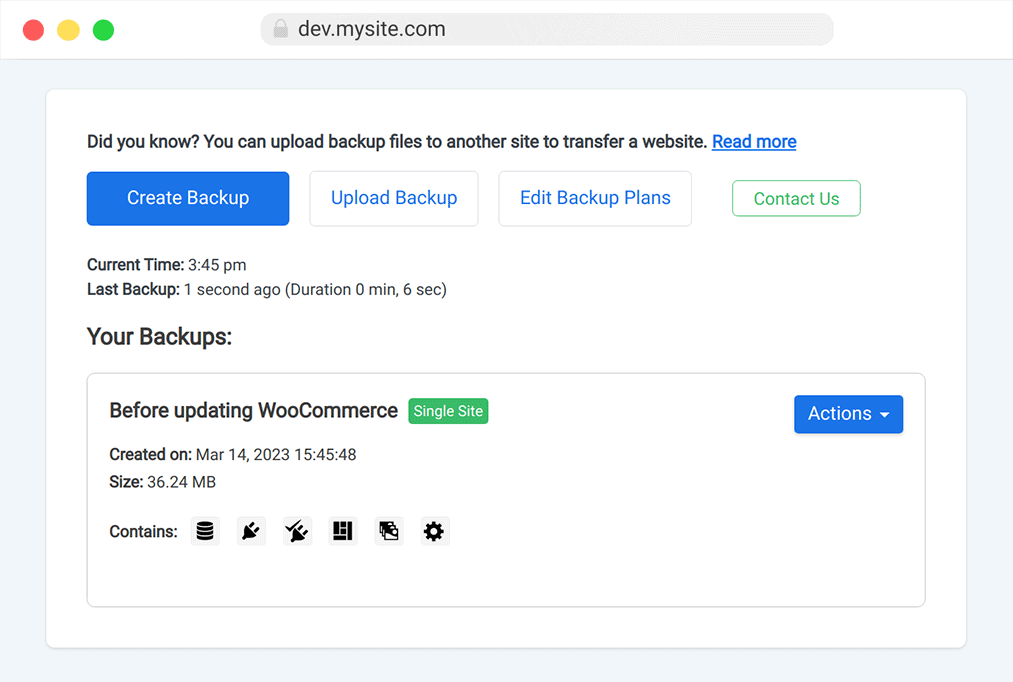
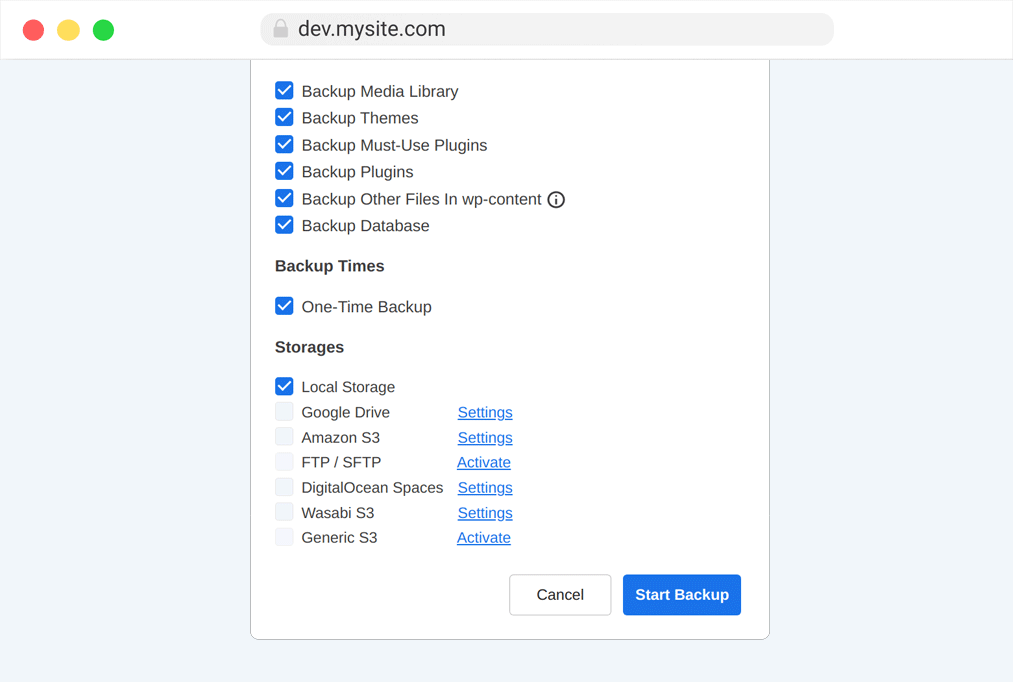
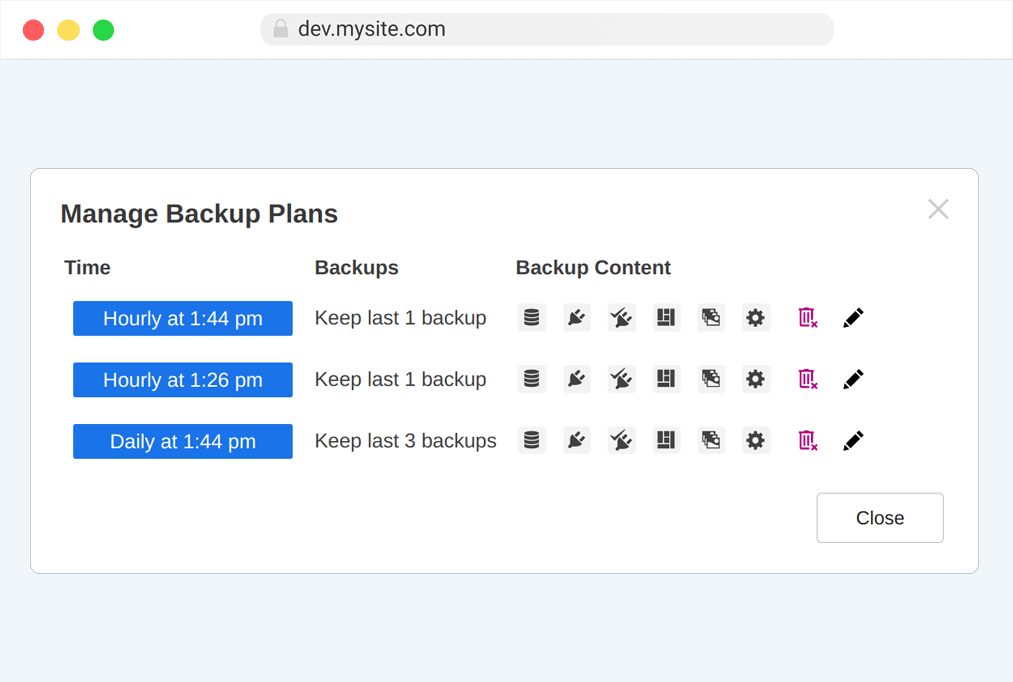
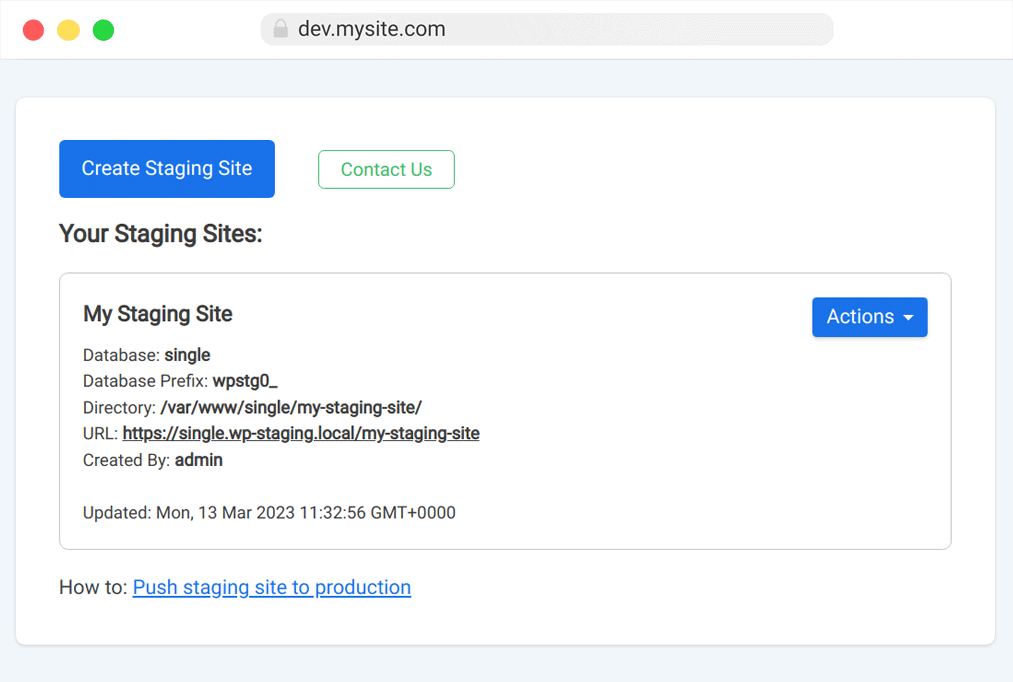
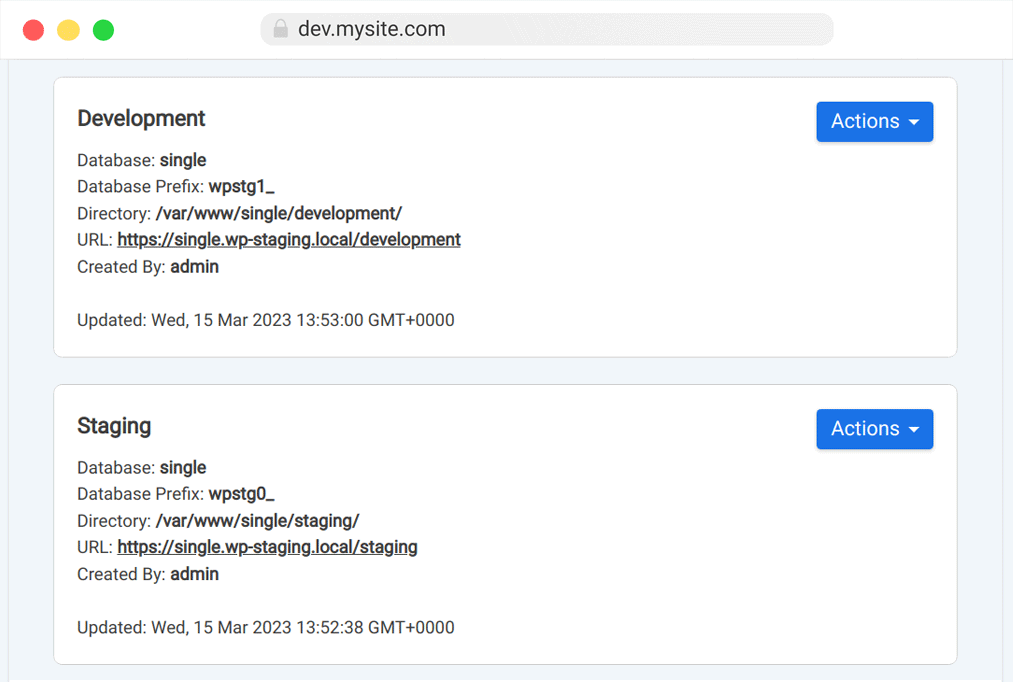
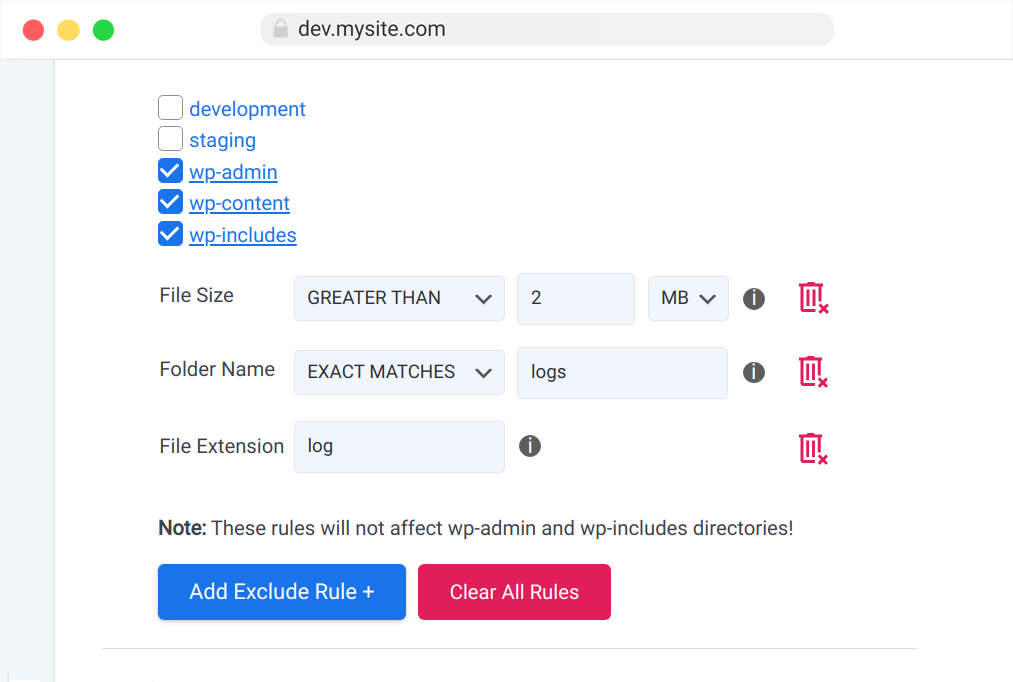
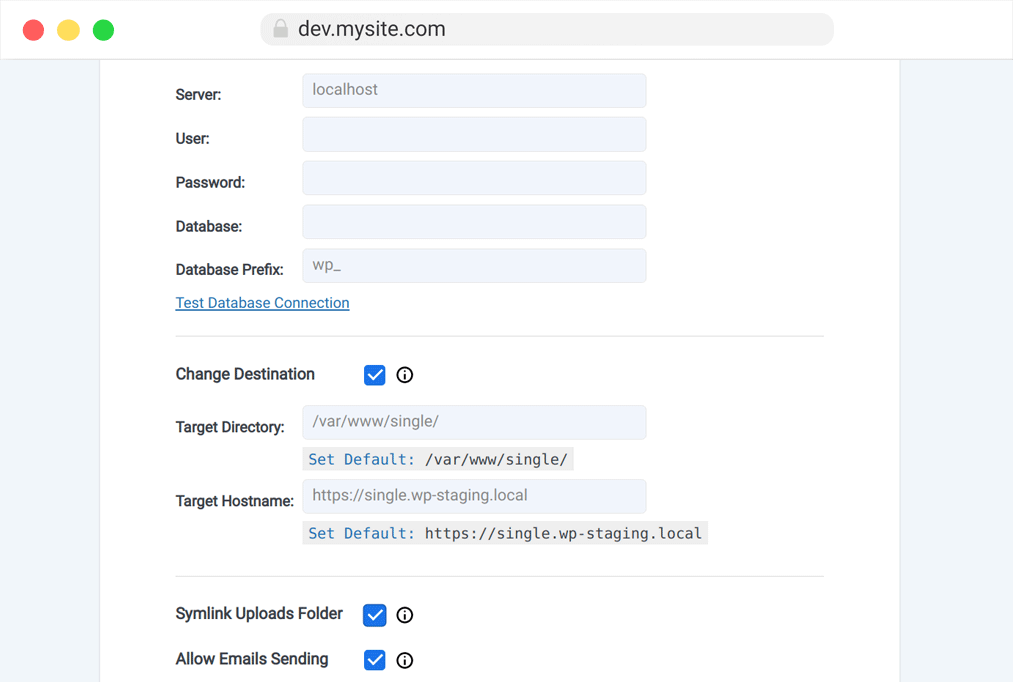
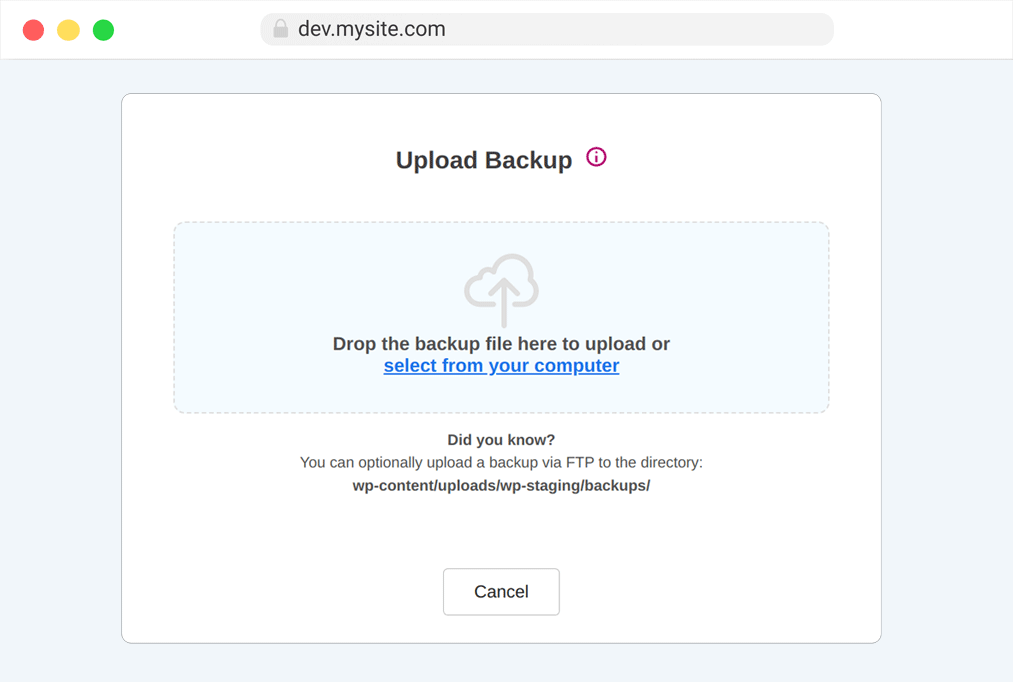
Backup & Clone WordPress
As You Never Did Before

Copy database & files from staging site to live site

Choose database tables & folders to clone & backup

High speed backup with enterprise robustness

Even huge websites are supported. 50GB+

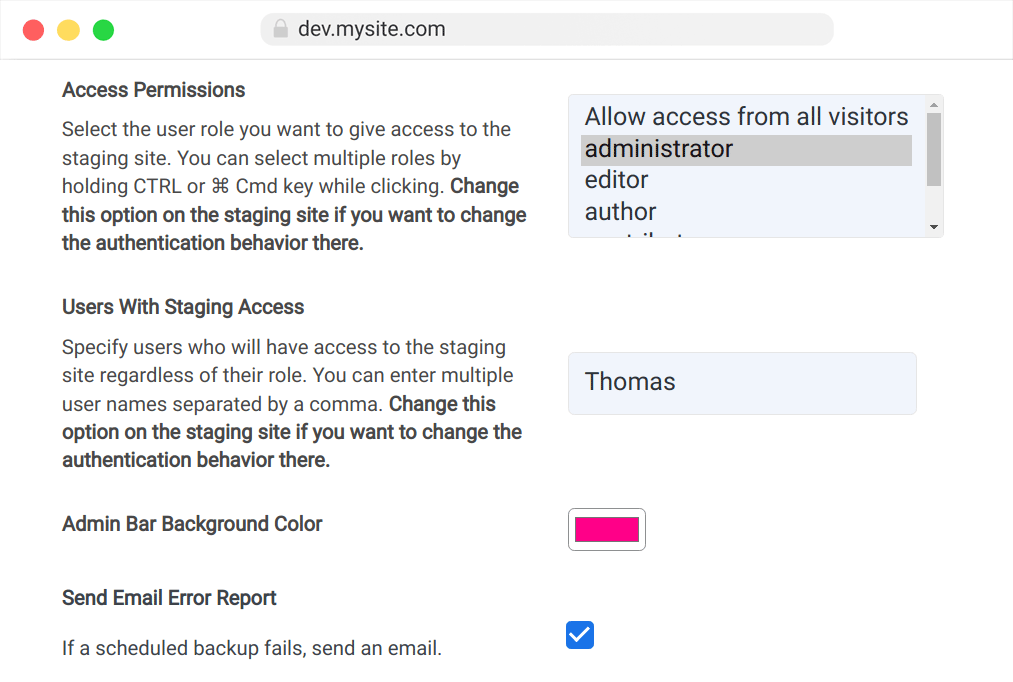
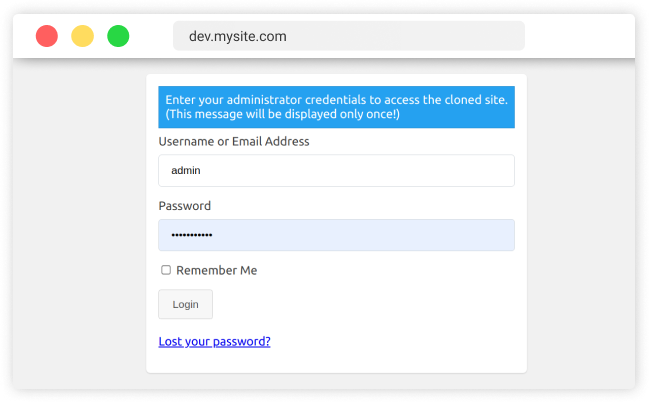
User authentication for staging sites

Professional application - Still easy to use
Duplicate & Migration
WP STAGING can transfer your website to another host
and domain on a whole new level.
An extremely fast and heavily tested feature Learn more
Faster Site Backups
Create manual and scheduled backups of your entire website in a blink of an eye. Much faster and with lower server load than other plugins due to advanced backup algorithms.
Upload backup data to cloud providers: Google Drive, Amazon S3, DigitalOcean, Microsoft OneDrive, Wasabi, pCloud, DigitalOcean Spaces, sFTP and many more.
Website Transfer
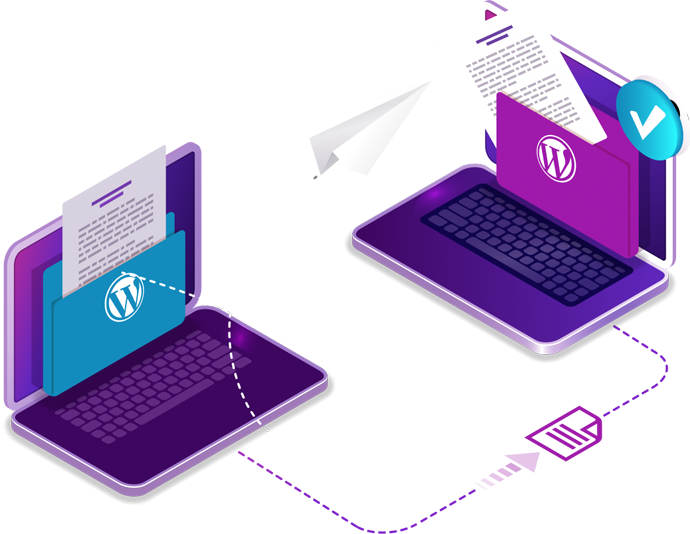
Move your local development website to a production server or transfer and migrate your website to another domain. WP STAGING does all the heavy lifting including the search & replacement of all links fully automatically.
- Migrate single sites to another server or domain
- Migrate entire multisite networks
- Migrate single network sites
- Import network sites to another multisite network
- Convert a network site to a single site
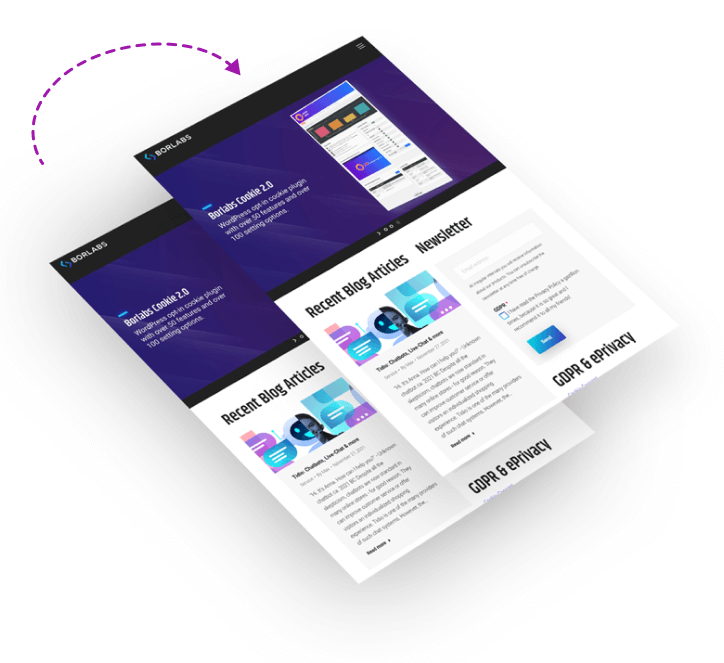
Website Cloning
Clone WordPress single and multisites including all network sites to a subdomain or subfolder.
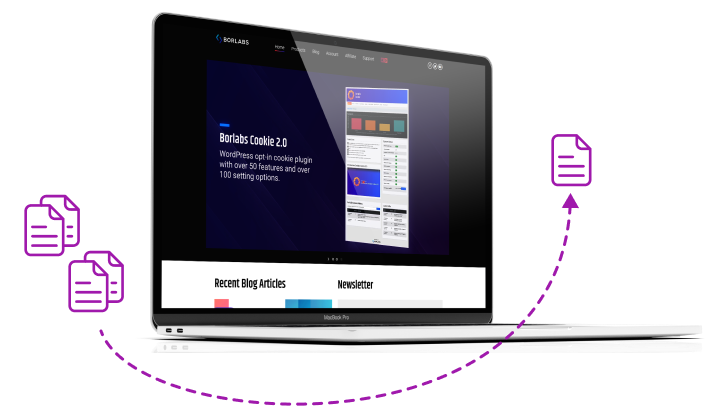
Convert Multisites
Clone and convert a multisite network site to a WordPress single site.
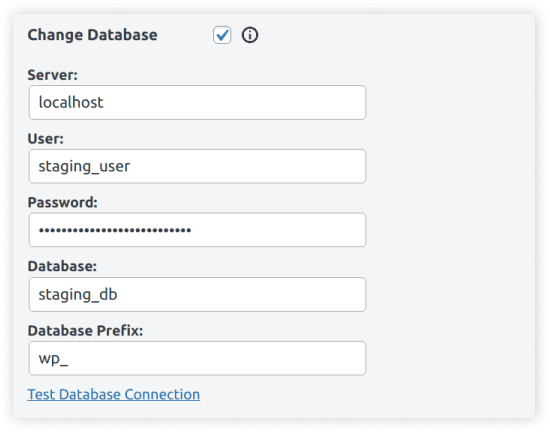
Clone to Separate Database
Create staging or development sites to separate databases. Keep your cloned site utterly independent from the production site.
Clone to Subdomain
Clone your WordPress site to a subdomain or subfolder like dev.mysite.com or mysite.com/staging-site.

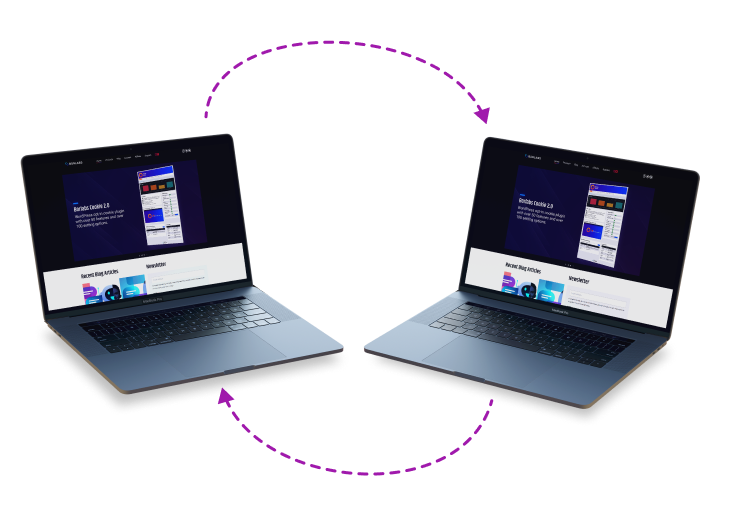
Push Staging Site to Live
Use the push feature to copy a staging site directly to the production website. Optionally, backup & export parts or your entire site to migrate all data from one server to another.
User Authentication
Allow access to the staging site for specific users and user roles. As default, only administrators can access the staging site.
Robust Well Tested Code
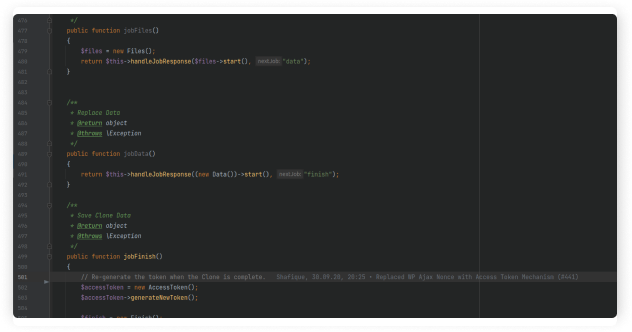
WP STAGING is a German-engineered WordPress backup and cloning plugin. More than 1000 automatic unit and acceptance tests run on every release and during development. This leads to a highly robust code base that is easy to maintain and future-proof for any upcoming WordPress release.
Outstanding Support
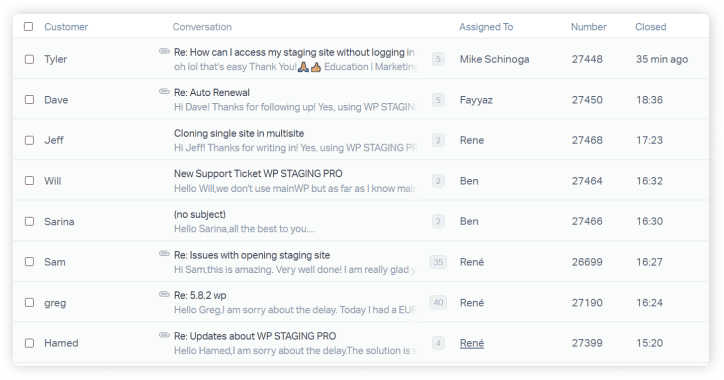
Our responsive support team is based on WordPress experts with excellent technical knowledge. We can solve nearly every issue, even for highly customized WordPress sites. We’d love to hear from you.
WP STAGING Free vs. PRO
Professionals all Over the World use WP STAGING
Compare Free and Pro Version
| Features | Free | Pro |
|---|---|---|
| Clone WordPress and create unlimited staging and dev sites. |  |
|
| High-Performance Backup of Database and Filesystem. | |
|
| Restore Backup to the domain and host where the backup was created. | |
|
| Basic Scheduled Backups - Create one scheduled backup per day running at a fixed time. | |
|
| Basic Backup Retention - Keep one backup at the same time. | |
|
| Unlimited Backup Schedules - Create unlimited hourly, daily and weekly backups of the database and full website. |  |
|
| Push a staging site to production site incl. themes, plugins & database. | |
|
| Restore Backup on another domain and hosting provider. | |
|
| Slack & Email - Get notifications via slack or email if there is an error during backup creation. | |
|
| Upload to Storage Providers - Store backups on Amazon S3, Google Drive, Wasabi, Microsoft OneDrive, DigitalOcean Spaces, Dropbox, pCloud, sFTP. | |
|
| Backup Retention - Keep multiple backups at the same time. | |
|
| Import network sites into another WordPress multisite. | |
|
| Convert multisites to single sites. | |
|
| Clone WordPress multisites and create unlimited staging and dev sites. | |
|
| Clone to external and separate databases. | |
|
| Clone to subdomains or custom domain names. | |
|
| Clone to a custom destination directory. | |
|
| User Authentication: Give specific user roles access to the staging site. | |
|
| Share Login Links: Create magic login links to give clients access to the staging site without needing login credentials. | |
|
| Auto Login: Login automatically to the staging site without needing login credentials. | |
|
| Syncronize User Accounts: Copy and update the live site admin account to the staging site. | |
|
| Disable Email Sending on the staging site for transactional or subscription emails. | |
|
| Customize Staging Site and change color of the staging site admin bar. | |
|
| Migrate and move WordPress to another server or different domain. | |
|
| Option to encrypt and secure storage provider login credentials in the database (AES-256). | |
|
| Option to connect via SSL to the Database. | |
|
| Supports WordFence 2FA login to the staging site. | |
|
| More than 40+ well documented developer friendly filters. | |
|


FAQ & Features
See below why WP STAGING is used on more than 195.000 websites.
Where is the staging site located?

Can a customer make changes, and the agency or the developer copy them to the production site?
Is the staging site indexed by Google, any SEO issues?
Does WP Staging work on WordPress.com?
Can I push a staging site which has been created with the WP STAGING basic version?
Do I need technical skills to use it?
Can we push database selectively and skip WooCommerce transactions?
Can I back up my production website with WP STAGING?
You are able to schedule and plan automatic backups and to transfer your backups to FTP and cloud services like S3 compatible storage providers Amazon S3, DigitalOcean Spaces, Wasabi, Dropbox, Google Drive, Microsoft OneDrive, pCloud, SFTP.
Can I upgrade from a 1-site license plan to a higher one?
GDPR & Privacy - Is data submitted to any 3rd parties like cloud servers?

An Investment Quickly Paid For Itself
Assuming you charge $60 per hour and WP STAGING saves you two hours per project.
Even a developer license of WP STAGING | PRO is paid for itself after only two times of use.
New version WP STAGING | PRO loading... has been released. loading... - What is new?
During the payment process you will see the price in Euro currency.
USD prices are calculated based on the current exchange rate and may fluctuate slightly.
Agency
41.58
€ 499/year, billed yearly
For agencies, hosting providers & businesses with many sites who need staging sites and periodic backups to ensure safety for their clients.
Up to 99 Sites

Automatic Updates
Scheduled Backups
Backup to Google Drive
Backup to Amazon S3
Backup to SFTP
Backup to DigitalOcean
Backup to Wasabi
Backup to pCloud
Backup to Dropbox
Backup to OneDrive
Multisites Supported
Magic Login Links
WooCommerce +
CLI Extractor
Local Staging Sites
2 Persons Supported
Priority Support
Developer
19.91
€ 239/year, billed yearly
For professionals and freelancers who need a staging system for their clients including a powerful backup and migration solution.
Up to 25 Sites
Automatic Updates
Scheduled Backups
Backup to Google Drive
Backup to Amazon S3
Backup to SFTP
Backup to DigitalOcean
Backup to Wasabi
Backup to pCloud
Backup to Dropbox
Backup to OneDrive
Multisites Supported
Magic Login Links
WooCommerce +
CLI Extractor
Local Staging Sites
1 Person Supported
Priority Support
Business
11.58
€ 139/year, billed yearly
For small businesses and companies who need a staging solution including time critical scheduled backups.
3 Business Sites
Automatic Updates
Scheduled Backups
Backup to Google Drive
Backup to Amazon S3
Backup to SFTP
Backup to DigitalOcean
Backup to Wasabi
Backup to pCloud
Backup to Dropbox
Backup to OneDrive
1 Person Supported
Priority Support
Personal
7.41
€ 89/year, billed yearly
For non-commercial site owners who want to set up a test site quickly. Includes basic backup features.
Use on 1 Personal Site
Automatic Updates
1 Person Supported
Basic Support
Contact us if you are an organization and need more supported persons.

"We use WP STAGING to spin up sites to test new plugin features or debug issues that were reported to us. There are days when I have been creating multiple staging sites. I could not wish for a better solution. René and his team are quick to respond and eager to help."
Thomas, Image Source Control imagesourcecontrol.com
