
The community driven modernisation platform.
Prototype. Collaborate. Deliver. Retool empowers teams to build modern OpenEdge applications.

Introducing an integrated development environment for creating and editing Fluid activity definitions.
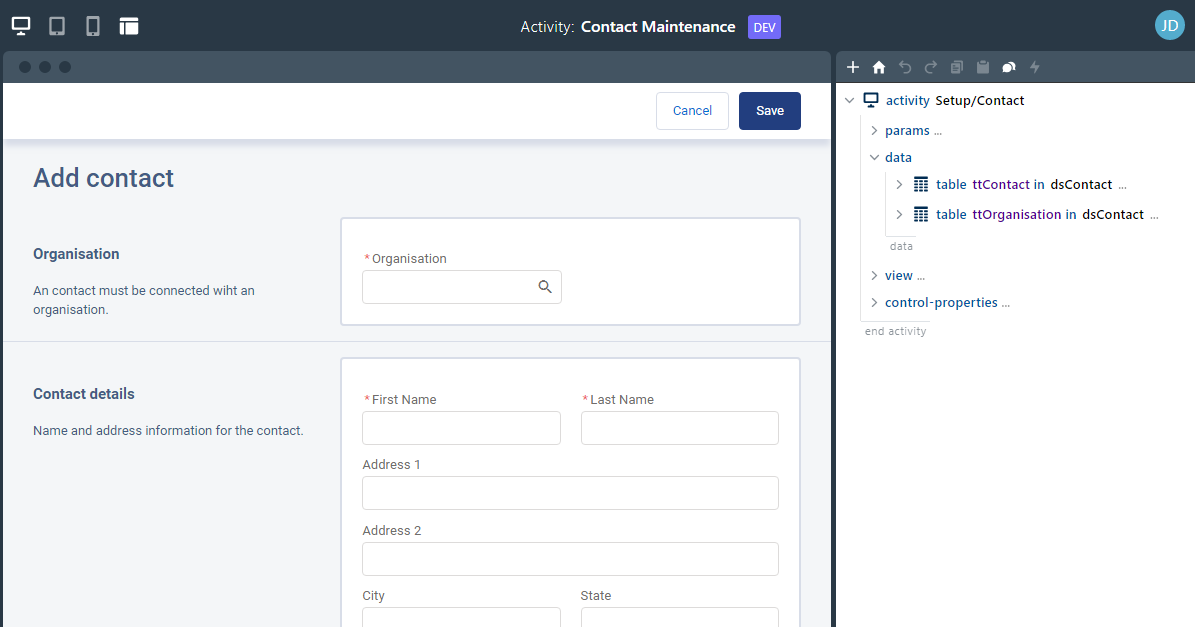
The application panel contains a fully functioning version of the application.
Holding shift while click an element in the application syncs up the activity editor to the source for that element.
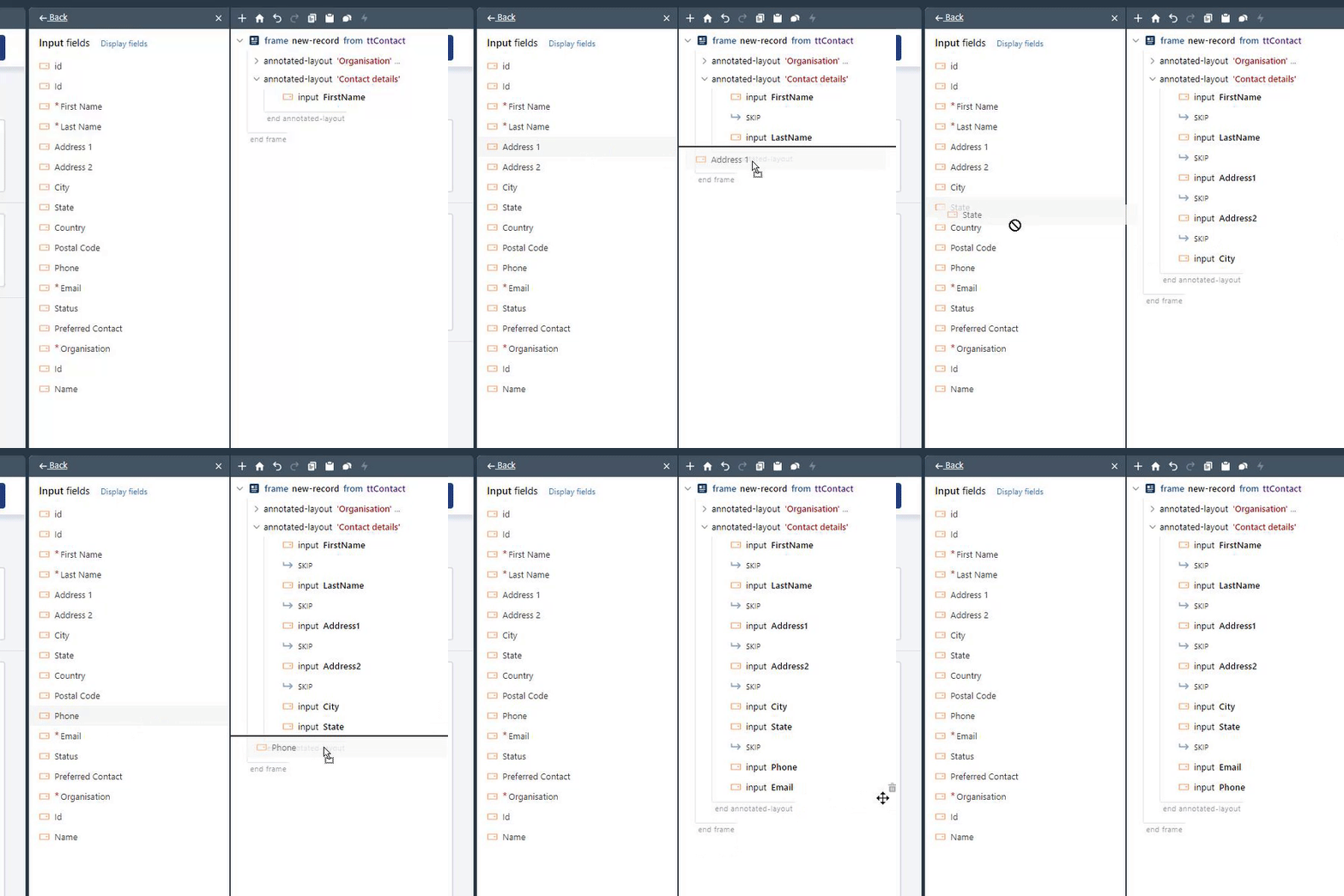
The activity editor provides a graphical representation of the activity JSON that allows for drag-and-drop manipulation.

Data is where it all starts. Easily describe new or existing tables definitions.
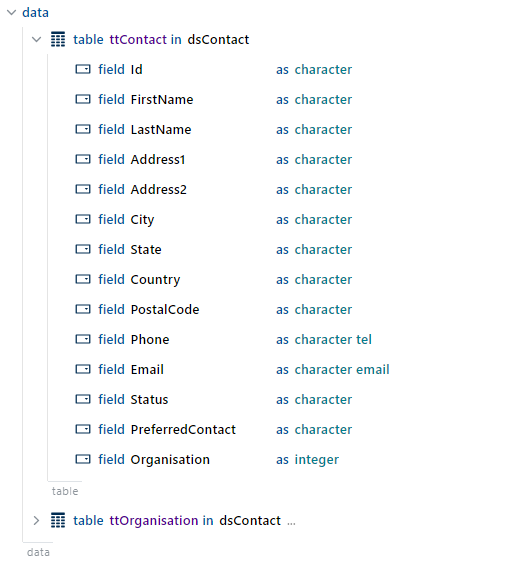
Define multiple data-sets and tables to be loaded for the activity.
Both standard and extended data types are supported, such as character-email, which provides additional formatting and functionality.
Generate ABL snippets from table definitions that you can cut and paste into your code.
Add fields and controls to your screens with live updating.
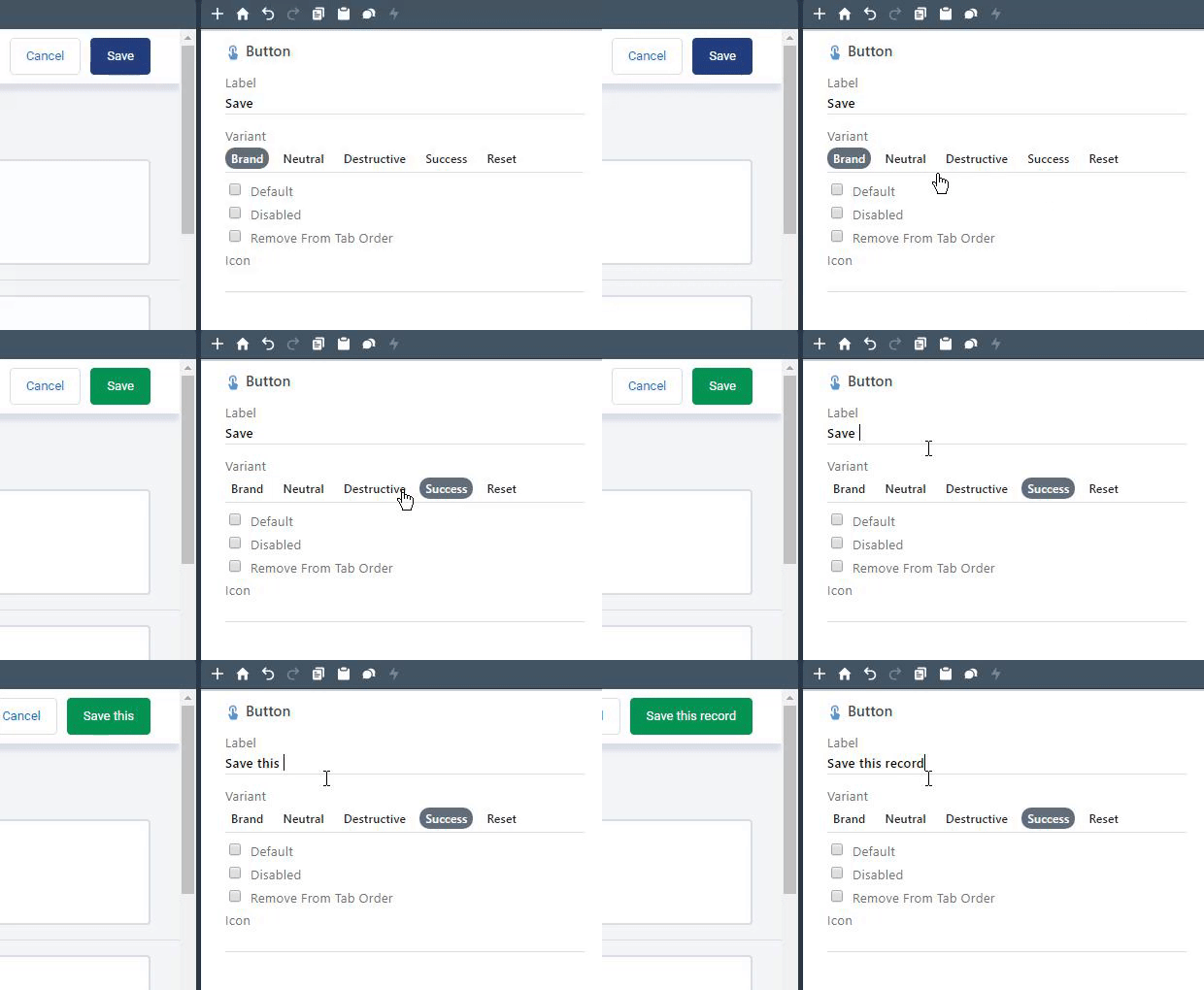
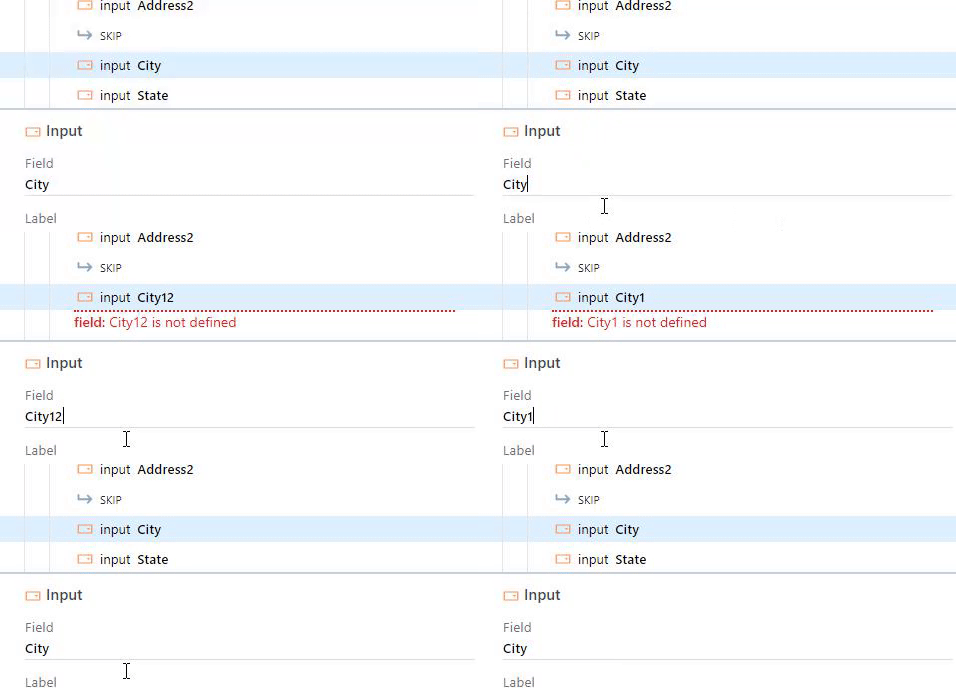
In addition to setting control properties in code you can define static values as part of the activity definition.
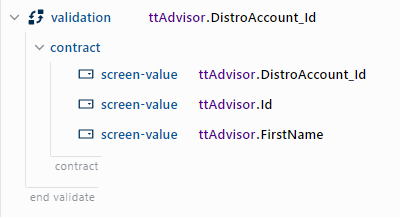
Define server-side validations, including function and contract parameters.
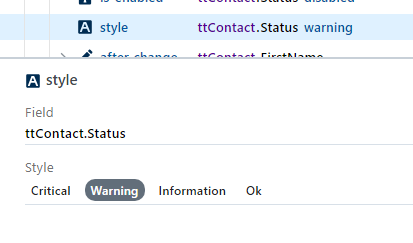
Change field colors to call attention to critial or warning values.
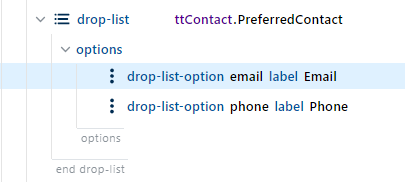
Define drop-downs with value and label pairs.
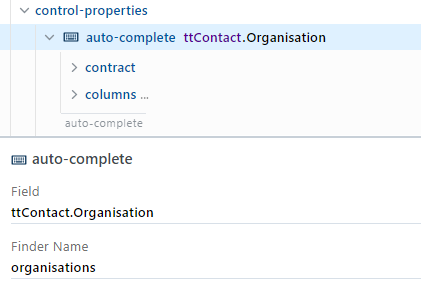
Define lookup finder fields and auto-complete drop-downs.

Use Retool with your team to work through prototypes and development.
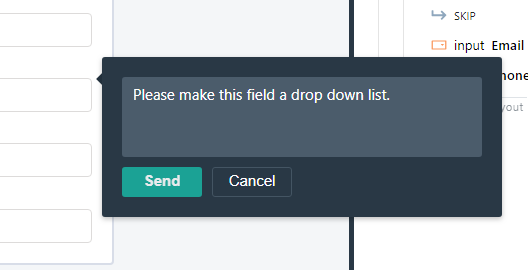
Add contextual annotations and comments to elements.
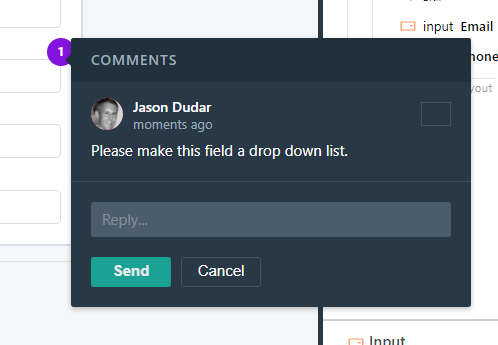
Collect feedback on prototypes and changes to screens and activities.
Enable your customers to customise screens to fit their particular needs.
Control user level customisation at a frame level. Only allow users to modify certain portions of a screen.
User frame customisations are overlayed on top of the base activities so that users still receive changes to activities, but their customisations are preserved.
Adjust colors, border, fonts and more using our theming tools.

Join our email list or follow us on twitter so we can notify you as soon as we are ready.
