
Earth Zoom
Everygen AI: AI Video Generator for Text & Images
Create social clips, product demos, and ad visuals from text or an image. Choose your model, resolution, duration, and framing.
Text to VideoImage to VideoVeo · Seedance · Kling · Wan · Grok
—
Explore video models
 Veo 3.1Explore cinematic scenes and camera movement.Veo 3.1 LiteExplore cinematic scenes and camera movement.Veo 3.1 FastExplore cinematic scenes and camera movement.
 Seedance 2.5Explore action, visual rhythm, and scene transitions.Seedance 2.0Explore action, visual rhythm, and scene transitions.
 Kling 3.0Plan subject motion and image-inspired video scenes.
 Wan 3.0Explore expressive motion and richly detailed scenes.Wan 2.7Explore expressive motion and richly detailed scenes.
 Grok Imagine 1.5Explore imaginative video scenes and animation styles.
Get Inspired
Reference examples for creative direction, not verified generation records from this service. Video examples fill the prompt and first starting image and request the reference orientation; image examples fill the prompt and their reference images. Check the resulting settings and quote; the sample's production preset is not inherited. Coming-soon tools cannot be used.
VHS Video
3D Character Animation
UGC Ad
Pullback Shot
Flying Cam
Product Commercial
Video EditingComing soon
Stop-Motion ASMR
Cinematic Portrait
Logo ASMR
Lifestyle Video
Orbit Shot
Pixel Animation
Product Showcase
Video UpscalingComing soon
Fashion Film
Character Dialogue
Red Carpet Dolly Zoom
Pour-Over Coffee
Cutting ASMR
Portrait Close-Up
Noir Dolly Zoom
Snowmobile Chase
Pet Interview
Pet Story
Dolly Out
More AI tools
 AI Blue Alien Morph
 AI Space Zoom Reveal
 AI Surprise Flower Delivery
 AI Skull Armor Transformation
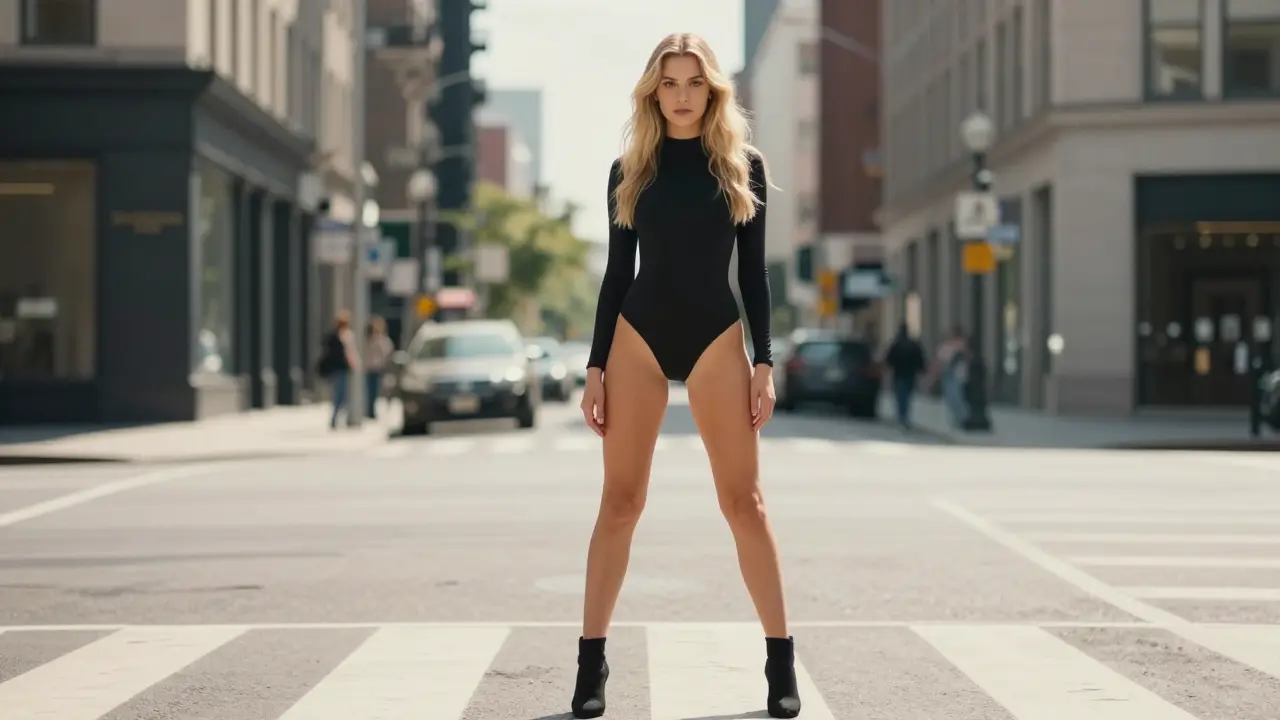 AI Doll Spin Transformation
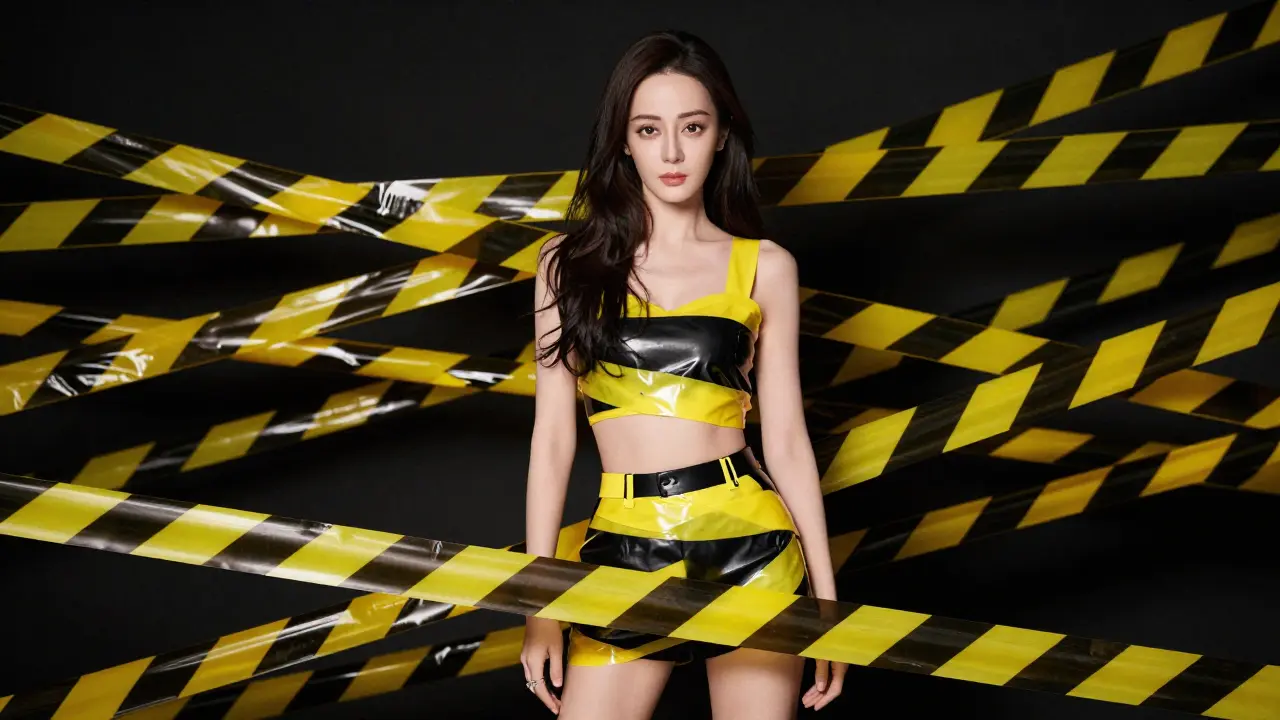 AI Caution Tape Wrap
 AI Pet Flips Off
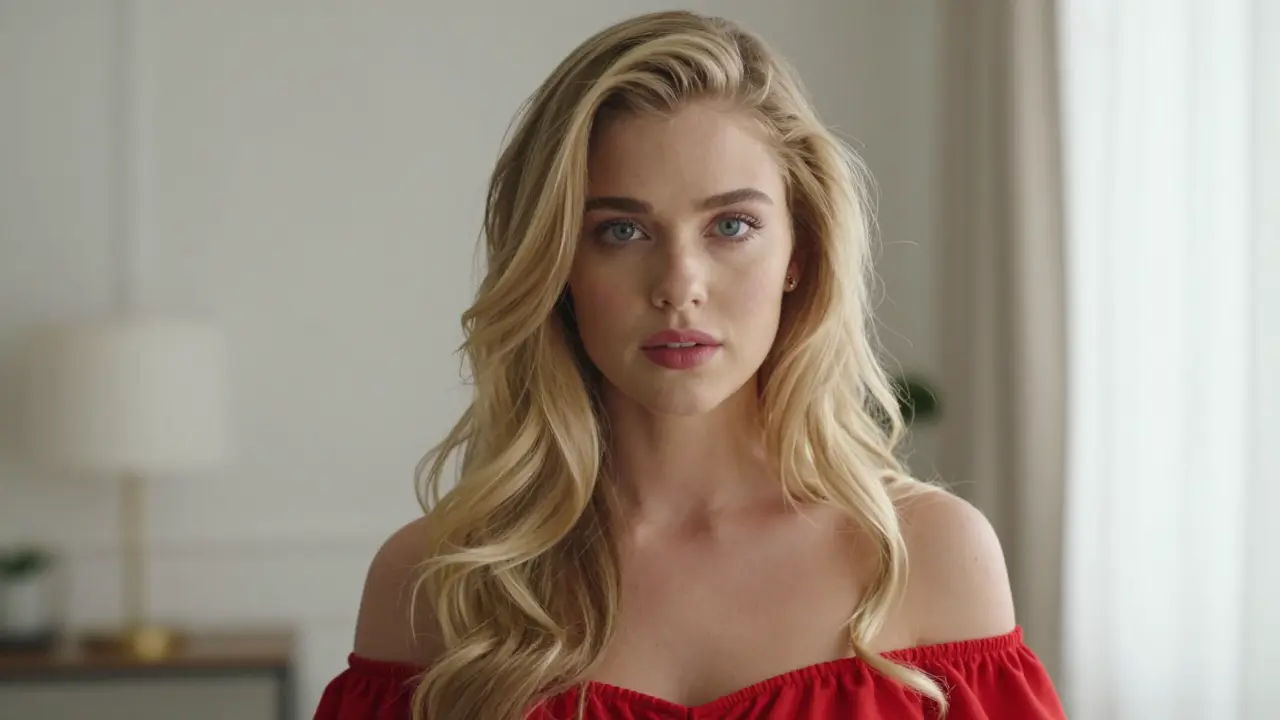 AI Green Hair Transformation
 AI Intense Scream
 AI Furious Scream
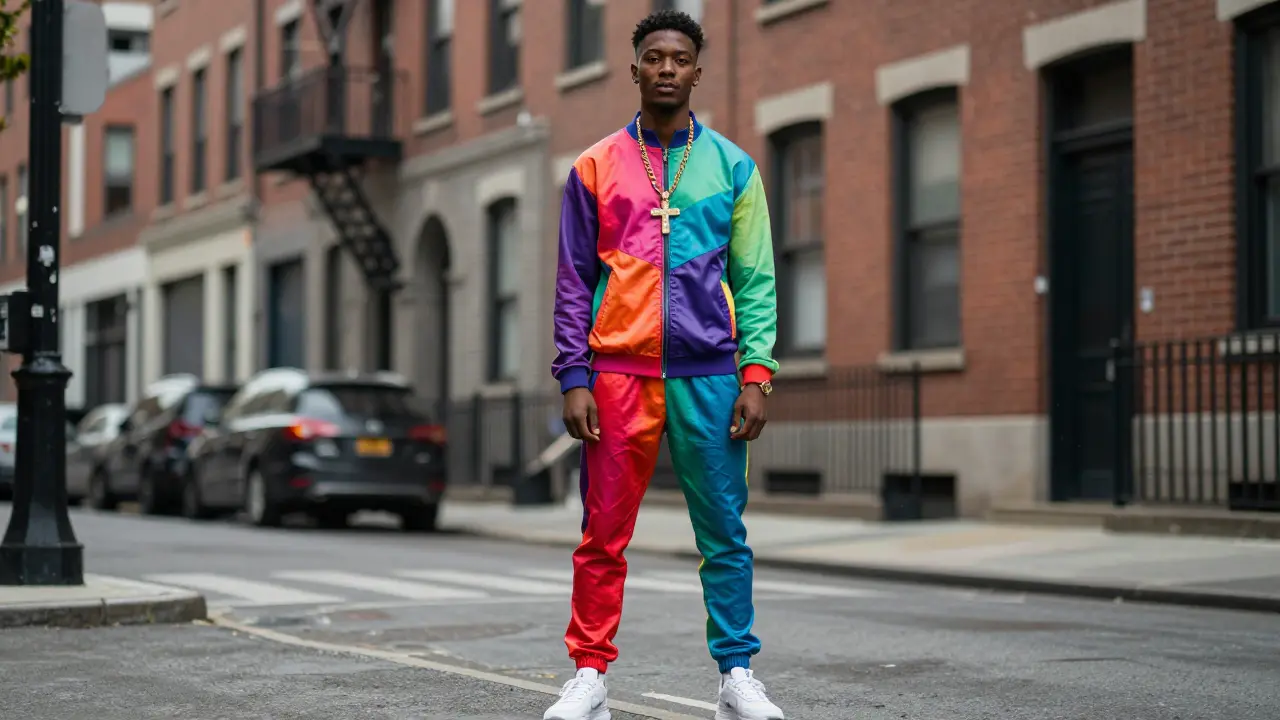 AI Arc Reactor Suit Up
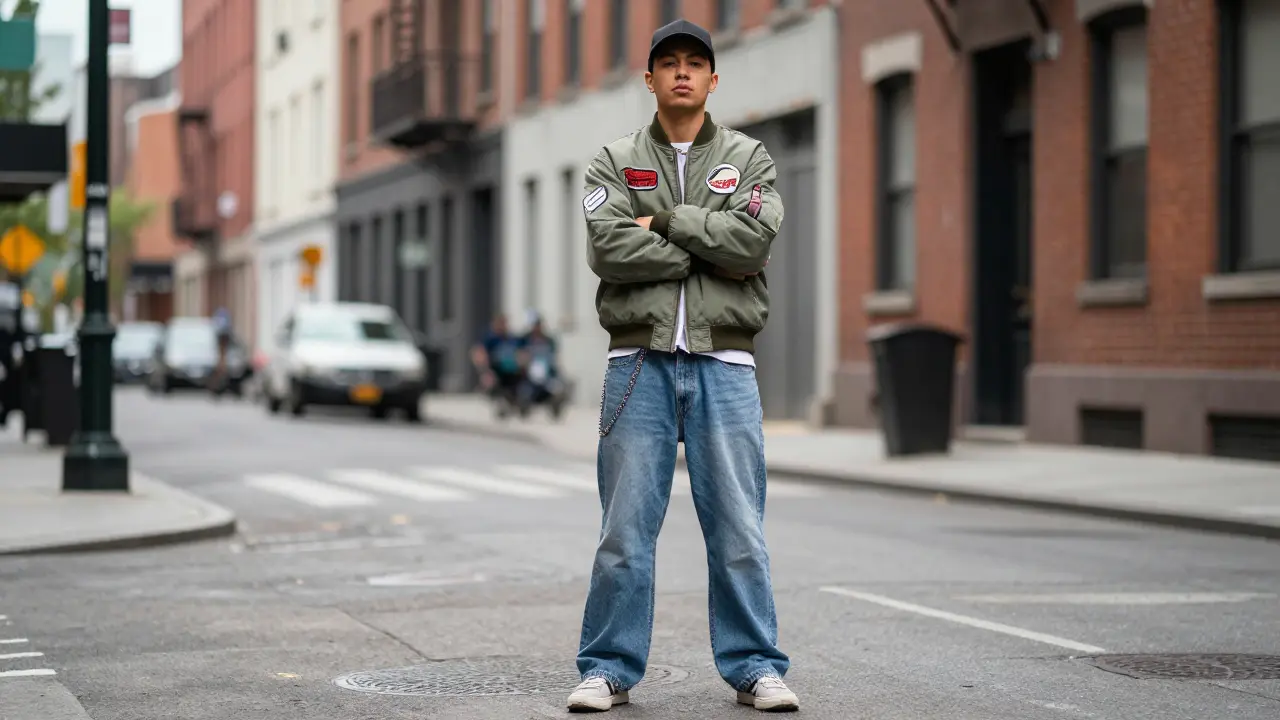 AI Symbiote Transformation
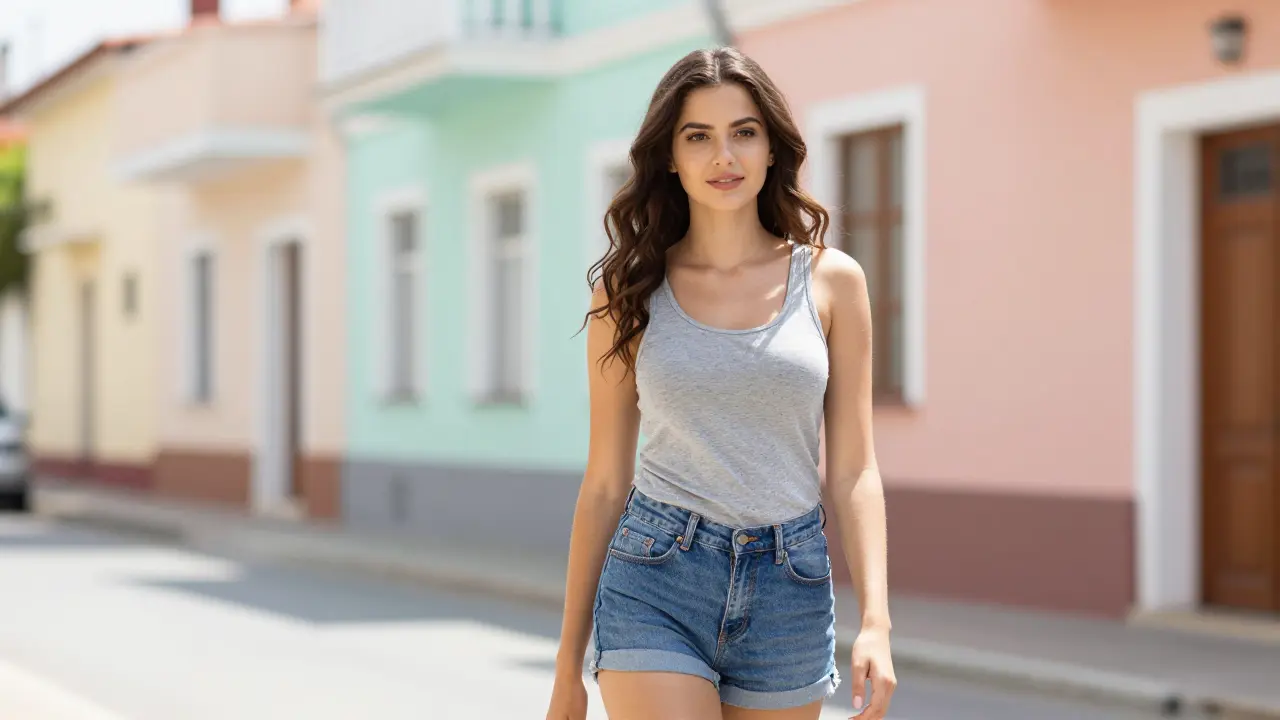 AI Mermaid Transformation
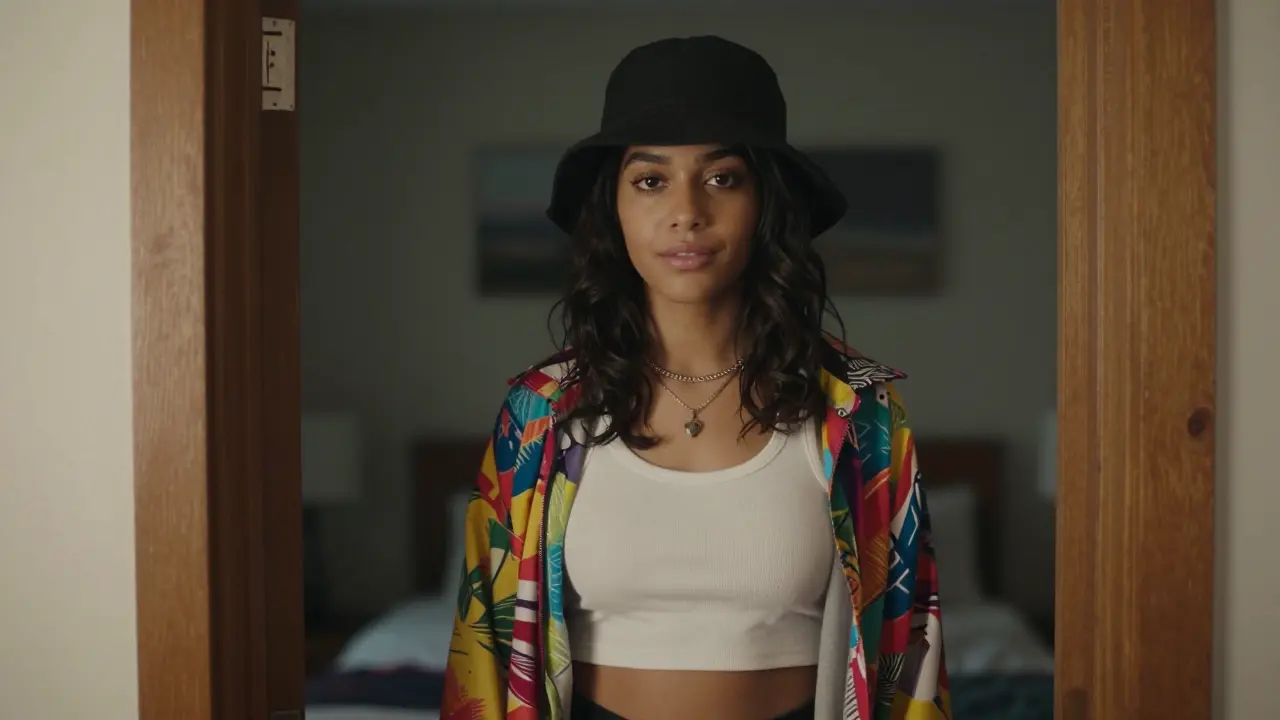 AI Clown Smile Transformation
 AI Office Handshake
Turn images into video
Give a reference image a new chapter. Describe the motion and build your scene.
Animate an image
Explore image creation
Create a visual starting point for your next video, or make an image of its own.
Create an image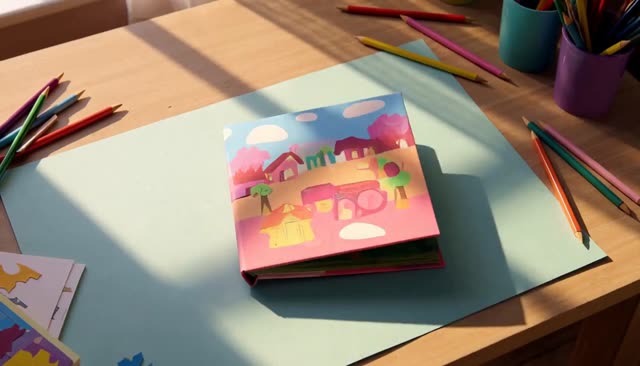
Everything your next scene needs
Move from an idea to a video with connected tools and controls that stay in your hands.
Start with words
Describe a subject, setting and camera movement to create a video from your prompt.
Bring an image to life
Upload a reference image and describe what happens next with image-to-video.
Choose your model
Explore the available video models and choose one for the scene you want to make.
Shape the output
Adjust supported duration, resolution and aspect ratio before you generate.
See the credit cost
Check the displayed credit estimate as you choose a model and its settings.
Keep your creations
Sign in to revisit your generation history and download completed videos.
Advanced features
Advanced tools for video creation
Build your scene with text, reference images, and creative controls.
Text to Video
Write a scene. Watch it move.
Build the setting with words, then describe the action and camera. Text-to-video turns your direction into a moving scene.
Try text-to-videoPricing
Choose the credits that fit your creative work
Create images, edit references, and generate videos with one credit balance. Buy credits when you need them, or subscribe for a monthly allowance.
Create every month
Annual savings compare cost per credit with the same monthly plan. Annual billing is upfront, with credits released monthly; unused subscription credits do not roll over.
Basic
-44%A monthly allowance for ideas, edits, and occasional videos.
180 credits / month
$20.00/mo
Up to 90 basic clips/month (5s, 480P)
Up to 45 images with lower-cost settings
Billed annually at $240.00 · Credits released every month of your annual term
- Access to supported image and video models
- Download your generated images and videos
- Use prompts and reference images
Pro
-45%More room for regular image and video projects.
450 credits / month
$35.00/mo
Up to 225 basic clips/month (5s, 480P)
Up to 112 images with lower-cost settings
Billed annually at $420.00 · Credits released every month of your annual term
- Access to supported image and video models
- Download your generated images and videos
- Credits work across image and video tools
Studio
-55%A larger allowance for frequent creation and higher-cost models.
1200 credits / month
$60.00/mo
Up to 600 basic clips/month (5s, 480P)
Up to 300 images with lower-cost settings
Billed annually at $720.00 · Credits released every month of your annual term
- Access to supported image and video models
- Download your generated images and videos
- Credits work across image and video tools
Agency
-67%For high-volume image and video production.
2400 credits / month
$79.00/mo
Up to 1200 basic clips/month (5s, 480P)
Up to 600 images with lower-cost settings
Billed annually at $948.00 · Credits released every month of your annual term
- Access to supported image and video models
- Download your generated images and videos
- Credits work across image and video tools
Checking sign-in status…
Payments are handled by our payment providers. We do not store full card numbers.
Prices are listed in USD. Confirm the payment method, currency, and final amount at checkout.
Image credit usage
Credits for one image at the selected resolution, using the same prices as the generator. Editing may add reference-image credits; review the final quote before you generate.
| Model | 1K | 2K | 4K |
|---|---|---|---|
| GPT Image 2.5 Sunburst | 30 | 50 | 80 |
| Nano Banana 2.1 | 20 | 30 | 60 |
| Seedream 5 Pro | 7 | 14 | — |
| GPT Image 2.5 Flare | 20 | 35 | 55 |


Video credit usage
Text-to-video examples at the duration shown, using the same quote as submission. Higher resolutions, longer clips, or image-to-video settings can cost more. A dash means this combination is unavailable.
| Model | Duration | 480P | 540P | 720P | 768P | 1080P | 2K | 4K |
|---|---|---|---|---|---|---|---|---|
| Seedance 2.5 | 5s | 20 | — | 40 | — | 60 | — | 200 |
| Veo 3.1 | 8s | — | — | 80 | — | 100 | — | 200 |
| Kling 3.0 | 5s | — | — | 15 | — | 20 | — | 50 |
| MiniMax H3 | 5s | 10 | — | — | 10 | — | — | — |


FAQ
AI Video Generator Questions, Answered
Know what you can try on this page, how to use references, and where to check plans and credits.
Generate a short video from a text prompt or a reference photo with models from the Veo, Seedance, Kling, Wan and Grok Imagine families. Browse examples, write your prompt, and confirm the settings and credits. After generation finishes, you can preview and download the video.
Browsing samples and preparing prompts do not use credits. Video cost depends on the model, quality and length; the generator shows the quote before submission. The $9.90 single-video purchase covers one saved task with eligible settings. Configure your video first; other settings may require a larger pack. Credits are returned for confirmed technical failures.
Yes. Upload a product photo, portrait, or scene, then describe the motion. Image-to-video uses the photo as its starting frame and follows its format. Use images you have permission to use. Uploading alone does not start generation.
Yes. Once your video is ready, preview it here or open the saved task to download it. Your photos and settings are saved while you sign in or complete payment, so you do not need to start again.
Read the Privacy Policy for details about data use. For help with your account, email support@everygenai.org or open a support ticket. Check the terms and your source permissions before using media in an ad.
