
Free AI Image Generator for Creation and Editing
Create images from text or edit uploaded JPEG, PNG, and WebP files with natural-language instructions. New accounts start with 40 free credits; each model shows its credit cost before you generate.
What is Muse Image?
Muse Image is a web application for generating images from text and editing existing images with natural-language instructions. You can compare supported models, choose an aspect ratio and resolution, see the credit cost, and download the result from one workspace.

Generated by Muse Image
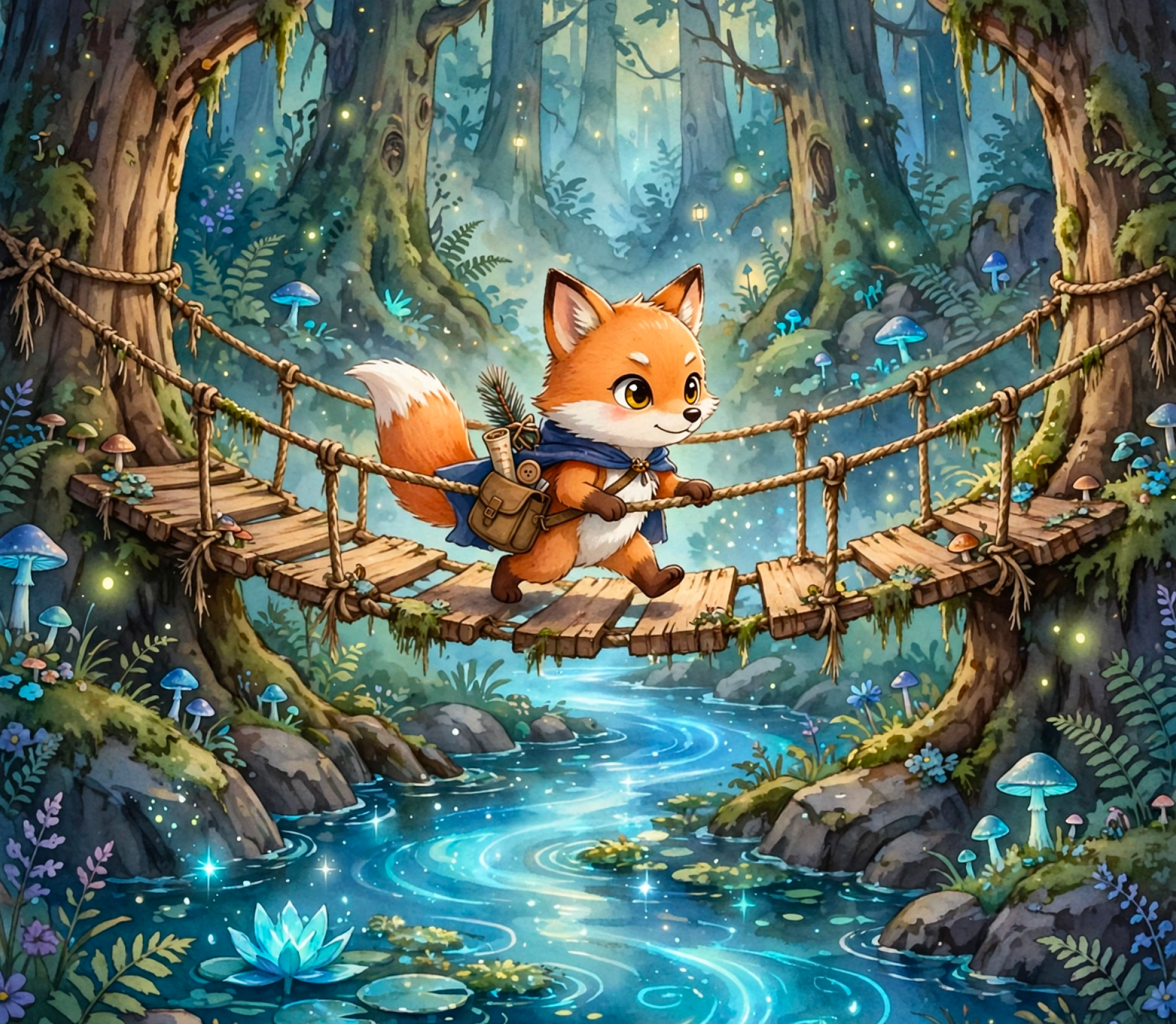
Generated by Muse Image
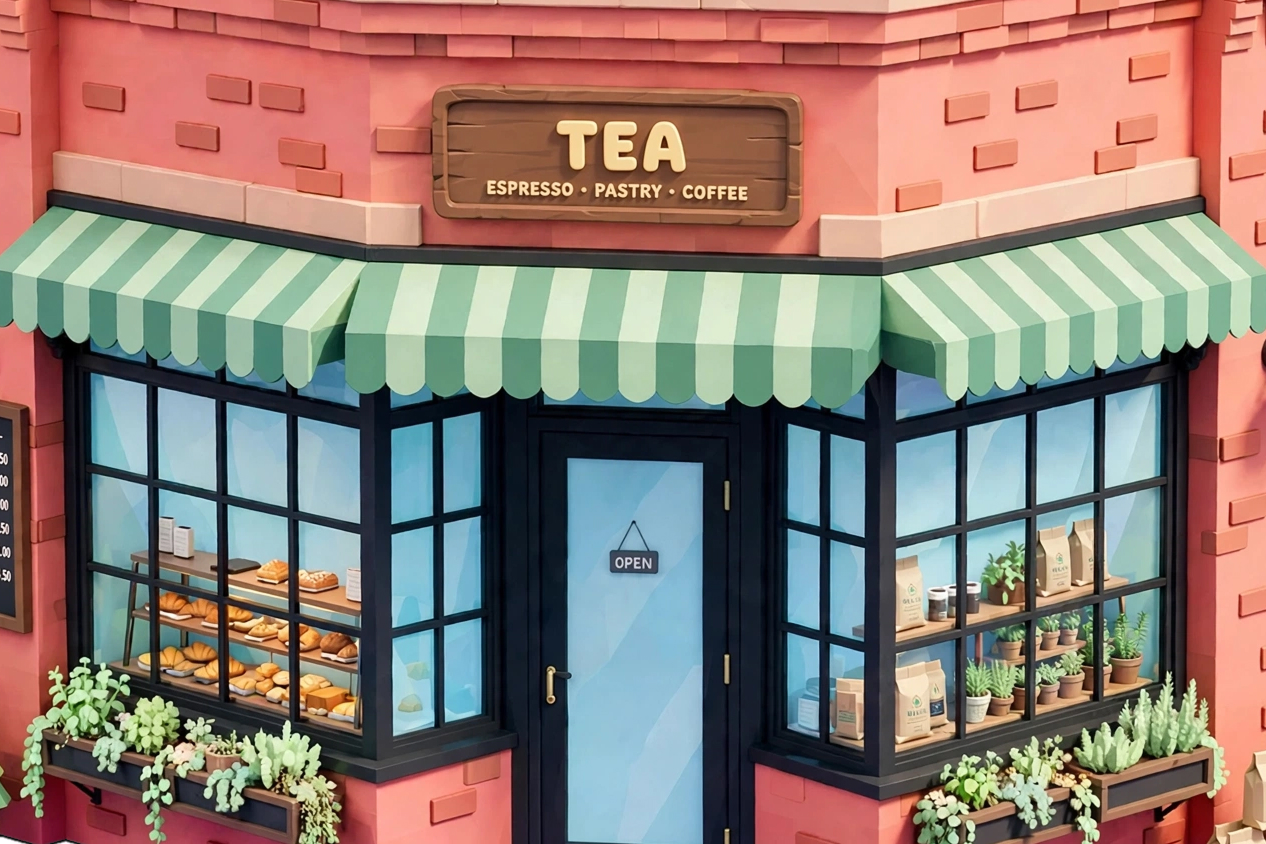
Generated by Muse Image
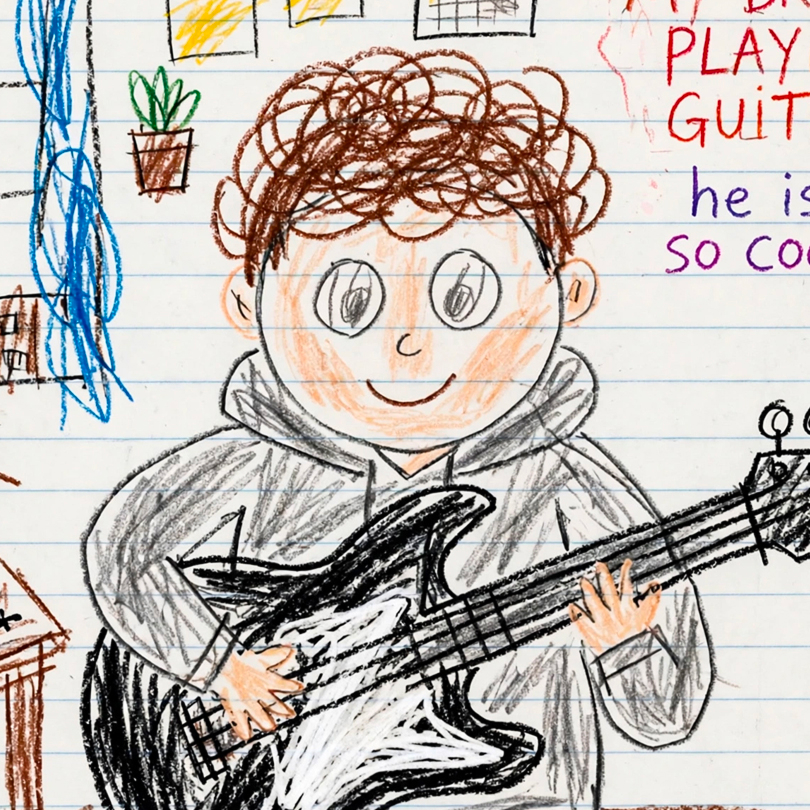
Generated by Muse Image

Generated by Muse Image
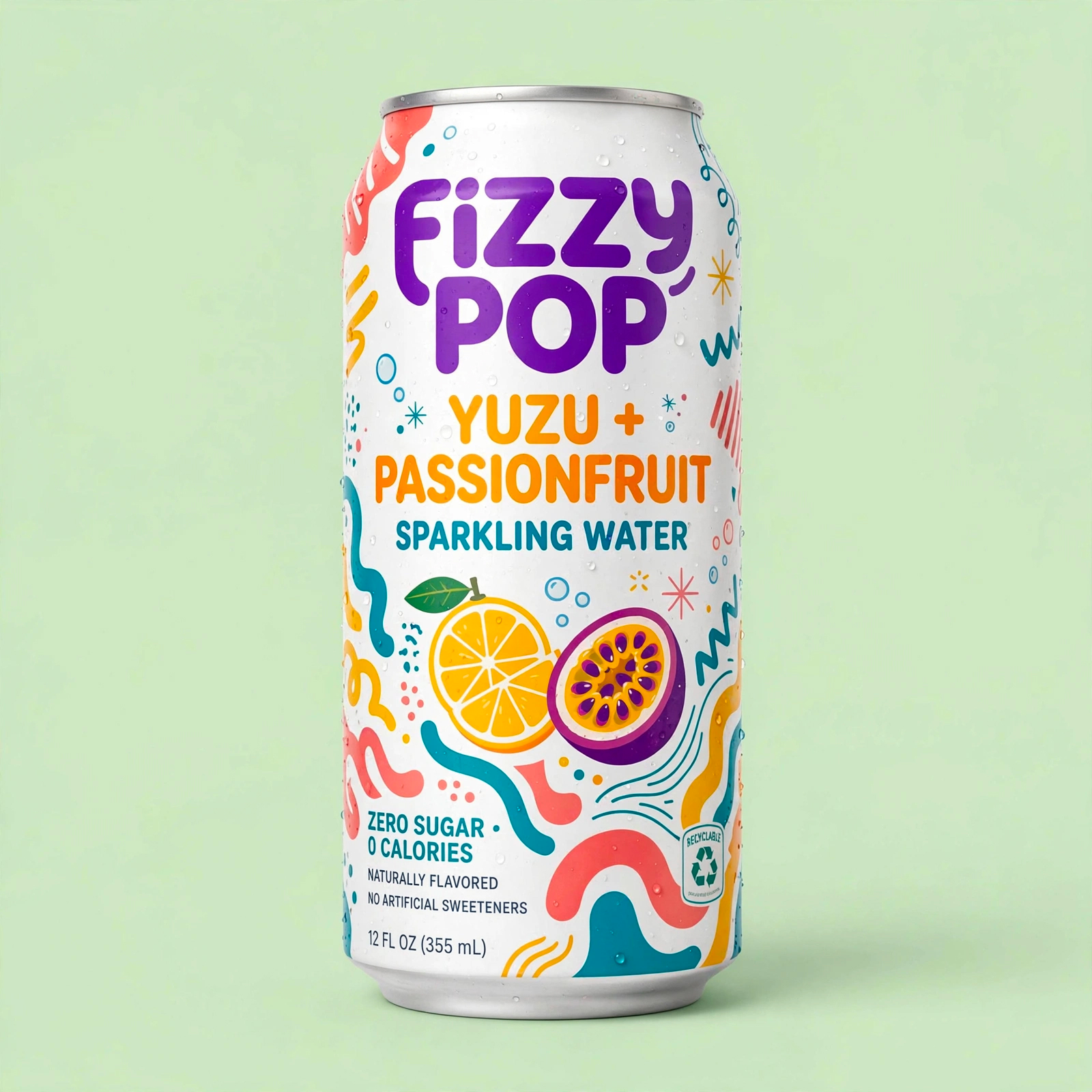
Generated by Muse Image
Key Features of Muse Image
Use one workspace to generate a new image, make a focused edit, compare models, and choose the output settings your project needs.
Text-to-Image Generation
Describe a subject, composition, style, and lighting in plain language, then choose the model and format that fit your project.
Natural-Language Photo Editing
Upload a JPEG, PNG, or WebP image and describe the focused change you want to make while identifying details to preserve.
Multiple Model Options
Choose among available image models for everyday iteration, typography, bilingual prompts, or premium composition.
Flexible Output Formats
Select from supported landscape, portrait, and square aspect ratios, with resolution options determined by the chosen model.
Costs Shown Before Generation
See the credit cost for the selected model, resolution, and output count before submitting a generation request.
Downloadable Results
Review generated images in the creator and download the results you want to keep for your next workflow.
How to Create with Muse Image
Choose a model and mode, describe the result you need, review the cost, and download the generated image.
Describe Your Vision
Enter a text prompt describing the image you want to create. Muse Image understands complex prompts with multiple details, or upload a photo to edit existing content.
Refine & Edit
Use sketch-based editing to circle areas for changes, add reference images for composition, or continue refining through conversation. Muse Image remembers your context.
Download & Share
Review the generated result, make another focused change when needed, and download the finished image.
Why Choose Muse Image?
Compare model capabilities and costs, generate from text, or make a focused edit to an existing image in one web workspace.
Natural-Language Controls
Write a prompt for a new image or describe a focused change to an uploaded image without learning a layer-based editor.
Model Comparison
Review each available model's supported modes, resolutions, aspect ratios, and credit costs before choosing one.
Predictable Credit Use
The creator calculates the total from your model, resolution, and output count before you submit the request.
Focused Refinement
Generate a result, evaluate it, and submit a more specific prompt or edit when you want to adjust the direction.
Common Web Image Inputs
Upload JPEG, PNG, or WebP source images for supported editing workflows and download completed results.
One-Time Credit Packs
Every account starts with 40 free credits. Additional permanent credits are available as one-time purchases without a subscription.
Muse Image Frequently Asked Questions
Find clear answers about supported inputs, output options, credit costs, model differences, and current limitations.
Create Images Smarter with Muse Image
Start with 40 free credits, compare available models, and see the cost before you generate.
Try Muse Image Free