SKETCH → RENDER2 CR
Sketch to render
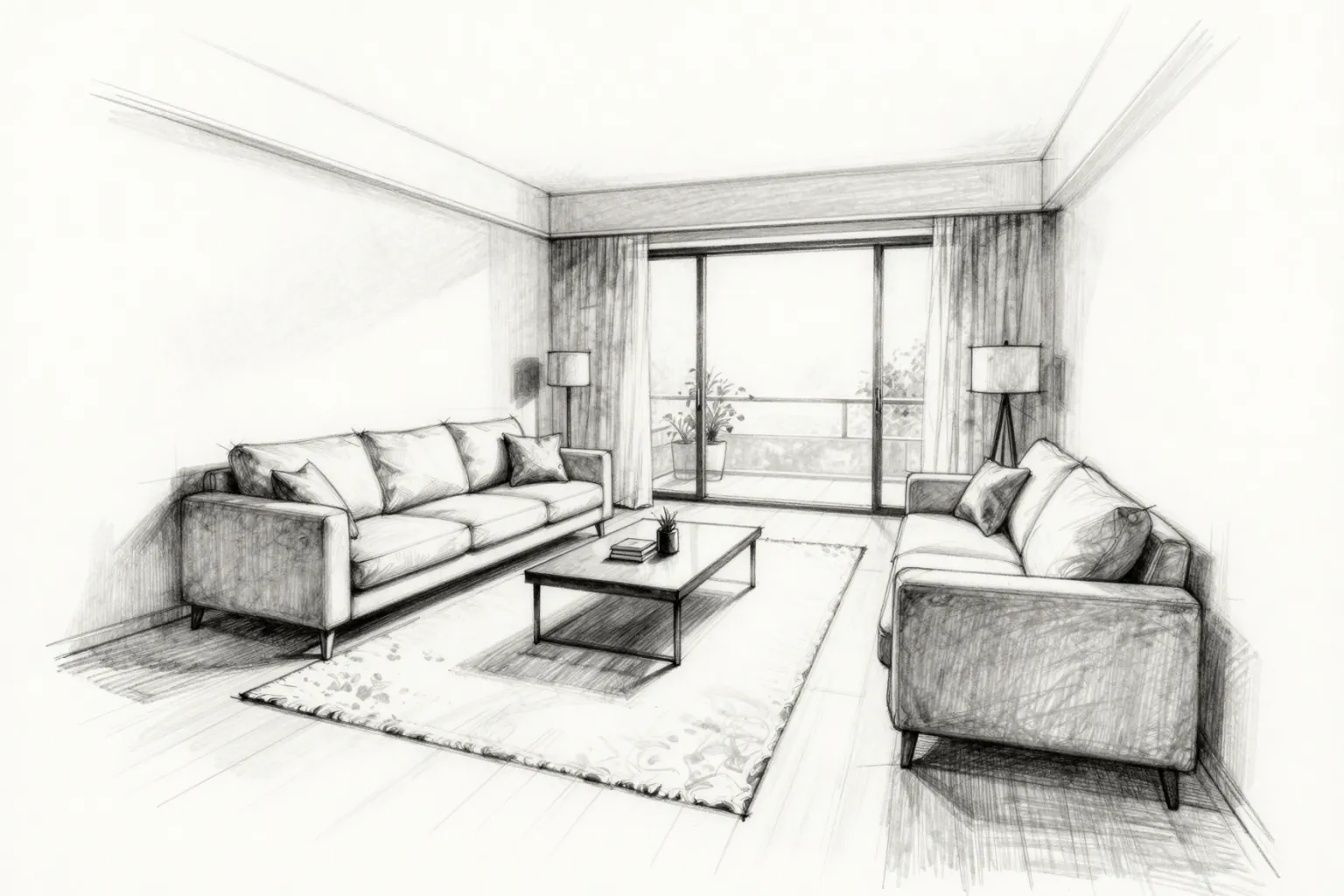
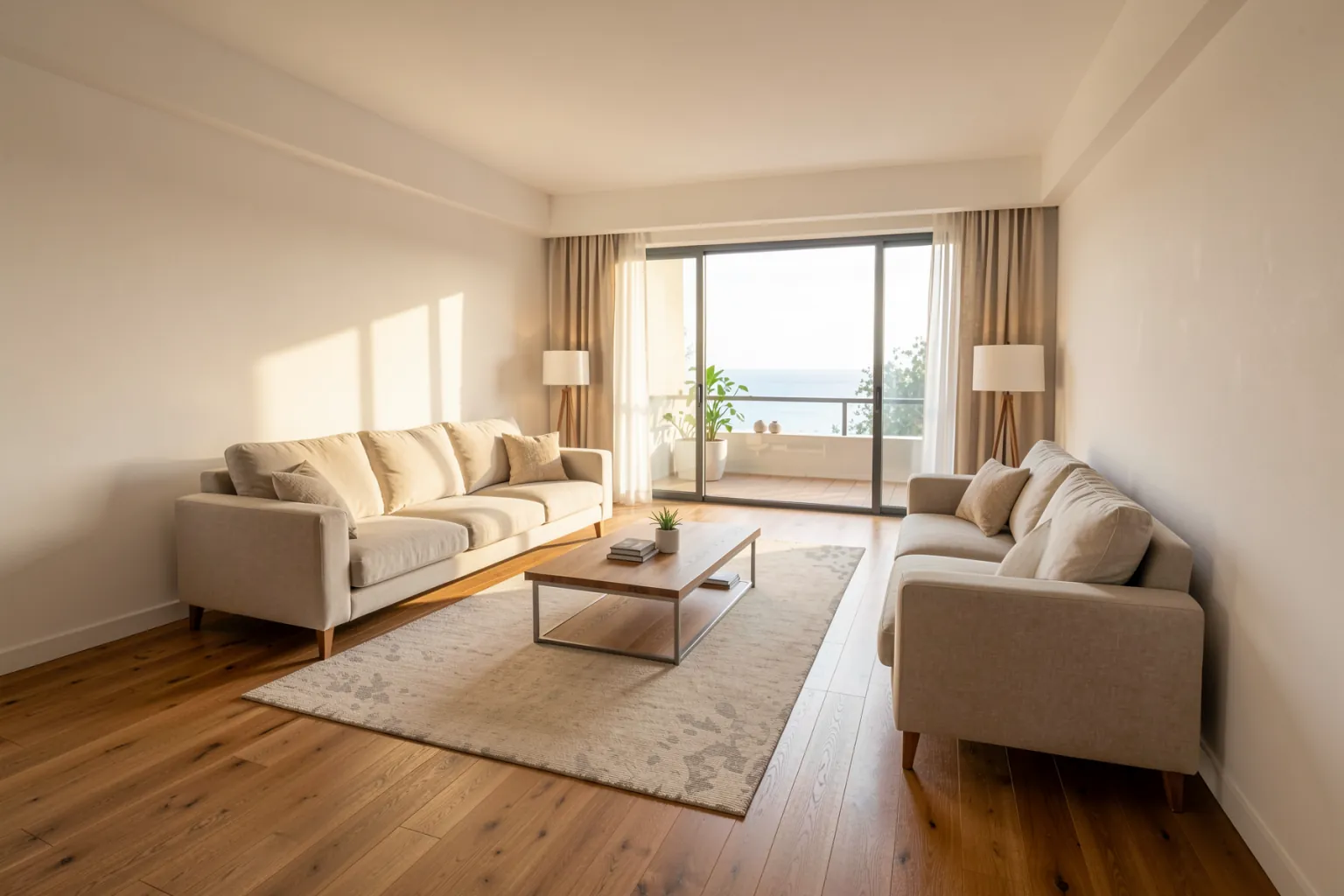
Upload a hand sketch or a CAD line drawing and get a photorealistic render that keeps your massing, openings and camera.
AI RENDERING FOR ARCHITECTS & DESIGNERS
Turn sketches, photos, 3D views and text prompts into photorealistic renders and walkthrough videos in one workspace.
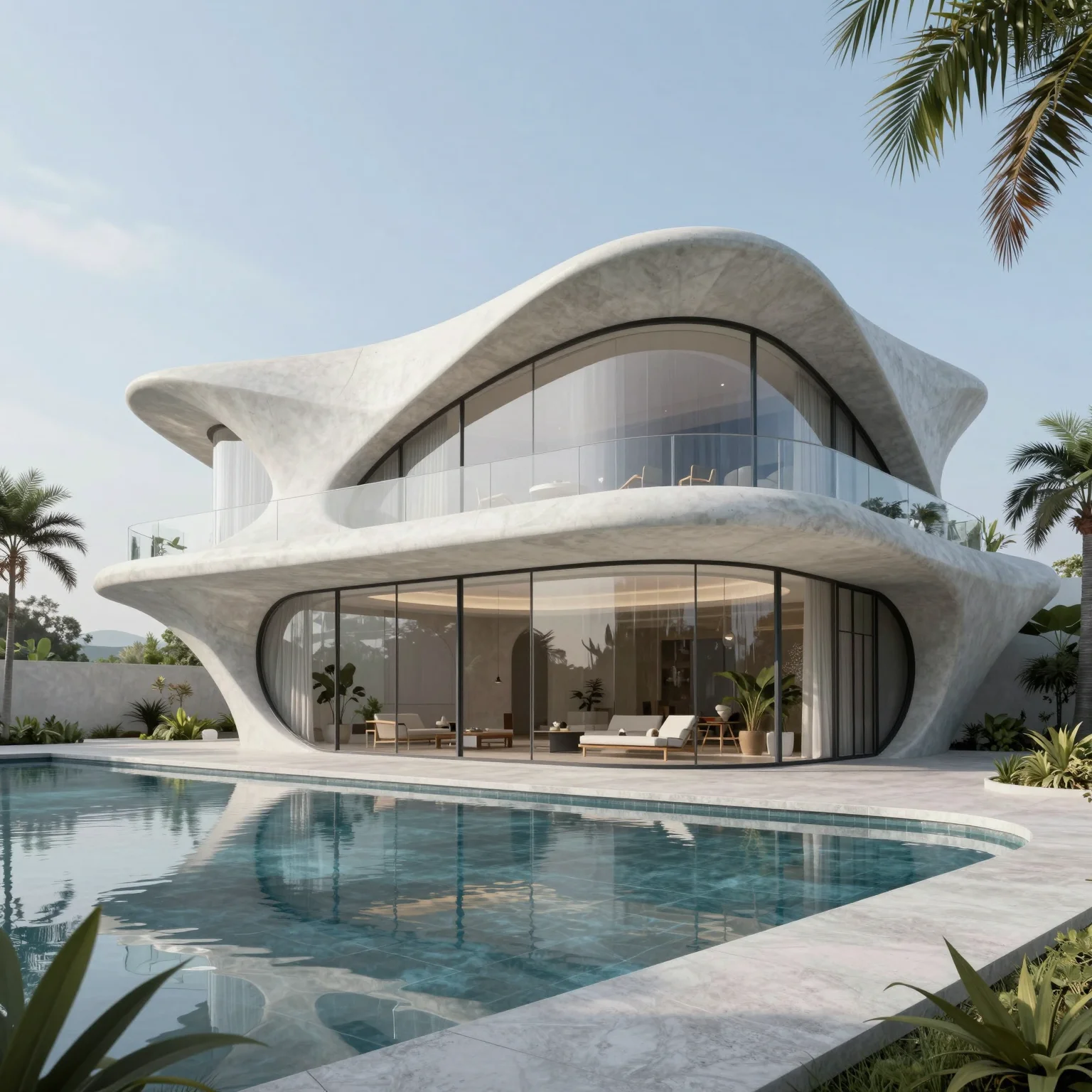
“A modern two-story villa on a hillside with cantilevered concrete terraces, floor-to-ceiling glass, thin steel railings, infinity pool in front, olive trees, late afternoon golden light, wide-angle architectural photography”
5 free credits every day · No credit card required
Explore QUVIAI core workflows: Image Generation, Video Creation, Render and Edit tools built for architectural production.
See the toolsSee production-ready outputs created with QUVIAI, from concept visuals to polished architectural renders and edits.
See examplesSign up in seconds and generate your first render — 5 free credits every day.
Get startedOUR LATEST FEATURES
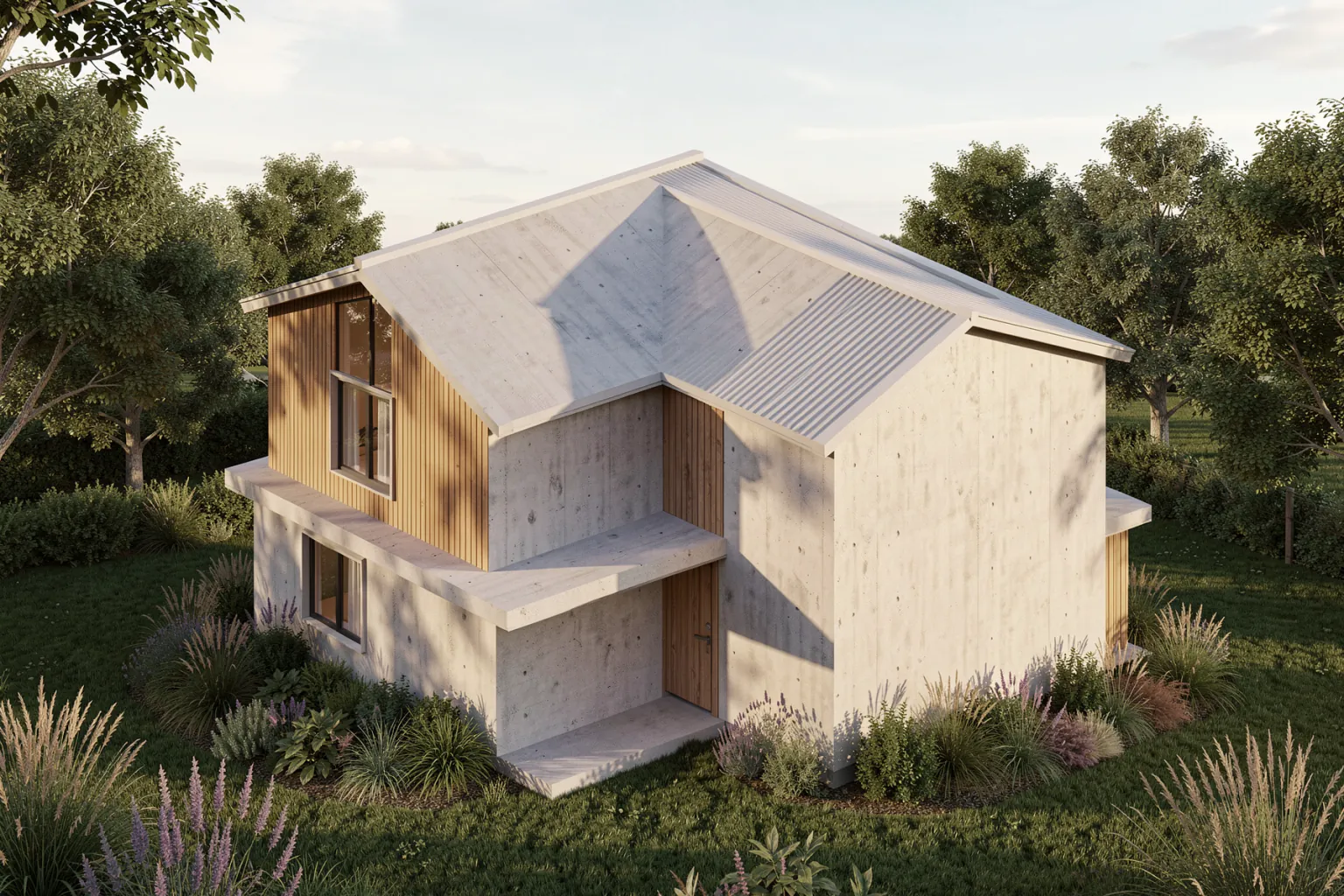
Keep your massing and camera, skip the material and lighting setup: one upload, a photorealistic render in under a minute.
Upload a hand sketch or a CAD line drawing and get a photorealistic render that keeps your massing, openings and camera.
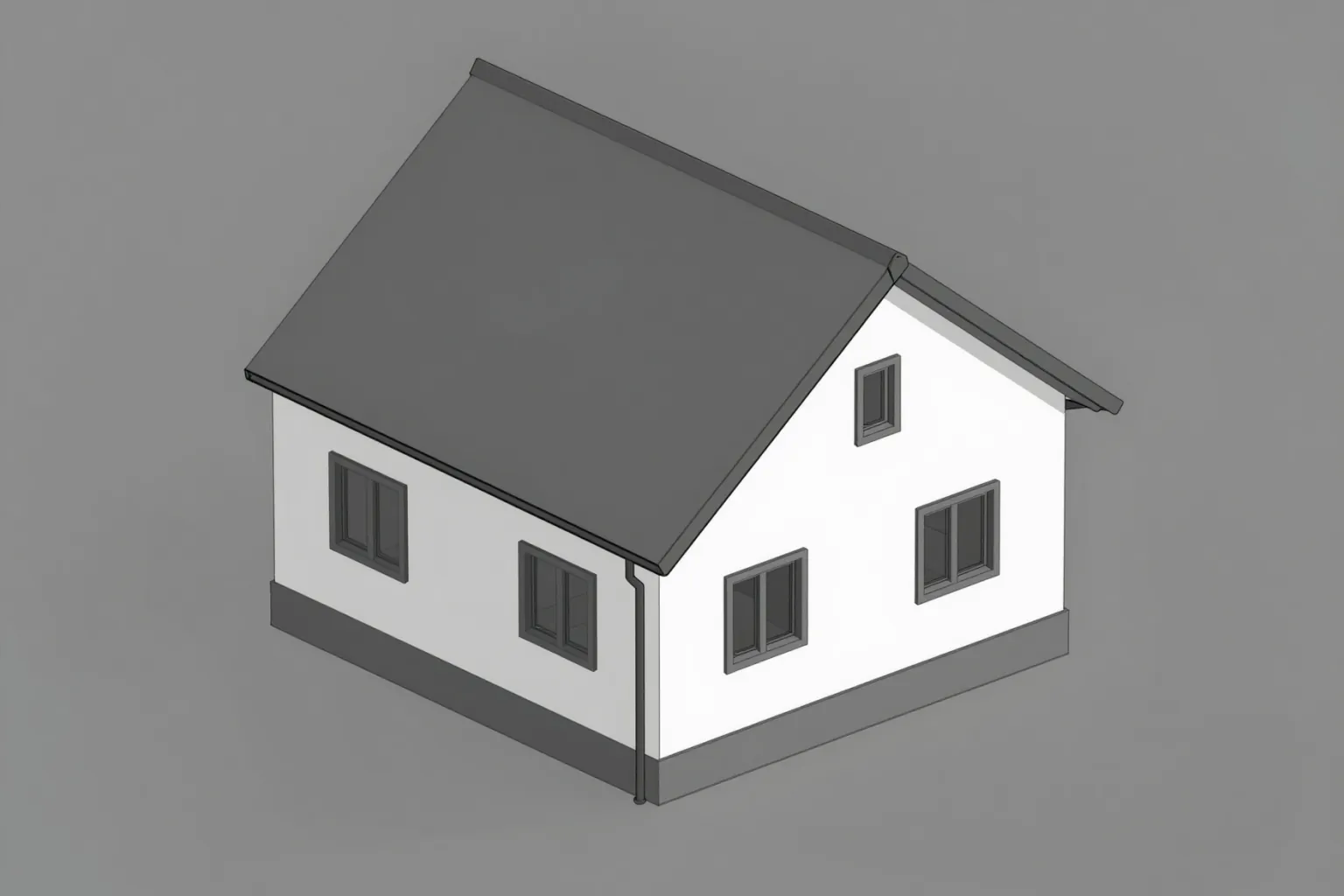
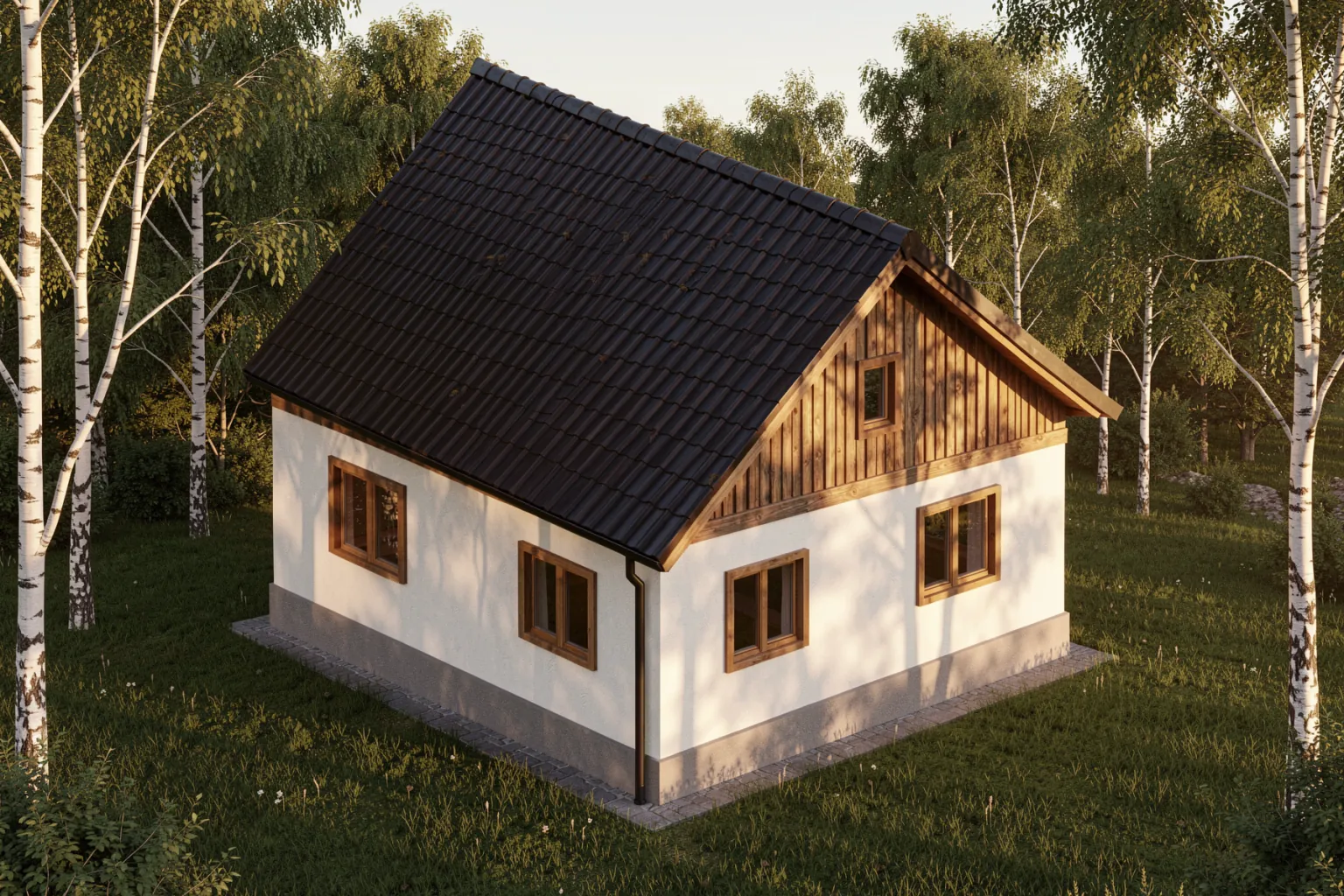
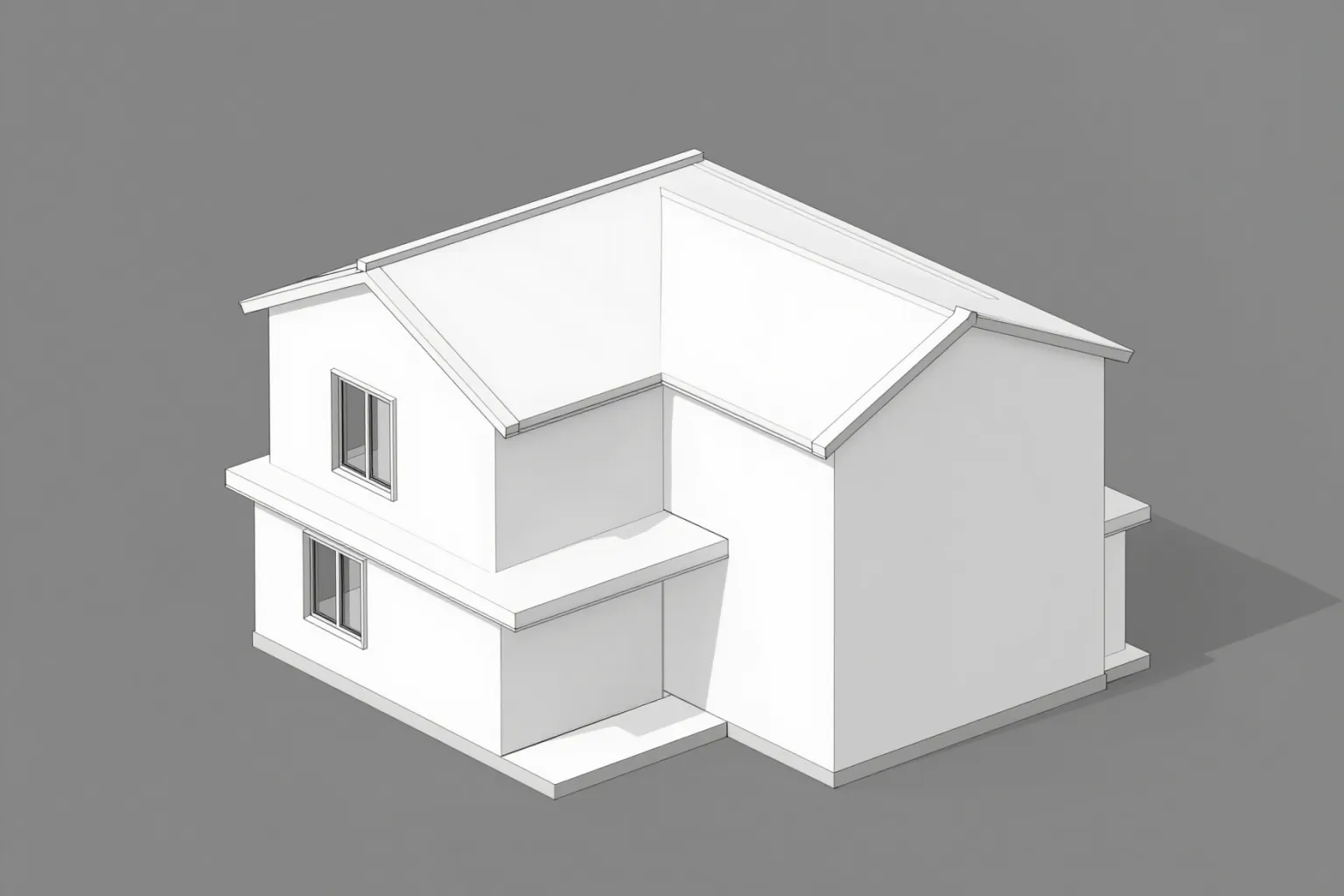
Export a view from SketchUp, Blender or any 3D tool and get a photorealistic render with the same camera.
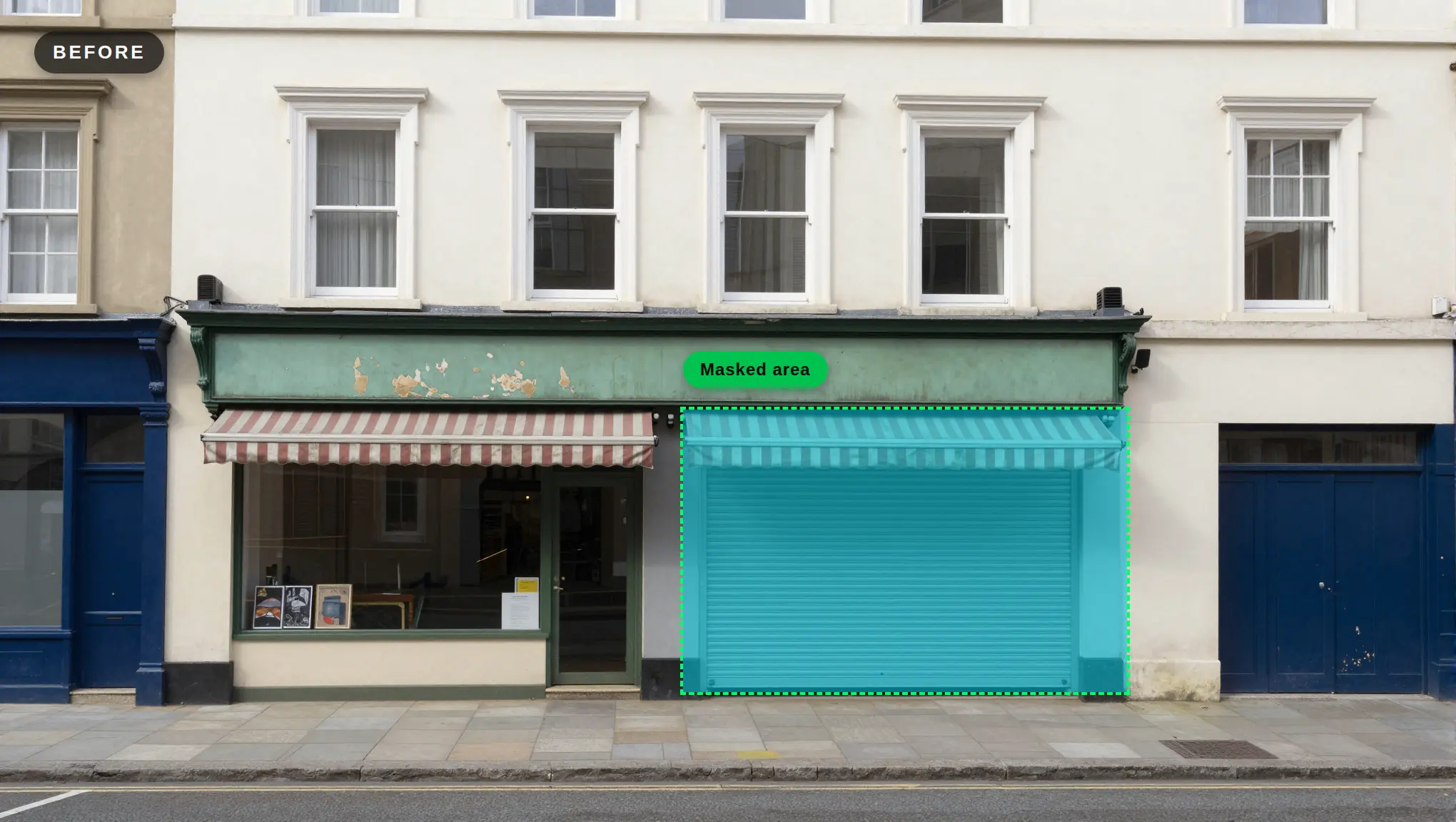
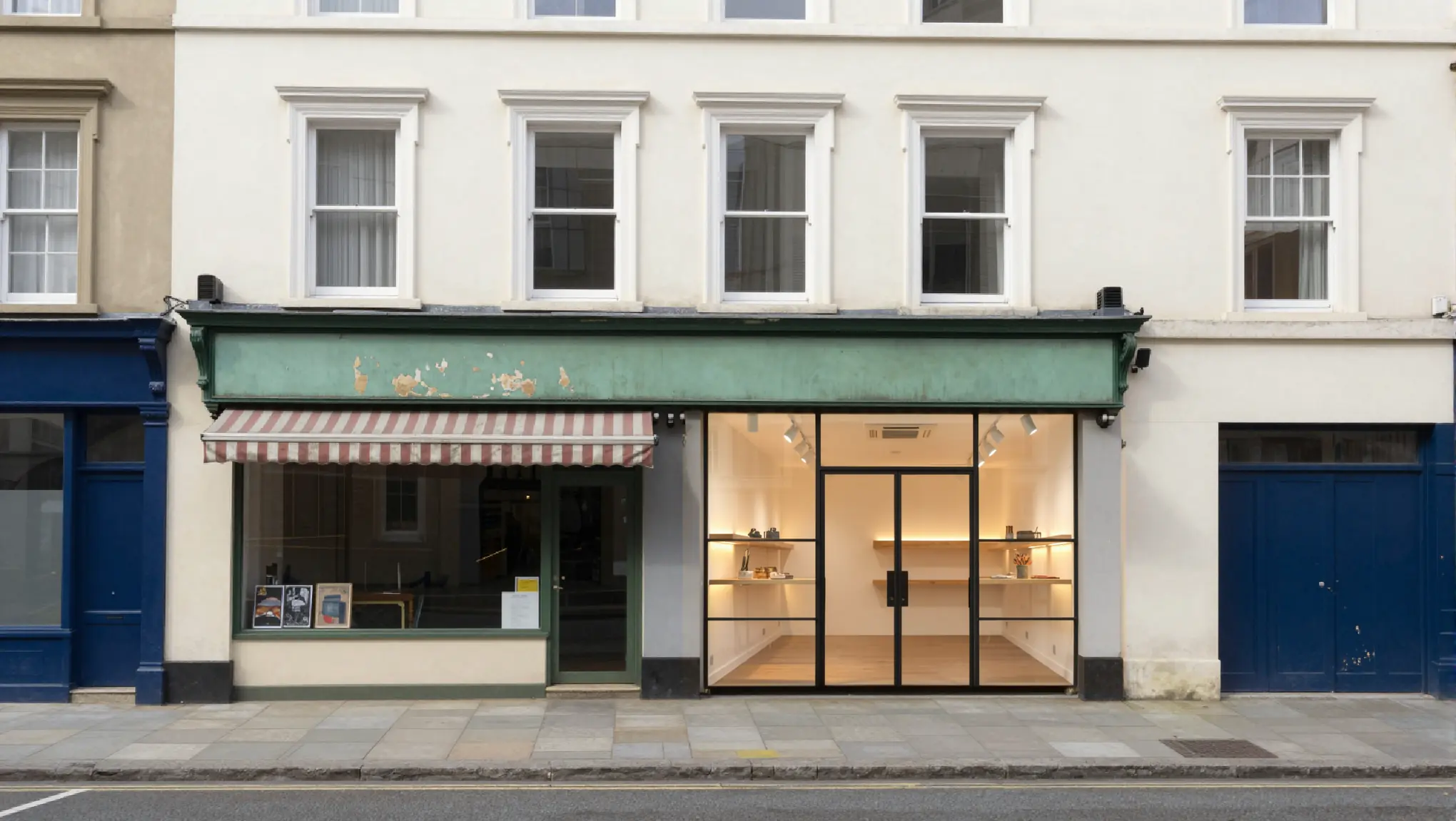
Change materials, lighting or a single detail with masked inpainting or a plain text instruction.
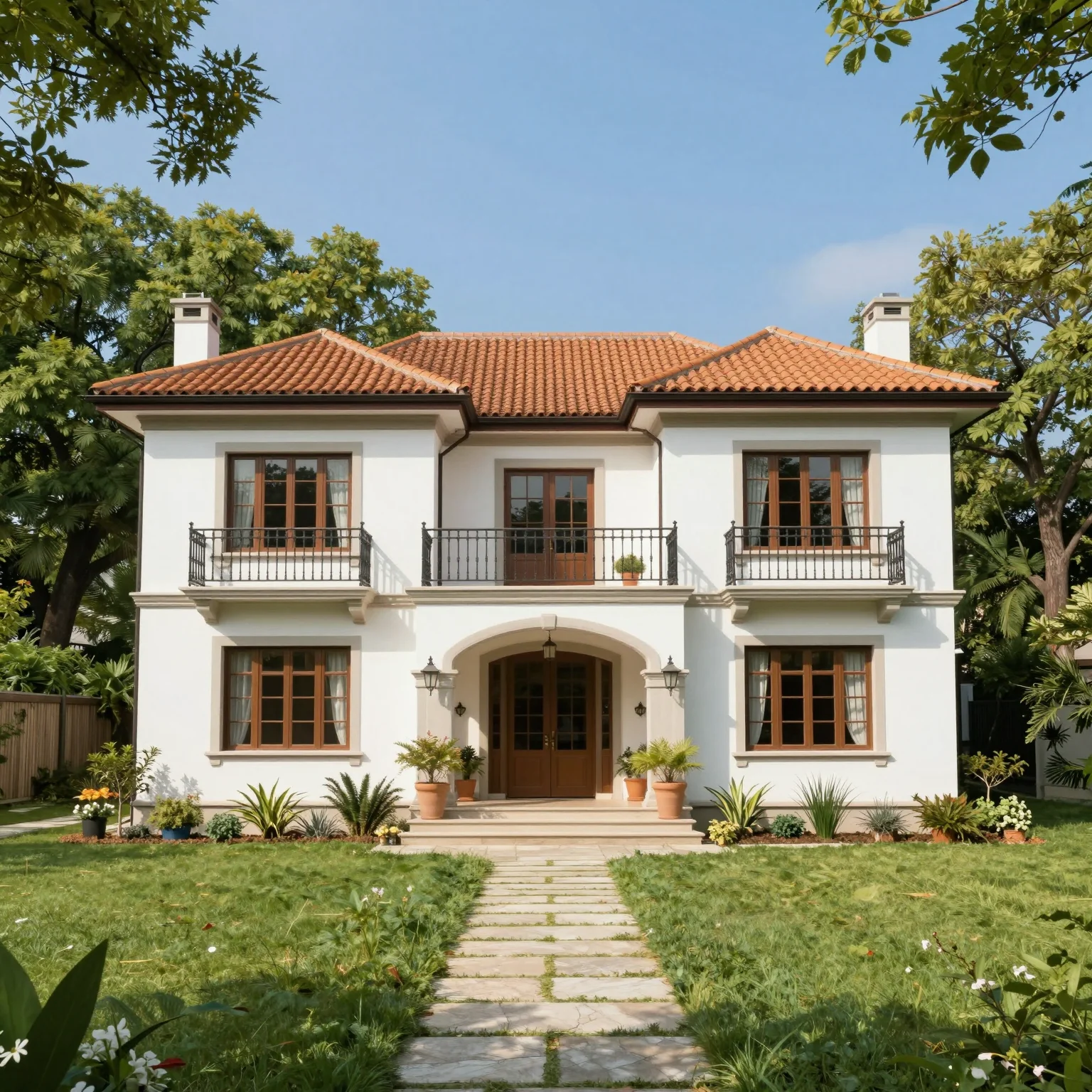
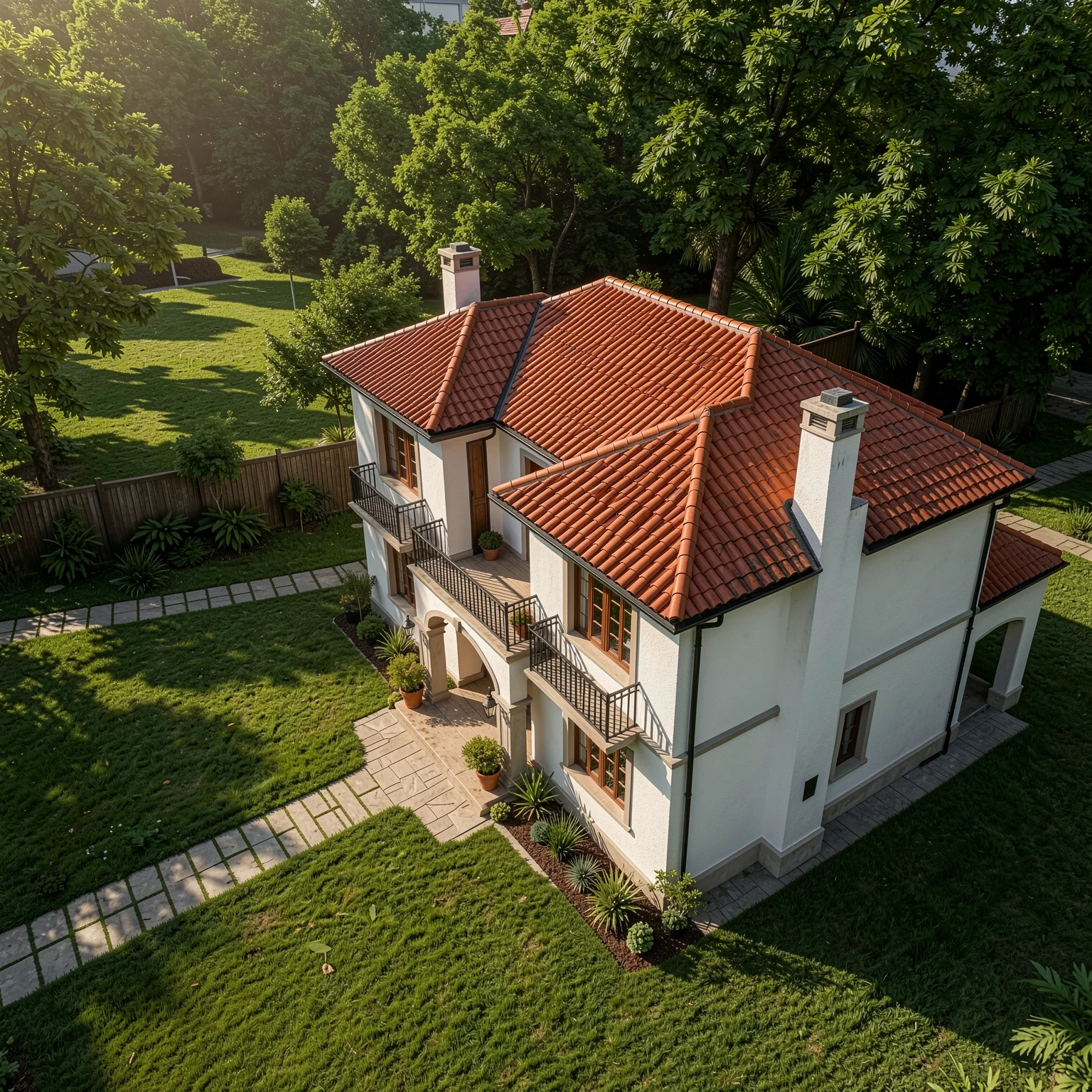
Change the horizontal and vertical camera angle of a render without rebuilding the scene.
Animate a still render or photo into a walkthrough with camera motion and atmosphere.
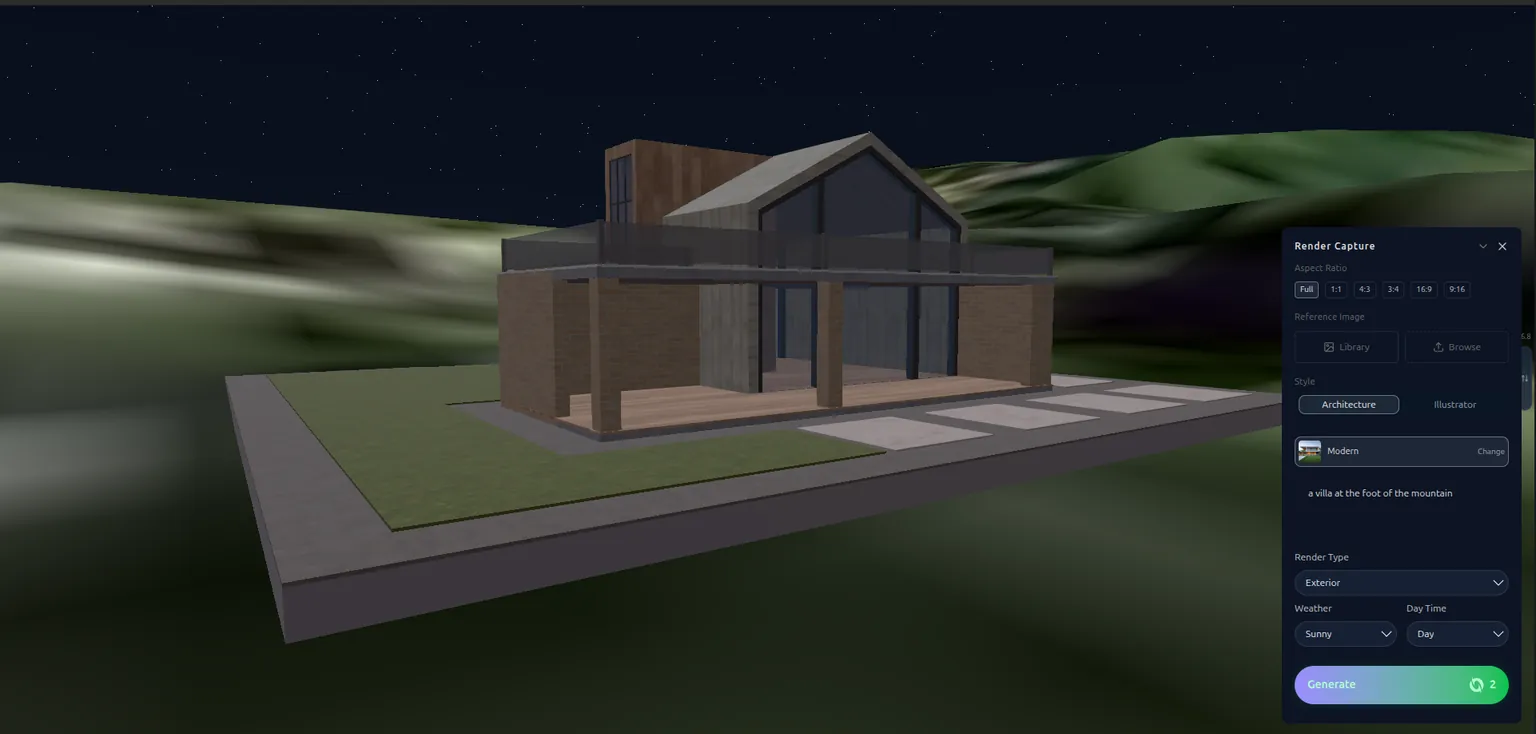
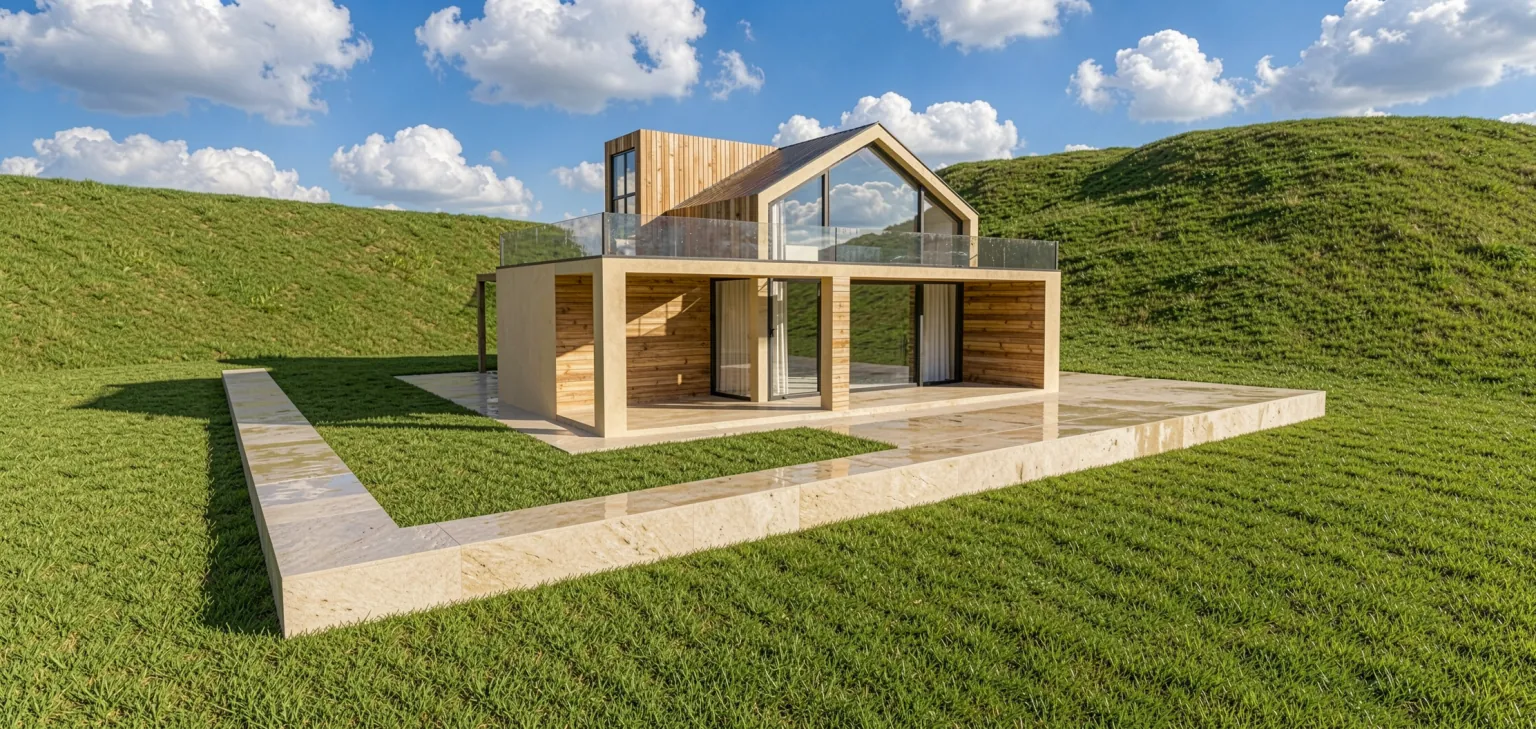
Import a model or generate 3D objects, stage them in the browser 3D editor, then render the view.
HOW IT WORKS
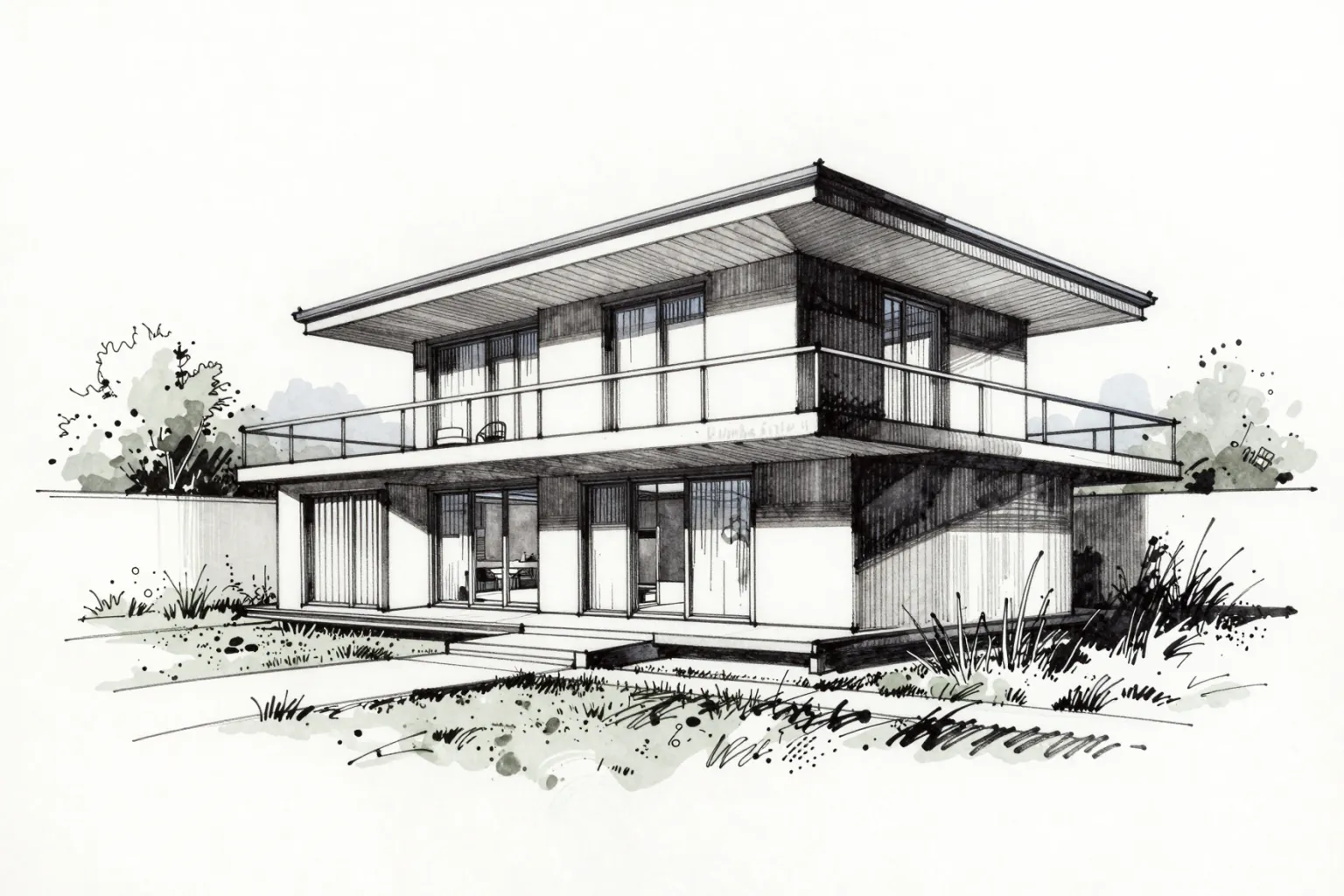
Drop it on the canvas or pick it from your Library. It becomes the input.
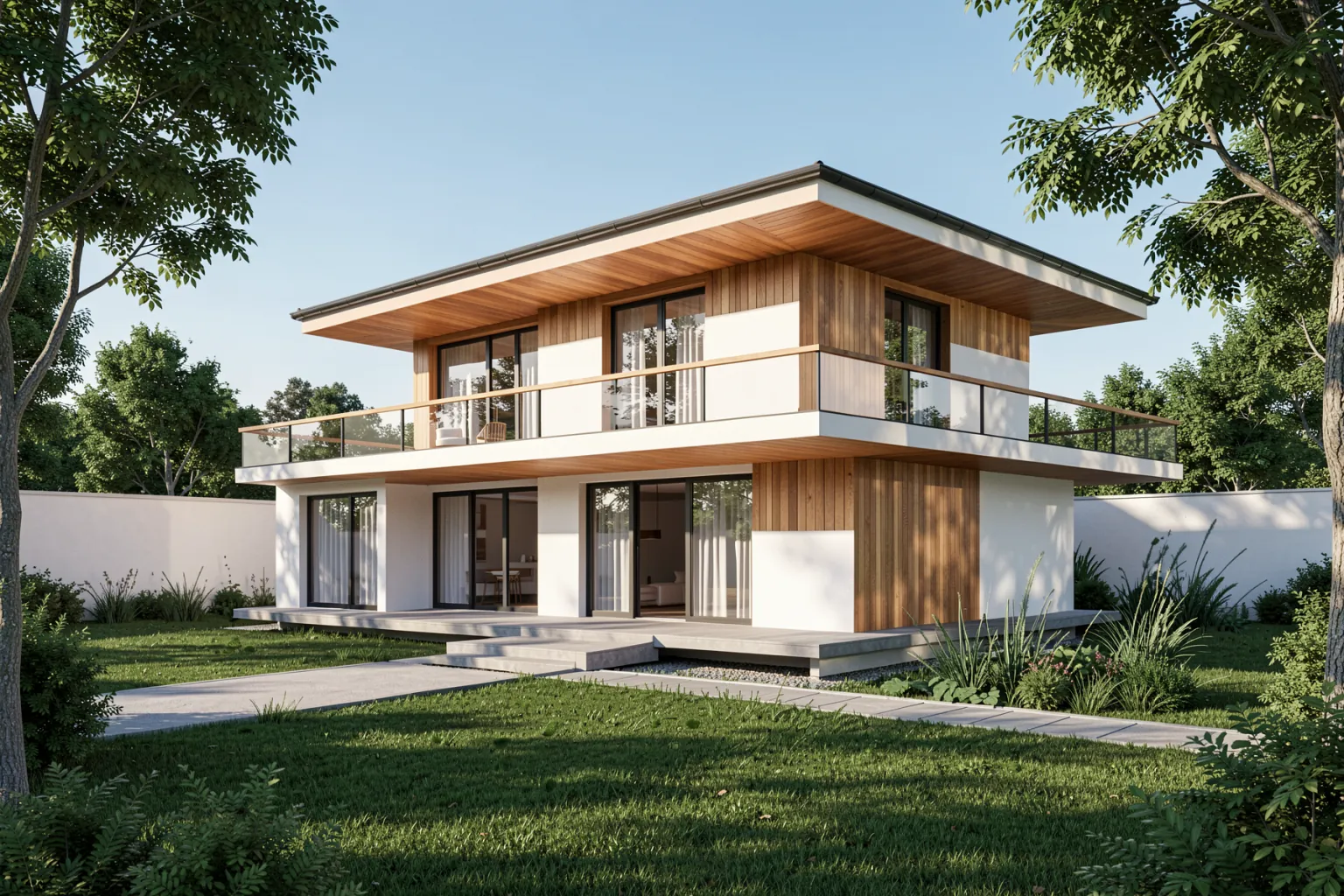
Materials, light and mood in plain words. Time of day, weather and style fill in the rest.
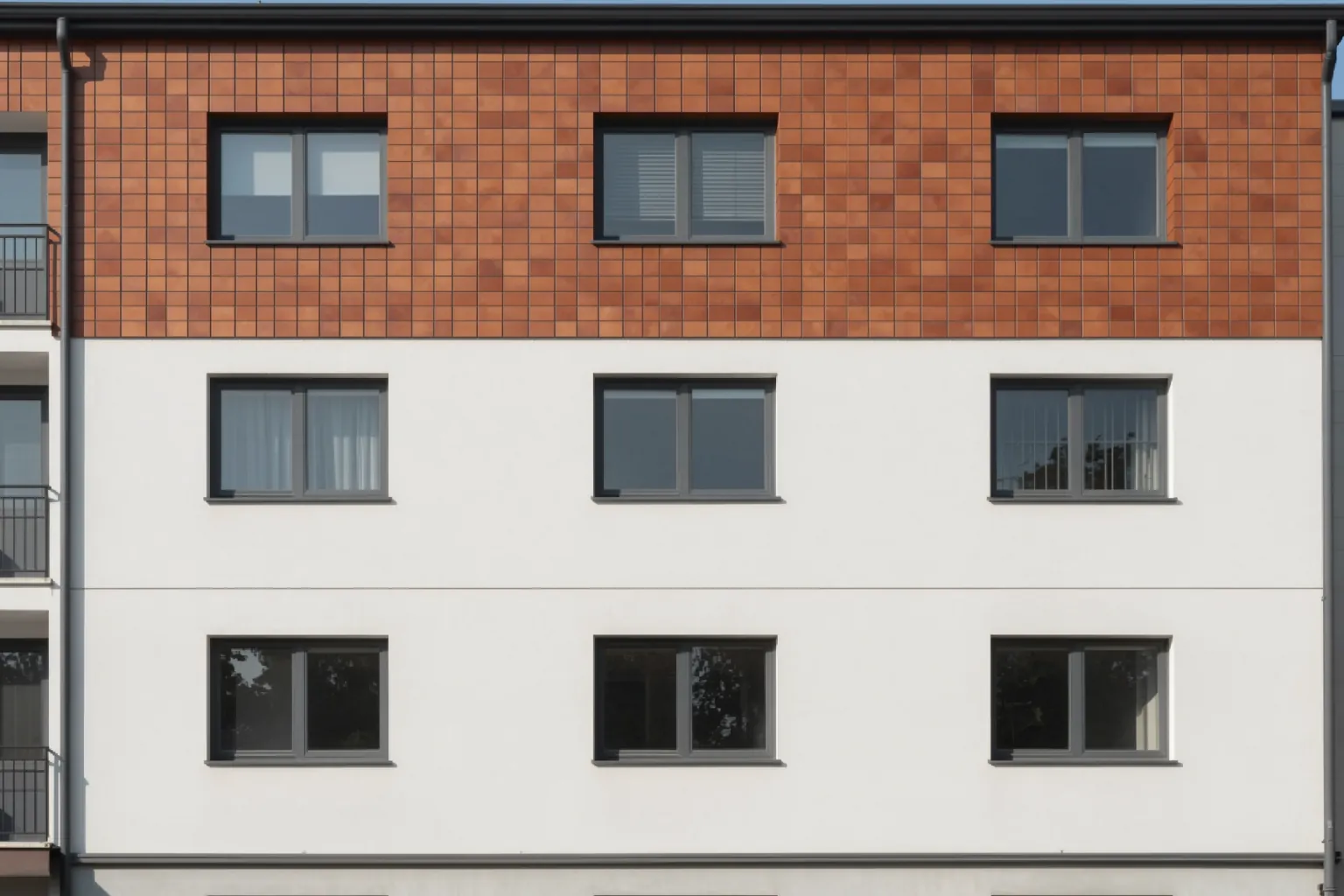
Edit one region, try a new angle or turn it into a video. Every action shows its credit cost first.
BEFORE / AFTER
Drag the slider. Walls, openings and proportions stay where you drew them.
OUR CREATIONS
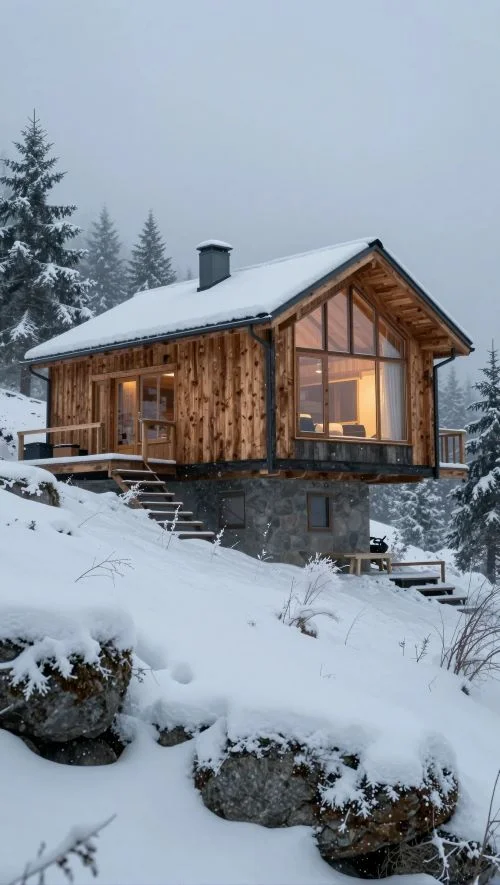
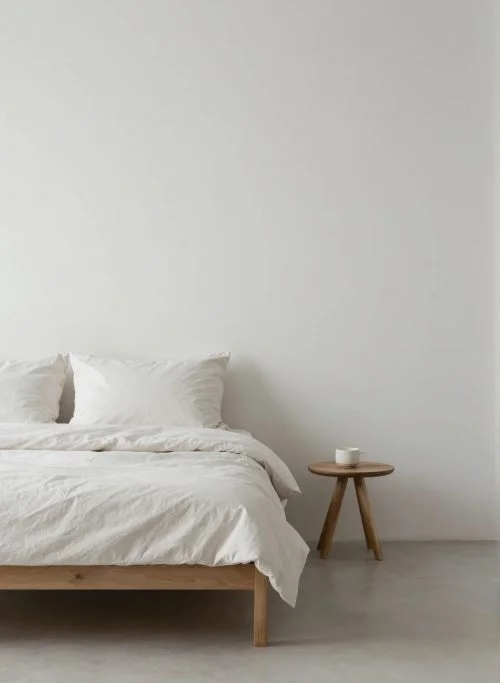
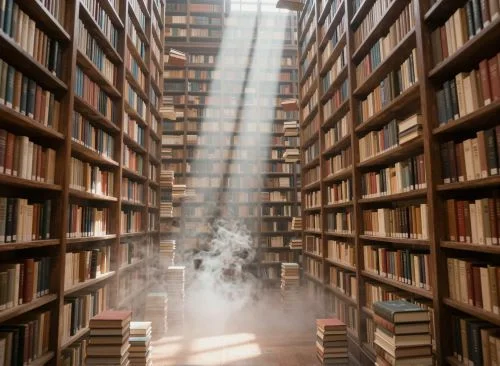
Prompts shown exactly as typed.
FOR BIGGER PROJECTS
Every input and every render is a node. Connect them, chain edits, angles and video, and keep everything on one grid.
PRICING
Paid plans add a monthly credit allowance. Every action shows its credit cost before you run it. Free plan: 5 credits every day, no card.
ALL TOOLS
From the first sketch to the client presentation, QUVIAI covers the whole archviz workflow: sketch to render, text to image for architecture, photorealistic AI render editing, walkthrough videos and 3D models in one workspace. It works with views exported from your CAD, BIM or 3D modelling software — no render engine, GPU or modelling expertise required. Start free with 5 credits every day.
FAQ
GET STARTED FREE
5 free credits every day · No credit card required. Upload a sketch, a photo or a 3D view and get a photorealistic render in under a minute.