The intelligence system behind modern product adoption

FlowAI connects signals, actions, and guidance into one continuous loop, so teams don’t just see what’s happening in their product, they improve it automatically.

This isn’t AI added to a tool. It’s AI built into the system.

Signals detect change. Actions respond. The Adoption Agent guides users. The Builder makes iteration fast. Together, they create a closed loop for product adoption. And with MCP, the intelligence extends into the AI tools your team already uses.

‍

See what's happening. Know where to act.

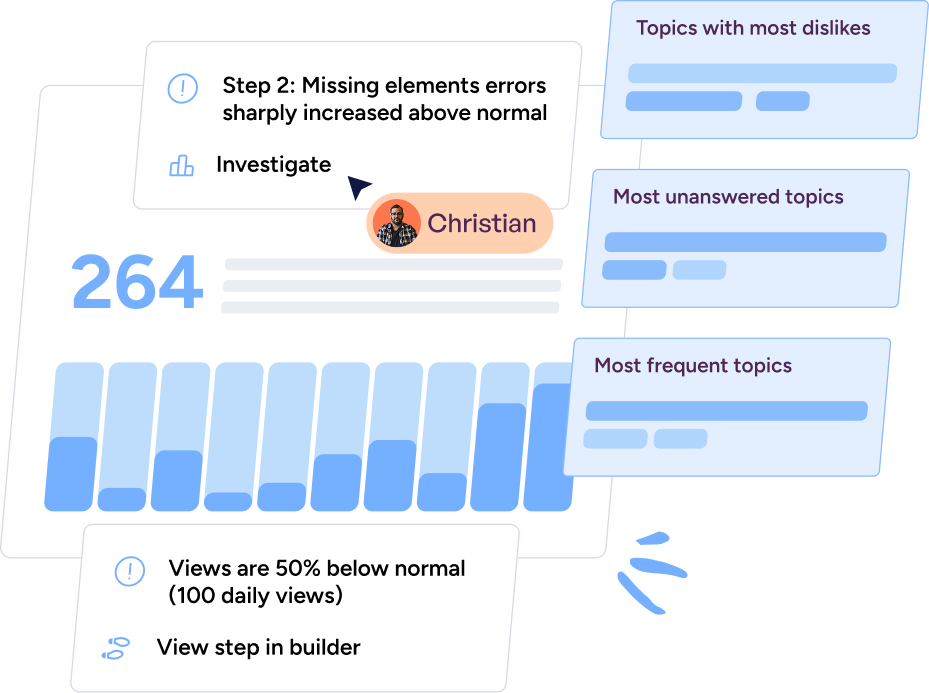
FlowAI Signals continuously analyzes your in-app experiences and AI conversations to surface friction, drop-offs, and opportunities—automatically.

Image
Spot recurring drop-off points across onboarding and core workflows
Image
Identify knowledge gaps driving Adoption Agent questions
Image
Understand which themes and pain points dominate user conversations
Dashboard showing 264 with a bar chart, notes about missing element errors sharply increased and views 50% below normal, with user Christian and topic categories for most dislikes, unanswered and frequent topics.

Turn insight into intervention.

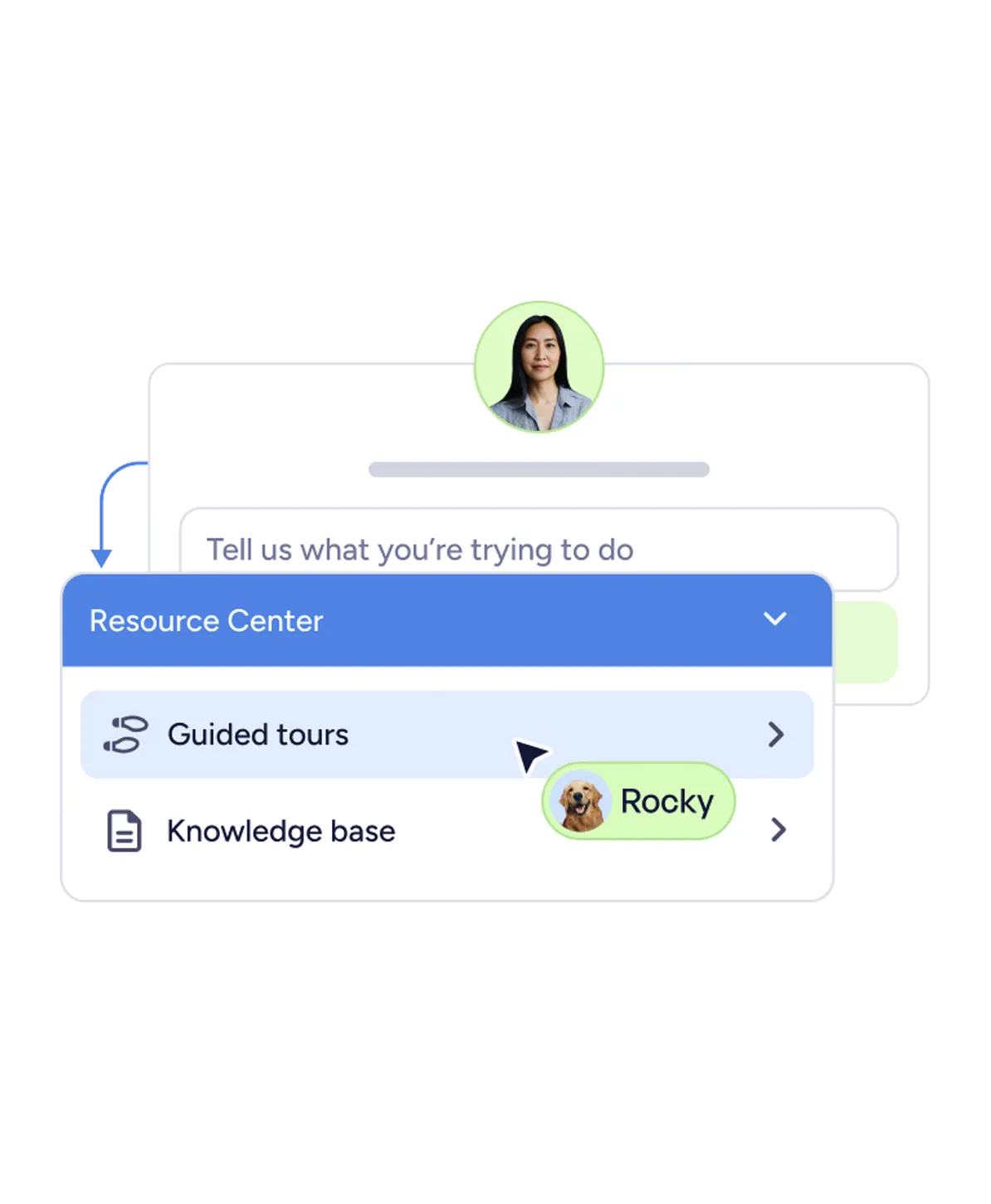
Signals shouldn't sit in a report. FlowAI Actions recommends and launches the right in-app response—based on real behavior, not guesswork.

Image
Get AI-recommended experiences for the friction patterns you're seeing
Image
Launch walkthroughs, checklists, or contextual guidance in one click
Image
Close the loop between what users struggle with and what they see next
User interface showing a conversation with Rocky, highlighting Resource Center options like Guided tours and Knowledge base.

From answers to outcomes.

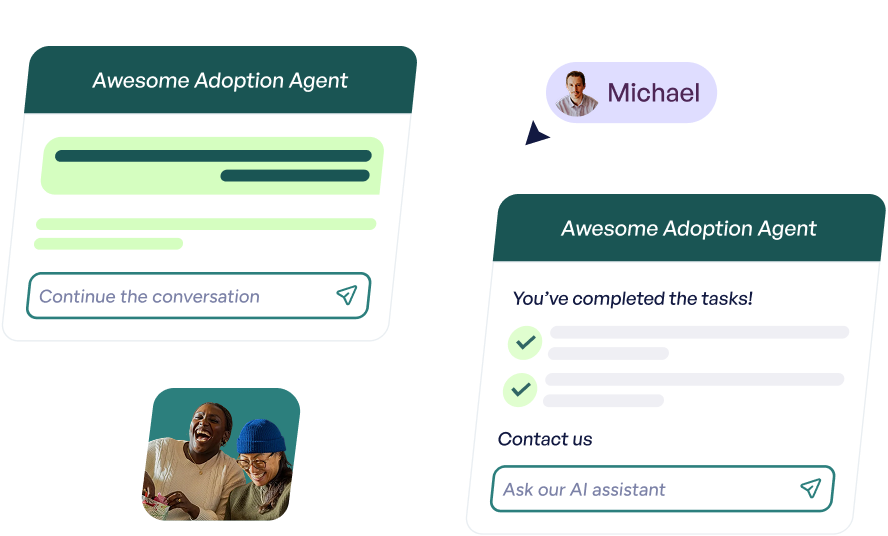
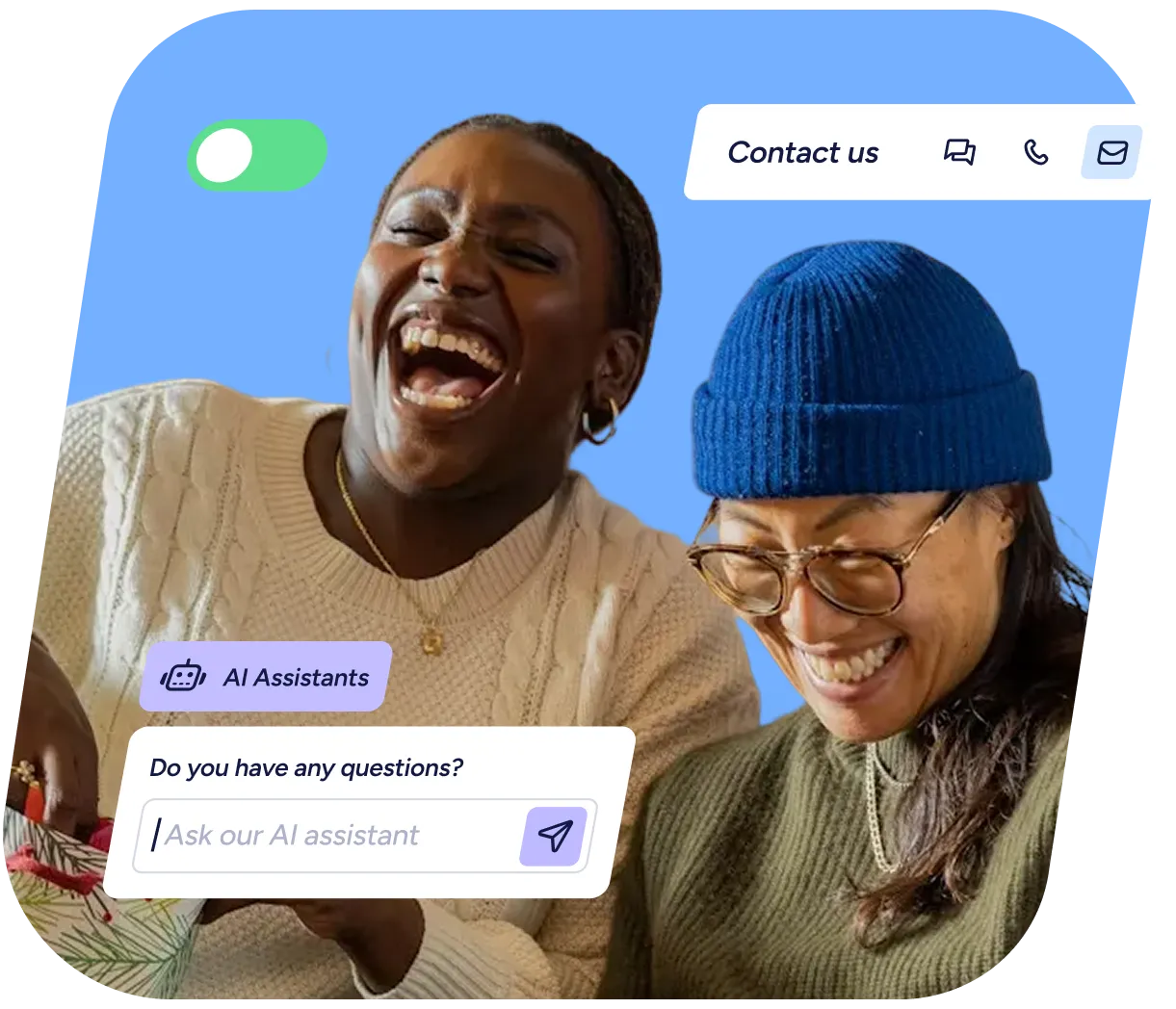
The Adoption Agent doesn't just answer questions—it guides users forward. It responds in context, surfaces relevant walkthroughs, and launches flows directly from the conversation.

Image
Respond to user questions with contextual, in-product answers
Image
Recommend and launch relevant flows without leaving the chat
Image
Move users from confusion to completion, automatically
Two chat interface windows labeled 'Awesome Adoption Agent' showing conversation prompts and task completion; a small photo of a man named Michael and a photo of two people smiling together.

Build experiences in minutes, not sprints.

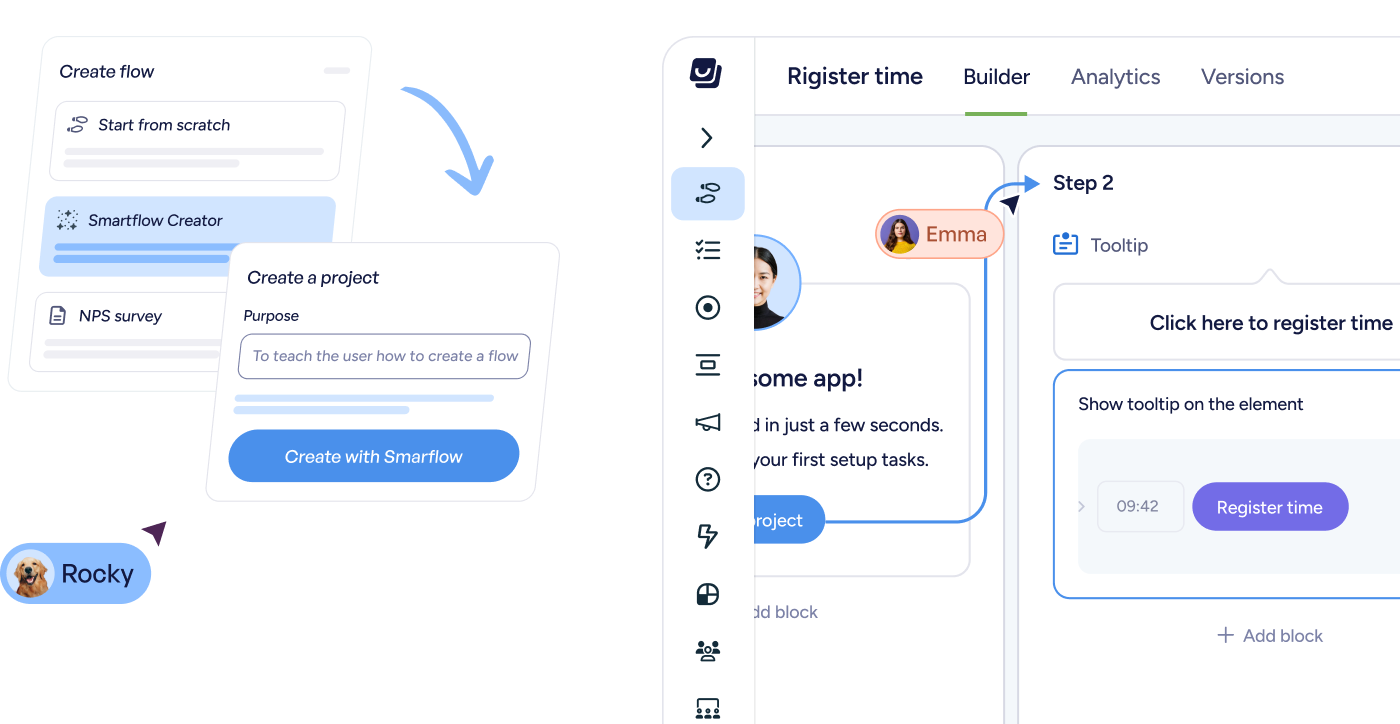
FlowAI Builder removes the blank canvas. Generate complete flows by clicking through your product, match your brand instantly, and refine or localize copy on the fly.

Image
Generate full onboarding flows directly from your live product
Image
Apply your brand styles automatically—no design work needed
Image
Refine and localize in-app copy instantly, in any language
User interface of a flow builder app showing steps to create a project with Smartflow, including chat messages from users Rocky and Emma guiding the process.
NEW - MCP WRITE ABILITY

Userflow,
in any AI tool

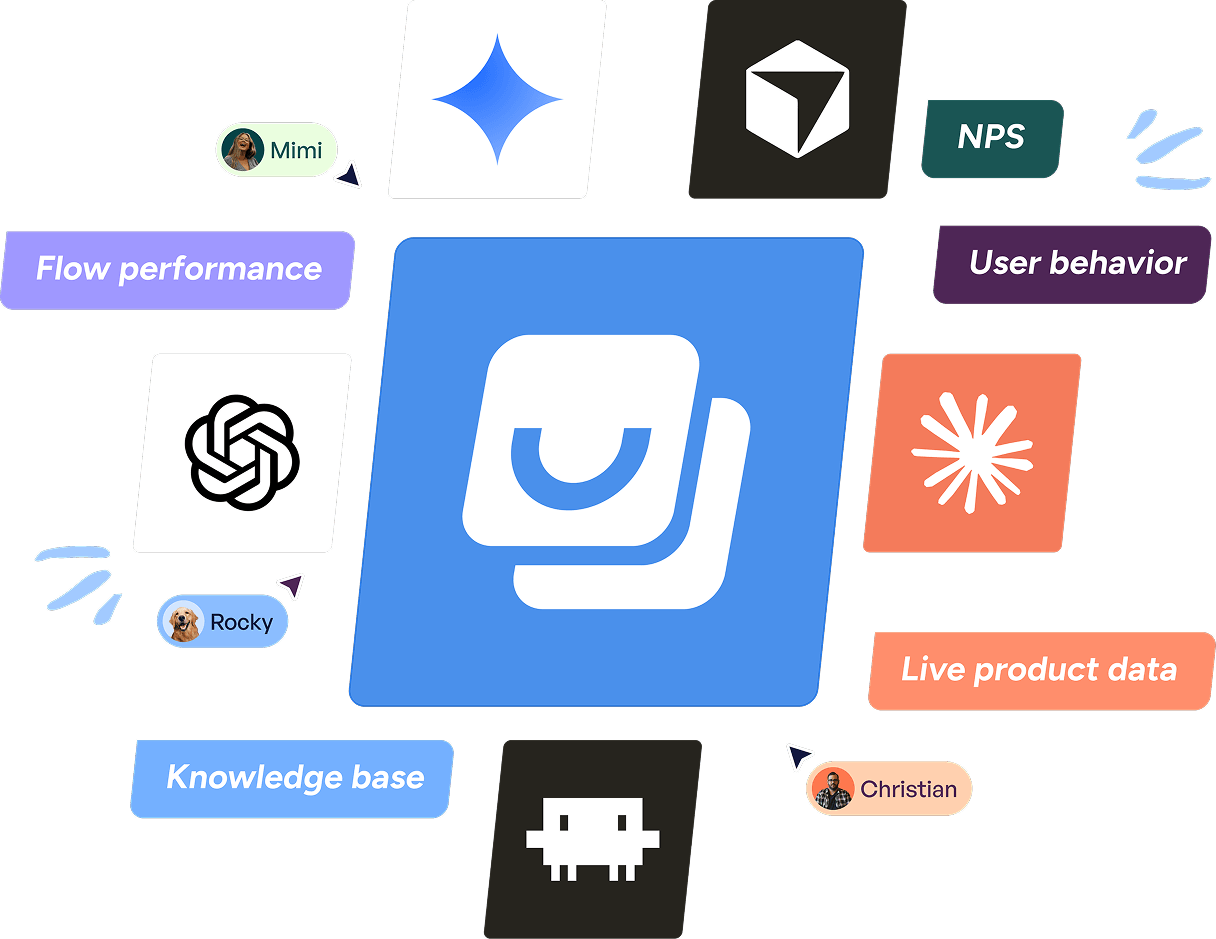
With Userflow MCP, you can ask Claude, ChatGPT, Gemini, or your favorite AI tool questions about your flows, drop-offs, and NPS. Get answers from your knowledge base. No dashboards, no exports, no SQL.
Image

Built for teams driving product adoption

‍

Product & Growth

Close the loop between insight and improvement.

Image
Deploy the right guidance in response to any friction.
Image
Validate changes with real usage patterns.
Image
Continuously refine experiences without release cycles.
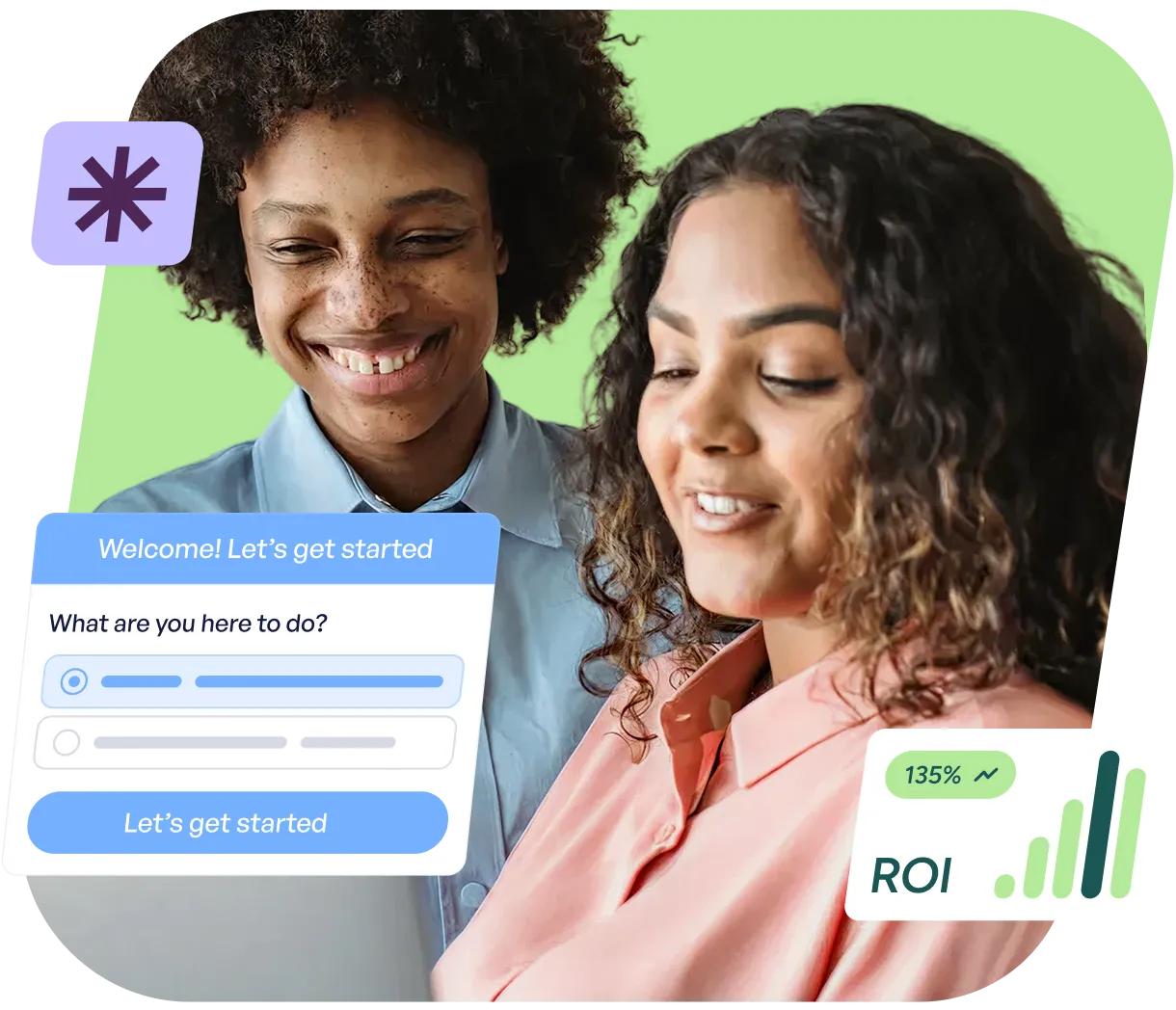
Two people smiling and looking at a laptop screen with a dialog box showing options and a button labeled 'Let's get started', alongside a graphic showing ROI growth at 135%.

Customer Success

Scale proactive support, not reactive tickets.

Image
See recurring pain points across segments.
Image
Trigger contextual help before users escalate.
Image
Guide customers through high-value actions automatically.
Userflow's Adoption Agent answering a user's question through an in-app chat widget.

Marketing

Own the lifecycle inside the product, from activation to expansion.

Image
Launch contextual guidance around key moments.
Image
Iterate campaigns instantly without engineering
Image
Reinforce feature adoption with in-app education.
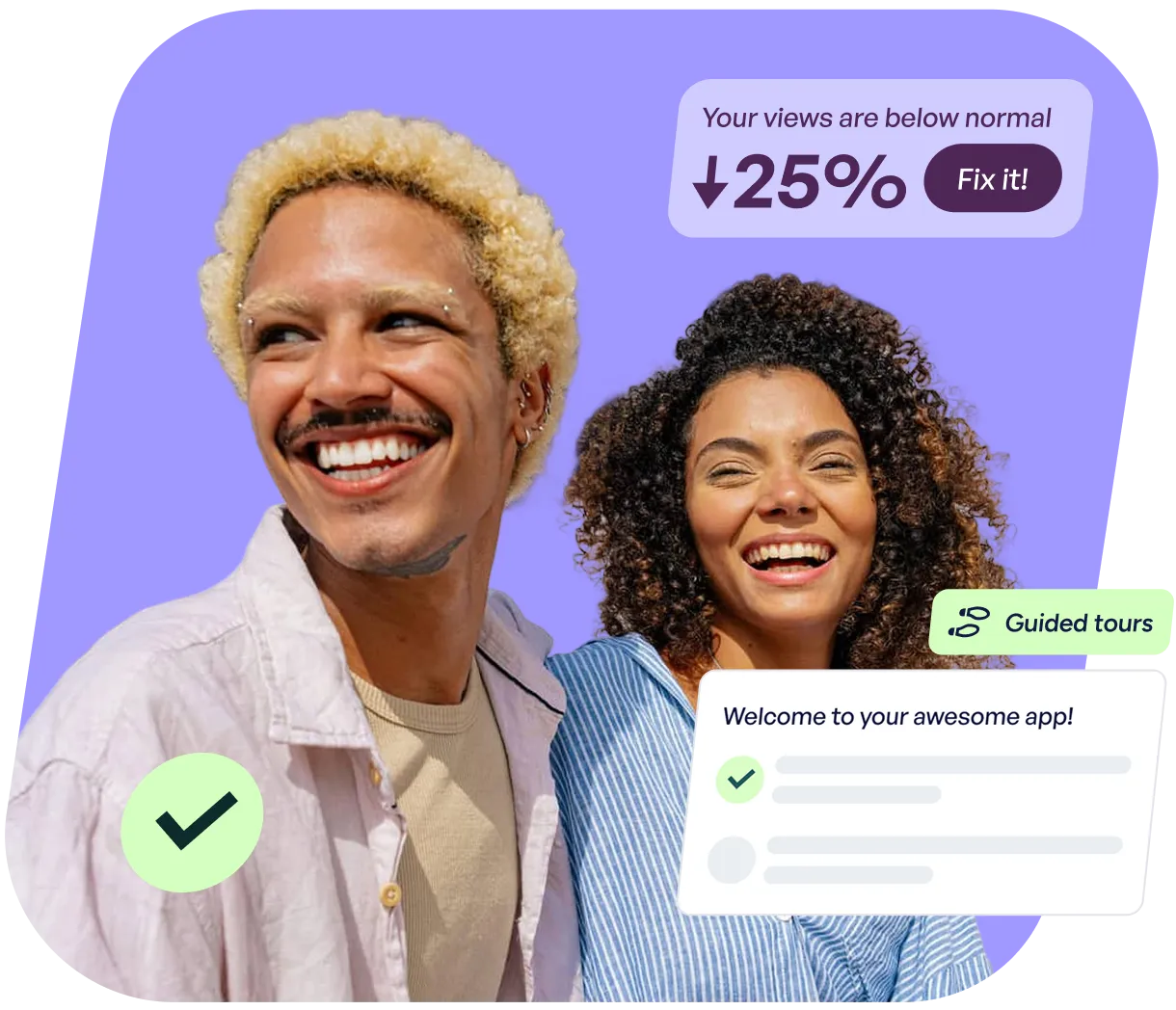
Smiling man with curly blond hair and woman with curly dark hair on a purple background with app interface elements showing a 25% decrease in views and a welcome message.