
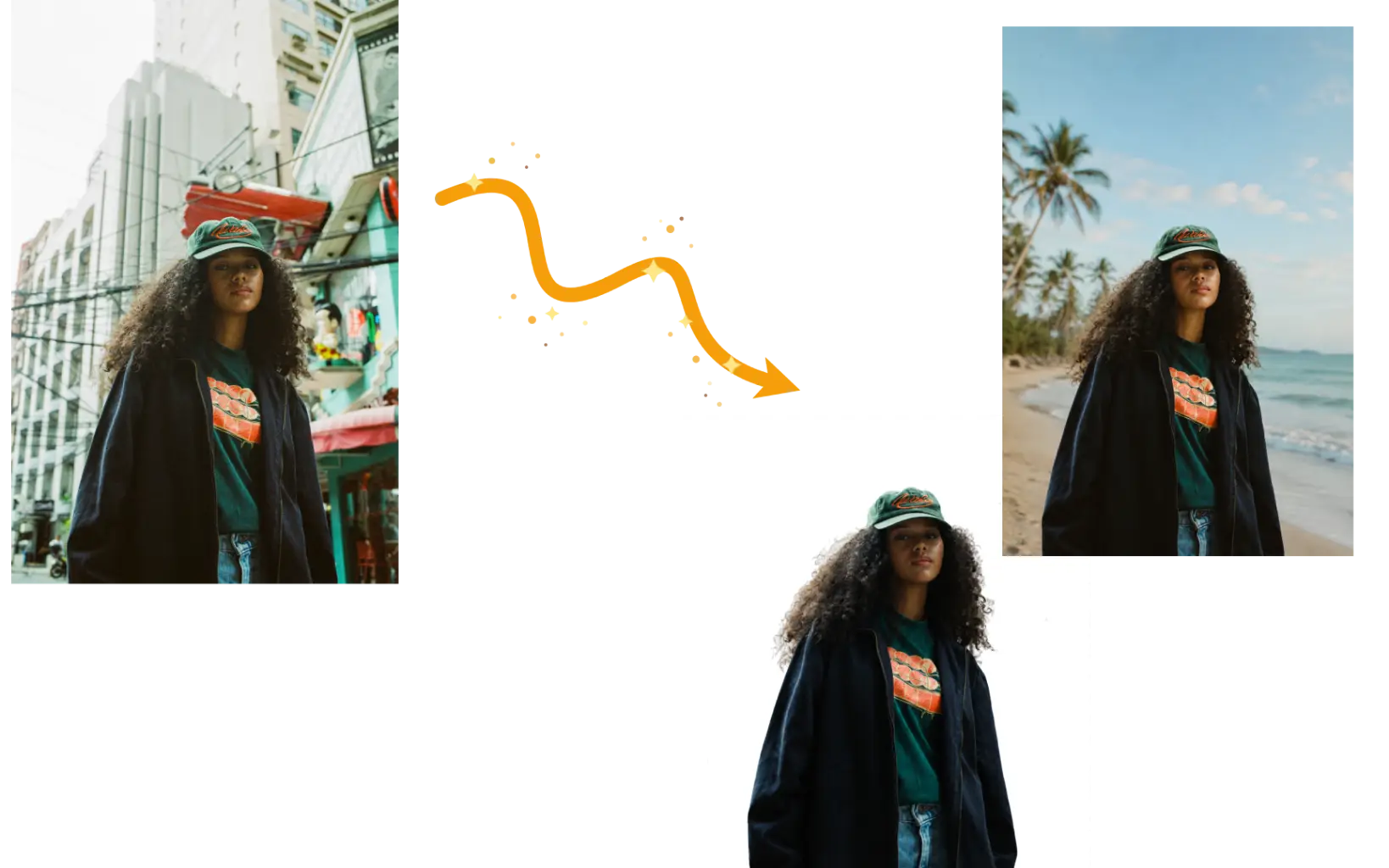
Remove or Replace the Background
Remove a background in one prompt. Isolate a complete person, pet, or product, or place the subject in a new scene with natural edges, matched lighting, and believable contact shadows.
Upload a photo and describe the change you want. Our AI image editor can remove objects, replace backgrounds, restore old photos, restyle images, and more—directly in your browser.
Example 1 of 8
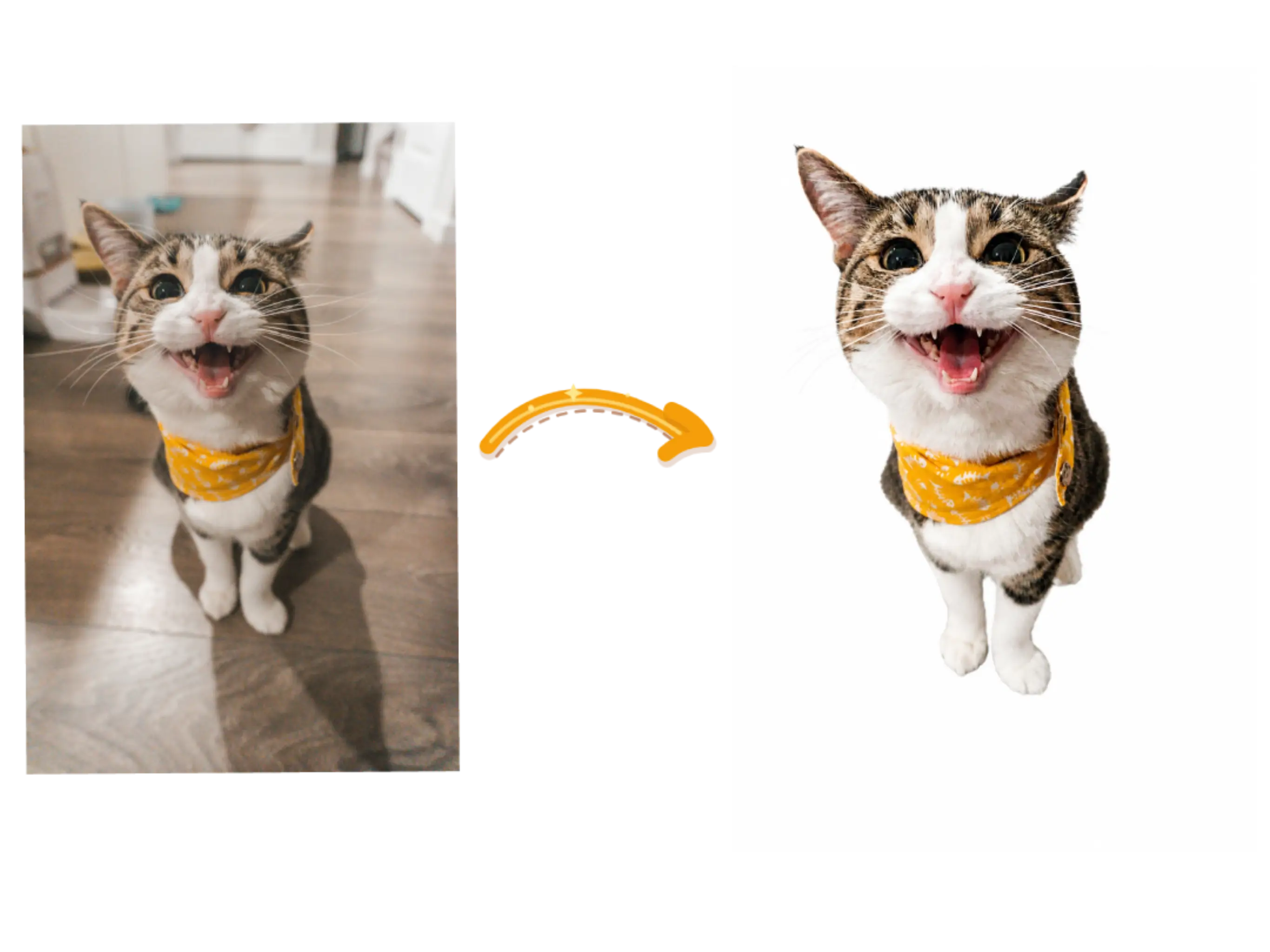
Remove the background and isolate the complete subject on pure white. Preserve fine edges and all subject details.
Make targeted changes to an existing photo with a written prompt, then refine the result without masks or layers.
Remove a background in one prompt. Isolate a complete person, pet, or product, or place the subject in a new scene with natural edges, matched lighting, and believable contact shadows.
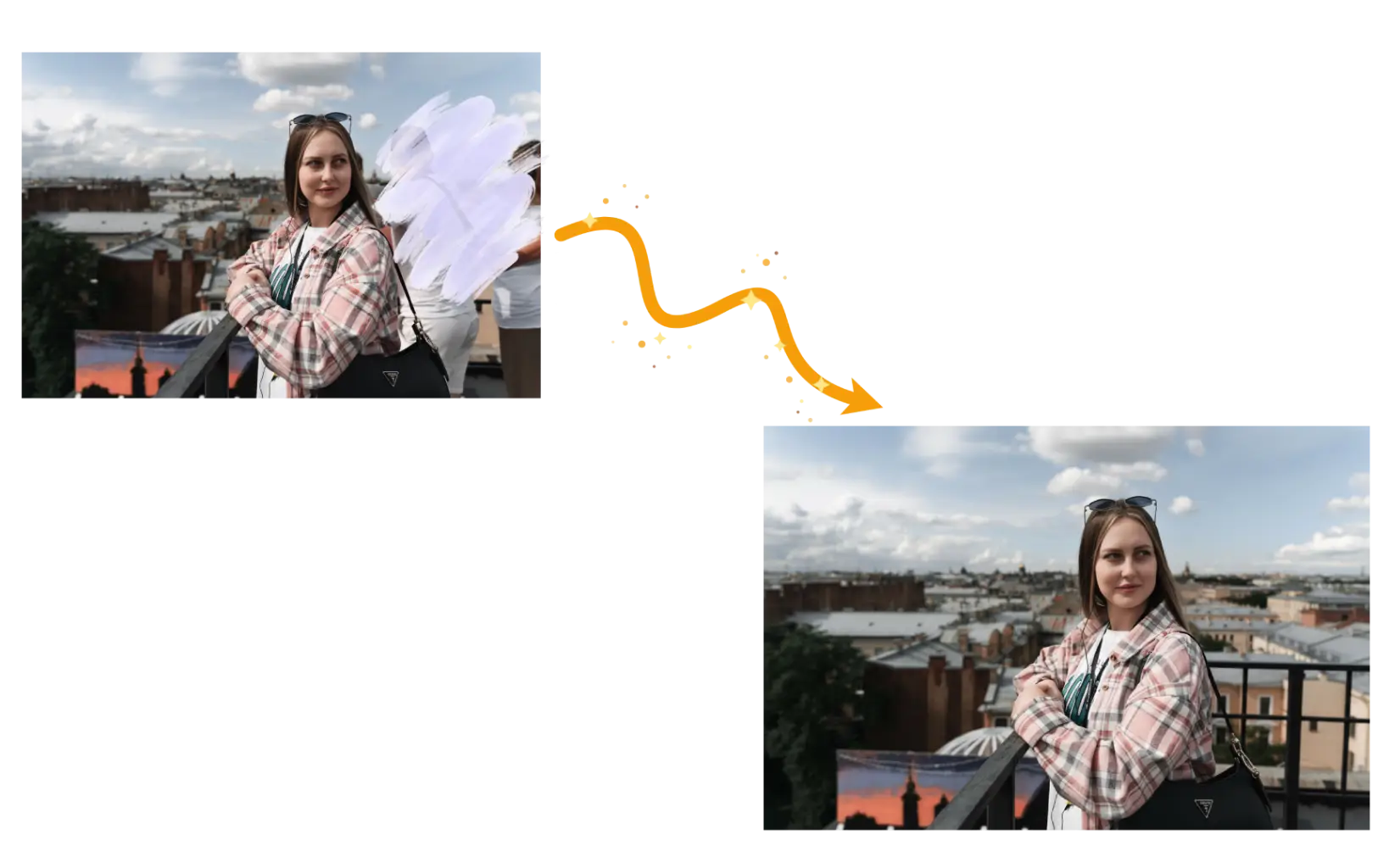
Describe the people, objects, clothing, hairstyles, or visible details you want to change. AI removes, replaces, or adjusts them and rebuilds the surrounding area for consistency.
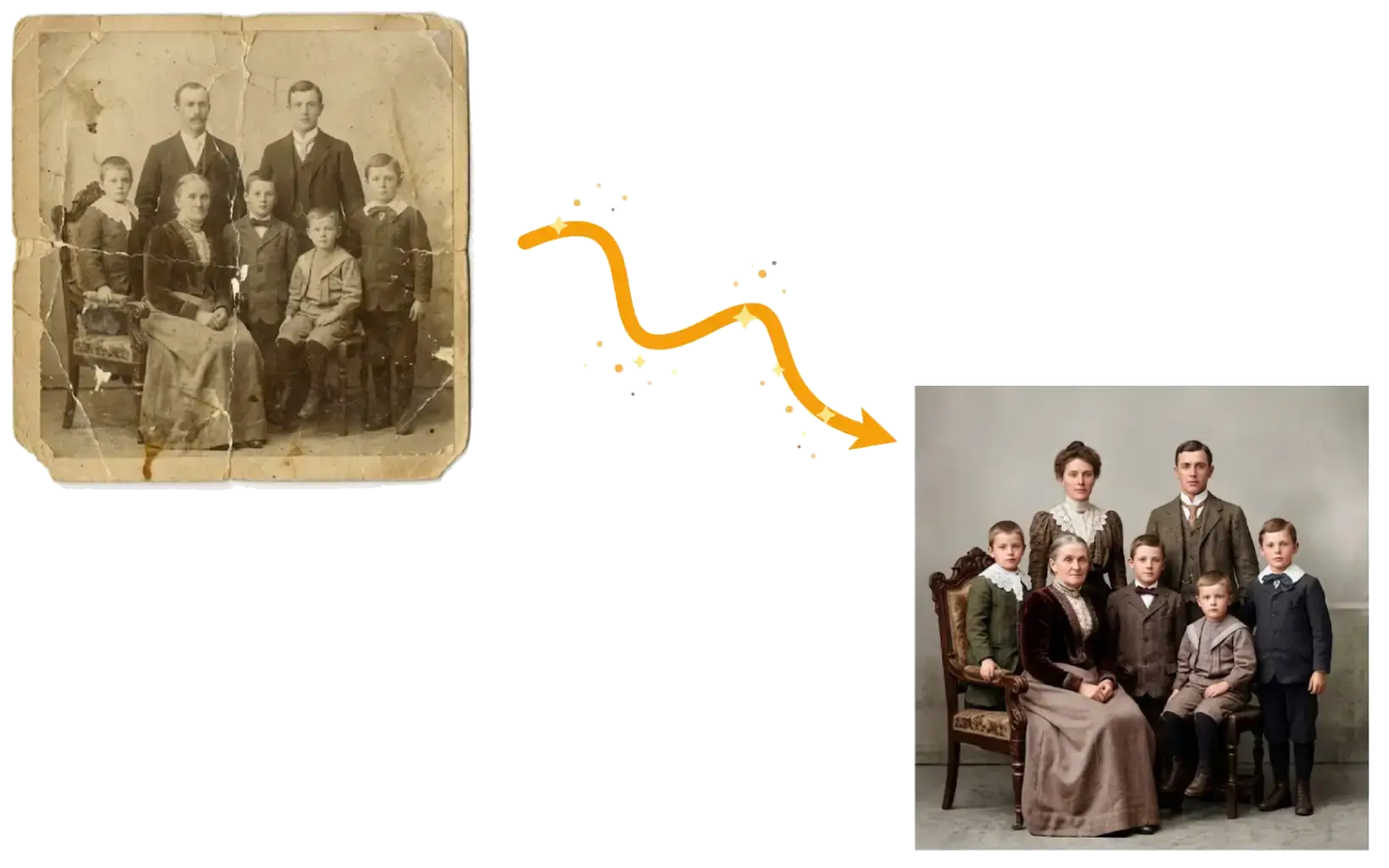
For faded or damaged photos, repair scratches, recover clarity, balance exposure and color, and apply restrained retouching while keeping faces, texture, age, and the photo's original character recognizable.
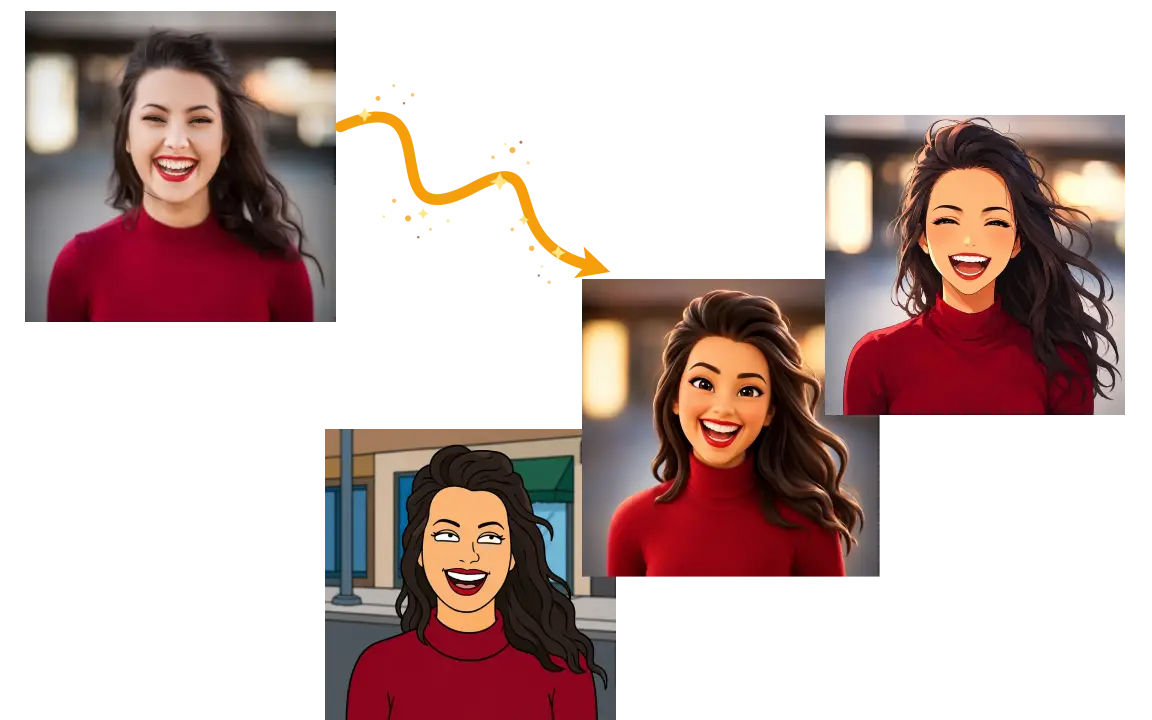
Create anime, 3D cartoon, comic, or illustrated versions from a single photo. The AI image editor follows your chosen style while keeping the subject, pose, expression, composition, and key details recognizable.
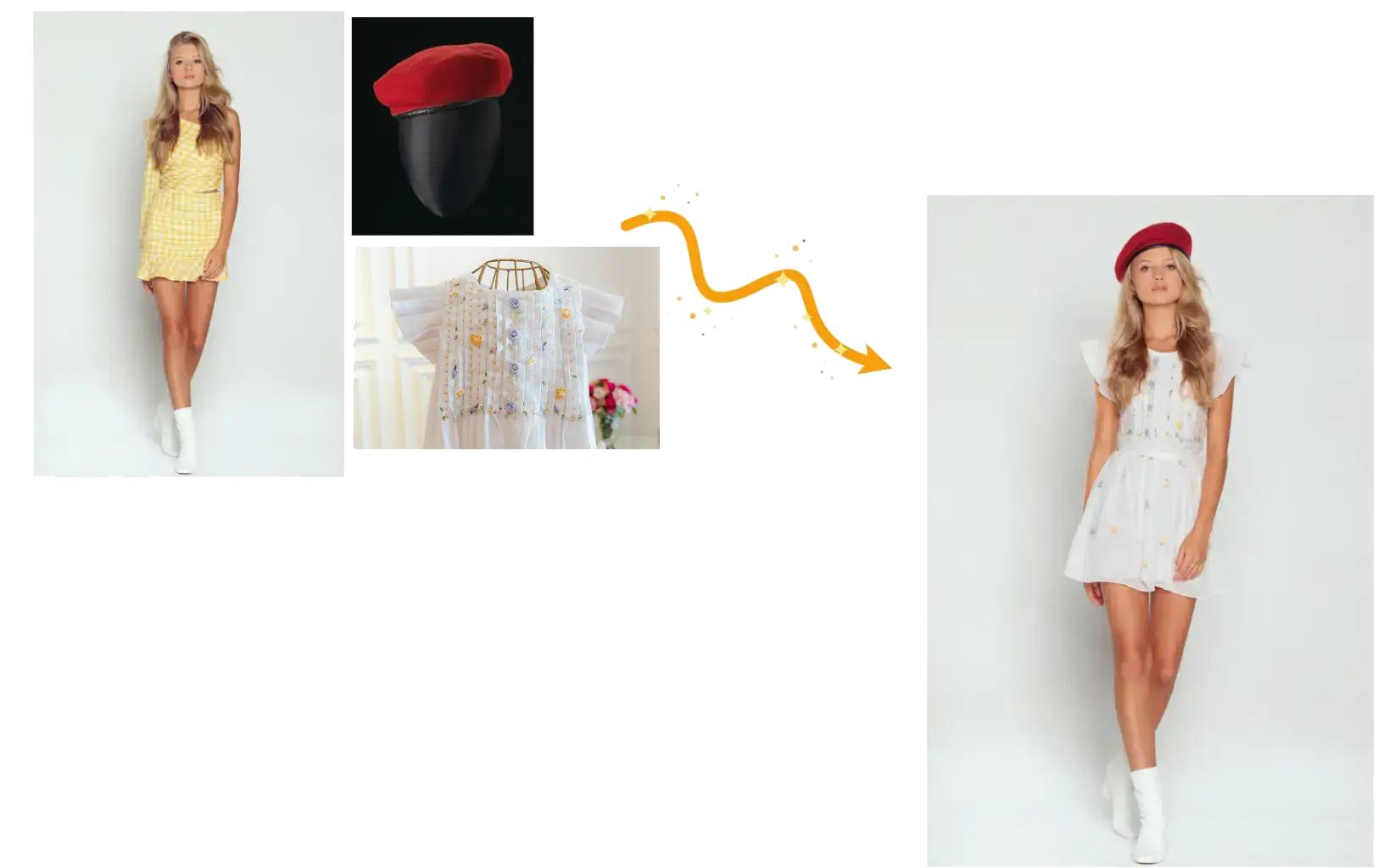
Combine up to five source images to create product scenes, branded merchandise, or virtual try-ons. Use your prompt to guide placement, scale, perspective, lighting, and consistent details.
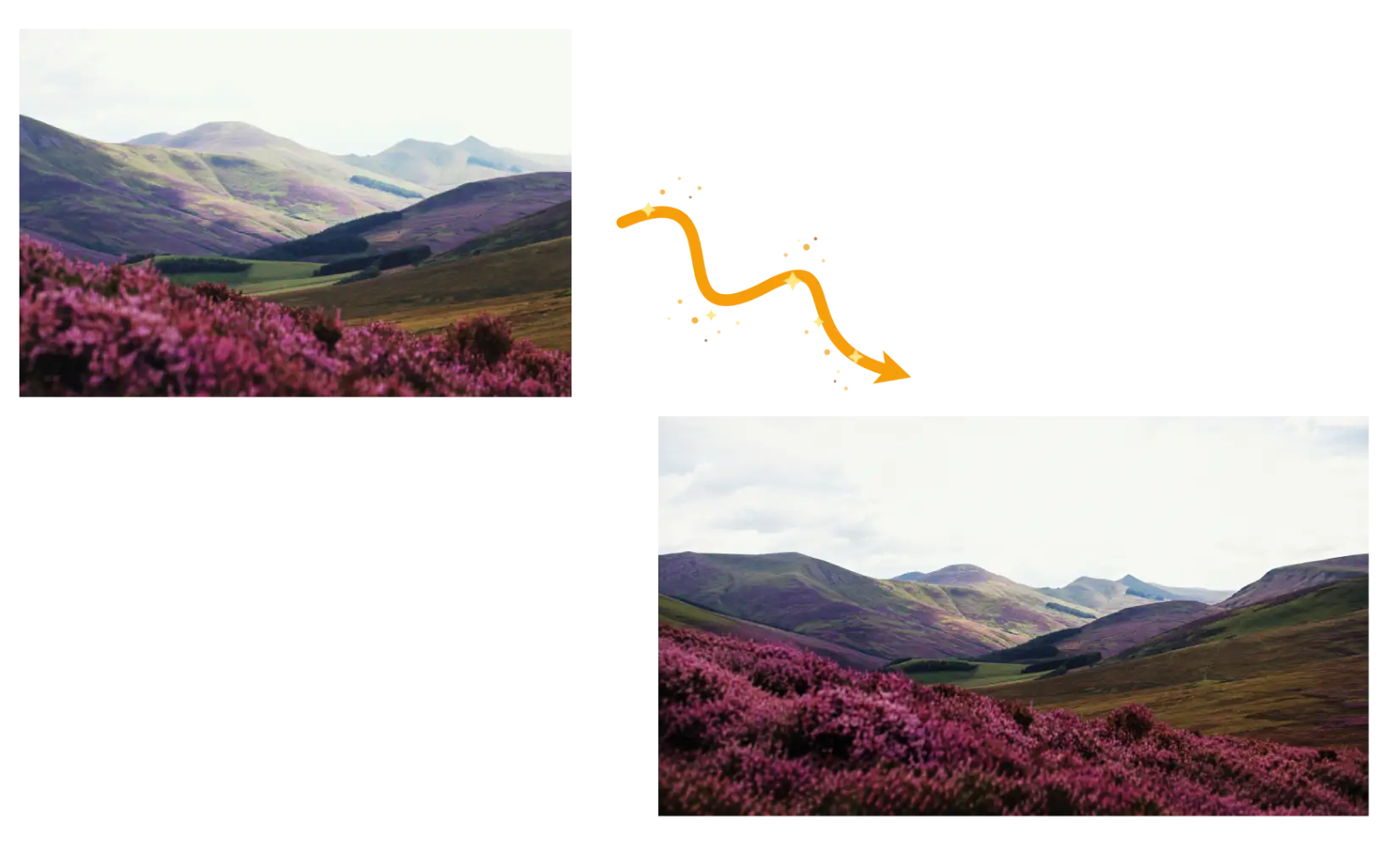
Need more room around the subject? Extend the scene, rebalance the composition, and prepare portrait, landscape, banner, or social formats without cropping, stretching, or hiding the complete source subject.
Browse real before-and-after edits for everyday photos, portraits, product images, campaigns, and virtual try-ons.
Clean up, restore, or reframe photos, keeping the people and details that matter.
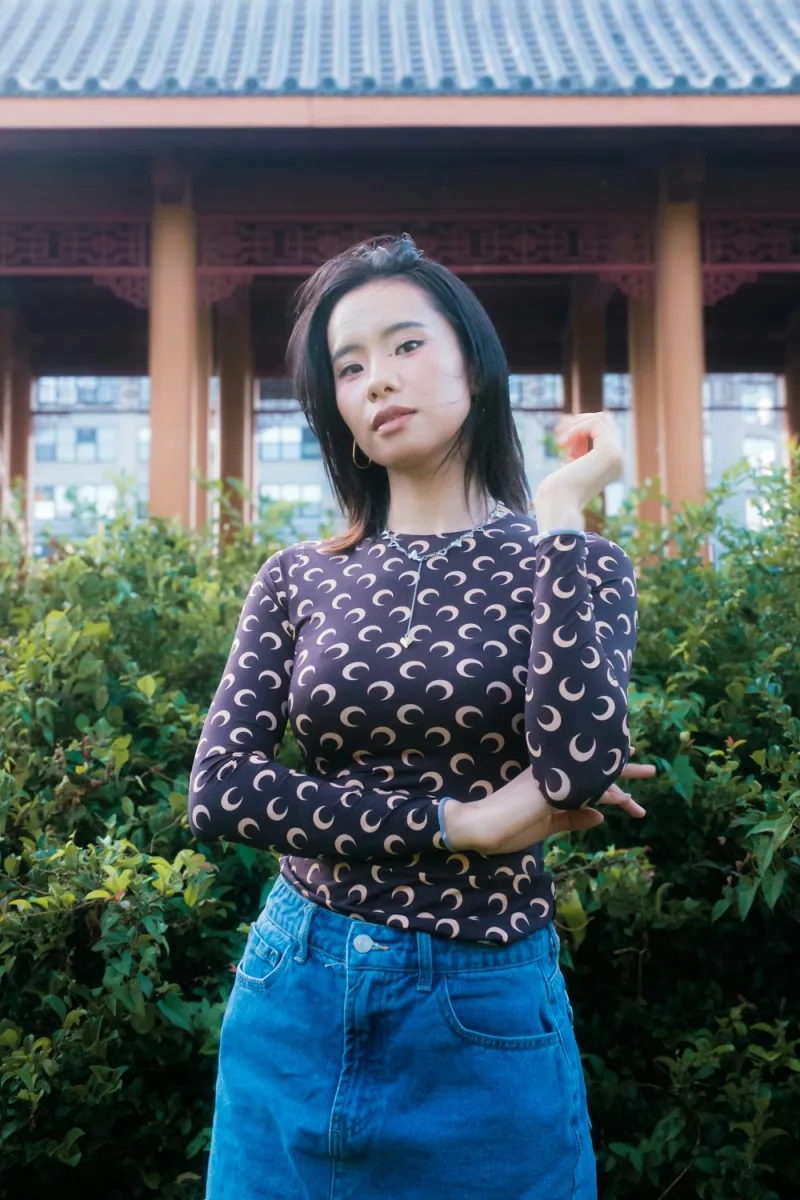
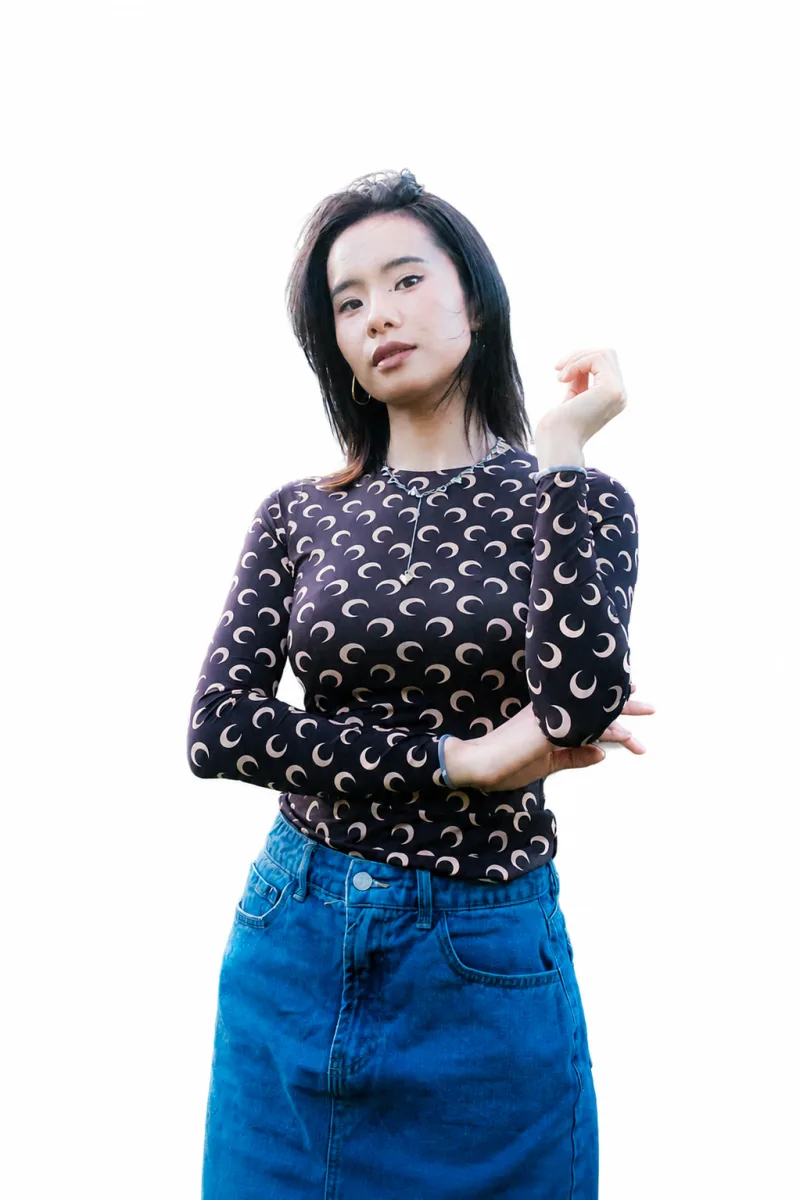
Remove backgrounds and retain complete subjects, fine hair, fur, and natural edges.
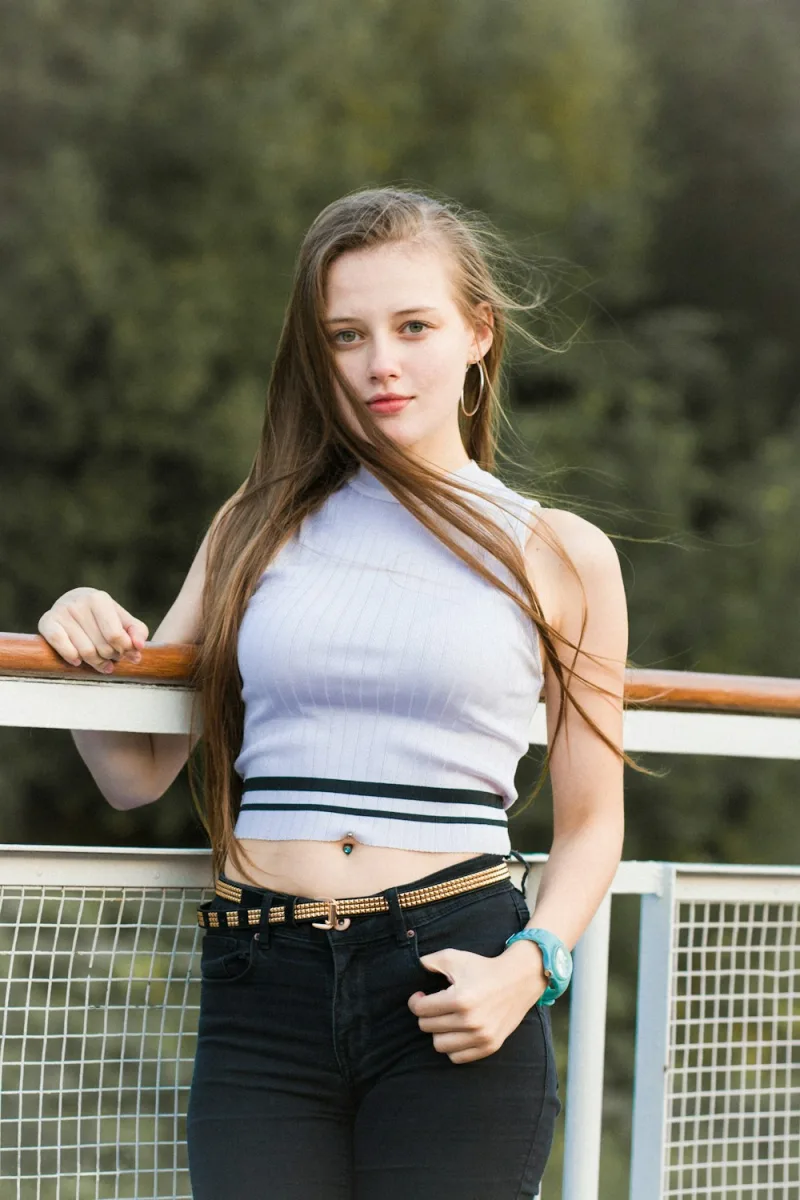
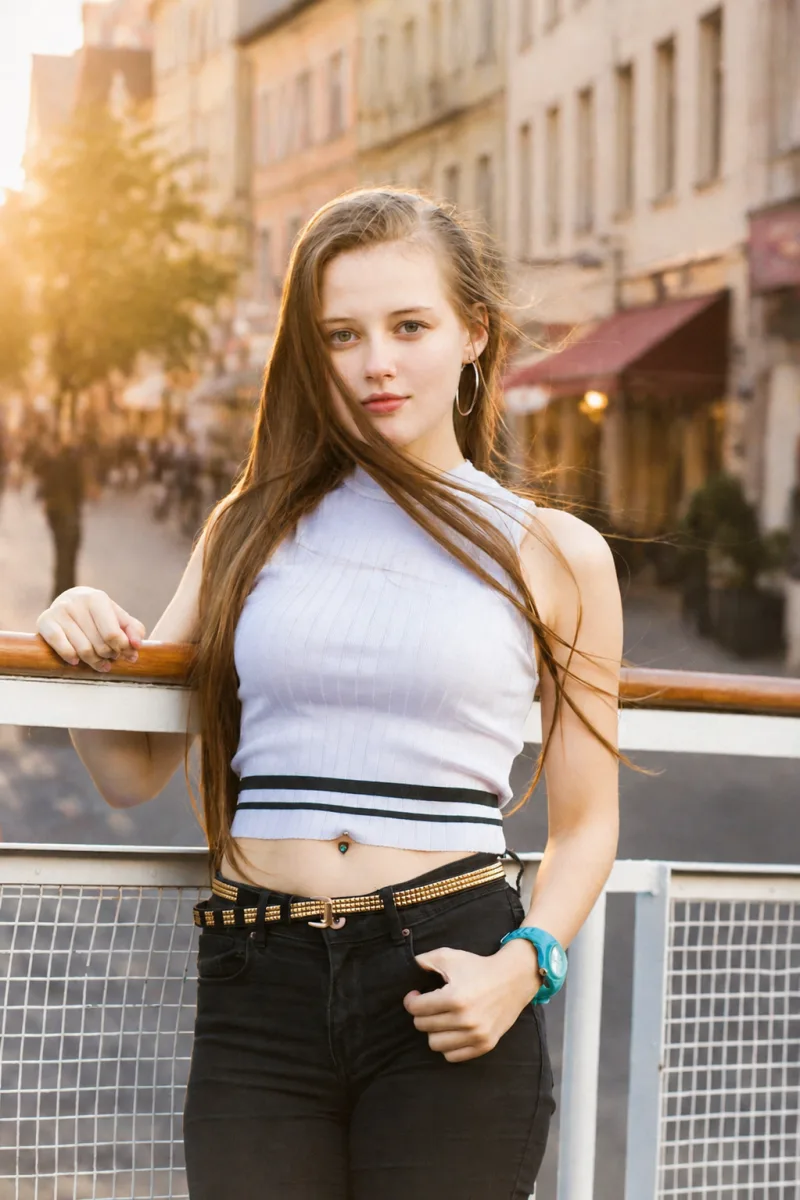
Place the complete subject in a new scene without changing identity, pose, or proportions.
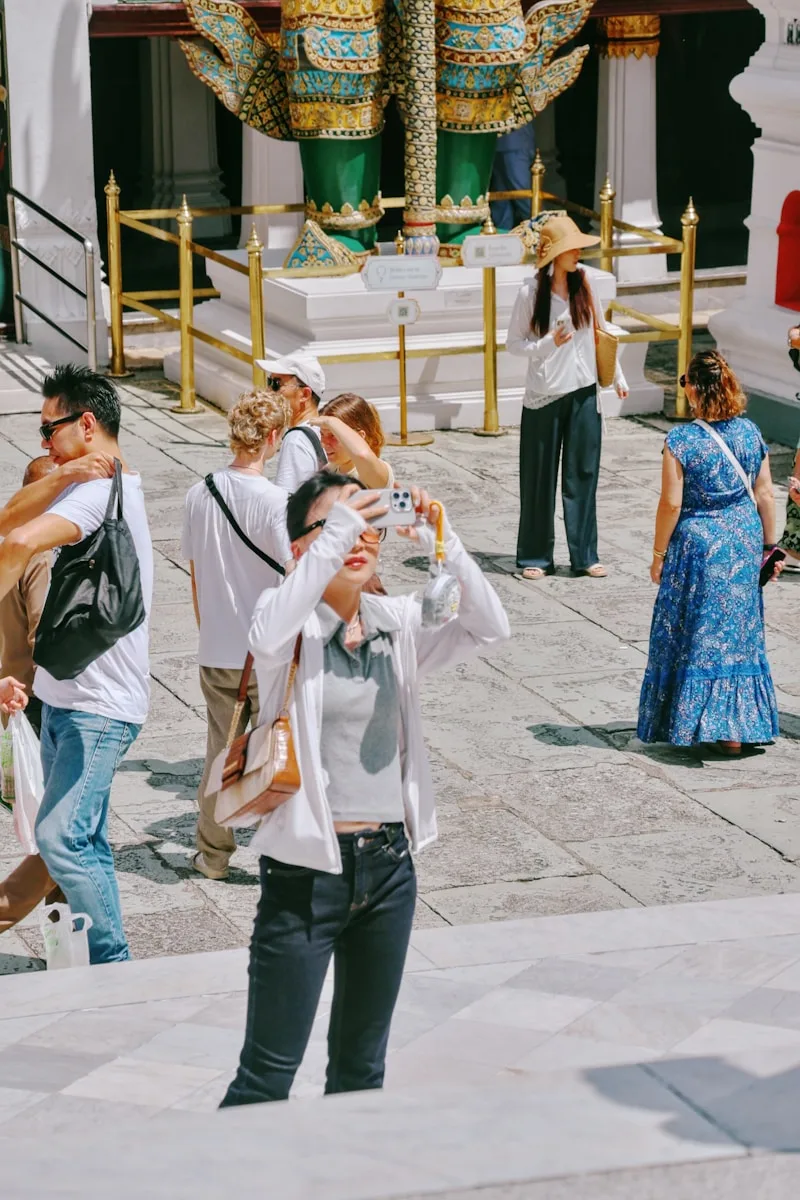
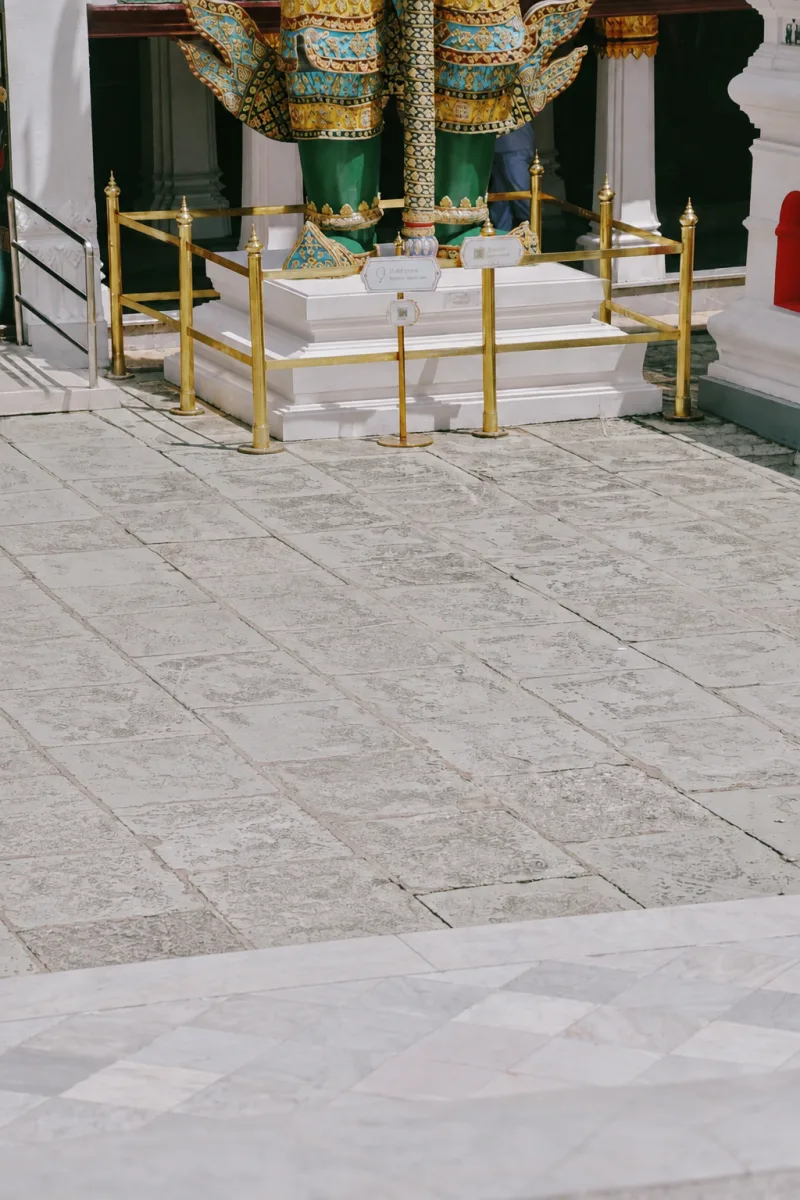
Remove unwanted people or objects, then rebuild the hidden background naturally.
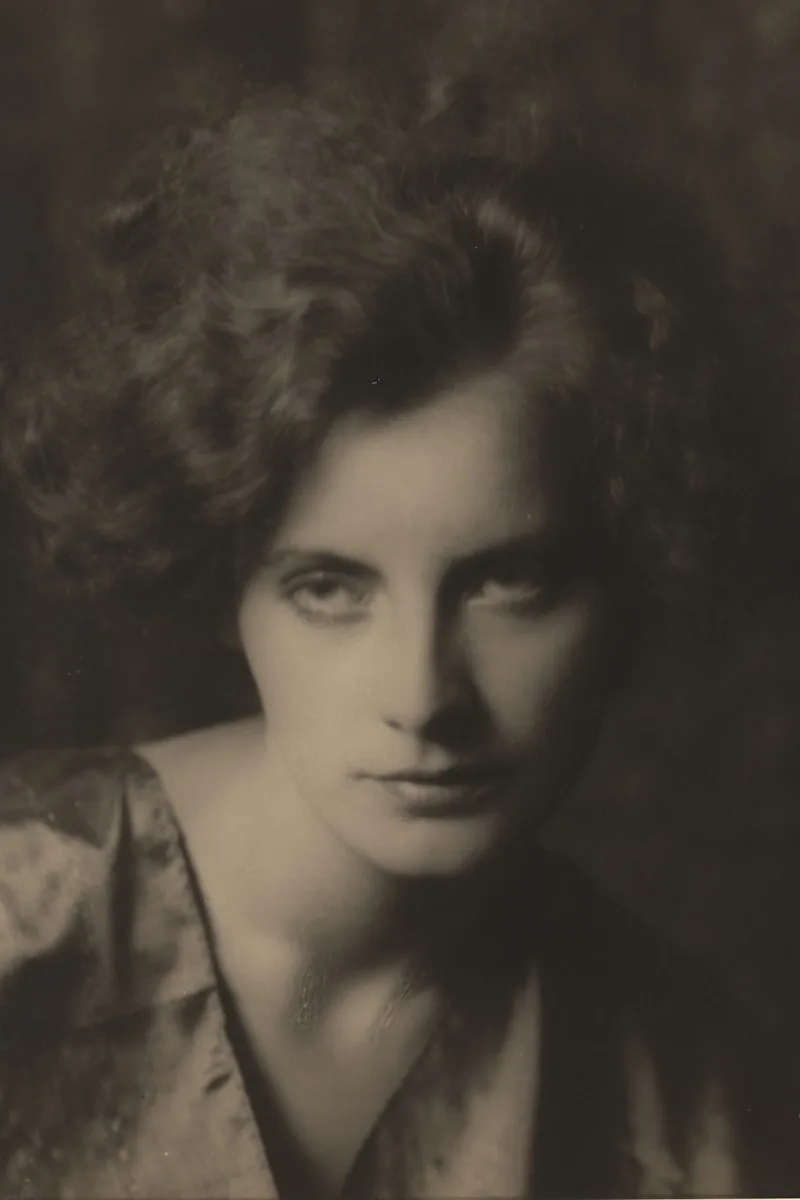
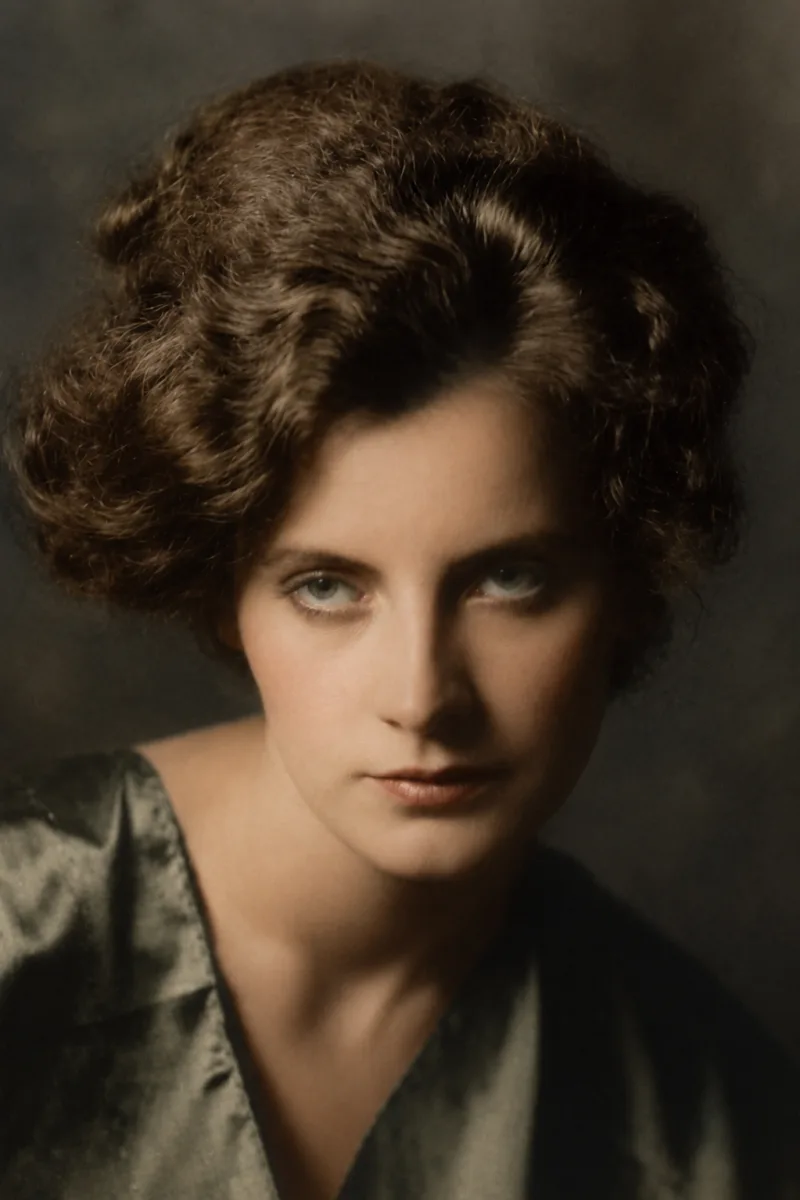
Repair scratches, fading, and color cast without changing faces or period character.
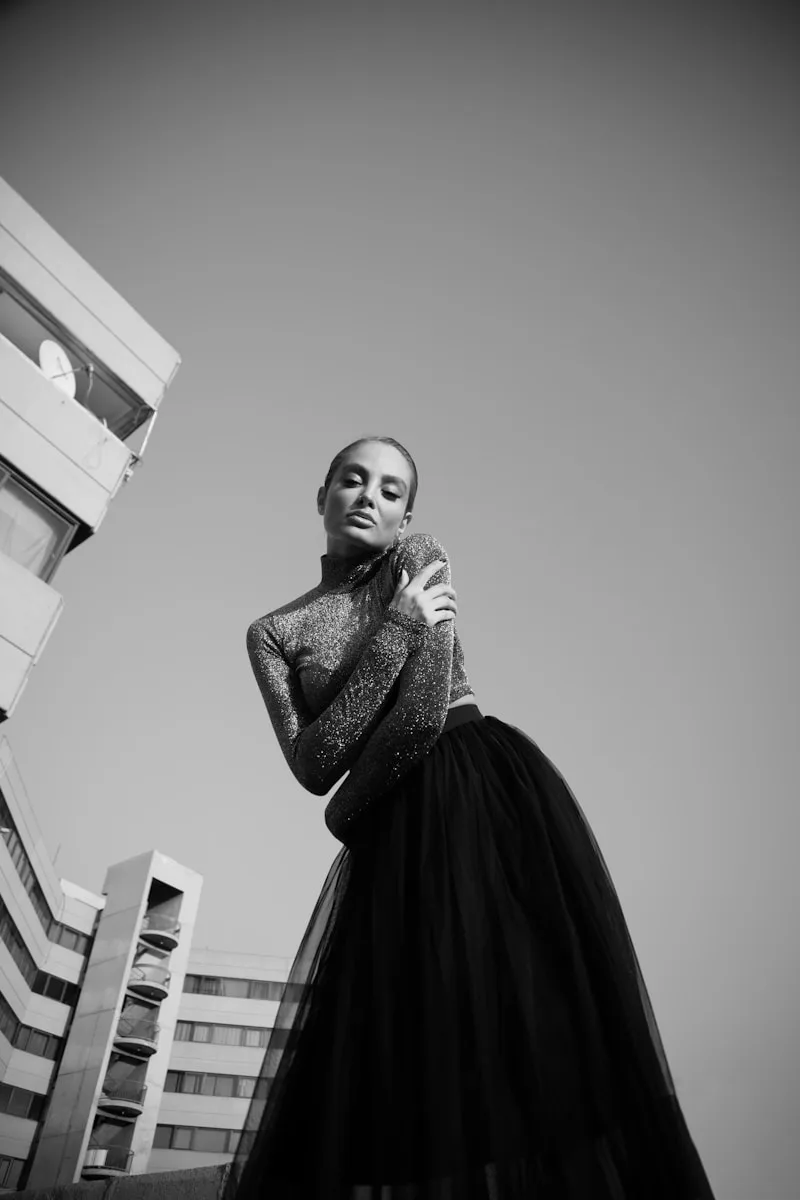
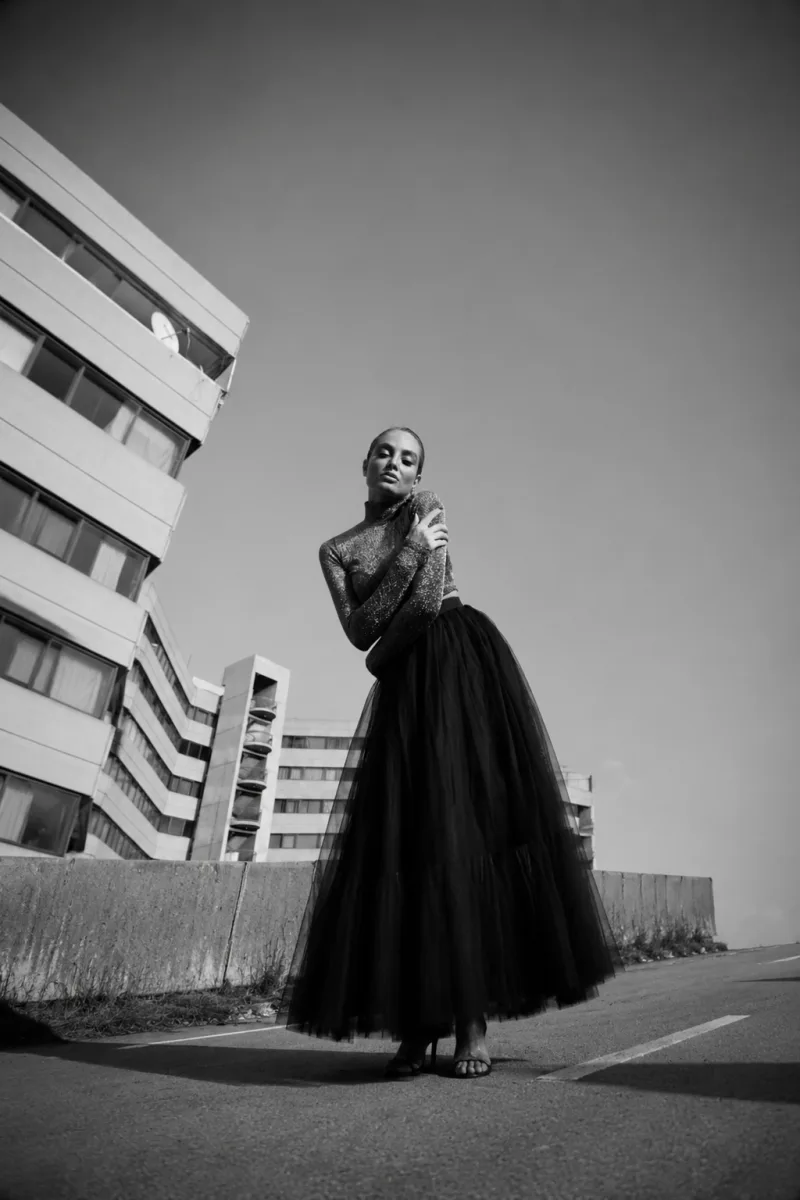
Extend the canvas for new formats without cropping or moving the original subject.
Create profile-ready portraits that keep identity, expression, skin texture, pose, and proportions intact.
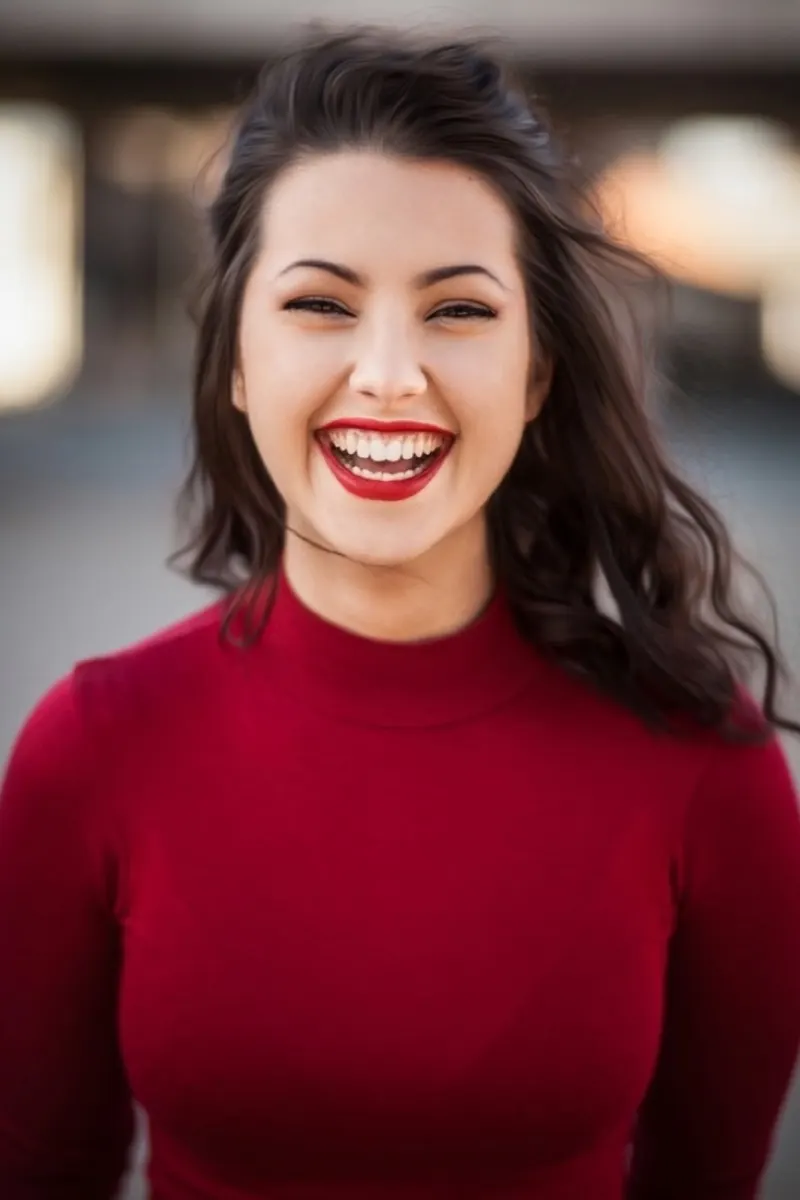
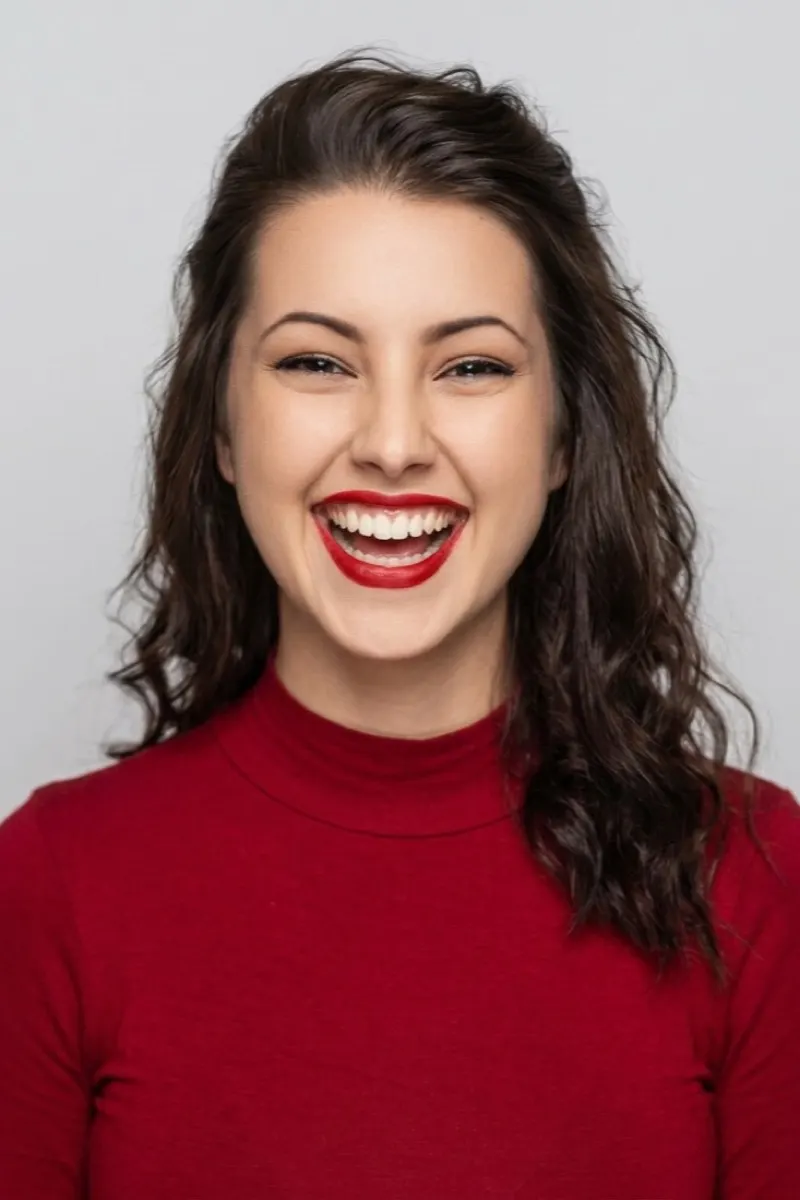
Add a plain background and suitable framing while keeping the portrait natural and recognizable.
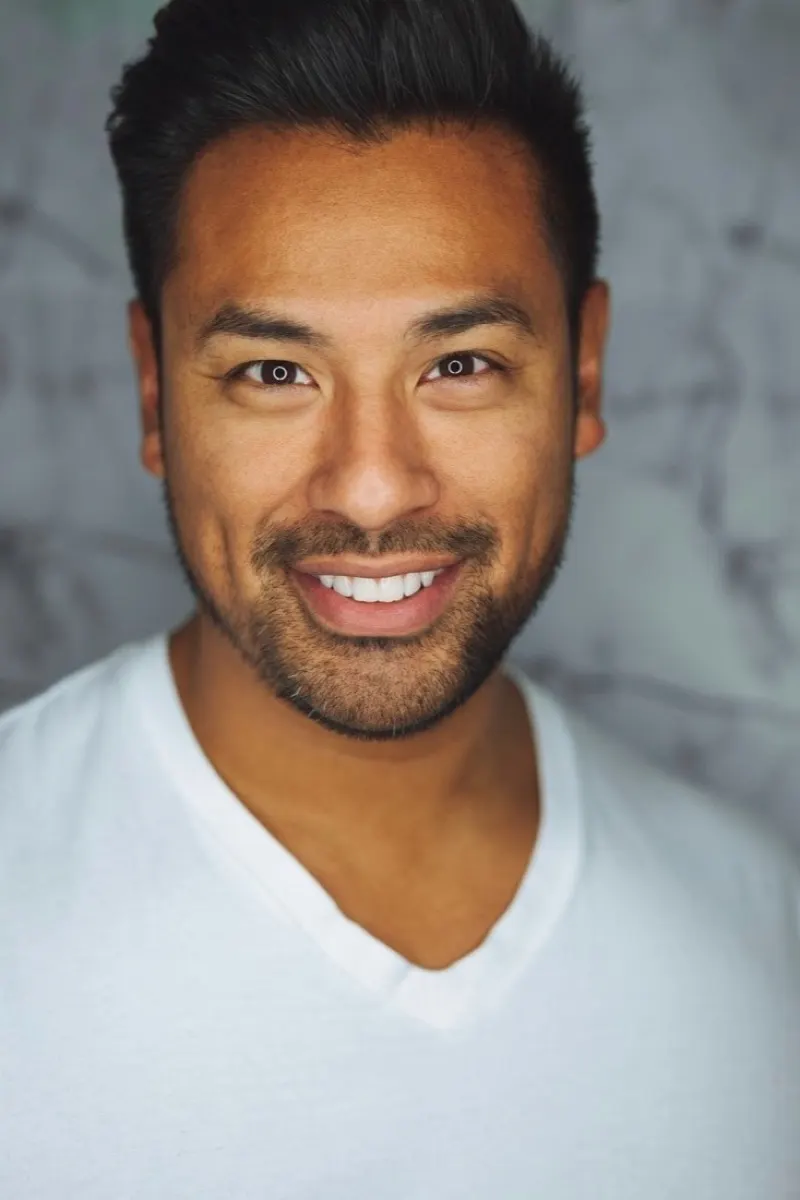
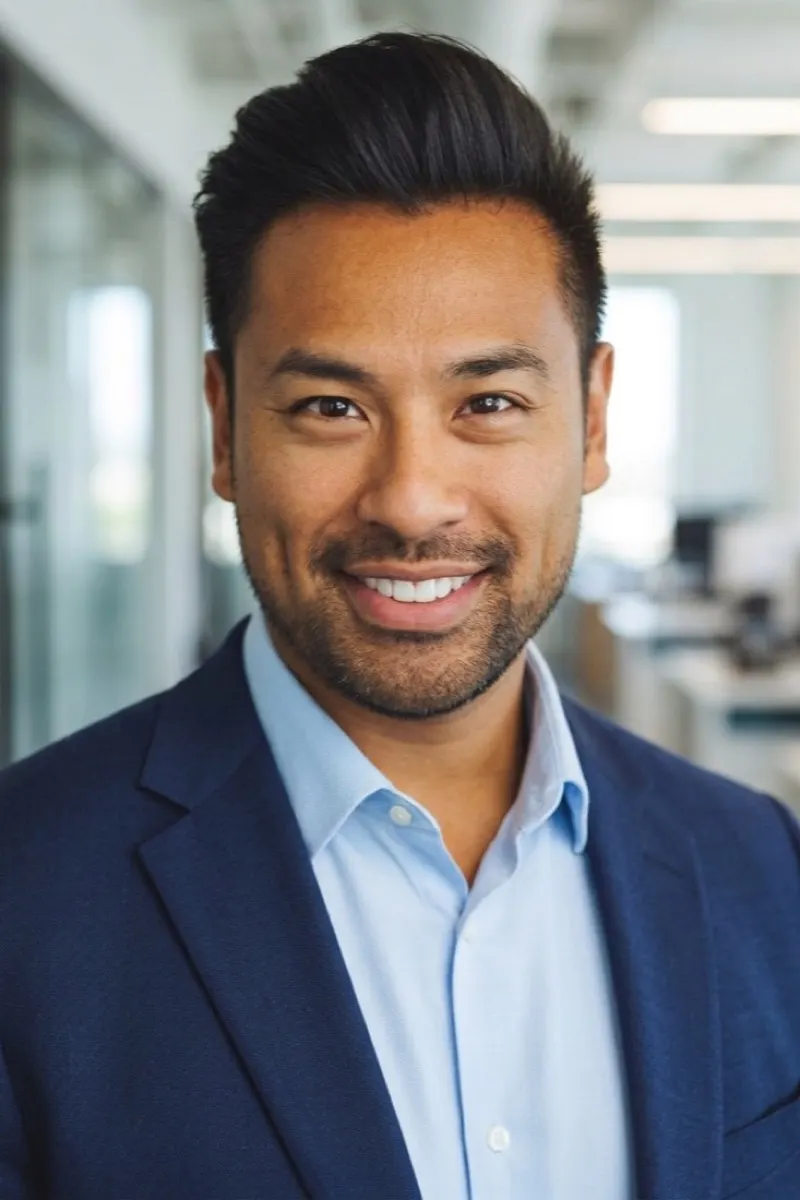
Turn a casual portrait into a polished headshot with restrained studio styling.
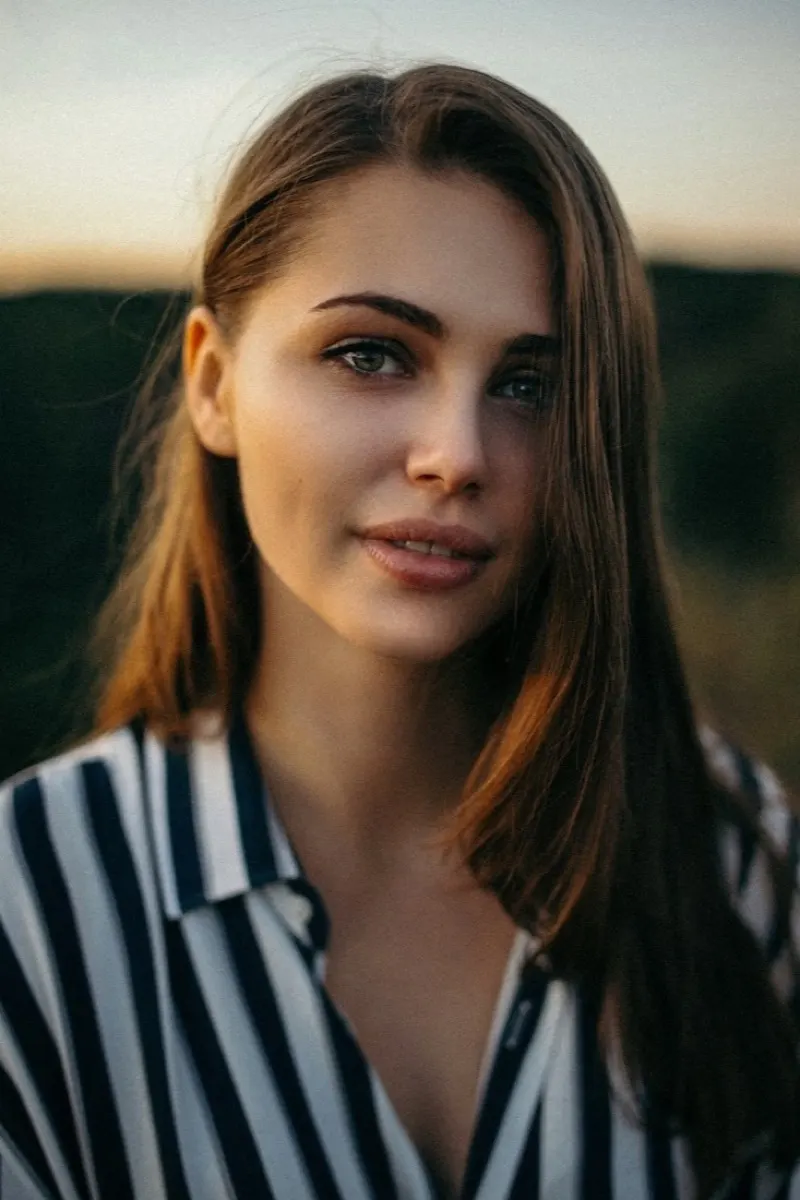
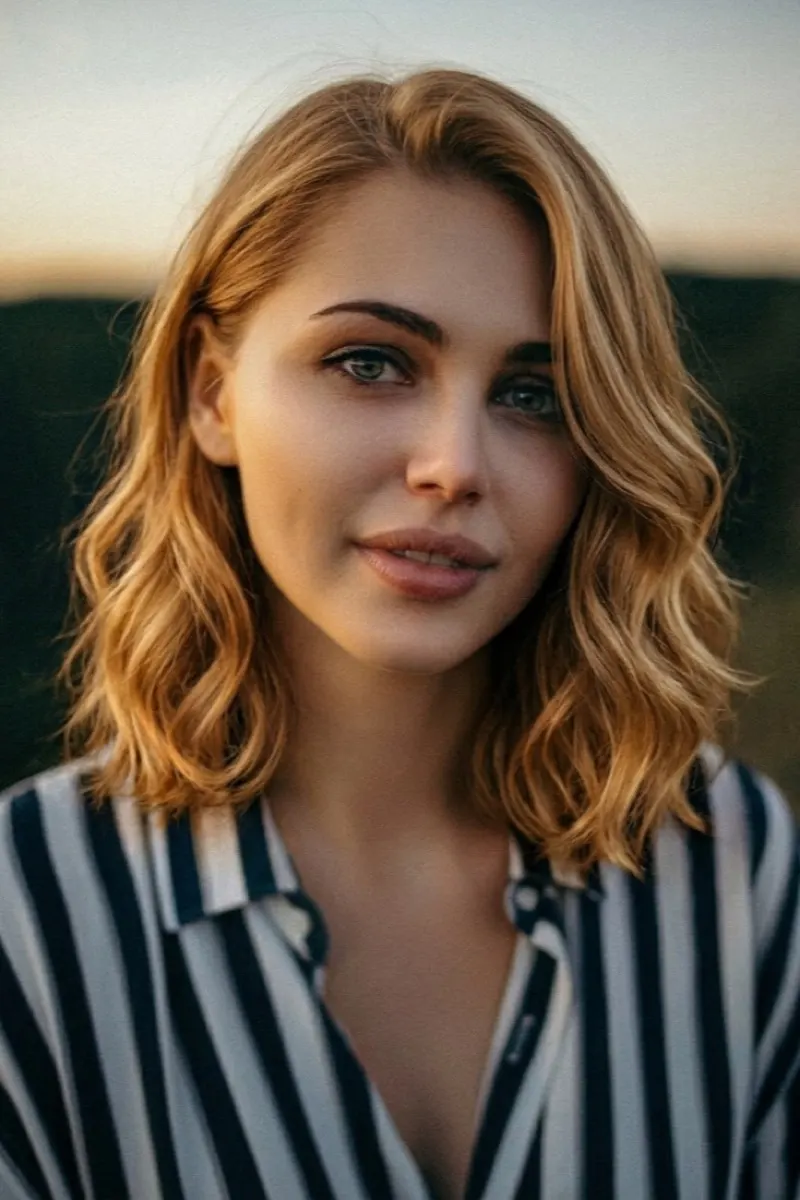
Preview a new cut, length, texture, or color without changing the face.
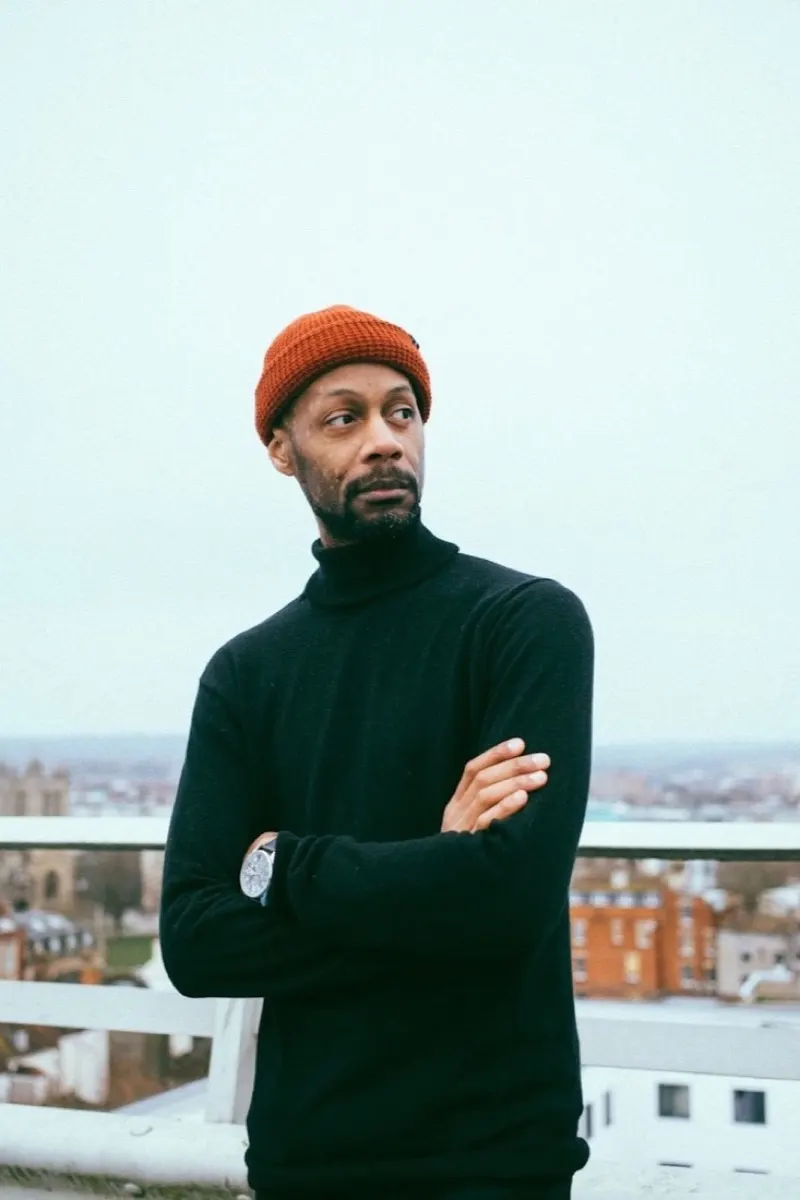
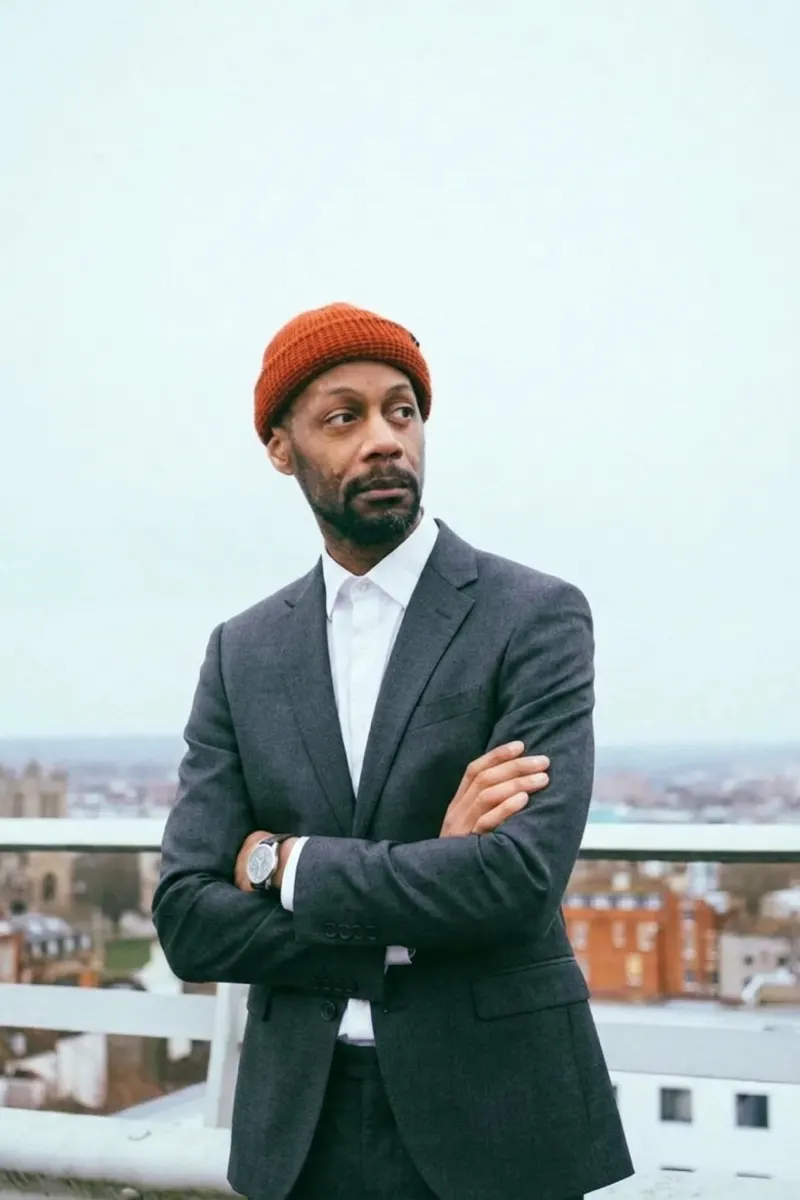
Change clothing without altering identity, pose, hands, proportions, or scene lighting.
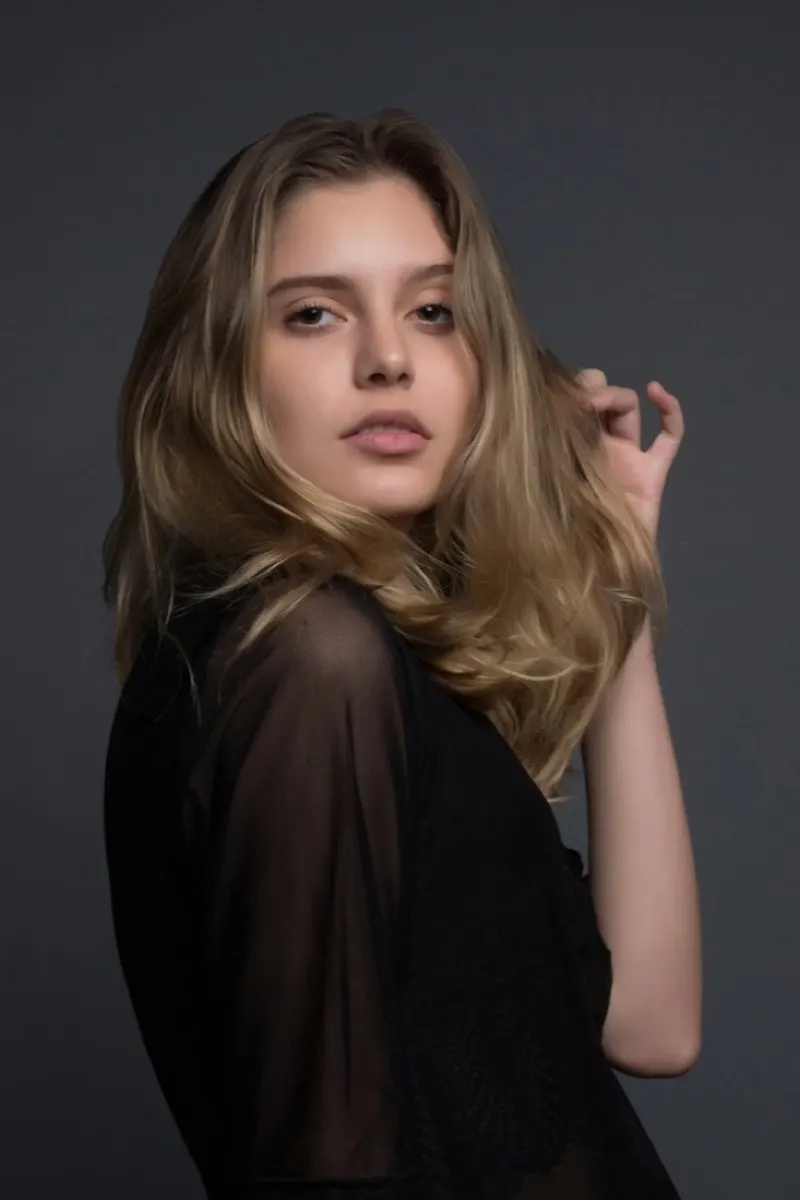
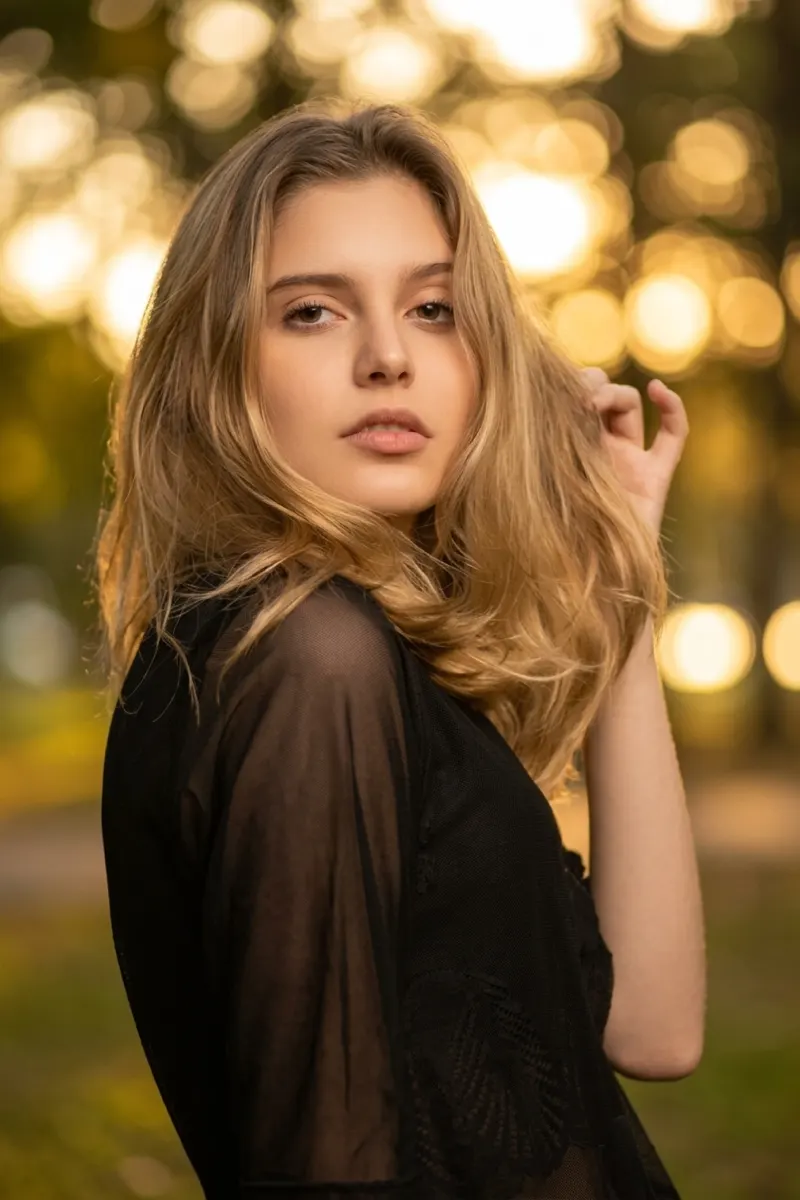
Improve lighting and composition while keeping the person's appearance natural and recognizable.
Create consistent product and campaign images while protecting logos, labels, materials, and geometry.
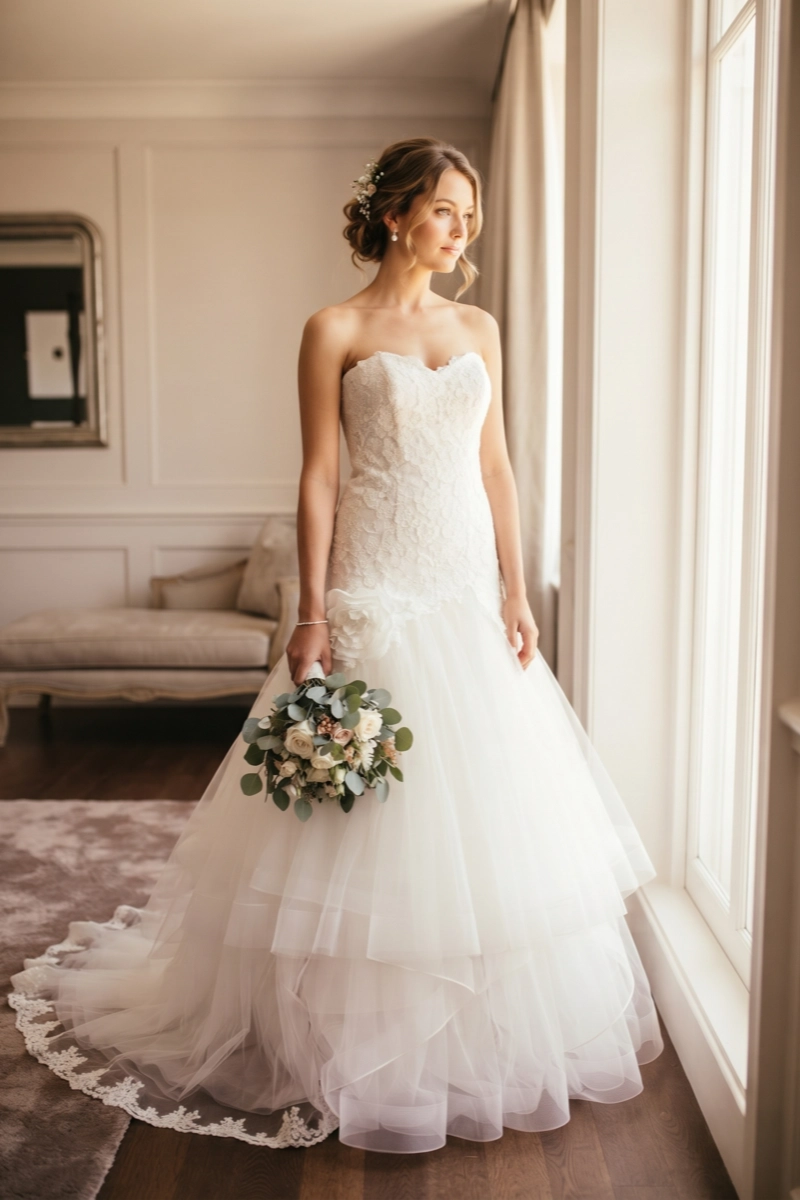
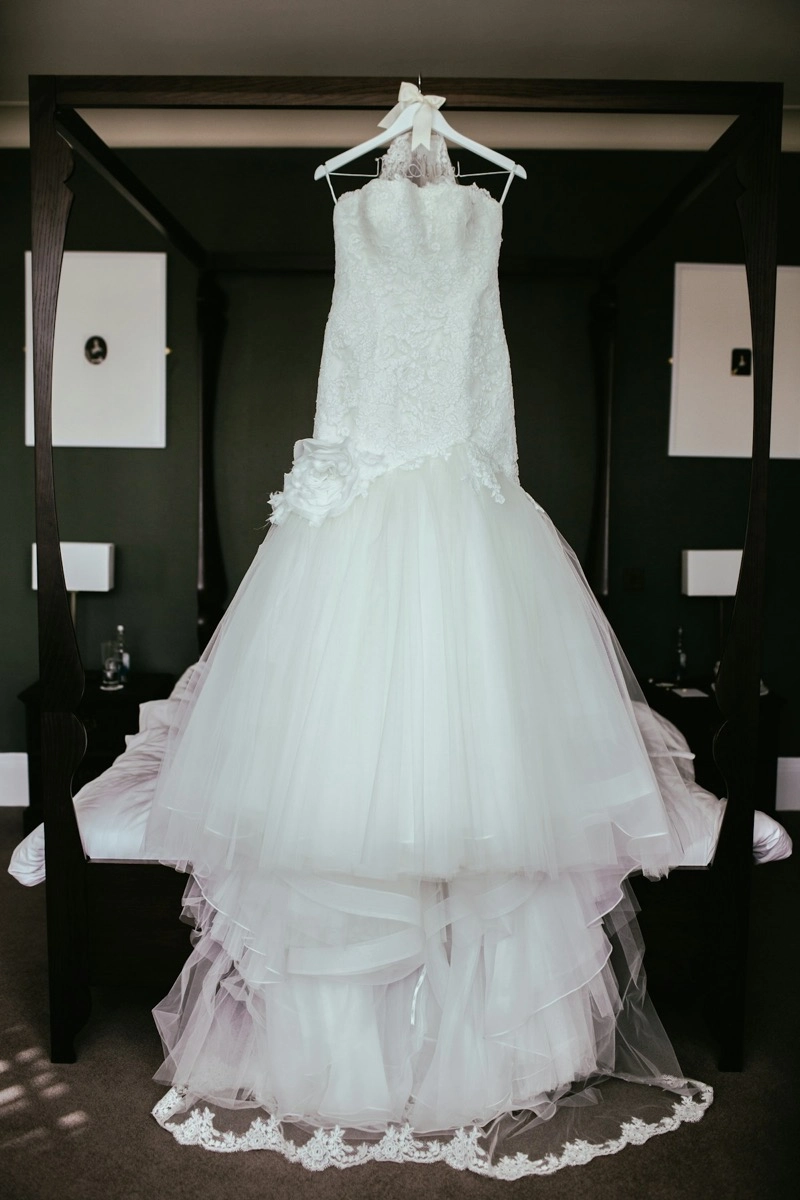
Remove the model or mannequin; retain garment shape, texture, stitching, and volume.
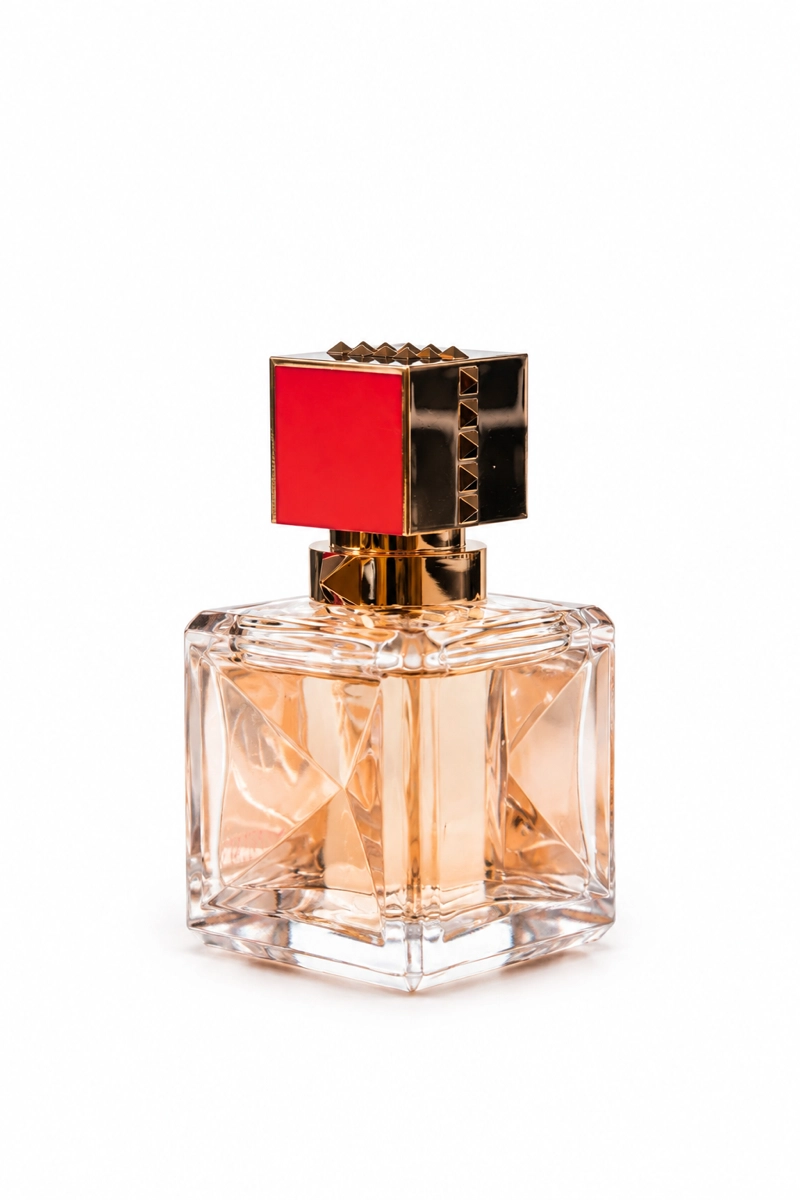
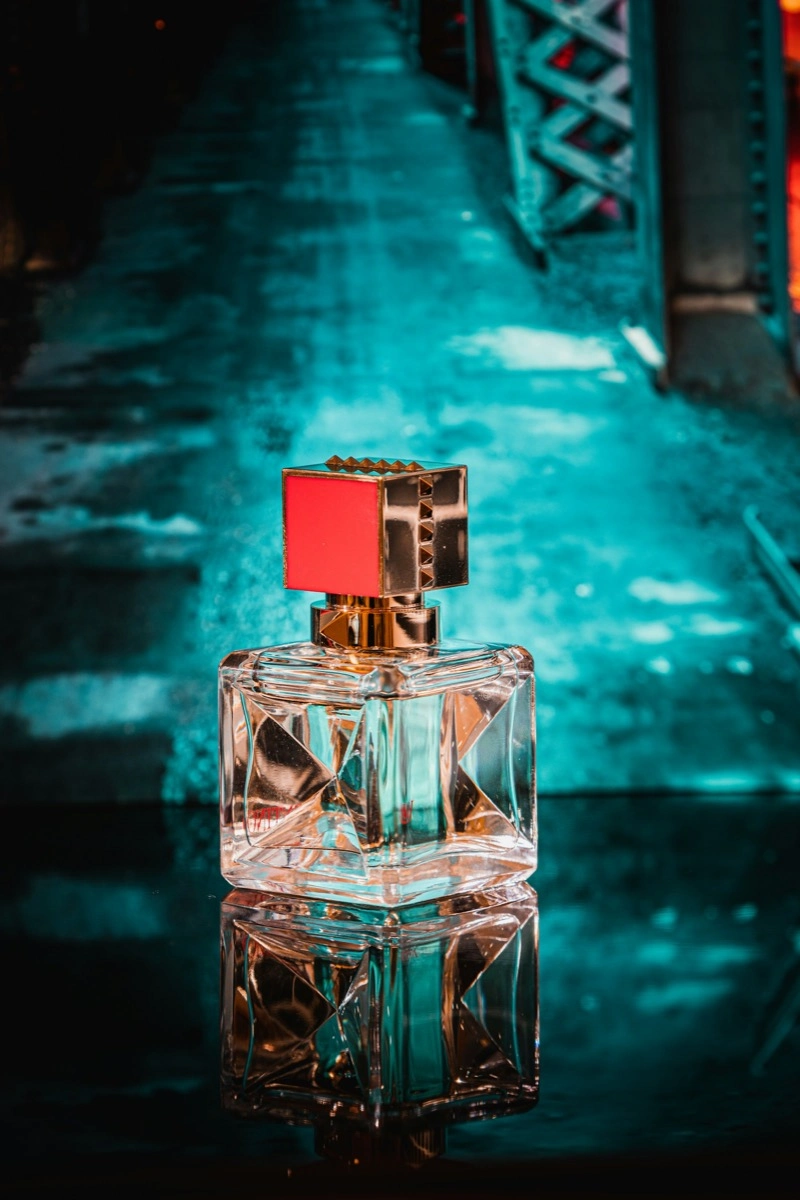
Use a clean white background and retain product shape, color, labels, and shadows.
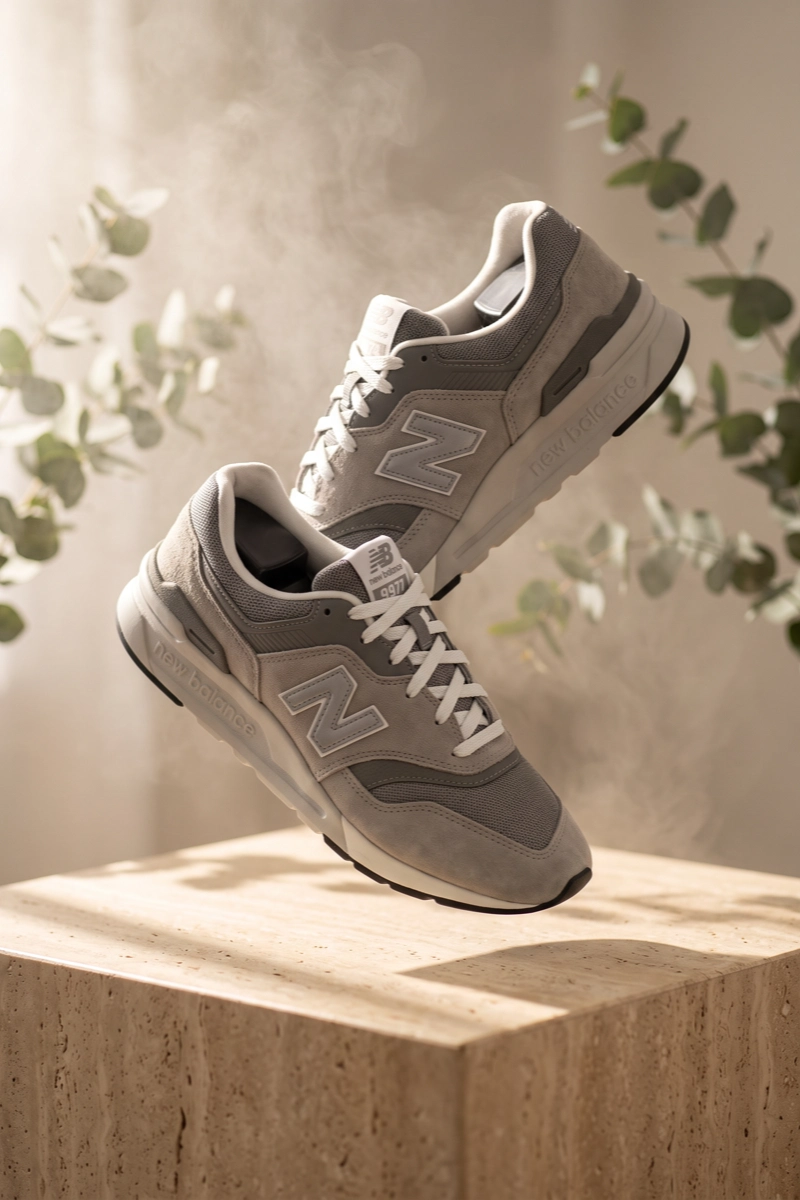
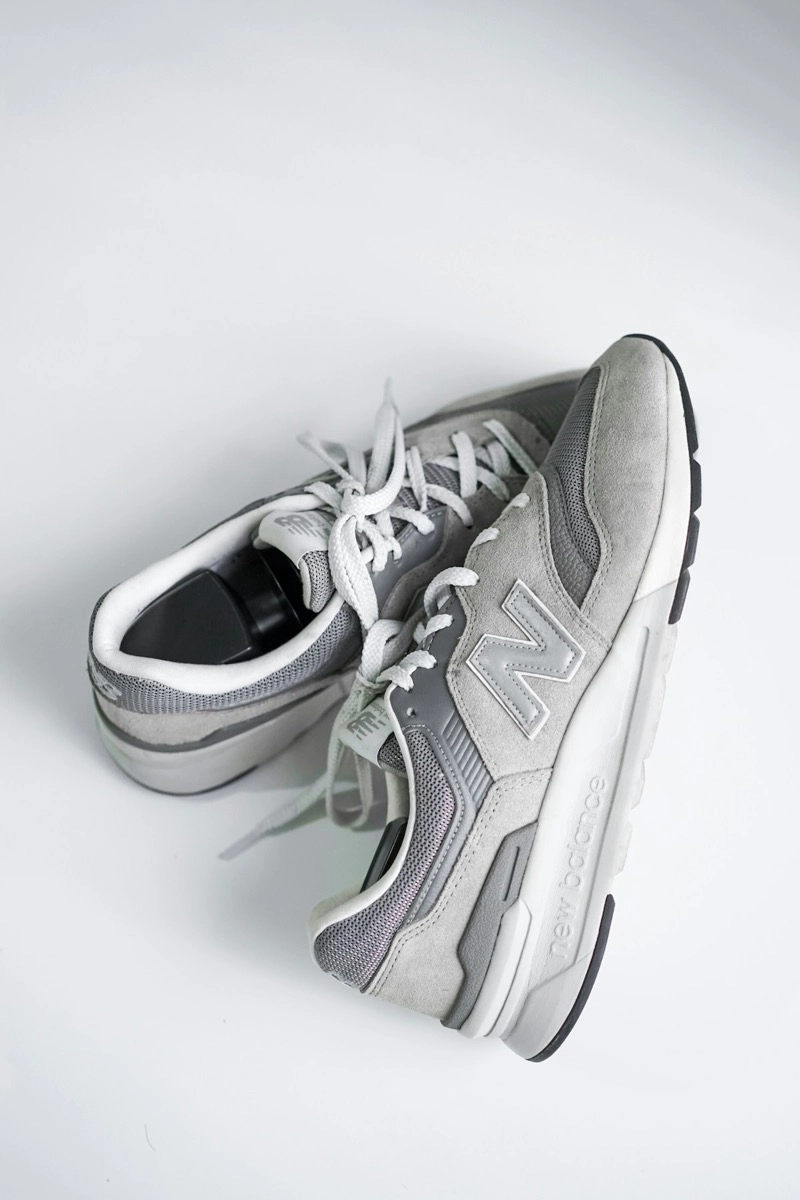
Place the product in a realistic studio or lifestyle scene without changing its design.
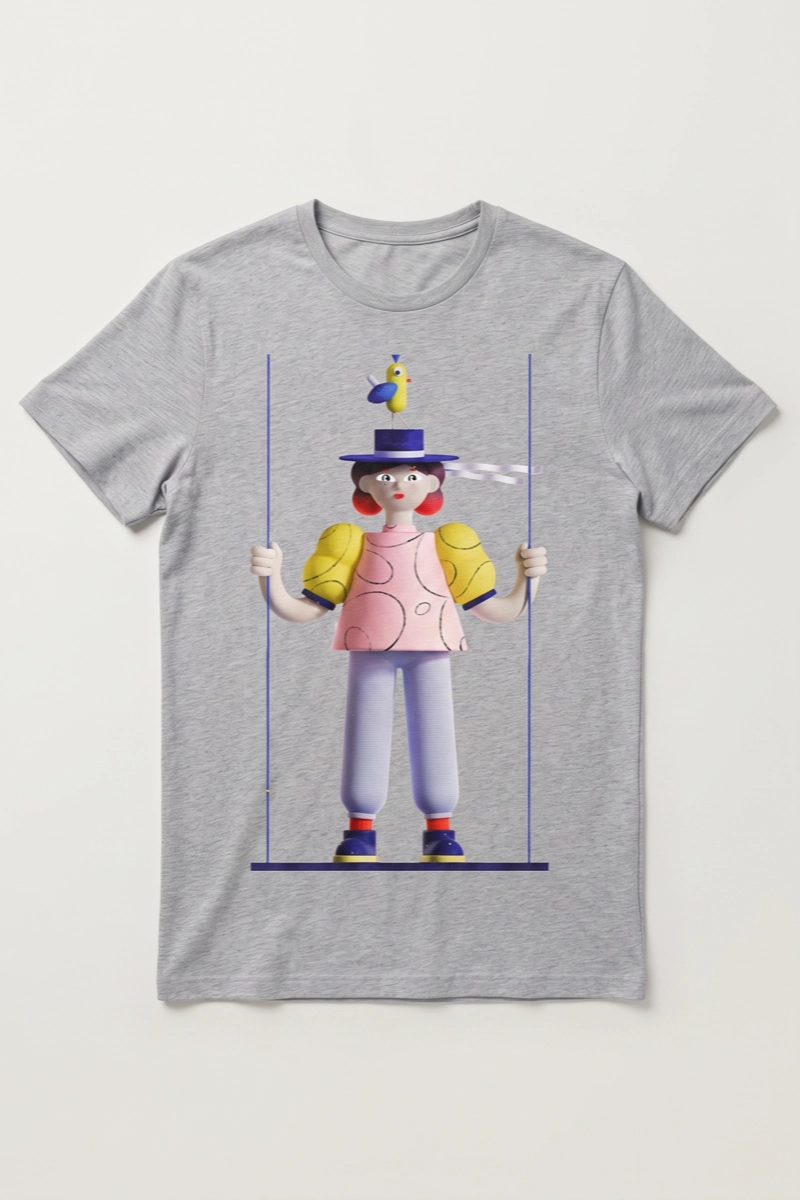
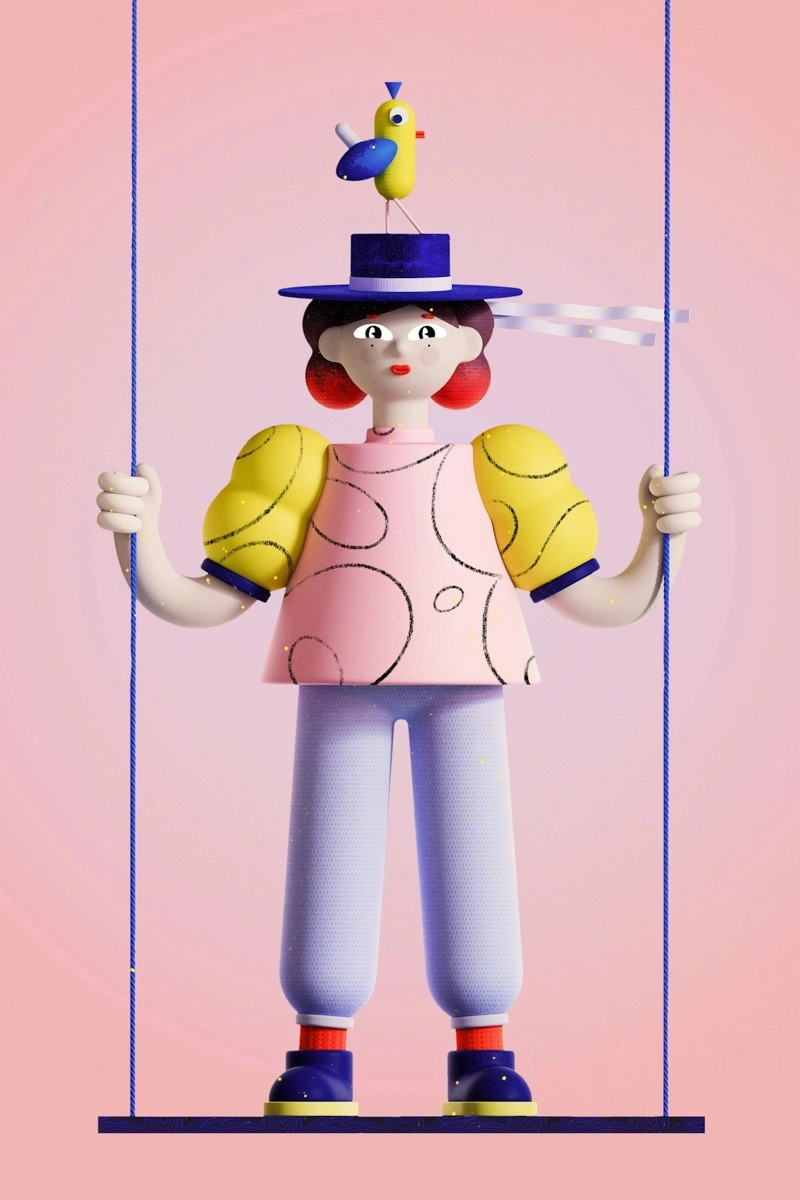
Apply brand artwork to merchandise without changing its proportions, colors, or lettering.
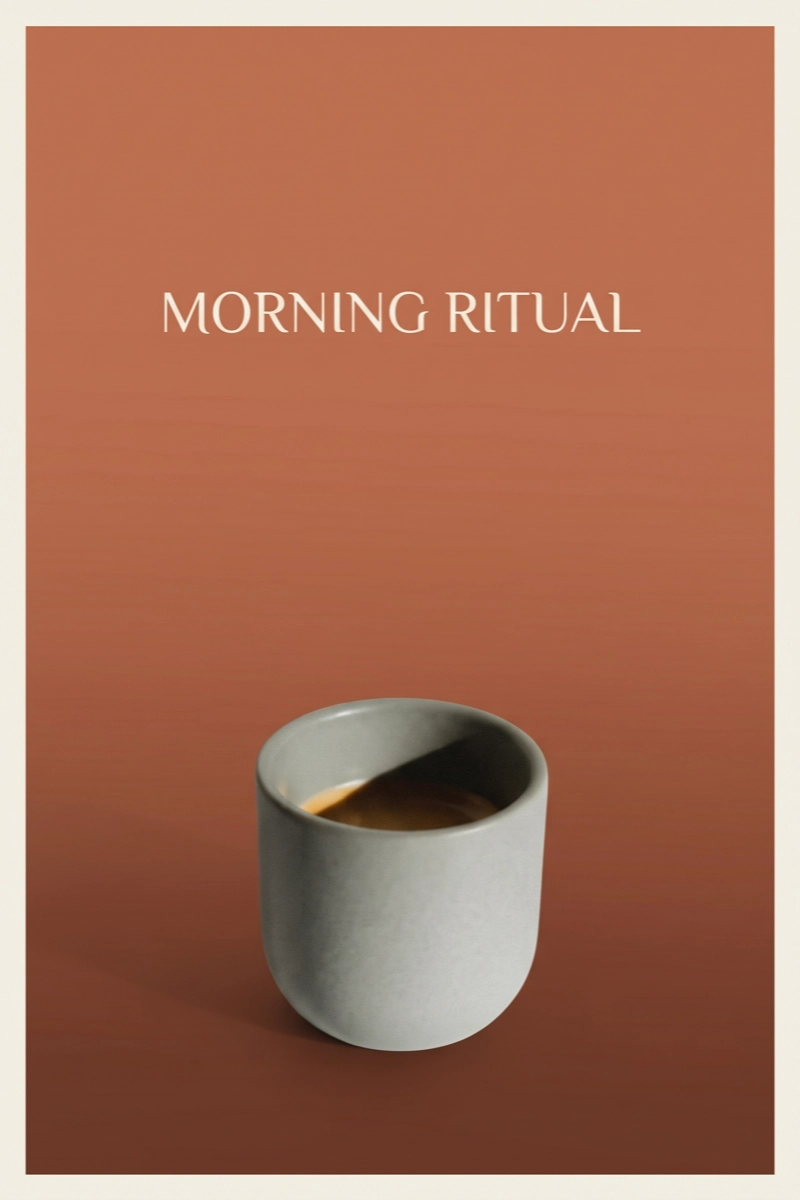
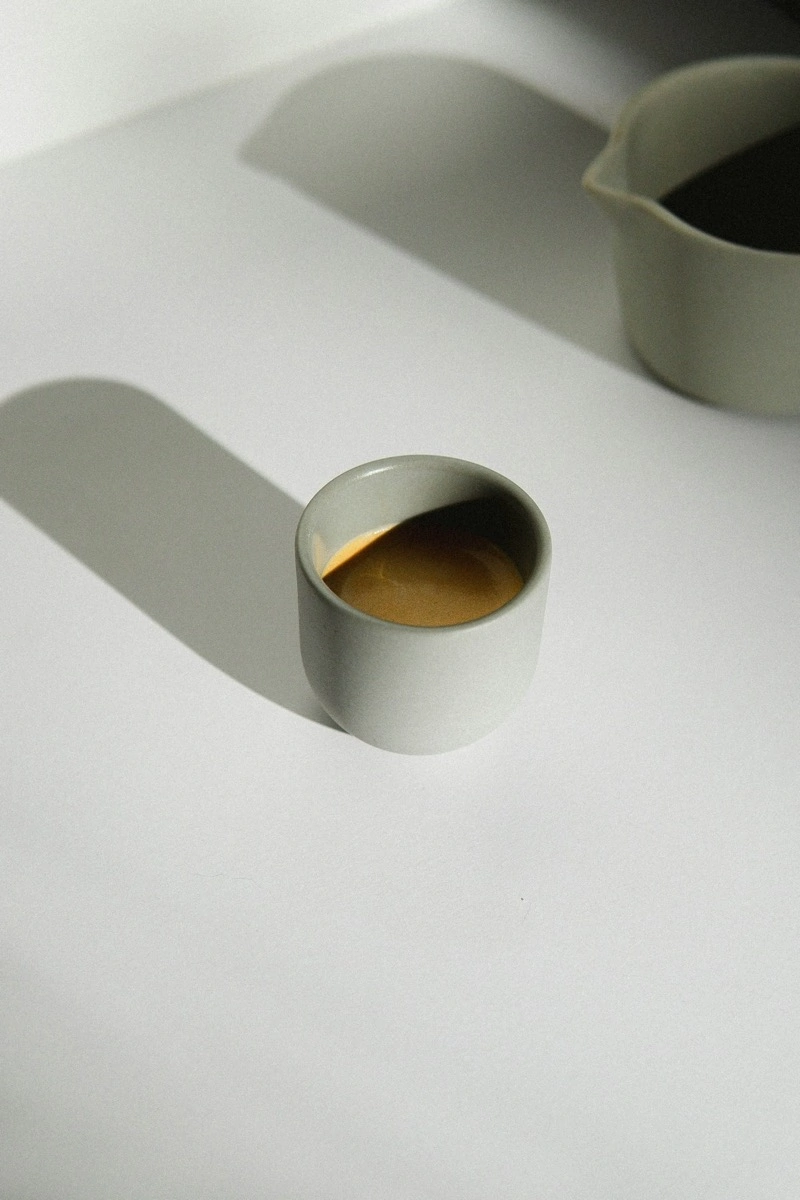
Build a promotional poster while keeping the product and campaign text clear.
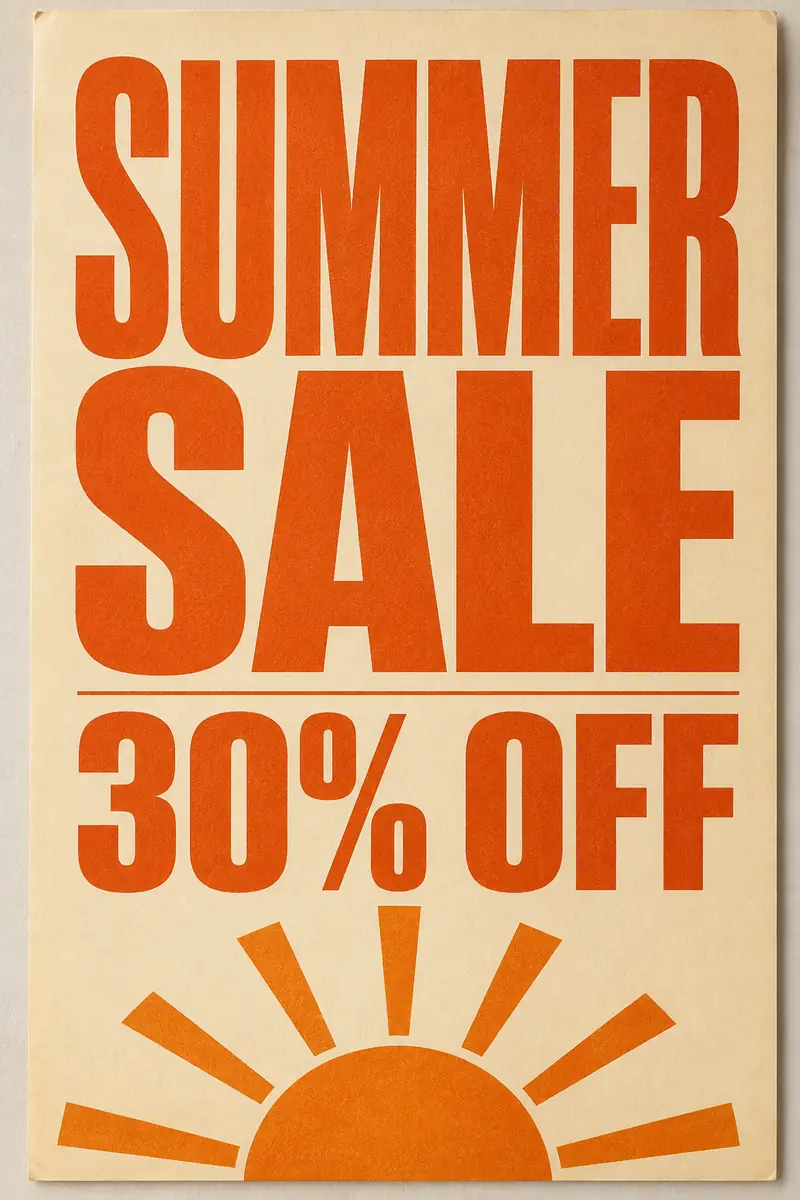
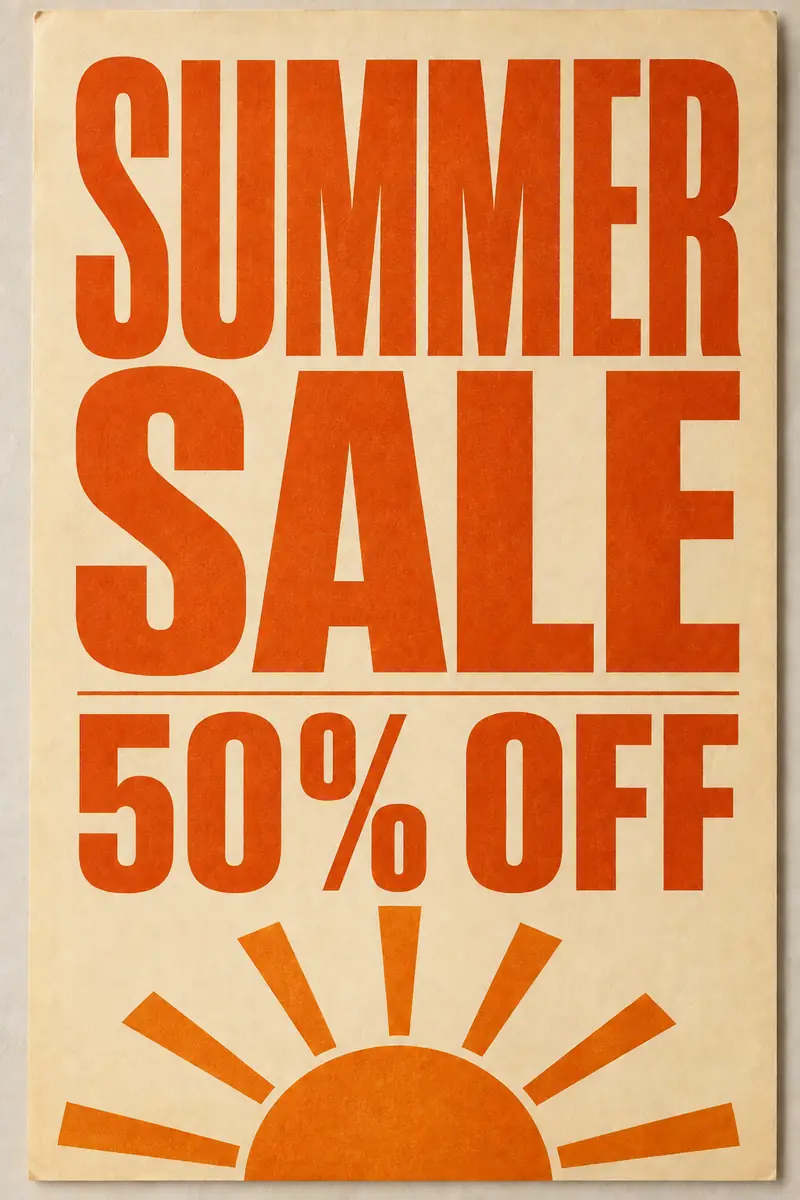
Update prices, dates, and headlines in existing images while the fonts, colors, and layout stay as printed.
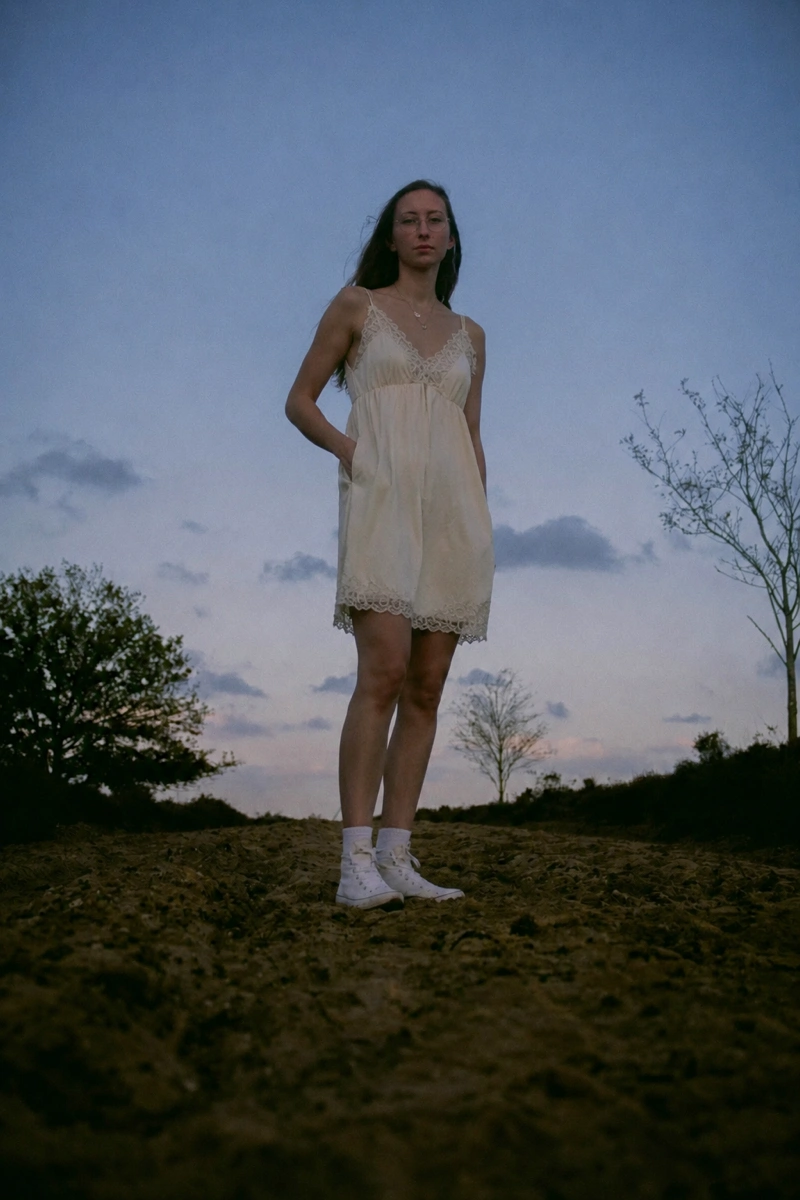
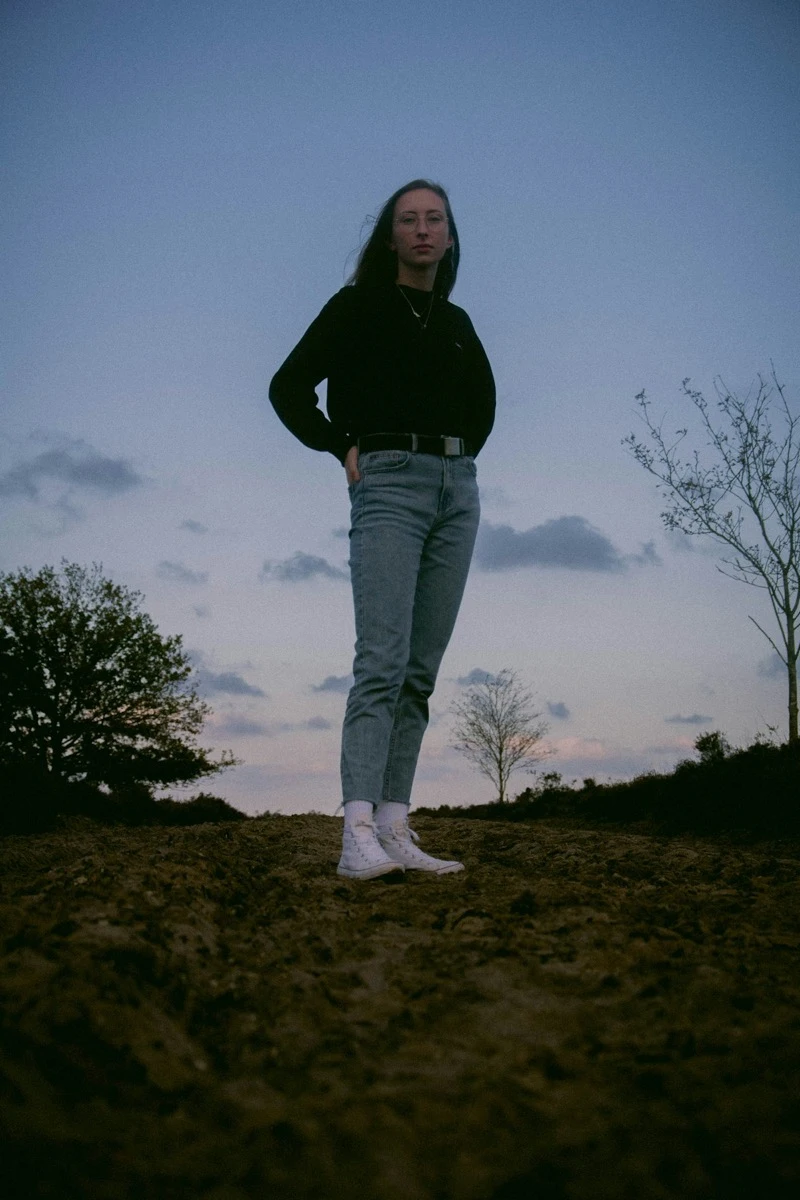
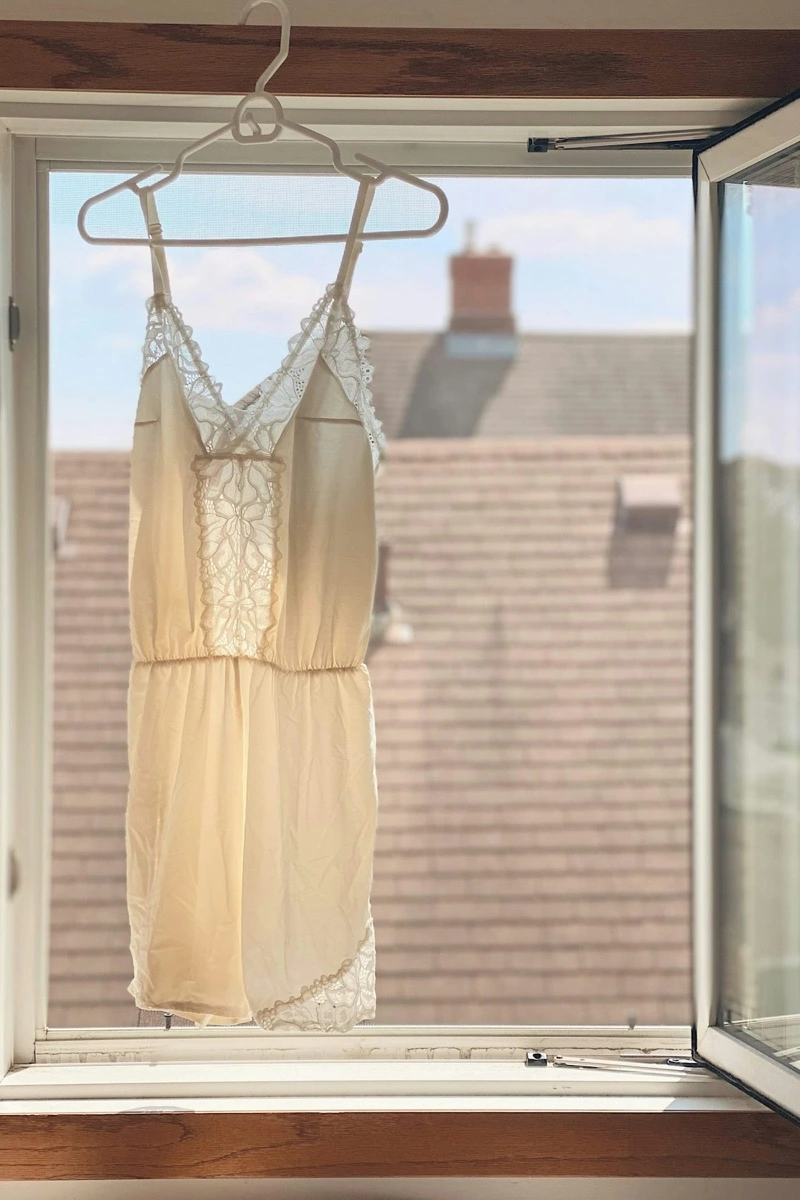
Combine person and garment references; keep identity, fit, color, pattern, and texture intact.
ImagEditorAI is a free online AI image editor for changing existing images with plain-language instructions. Upload up to five PNG, JPEG, or WebP references, describe what to change and what to preserve, then choose a model, aspect ratio, and resolution. Remove objects, replace backgrounds, restore old photos, change clothing, combine references, or expand the canvas without learning layers or masks. Download the result or continue refining it with a more specific prompt.

Move from the complete source image to a downloadable result in five steps. The editor shows the available controls, account requirements, and credit cost before you submit the task.
Choose up to five PNG, JPEG, or WebP reference images, 20MB each. Review every complete image without an automatic crop.
Name the exact subject or area to change, then list the faces, logos, shapes, colors, composition, or other details the model should preserve.
Select the model, supported resolution, and aspect ratio for the final channel. Options clearly show any registration or plan requirements.
Review the exact credit cost before submitting. The task then shows queued, processing, completed, or failed status.
Inspect faces, hands, text, logos, edges, and background reconstruction. Download the result, share it, or use it as the source for a more specific follow-up edit.
Give the model one clear edit and the boundaries it should respect.
Change + subject or area + details to preserve.
Too vague
“Remove the person.”
More useful prompt
“Remove the person behind the bicycle. Rebuild the wall and pavement naturally. Keep the bicycle and foreground subject unchanged.”
Too vague
“Put this on a better background.”
More useful prompt
“Replace only the background with a warm-gray studio. Keep the complete product, colors, label, camera angle, and fine edges unchanged.”
A focused AI image editor for changing existing photos with prompts instead of layers or masks.
Eligible guests refresh to 9 free credits each UTC day. Account holders refresh to 15.
Choose the prompt, model, resolution, and aspect ratio for the job.
No watermark on downloaded results. Account holders can save, reuse, share, or delete edits.
| Dimension | ImagEditorAI | Photoshop / Firefly | ChatGPT Images |
|---|---|---|---|
| Getting started | Open the homepage and describe the edit. | Browser and desktop workflows with selections, layers, and generative tools. | Upload or select an image, then edit through a conversation or image tool. |
| Free access | Eligible guests refresh to 9 free credits each UTC day. Account holders refresh to 15. | Adobe offers browser-based Firefly access; full Photoshop desktop access varies by current trial or plan. | Image availability and usage limits vary by current ChatGPT tier and account. |
| Fine control | Prompt, model, resolution, aspect ratio, and repeated edits. No masks or layers. | Strong layer, selection, mask, and pixel-level controls. | Prompt and selection tools; edits may extend outside a selected area. |
| References and output | Up to five source images, subject to model limits, with supported 1K, 2K, or 4K output shown before generation. | Supports placed assets, layers, selections, masks, canvas control, and product-specific export workflows. | Supports uploaded or generated images in a conversational editing workflow; capabilities vary with current product experience. |
| Result history | Account holders can review, reuse, download, share, or delete saved results in My Creations. | Varies by Adobe product, cloud document, and plan. | Images are saved in ChatGPT Images and associated conversations. |
| Best for | Quick multi-model photo edits, concrete prompt control, complete-image previews, and saved follow-up edits without learning layers. | Professional production that needs masks, layers, selections, compositing, and pixel-level adjustment. | People who already create and refine images inside a broader ChatGPT conversation. |
Four common starting points for turning existing photos into useful, ready-to-share results.

With image editor AI, ecommerce sellers can remove or replace backgrounds, build consistent product scenes, and turn approved product shots into campaign assets.

Recent graduates can use image editor AI to refine a headshot for job searches by adjusting clothing, background, and lighting without losing a recognizable identity.

Image editor AI helps travel creators remove distractions, expand the frame, and prepare one photo for landscape, square, or vertical publishing.

Office professionals can use image editor AI to turn a casual portrait into a polished profile photo with a cleaner setting, restrained retouching, and professional lighting.
Practical answers about this AI photo editor, from free access and prompts to output and privacy.
Upload an image, describe the change, and download the result or continue refining it with another prompt.
