Seed Audio 1.0
Sign up
Seed Audio 1.0 AI audio generator

Seed audio 1.0 AI audio generator

Seed Audio 1.0 is ByteDance Seed's all-in-one audio generation model for creating complete sound scenes. Use text, image, or audio context to guide multi-speaker dialogue, emotional delivery, native accents, ambience, background music, and foley-style effects.

2 min
single-session audio generation window
One prompt
controls dialogue, tone, ambience, BGM, and SFX
Multimodal
text, image, and audio context for sound scenes

Seed Audio 1.0

Scene prompt preview

Audio generation
Abstract AI audio generation control room with layered waveform panels

Prompt concept

Two speakers whisper in a rainy alley, tense strings underneath, distant traffic, footsteps, and a final metallic door slam.

Dialogue stems
BGM bed
Ambience + SFX

Start generating Seed Audio 1.0 online.

Use the Seed Audio 1.0 workspace below to create sound scenes from a prompt, optional reference audio, or one reference image.

Input

Prompt-first audio generation with optional controls.

Prompt*
83/2048

Additional Settings

Customize your input with more control.

History

Your recent Seed Audio 1.0 Preview generations.

Sign in to see your generation history.

How to use

How to use Seed Audio 1.0 online.

To use Seed Audio 1.0 online, write a sound-scene prompt, optionally add an audio or image reference, choose output settings, then generate and review the audio in the SeedAudio.co workspace.

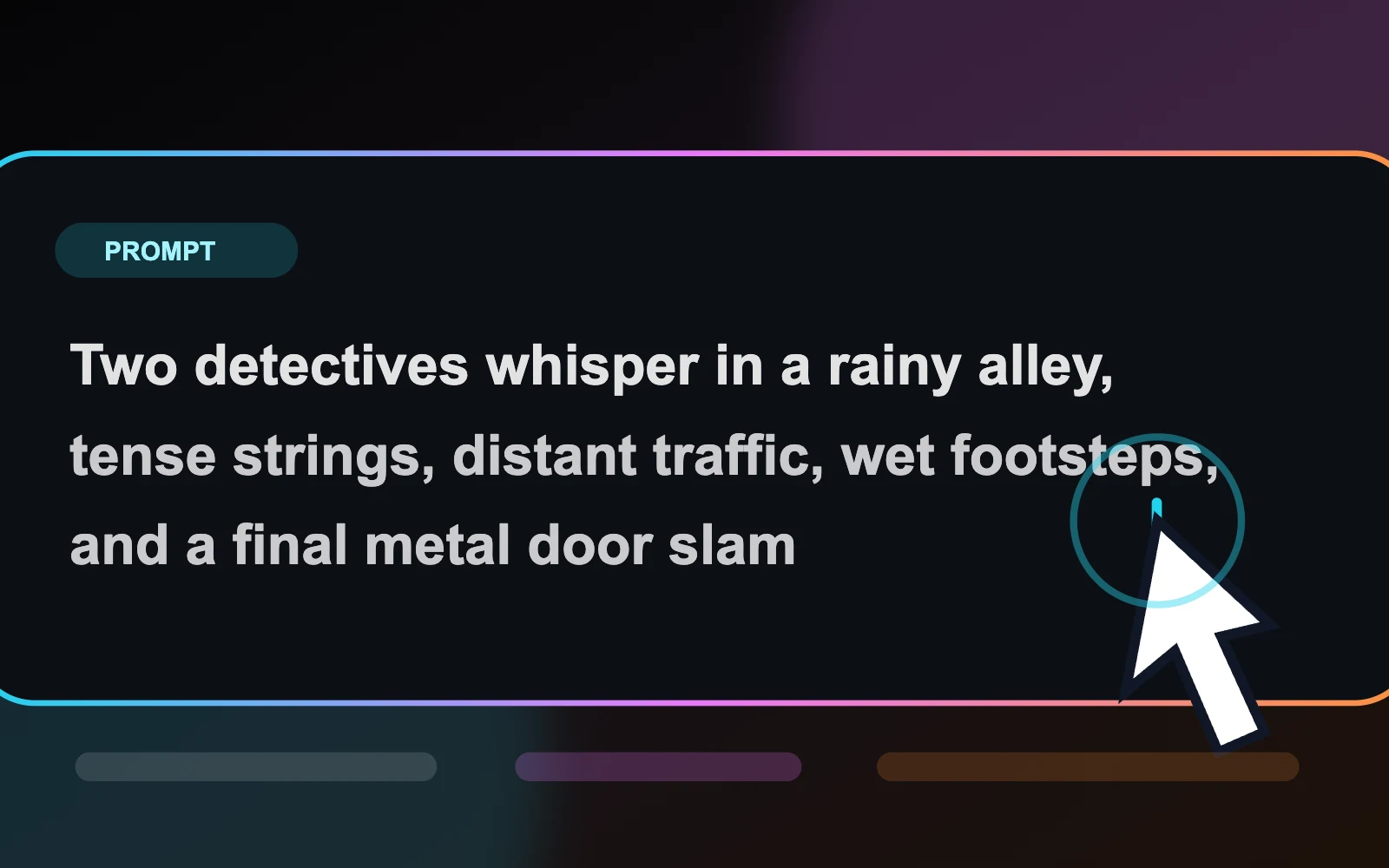
  1. Seed Audio 1.0 prompt editor for writing a structured sound-scene prompt
    01

    Write a sound-scene prompt

    Describe the characters, language, emotion, location, dialogue, ambience, music direction, and sound events you want in the scene.

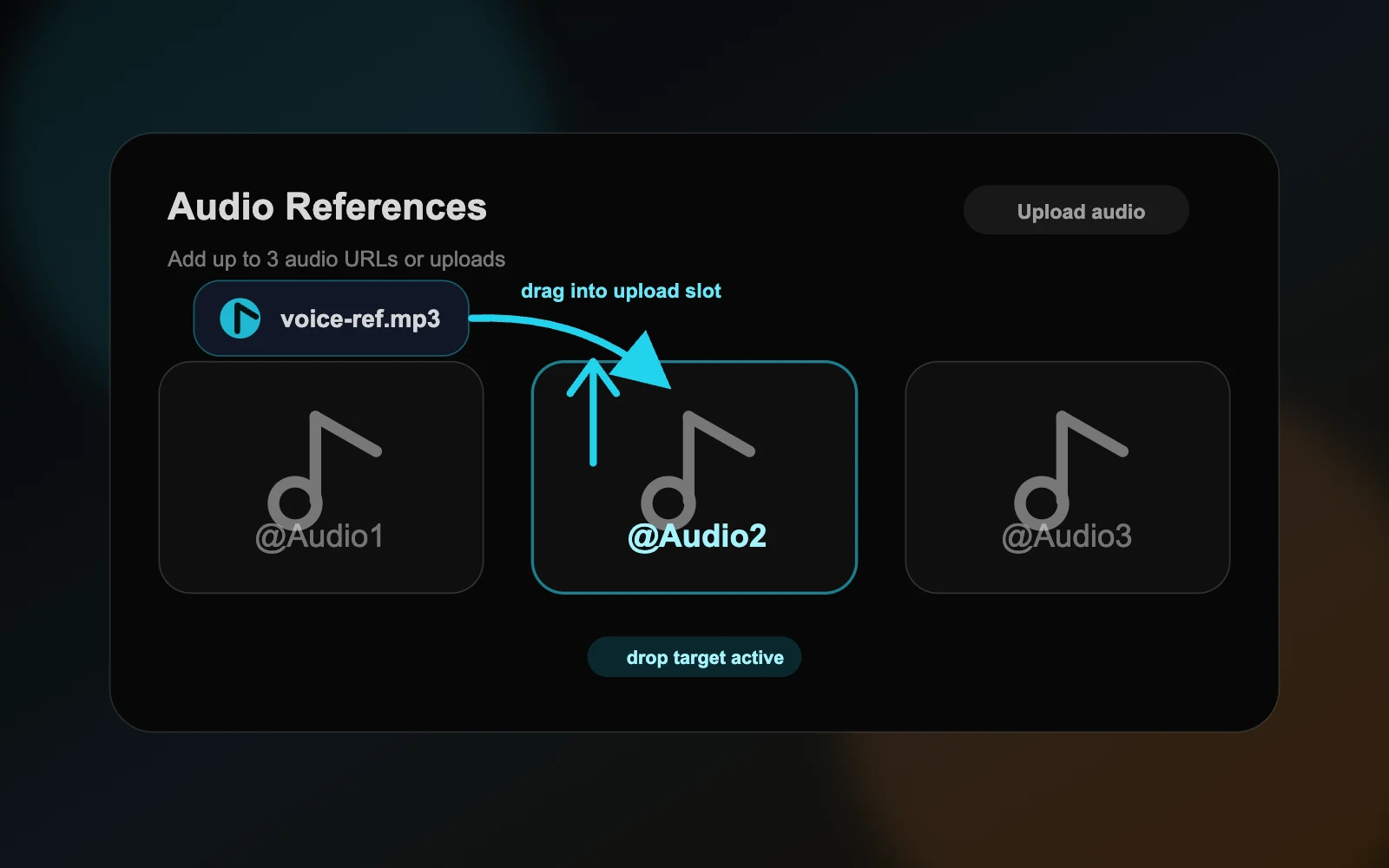
  2. Seed Audio 1.0 controls for adding reference audio clips or one image reference
    02

    Add optional references

    Use up to three audio references for voice or style direction, or one image reference to guide mood and scene context.

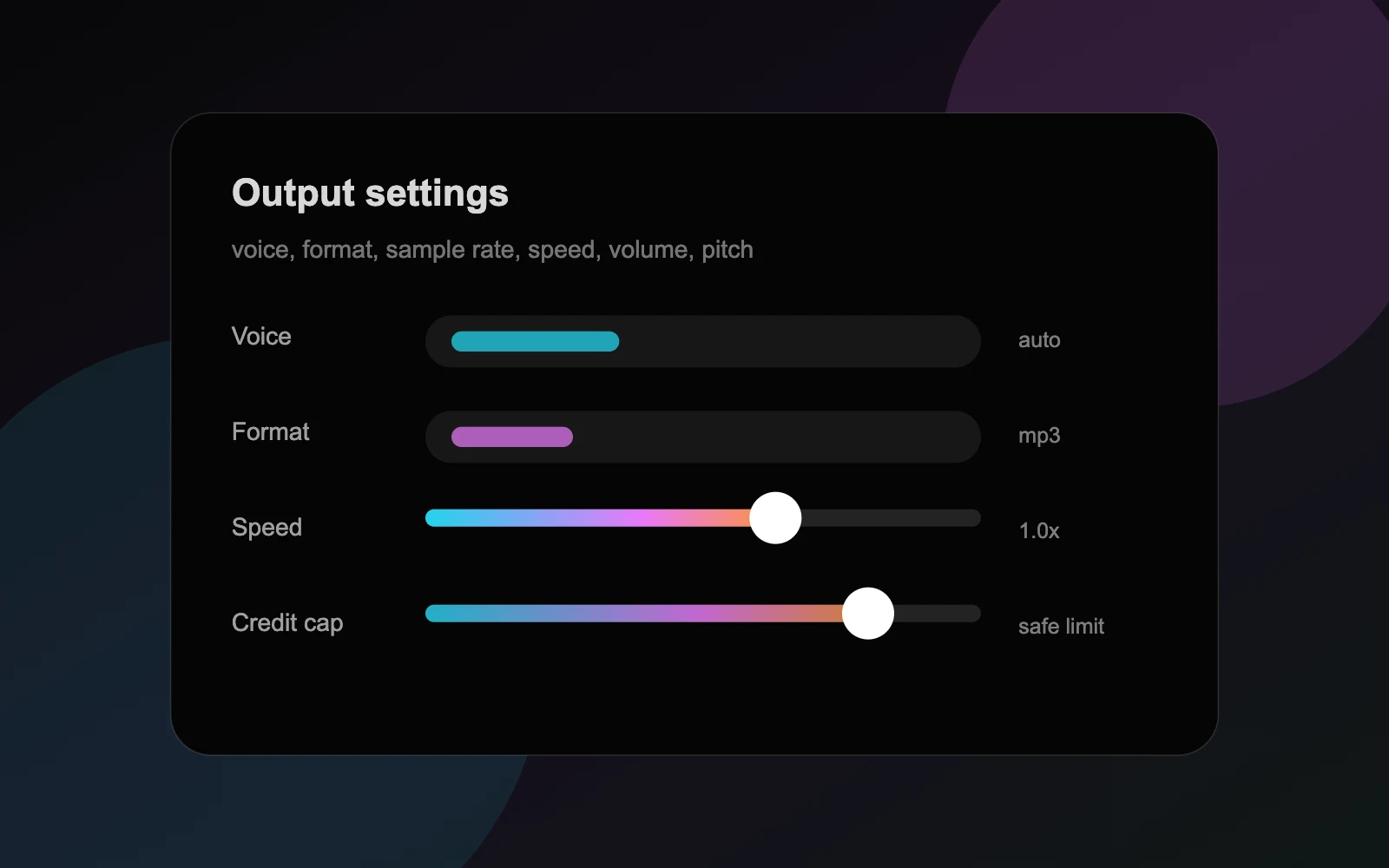
  3. Seed Audio 1.0 output settings for voice, format, speed, volume, pitch, and credit cap
    03

    Choose output settings

    Pick voice behavior, output format, sample rate, speed, volume, pitch, and a max credit cap before running the generation.

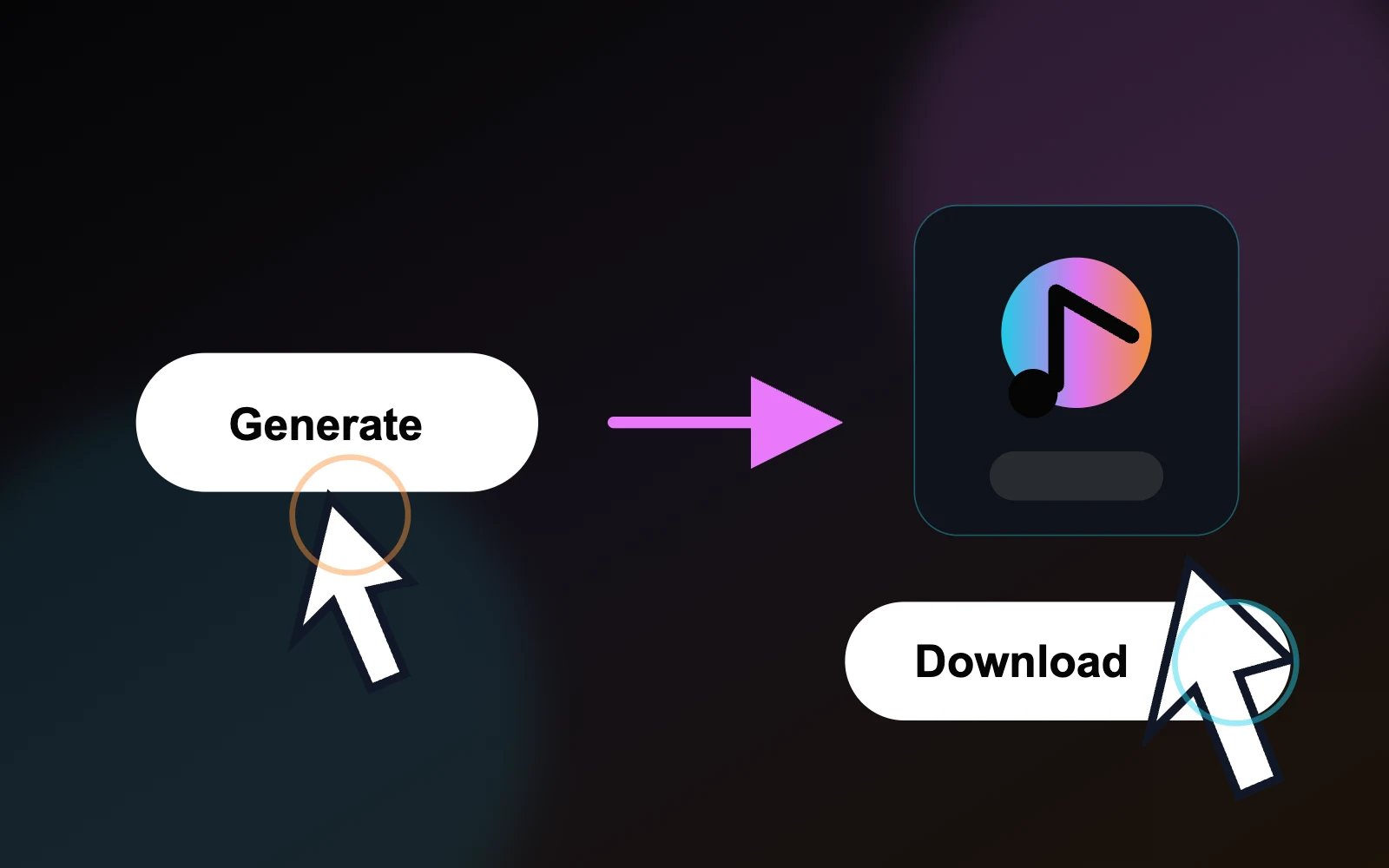
  4. Seed Audio 1.0 generated audio result with playback, copy link, download, and regenerate controls
    04

    Generate and review

    Run a short draft first, listen for voice clarity and layer balance, then copy, download, or revise the result.

Prompt formula

Scene + speaker + emotion + language + ambience + BGM + sound effects + timing.

Built for real production workflows

What Can You Create with Seed Audio 1.0?

Create precisely timed foley, original music, multilingual dialogue, and reusable authorized voices—from one production brief.

A porcelain cup in a rain-soaked historical teahouse scene
01Short dramaFood videoAI video post

Scene Sound & Foley

Turn a shot list into edit-ready footsteps, fabric, props, and ambience for short dramas, food videos, and AI video post-production.

Production brief

Create a 12-second pure foley scene in a rainy wooden teahouse: a silk sleeve brushes the table, three leather steps approach, a door slides open, and a porcelain cup lands on wood. No dialogue or music.

Generated audio

Rain at the Teahouse

0:12
0:00
A composer creating a Silk Road-inspired instrumental cue
02SoundtracksAd musicRegional styles

AI Music

Produce original soundtracks, hooks, and background music for films, ads, and regional formats without hunting through stock libraries.

Production brief

Compose a cinematic Silk Road night-drive cue with plucked lute, frame drum, and modern bass. Build to a memorable hook at eight seconds. Instrumental only.

Generated audio

Silk Road After Dark

0:16
0:00
Two voice actors recording multilingual dialogue in a dubbing studio
03LocalizationDubbingCommercial VO

TTS & Multilingual Dialogue

Localize dialogue, ads, and narrated content with distinct roles, controlled emotion, and native-sounding delivery—not flat, one-voice reading.

Production brief

At a harbor before dawn, create the same restrained two-character exchange in Italian and Chinese. Keep native pronunciation, soft harbor ambience, and no music.

Language versions

Harbor Light · Italian

0:14
0:00
An authorized narrator recording a reusable voice library
04Character continuityBrand voiceSeries production

Voice Cloning

Keep an authorized character or brand voice consistent across episodes, campaigns, and markets while changing the script on demand.

Production brief

Use @Audio1 as the authorized voice reference. Preserve its warm identity, measured pace, and gentle accent while reading: ‘Every new chapter begins with one clear breath.’

Voice comparison

Authorized reference

Quiet Hour · Original

0:09
0:00

Generated variation

Next Chapter · Cloned

0:07
0:00
Only clone voices you own or have explicit permission to use.

Seed Audio 1.0 vs traditional TTS

How Seed Audio 1.0 differs from traditional text-to-speech

Traditional TTS is designed to turn written text into spoken voice. Seed Audio 1.0 is designed for broader audio generation, combining dialogue, performance direction, ambience, music, and sound effects in one sound-scene workflow.

Feature comparison between Seed Audio 1.0 and traditional text-to-speech systems
CapabilitySeed Audio 1.0Traditional TTS (early commercial TTS and basic speech synthesis)
Core positioningScene-level audio creationText-to-speech
Generated contentSpoken dialogue + background music + sound effects + ambience, generated and mixed in one passVoice only (a single speech track)
Multiple speakersNative support for generating coordinated multi-character dialogue, emotion, and pacing in one passUsually requires repeated calls with different voices, followed by manual alignment and mixing
Background music & sound effectsGenerated with the dialogue and automatically matched to its emotion and timelineNot included; requires separate music models, sound libraries, and a DAW
Input methodText prompt / reference audio (up to 3 clips) / reference imageMainly text + a preset voice; some systems support basic references
Voice cloningZero-shot cloning from a short uploaded reference clip (about 30 seconds or less)Often requires fine-tuning or training, or relies on a limited voice library
Emotion & expressiveness controlDescribe emotion, tone, accent, and pacing directly in natural languagePrimarily controlled through SSML tags or limited parameters, with a narrower expressive range
Timeline controlFine timestamp control over when dialogue appearsGenerally not available
Output formatA fully mixed, non-streaming audio track up to about 2 minutes per generationA single voice file that requires music and sound effects to be added later
Best suited forAudio drama, short-form dubbing, ads, game audio, podcast cold opens, video narration, and other complete sound scenesAudiobook reading, navigation, customer service, simple narration, and other voice-only needs
Workflow changeOne prompt → finished audio track, substantially reducing post-production mixingGenerate speech → find music → find sound effects → align and mix manually

Traditional TTS remains the simpler choice when you only need predictable speech. Choose Seed Audio 1.0 when the surrounding scene and sound design are part of the output.

Straightforward workflow

From scene idea to layered sound design.

Move from a sound idea to a complete scene direction: define characters, emotion, location, dialogue, music, ambience, and effects in one prompt.

01

Describe the sound scene

Start with characters, emotion, location, timing, dialogue, musical mood, and the effects that should exist in the scene.

02

Let the model compose layers

Seed Audio 1.0 is designed to synthesize dialogue, emotional tone, native accents, ambience, BGM, and distinct sound effects together.

03

Use across creative formats

Shape audio directions for short films, ads, podcasts, games, learning content, and other projects that need coherent sound scenes quickly.

Seed Audio 1.0 technology

A sound model positioned beyond ordinary text-to-speech.

Seed Audio 1.0 is positioned for complete audio scenes: multi-character dialogue, emotion, tone, accents, ambience beds, BGM, and foley in a single creative pass.

Multi-speaker

voice continuity for longer generated scenes

Text / image / audio

multimodal prompting for audio creation

All-in-one audio generation

Compose multiple sound layers at once instead of stitching voice, music, ambience, and effects in separate tools.

Emotion and accent control

Guide tone, emotional delivery, dialect, and native-sounding accents while keeping recurring voices recognizable across contexts.

Scene ambience and BGM

Generate environmental beds, background music, room tone, weather, crowds, or distant city texture alongside the dialogue.

Longer audio scenes

Seed Audio 1.0 is built for longer-form sound scenes, including session-length generation suitable for dialogue, ambience, and music-backed sequences.

Creative possibilities

Sound scenes for video, games, education, and ads.

Seed Audio 1.0 is most interesting when a project needs more than narration: a complete acoustic scene with voices, mood, space, and events.

Short film sound design

Draft dialogue, emotional beats, foley, ambience, and music for storyboards or pre-visualization.

Marketing creatives

Create campaign-ready sound directions for product demos, social clips, and localized ads.

Game and XR prototypes

Prototype ambient loops, character barks, UI sounds, and cinematic moments before a final audio pass.

Learning content

Build scenario-based lessons, character conversations, and immersive explainers with spatial sound cues.

Dialogue

Multi-character delivery with emotional tone

Ambience

Rain, traffic, rooms, crowds, and natural beds

Foley

Footsteps, impacts, doors, texture, and timing

Pricing

Choose the right Seed Audio 1.0 plan

Subscribe for the best value, or buy credits when you need a flexible top-up. Every paid plan and credit pack includes Seed Audio 1.0 API access, with one shared credit balance across the web app and API.

Free
$0

Try Seed Audio 1.0 with free signup credits. Perfect for testing prompts and short scenes.

  • 10 free credits
  • Up to ~8 seconds per generation
  • Max 2 min audio per generation
  • API access
  • Priority support
Pro
Save $39.98
$16.66$19.99/mo

The best annual choice for creators with ongoing audio needs.

  • 30,000 credits per year
  • Up to ~400 total audio minutes
  • Everything in Free
  • More room for longer audio-scene projects
  • Reference voice uploads
  • Priority support
  • Max 2 min audio per generation
  • Seed Audio 1.0 API access — shared credits
Max
Save $99.98
$41.66$49.99/mo

The strongest value for teams that expect heavy audio generation.

  • 90,000 credits per year
  • Up to ~1,200 total audio minutes
  • Everything in Pro
  • Best value for high-volume generation
  • Larger annual production buffer
  • Team and agency-friendly usage
  • Max 2 min audio per generation
  • Seed Audio 1.0 API access — shared credits
Questions about billing, access, or custom needs?contact@seedaudio.co

FAQs

Frequently asked questions

Practical answers for creators who want to understand Seed Audio 1.0 and use it for AI audio generation.

Create richer sound scenes with Seed Audio 1.0.

Follow the model's capabilities, access status, and practical use cases for multimodal AI audio generation across dialogue, ambience, music, and sound effects.