Everything you need for manual testing, in one extension
Trusted by QAs, SDETs, and FE developers, to streamline their testing workflows.
15+
Essential tools
10,000+
Early Adopters
10x faster
Manual Testing
5/5 rating
on Chrome Web Store
Transform your manual testing workflow end-to-end
Everything you need— from test creation & setup to test execution, bug reporting & debugging— is now accessible with a single click.
Live Testing

Real Device Cloud
Instantly access a real device cloud with 30,000+ devices & test across 3500+ browser combinations.
Multi-Device Testing
Simultaneously test on up to four real devices. You can test website variations, or flows across multiple websites.
Real Device Features
Access real-device features like media injection, payments, and more for end-to-end testing.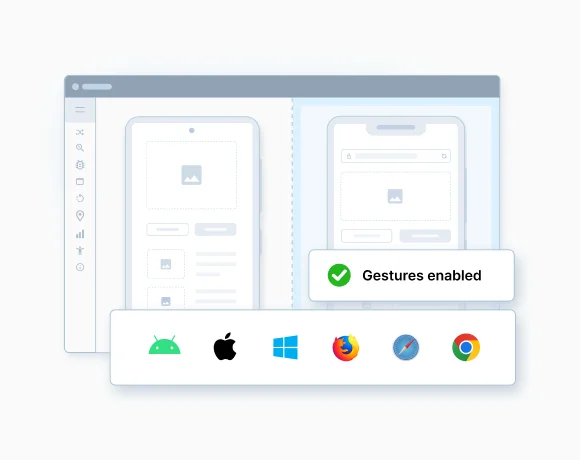
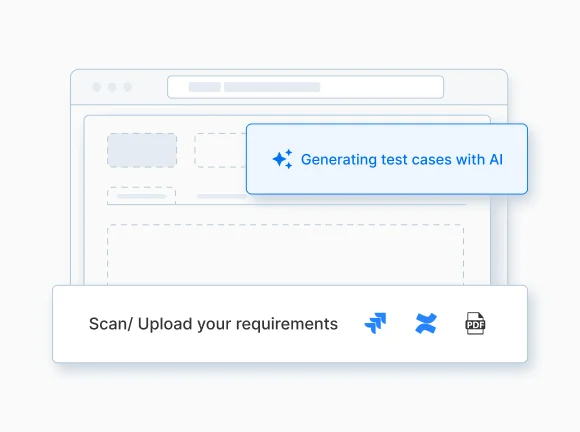
Test Case Generator Agent

Smarter & Faster Test Creation
Create accurate, context-aware test cases 90% faster using PRDs or user stories.
Auto-Fill Test Data
Auto-populate test case fields such as Description, Test Steps, Expected Results, Preconditions, and more.
Secure & Private
Leverages foundation models, which are pre-trained. Your data is never stored or used for training.Bug Capture

One-Click Bug Reports
Create detailed bug reports with visual proof, using a single-click screen recorder.
Auto-Capture Technical Logs
Auto-captures console & network logs, steps to reproduce, and system details.
No learning curve
Seamlessly fits into the testing workflow, and enables even non-technical users to report bugs.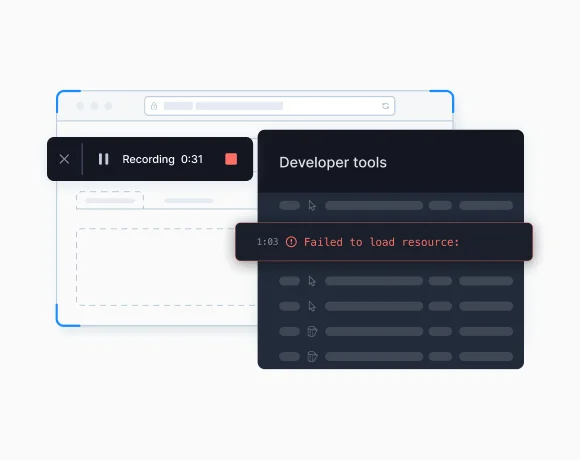
Accessibility Toolkit

Workflow Analyzer for pages and states
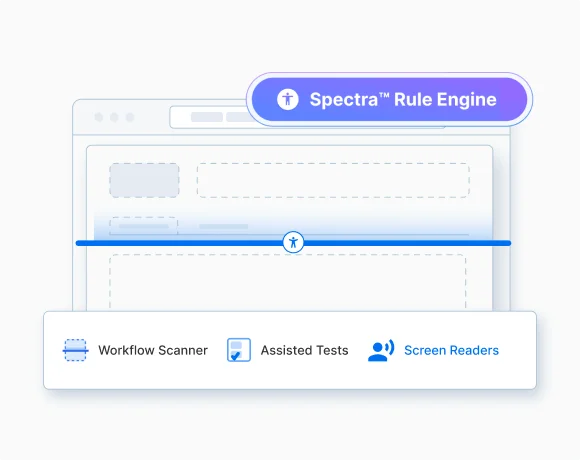
With the SpectraTM rule engine, scan user journeys across webpages at once and fix auto-detected, deduplicated issues.
Assisted tests for complex issues
Auto-detect complex issues like tab order, accessible role, and issues in forms & layouts, by answering simple prompts.
Screen Reader testing on real devices
Test screen readers like NVDA and TalkBack on 30k+ real devices to easily identify accessibility issues.Cookie Manager

All-in-One Cookie Management
View, add, edit, or delete cookies directly within the current tab—no page reloads needed.
Simulate and Test User States
Create or modify cookies with custom values, domains, and expirations to replicate real-world scenarios.
Instant Visibility & Feedback
Get real-time updates as changes are made - see cookie states update instantly without refreshing the page.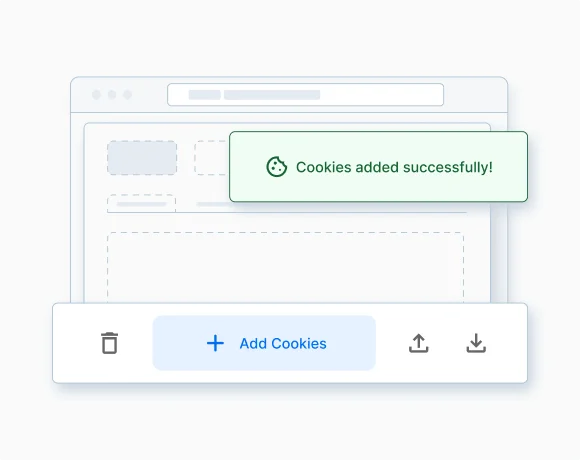
Cache Manager

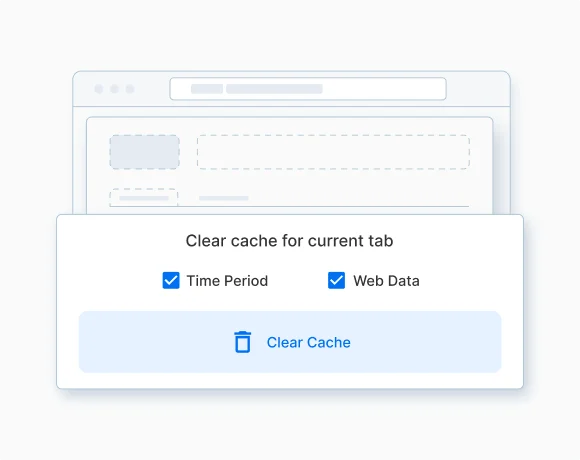
One-Click, Site-Specific Clearing
Clear cache for the current site in a single click—no dev tools needed. Avoid affecting other tabs or websites.
Targeted Clean-Up
Choose what to clear - memory cache, cache storage, or both and set a time range from the last 15 minutes to everything.
Auto-Reload Post Clean-Up
Reload the current tab automatically after clearing cache to instantly reflect updated content during testing.Network Simulator

Simulate diverse network parameters
Replicate real-world scenarios by simulating parameters like speed and latency.
Offline Mode Simulation
Test workflows that provide functionalities like accessing stored data, offline content, and offline mode features.
Create a Custom Profile
Save your own profile with custom parameters & reuse it across sessions.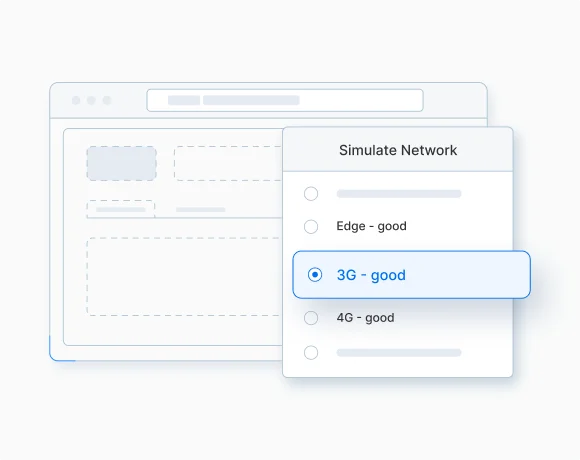
Geolocation Testing

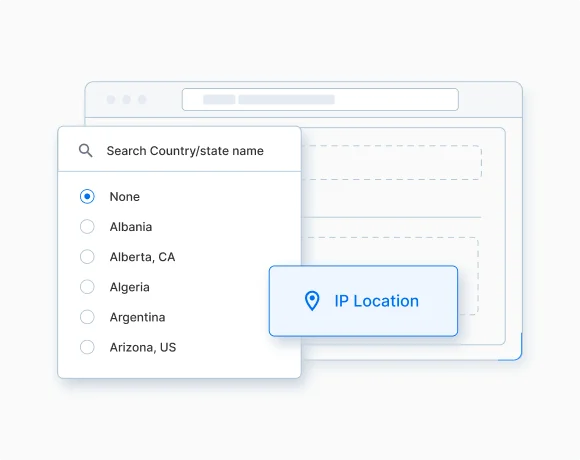
Extensive Location Coverage
Simulate locations from 300+ locations to test localized content, pricing, and flows.
Browser-level Location Control
Apply location overrides at the browser level for consistent behavior across all tabs.
Instant Switching & Visibility
Easily toggle locations without exiting your testing tab and see active settings with clear, on-page indicators.Responsive Testing

Device Options
Check responsiveness of your webpage across device types such as phones, tablets & desktops, placed side-by-side.
Screen Size Flexibility
Select from a list of pre-set devices or define custom resolutions.
Mirror Actions
Sync scroll & clicks across devices to mirror interactions.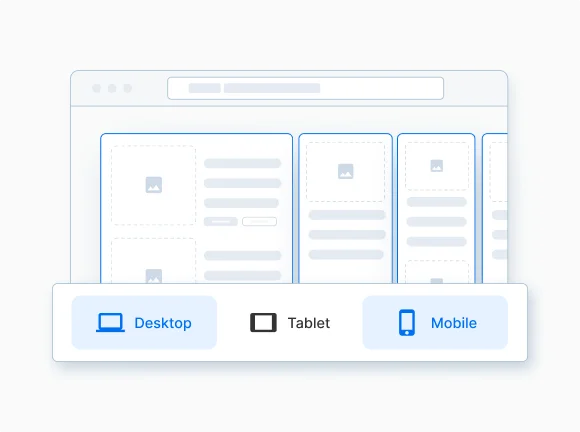
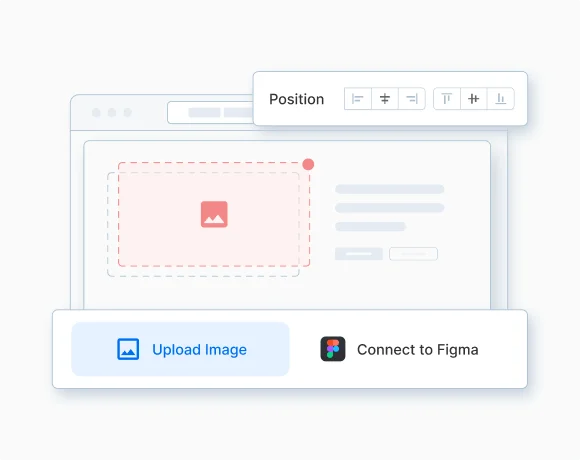
Visual Overlay Testing

Detect Visual Bugs
Overlay design mockups on webpages to spot visual differences.
Figma Integration
Link your Figma account to seamlessly import designs, or upload them directly from your system.
Adjustment Tools
Adjust positioning, scale and opacity to verify UI accuracy for pixel-perfect webpages.Requestly
Cohesive Front-end Dev Experience
Faster development with HTTP interception, debugging, and mocking, to solve for comprehensive use-cases. Private & Secure
Enterprise-ready & privacy friendly, with SSO, SOC-II compliance, SLAs, RBAC, and analytics.
Zero System Setup
Lightweight extension that uses browser APIs—no need for proxy setup, SSL certificates, or system-level changes.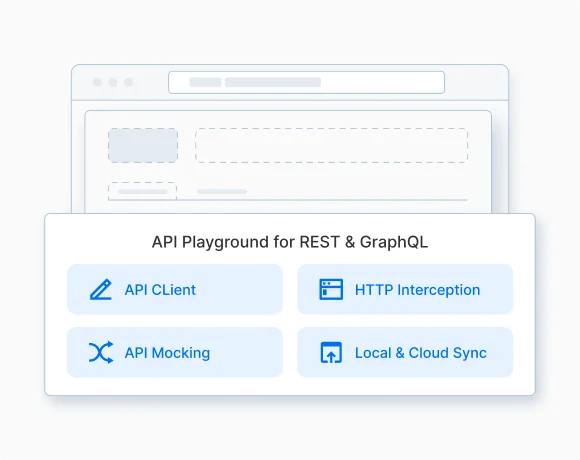
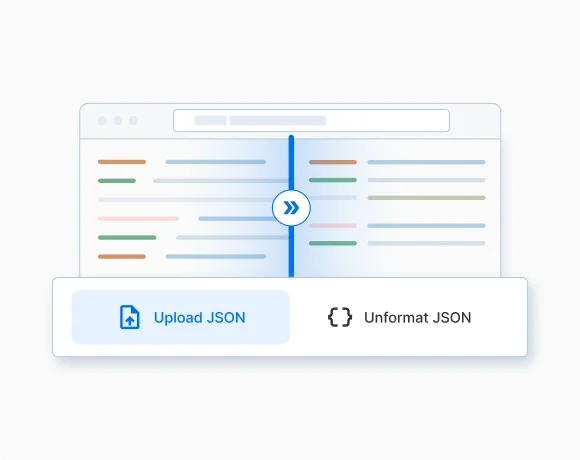
JSON Formatter

Instant In-Browser Formatting
Format and validate JSON data instantly within your browser—no need to switch tools.
Flexible Input Options
Paste JSON data or upload a file—works seamlessly for debugging, testing, or review.
Secure & Private
All data stays in your browser—no external servers, ideal for sensitive information.Broken Link & Spell Checker

Detect Broken Links Instantly
Automatically find non-functional links to catch critical issues during testing.
Highlight Spelling & Grammar Errors
Identify typos and grammatical mistakes directly on the page with clear, non-intrusive underlines.
Smarter, context-aware detection
AI understands context and avoid flagging correct words like brand names or technical terms as mistakes.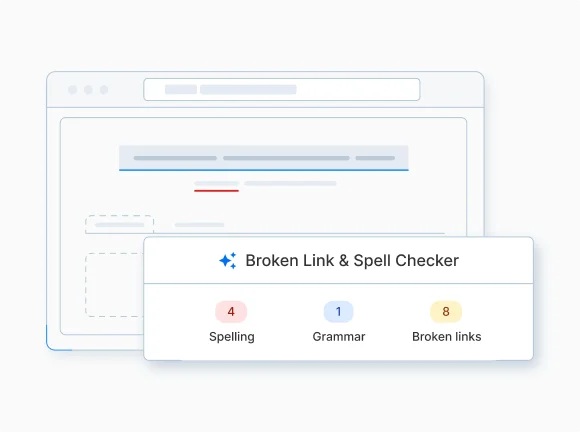
Common Workflow Automation

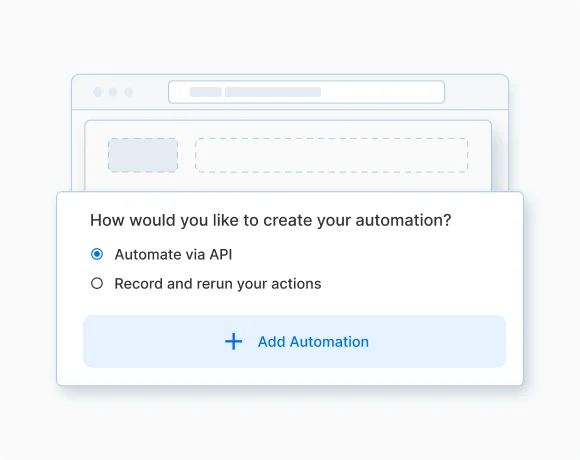
Automate Multiple Workflows
Create multiple automations in one workflow, for use cases like user account creation, transaction histories & more.
Automate using Record & Replay
Record and save browser actions, then replay them anytime to automate the same workflow.
Automate using API client
Setup connections with multiple API endpoints chained together to enable more advanced automations.Form Filler

One-Click Form Filling
Fill individual fields or entire forms instantly using the AI widget, reducing repetitive manual entry.
Generate contextual data with AI
Generate test data for forms —covering edge cases —for fields like name, email, or address to test validations.
Regenerate data on demand
Easily create new data sets for the same fields if the first results aren’t suitable for testing.
