Trusted by 10k+ teams

Free Google Maps Extractor with Email Google Maps Scraper

Use GMPlus as a free online Google Maps Extractor to search, extract and scrape business data directly from Google Maps. Collect business names, phone numbers, available emails, websites, addresses, ratings, opening hours and other supported fields - no extension, API key or coding required.

500 free credits daily27 supported export fieldsSearch and export directly online

Contact, and Listing Data in One Structured Dataset

Use the Google Maps extractor to collect business details, contact information, locations, ratings, opening hours, Google Maps identifiers and other supported fields in one organized dataset.

Business Details

  • Business Name
  • Business Categories
  • Google Maps URL

Contact Data

  • Phone Number
  • Available Email
  • Website
  • Public Social Links

Location and Listing Data

  • Full Address
  • Average Rating
  • Review Count
  • Opening Hours

Identifiers and Media

  • Google Place ID
  • Google Maps CID
  • Featured Image
  • Total Photos

Export Google Maps Business Data to CSV, XLSX or JSON

GMPlus organizes publicly available Google Maps business information into structured results you can export in your preferred format, without copying listings one by one.

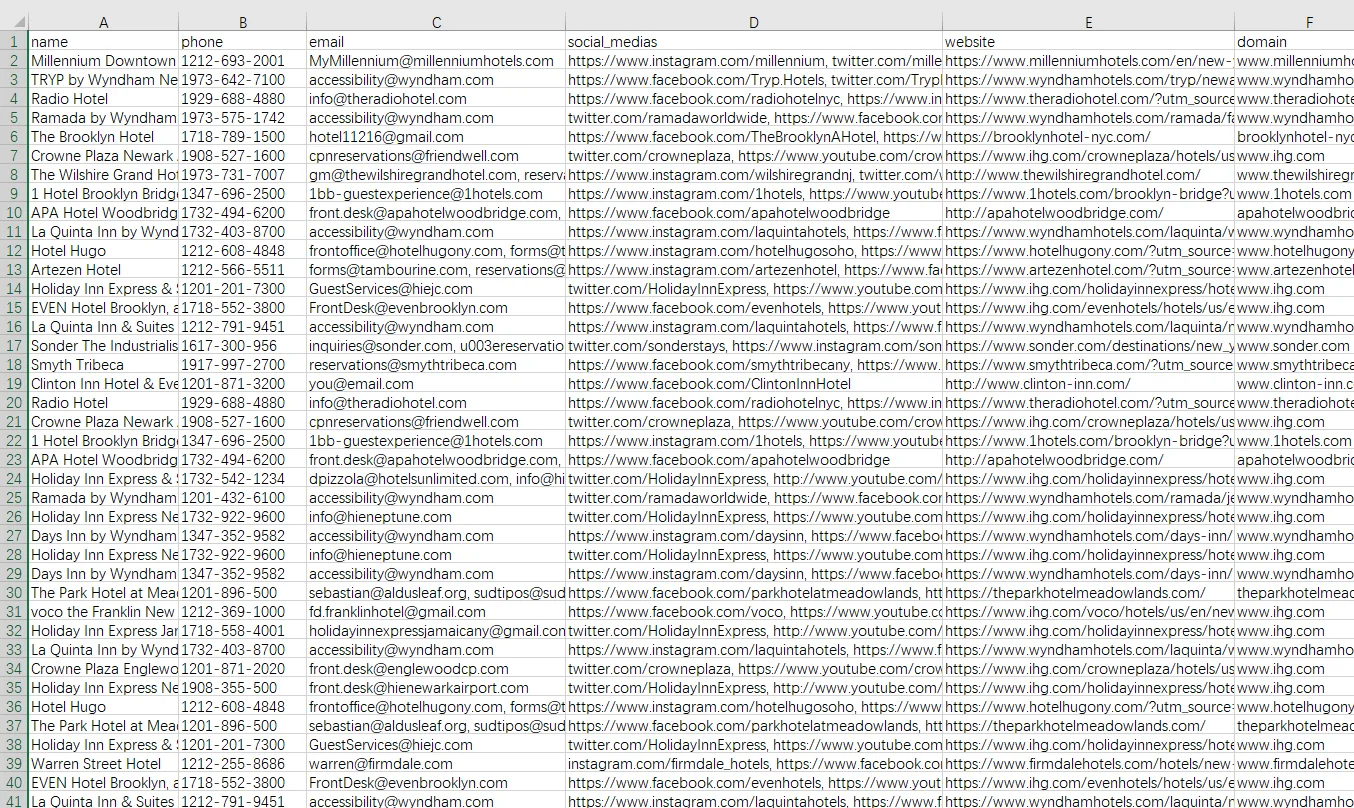
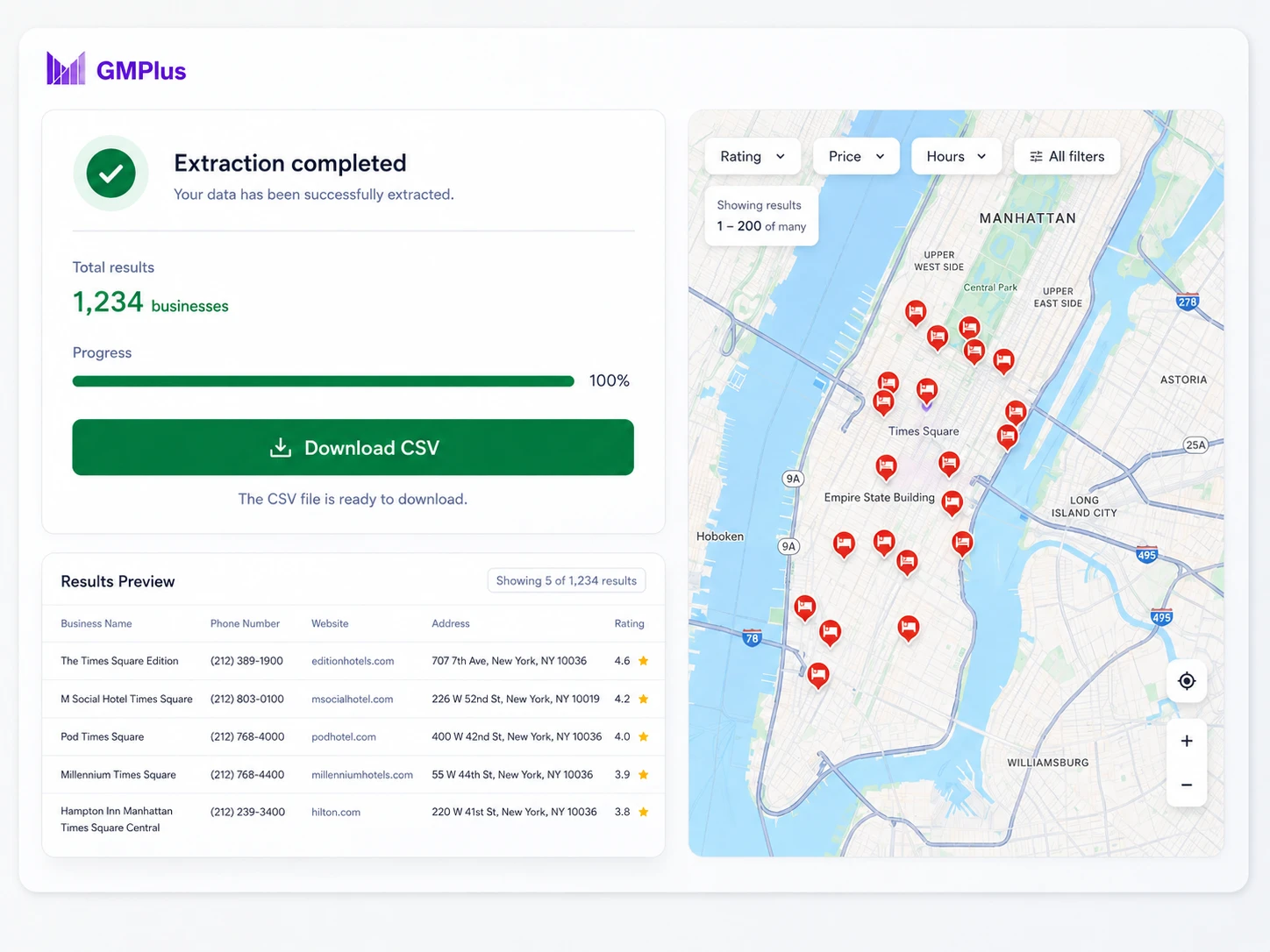
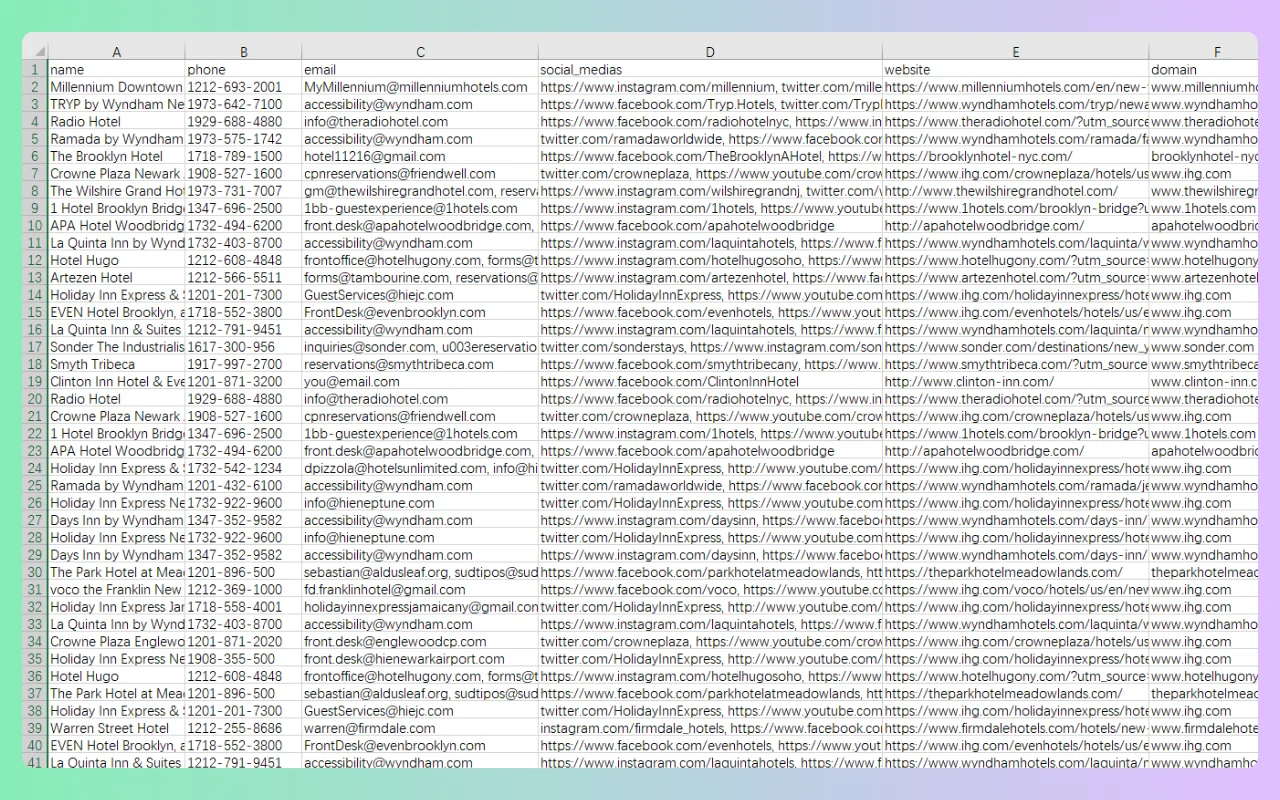
Google Maps scraper exporting hotel listings, websites, and domains to CSV

Download the "Hotels in New York" Sample CSV

What Data Can You Extract with Our Free Google Maps Scraper?

Use our free Google Maps extractor to collect up to 27 supported fields, including business names, phone numbers, available emails, websites, ratings, opening hours, Place IDs and other listing details.

Export ColumnField NameDescription
nameBusiness Name The public business or location name displayed on the Google Maps listing.
phonePhone Number The public phone number displayed for the business, when available.
emailAvailable Email An email address found on public pages associated with the business website. An email is not available for every business.
websiteWebsite The website URL linked from the Google Maps business listing.
social_mediasPublic Social Links Public social profile links associated with the business, such as Facebook, Instagram, LinkedIn, YouTube or X.
full_addressFull Address The complete formatted address displayed for the business.
categoriesBusiness Categories The primary and additional business categories associated with the listing.
average_ratingAverage Rating The public average rating displayed for the business, normally on a scale from 1.0 to 5.0.
review_countReview Count The total number of public reviews displayed for the business.
opening_hoursOpening Hours The public weekly opening hours displayed for the listing, when available.
google_maps_urlGoogle Maps URL A direct link to the selected Google Maps business listing.
place_idGoogle Place ID A textual identifier used to uniquely identify a place or business listing.
domainDomain The root domain derived from the listed website URL.
streetStreet Address The street-level portion of the business address.
municipalityCity or Locality The city, municipality or locality associated with the business address.
claimedClaimed Status Indicates whether the Google Maps listing is shown as claimed.
pricePrice Information Public pricing or price-range information displayed for the business, when available.
plus_codeGoogle Plus Code A location code generated from geographic coordinates, when a valid Plus Code is available.
latitudeLatitude The latitude of the business location expressed in decimal degrees.
longitudeLongitude The longitude of the business location expressed in decimal degrees.
featured_imageFeatured Image The URL of the primary image returned for the business listing, when available.
cidGoogle Maps CID A numeric identifier associated with a specific Google Maps business entity.
total_photosTotal Photos The total number of public photos associated with the listing, when available.
contributor_urlContributor URL A Google Maps contributor or profile URL returned with the listing data, when available.
book_online_urlBooking URL A public booking, reservation or appointment link associated with the business, when available.
feature_idFeature ID A Google Maps feature identifier returned with the listing data.
price_levelPrice Level A general price category, such as $, $$, $$$ or $$$$, when supported.

Try the Google Maps Extractor for Free!

Start with 500 free daily credits and collect the business data you need directly online.

Start Extracting Now

How to Extract Data from Google Maps

Use the free Google Maps scraper with a business keyword and location, or describe the businesses you need with AI Prompt. Choose the data you want to collect, run the extraction, and review the results online.

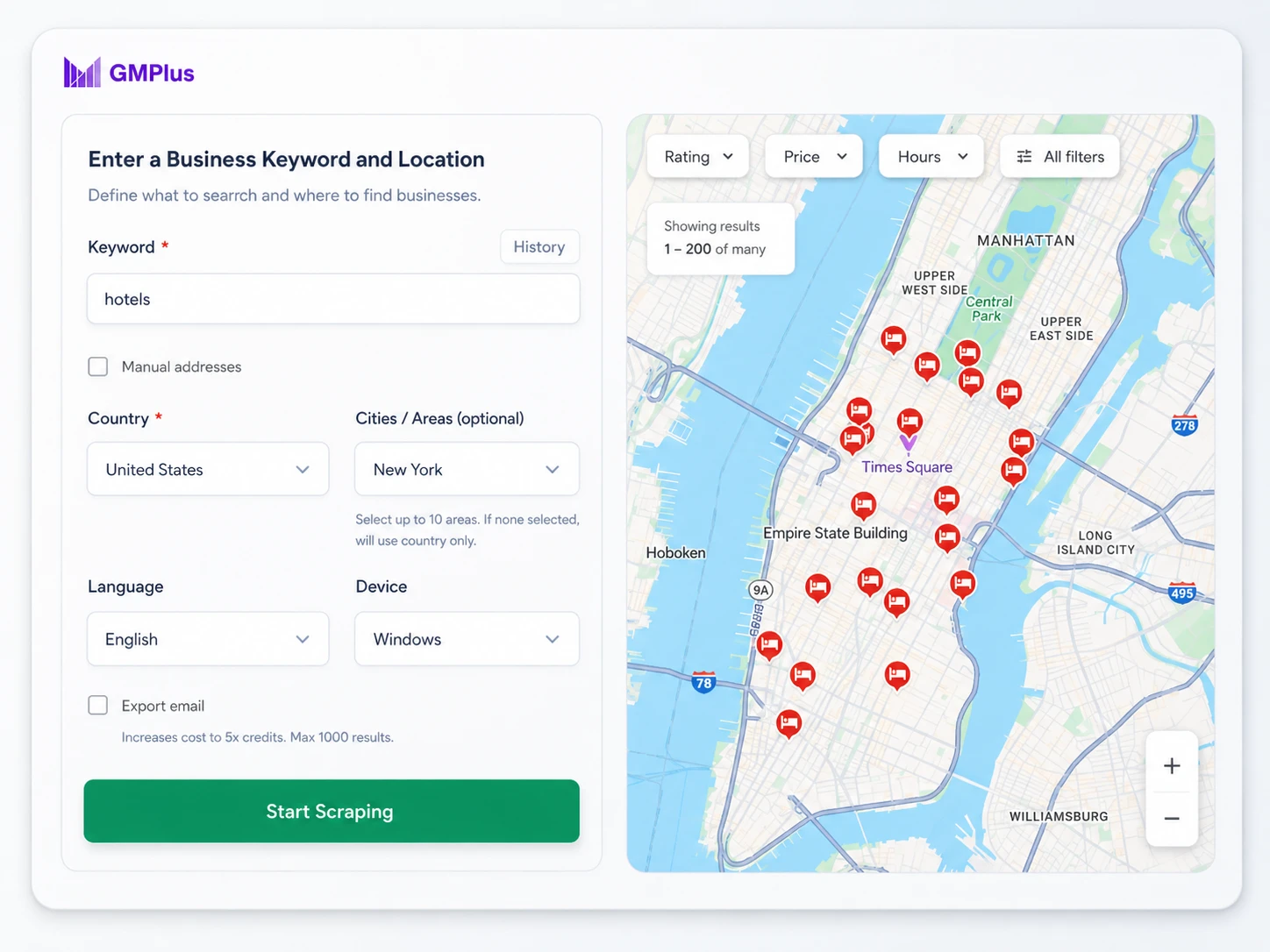
Manual and AI Prompt modes for Google Maps Extractor

Search Manually or Use AI Prompt

With the Google Maps Extractor, start with a business keyword and location, set the maximum number of results you want, or use AI Prompt to describe more specific requirements such as category, ratings, available emails or website status.

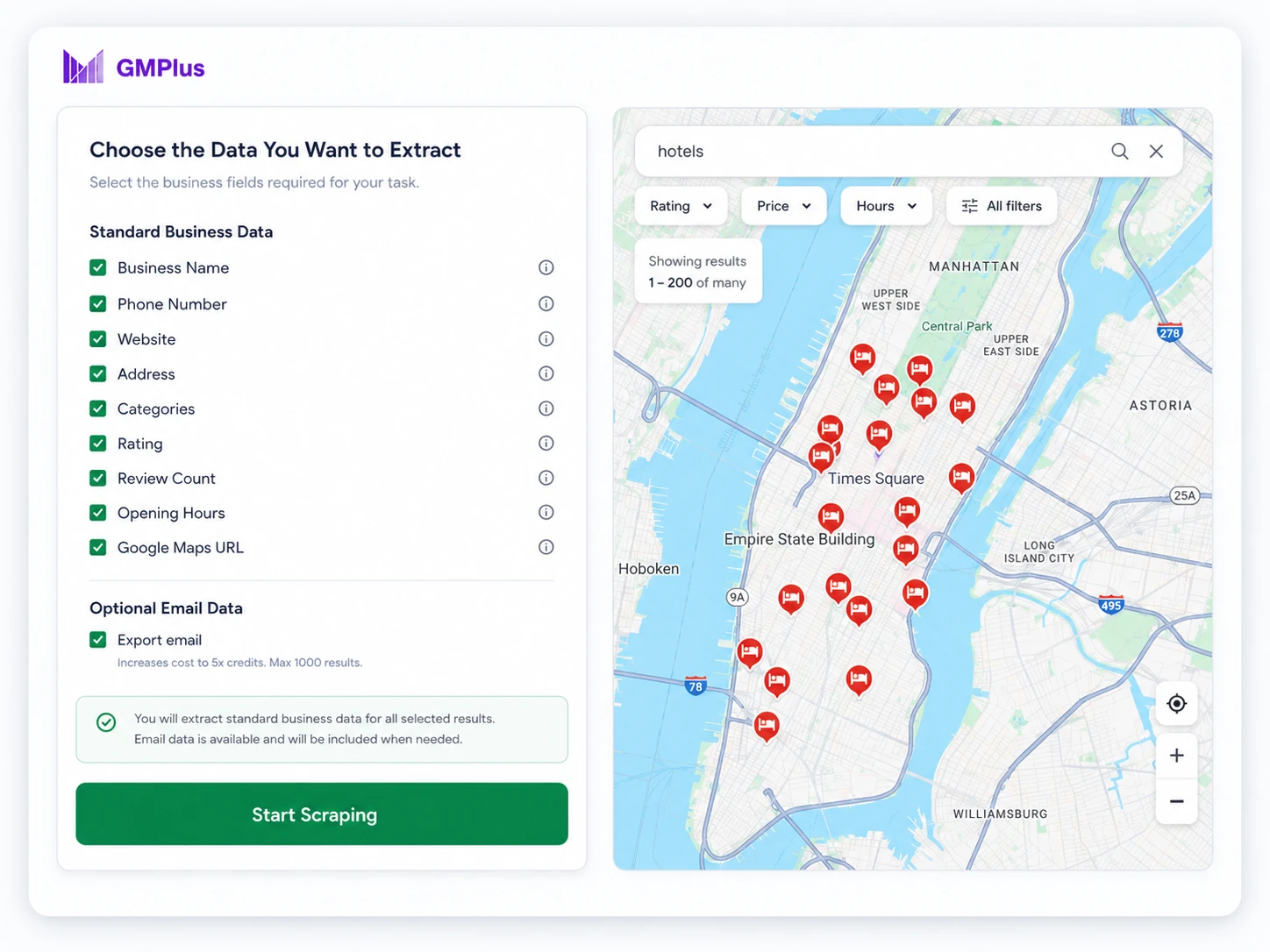
Selecting business and contact fields in GMPlus Google Maps scraper

Choose the Data You Want to Extract

Select the business and listing fields relevant to your task. Include email extraction when available business emails are important to your research.

Completed Google Maps business data extraction in GMPlus

Start Extracting and Review the Results

Run the task, review the completed business records, and export the results in the format that works for your next step.

Extract and Scrape Google Maps Business Data Online

Use the GMPlus Google Maps Extractor to search, collect, and organize business data directly online — no browser extension, API key, or coding required.

Search Google Maps More Efficiently

Search by business keyword and location, or use AI Prompt to describe the type of businesses you want to find.

Scrape Business Data Without an Extension

Collect Google Maps business data directly in your browser without installing additional software or managing technical setup.

Collect Up to 27 Business Data Fields

The Google Maps Extractor supports up to 27 fields, including business details, available contact data, addresses, ratings, reviews, opening hours, identifiers, and other supported listing information.

Export Structured Results

Export completed results to CSV, XLSX, or JSON for spreadsheets, analysis, lead generation, and other workflows.

Practical Ways to Use Google Maps Business Data

Use structured business data to build focused lead lists, research competitors, evaluate new markets, find service opportunities and identify potential suppliers or partners.

Build Targeted Lead Lists from Google Maps

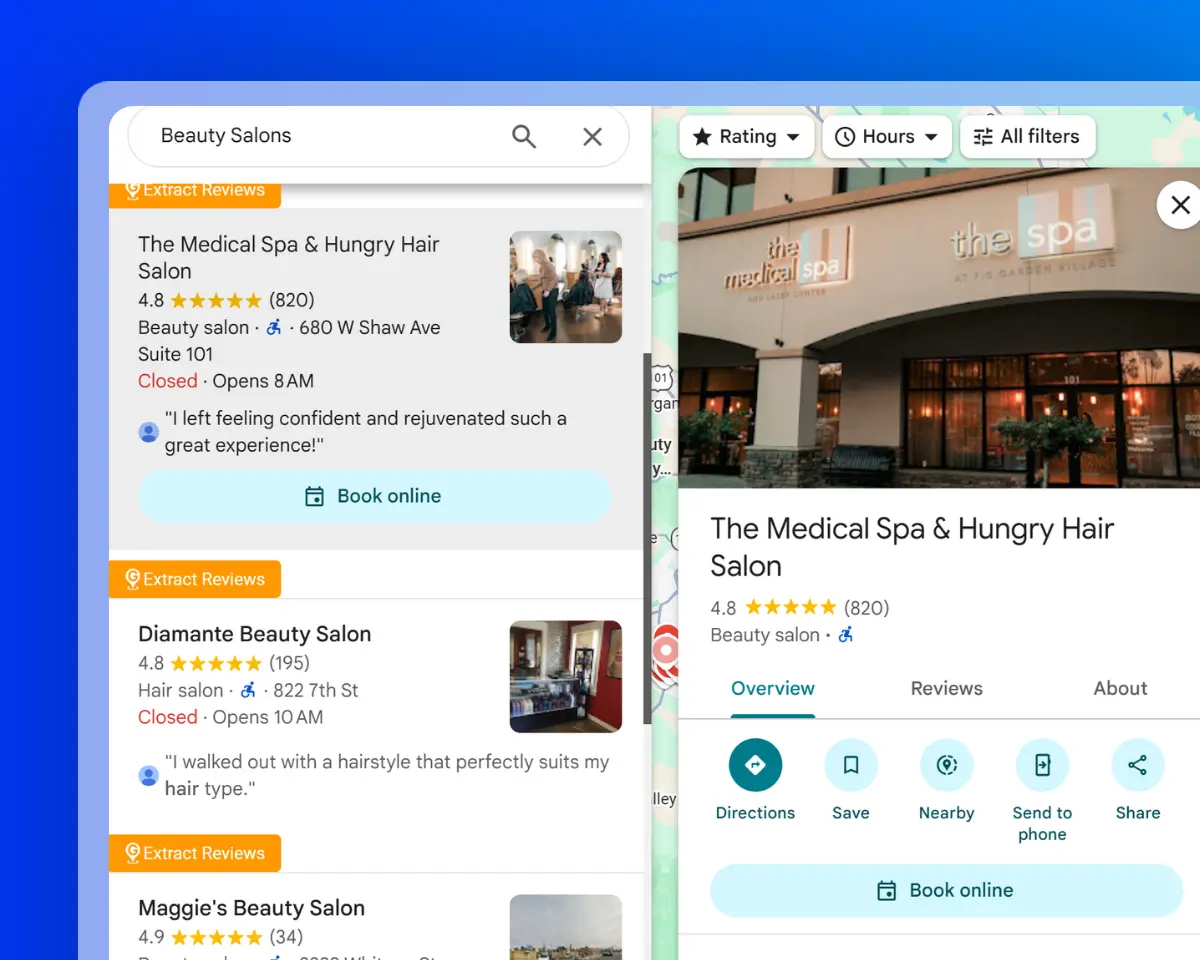
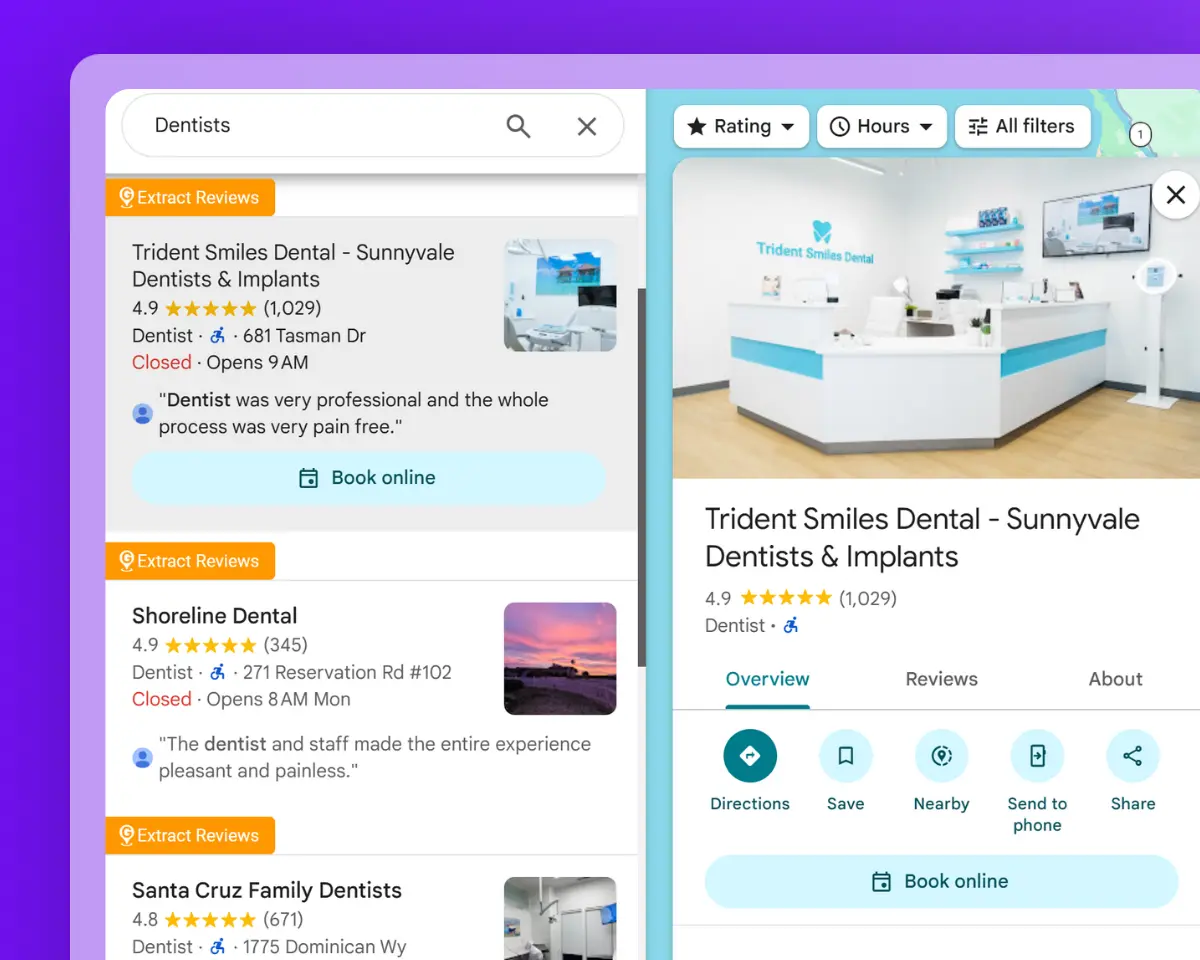
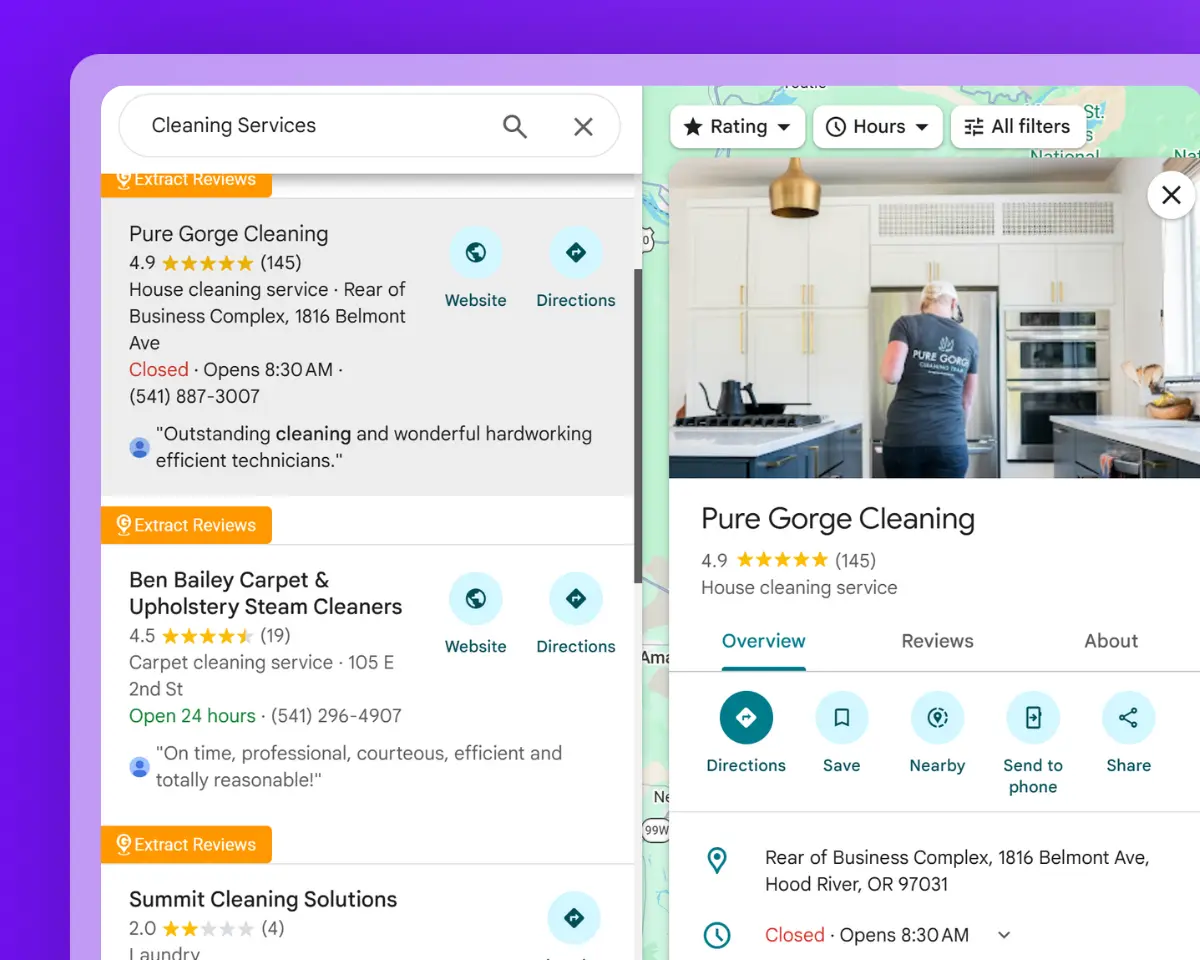
Looking for dentists in Chicago, hotels in Miami or marketing agencies in London? Search by business type and location to create a focused list with relevant company details and available contact information.

Review the results, remove irrelevant listings and keep the businesses that match your target industry or location.

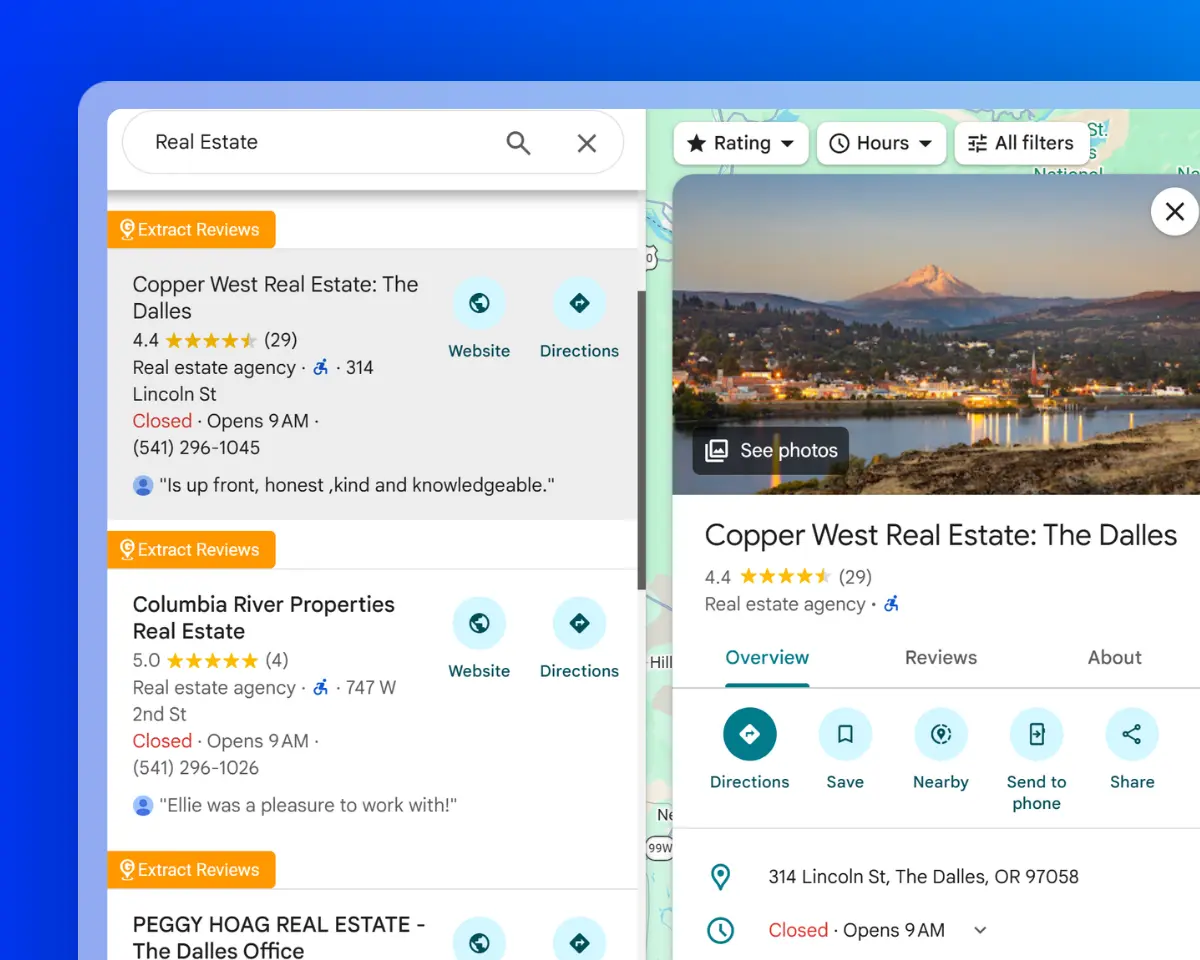
Google Maps business listings for targeted lead research

Find Local Businesses Without Websites

Use website and domain data to identify businesses that do not appear to have an active website.

Combine the results with available phone numbers, addresses, ratings and review counts to research opportunities for web design, local SEO, digital marketing or other business services.

Local business listings without websites

Filter and Compare Businesses by Ratings and Reviews

Collect businesses from the same category and location, then compare ratings, review counts, websites, opening hours, photos, price levels and other available listing details.

Use these fields to narrow the list, compare competitors and identify businesses that match your research or outreach criteria.

Local businesses compared by ratings and reviews

Research New Cities and Service Areas

Run comparable searches across cities, neighborhoods or regions to see where relevant businesses are concentrated.

Use addresses, municipalities, coordinates, Plus Codes and Google Maps URLs to organize the results by territory and evaluate potential markets or service areas.

Business listings organized by location for market research

Find Suppliers and Business Partners

Search for manufacturers, distributors, wholesalers, agencies, venues or service providers in a selected market.

Compare available contact details, websites, categories, addresses, opening hours, ratings and booking information to research suppliers, evaluate vendors or prepare a partnership shortlist.

Business listings for supplier and partner research

Collect the Business Data You Need with a Google Maps Extractor

Search for relevant businesses by category and location, then choose the contact and listing fields that matter to your task.

Target Businesses by Category and Location

Narrow your search to the business type and market you want to research using keywords, categories, cities, regions or countries.

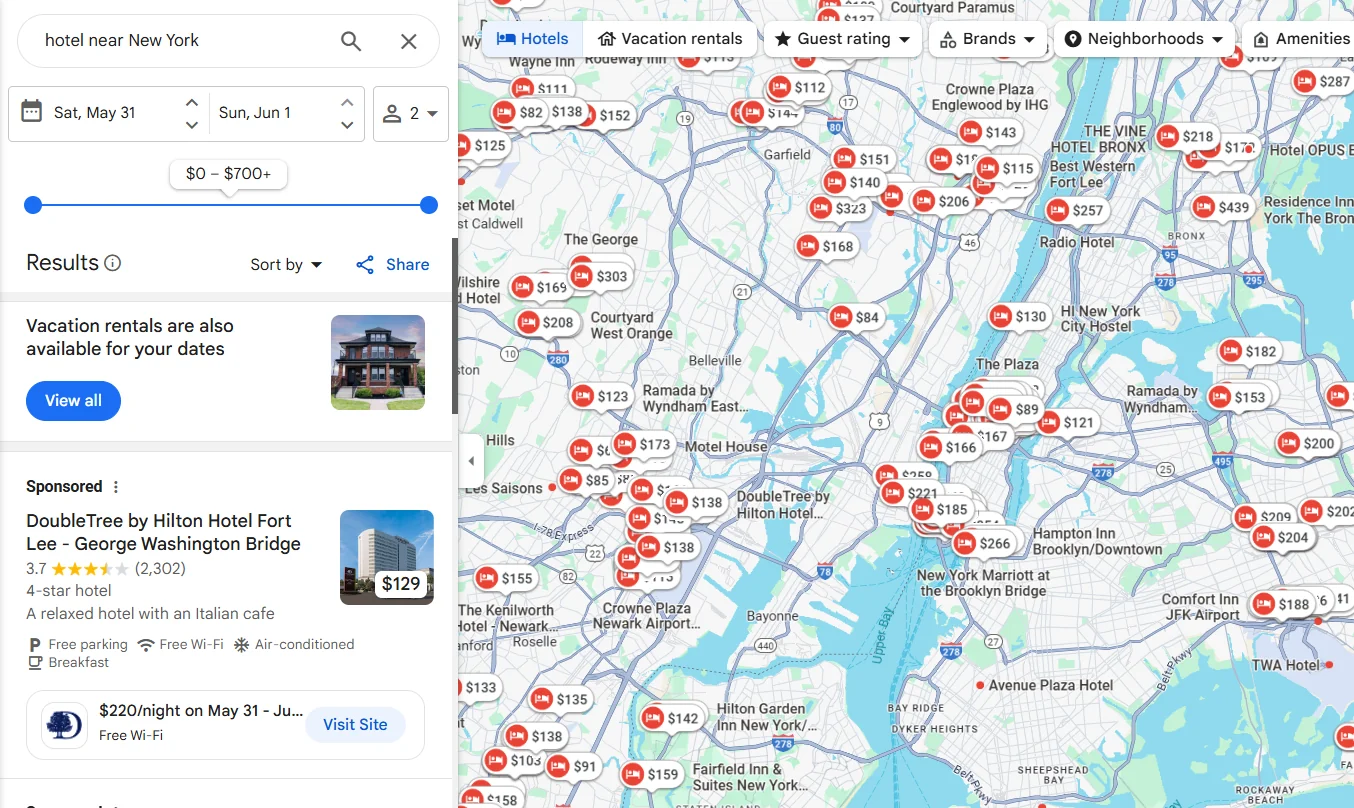
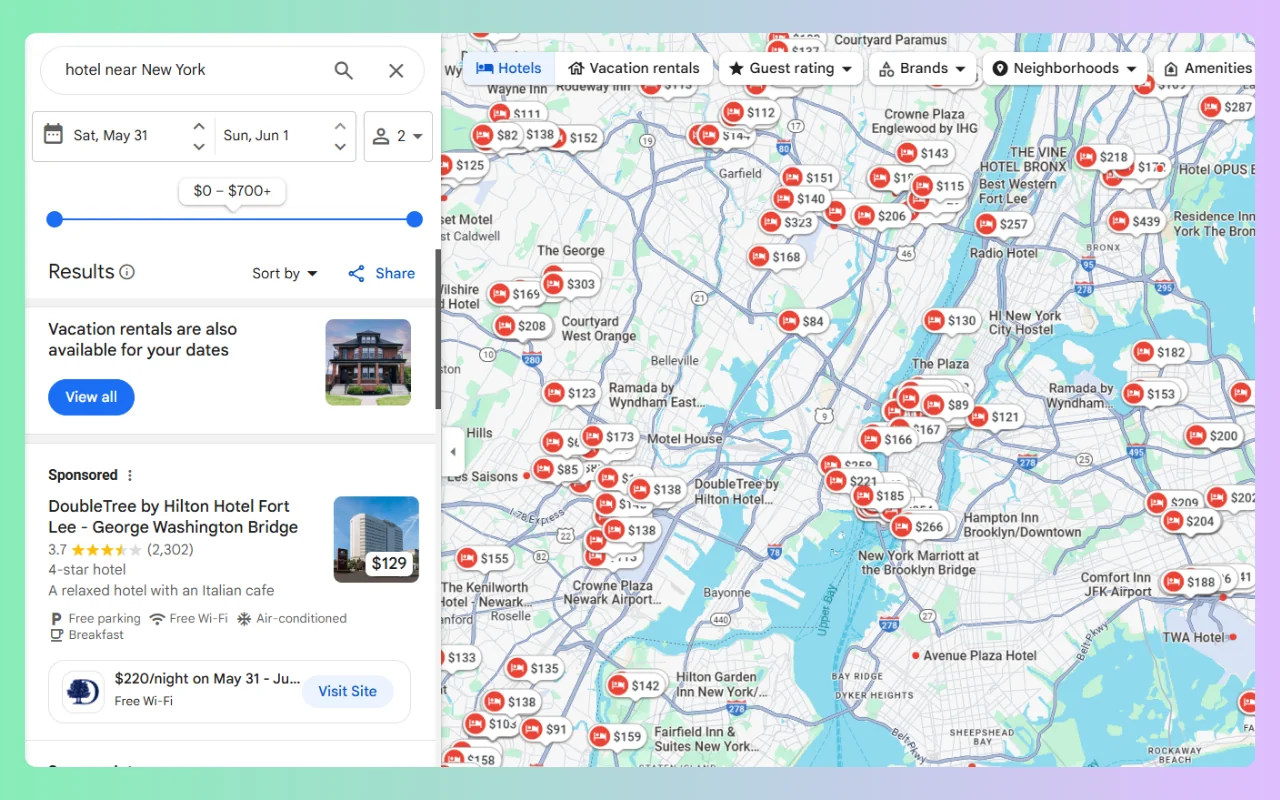
Google Maps extractor collecting hotel listings

Find Available Business Emails

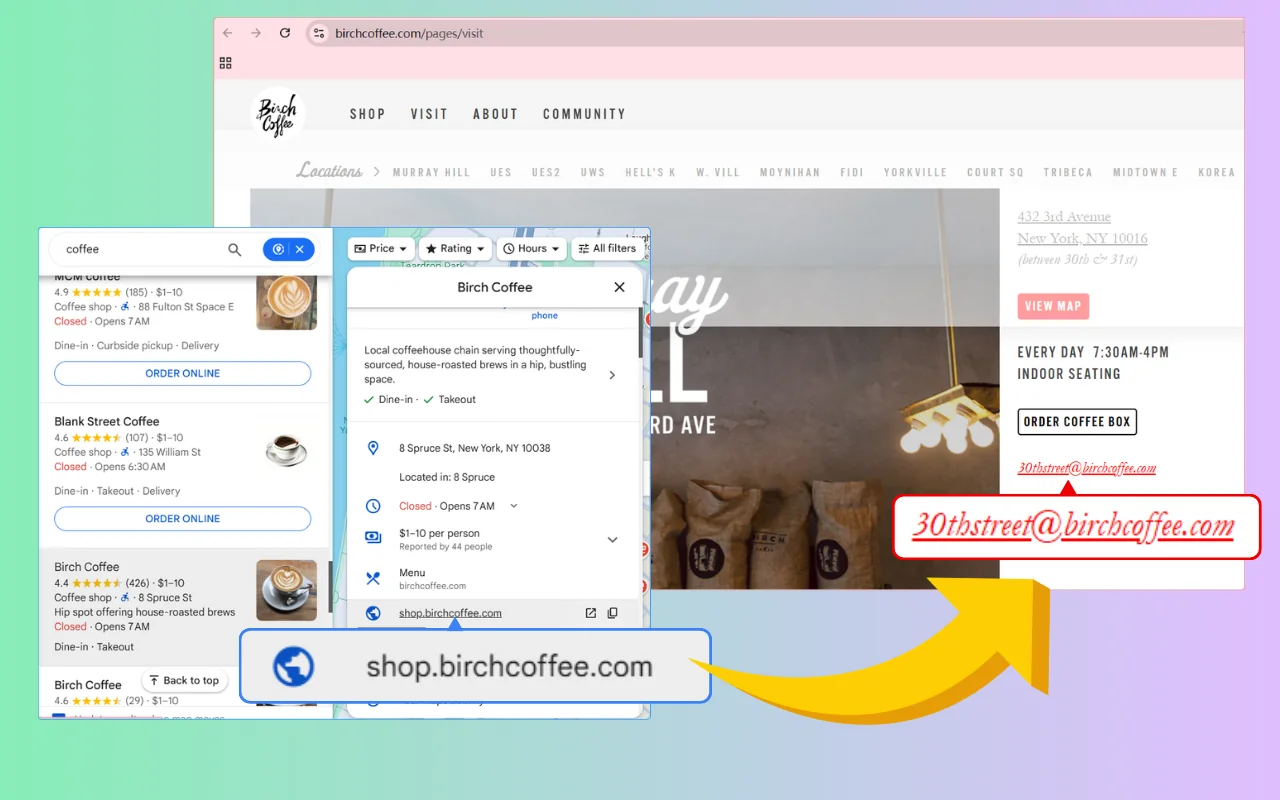
Google Maps Extractor collects core business data such as names, phone numbers, and websites from Google Maps, and can also find available email addresses from supported public sources.

Google Maps email extractor finding an available business email

Export Detailed Google Maps Listing Data

Include ratings, review counts, opening hours, addresses, coordinates, Google Maps URLs, Place IDs, photo data and other supported listing fields when they matter to your workflow.

Google Maps data extractor exporting business listings to CSV

This free Google Maps Email Scraper saved me from copying business details one listing at a time. I was able to collect names, phone numbers, websites, and addresses from Google Maps, then download everything in a single CSV file. It saved me a lot of trouble.


GMPlus customer Kara
Kara

I wanted a simple way to organize local business listings, and this g map extractor did the job. The process was easy to follow, and the CSV made it much easier to sort through the results.


GMPlus customer Jeffrey Gonzalez
Jeffrey Gonzalez

The Google Map Data Extractor's email extraction feature was especially helpful for my business research. Not every listing included an email address, but having the available contact details, website, and phone number all in one place saved me a lot of time.


GMPlus customer Michael
Michael 

Frequently Asked Questions About the Google Maps Extractor

Find clear answers about supported business data, daily credits, email availability, AI Prompt, export options, Place IDs, opening hours, and how to use the Google Maps extractor online.

Is GMPlus a free Google Maps Extractor?

Yes. GMPlus provides 500 free credits every day. A standard business record uses 1 credit, while a record with email extraction selected uses 5 credits.

Can I scrape Google Maps without a Chrome extension?

Yes. GMPlus works directly online, so you can extract and scrape Google Maps business data without installing a Chrome extension. No API key or coding is required.

What data can I extract from Google Maps?

GMPlus supports up to 27 fields, including business names, phone numbers, available emails, websites, addresses, categories, ratings, review counts, opening hours, Place IDs, CIDs, coordinates and other supported listing data.

Can I extract business emails and phone numbers from Google Maps?

Yes. GMPlus can collect available phone numbers from business listings and find available business emails from supported public sources associated with the business. Email and phone availability varies by business.

How many Google Maps results can I extract?

You can set the maximum number of results when creating a search. The number of businesses available depends on the keyword, location and Google Maps results available for that search. Your total extraction volume also depends on your available credits.

Can I filter Google Maps businesses by category, location, rating, email or website status?

Yes. You can search by business category and location, then use available criteria such as ratings, email availability or website status to narrow the businesses you want to research. AI Prompt can also help you describe more specific targeting requirements.

Can I export Google Maps data to CSV, Excel or JSON?

Yes. Completed results can be exported to CSV, XLSX or JSON for further analysis, lead generation or other workflows.

Why do some Google Maps businesses have no email or other contact data?

Not every business publishes the same information. Emails, phone numbers, websites, social profiles, booking links and other fields may be unavailable for some businesses.