New
Every creator has come across an image that deserved more than a static post. It could be an AI-generated artwork, a product photo, an illustration, a character, or a beautiful visual that captures the perfect moment. The challenge has always been turning that single image into an engaging video. Until now, that process required storyboards, animation software, editing timelines, keyframes, and hours of manual work. Even creating a few seconds of realistic motion demanded both technical expertise and a significant investment of time.
But what if creating a video was as simple as uploading an image and describing how you wanted it to move?
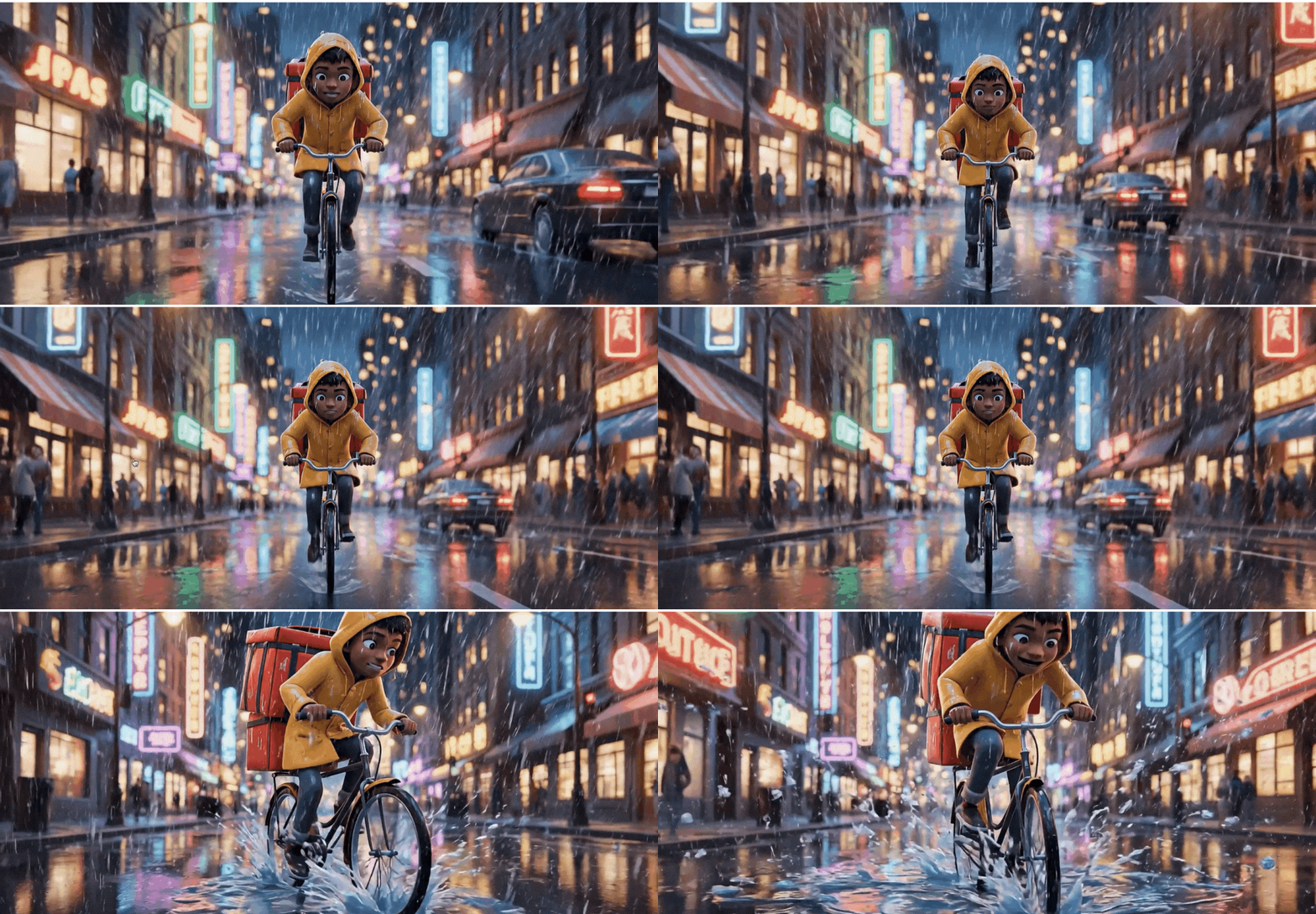
With Animaker's AI Image to Video Generator, you can upload any image, describe the motion you want with a simple text prompt, and instantly turn it into a lifelike video. The AI understands your instructions and generates realistic movement, making it possible to create stunning videos without animation or editing experience.
Whether you're creating content for social media, showcasing a product, telling a visual story, or building marketing campaigns, Animaker helps you transform static visuals into engaging videos in just minutes.
Why Animaker's AI Image to Video Generator changes everything
🖼️ Instantly transform any image into a lifelike video
💬 Control movement using simple natural language prompts
🎬 Generate smooth, cinematic animations without animation skills
⚡ Create engaging videos in minutes instead of spending hours editing
🎥 Perfect for social media content, marketing videos, product showcases, and storytelling
✨ Bring AI-generated art, product photos, illustrations, and characters to life
Now that you've seen what it can do, let's walk through how simple it is to create your first AI-generated video.
🎬 How to Create a Video with Animaker's AI Image to Video Generator
Creating a lifelike video takes just three simple steps.
Step 1: Upload Your Image
Open the AI Image to Video Generator page.
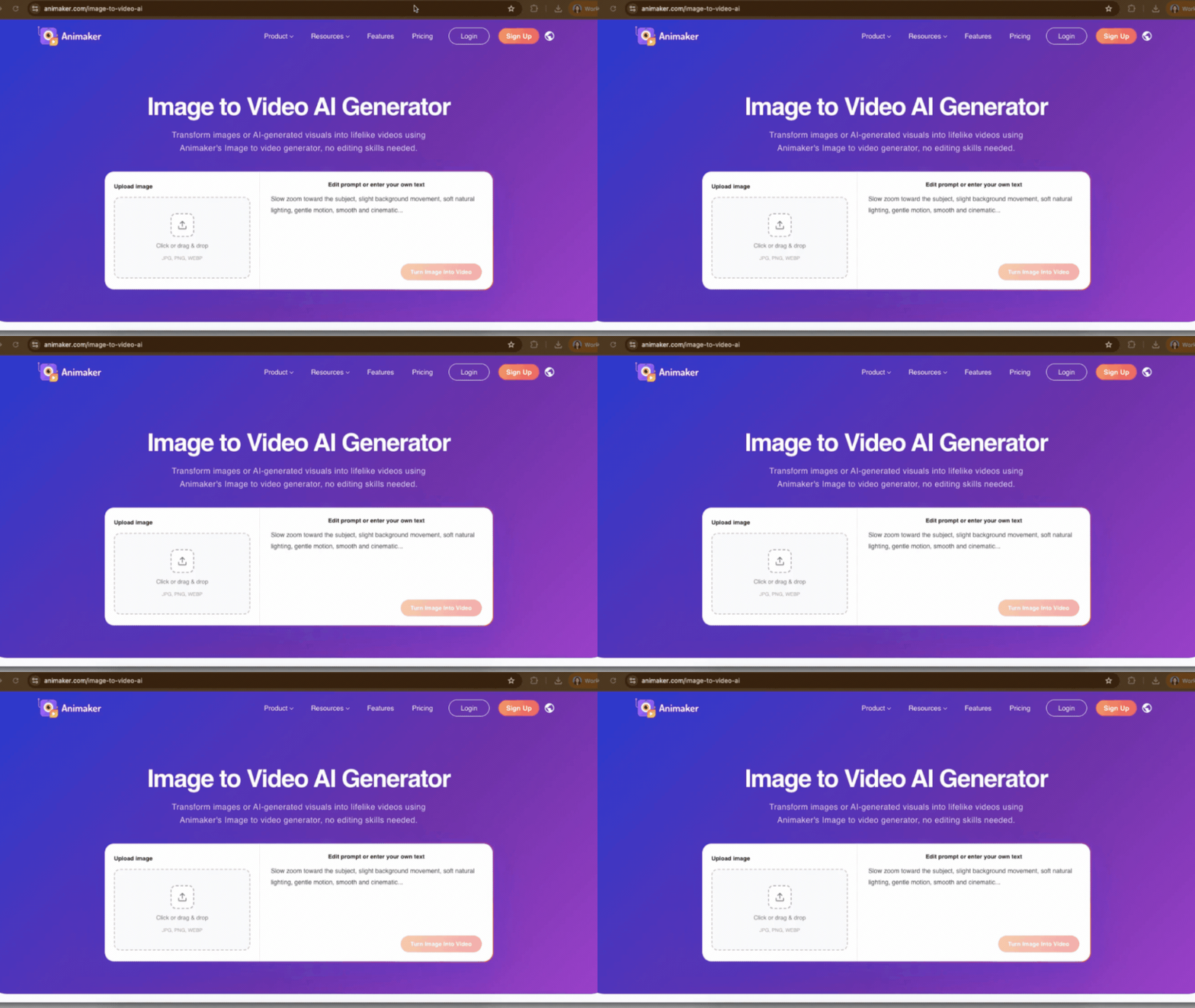
Upload the image you want to animate.
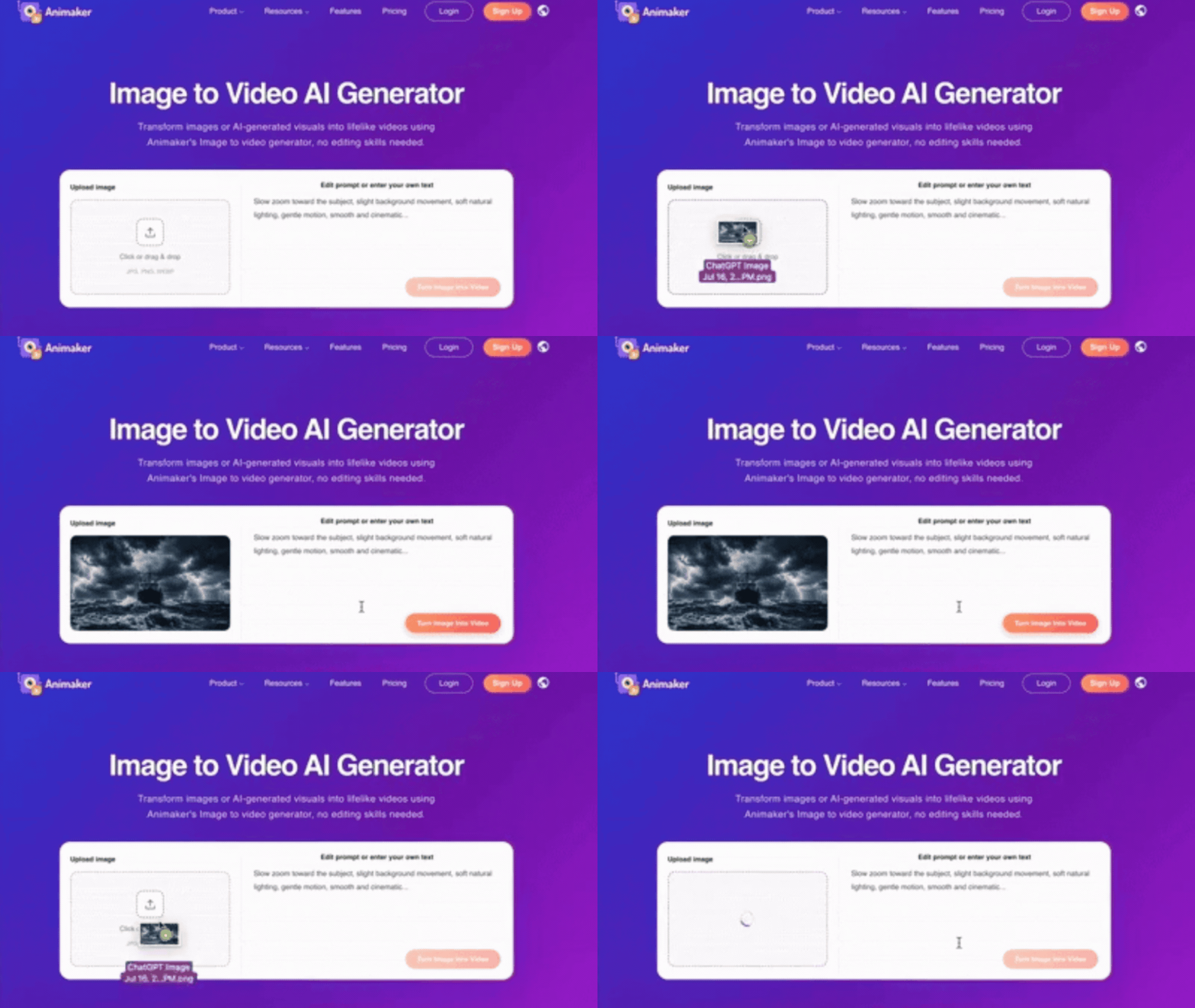
You can upload almost any type of visual, including AI-generated images, product photos, illustrations, digital artwork, characters, or concept art. Simply choose the image you'd like to bring to life and let Animaker do the heavy lifting.
Step 2: Describe the Motion You Want
Once your image has been uploaded, enter a prompt describing how you want it to move.
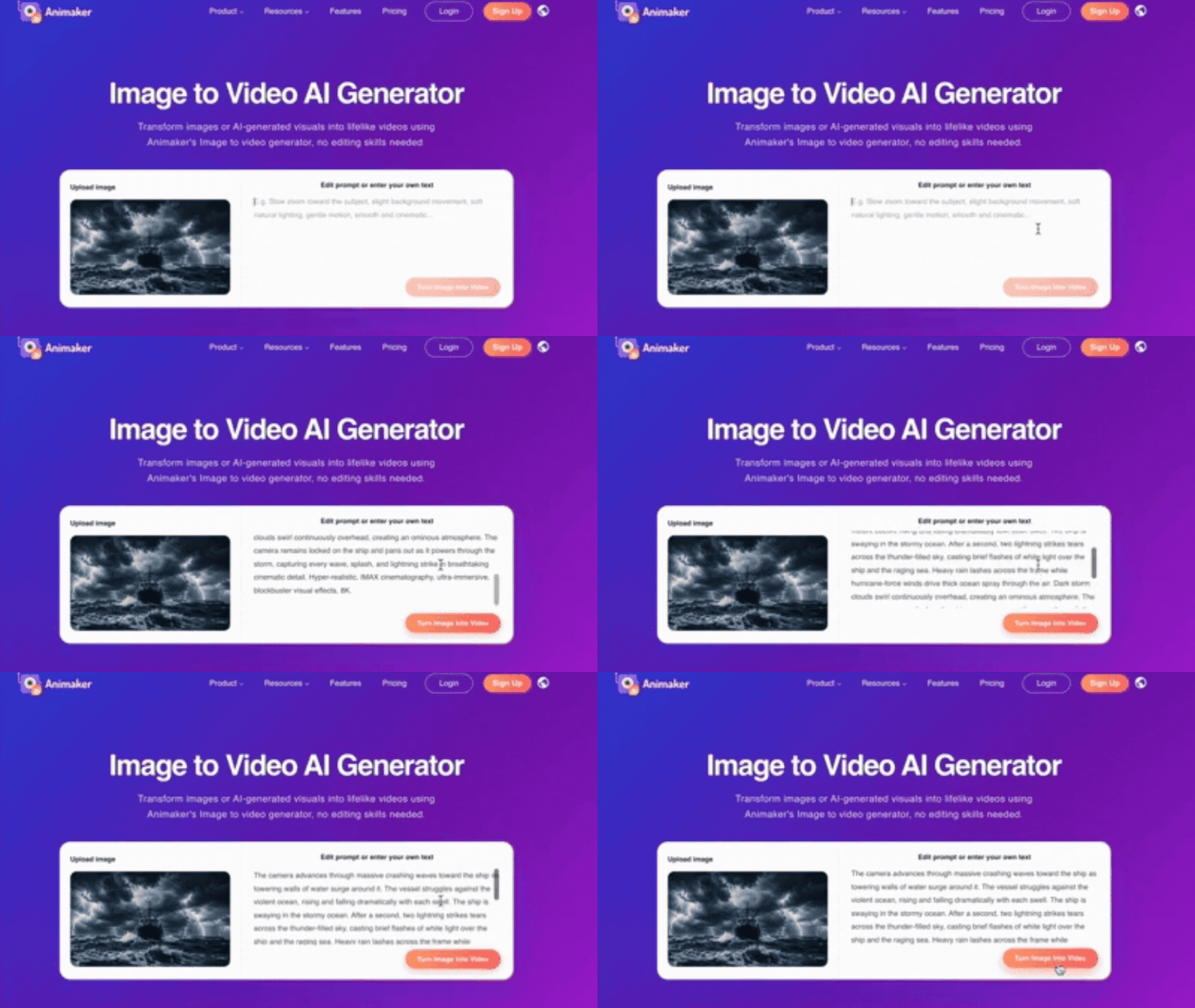
For example, you could write:
Create a video where the camera slowly advances toward a ship battling a violent ocean storm. Massive waves crash against the vessel as towering walls of water surge from every direction, causing the ship to rise and plunge dramatically with each swell. Lightning tears across the thunder-filled sky, casting brief flashes of brilliant white light over the ship and the raging sea. Heavy rain pours relentlessly while hurricane-force winds drive thick ocean spray and mist through the air. Dark storm clouds swirl continuously overhead, creating an ominous and intense atmosphere. The camera remains locked on the ship throughout the sequence, capturing every crashing wave, powerful splash, rolling motion, and lightning strike in breathtaking cinematic detail. _ The AI analyzes your prompt and understands both the movement of the subject and the camera, allowing it to generate realistic animations that match your vision.
Step 3: Click Generate
Once you're happy with your prompt, click Generate.
Within moments, Animaker transforms your static image into a lifelike video with realistic motion and cinematic quality. What once required advanced animation software and countless hours of editing now takes only a few minutes.
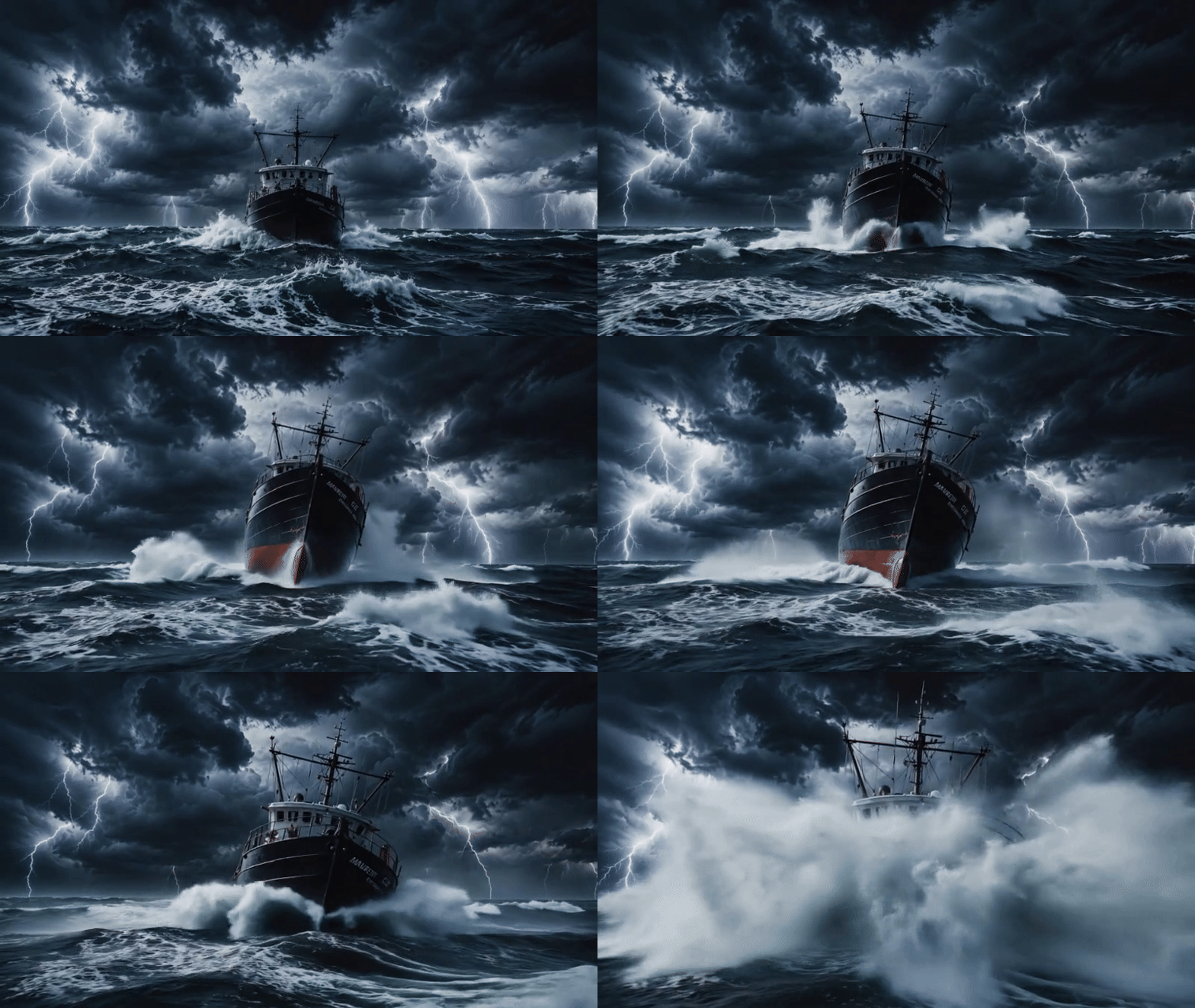
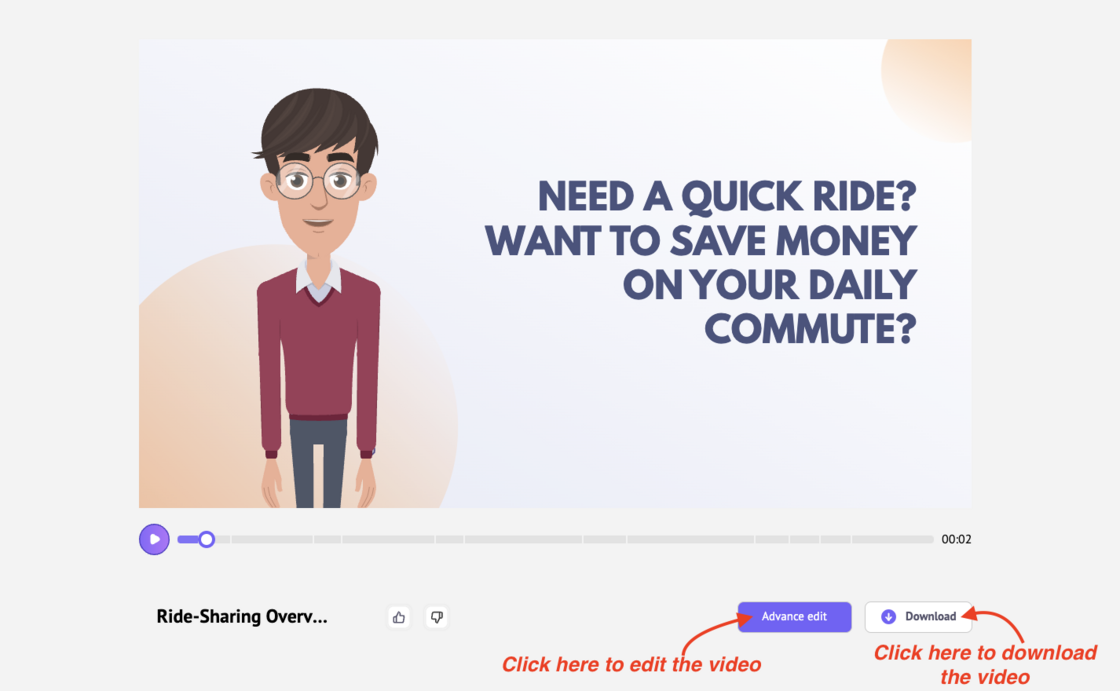
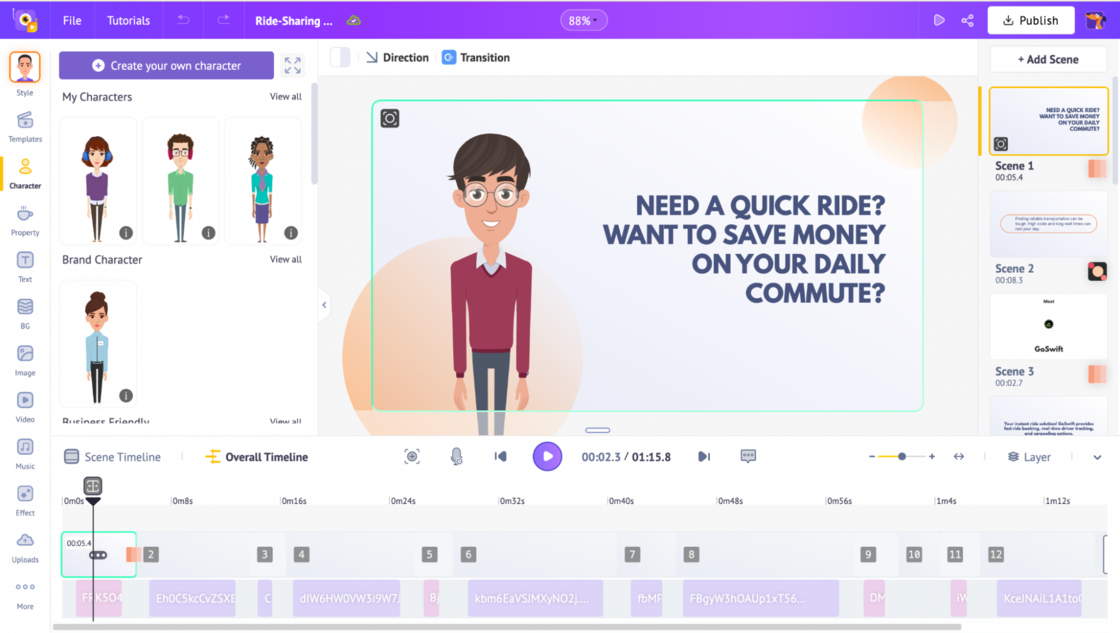
After your video is generated, you can download it immediately or continue editing it inside Animaker.
Whether you're a marketer creating product videos, a creator producing social media content, a designer showcasing artwork, or a business building compelling visual stories, Animaker makes it incredibly easy to turn static images into engaging videos.
Upload your image, describe the motion you want, and instantly turn it into a lifelike video.
Start creating with Animaker's AI Image to Video Generator today. 🚀