Jordan 2:19 AM
SSO login failed after the deploy.
Kal learns from your replies. Closes the next similar ticket. Cites the source. Hands off when unsure. $0.49 when it closes.
SSO login failed after the deploy.
Can we add two seats before Monday?
Where is my March invoice?
You don’t need to staff every hour. They write while you’re offline. The desk can still move.
Kal
You decide what Kal may do. Start with notes. Approve the first replies. Then let it close the ones that match.
Kal learns from your replies. Closes the repeat. Cites the source. Hands off when unsure.
1 · Notes
Invoice for March
Where is my invoice for March?
Billing portal. Invoices. Draft ready for you to check.
2 · Approve
Invoice for March
Where is my invoice for March?
It's under Invoices in the billing portal.
Send it.
3 · Close
Invoice for March
Where is my invoice for March?
It's under Invoices in the billing portal.
Everything a live chat and support desk needs. Already in your plan. No extra cost for features.
Channels
A chat box on your website. Fast, and it matches your brand.
Channels
Reply by email or keep going in chat. It stays one conversation.
Channels
Help pages people can search. Many get answers before they write in.
Channels
Talk to customers in more than 40 languages. One desk for all of them.
Inbox
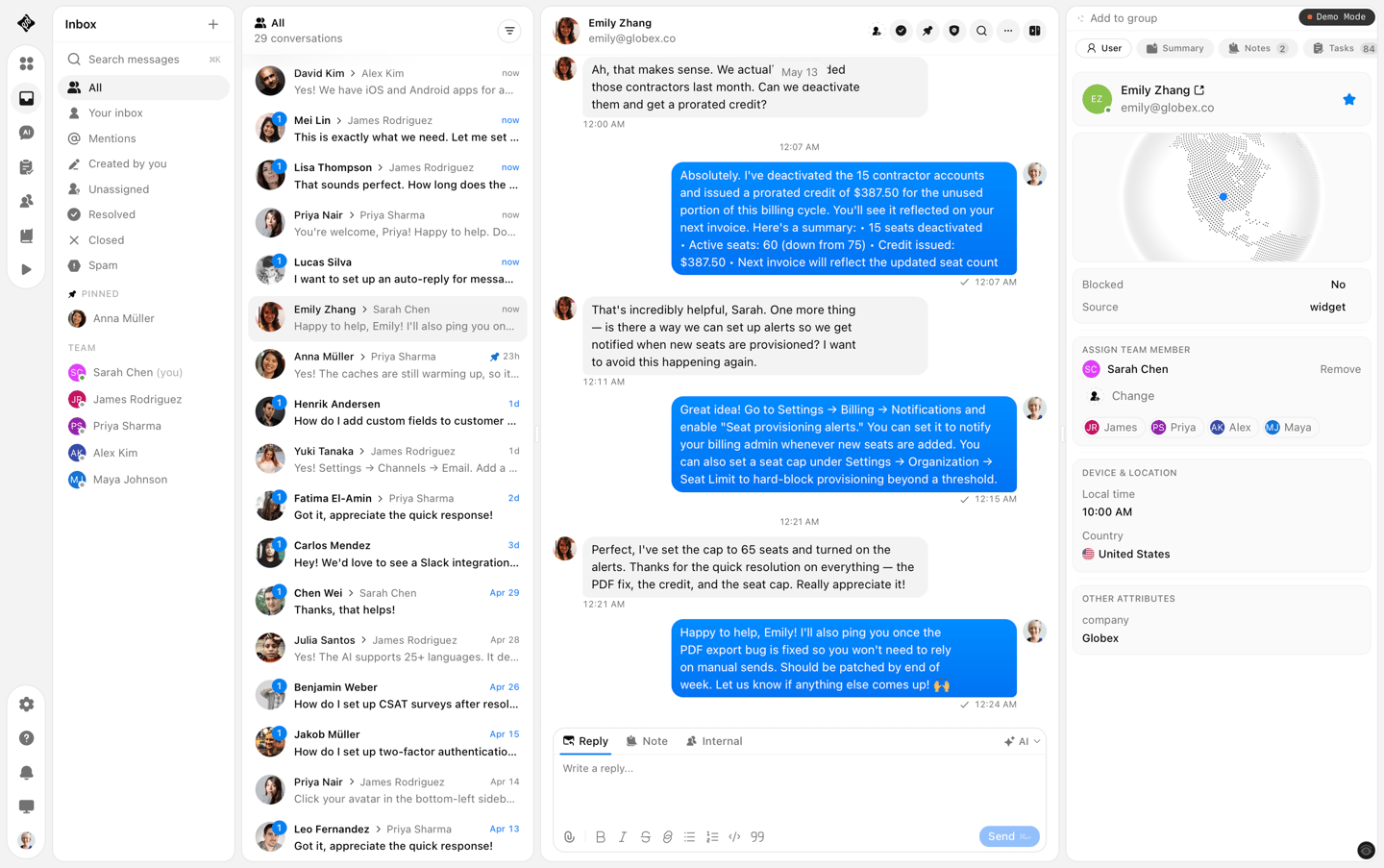
Chat and email in one list. New messages at the top.
Inbox
New chats go to the right person. Share the work, or sort by topic.
Inbox
Mark a chat by topic. Later, find all billing chats in one click.
Inbox
Save a filter you use a lot. Open tickets. Waiting on the customer.
Inbox
Write an answer once. The whole team can send it, with names filled in.
Inbox
Notes only your team can see. They stay on that chat, always.
Inbox
Important customers go first. Harder cases go to senior staff.
Inbox
Set how fast you must reply. Late chats move to the top of the list.
Team
See when a teammate is typing, reading, or sending. Right now.
Team
See who is looking at a chat. Two people will not send at once.
Team
Tag a teammate on a chat. It shows up in their list so they can help.
Team
Billing, bugs, and sales each get their own list. The right team owns it.
One plan
Built into SupportWire. Not bolted onto an old desk. All features in. No feature gates. $19 per seat. 50 closes included. Then $0.49 when Kal closes.
Switch
Conversations, contacts, and help docs. Free. Most teams are live the same day.

Two minutes. No card. We take it from there.
Conversations, contacts, and help docs. Engineering-assisted.
Swap the Intercom widget. Open threads stay open. Nothing goes dark.
Procedures and Workflows
You write a procedure like you’d tell a teammate what to do. You say when it should run, you list the steps, and you add what happens if Kal gets stuck. Press @ when you need a block or a tool. When it looks right, you turn it Live.
Then you connect the tools you already use. Slack, Linear, Jira, HubSpot, and the rest. Or you plug in any MCP. You can use more than one at the same time. Kal follows the steps you wrote and talks to those tools in the same flow.
Our feedback portal is public on purpose. You can follow a request from the moment we note it to the day it ships. That is how we show speed: not a slogan, a trail you can read.
Stability means the product does not wobble while we move. Quality means we say what changed, and a human shows up when you need one. Public roadmap. Honest changelog. Nothing to take on faith.
Each inbound conversation gets an issue type and an urgency. Critical ones hand off to a human.
OAuth consent no longer errors for signed-in users, and login honors ?redirect so you return to Authorize instead of home.
Select multiple inbox conversations and batch status, assign, priority, spam, or delete from a floating action bar.
Workflow nodes now carry their own config on a left-to-right canvas, so you can read and change a flow without opening a sidebar.
The command palette now invites teammates, shows your widget install snippet, searches conversations, and hands questions to Kal.