Microsoft introduced hardware-accelerated BitLocker to address the performance overhead of disk encryption on modern high-speed NVMe drives. This feature...
Tag Archive for: bitlocker
4sysops - The online community for sys and AI ops
Enable Device Encryption on Windows 11
Device Encryption is a Windows feature that automatically enables BitLocker-based encryption on the system drive and other fixed drives,...
Disable BitLocker on Windows 11
Several reasons exist for wanting to turn off BitLocker on an individual machine or across your network. In Windows...
Recover data from corrupted BitLocker drives with repair-bde and key packages
Activating BitLocker encryption on a drive automatically generates a 48-digit numeric recovery password. This password is crucial if other...
Unlock BitLocker drive from Windows PE with a PowerSell script
BitLocker can pose a significant challenge when multiple PCs need to be booted from an external drive for troubleshooting....
Rotate BitLocker recovery passwords, delete used keys from Active Directory
For security reasons, it makes sense to replace the recovery password used to unlock an encrypted drive each time...
New mitigations for CVE-2023-24932 (BlackLotus) in the April update, not yet enabled by default
The remediation of CVE-2023-24932, discovered in May 2023, is taking longer than Microsoft's initial timeline. This flaw allows attackers...
Forgot BitLocker PIN: recover encrypted drive
Adding a PIN to a TPM protector helps safeguard BitLocker against known attacks. However, this additional security comes with...
Activate BitLocker with manage-bde, PowerShell, or WMI
You can configure various settings for BitLocker using group policies, but this doesn't initiate encryption. Similarly, it doesn't create...
TPM, PIN, Passwords, and SID: Managing BitLocker Key Protectors
BitLocker uses symmetric encryption methods to encrypt drives. The key used for this is protected by two encryption layers....
Secure BitLocker key with a PIN
By default, BitLocker is configured to release the volume master key (VMK) solely through the TPM. However, this might...
Check the BitLocker status of all PCs in the network
The built-in tools for activating BitLocker do not provide a comprehensive report on the encryption status of the entire...
Avoid BitLocker recovery mode by customizing the TPM validation profile
On startup, BitLocker ensures that the configuration of a PC has not changed since encryption began. For this purpose,...
Enable BitLocker on Windows 11 without a TPM chip
By default, Windows 11 requires a Trusted Platform Module (TPM) chip to be present on the computer. However, it...
Manage BitLocker centrally with AppTec360 EMM
AppTec360 Enterprise Mobility Management (EMM) is not only suitable for managing mobile devices but also PCs. For PCs, the...
Save and access the BitLocker recovery key in the Microsoft account
Microsoft offers several options for storing the recovery key when activating BitLocker. Traditionally, you could print it out or...
Common BitLocker errors
In my previous post, I explained how to enable BitLocker with PowerShell and how to unlock, suspend, resume, and...
Enable BitLocker for Windows 10 and Windows 11 with Intune on multiple computers
This post explains how you can enable BitLocker for Windows 10 and Windows 11 with Intune on multiple computers...
Unlock, suspend, resume, and disable BitLocker with PowerShell
In my last post, I outlined how you can enable BitLocker with PowerShell and manage key protectors. Today, I...
Enable BitLocker with PowerShell
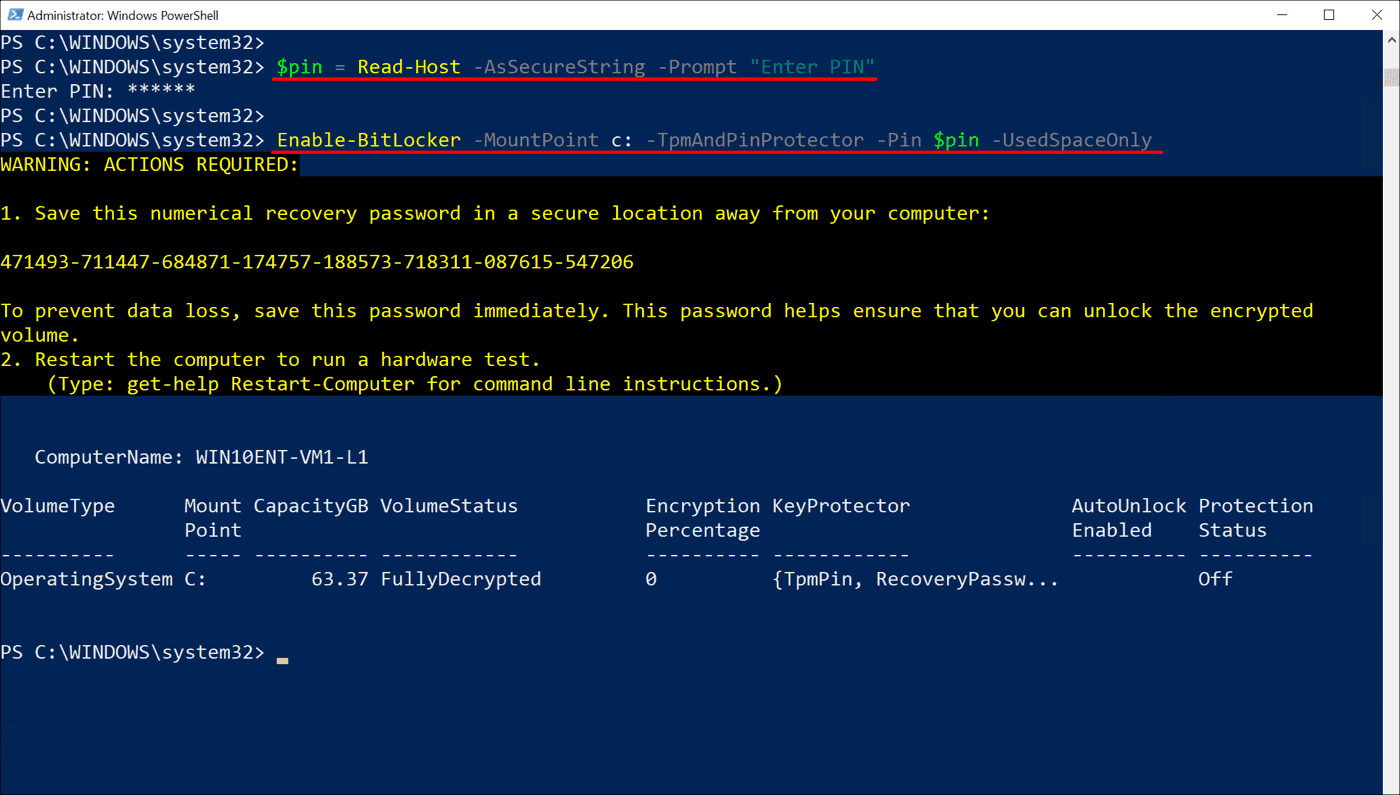
BitLocker is a volume encryption technology that was first introduced in Windows Vista and Windows Server 2008. Like other...