


WebMCP is a proposed web standard that enables websites to expose structured, callable tools directly to AI agents through...


Hide the first-run page in Microsoft Edge, configure setting with GPO
 security, deployment, group policy, browser 0
When a user launches the Edge browser for the first time on a PC, the welcome page (also known...

When connecting to a public Wi-Fi, such as in a hotel or airport, Windows automatically tests the connection by...

Set the default search engine in Chrome, Edge, and Firefox with Group Policy
deployment, group policy, browser 0
All browser vendors configure a default search engine that handles queries entered into the address bar. Microsoft provides Bing,...

In my last post, I discussed three standard methods to block AI crawlers that have little prospect of being...


Proxy server settings can be automatically deployed to clients using the Web Proxy Auto-Discovery Protocol (WPAD). This protocol utilizes...

If you want to centrally manage proxy settings for the Mozilla browser in a network, a Group Policy is...
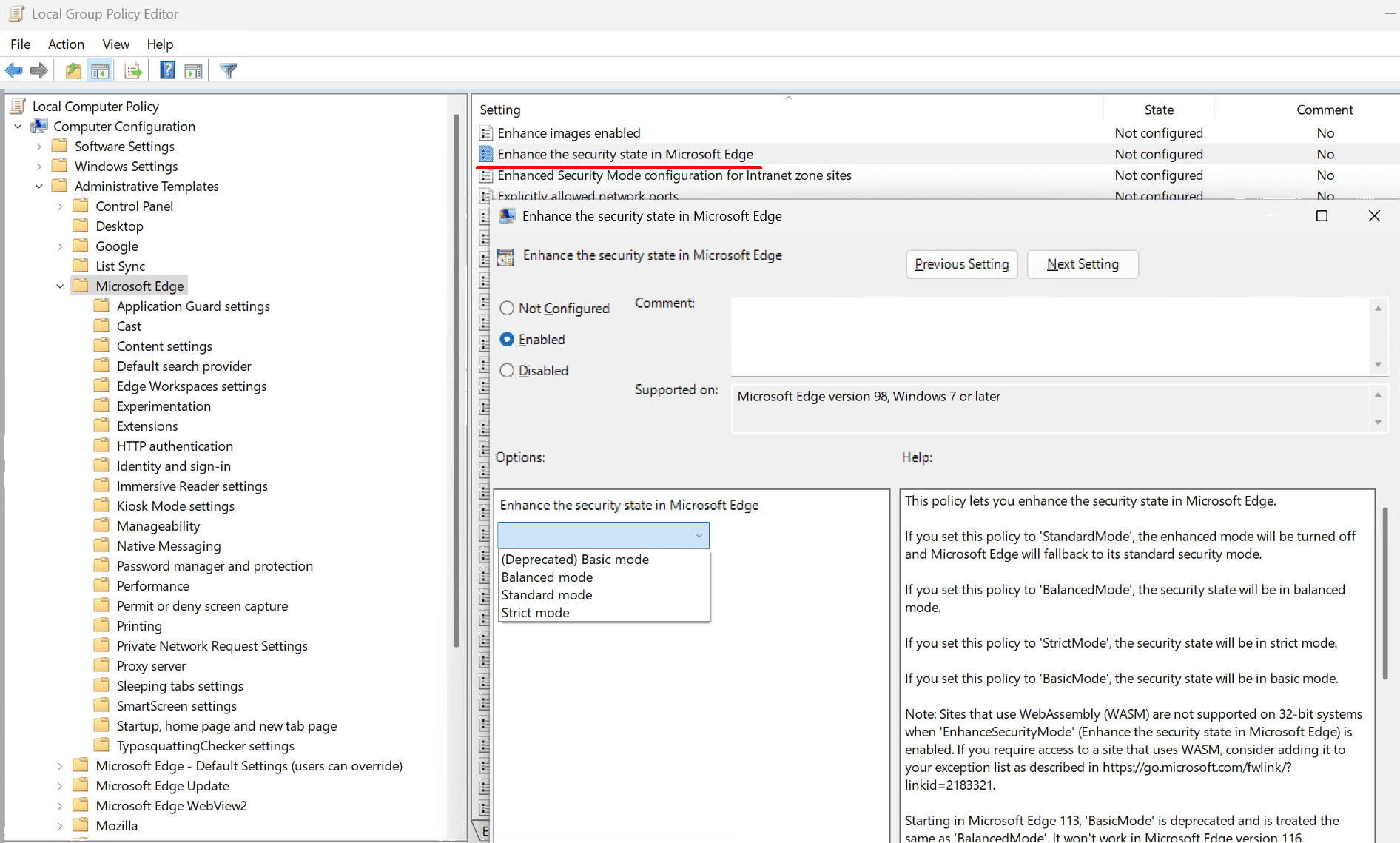
Manage enhanced security mode in Microsoft Edge using Group Policy
security, group policy, browser 0
Enhanced security mode (ESM) introduced with Edge 111 is designed to protect the browser against attacks that manipulate data...
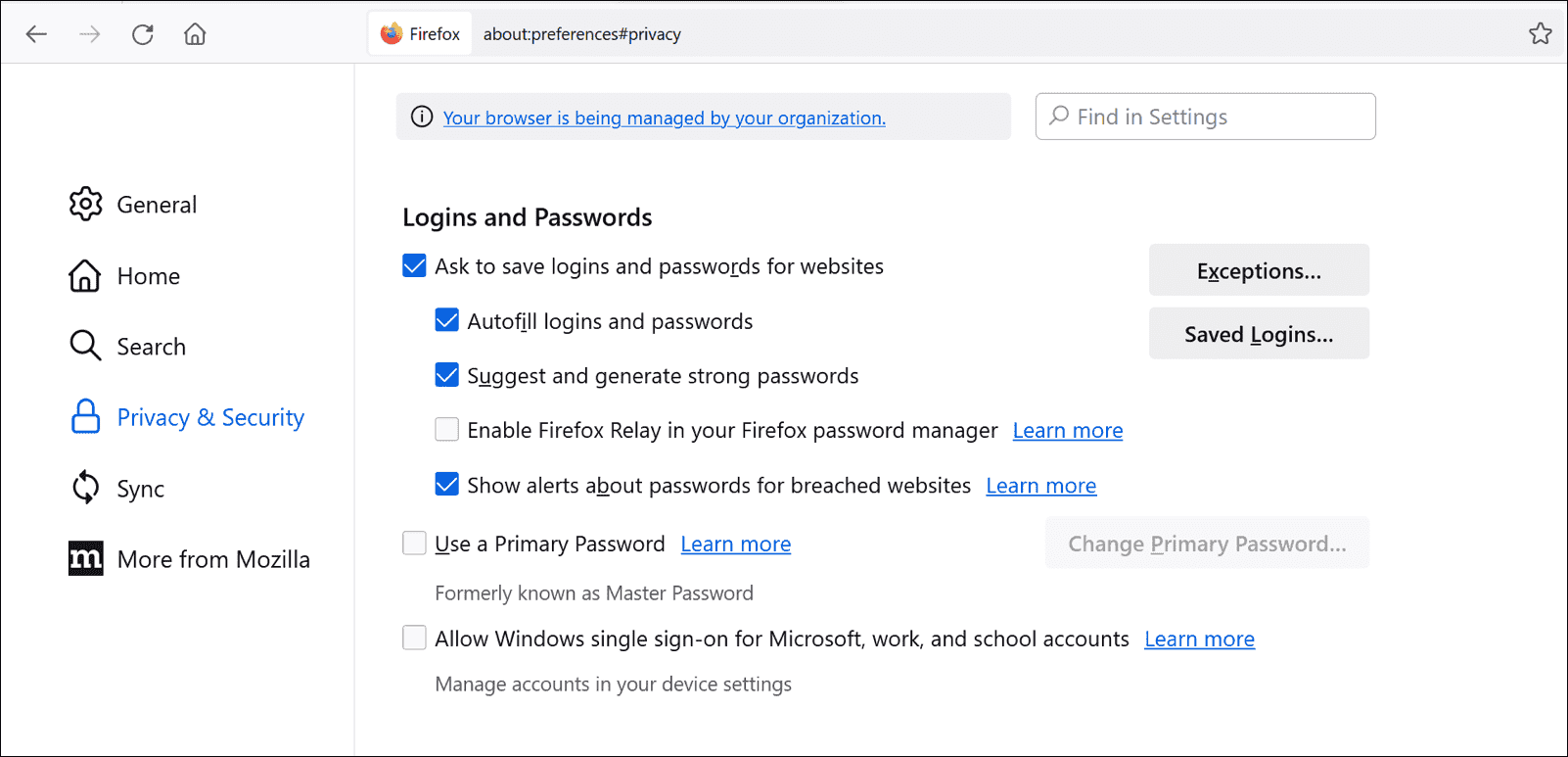
Configure password managers in Chrome, Edge, and Firefox using Group Policy
group policy, security, browser, password 1
All modern web browsers offer password managers that allow users to save website login credentials and automatically fill them...

Skip welcome page in Chrome, Edge and Firefox using Group Policy
active directory, group policy, browser 2
When a user starts a web browser for the first time on a computer, he is presented with a...

Set Chrome, Firefox and Edge as default mail client (mailto handlers)
browser, group policy, email, active directory 1
To set Chrome, Edge, or Firefox as default mail client for mailto links (mailto handlers) requires several steps. In...
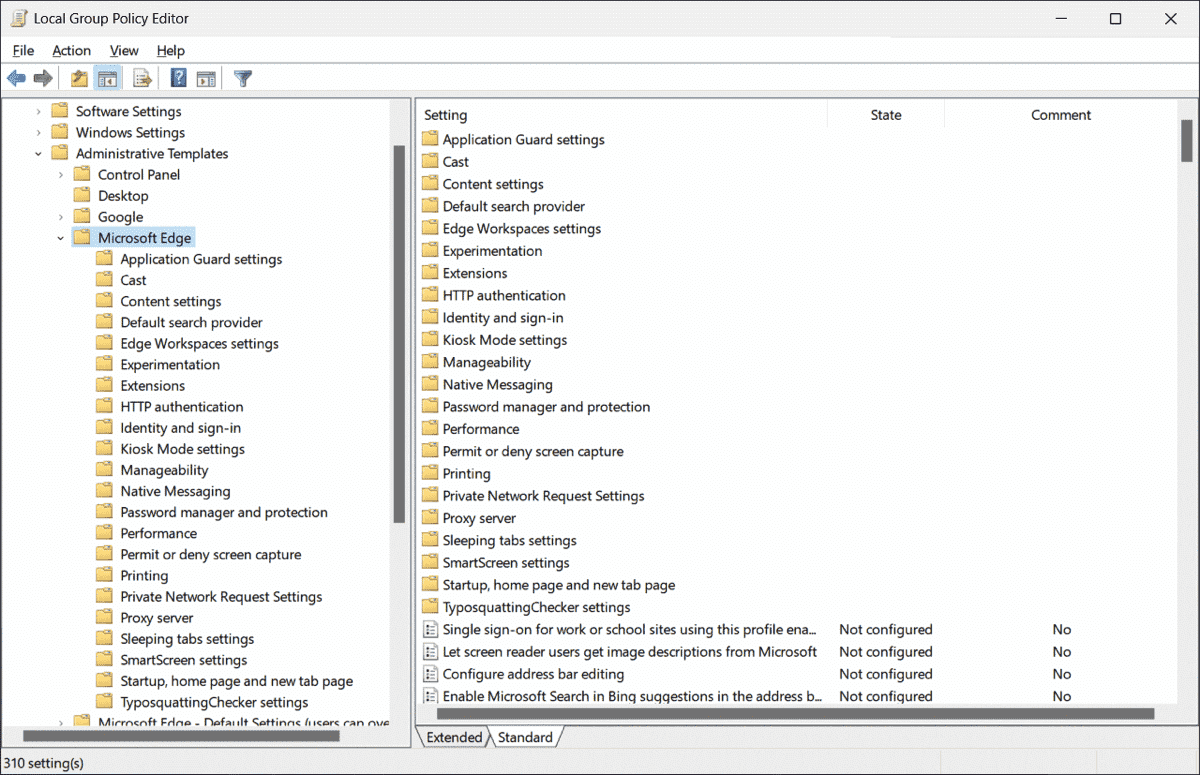
Recommended security settings and new group policies for Microsoft Edge (from 107 on)
security, group policy, browser 0
Microsoft last updated its security baseline for Edge browser 107, but it is still valid for the current versions....
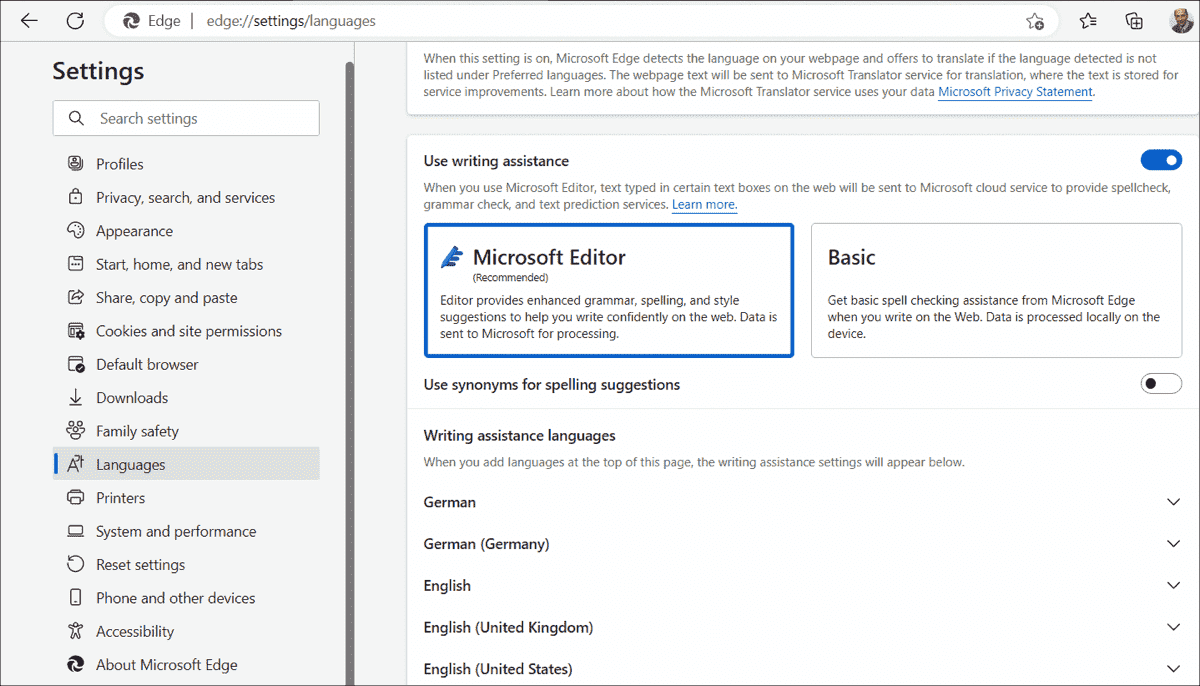
In addition to the simple, purely local spell checker, the two Chromium-based web browsers, Google Chrome and Microsoft Edge,...

Many websites ask users whether they want to receive notifications. In managed environments, this feature can be disabled via...

If you need to download files regularly from an FTP server, Windows offers two onboard tools to automate this...


Curl (client URL) is a command-line tool powered by the libcurl library to transfer data to and from the...


