
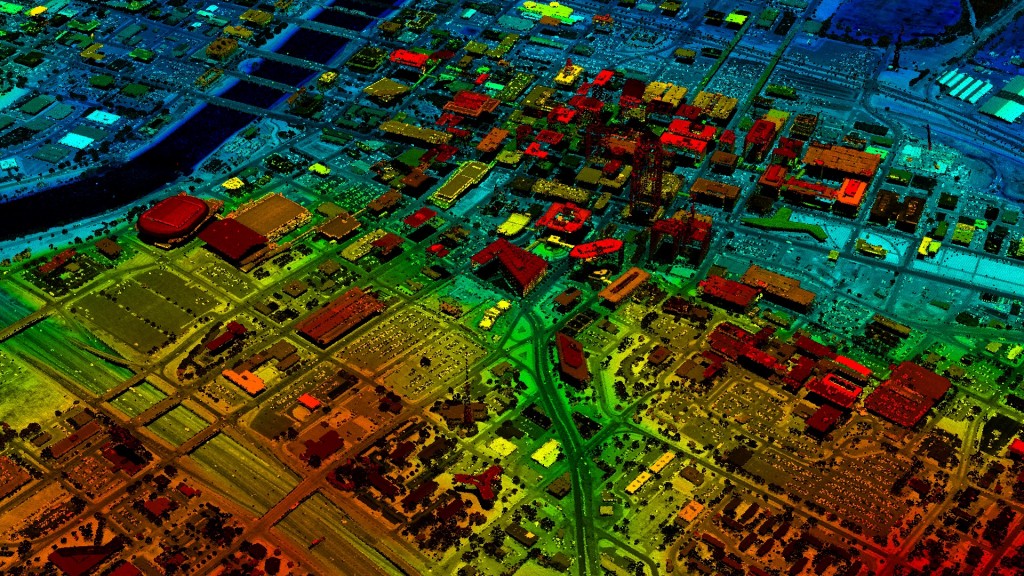
Quick Terrain Modeler is the world’s premier 3D point cloud and terrain visualization software package. Designed for use with LiDAR, but flexible enough to accommodate other 3D data sources, Quick Terrain Modeler provides powerful, simple and intuitive terrain exploitation.
The Quick Terrain Reader is the free companion software to Quick Terrain Modeler. The Quick Terrain Reader is capable of opening pre-built digital elevation models (DEMs) and point clouds and allows users to freely move through the terrain quickly and intuitively.
Current version: 8.4.3
Latest release: January 2025
What’s new: What’s New v8.4.3 PDF (January 2025)
Beta downloads: View here.
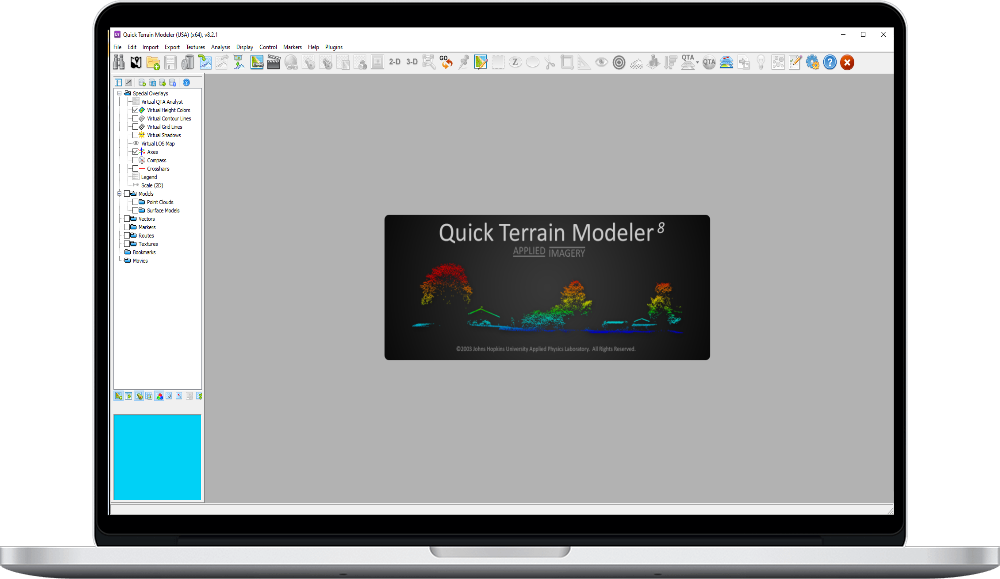
The current version of Quick Terrain Reader is 8.4.3. Should you have any problems loading your DEMs and/or point clouds, please first download the appropriate current version below.
NOTE FOR INTEL GRAPHICS USERS:
Intel’s updated graphics drivers can cause a QT Reader crash when loading point clouds (LAS/LAZ files). If this is happening, open QT Reader, go to the Help Menu > OpenGL Resources, and disable Partial Rendering. Proceed normally.
Current version: 8.4.3
Latest release: January 2025
Quick start guide: Download PDF here.
To make the most of your trial period, we strongly suggest an interactive, live, online demonstration of the Quick Terrain Modeler. While the Quick Terrain Modeler is easy to use, a few basic tips from us could help you get started very quickly. In addition, if you would like us to work with your own data during the demonstration, we can accommodate you by providing our FTP site information. Once you upload your data to our site, we will be able to work with it during our demonstration.
A live demonstration consists of Applied Imagery controlling the Quick Terrain Modeler from our office, the audience viewing the demonstration on their computer (or multiple computers), and a conversation via telephone. We can adapt to the specific features you would like to see, whether it is building models, analysis tools, overlaying imagery, or any other topic of interest. The online demonstration is free and usually takes 60 to 90 minutes. To schedule a demonstration, please send an e-mail to [email protected].
