
Descrição
The “WP Categories Widget” is a simple plugin to display the list of categories for any taxonomies type (WooCommerce Product Category, Blog Category, Project Category…etc) on your wordpress website. Using WP Categries Widget you can display list of categories anywhere on your website. And also you can disable the widget block editor and enable the classic widget layut to edit the sidebar.
Note : please don’t forget to leave your valuable feedback and suggestions.
Send your query to AUTHOR
Video Tutorial :
`Features`
- Disable Widget Block Editor
- Display Categories Post Count
- Hide Child Categories
- Hide Widget Title
- Show Categories for Any Taxonomies Type
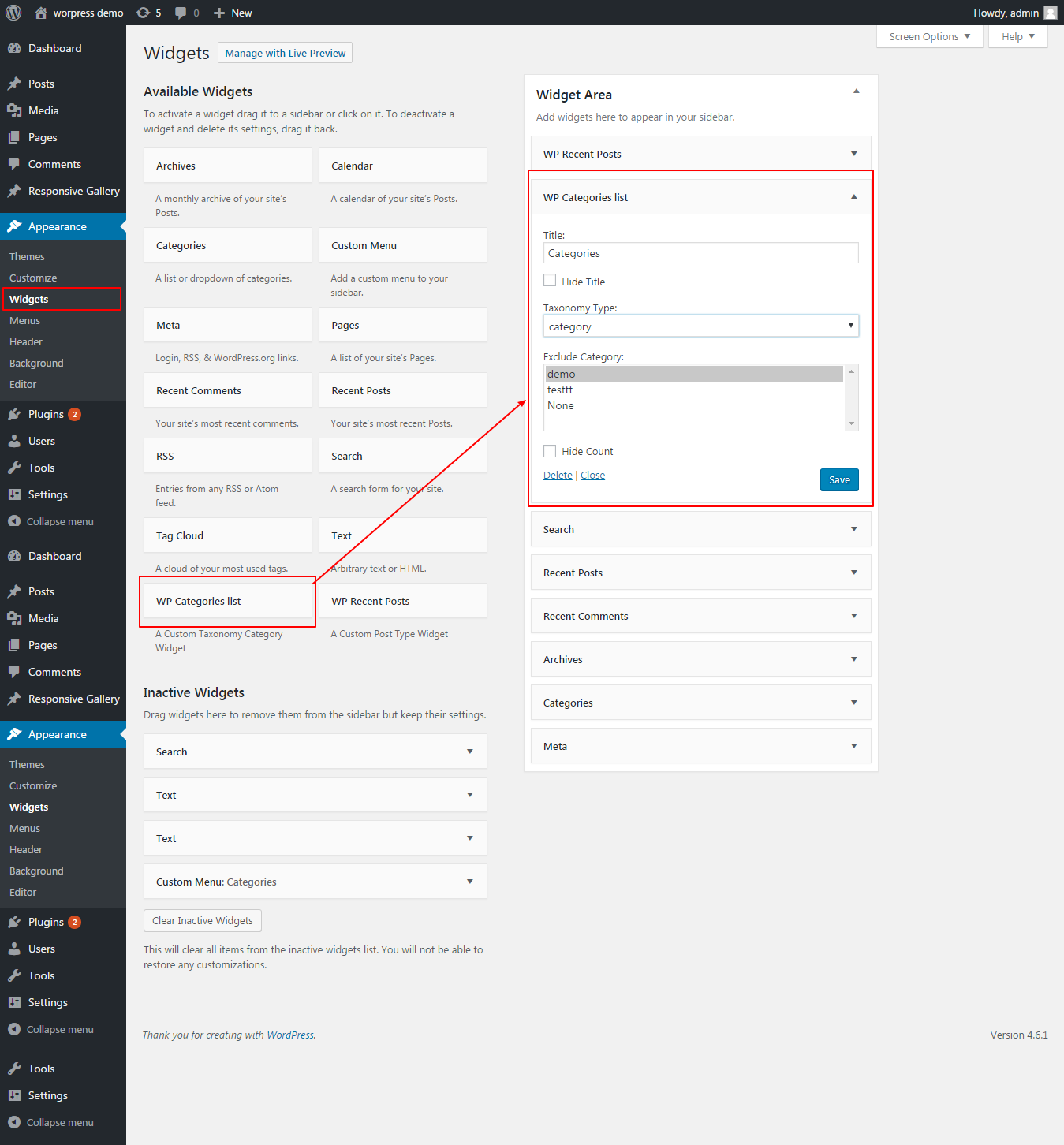
- Exclude/Include Categories
Addon Features
- Display Category as Drop Down
- Display Category Posts
- Manage WP Widget Style (Background Color, Text Color, Border Style & Color)
-
Add Custom CSS for every Widget
Downalod Add-on.
Capturas de tela
screenshot-1.png 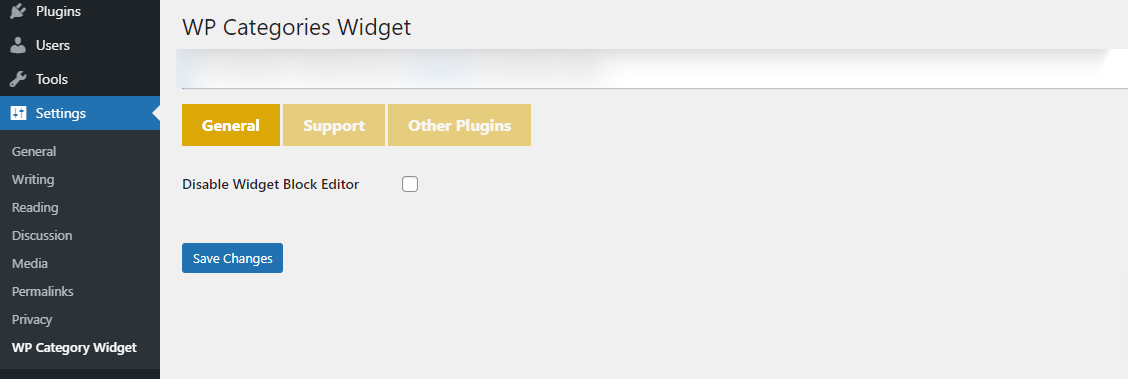
screenshot-2.png 
screenshot-3.png 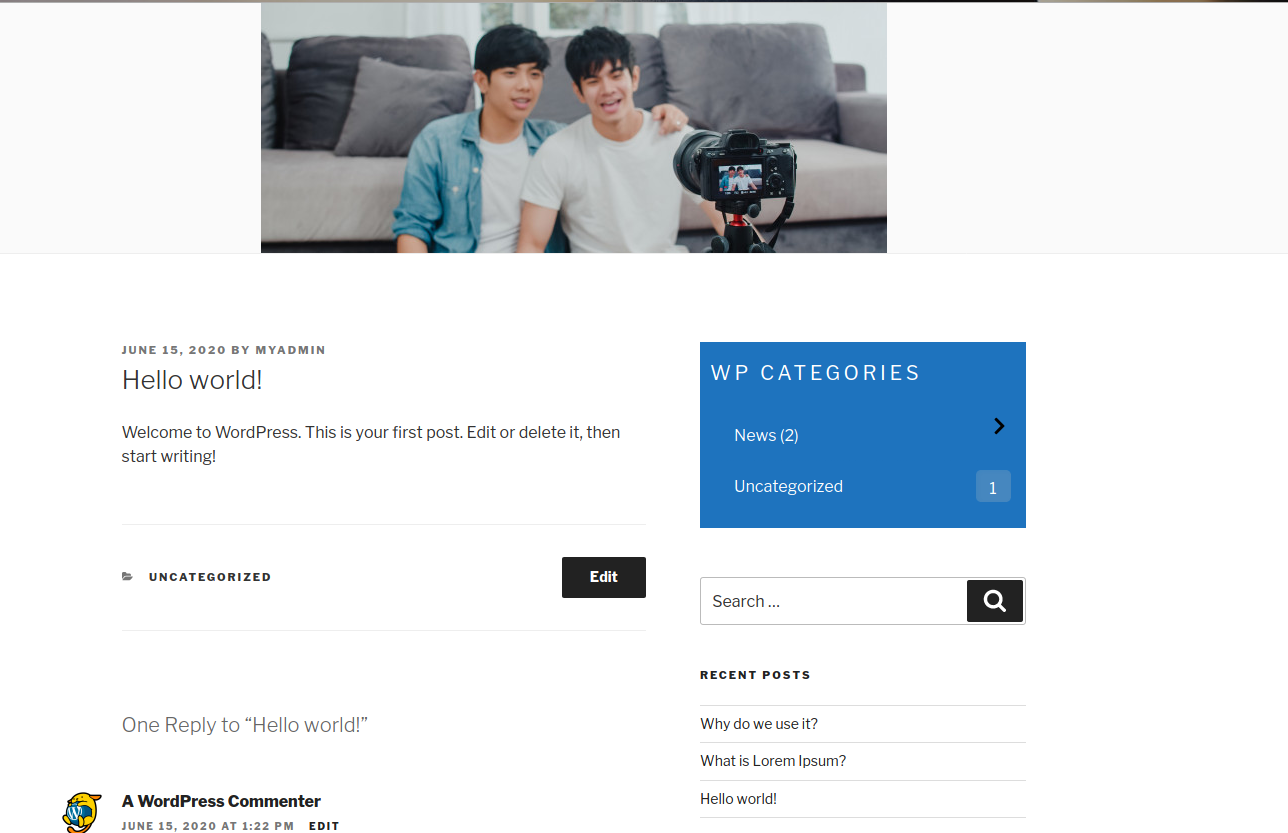
screenshot-4.png 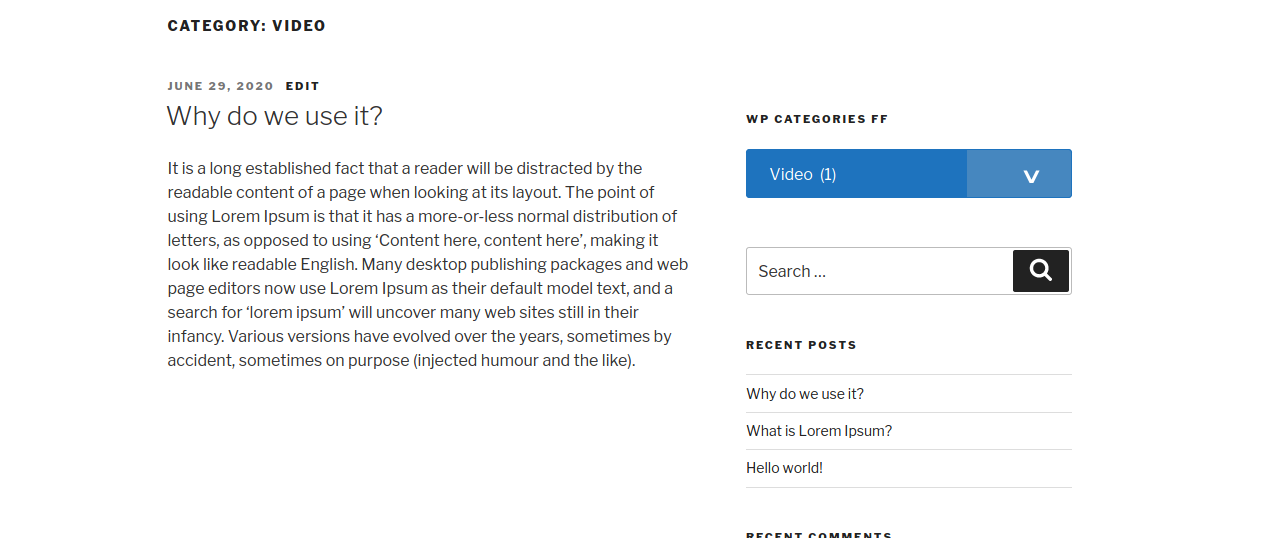
screenshot-5.png 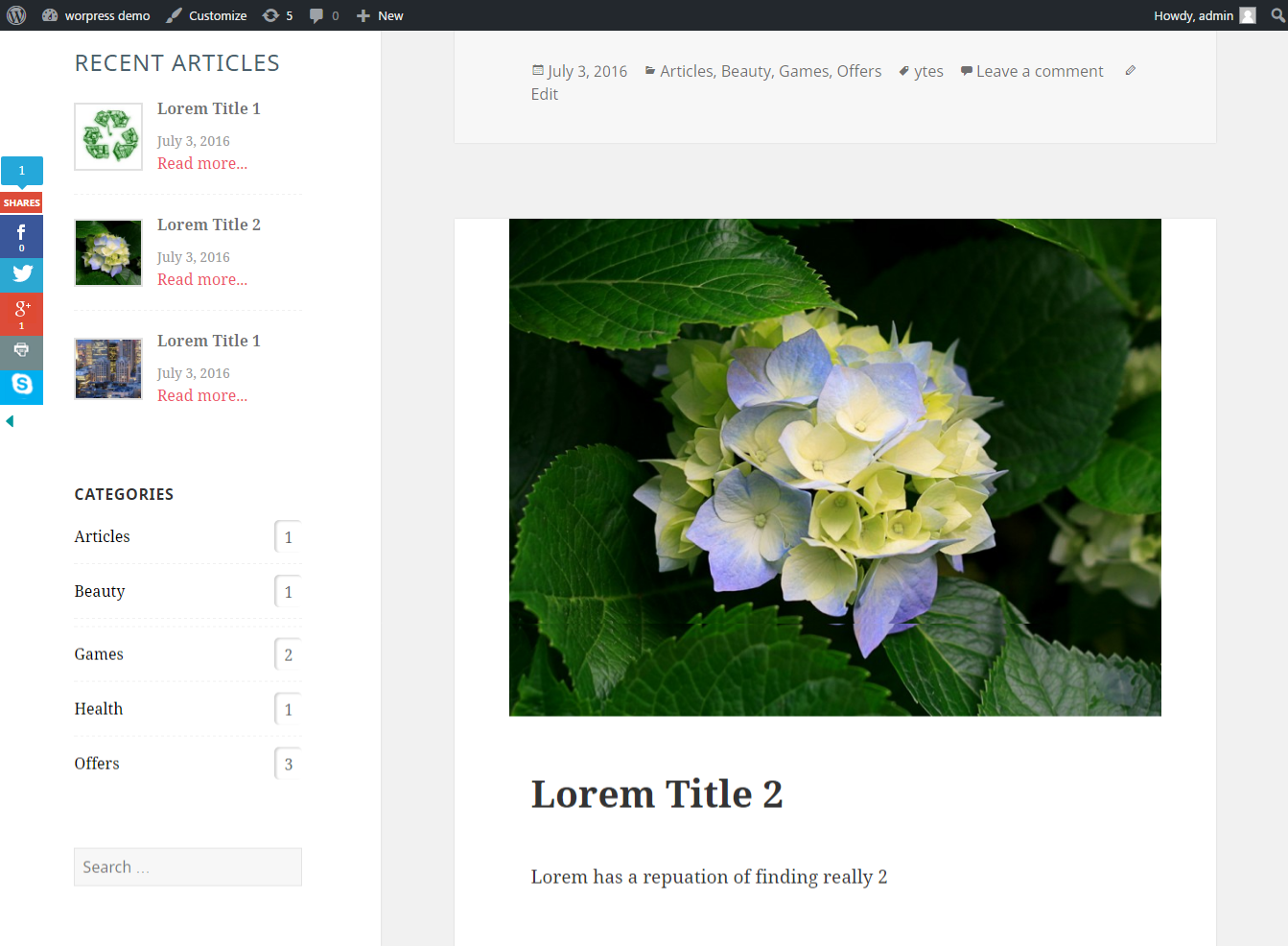
screenshot-6.png


Instalação
Installing the plugin:
- Unzip the plugin’s directory into
wp-content/plugins. - Activate the plugin through the ‘Plugins’ menu in WordPress.
- The categories post will be available on widegt page (Apperance >> Widget)
WordPress administration page.
Perguntas frequentes
-
Can I disable widget block editor?
-
- Yes, You can disable the block widget editor by enable settings .
-
Can I hide widget title?
-
- Yes, You can hide widget title if you do not show in sidebar.
-
Can I show list of category from my custom taxonomy?
-
- Yes,You can choose your custom taxonomy for show list of their all categories.
-
Can I exclude specific category from list?
-
Yes, We have given an option to exclude selected catgories from list.
-
Can I Show only selected category from list?
-
Yes, We have given an option to select multiple catgories to show in widget.
-
Can I hide child categoires from list?
-
Yes, We have given an option to hide child catgories from list.
Avaliações


Colaboradores e desenvolvedores
“WP Categories Widget” é um programa de código aberto. As seguintes pessoas contribuíram para este plugin.
Colaboradores

WP Categories Widget” foi traduzido para 1 localidade. Agradecemos aos tradutores por suas contribuições.
Traduzir o “WP Categories Widget” para seu idioma.
Interessado no desenvolvimento?
Navegue pelo código, consulte o repositório SVN ou assine o registro de desenvolvimento por RSS.
Registro de alterações
2.5
- Tested with wordpress version 6.6.2
- Added posts tags option for taxonomy
2.4
- Tested with wordpress version 6.4.2
- Added dropdown display option
2.1
- Tested with wordpress version 5.8
- Optimized Code
1.9
- Fixed 1.8 version css/js issues
1.8
- Tested with wordpress version 5.5.1
- Make user friendly select category list
- Fixed minor issues
- Released addon 1.1 verison
1.7
- Tested with wordpress version 5.4.1
- Added an optino to hide child category
- Fixed child listing issue on click on parent cat link
1.6.1
- Fixed exclude/include cat issue
- Optimized child category style
1.6
- Added child category dropdown features
- Added an option to hide empty category
- Tested with wordpress version 5.4
- Fixed li issues with title
1.5
- Tested with wordpress version 5.2.4
1.4
- Tested with wordpress version 5.1.1
- Fixed HTML error
1.3
- Tested with wordpress version 4.9.7
- Added an option to exclude/include categories
1.2
- Tested with wordpress version 4.9.1
- Fixed some minor issues
1.1
- Tested with wordpress version 4.8.1
- Fixed some minor issues
1.0
First release
