


Craiyon
Create AI Art with our free AI image generator. No login required.
New: Retouch images
Pro

Pro
Pro
Pro
Pro
Pro
Pro
Pro
Pro
Pro
Pro
Pro

Pro
Pro
Pro
Pro
Pro
Pro
Pro
Pro
Pro

Pro
Pro
Pro
Pro
Pro
Pro
Pro
Pro
Pro
Pro
Pro
Pro
Pro
Pro
Pro
Pro
Pro
Pro
Pro
Pro

Pro
Pro
Pro
Pro
Pro
Pro
Pro
Pro
Pro
Pro
Pro
Pro
Pro
Pro
Pro
Pro
Pro
Pro



Frequently Asked Questions
What is Craiyon?
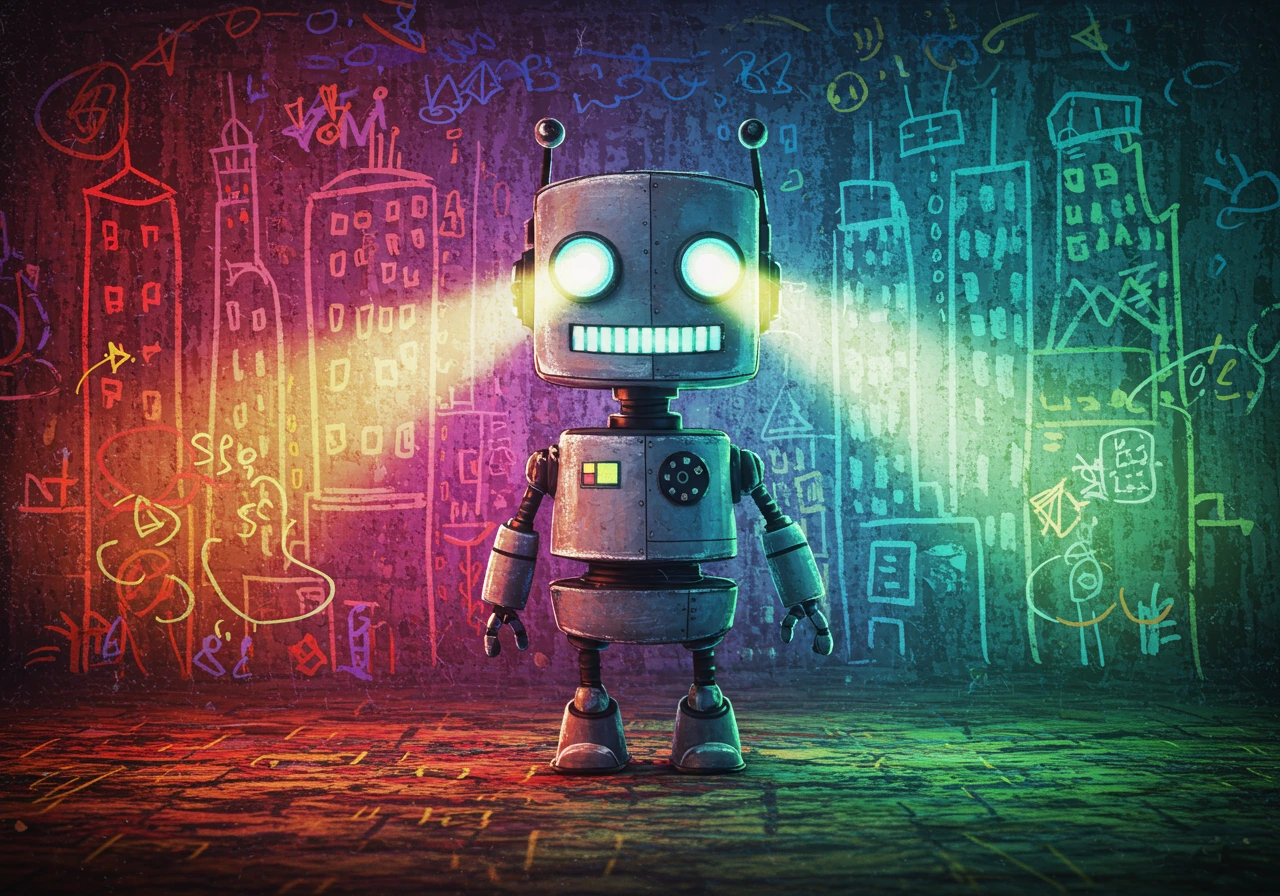
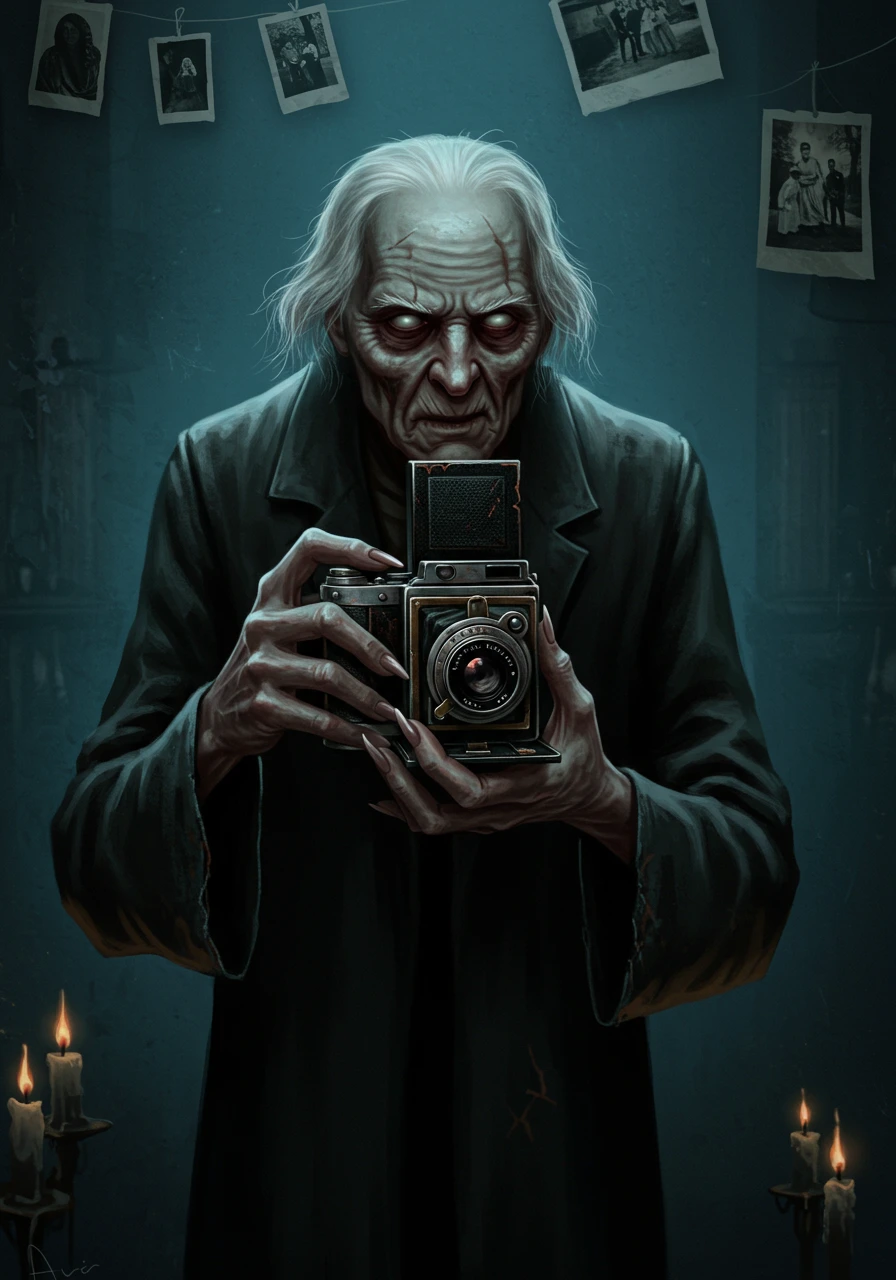
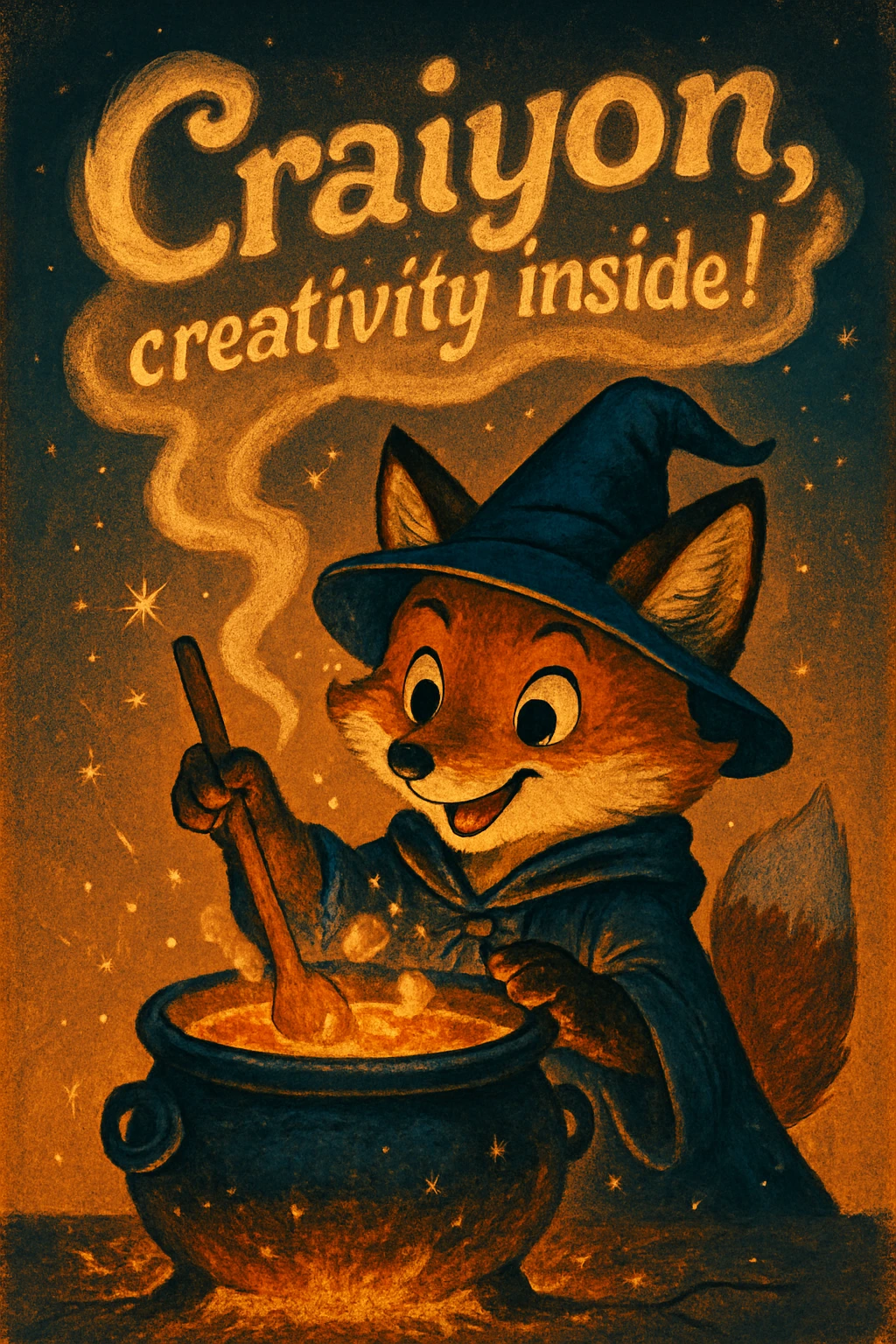
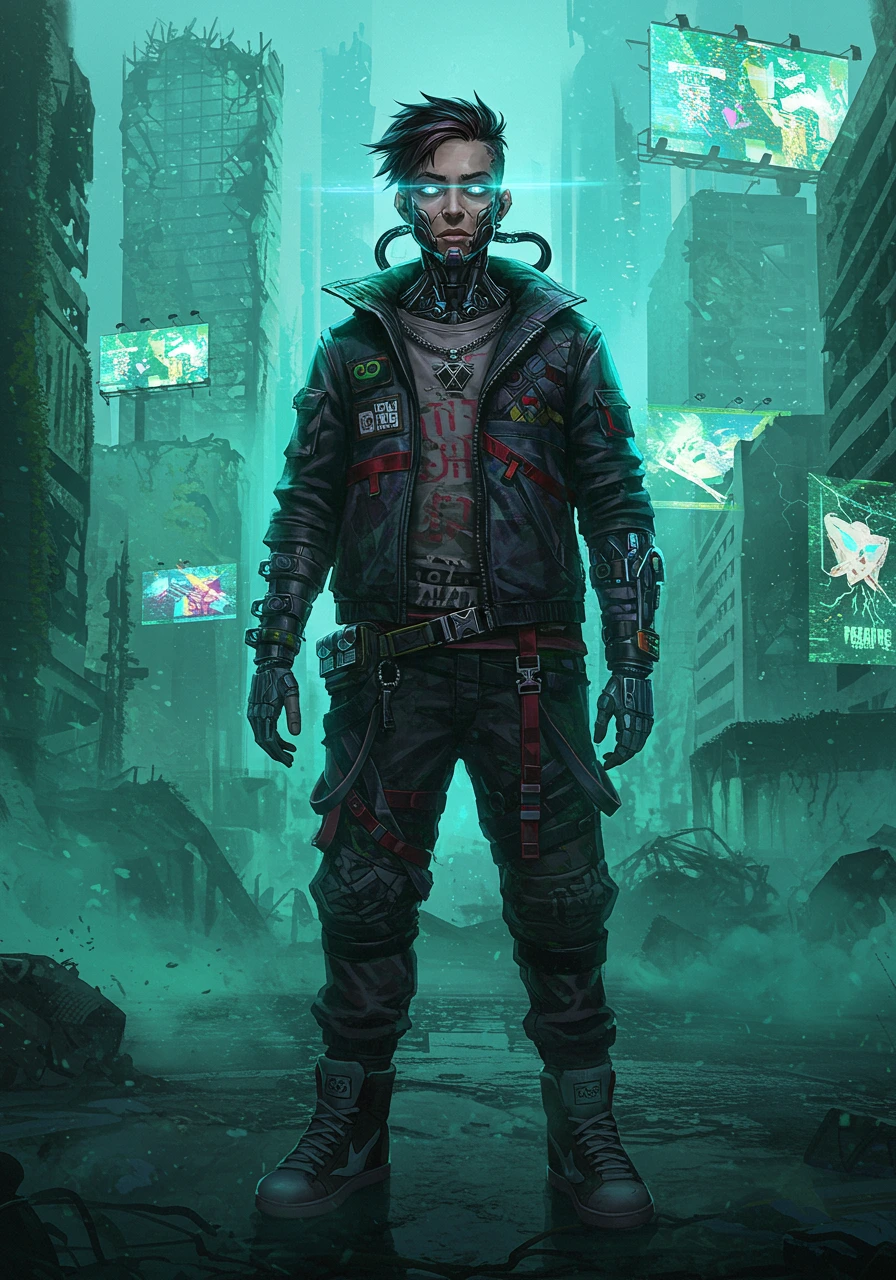
Craiyon is an AI art generator that transforms your text descriptions into unique images in seconds. Previously known as DALL·E mini, Craiyon lets you create anything from abstract art to photorealistic images – simply type what you want to see and let our AI bring it to life.
We offer both free and paid tiers, so anyone can start creating AI art. Whether you're a beginner exploring creativity or a professional needing high-quality images, Craiyon will help you turn your ideas into amazing art.How do I create AI generated Art with Craiyon?
Creating AI art with Craiyon is simple and fun!
- Type your idea - Be specific! The more details you add, the better your results
- Choose your style - Select from Photo, Illustration, Vector, or Raw for varied results
- Pick aspect ratio - Square, landscape, or portrait (subscribers get more options)
- Hit DRAW - Watch as your idea transforms into unique AI art
- Refine and retry - Edit your prompt, exclude unwanted elements, or draw inspiration from similar images
Pro tips: Check out our Search to explore what others have created and click on images to see the prompts used!
Learn more: Full tutorialWill Craiyon's text-to-image AI always be free?
Yes! Craiyon offers free image generation to everyone. Free users can create images with our Base quality model.
Our paying members help us continue improving our AI models and keep the service free for everyone.Can you make images of higher quality?
Yes! We offer two quality levels:
- Pro Quality - Our highest quality models with more detail, sharpness, and accuracy. Requires credits (available with subscriptions or credit packs).
- Base Quality - Good quality images available to everyone. Free users have limited access, while subscribers get more options (any aspect ratio, better download quality, faster access, no watermark, no accreditation required, etc).
Both models improve continuously as we develop our technology.What is the "Exclude" section of the interface?
The "Exclude" field lets you specify what you don't want in your image. Simply type concepts like "people", "text", or "blue colors" and our AI will try to avoid including them. This helps you get more precise results!
Learn more: Tutorial guideWhy am I seeing "too much traffic"?
During peak times, free users may experience brief waits. Simply try again in a moment - we're constantly adding servers to reduce wait times.
Subscribers enjoy priority access and rarely see this message. Upgrade to skip the queue!Are you related to DALL·E mini?
Yes! Craiyon started as DALL·E mini in 2021. Our CEO Boris Dayma and the core team have been continuously improving the technology ever since. We rebranded to Craiyon in 2022 to establish our own identity while building on the foundation of our original work.My images aren't loading - what should I do?
Quick fixes to try:
- Switch to Chrome or try incognito mode
- Clear your browser cache
- Disable VPN if you're using one
- Try a different device
Still having trouble? Contact team@crLOLaiyon.com or join our Discord for help!How does the AI model work?
Our AI models are trained on millions of images from the internet. When you enter a prompt, the model uses its learned understanding of concepts, styles, and relationships to generate new, unique images. We use advanced diffusion technology that starts with random noise and gradually refines it into your desired image, guided by your text description.Are there biases or limitations in AI generated art?
Yes, like all AI models trained on internet data, our system can reflect societal biases present in its training data. This means it may sometimes generate images with stereotypes or biased representations. We're actively working to identify and reduce these biases through ongoing research and model improvements. We encourage users to be mindful of this when generating content.Can I use the images generated through Craiyon?
Yes, as long as you respect the Terms of Use, feel free to use them as you wish for personal, academic or commercial use!
Please credit craiyon.com for the images if you are a free subscriber. You can find our logos in white, black, and black and white.How do credits work?
Credits are used to generate images with our highest quality Pro models. Your subscription plan provides monthly credits that are renewed at the beginning of each billing period.
Need more credits? You can purchase top-up credit packs anytime. Visit our pricing page for details.What's the difference between free and paid accounts?
- Free Users - Base quality images, square format only, watermarks, may experience wait times
- Supporter Plan - Pro quality credits, unlimited Base images, all aspect ratios, no watermarks, priority generation, high quality downloads
- Professional Plan - Everything in Supporter plus more Pro credits, private image generation, fastest priority, early access to features
Visit our pricing page for detailed comparisons.Is there a Craiyon app?
A Craiyon mobile app is coming soon! Stay tuned for updates.Craiyon rocks! How can I show my support?
We love hearing that! Here's how you can support us:
- Share feedback - Tell us what you love or what we can improve
- Upgrade your plan - Get Pro features while supporting our development
- Spread the word - Share your creations and tell friends about Craiyon
- Get merch - Turn your favorite AI art into t-shirts and more!
Every bit of support helps us improve Craiyon daily. Thank you for being part of our community!How often does Craiyon improve?
Our AI models improve daily! We're constantly training and refining our technology to generate better, more accurate images. Every day brings enhancements in image quality, understanding of prompts, and creative capabilities. That's why your favorite prompts might produce even better results tomorrow!Do I need to type prompts in English?
You can type prompts in any language! Our AI understands multiple languages and will generate images based on your description. For best results, try adding more descriptive details to help the AI understand exactly what you want to create.How can I get better results?
Here are our top tips for amazing AI art:
- Be specific - Instead of "dog", try "golden retriever playing in autumn leaves"
- Add style cues - Include artistic styles like "oil painting", "anime style", or "photorealistic"
- Use the Exclude field - Remove unwanted elements for cleaner results
- Explore similar images - Click on images in Search to see successful prompts
- Try different styles - Switch between Photo, Illustration, Vector, or Raw
- Iterate and refine - Small tweaks to your prompt can yield big improvements
Learn more: Prompt guideWhat aspect ratios can I use?
Craiyon automatically selects the best aspect ratio for your prompt, but you can also choose manually:
- Free users - Square format only
- Subscribers - Square, landscape and portrait
The AI will adapt your image to fit perfectly in your chosen format!What styles can I create with?
Craiyon offers four style presets to enhance your creations:
- Photo - Realistic, photographic results
- Illustration - Artistic drawings and digital art styles
- Vector - Clean, scalable graphics with bold shapes
- Raw - Pure AI interpretation without style bias
Combine these with style keywords in your prompt for endless possibilities!How can I discover and explore images?
Craiyon makes it easy to find inspiration:
- Search - Explore millions of community creations
- Categories - Browse by themes like Nature, Fantasy, Architecture
- Click any image - See the exact prompt used to create it
- Similar images - Find related creations for more ideas
- Trending - Discover what's popular right now
Let the community's creativity inspire your next masterpiece!
