
Popis
Create and display notices/alerts on the page using the Gutenberg block. it comes up with a few customizable options to design the alert box as you want. Improve the user experience of your website using this block plugin.
Features
- Fully Customizable: Lots of options available to make the alert box as you want!
- Different Types: Alert box block comes with different types, you can easily switch the type of alert box.
- Standard Preset: Some preset alerts/notices are ready to use without any modification.
How to use
- First, install the Alert Box Block plugin
- Add the Alert Box Block from the block category called „Widgets“ in the Gutenberg editor.
- You can change block settings from the right-side settings sidebar.
-
Enjoy!
-
For installation help click on Installation Tab
Feedback
- Did you like this plugin? Dislike it? Do you have a feature request? Please share your feedback with us
Check out the Parent Plugin of this plugin-
B Blocks – A blocks collection and page building tool for Gutenberg.
Check out our other WordPress Plugins-
Html5 Video Player – Display videos as single and playlist in multiple skins.
PDF Poster – Display/Embed PDF files with different styles.
Html5 Audio Player – Listen audios with awesome visuals.
StreamCast – Customizable radio player with different skins.
3D Viewer – Embed 3D models and 3D products with interaction.
Advanced Post Block – Show posts and custom posts in different layouts.
Snímky obrazovky
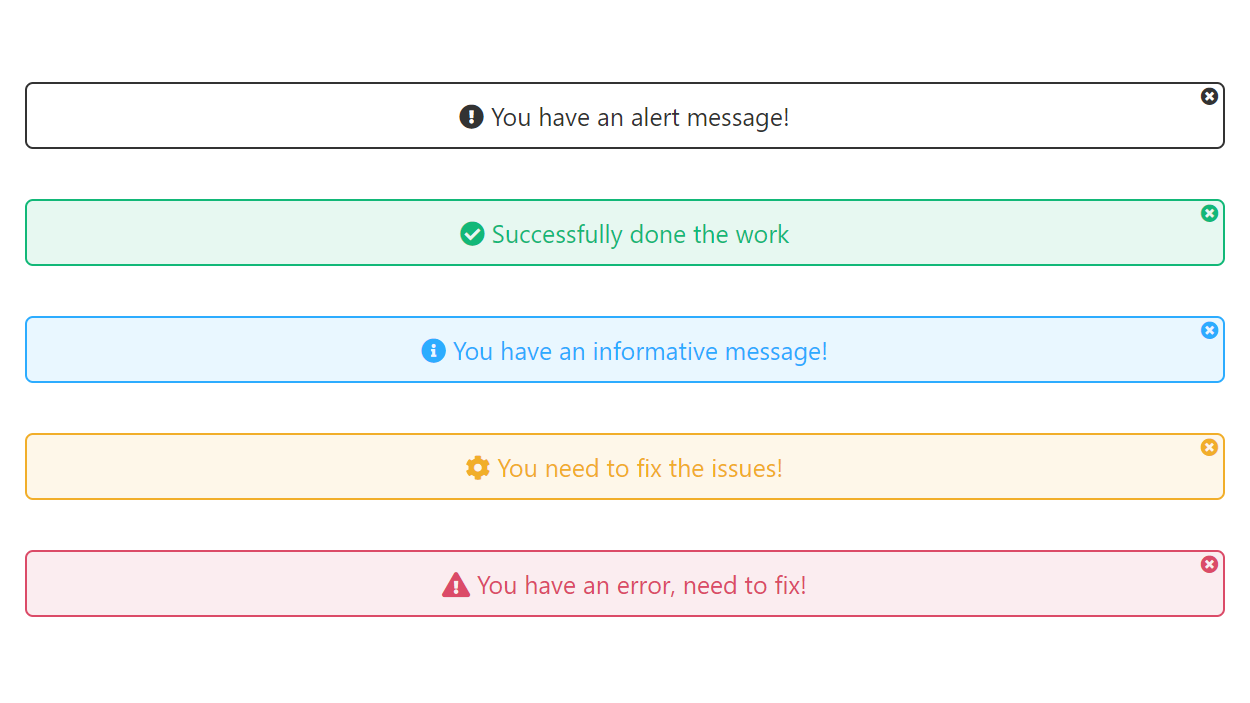
All Alerts 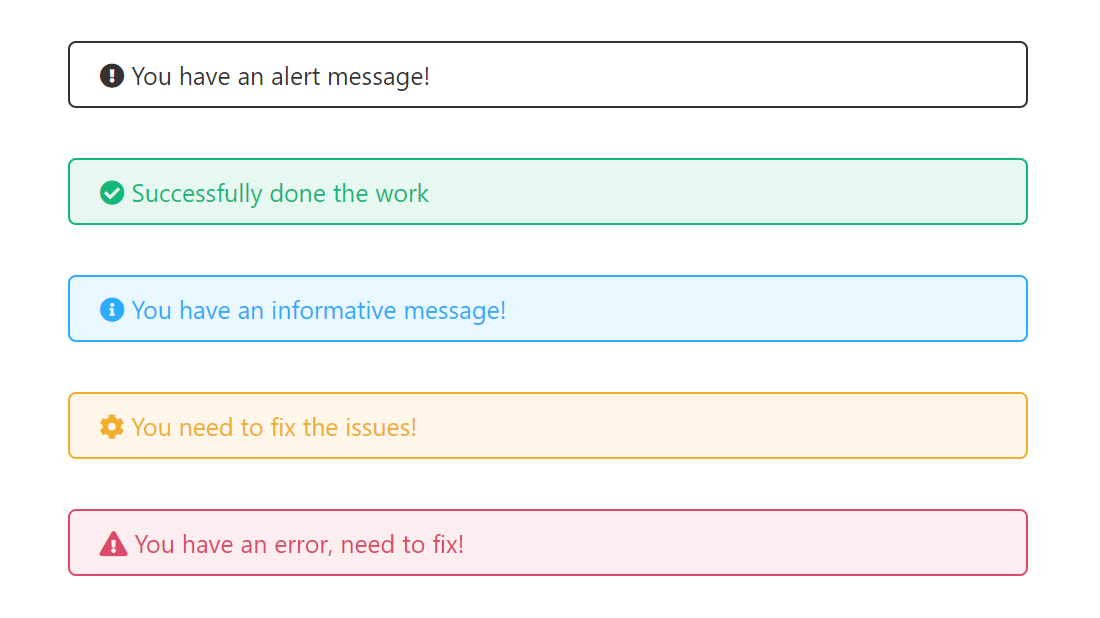
Without dismissible & Text center 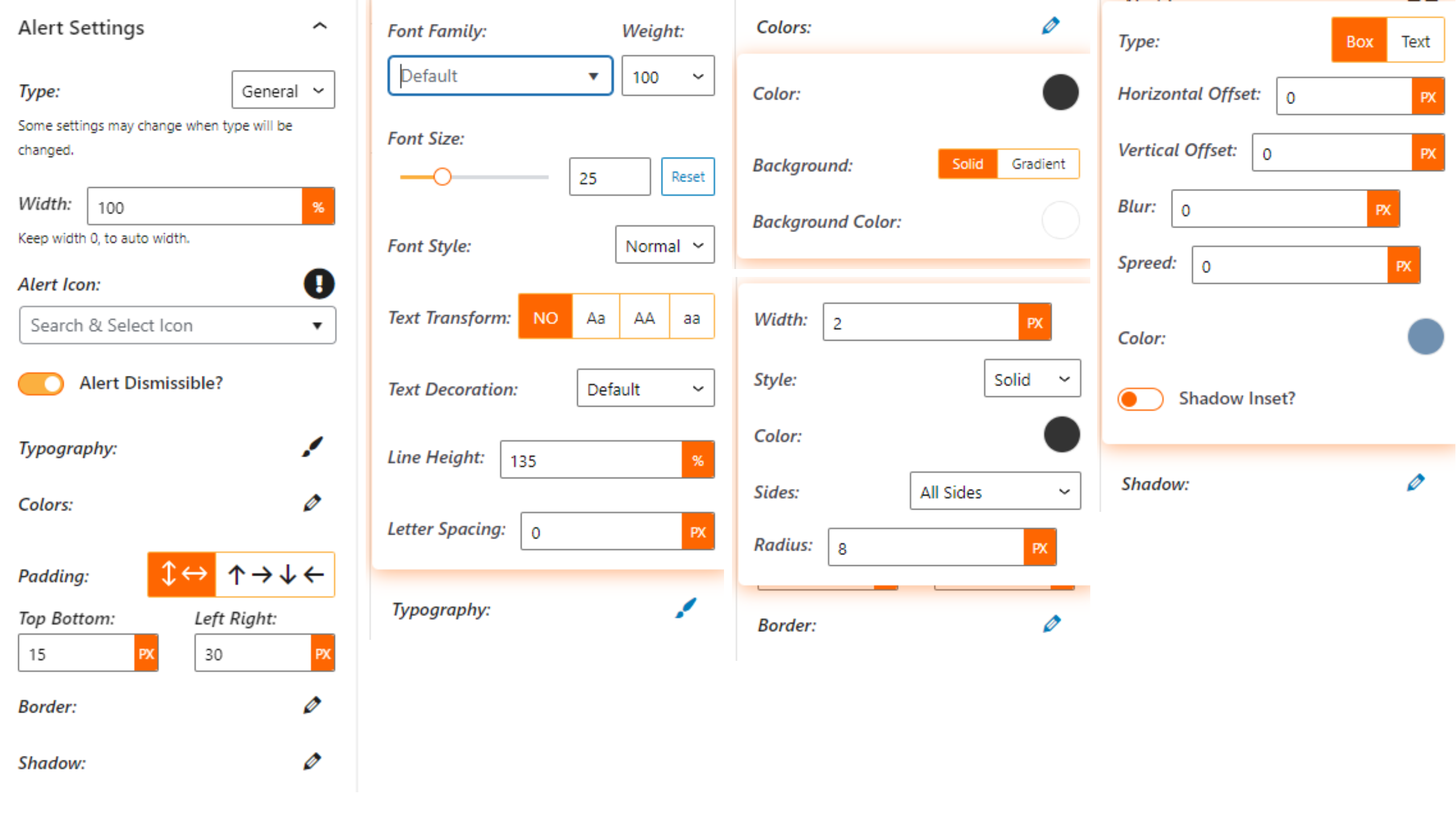
Alert Settings 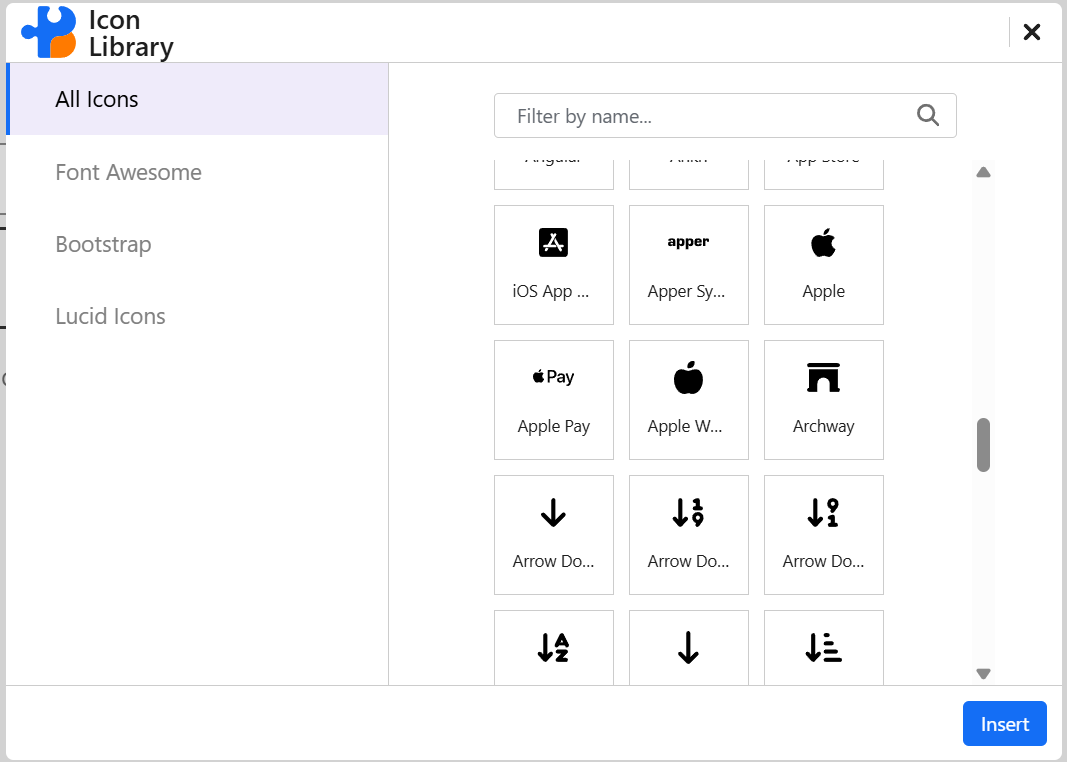


Bloky
Tento plugin poskytuje 1 blok.
- Alert Box Provide contextual feedback messages.
Instalace
From Gutenberg Editor:
- Go to the WordPress Block/Gutenberg Editor
- Search For Alert Box Block
- Click on the Alert Box Block to add the block
Download & Upload:
- Download the Alert Box Block plugin (.zip file)
- In your admin area, go to the Plugins menu and click on Add New
- Click on Upload Plugin and choose the
alert-box-block.zipfile and click on Install Now - Activate the plugin and Enjoy!
Manually:
- Download and upload the Alert Box Block plugin to the
/wp-content/plugins/directory - Activate the plugin through the Plugins menu in WordPress
Nejčastější dotazy
-
Is Alert Box Block free?
-
Yes, Alert Box Block is a free Gutenberg block plugin.
-
Does it work with any WordPress theme?
-
Yes, it will work with any standard WordPress theme.
-
Can I change block settings?
-
Yes, you can change block settings from the Gutenberg block editor’s right sidebar.
-
How many times can I reuse a block?
-
You can use unlimited times as you want.
-
Where can I get support?
-
You can post your questions on the support forum here

Autoři
Alert Box Block – Display Custom Alerts and Messages je otevřený software. Následující lidé přispěli k vývoji tohoto pluginu.
Spolupracovníci


Přeložte “Alert Box Block – Display Custom Alerts and Messages” do svého jazyka.
Zajímá vás vývoj?
Prohledejte kód, podívejte se do SVN repozitáře, nebo se přihlaste k odběru protokolu vývoje pomocí RSS.
Přehled změn
1.2.0 – 28 October 25
- Icon library updated to include additional icons.
1.1.4 – 16 Apr 25
- Improve input text content.
1.1.3 – 22 Mar 25
- Fix anchor link issue.
1.1.2
- Fix
tag not loading.
1.1.1
- Fix issue.
1.1.0
- Update Icon Library.
1.0.9
- Performance improvements
1.0.8
- Add minimal type
1.0.7
- Add translate feature
1.0.6
- Fix HTML Render
1.0.5
- Reduce PHP Code
- Performance Improvement
1.0.4
- Reduce PHP Code
1.0.3
- Performance upgrade
1.0.2
- Performance upgrade
1.0.1
- Update theme
1.0.0
- Initial Release.
