

Popis
FeedbackBird is a powerful feedback management platform that enables you to collect valuable feedback from your users effortlessly. By leveraging the seamless integration between your WordPress website and FeedbackBird’s service, you can gain valuable insights into your audience’s needs and enhance user engagement.
Key features:
- Display the FeedbackBird widget on your WordPress website to collect feedback effortlessly.
- Seamlessly integrate your WordPress website with the FeedbackBird service.
- Centralize and manage all feedback from your website within the FeedbackBird platform.
- Enhance user engagement by actively seeking feedback and understanding your users better.
To use the FeedbackBird plugin, you must sign up for a FeedbackBird account at feedbackbird.io. After signing up, you’ll receive an UID that you can use to connect your WordPress website with the FeedbackBird service.
Snímky obrazovky
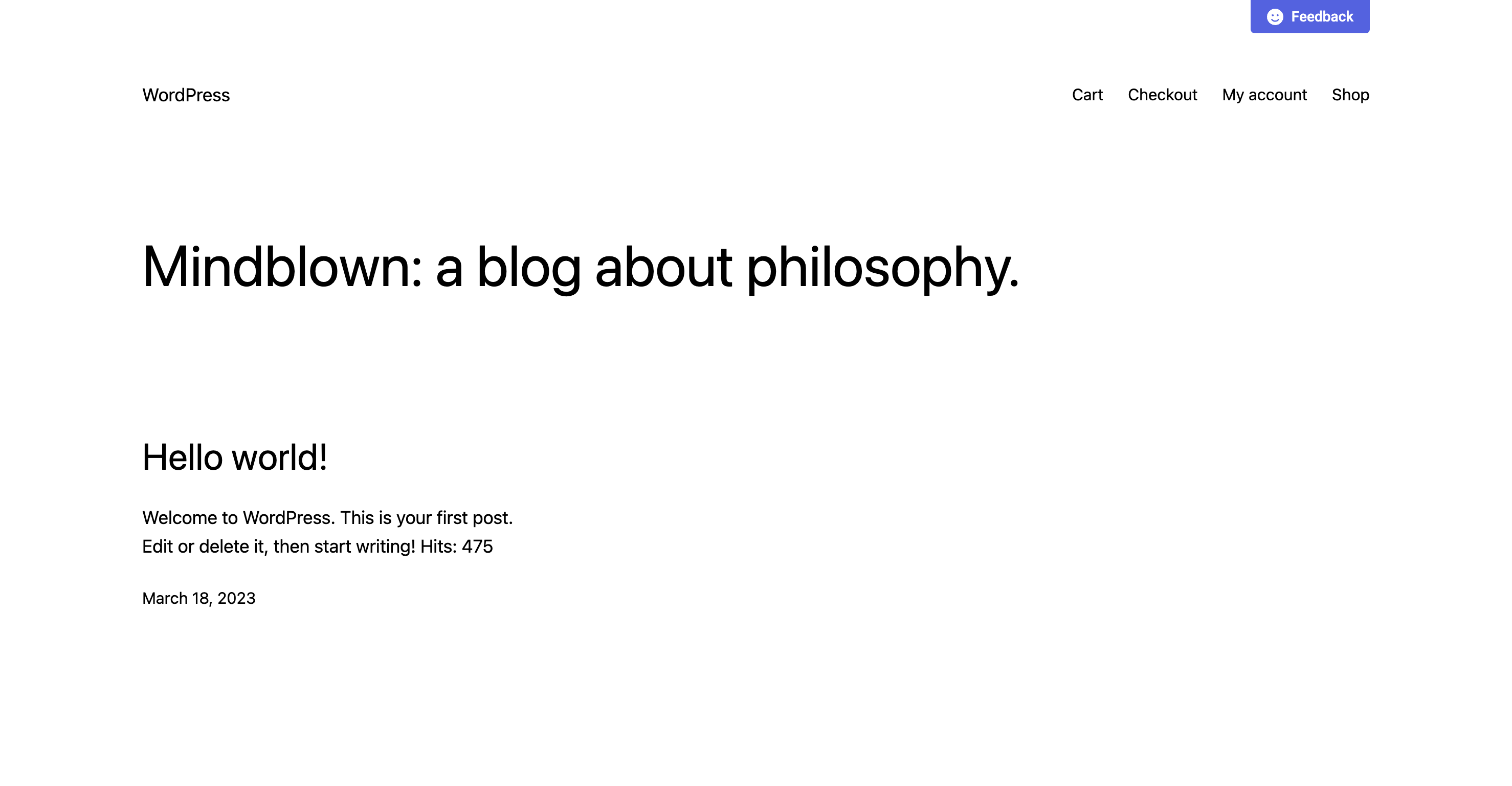
[screenshot-1.png] – Feedback button 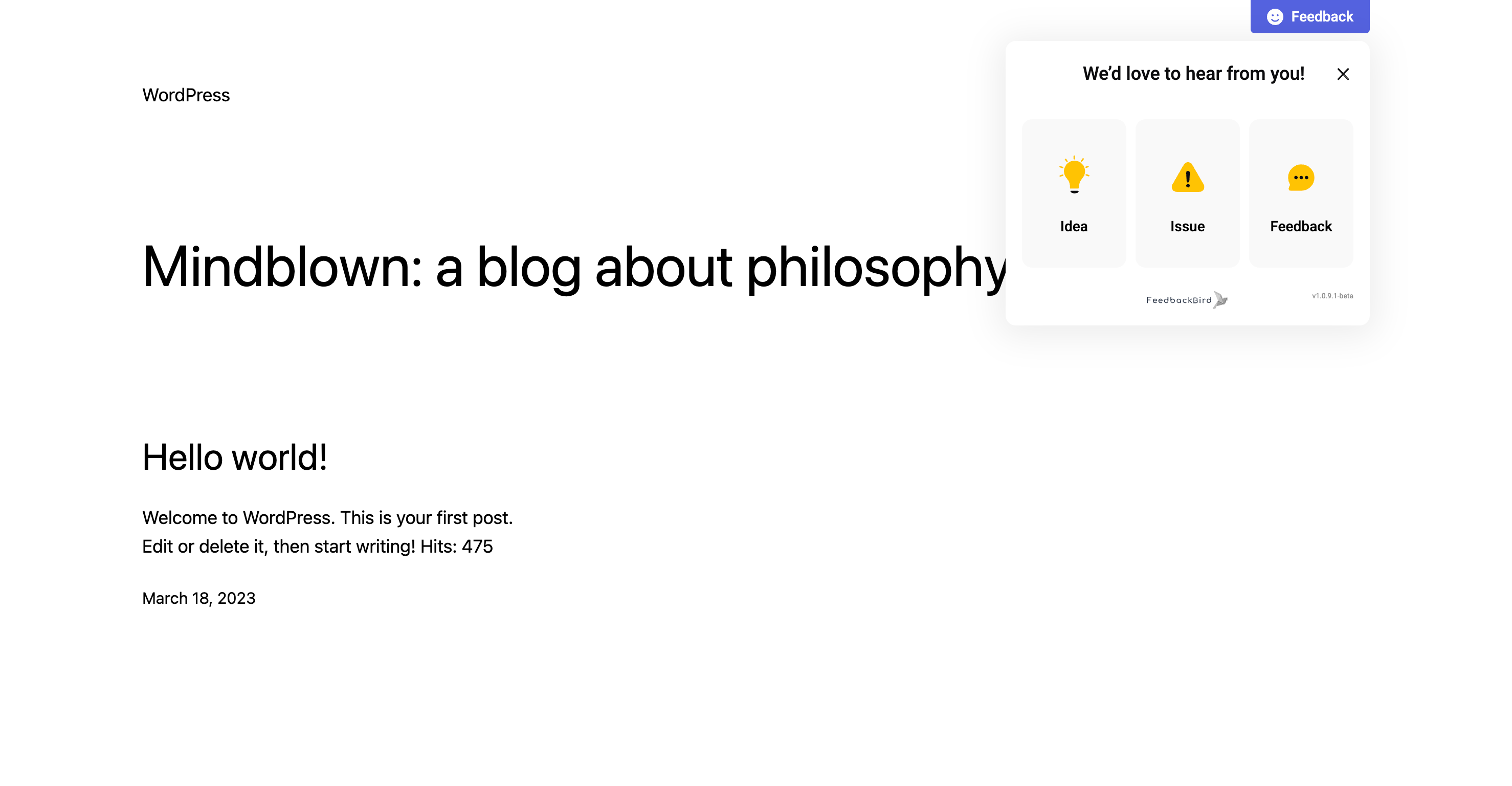
[screenshot-2.png] – Feedback Widget (Opened) 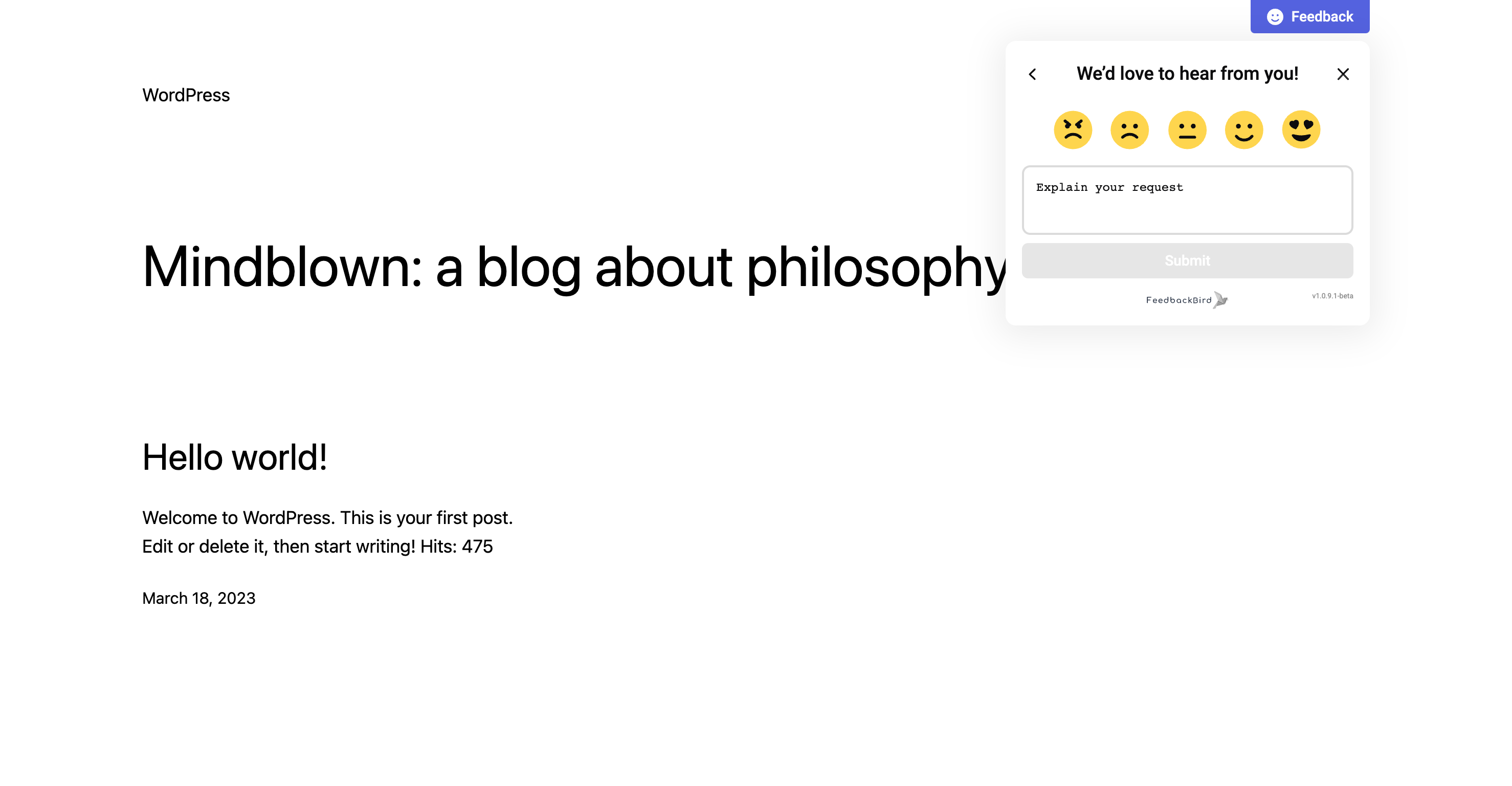
[screenshot-3.png] – Feedback Widget (Opened) 
[screenshot-4.png] – Feedback Widget (Opened) 
[screenshot-5.png] – Settings Page


Instalace
- Upload the
feedbackbirdfolder to the/wp-content/plugins/directory. - Activate the plugin through the ‚Plugins‘ menu in WordPress.
- Visit the ‚FeedbackBird‘ settings page in the WordPress dashboard to enter your FeedbackBird UID and configure the widget.
- Customize the widget’s appearance and settings to match your website’s branding.
Nejčastější dotazy
-
How can I get a FeedbackBird UID?
-
To use the FeedbackBird plugin, you must sign up for a FeedbackBird account at feedbackbird.io. After signing up, you’ll receive an UID that you can use to connect your WordPress website with the FeedbackBird service.
-
Can I manage all feedback from my website within the FeedbackBird platform?
-
Yes, with the seamless integration between your WordPress website and FeedbackBird’s service, you can centralize and manage all feedback from your website within the FeedbackBird platform.
-
Is FeedbackBird compatible with my WordPress theme?
-
FeedbackBird is designed to be compatible with most WordPress themes. The widget can be easily integrated into your website, ensuring a seamless user experience.
Recenze
Pro tento plugin nejsou žádné recenze.
Autoři
FeedbackBird – Easily Collect Ideas, Issues, and Feedback on WordPress je otevřený software. Následující lidé přispěli k vývoji tohoto pluginu.
Spolupracovníci

Přeložte “FeedbackBird – Easily Collect Ideas, Issues, and Feedback on WordPress” do svého jazyka.
Zajímá vás vývoj?
Prohledejte kód, podívejte se do SVN repozitáře, nebo se přihlaste k odběru protokolu vývoje pomocí RSS.
Přehled změn
v1.0.4
- Improvement: Updated readme and plugin description.
