

Beschreibung
ContentProtector is a lightweight and flexible plugin that allows you to protect your WordPress content with passwords. You can protect an entire post or page, or just a specific portion of the content.
Features
- Global Protection: Set a global password for all posts or pages.
- Partial Content Protection: Use a shortcode to protect only a specific part of your content.
- Customizable: Easy to set up with a clean and intuitive admin interface.
- Secure: Uses WordPress Nonces and cookies for secure password handling.
How It Works
- Use the shortcode
[cpwp_protect password="your_password"]to protect an entire post or page. - Use
[cpwp_protect_content password="your_password"]to protect only a portion of your content.
Example for partial content protection:
`html
[cpwp_protect_content password=“pass“]
This content is protected by a password. Enter the password to view it.
[/cpwp_protect_content]
Screenshots
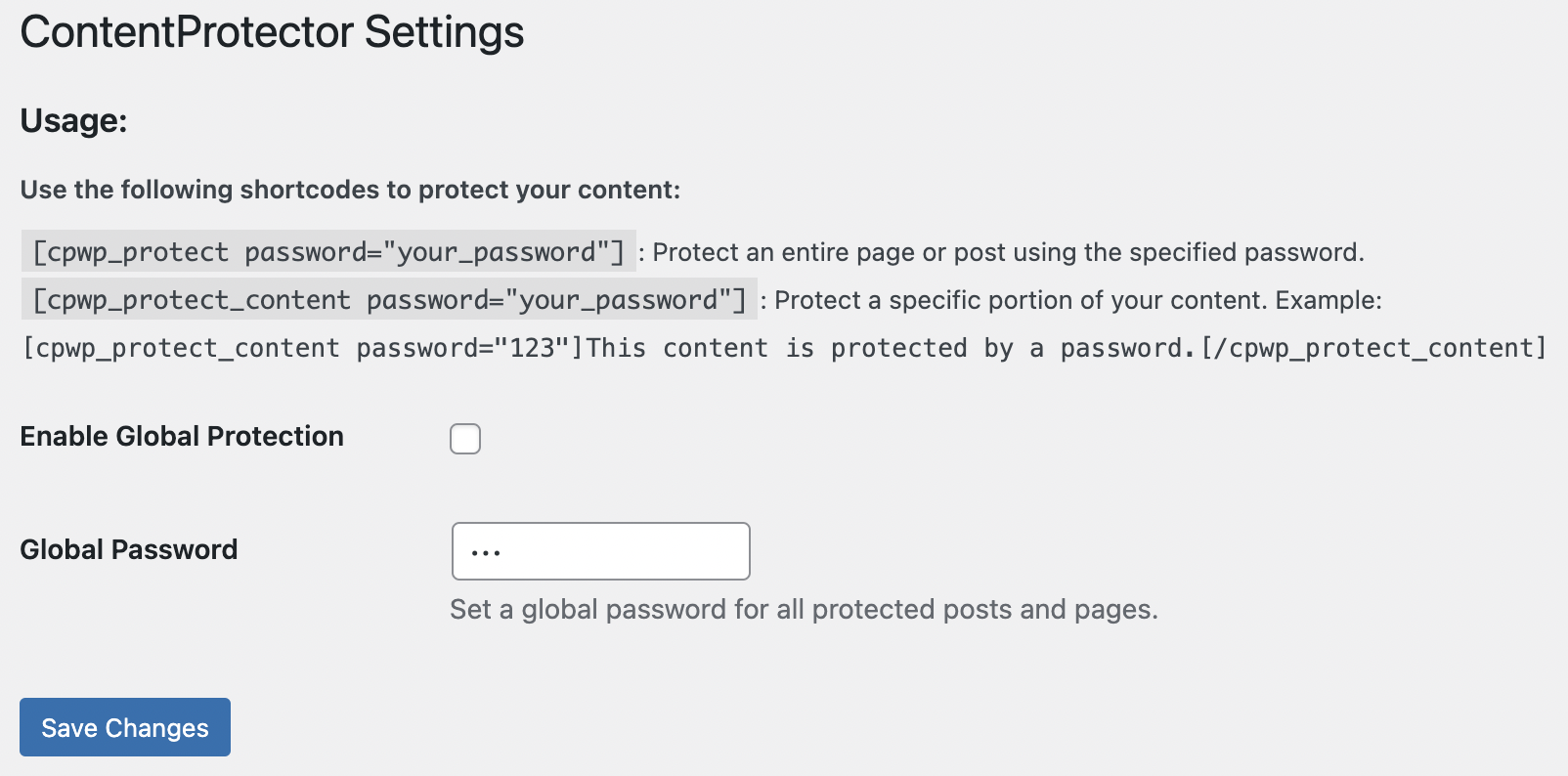
Admin settings page with configuration options. 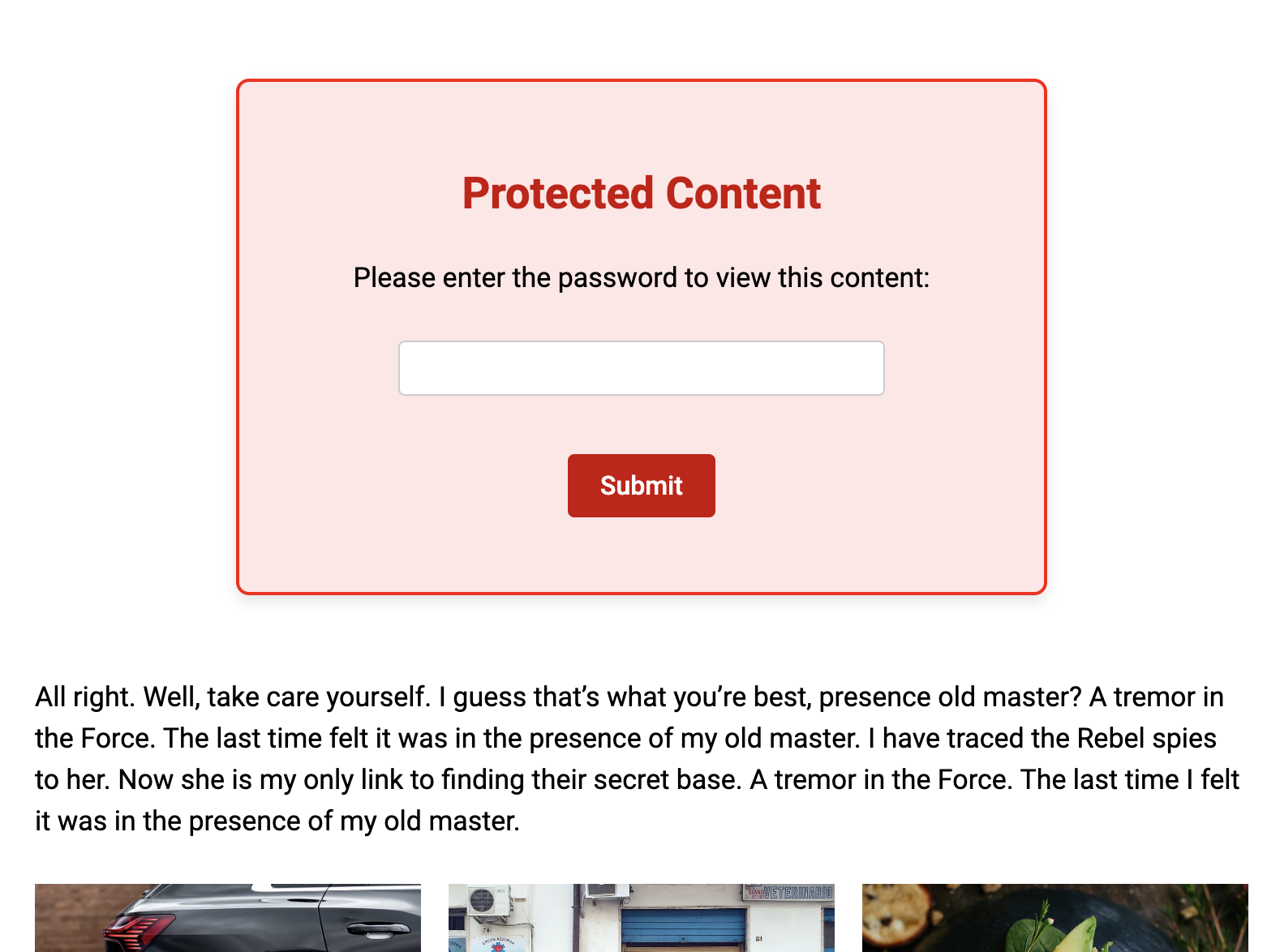
Password protect block


Installation
Download the plugin and upload the contentprotector folder to the /wp-content/plugins/ directory.
Activate the plugin through the „Plugins“ menu in WordPress.
Go to the ContentProtector menu in the WordPress dashboard to configure settings.
FAQ
-
Can I use different passwords for different posts or content?
-
Yes! Each shortcode instance can have its own password.
-
What happens if a user enters the wrong password?
-
The plugin will show an error message and prompt the user to try again.
-
Can I use this plugin on a multisite installation?
-
Yes, ContentProtector works perfectly on WordPress multisite.
Rezensionen
Für dieses Plugin gibt es keine Rezensionen.
Mitwirkende und Entwickler
„ContentProtector – password protect your page, post or text“ ist Open-Source-Software. Folgende Menschen haben an diesem Plugin mitgewirkt:
Mitwirkende
Übersetze „ContentProtector – password protect your page, post or text“ in deine Sprache.
Interessiert an der Entwicklung?
Durchstöbere den Code, sieh dir das SVN-Repository an oder abonniere das Entwicklungsprotokoll per RSS.
Änderungsprotokoll
1.0
Initial release.
