
Building Apps on Commerce7
Commerce7 is a platform that enables wineries to provide better shopping experiences for their customers across all channels such as ecommerce, the tasting room, wine club, and more. When these business require additional functionality that Commerce7 doesn't offer, they look to apps to extend the tools to meet their specific needs and/or integrate with other software.
This is where you and the App Development Center come in. Access Commerce7's APIs and use the App Development Center to create powerful apps that help wineries work more efficiently and ultimately lead them to create better shopping experiences for their customers. Published apps can be searched an installed by clients in Commerce7's app store and found on the Commerce7 website.
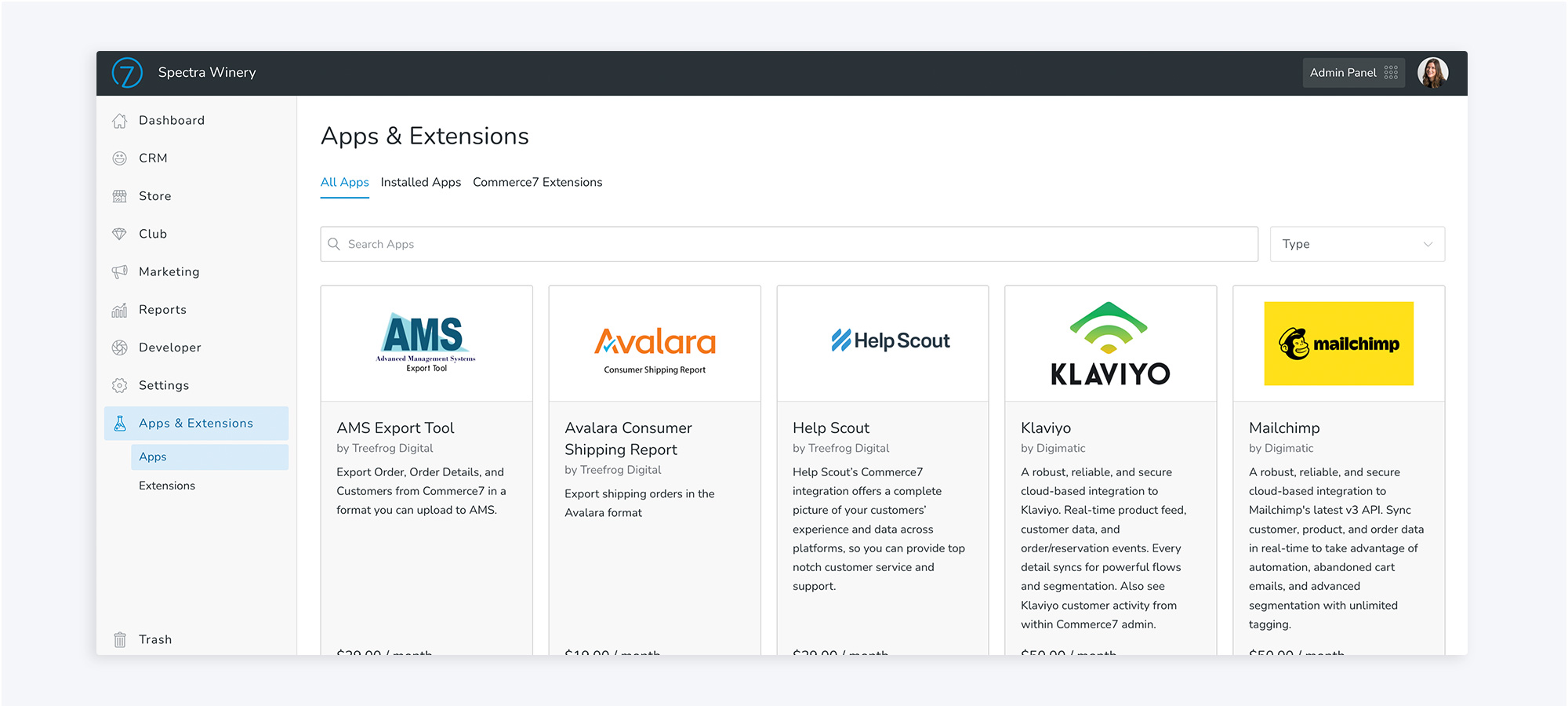
What is the App Development Center?
When building an app, the App Development Center is the tool that will help you create your app for Commerce7 and ultimately launch it to the App Store for purchase for any Commerce7 client. Here is where you'll create your app, configure what API endpoints your app needs access to, set up webhook events, configure how you want it to display inside Commerce7, and more. No app is the same, so exactly what you need to set up will change based on your specific app and what you're trying to accomplish.
How the app program works
- Develop an app that meets a need (for more than one client)
- Seamlessly integrate your app inside of Commerce7 (or create an integration-only app that works behind the scenes).
- Price your app and create compelling listing content to market it.
- Submit your app for approval by Commerce7.
- Your app will be published on Commerce7.com and on the App Store inside Commerce7's Admin if it follows our app guidelines.
- Aquire new customers with every install. Commerce7 will handle the billing and you'll receive payment.
Private appsIf you are working with data for a couple of clients, you can create an app and never publish it for Commerce7's entire user base, and that's totally fine! If you're doing this, you don't need to worry about marketing content or submitting your app for approval (steps 3-6 above). You can simply create your app, and grant clients permission directly through "Test mode". Learn more about that here.
What can my app do?
The skys the limit! (Almost) Apps can either add functionality to Commerce7 or integrate Commerce7 with other software. You have access to all of Commerce's APIs; which are the same ones that we use. When creating your app, we'd encourage you to really plan out what you want the app to accomplish. We want you and your app to succeed, so making sure that it meets a need and will therefore have client demand is important.
When planning your app, you should also decide how it makes the most sense to display and work inside of Commerce7 (if at all). Whatever function, feature, or benefit your app provides should fit nicely into the client's existing workflows. For example, you can display your app as a standalone page in the main navigation or if it's an extra function within an existing page, you can add it to an "Actions" menu. Learn more about the different Extension types, what they look like, and how to set them up in your app here .
Apps will not be approved to be published on the app store if they are only built for a single client. If you're migrating data for a client who is currently onboarding with Commerce7, we'd recommend simply connecting to our APIs. More on that here. If you're working with data for a single client (or a couple), you can also build an app and use "Test" mode to use it for your client without ever publishing. (This will work in the same way a published app does, it just won't be available for download to all Commerce7 wineries, only the ones you specify.)
Next steps
- Create a sandbox (if you don't have one already)
- Create an app
Updated about 1 year ago
