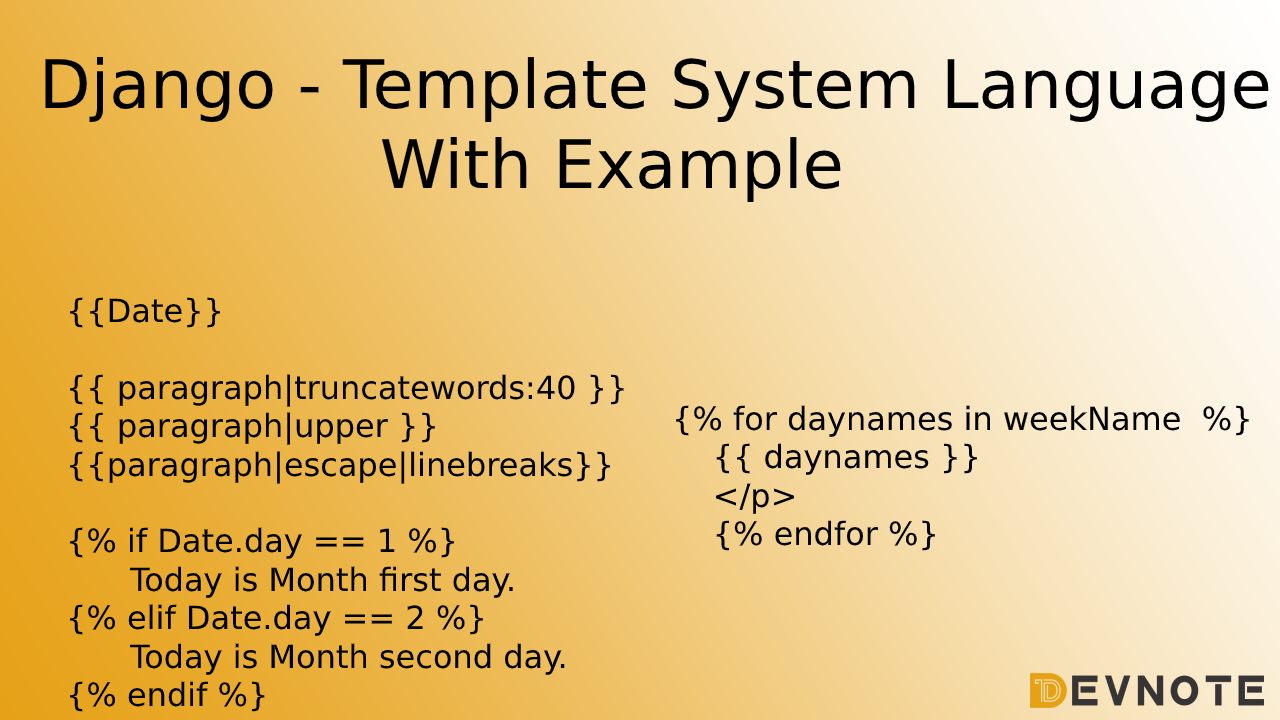
Django – Template System Language With Example

So here is the full documentation of Django template system
Render Function
This function takes three parameters :
Request – The initial request.
Template – The path relative to the TEMPLATE_DIRS option in the project settings.py variables.
Parameters – A dictionary that contains all variables needed in the template.
Syntax:
return render(Request, Template, Parameters)Django Template Language (DTL)
- Display Variables
The variable by the variable sent by the view in the third parameter of the render function.{{variable}}
#index.html
<!DOCTYPE html>
<html>
<head>
	<title>Displaying Variables</title>
</head>
<body>
	<span>Today is {{Date}}</span>
</body>
</html>
#views.py
import datetime
def index(request):
Date = datetime.datetime.now().date()
return render(request, "index.html", {"Date" : Date})Output :
Today is March 2, 2020, 11:50 a.m.2. Filters
Filters structure looks like the following : {{variable|filters}}.
{{string|truncatewords:40}} – This filter will truncate the string.
{{string|lower}} – Converts the string to lowercase.
{{string|upper}} – Converts the string to uppercase.
{{string|escape|linebreaks}} – Escapes string contents, converts line breaks to tags.
Example :
#index.html
<!DOCTYPE html>
<html>
<head>
	<title>Displaying Variables</title>
</head>
<body>
	<p>{{ paragraph|truncatewords:40 }}</p><br>
	<p>{{ paragraph|upper }}</p><br>
	<p>{{paragraph|escape|linebreaks}}</p>
</body>
</html>
#views.py
def index(request):
paragraph = "Lorem ipsum dolor sit amet, consectetur adipisicing elit, sed do eiusmodtempor incididunt ut labore et dolore magna aliqua. Ut enim ad minim veniam,quis nostrud exercitation ullamco laboris nisi ut aliquip ex ea commodoconsequat. Duis aute irure dolor in reprehenderit in voluptate velit essecillum dolore eu fugiat nulla pariatur. Excepteur sint occaecat cupidatat nonproident, sunt in culpa qui officia deserunt mollit anim id est laborum."
return render(request, "index.html", {"paragraph" : paragraph})Django Template System Output :
truncatewords

lorem ipsum dolor sit amet, consectetur adipisicing elit, sed do eiusmodtempor incididunt ut labore et dolore magna aliqua. ut enim ad minim veniam,quis nostrud exercitation ullamco laboris nisi ut aliquip ex ea commodoconsequat. duis aute irure dolor in reprehenderit in ...

upper

LOREM IPSUM DOLOR SIT AMET, CONSECTETUR ADIPISICING ELIT, SED DO EIUSMODTEMPOR INCIDIDUNT UT LABORE ET DOLORE MAGNA ALIQUA. UT ENIM AD MINIM VENIAM,QUIS NOSTRUD EXERCITATION ULLAMCO LABORIS NISI UT ALIQUIP EX EA COMMODOCONSEQUAT. DUIS AUTE IRURE DOLOR IN REPREHENDERIT IN VOLUPTATE VELIT ESSECILLUM DOLORE EU FUGIAT NULLA PARIATUR. EXCEPTEUR SINT OCCAECAT CUPIDATAT NONPROIDENT, SUNT IN CULPA QUI OFFICIA DESERUNT MOLLIT ANIM ID EST LABORUM.

escape | linebreaks

Lorem ipsum dolor sit amet, consectetur adipisicing elit, sed do eiusmodtempor incididunt ut labore et dolore magna aliqua. Ut enim ad minim veniam,quis nostrud exercitation ullamco laboris nisi ut aliquip ex ea commodoconsequat. Duis aute irure dolor in reprehenderit in voluptate velit essecillum dolore eu fugiat nulla pariatur. Excepteur sint occaecat cupidatat nonproident, sunt in culpa qui officia deserunt mollit anim id est laborum.
3. Tags
Tags is following operations: if condition, for loop, template inheritance and more…
Tag if
#index.html
<!DOCTYPE html>
<html>
<head>
	<title>Tags if condition</title>
</head>
<body>
	<p>Today is : {{ Date }}</p>
	{% if Date.day == 1 %}

	Today is Month first day.

	{% elif Date.day == 2 %}

	Today is Month second day.

	{% else %}

	Don't know

	{% endif %}

</body>
</html>
#views.py
def index(request):
Date = datetime.datetime.now().date()
return render(request, "index.html", {"Date" : Date})Output :
Today is Month second day.Tag for
#index.html
<!DOCTYPE html>
<html>
<head>
	<title>Tags if condition</title>
</head>
<body>
	<p>
    {% for daynames in weekName  %}
    {{ daynames }}
    </p>
    {% endfor %}
</body>
</html>
#views.py
def index(request):
Date = datetime.datetime.now().date()
weekName = ['Monday', 'Tueday', 'Wednesday', 'Thursday', 'Friday', 'Saturday', 'Sunday']
return render(request, "index.html", {"Date" : Date , "weekName" : weekName})Output :
Monday
Tueday
Wednesday
Thursday
Friday
Saturday
Sunday