Devnote

Web Development Blog Company, Services India

MySQL Error 121 Duplicate key on write - Practical Repair Strategy
MySQL Error 121 Duplicate key on write – Practical Repair Strategy
February 13, 2026
PHP cURL error 60: SSL certificate problem - Windows & Linux Fix
PHP cURL error 60: SSL certificate problem – Windows & Linux Fix
February 11, 2026
Fix localhost refused to connect After Installing XAMPP / WAMP
Fix “localhost refused to connect” After Installing XAMPP / WAMP
February 9, 2026
Composer Error Memory exhausted When Installing Packages - Real Fix
Composer Error: Memory exhausted When Installing Packages – Real Fix
February 6, 2026
MySQL 8 Error Unknown collation: utf8mb4_0900_ai_ci - Safe Migration Guide
MySQL 8 Error Unknown collation: utf8mb4_0900_ai_ci – Safe Migration Guide
February 4, 2026
Devnote

Type and hit Enter to search

  • Home
  • Laravel
    • Auth
    • Migration
    • DATATABLE
    • Yajra
  • wordpress
    • plugin
    • WPBakery
    • woocommerce
  • PHP
    • MYSQL
    • Ajax
  • Blog
  • Informational
    • About us
    • Privacy Policy
    • Disclaimer
    • Terms and Conditions
  • Contact US
Devnote
  • Home
  • Laravel
    • Auth
    • Migration
    • DATATABLE
    • Yajra
  • wordpress
    • plugin
    • WPBakery
    • woocommerce
  • PHP
    • MYSQL
    • Ajax
  • Blog
  • Informational
    • About us
    • Privacy Policy
    • Disclaimer
    • Terms and Conditions
  • Contact US
python os.system method

How to use python os.system() method

Image
Devnote team
October 8, 2020
One Min Read
681 Views
0 Comments

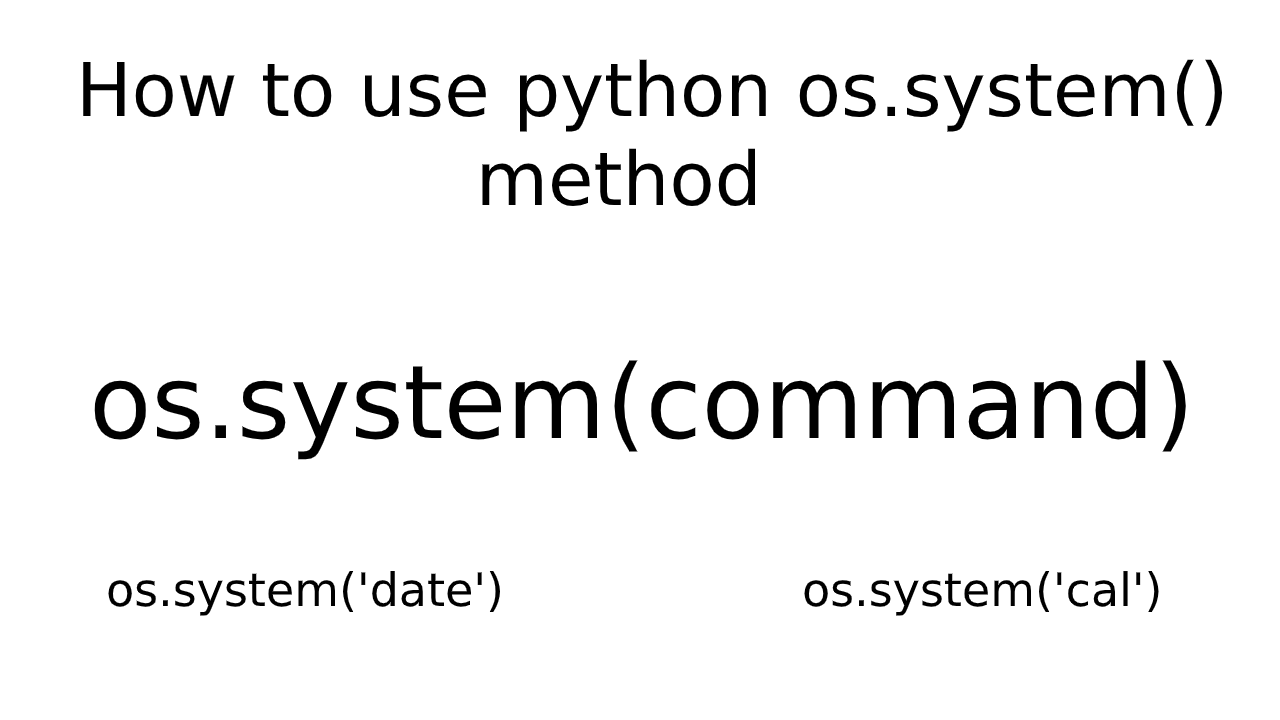
This tutorial is How to use python os.system() method. The OS module provides functions for interacting with the operating system. OS module provides a portable way of using operating system dependent functionality.

os.system method has used the shell of the Operating system is opened and the command is executed on it.

Syntax

os.system(command)

Example

#Get current date

import os
command = 'date'
os.system(command)

Output:
Thu Oct 8 15:14:23 IST 2020

Example

#Run Calander

import os
command = 'cal'
os.system(command)

Output:

October 2020
Su Mo Tu We Th Fr Sa
             1 2  3
 4  5  6  7  8  9 10
11 12 13 14 15 16 17
18 19 20 21 22 23 24
25 26 27 28 29 30 31
Categories:

python

Other Articles

install mysql server on ubuntu 18.04
Previous

How to install MySQL server on ubuntu 18.04

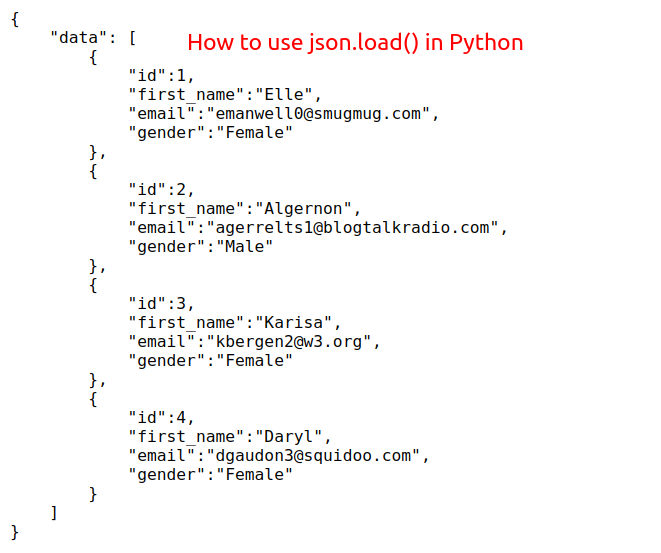
How to use json.load() in Python
Next

How to use json.load() in Python

No Comment! Be the first one.

Leave a Reply Cancel reply

Your email address will not be published. Required fields are marked *

Related Posts

How to add a date filter to Django admin?

How to add a date filter to Django admin?

February 1, 2021
How to remove default apps in Django admin?

How to remove default apps in Django admin?

January 29, 2021
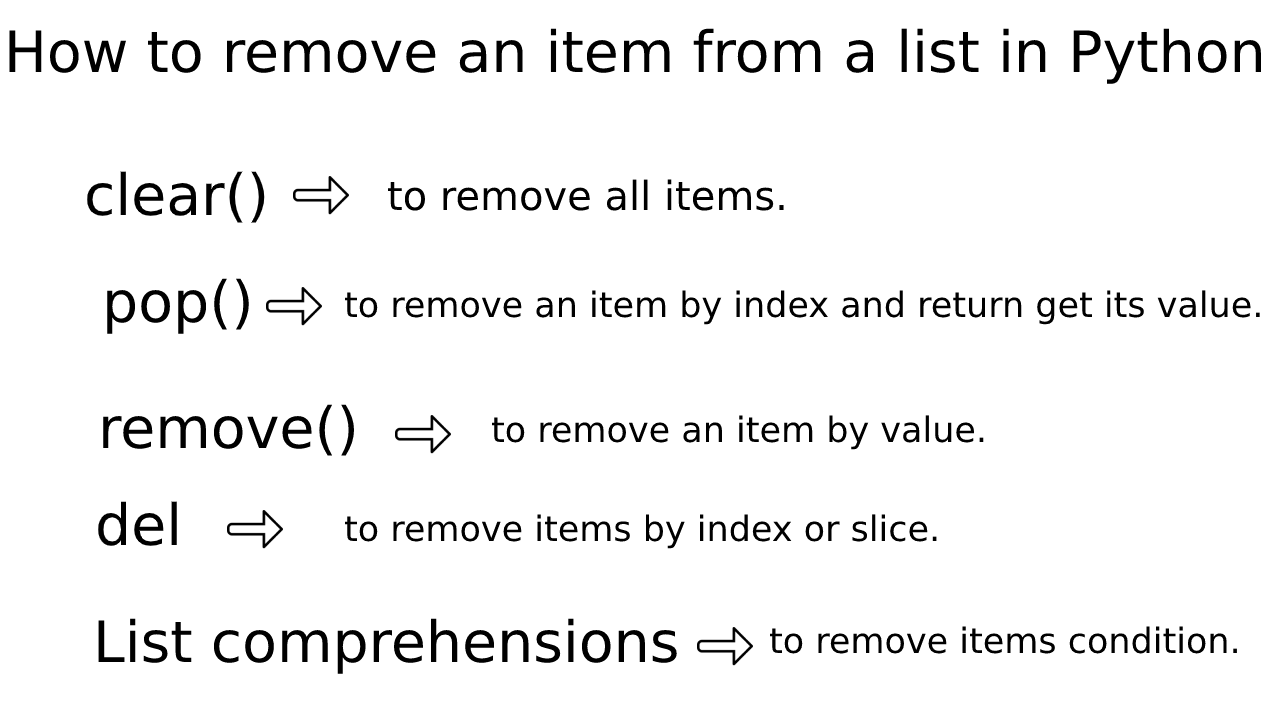
Remove an item from a list in Python

How to remove an item from a list in Python

January 28, 2021
How to change Django administration text?

How to change Django administration text?

January 25, 2021
Devnote

Devnote provides a collection of tutorials about PHP, Laravel, WordPress, Django, MySQL, Bootstrap, Jquery, Ajax, APIs, CRUD operations, etc.

Devnote © , All Rights Reserved.

Page Links

  • Home
  • About us
  • Blog
  • Contact US
  • Site map

Category

  • PHP
  • Laravel
  • wordpress
  • HTML
  • jQuery

Follow Us

Facebook Instagram Twitter Youtube Linkedin Pinterest
Morbi, Gujarat, India - 363641
This website uses cookies to improve your experience. We'll assume you're ok with this, but you can opt-out if you wish. Cookie settingsACCEPT
Privacy & Cookies Policy

Privacy Overview

This website uses cookies to improve your experience while you navigate through the website. Out of these cookies, the cookies that are categorized as necessary are stored on your browser as they are essential for the working of basic functionalities of the website. We also use third-party cookies that help us analyze and understand how you use this website. These cookies will be stored in your browser only with your consent. You also have the option to opt-out of these cookies. But opting out of some of these cookies may have an effect on your browsing experience.
Necessary
Always Enabled
Necessary cookies are absolutely essential for the website to function properly. This category only includes cookies that ensures basic functionalities and security features of the website. These cookies do not store any personal information.
Non-necessary
Any cookies that may not be particularly necessary for the website to function and is used specifically to collect user personal data via analytics, ads, other embedded contents are termed as non-necessary cookies. It is mandatory to procure user consent prior to running these cookies on your website.
SAVE & ACCEPT
Advertisement