-
-
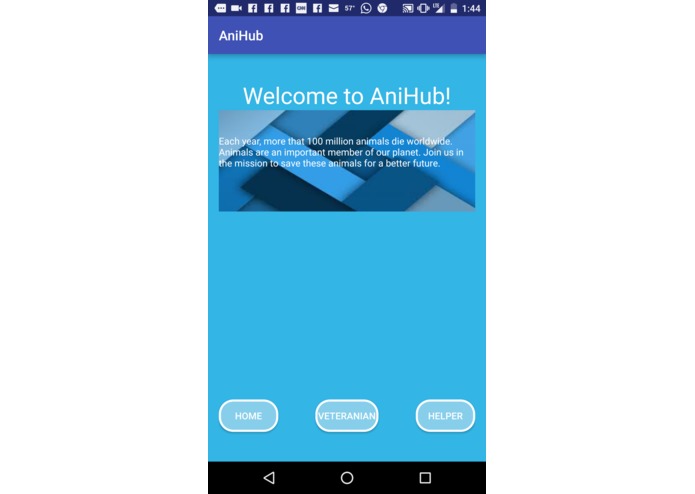
The home page.
-
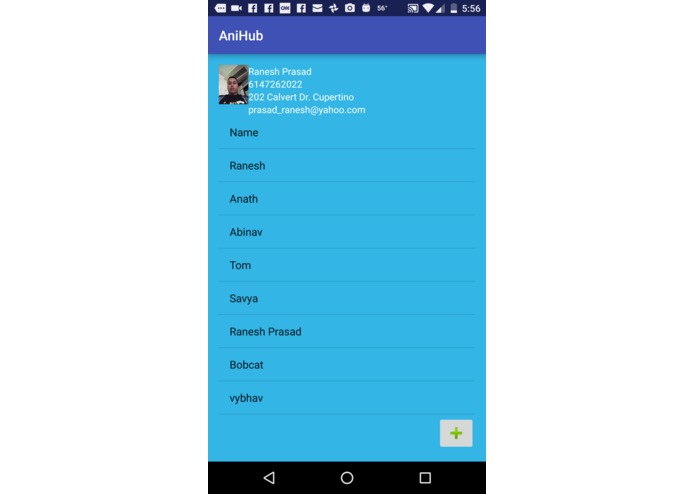
Vet's page
-
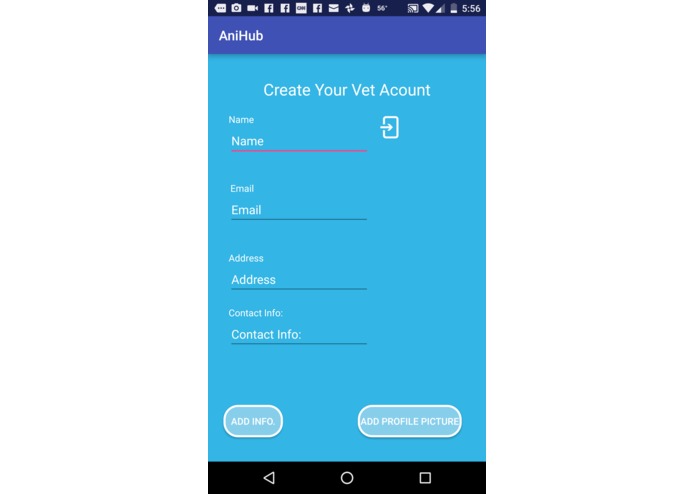
Before creating a vet account.
-
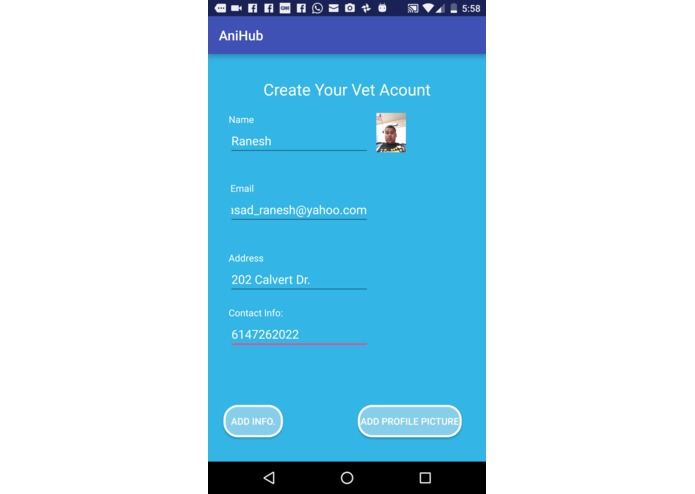
After filling out the information for vet account.
-
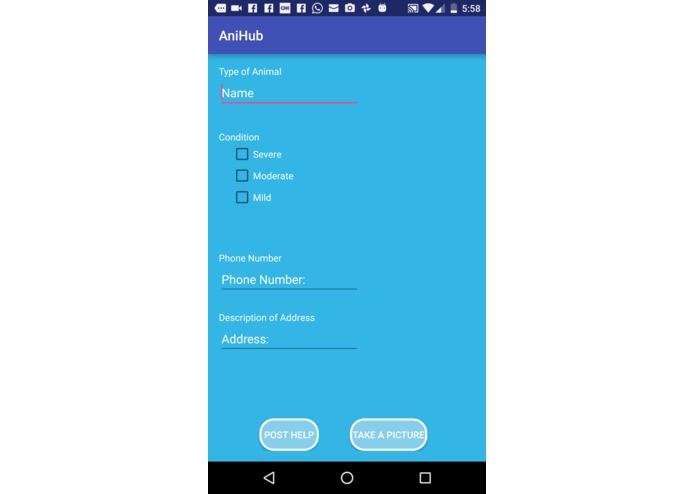
Before asking help for an animal.
-
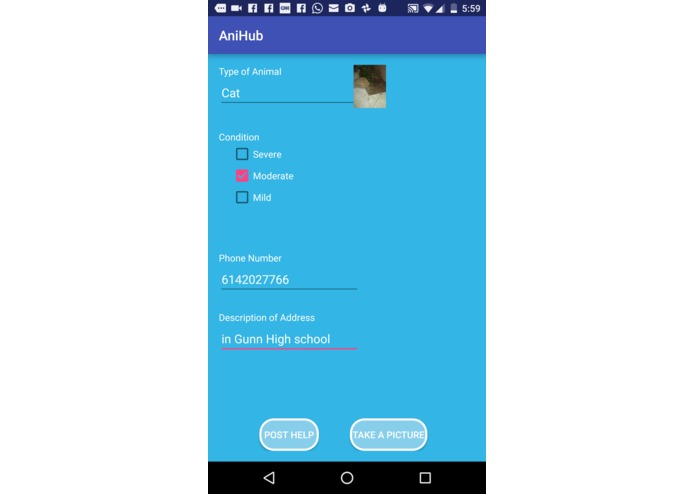
After filling out the information for asking help.


Inspiration
The inspiration for this app was the rising amount of animal fatalities and injuries the rising amount of squirrel deaths were especially concerning for us as they represented a sense of community for us. The rising amount of extinct species was also deeply concerning for us. We felt that we could be the ones who could be the change and make a useful and practical app that could potentially help lower these animal fatalities.
What it does
TLDR; The app's primary purpose if to alert vets & animal conservation programs if an animal is reported as injured or in critical condition. In depth : the app has 2 sections for both vets and helpers, vets and animal conservationists have a special screen where they have a list of animals sorted by date reported, the vet can click on the the animal name on the list to get the phone number, email and location of the person and also a picture of an animal for authenticating that the animal is actually injured to prevent trolling or spam in the app. On the helper screen the helper is prompted for his/her relative location and phone number and picture and also animal species and also severity of the animals injury by 3 types(Severe,medium,mild), the helper's location is also collected via android.
How we built it
Team divided project into 2 parts: Helper and Vet, we first focused on creating a vet account on one device. To accomplish this we used firebase. We created 2 branches in fire base : Post and Vet. For creating vet account we pushed whatever the user typed into a vet repository underneath a device id. When the account was created and when the vet returned to his or her home vet page, their personal info was updated as there was a folder for device id. After that we went on to complete the helper portion of the app, in the helper portion we required the helper to input the severity of injury of animal,contact info,picture and location. Although it was easy to take the post button when clicked, it was hard to take a picture and storing it and converting it to bitmap. From that, we stored all data under post branch and under the name of each animal. This data was again visible for the vets in the List View format in their page, where they can choose the people they can help and contact them via SMS via the click of a button on the page where they can view the details of the people who need assistance as well as view their location.
Challenges we ran into
We ran into many challenges like failing to adapt to firebase as it was the main cause of compiler errors and most of our team was not experienced with it. Initially to make the app more like google's material design fragments, a part of android studio that made transitions natural was used but deprecated due to technical difficulties. Some other challenges included getting camera View to work properly as it required special permissions and also reading many online guides. Making material design on the website was also very hard as this features of web design was poorly documented on the web and heavy research was needed to get this feature working in the web version.
Accomplishments that we're proud of
We proud of capturing an image and converting it to a bitmap string and storing it in a database. We are also proud of adequate use of a database to transfer information between the vet and the helper. We are also pleased because this app could help our community by help reducing animal deaths. We are also proud in the improvement int the user interface of the app. We are also proud of the team collaboration that enabled us to work on the app. We are also proud of researching new apis and implementing them in our code like camera. GPS integration was also a major accomplishment for us as non of us knew this class before. Implementation of the SMS API that was taken from the phone number typed by the user on the other end (the helper side).
What we learned
We learned about the camera api and how to store and capture images in the android camera and transfer them to a database using bitmap strings. Firebase integration was also new to some of us as we did not know how to interact with databases well prior to this. We learnt about the gps api and how to dynamically display the current direction. We also learnt how to better implement material design in our UI and learn google's design language.
What's next for AniHub
We might make an ios version next and also potentially bring it to web if we haven't already, also implementing a spam filter and also a better ui. Better ui would involve using fragments and tab hosts.




Log in or sign up for Devpost to join the conversation.