-
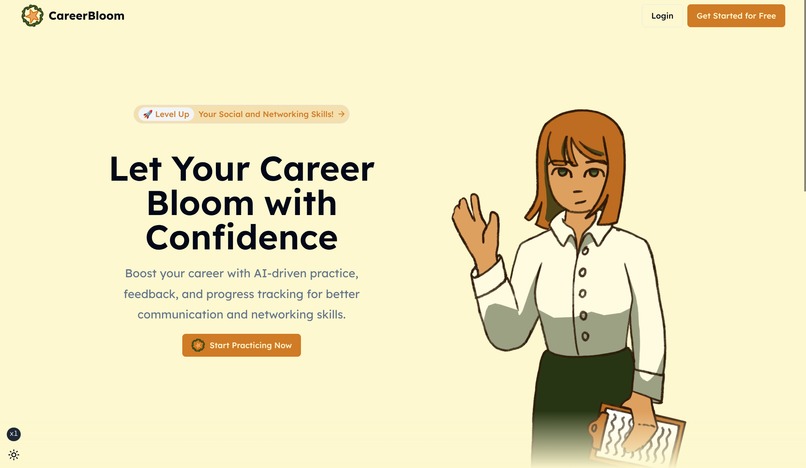
Home Page
-
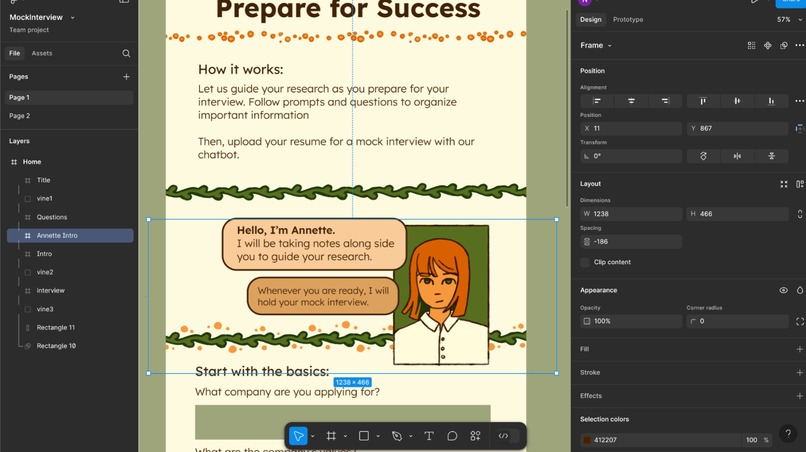
Figma Process
-
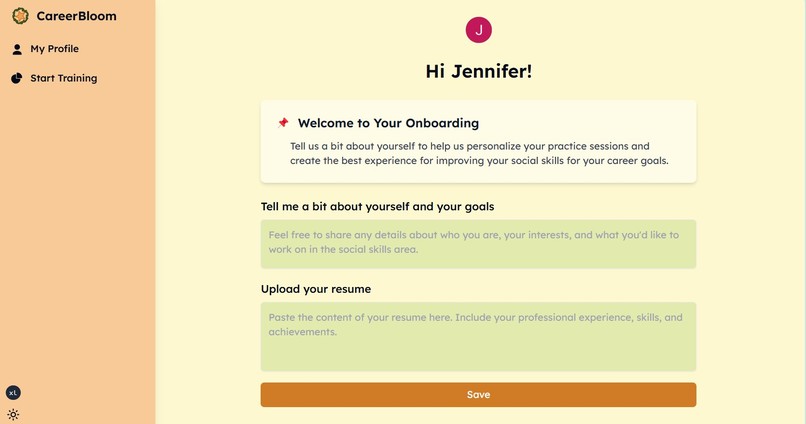
Profile Page
-
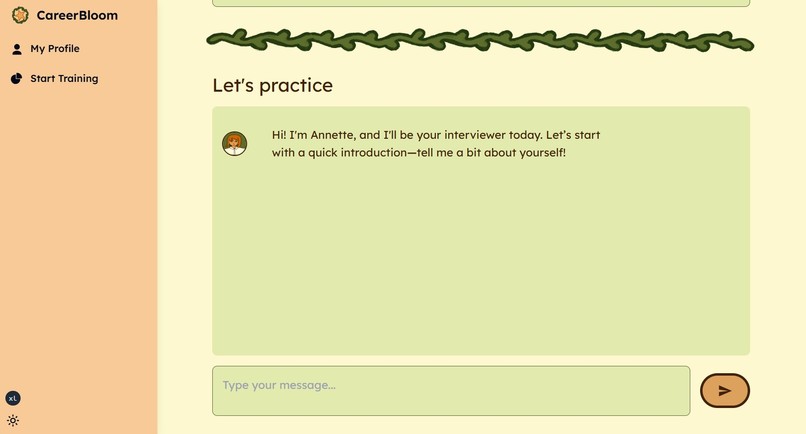
Chat Area
-

Career Bloom Logo


Inspiration
We wanted to provide a free resource to anyone trying to prepare for an interview. Many people were never taught how to succeed in interviews, and it takes a lot of time and effort to gain the confidence and skills necessary to stand out in a competitive job market. We wanted our website to be an approachable way to prepare, with easy-to-follow questions and prompts.
What it does
First, the user sets up their account by uploading their resume and introducing themselves. Then, they are prompted to start researching the company and job they applied to. Once they feel ready, they can move on to the mock interview with Annette, an ai chatbot that has read their resume and their research.
How we built it
We used Figma to plan out the general layout of the website, then built the webapp using Next.js and TypeScript on VS code using Tailwind CSS for styling, Clerk for authentication, Firebase for databases and OpenAI API for context aware personal training.
Challenges we ran into
Trying the UI/UX design in Figma and using FireJet to transform it into code took us a while to work, but eventually we learned how to use these 2 powerful tools.
Accomplishments that we're proud of
We are really proud that we were able to get a polished project done within the short time limit.
What we learned
The Figma workshop was incredibly useful. We learned how to use it, and it made planning our project much easier.
What's next for Career Bloom
The current set of questions is fairly limited. If we had more time, we would research what kind of information can be helpful to make the research section more in depth. We can improve the user authentication security, optimize the use of tokens with the OpenAI request, add voice mode so it feels more like a real interview, and return a summary of notes at the end of the conversation.
Built With
- clerk
- figma
- firebase
- next.js
- openai
- taildwind
- typescript
- vscode


Log in or sign up for Devpost to join the conversation.