-
-
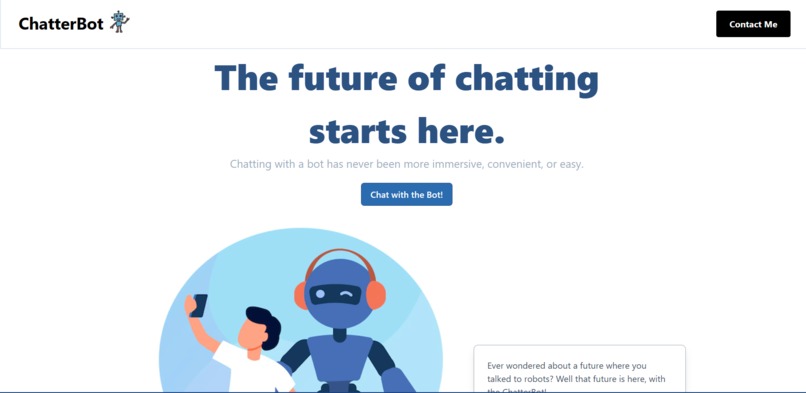
Landing Page
-
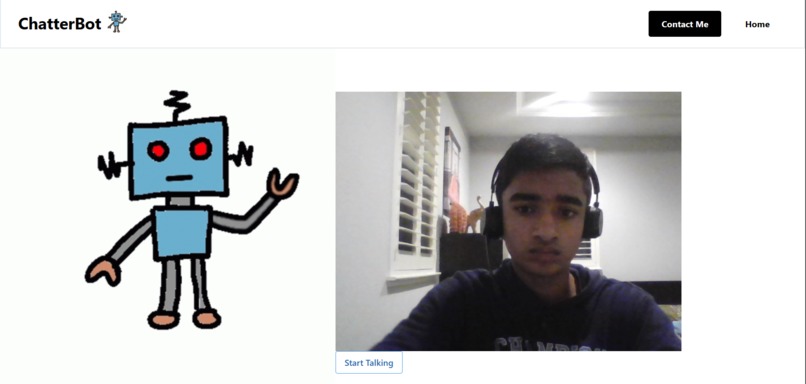


Inspiration
I know that we've all seen the viral ChatGPT, probably more than we'd have liked to. But whenever I always found myself using it, it felt so dull and boring, just sitting there typing away to a language-based model. I didn't feel immersed or engaged in the conversation, at all, so I created ChatterBot.
What it does
ChatterBot is an AI-based software that can listen to what you say, and then respond to it in a human-like manner. It allows the user to have an engaging conversation with, emulating the experience of talking to a human, without ever talking to one.
How we built it
I used Python Flask for the backend, making requests to the OpenAI API, and the frontend was built using JavaScript, HTML, and TailwindCSS. The Web Speech API was used to talk to the user based off the output given by the OpenAI API, and to take in microphone input from the user.
Challenges we ran into
I was stuck for a while, trying to decide how I was going to have the software "speak" to the user. I was originally going for a 3d model that would be animated, but I didn't really have an idea of how Blender or other animation engines worked, so I settled for 2d images. The other big challenge TailwindCSS, as I had to constantly readjust my CSS because of the robot images.
Accomplishments that we're proud of
I'm incredibly proud of finally getting to use the OpenAI API, as I always had thought of how cool it would be to emulate what ChatGPT actually does. I'm also proud of developing my first Flask project, as I had experience making small side projects, but never actually a full-scaled one for a hackathon. Flask is amazing, so I'm definitely going to continue using it for future hackathons.
What we learned
I learned that I need to use Figma. More often than not, I usually just jump headfirst into hackathons, without a clue how I'm going to design it. Through hackathons, I've come to the realization that the UI is almost, if not more important than the backend of the project. Figma is a great way to plan out the UI before a hackathon, to ensure the best user experience.
What's next for ChatterBot
I plan for ChatterBot to be even more immersive, so I plan to add a 3d robot instead of the 2d model, that is more realistic, and makes bodily motions based off the dialogue. I also plan to add a community chat, where people can discuss how to improve ChatterBot, as something like this can always improve.
Built With
- flask
- html
- javascript
- openai
- tailwindcss
- webspeechapi




Log in or sign up for Devpost to join the conversation.