-
-

Create IPFS App
-

Create IPFS App Success
-

Create IPFS App Deployed


Create IPFS App
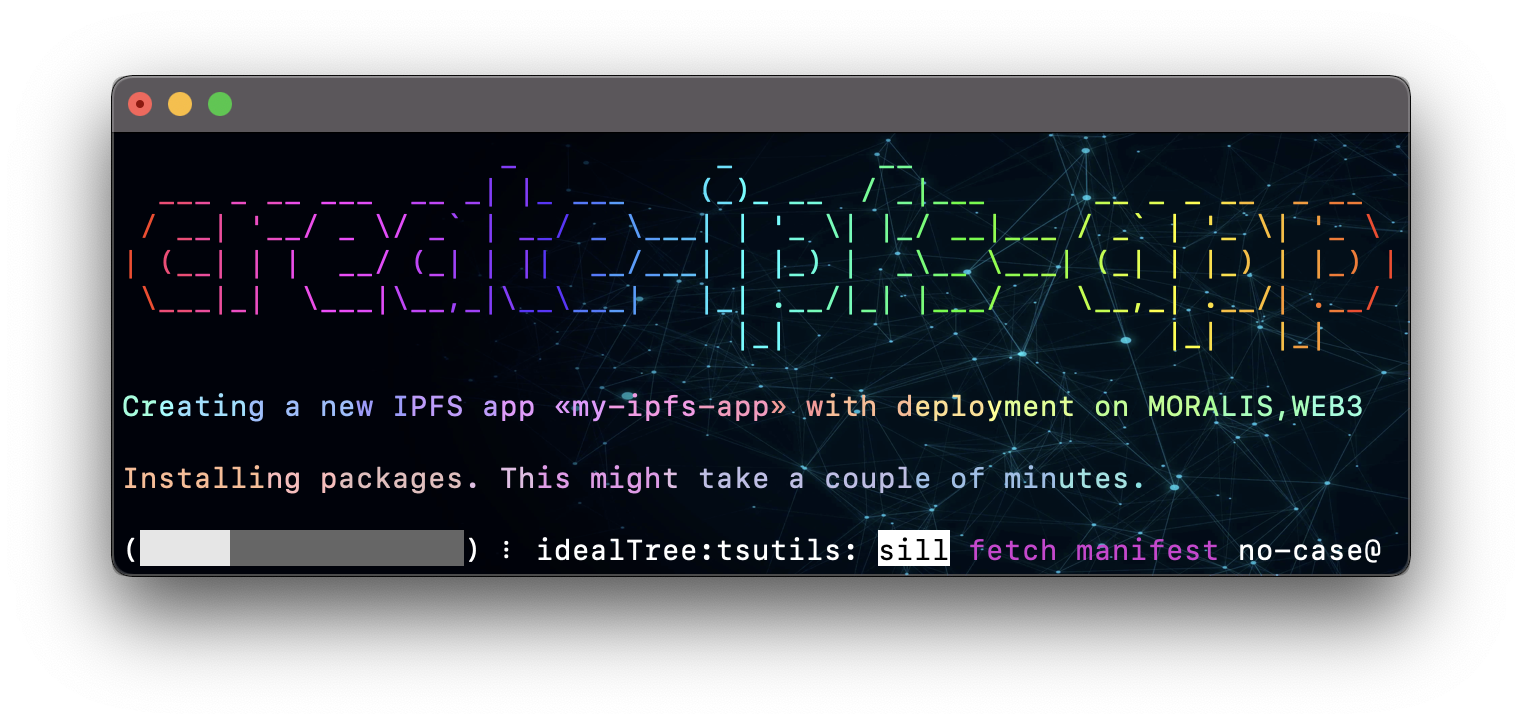
Create IPFS apps with no build configuration (like create-react-app).
Create IPFS App works on macOS, Windows, and Linux.
If something doesn’t work, please file an issue.
If you have questions or need help, please ask in GitHub Discussions.
Quick Overview
To create a new IPFS app, you may choose one of the following methods:
NPX
npx create-ipfs-app my-ipfs-app --web3 WEB3_STORAGE_API_TOKEN
YARN
yarn create ipfs-app my-ipfs-app --moralis MORALIS_WEB3_API_KEY
NPM
npm install -g create-ipfs-app
create-ipfs-app my-ipfs-app --pinata PINATA_API_KEY:PINATA_API_SECRET
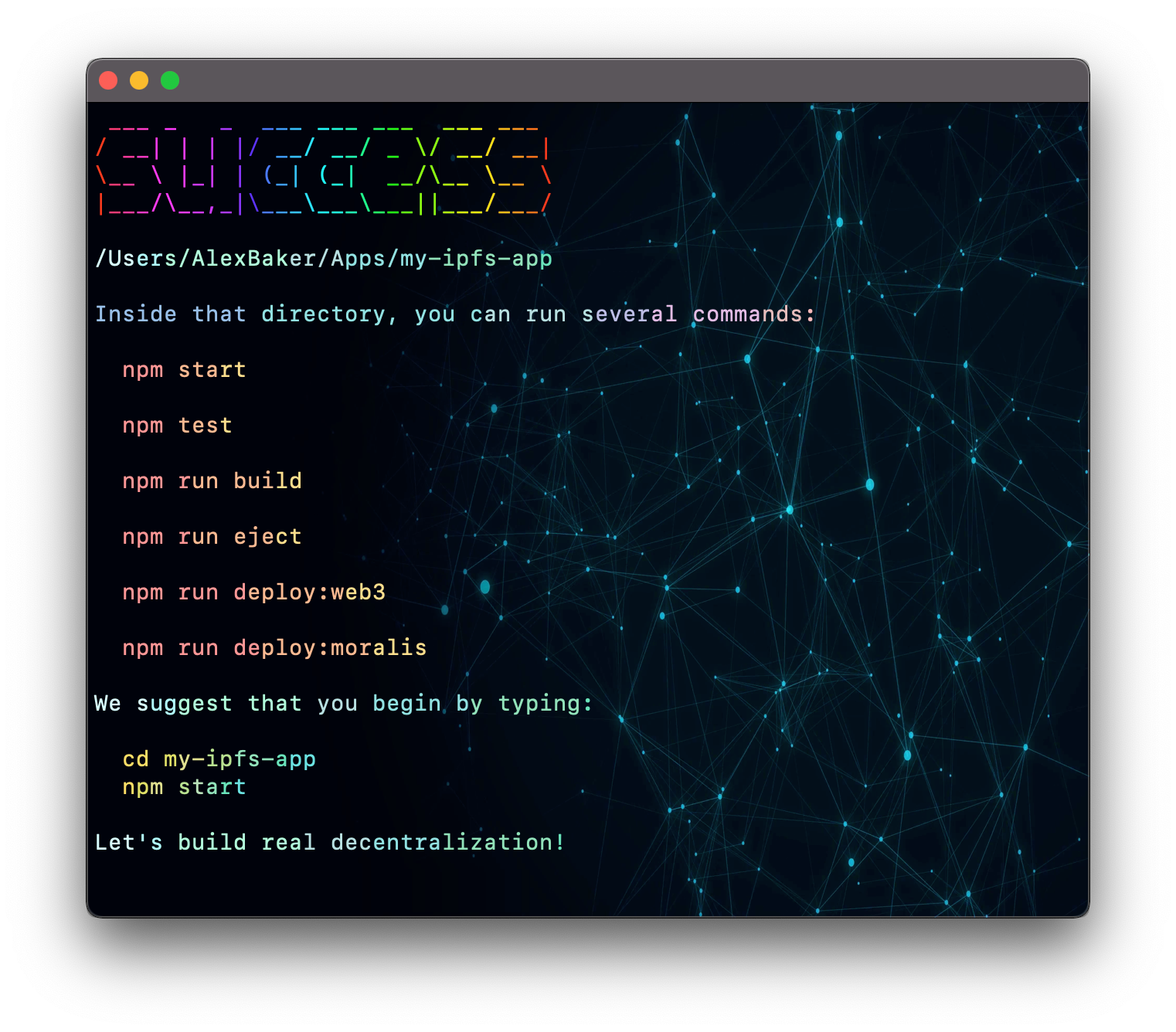
Once the installation is done, you can open your project folder:
cd my-ipfs-app
Inside the newly created project, you can run some built-in commands:
npm start or yarn start
Runs the app in development mode.
Open http://localhost:3000 to view it in the browser.
npm test or yarn test
Runs the test watcher in an interactive mode.
By default, runs tests related to files changed since the last commit.
npm run build or yarn build
Builds the app for production to the build folder.
Your app is ready to be deployed.
npm run deploy:service or yarn deploy:service
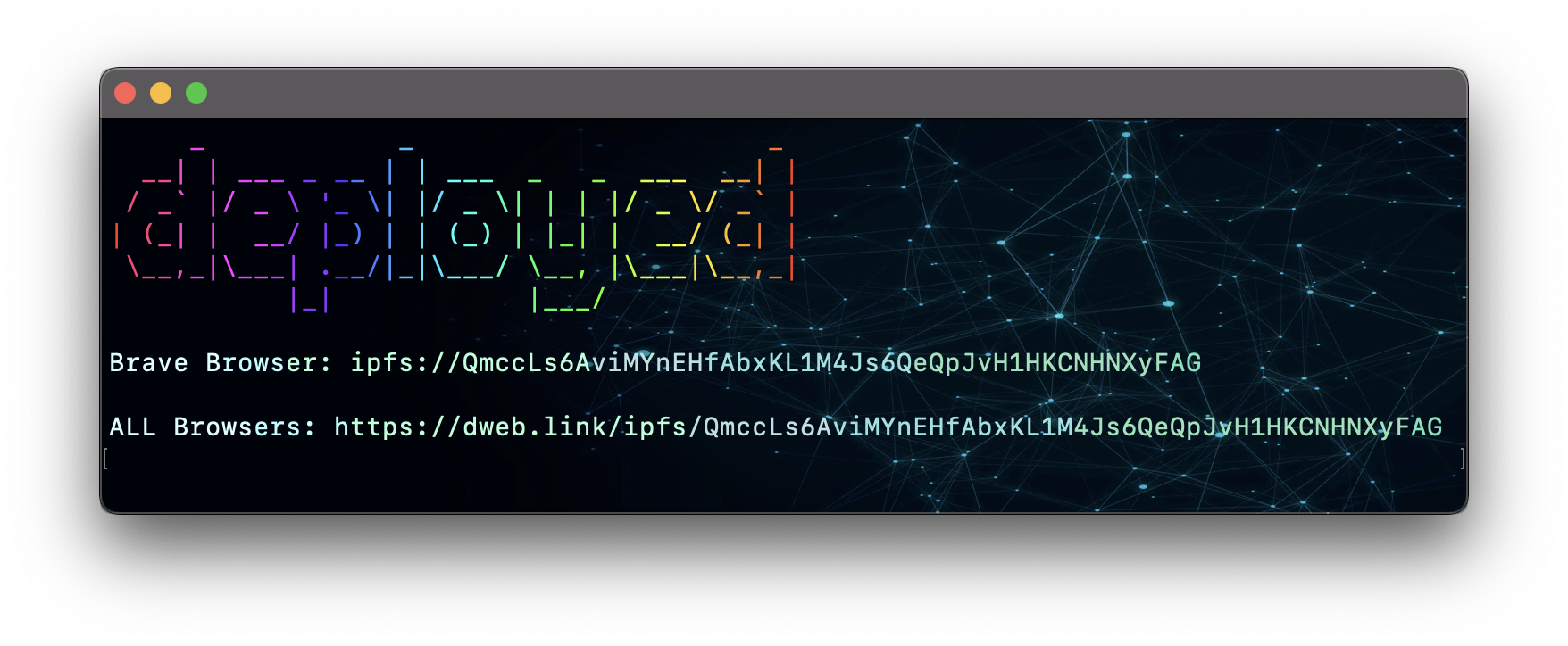
deploy:web3- deploy to web3.storagedeploy:moralis- deploy to moralis.iodeploy:pinata- deploy to pinata.cloud
In a few seconds, your application will be deployed on the decentralized network.
- Open
ipfs://Q.../index.htmlto view it in the Brave browser. - Open
https://dweb.link/ipfs/Q.../index.htmlto view it in the ALL browsers.
Let's build an internet that belongs to the people.
Built With
- infura
- javascript
- moralis
- pinata
- web3


Log in or sign up for Devpost to join the conversation.