-
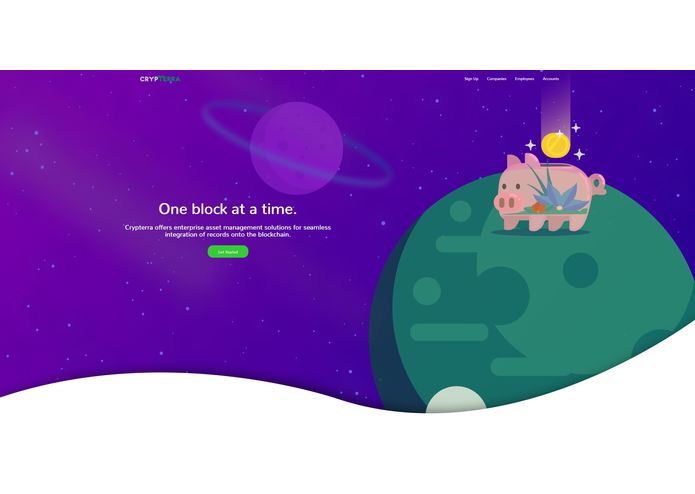
Landing Page
-
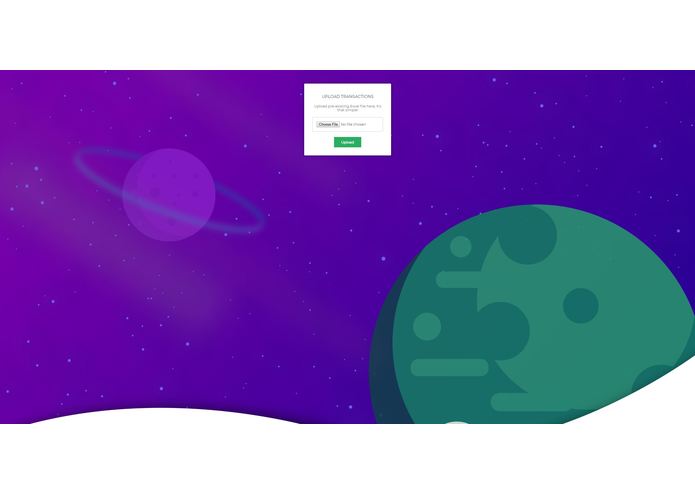
Entering company data in an excel file
-
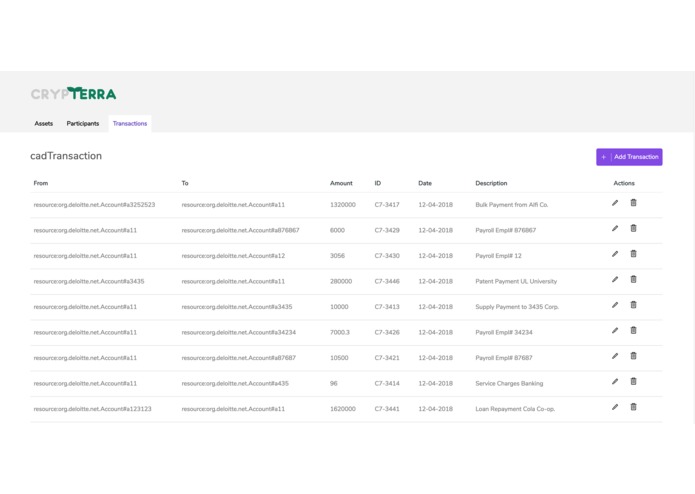
Viewing and adding transaction


Crypterra
Crypterra is a business-first asset management platform that utilizes the Hyperledger Composer and Fabric frameworks to securely hold assets and records on a decentralized blockchain platform. As an extension of Hyperledger's enterprise-friendly open-source structure, Crypterra caters to new businesses unfamiliar with blockchain technology by providing them with a convenient and user-friendly data upload system, which supports upload of data from Excel spreadsheets, which is then parsed and added to the Hyperledger network. Additionally, the Crypterra platform creates an account and identity for every company and employee after parsing the information it receives from the excel worksheet. This allows for companies and employees alike to transact amongst 5 currencies (BTC, ETH, CAD, USD, GBP) within the platform and have their balances reflect accordingly.
Setup
Prerequisites
Operating Systems: Ubuntu Linux 14.04 / 16.04 LTS (both 64-bit), or Mac OS 10.12 Docker (Version 17.03 or higher) npm (v5.x) Node (version 8.9 or higher - note version 9 is not supported) and associated modules to install specific Node version you can use nvm Hyperledger Composer
1. Clone the git repository
git clone https://github.com/Deloitte-Case-Competition/Crypterra
2. Setting Up Fabric for the Platform
Remove all pre-existing docker instances
docker kill $(docker ps -q)
docker rm $(docker ps -aq)
docker rmi $(docker images dev-* -q)
Install Fabric scripts which are available in fabric-tools
cd fabric-tools/
./downloadFabric.shc
./startFabric.sh
./createPeerAdminCard.sh
3. Set up the Business Network Archive (.bna file)
Generate BNA file from the root directory
cd ..
npm install
A new file called [email protected] has been created in the root directory
4. Deploying to Fabric
composer network install --card PeerAdmin@hlfv1 --archiveFile [email protected]

composer network start --networkName deloitte-net --networkVersion 0.1.15 --networkAdmin admin --networkAdminEnrollSecret adminpw --card PeerAdmin@hlfv1 --file networkadmin.card

composer card import --file networkadmin.card

composer network ping --card admin@deloitte-net
5. Run Application
node server.js
npm install
cd ../angular-app/deloitte-net
npm start
The Node application will be running at localhost:3000 (for data input).
The Angular application will be running at localhost:4200 (for viewing added transactions, participants, and assets)
6. User Interface
Once at the landing page (localhost:3000), click Get Started, and enter company info. For the excel spreadsheets, we've provided examples. Use properties.xlsx followed by transactions.xlsx.
6. Stopping the app
At the end of your session, stop fabric:
cd ~/fabric-tools
./stopFabric.sh
./teardownFabric.sh
Authors
- Abhinav Chanda - Blockchain Developer - a5chanda
- Ryan Min - Back-end Developer - ryanmin42
- Meihua Li - Front-end Developer - fromhua
- Vishv Patel - Financial Analyst - VishvPatel007
- Niaz Abedini - Business Analyst - nniiaazz
Built With
- angular.js
- blockchain
- hyperledger
- javascript
- node.js


Log in or sign up for Devpost to join the conversation.