-
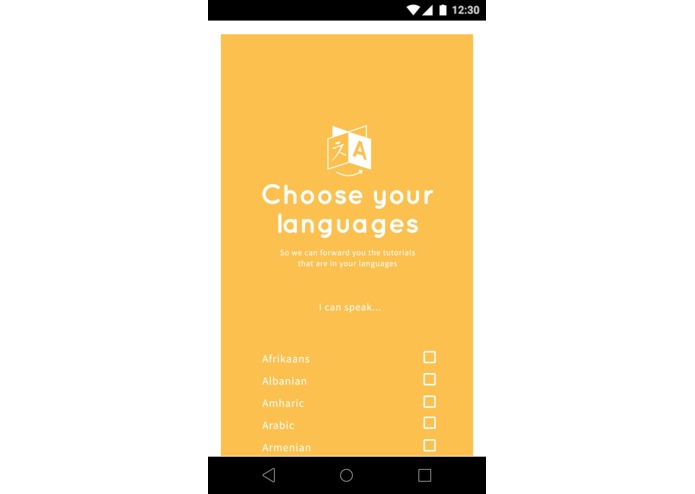
Choose language
-
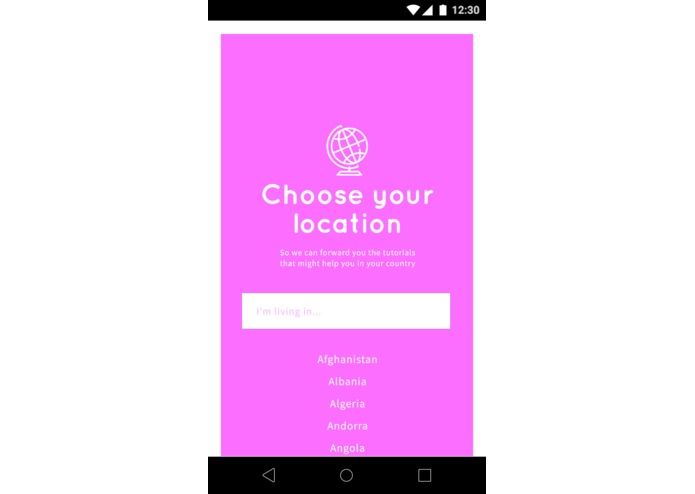
Choose location
-
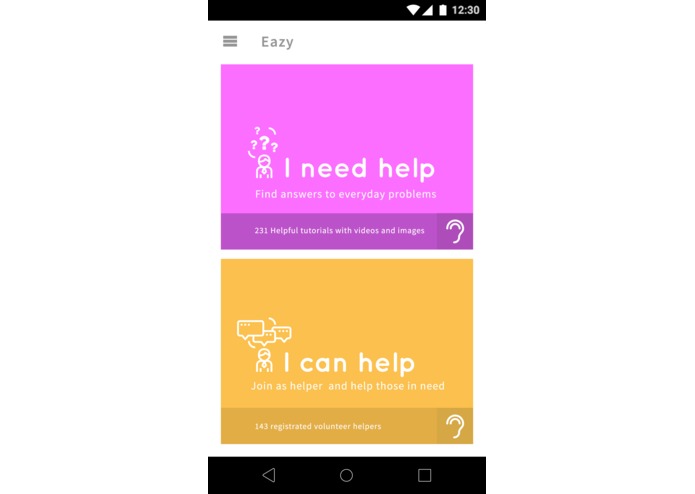
Select to use the as a learner or as a helper
-
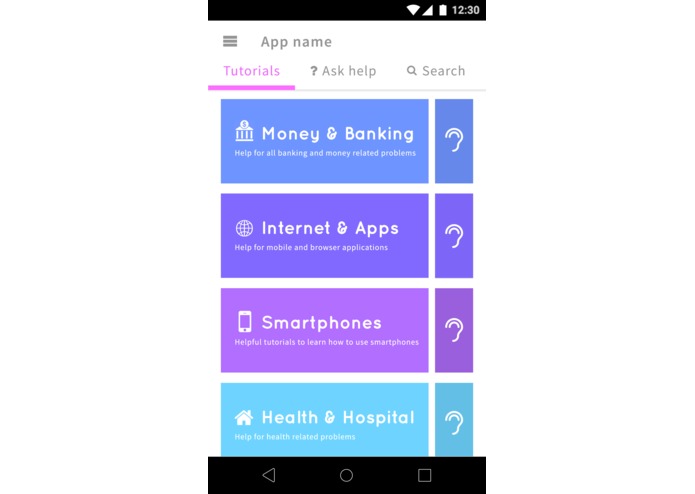
Example categories
-
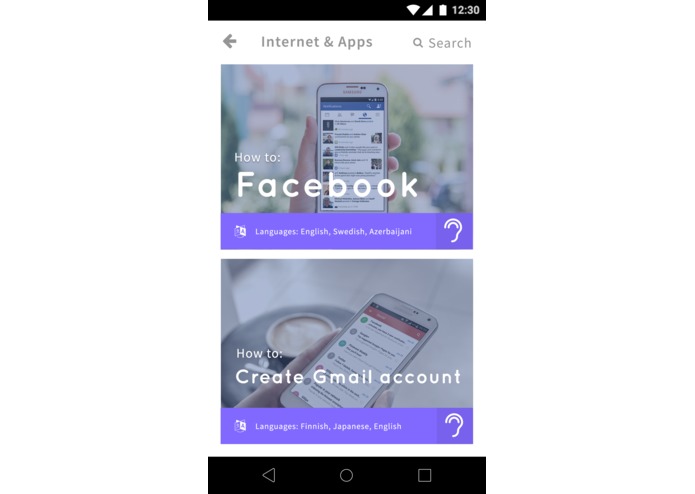
Example tutorials
-
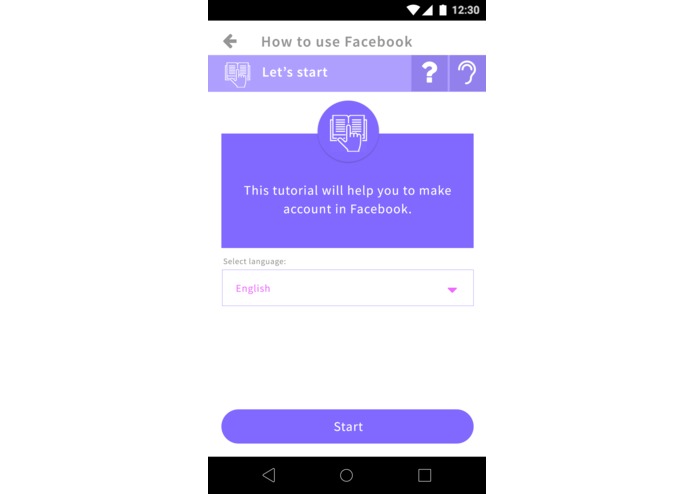
Example tutorial opened
-
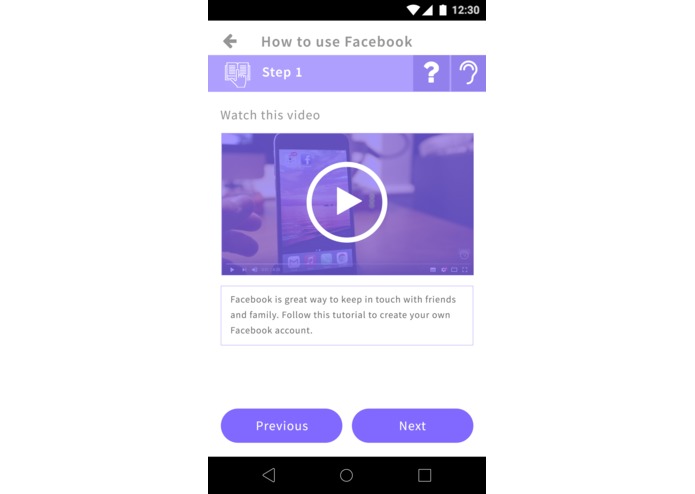
Slide 1: Example of tutorial content - Video & text
-
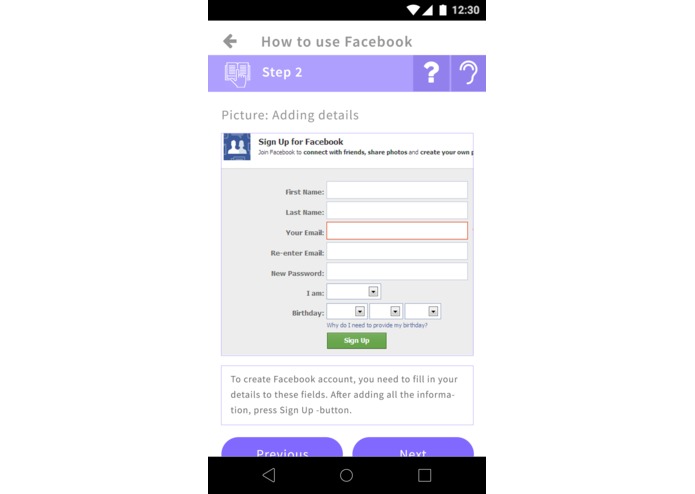
Slide 2: Example of tutorial content - Image & text
-
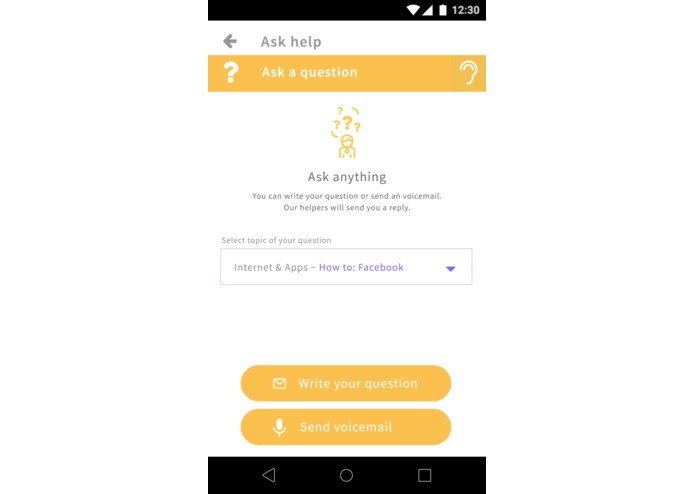
Ask Help -options: Voicemail or message
-
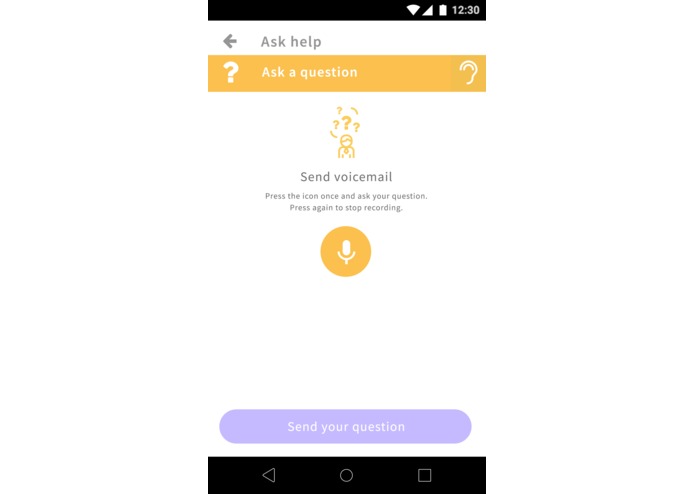
Ask Help -options: Voicemail selected
-
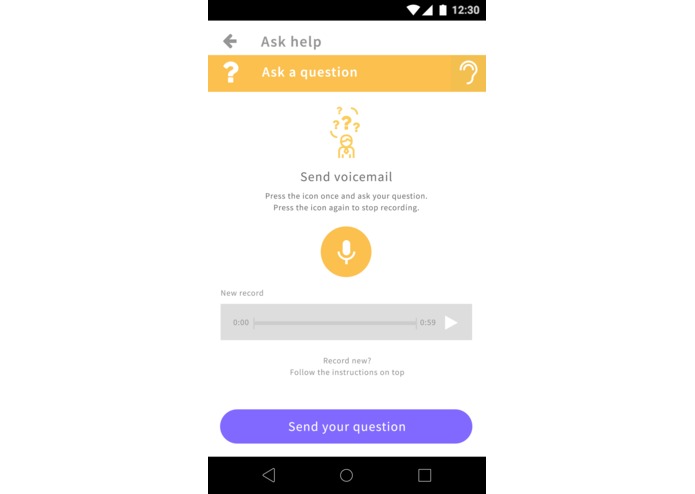
Ask Help -options: Voicemail recorded


Inspiration
To help people with different backgrounds, create helper network based on language and location and make learning easy to everyone.
What it does
First user selects languages that user knows and country where the user is living at. Then user selects to sign in as a learner or a helper.
As a learner, user can access different tutorials of different categories. Tutorials are built as step-by-step way containing text, videos or images. User can also listen all content descriptions with additional audio function. In case of questions and problems, user can send a question through Ask help -function either as a voicemail or text and get a reply with the same language by volunteer helper.
If user signs in as a helper, user receives questions sent by learners as notifications and user can reply to these messages by text or voice. User can also add video, picture or tutorial to the reply. Helpers can also add tutorials as a content to the app.
Eazy is for people who need special help for learning and remembering, for immigrants integrating to the new system, country and language, for elderly and young to learn safely to use new technologies and applications, for people who might have not used smartphones and computers before.
Eazy is for organizations, health & public sectors, immigration offices and individual volunteers to create easy tutorials and assistance for targeted user groups
How we built it
UI and graphics built with photoshop, app built with Java and Kotlin in Android Studio
Challenges we ran into
Finding idea
Accomplishments that we're proud of
Graphics and prototype app and combining two challenges in one solution
What we learned
Kotlin and creating nice and easy to use UI
What's next for Eazy
To fully finish the app


Log in or sign up for Devpost to join the conversation.