-
-
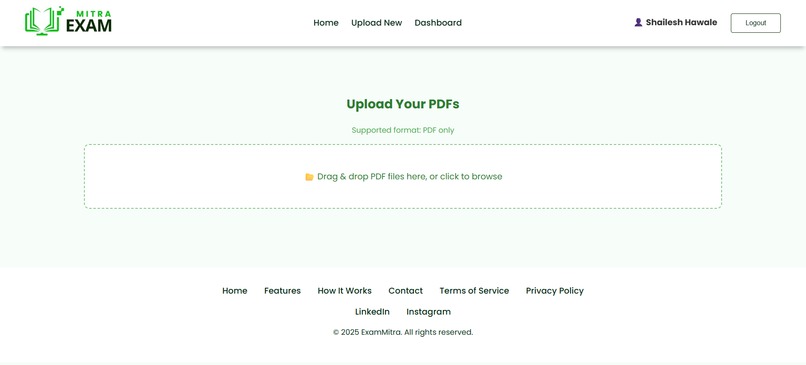
Upload Page
-
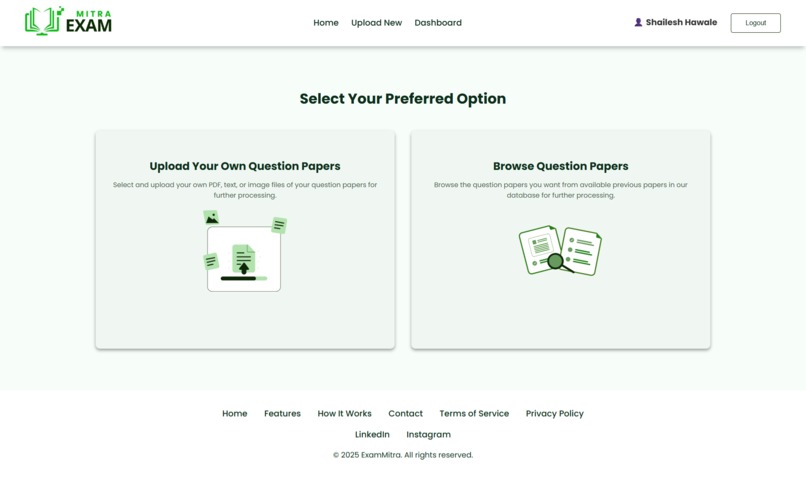
Select Option To either Choose Browse Qps from Web or Upload yourselft
-
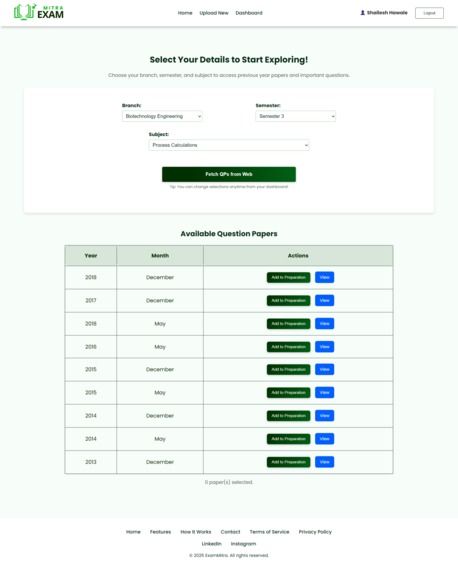
Scraped Qps for Selected Subject from Web
-
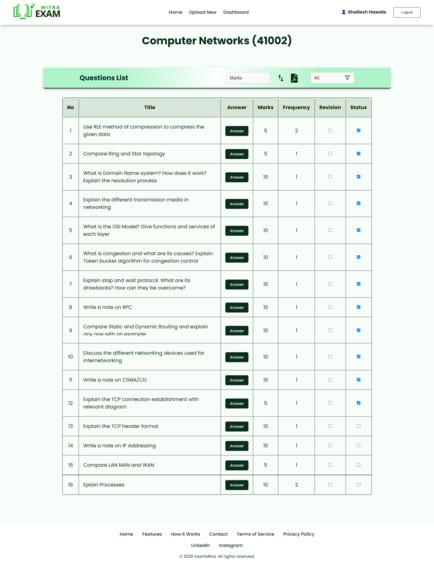
Subject Page with all Questions
-
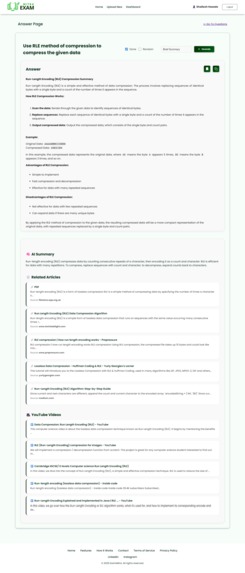
Answer Page with Generated Answer & Fetched Insights from Web using Talivy
-
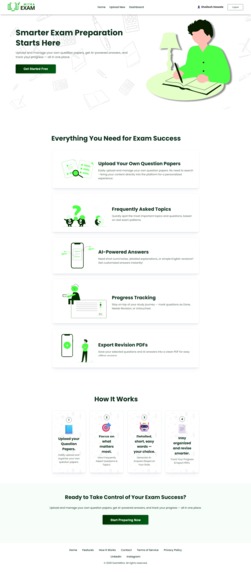
Landing Page
-
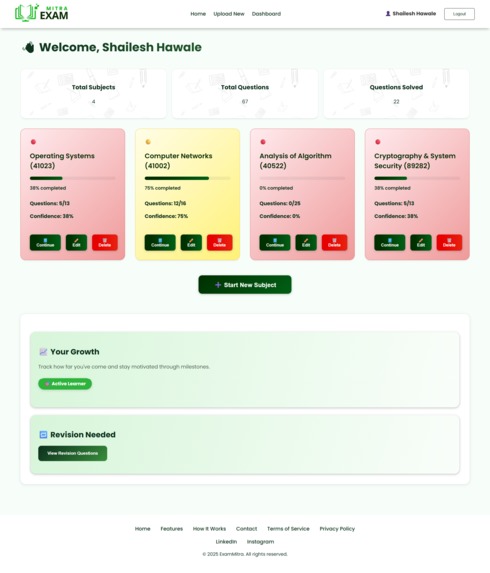
User Dashbaord with visually Appealing cards & users Stats


Inspiration
As an engineering student, I’ve spent countless nights trying to prepare for exams using scattered and low-quality PDFs of old question papers. Most of them were either scanned with watermarks or buried deep on outdated university sites. I always wished for a smarter way to revise — something that could organize past questions, track my progress, and actually help me prepare better. That’s when I thought: what if I could build that solution myself?
What it does
ExamMitra is an AI-powered exam preparation tool that helps students upload or fetch past university question papers, extract structured questions using OCR and LLMs, and track their progress with a personalized dashboard.
Students can:
- Upload PDFs or scrape papers from the internet
- Automatically extract all questions, marks, and subjects
- Generate Answers in various Styles & save for Revision
- Mark questions as done or revision-needed
- See preparation stats and subject-wise breakdowns in Dahsboard
It’s like having a smart revision assistant made just for university exams.
How I built it
I built the frontend using React.For the backend, I used Express (hosted on Railway) to handle scraping, OCR, and Groq LLM integration & Used Appwrite for DB, Auth.
Key tech used:
- Appwrite for auth (email & Google), database, and secure user data
- puter.ai for text extraction from scanned PDFs
- Groq (LLaMA 3) for academic question generation & answer Generation
- Puppeteer to scrape real past papers from university sites
- Railway for backend hosting and Chrome/Puppeteer compatibility
- Vercel for frontend deployment
Challenges I ran into
One major challenge was handling scanned PDFs with watermarks — they often broke basic OCR. To solve this, I rendered each PDF page to canvas images and performed OCR on each one individually.
Another hurdle was Puppeteer deployment. Vercel functions failed due to Chromium restrictions, so I switched to Railway, which handled headless Chrome well.
Lastly, getting Appwrite OAuth to work in production was tricky. The origin validation errors on live URLs took hours to debug before realizing I had to explicitly register the deployed domains.
Accomplishments that i am proud of
I’m proud that I:
- Built something that solves a real, personal problem
- Learned and integrated multiple tools (OCR, LLMs, scraping, auth)
- Successfully deployed a full-stack app with secure user tracking
- Designed a clean UI that feels intuitive even for non-tech users
- Made the system reliable enough to handle different PDF types and live scraping
What I learned
This project pushed me into production-level development. I learned:
- How to work with Appwrite deeply (auth, database)
- The power of combining OCR and LLMs for educational use-cases
- Practical debugging across deployment platforms like Vercel and Railway
- How to make AI accessible and genuinely helpful for students
What's next for EXAMMITRA
I want to:
- Introduce spaced repetition reminders
- Allow collaborative study groups
- Expand support to other universities and branches
- Gamify the Exam Preparation for Better Results
- Add Leaderboards for Competetion among Students
- Eventually turn this into a full platform where students can practice, revise, and ace exams with AI
ExamMitra started as a personal frustration — but now, I truly believe it can help thousands of students prepare smarter, not harder.
Built With
- appwrite
- appwrite-auth
- appwrite-database
- css3
- database
- express.js
- groq
- html5
- javascript
- node.js
- puter.ai
- railway
- react
- talivy
- talivy-ai
- vercel


Log in or sign up for Devpost to join the conversation.